


April 20, 2026
How to Make Lips Look Fuller in Photos Naturally
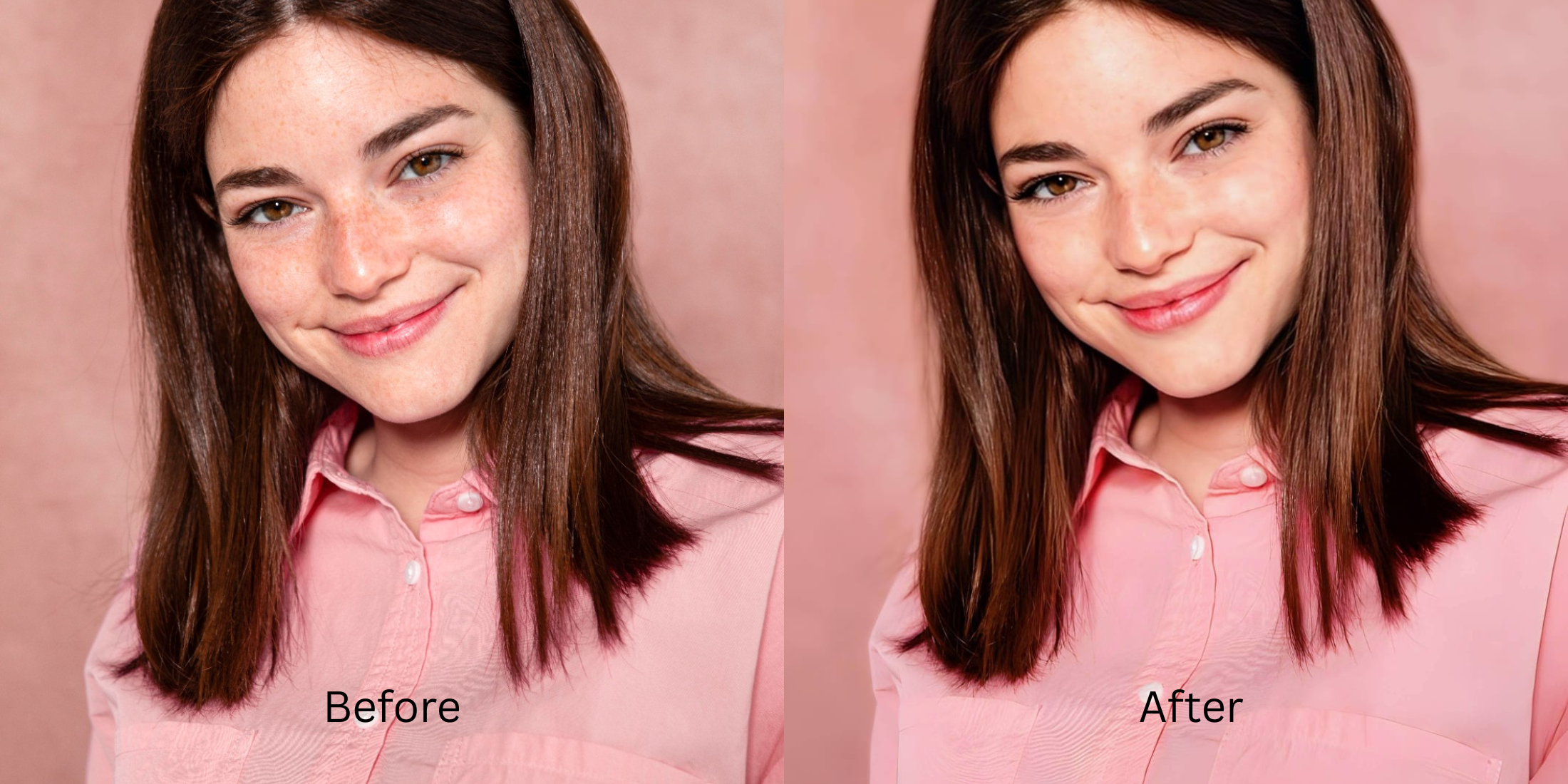

How to Make Lips Look Fuller in Photos Naturally
A lot of people do not want huge edited lips in photos. They want fuller-looking lips that still feel like their own face. That is a very different goal. Front cameras flatten shape, indoor light steals edge definition, dry texture breaks the lip line, and the wrong beauty editor can turn a normal mouth into something stiff, blurry, or obviously fake. The cleanest fix is a natural one that restores shape, softness, and balance without making the whole face look filtered. That is why this works best when you correct the actual photo problem first, then use a precise lip adjustment only where it helps.
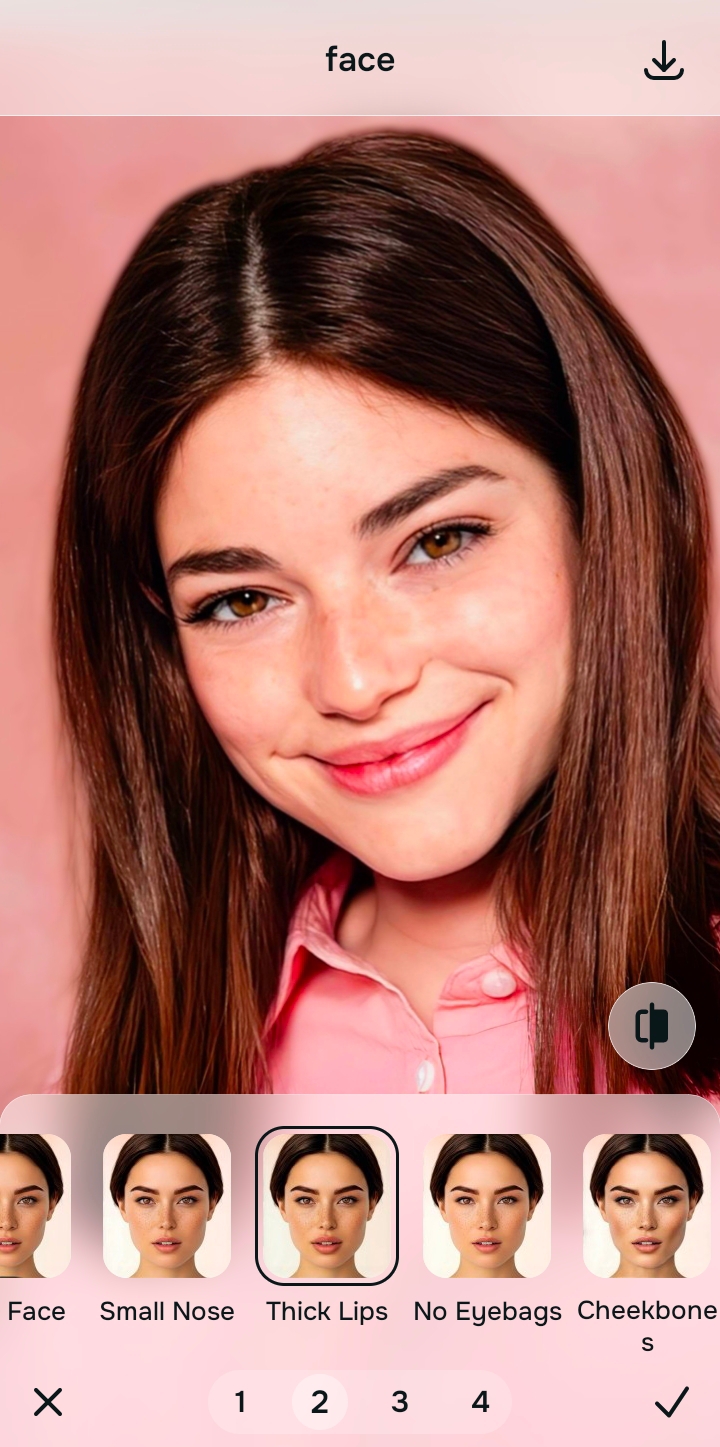
If you want lips to look fuller in photos naturally, the safest move is to restore photo quality first and then add only a controlled lip boost. In Citrus, that usually means starting with Enhance if the image looks flat or dull, then going to Face > Thick Lips when the lips still look smaller, less defined, or less balanced than they did in real life. The best result feels believable from the first glance.
That difference matters. A photo can make your mouth look smaller without your lips actually being small. Flat light removes contour. A front camera can weaken the shape of the upper lip. A low-quality frame softens the edges until the whole mouth feels less present in the face. That is the same kind of camera mismatch behind looking worse in photos than in the mirror.
So the goal here is not to chase a fake beauty-editor result. It is to get back the fullness, softness, and lip shape the camera flattened. That is also why readers who have dealt with face enhancement that still looks real usually respond better to subtle correction than hard reshaping.
Why lips look smaller in photos even when they do not in real life
The photo usually loses more than people realize. It can lose edge contrast, color separation, and soft volume cues. Once those disappear, the mouth starts reading smaller and flatter than it actually was.
- Flat indoor light that removes natural contour from the upper and lower lip
- Dry texture or soft focus that breaks the lip border and weakens shape
- Beauty editors that inflate the whole mouth until it stops fitting the face
- Over-smoothing that wipes away detail and turns volume into blur
- Fixing the overall photo first when lighting or dull quality is the real issue
- Adding a precise lip adjustment only after the base image looks healthier
- Keeping the lip change proportional to the rest of the face
- Stopping as soon as the lips look more present, not obviously edited
That is why this topic overlaps with natural-looking photo enhancement. Fuller lips in a photo rarely come from one aggressive tweak alone. They come from a cleaner image, a better base, and one adjustment that does not overpower the face.
Start with the photo that made your lips look flatter than real life. Then correct only what the camera got wrong.
How to make lips look fuller in photos naturally in Citrus
Open Citrus and choose the photo where your lips look flatter or smaller than they should
Start with the image that disappointed you a little. Maybe the lips disappeared into the face. Maybe the upper lip lost shape. Maybe the mouth just looked less soft and present than it did in the mirror.
That is the right photo to fix. This works especially well when the issue is photo translation, not a dramatic reshaping request. It is the same mindset behind making selfies look better without Photoshop.
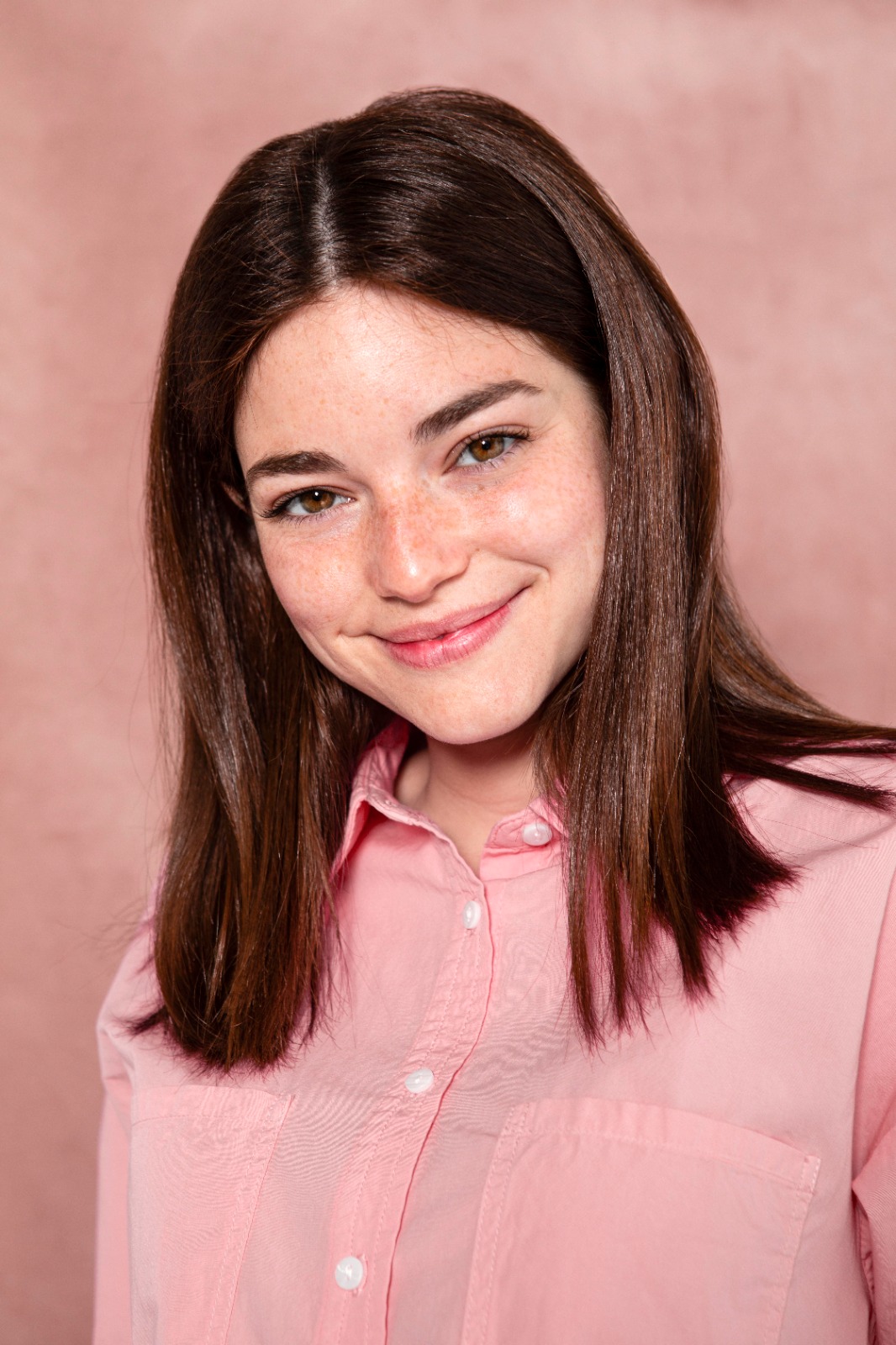
Let the first preview load so you can see whether the photo quality is the bigger problem
Once the image is selected, Citrus gives you a first natural preview. Pay attention here, because sometimes the mouth looks better already once the overall image feels cleaner and less lifeless.
If the photo was dull, low-energy, or weakly lit, that base problem may be doing more damage than the lip shape itself. That is the same reason people often get better results from photo enhancement for blurry pictures before they chase cosmetic changes.
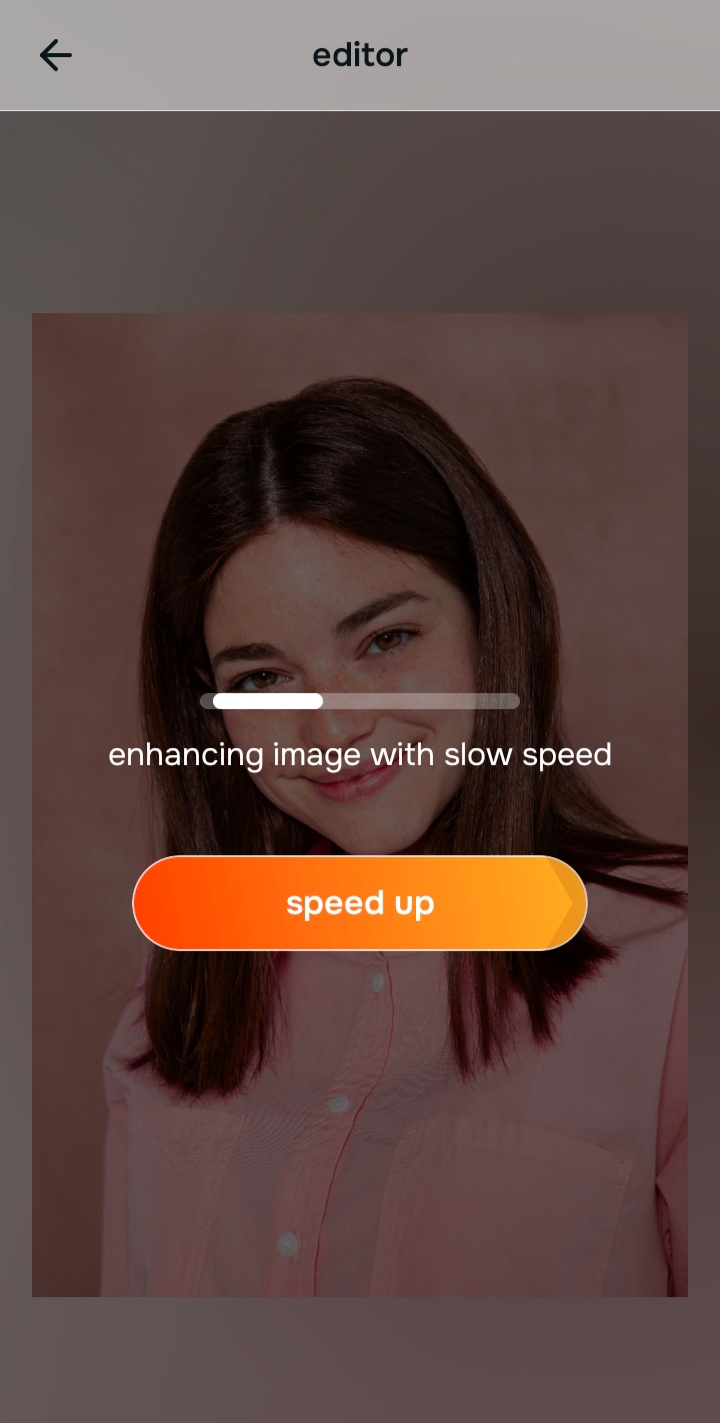
Use Enhance first if the image looks flat, dark, washed out, or low-quality overall
If the whole photo feels weak, start with Enhance. That is the correct path for overall problems. Inside Enhance, Colors & Lighting helps when the photo looks dull, muddy, or lifeless. Portrait Blur can help when the image is a portrait and the face needs cleaner subject separation for a more polished look.

Citrus is available on web, Google Play, and the App Store. Start with the easiest route, then move deeper into the app when you want more control over the exact face adjustment.
This keeps you from asking one lip tool to solve a full-image problem. It is the same logic behind making blurry photos clear again without fake detail.
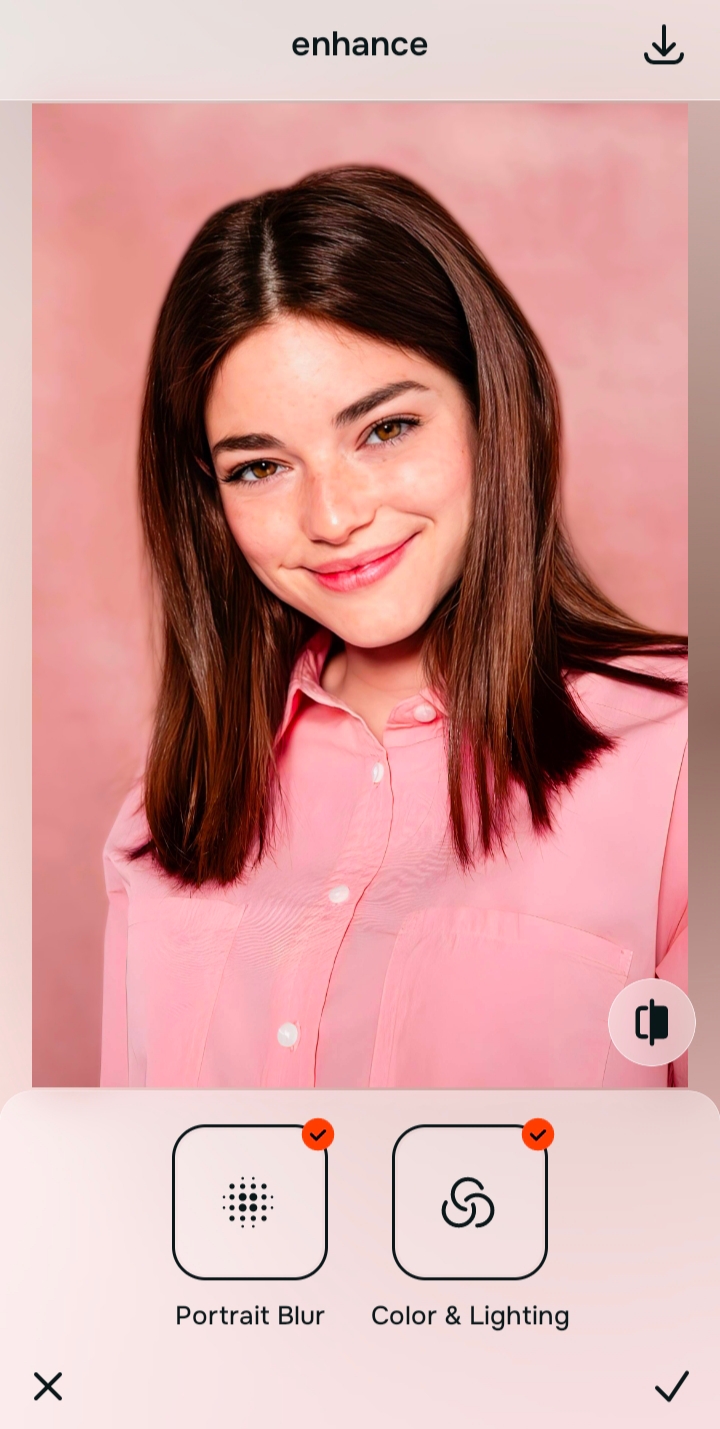
Go to Face and use Thick Lips when the mouth still looks smaller or less defined than real life
This is the exact path for the actual lip issue. Go to Face > Thick Lips. That is the direct Citrus feature for lips that look too thin, too soft, or slightly swallowed by the photo.
The key is restraint. A natural result usually means bringing back presence, not creating a new mouth. If the lips sit better in the face and the upper and lower lip feel more balanced, you are already in the right place. Readers who care about facial proportion usually like this more than the exaggerated look common in natural enhancer comparisons.
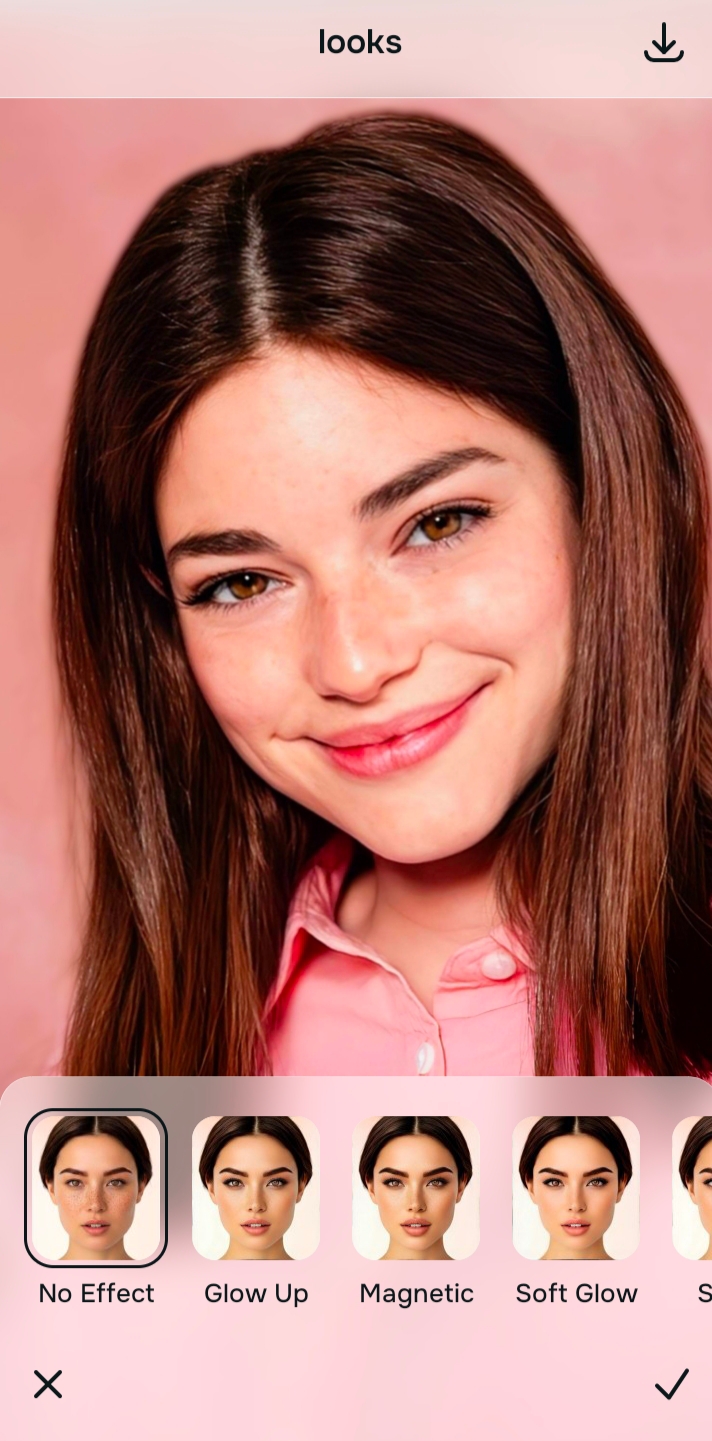
Use Looks only if the photo needs a softer overall finish after the lip shape is fixed
Once the lips look right, you can test Looks if the photo still feels a bit plain. Looks is for the overall impression, not a specific lip fix. So it belongs after the real problem is already solved.
That order matters. Overall polish comes last. Specific correction comes first. The final check is simple: do the lips look fuller in a believable way, or do they look edited before anything else? If the answer is the second one, pull it back. The best natural result sits in the same zone as nose refinement without weird distortion, where the face looks better but still reads as the same person.
Which Citrus path fits your lip photo problem?
Pick what is bothering you most in the picture, then use the answer to choose the right place to start inside Citrus.
Which Citrus tool does what for fuller-looking lips in photos
The easiest way to keep the result natural is to choose the tool based on the real problem. Citrus has three paths. They do different jobs.
| Path | What it helps fix | When to use it |
|---|---|---|
| EnhanceOverall photo | Dull light, weak color, flat portrait quality, low-energy image that makes the whole face read worse | Use this first when the mouth looks less present because the entire image is weak. Start with Colors & Lighting. Test Portrait Blur for portraits that need cleaner separation. |
| LooksOverall impression | When the photo needs a more polished, prettier, or softer overall finish after the important fix is already done | Use this after the core correction, not before. It is for the overall vibe, not a lip-specific problem. |
| FaceSpecific fix | Precise facial adjustments, including lips that look smaller, flatter, or less defined than real life | Use this when the real issue is the mouth itself. For this topic, the correct path is Face > Thick Lips. |
“Natural fuller lips in photos come from correcting the image honestly, then adding only enough shape to bring the mouth back into balance with the face.”
Why this works better than the fake-filter approach
Most overprocessed beauty editors fail on lips for the same reason they fail on skin, nose shape, or face contour. They treat everything like it needs more. More size. More smoothness. More sharpness. More effect. That is how a normal face starts looking artificial in seconds.
Natural lip enhancement works the other way around. It starts by asking what the camera erased. Sometimes that is simple edge definition. Sometimes it is color separation. Sometimes it is the base portrait quality. That is why people who care about facial realism often prefer this method over the heavy editor style discussed in alternatives to overprocessed beauty editors.
It also explains why one-tap correction can beat a more manual-looking result. You are not building a new face. You are removing friction between how you looked and how the photo came out. When lips still need a direct boost after that, Face > Thick Lips gives you the specific path without dragging the whole image into fake territory. That same principle of targeted correction is why readers often trust unblurring a face without overediting more than flashy beauty edits.