


Unblur Photos and Improve quality for Free
Upload any photo to fix blur from soft focus, motion blur, or camera shake. Free, in one tap.



details improved naturally
Why do photos become blurry?
Blurriness happens for a few common reasons - shaky hands, low light motion, fast moving subjects, or a camera that didn't focus in time. Phone cameras try to compensate, but the result often becomes soft, smeared, or unclear, especially in faces.
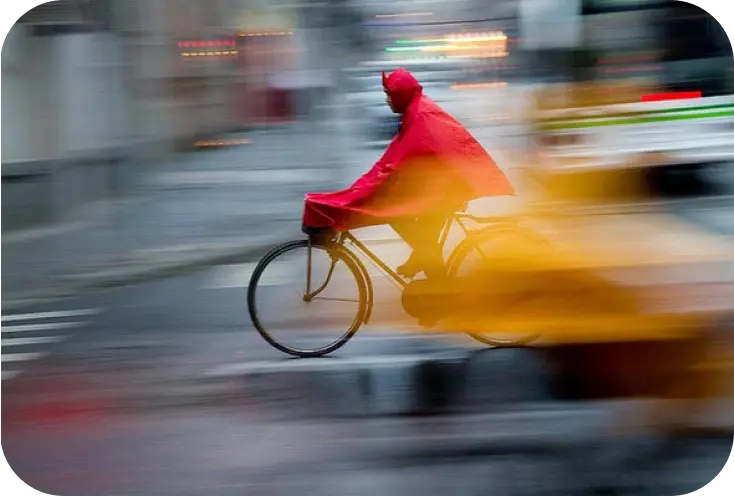
Motion blur
Subject or camera movement during the shot

Soft focus
Camera didn't lock onto the intended focus point
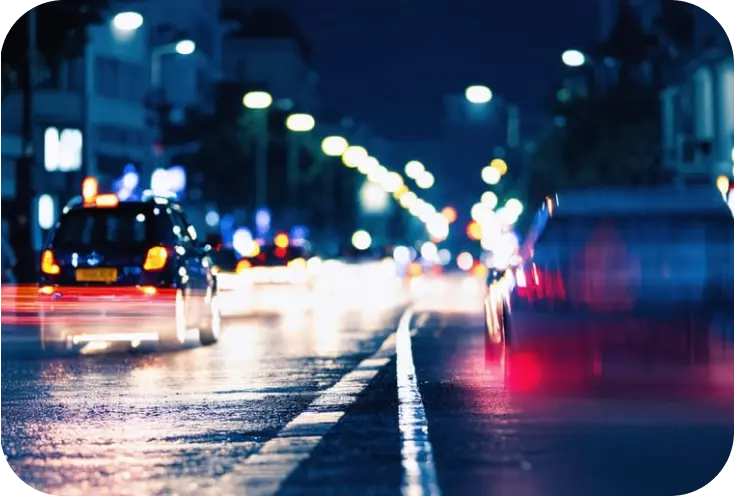
Low light blur
Slow shutter speed or noise reduction smearing fine details
How Citrus unblurs your photos in 1 tap
Citrus uses an AI deblurring model trained to identify lost details in faces, edges, textures, and small objects. Instead of sharpening artificially, Citrus reconstructs clarity in a natural looking way - keeping skin texture real and avoiding harsh, over edited results.
Restores sharp facial features without adding fake artifacts

Corrects motion blur from moving subjects
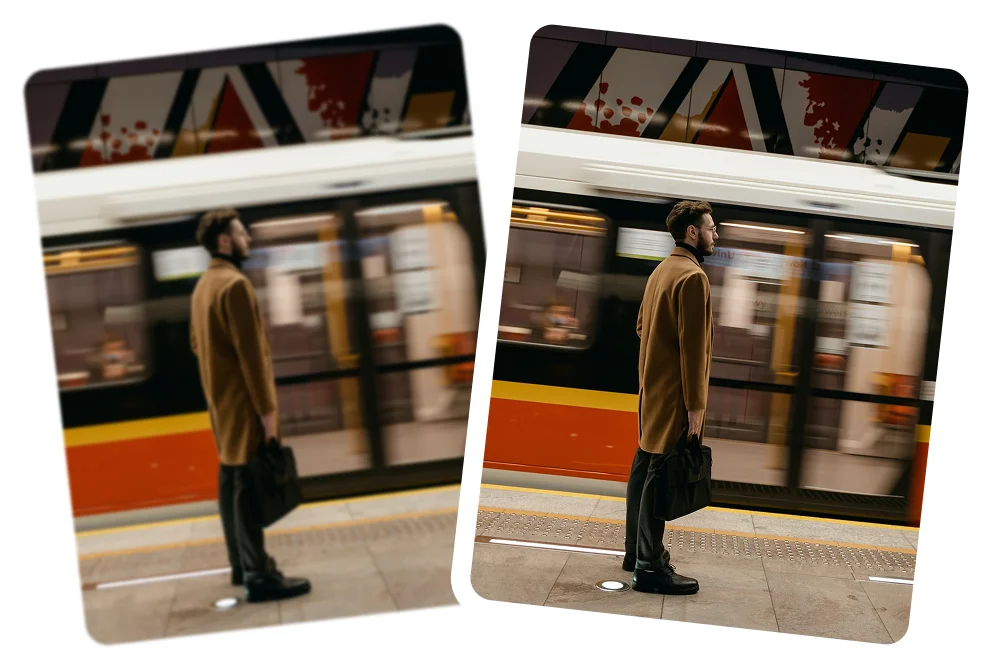
Fixes soft focus by rebuilding edge definition
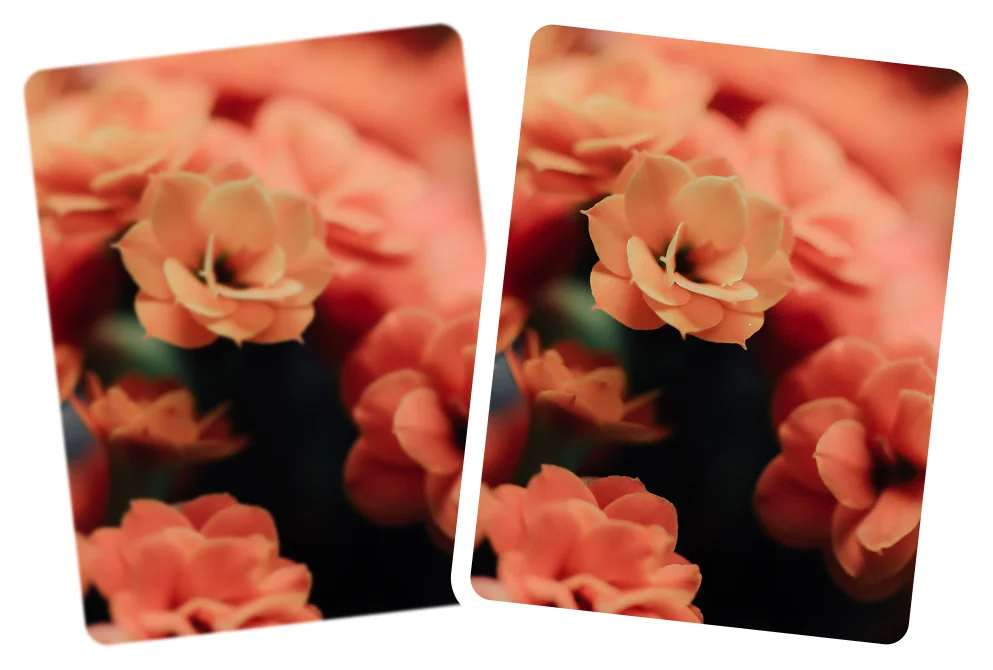
Improves clarity in low light photos that appear smeared
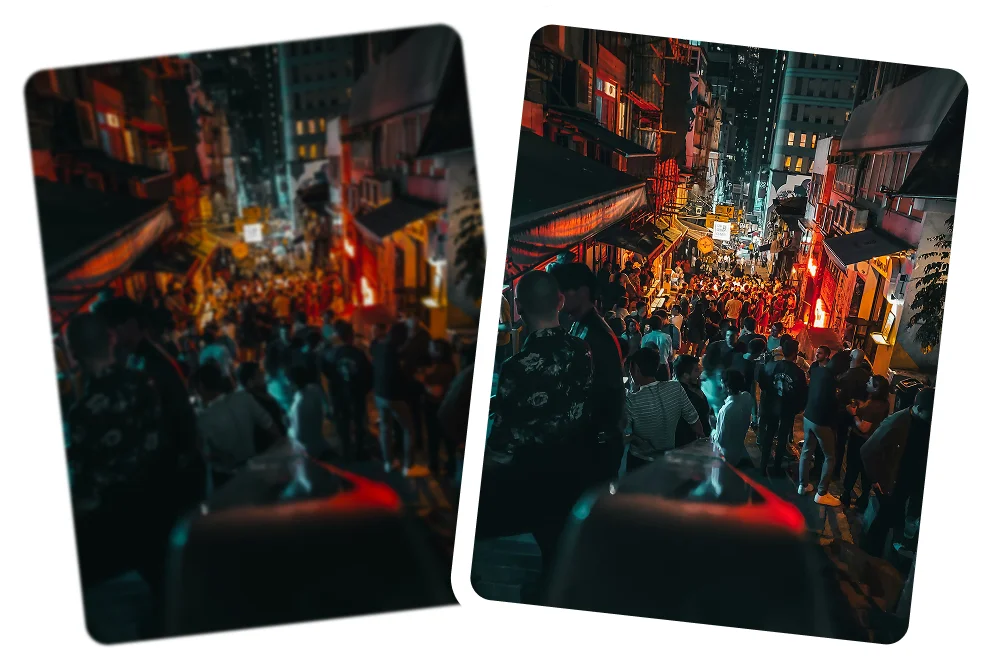
Enhances both faces and backgrounds for balanced HD results

How to unblur a photo using Citrus
You don't need editing experience to get a clean, sharp photo. Citrus handles everything automatically.
 Before
Upload your blurry photo
Open Citrus on web or mobile and import the image you want to fix.
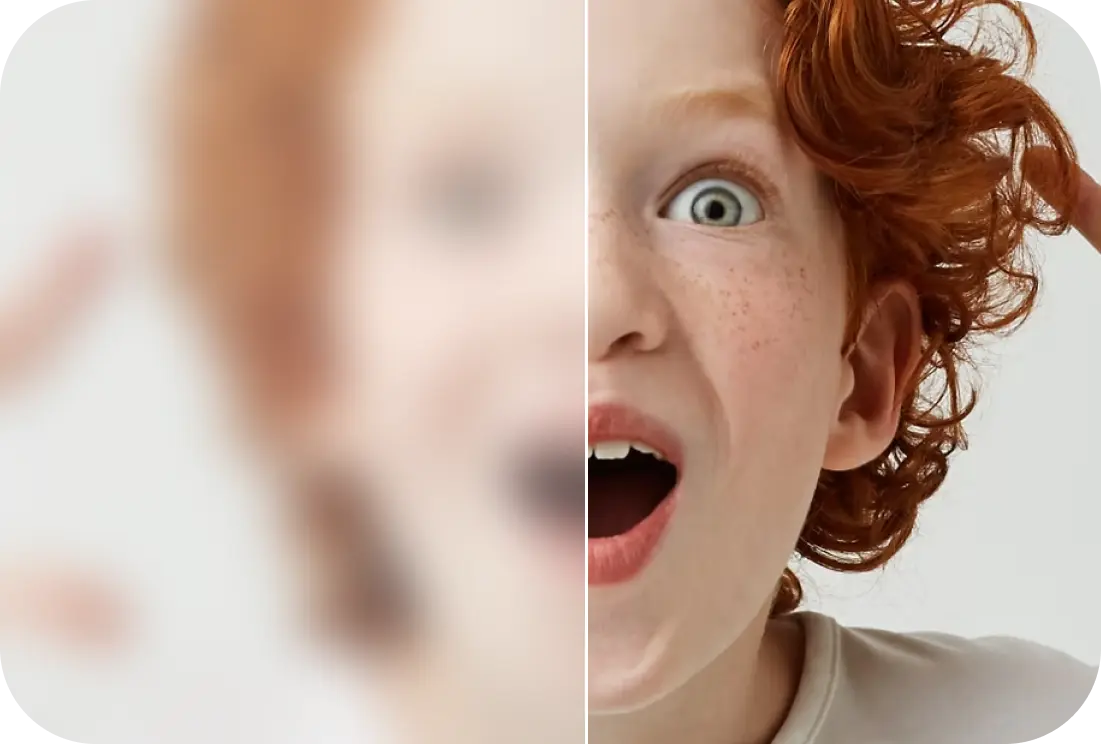
Tap Enhance
Citrus analyzes blur, noise, and detail softness, then restores clarity automatically.
 After
AfterCompare & download
Use the before/after view to see the improvement, then save your enhanced HD photo.
See how Citrus restores clarity
Natural results are our priority - no plastic skin, no artificial sharpness. Just clear, real detail.
Portrait unblurring
Unblur faces and restore natural skin texture.

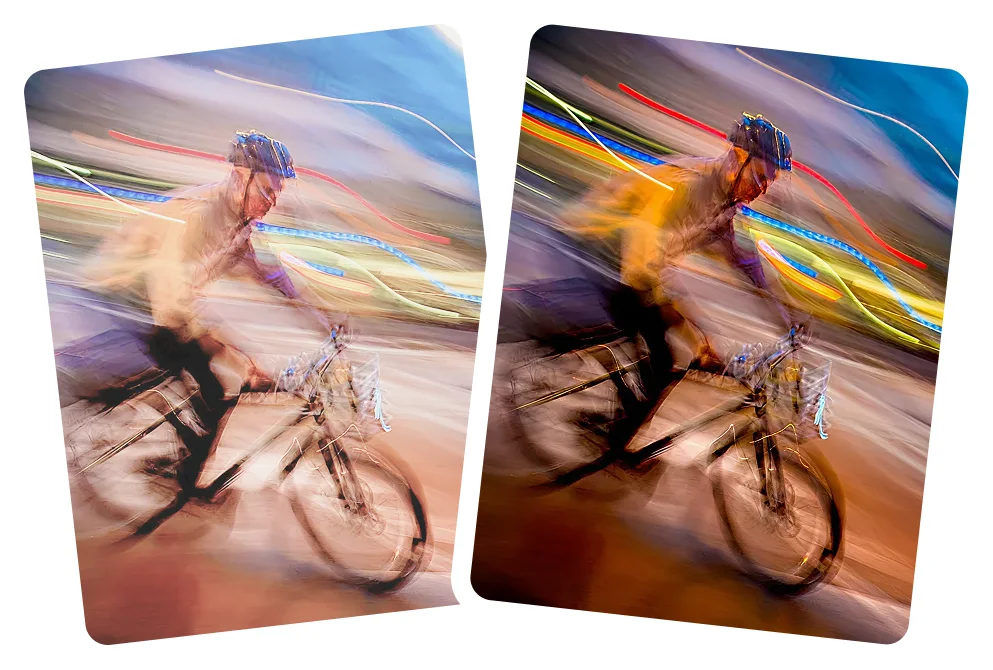
Motion-blur correction
Fix moving subjects or shaky handed photos.
Low light clarity recovery
Clean up dark, noisy photos without losing realism.
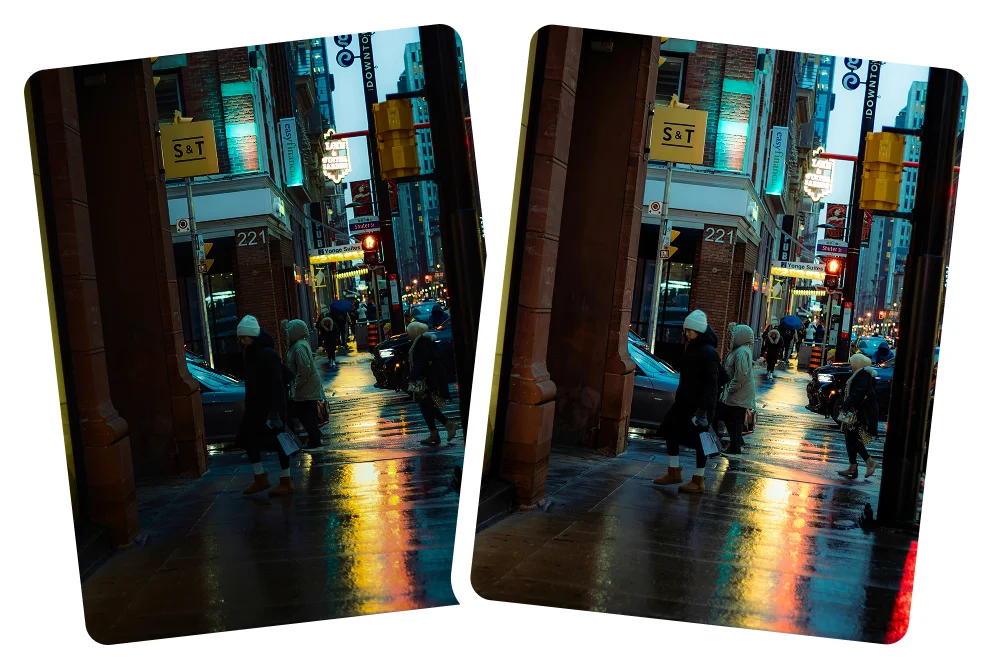
Objects & backgrounds
Unblur edges, objects, and distant details.

Why Citrus is the best tool to unblur photos
Many tools simply apply sharpening filters. Citrus goes deeper - reconstructing detail intelligently.
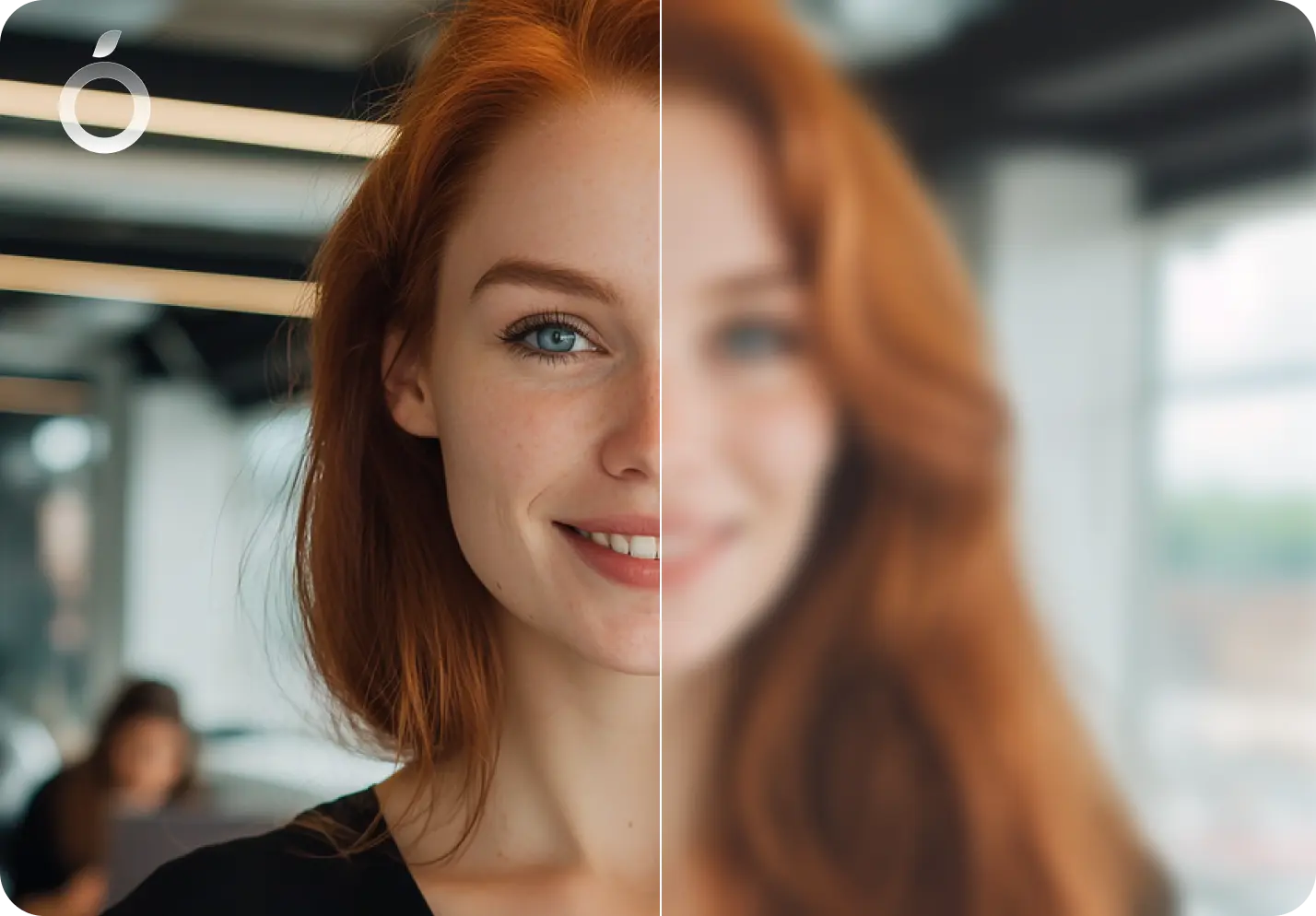
Natural, realistic clarity
- No plastic skin or fake AI looks
- Keeps lighting and colors true to the original
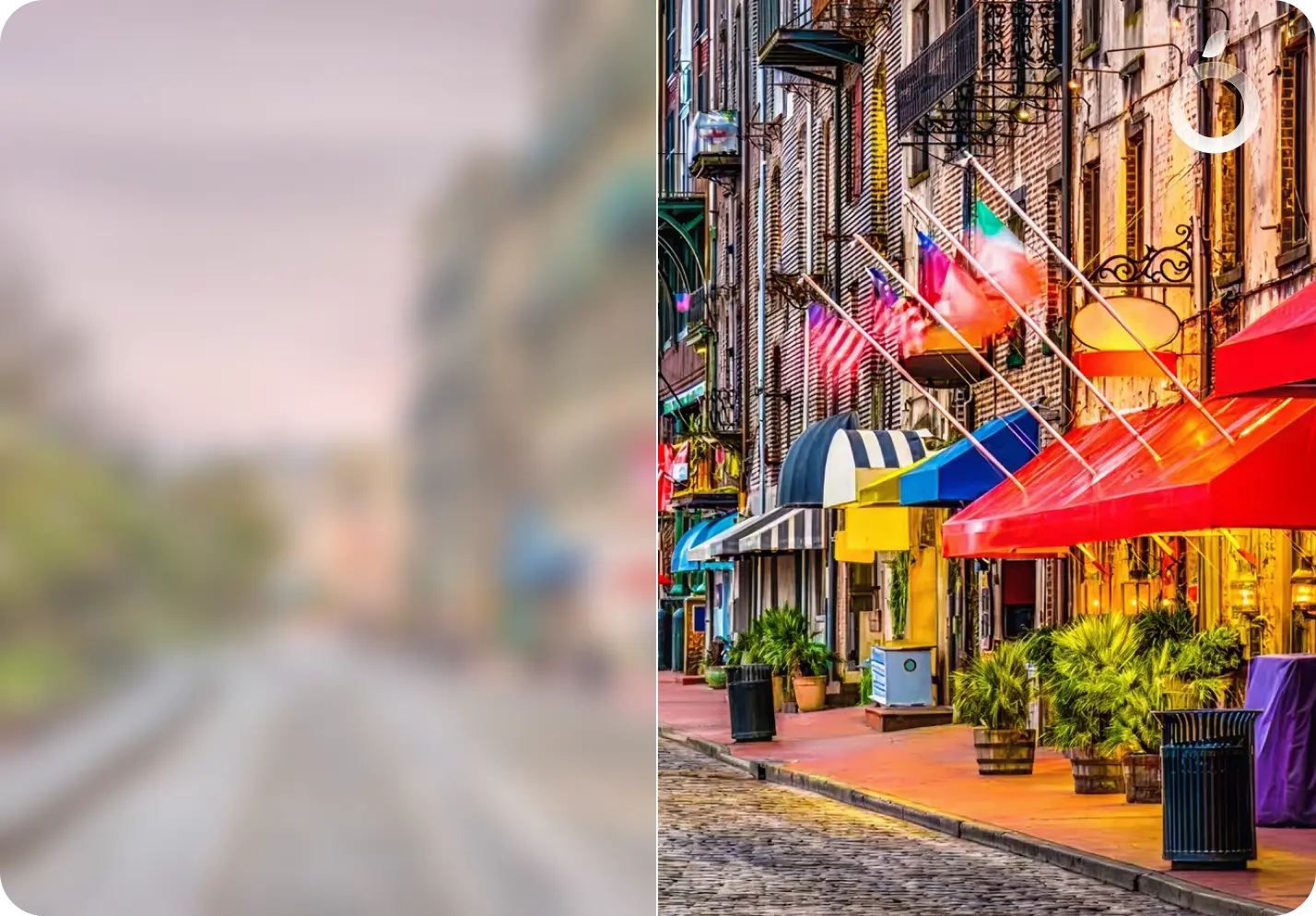
Fast & effortless
- Fast 1 tap enhancer
- No complex settings, sliders, or technical knowledge needed
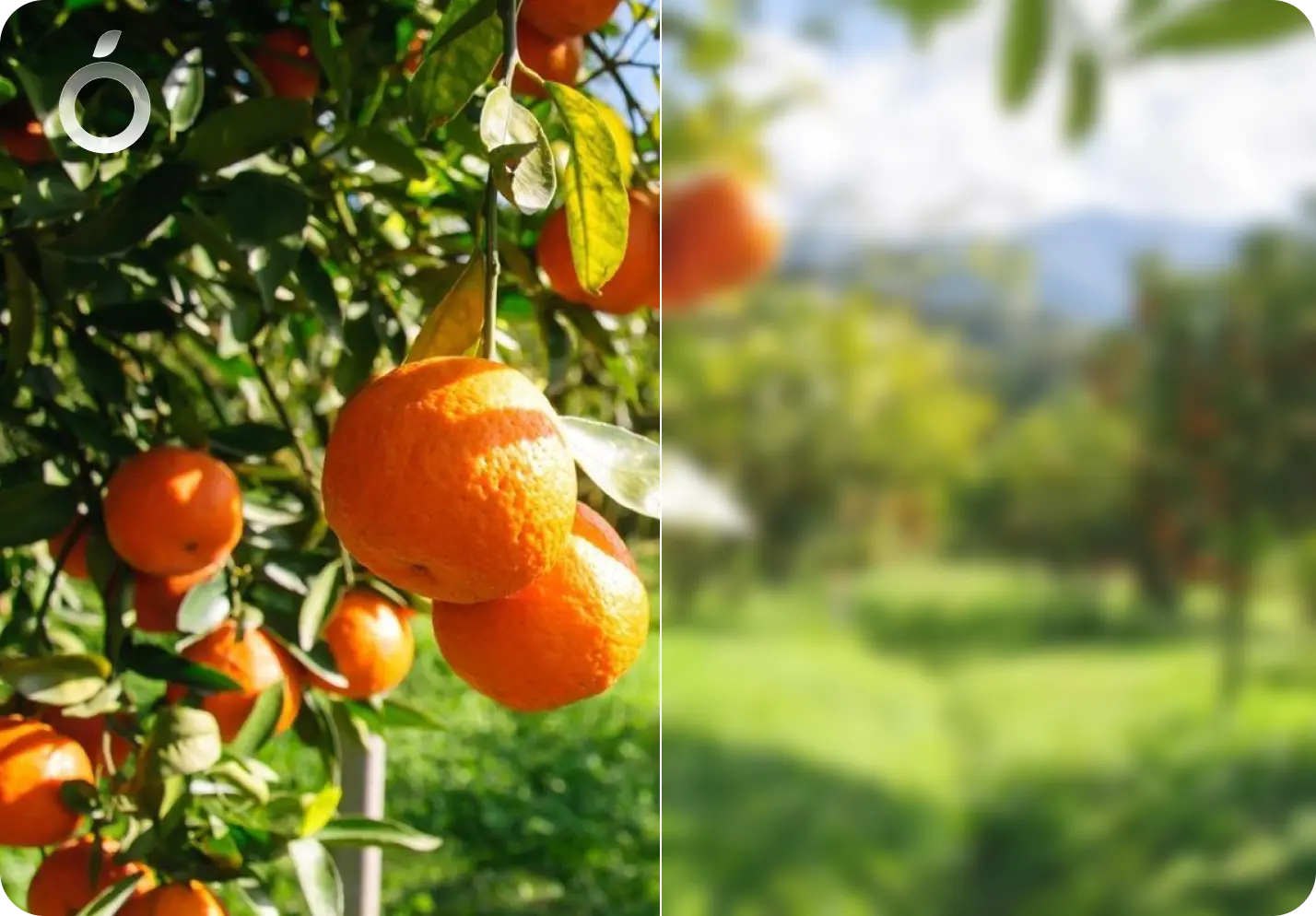
Works across every photo type
- Portraits and Selfies
- Group photos
- Professional photography
- Night & indoor shots
- Travel and scenery
- Scanned or old photos
Unblur Photos - Frequently Asked Questions
Citrus can fix soft focus, motion blur, and low-light blur in most images. Extremely low resolution or heavily smeared photos may improve less, but the result is still clearer than the original.
Citrus can improve clarity in many blurry photos, but results depend on how much detail exists in the original image. If a photo is extremely out of focus or heavily blurred, Citrus focuses on making it cleaner and more balanced rather than inventing fake details.
Yes. Citrus is designed to unblur photos taken on smartphones, including iPhone and Android. It improves clarity from common phone issues like slight hand movement, soft focus, and low-light blur.
No. Citrus restores detail in a natural way, avoiding harsh sharpening or plastic textures.
Yes. Citrus can enhance blurry screenshots and images saved from social media by improving clarity and detail. Results depend on the original image quality, but Citrus focuses on making them look cleaner and more readable without adding artifacts.
Yes. Citrus can improve clarity in old or low resolution photos by restoring detail and reducing softness. While it can't recreate missing information, it helps photos look sharper, cleaner, and more natural.
Yes. Citrus is free to use on web, iOS, and Android. An optional Citrus Plus plan offers unlimited use, faster processing, and no ads.
Yes. Citrus is designed to detect and restore multiple faces in a single image.
Yes. Citrus can improve clarity and sharpness in older prints or low resolution scans.
Yes. Citrus enhances clarity across the whole image, including backgrounds and objects, while keeping results natural and realistic.
In many cases, yes. Citrus can improve clarity for text captured in photos, especially when the blur is mild. It enhances readability while keeping edges clean, without over sharpening.
Yes. Citrus works well on photos taken with older iPhones (including iPhone X, 11, 12, 13, 14, and 15) as well as newer models. It reduces blur caused by camera shake or soft focus and helps photos look clearer and more detailed.
Yes. Citrus can reduce blur caused by small hand movements or camera shake, which is common in phone photos. It works best when the blur is mild to moderate and some detail is still present.
Yes. Citrus can improve clarity in nighttime or low-light photos by reducing softness caused by slow shutter speeds. It focuses on restoring natural detail without making dark areas look harsh or noisy.
Yes. Citrus can improve clarity in blurry photos before sharing on social media, messaging apps, or for small prints. Results depend on the original image quality, but photos often look cleaner and more defined after unblurring.

Ready to unblur your photo?
Try Citrus free - restore HD clarity in seconds.