


Upscale Low Resolution Photos to HD for Free
Upload any photo to upscale low resolution images into clear, high quality photos in one tap for free.

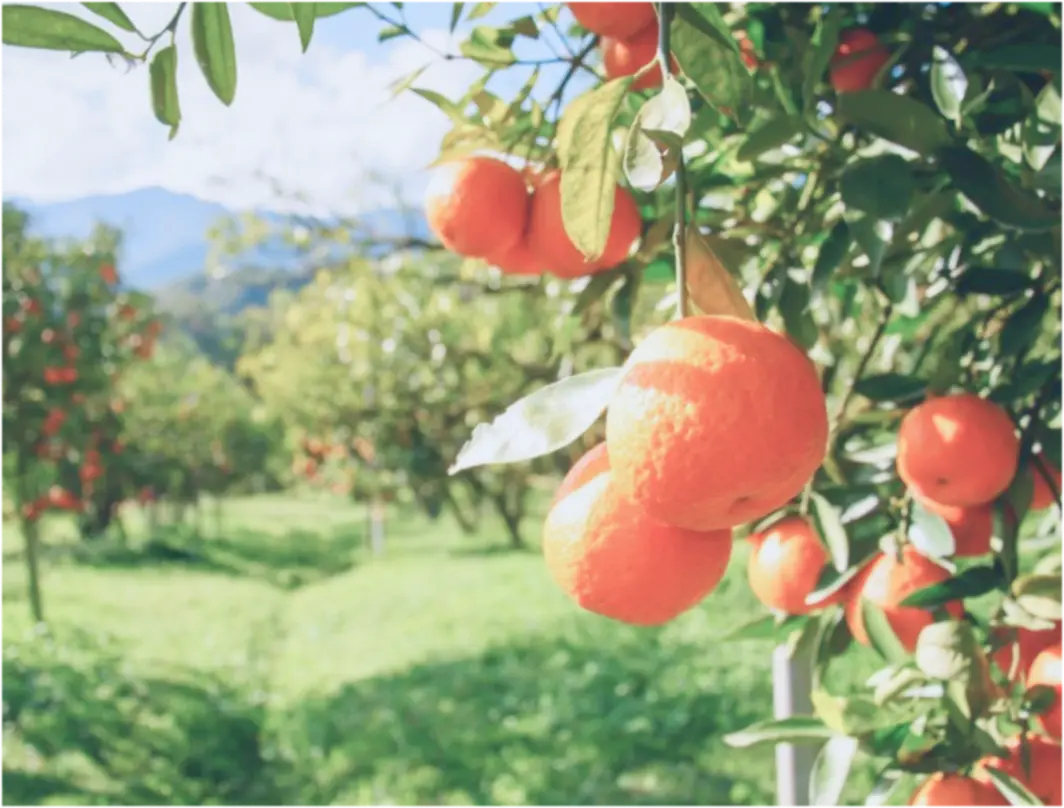
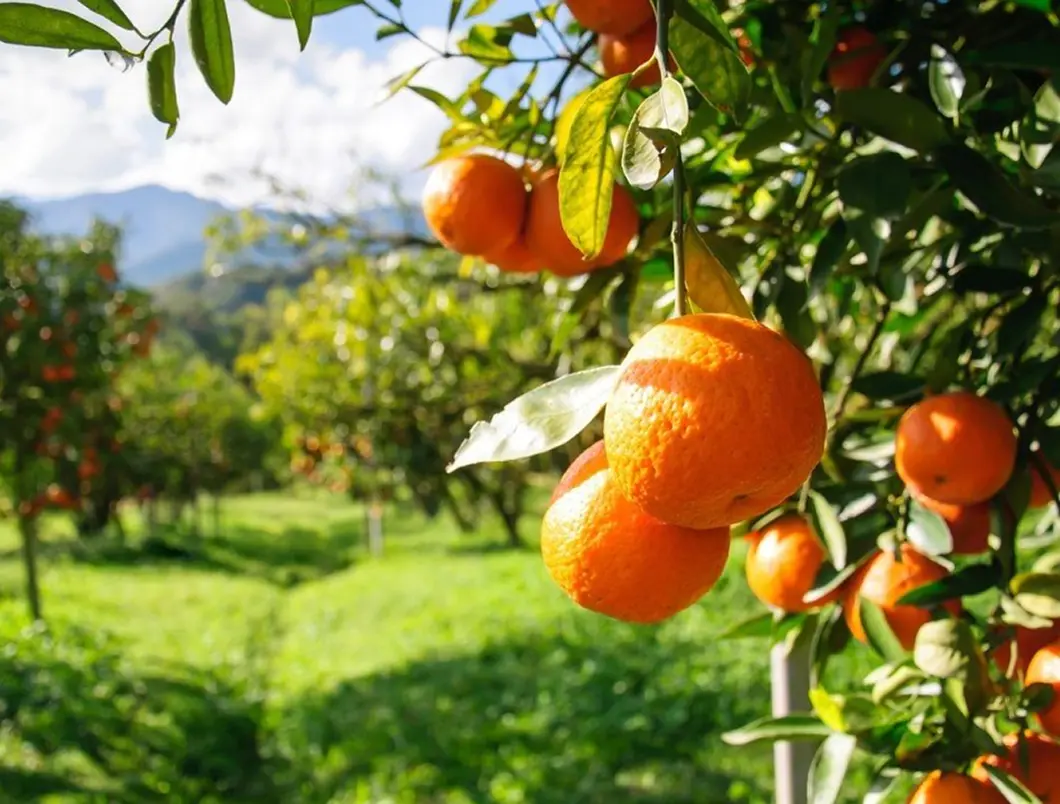
details improved naturally
Why do photos lose resolution and detail?
Low resolution photos usually come from older cameras, heavy compression, screenshots, cropped images, or files downloaded from social media. When images are too small, important details get lost, edges become jagged, and textures look soft or pixelated.
Small image size
Not enough pixels to show fine detail
Compression
Apps and platforms reduce quality to save space

Cropping or zooming
Enlarging part of an image removes detail
How Citrus upscales photos in one tap
Citrus uses AI upscaling to intelligently rebuild missing pixels, textures, and edges. Rather than simply stretching an image, it predicts realistic detail to produce sharper, cleaner results without halos or over processed effects.
Reconstructs missing detail instead of simple enlargement
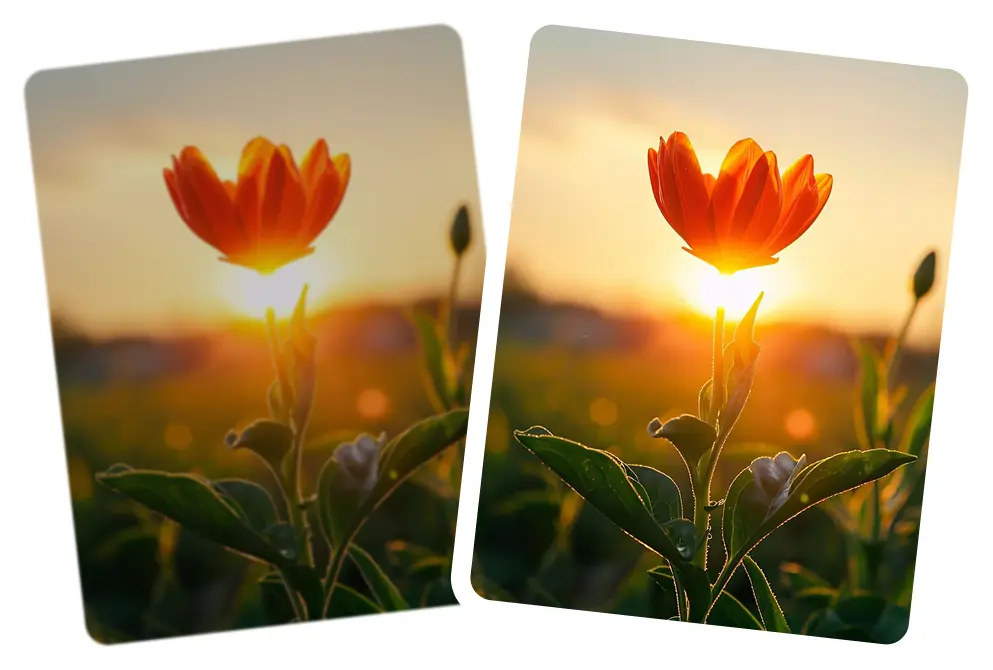
Improves edges, textures, and fine structures
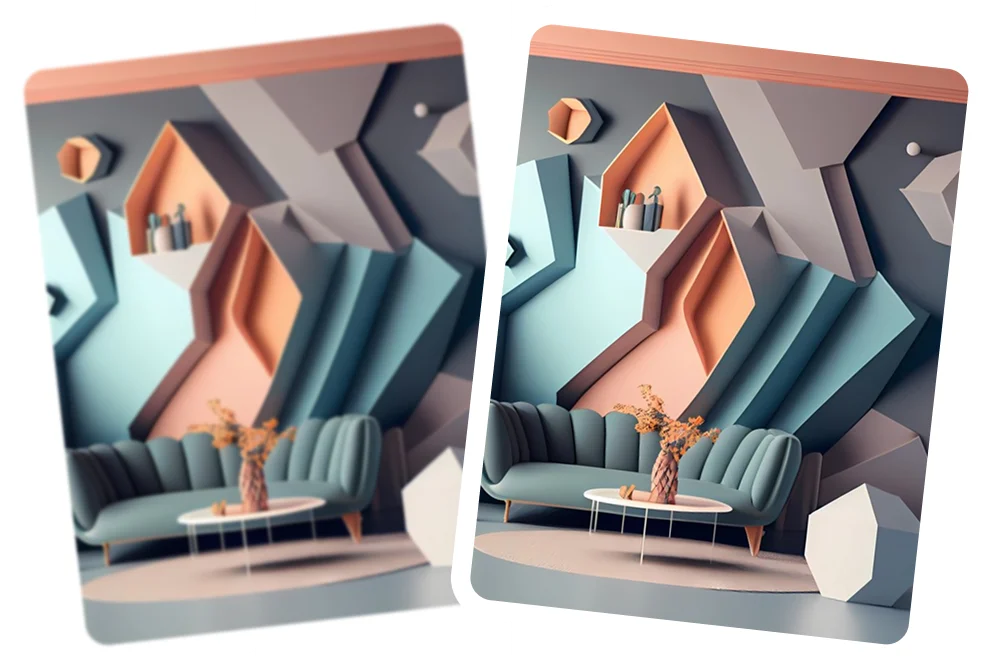
Reduces pixelation and compression artifacts
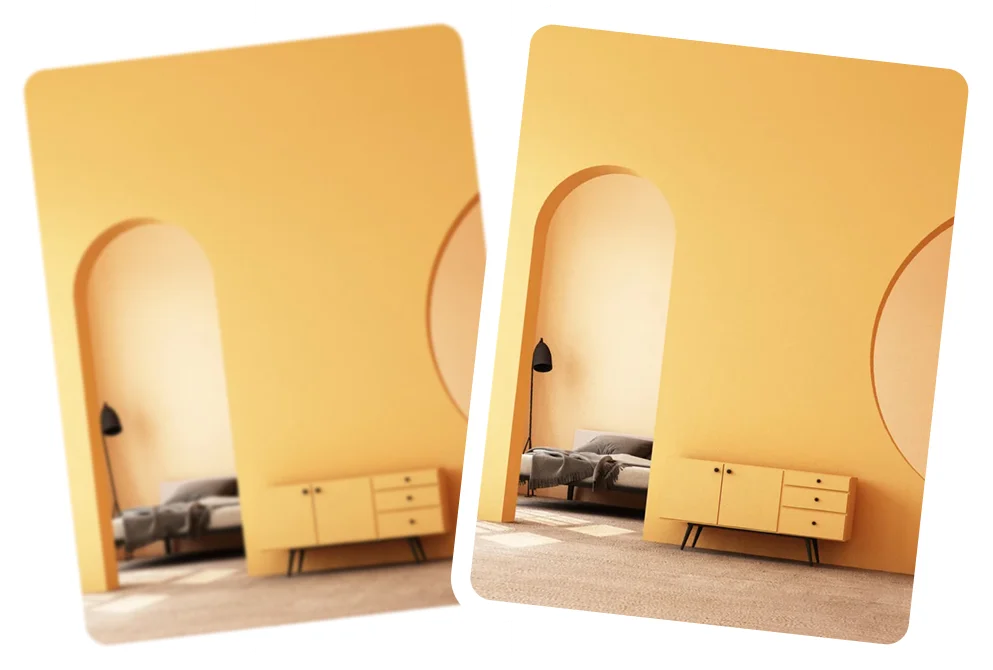
Keeps faces natural and skin texture realistic

Enhances both foreground and background evenly
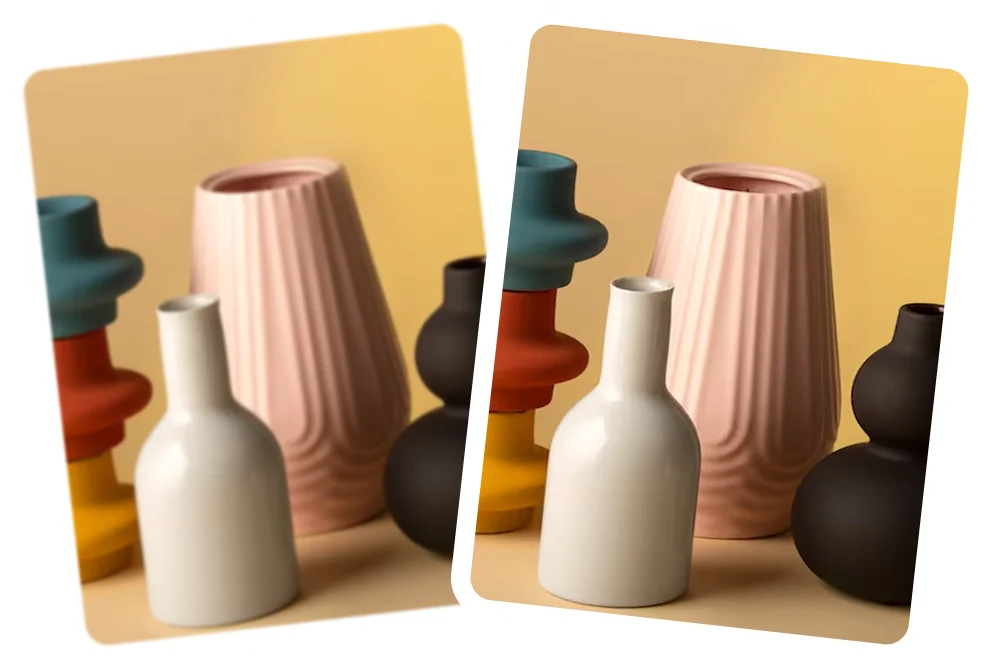
How to upscale a photo using Citrus
No technical skills needed. Citrus handles the entire upscaling process automatically.
 Before
Upload your low resolution photo
Open Citrus on web or mobile and import the image you want to enhance.
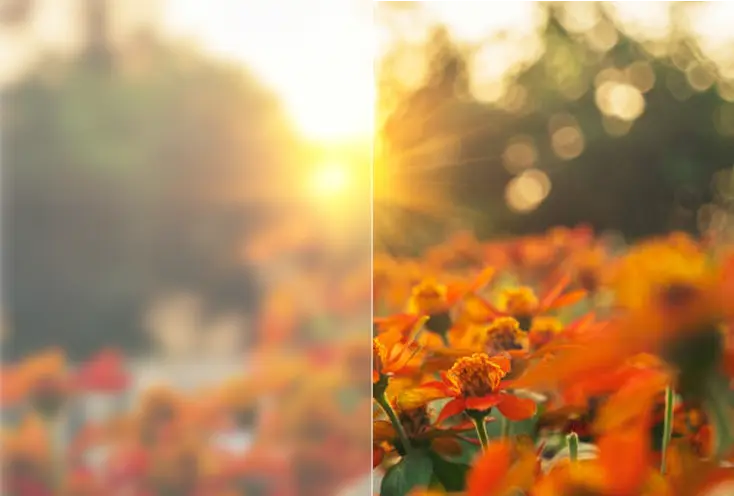
Tap Enhance
Citrus analyzes resolution, edges, noise, and textures, then upscales the image automatically.
 After
AfterCompare & download
Review the before/after result and save your enhanced HD photo.
See how Citrus upscales low resolution images
Citrus focuses on natural detail, not fake sharpness or plastic textures.
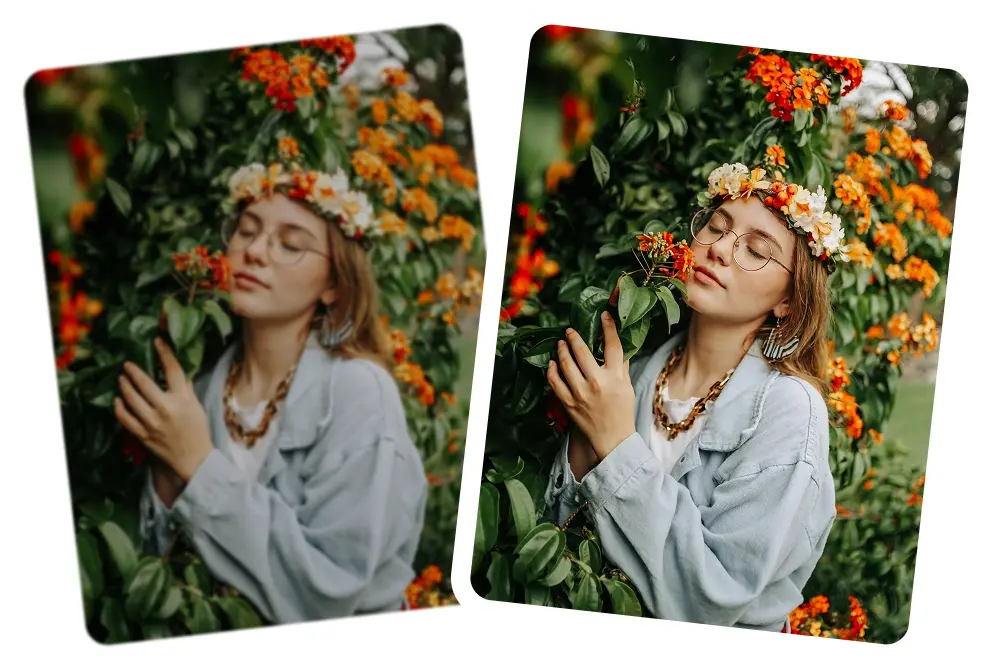
Portrait upscaling
Restore facial detail in small or compressed portraits.
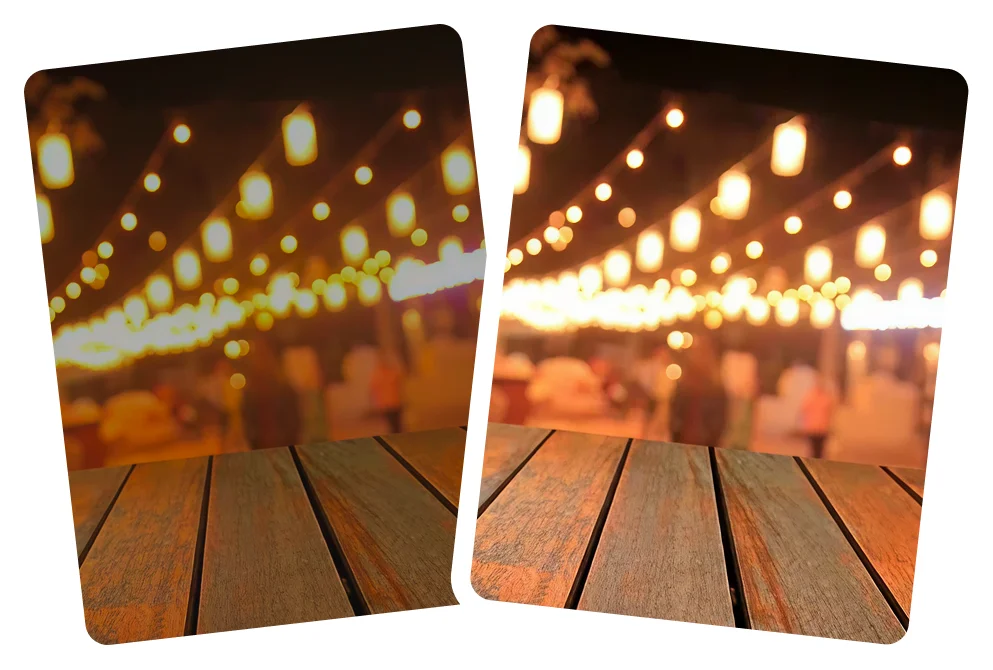
Old or downloaded images
Improve quality of images saved from the web or social media.
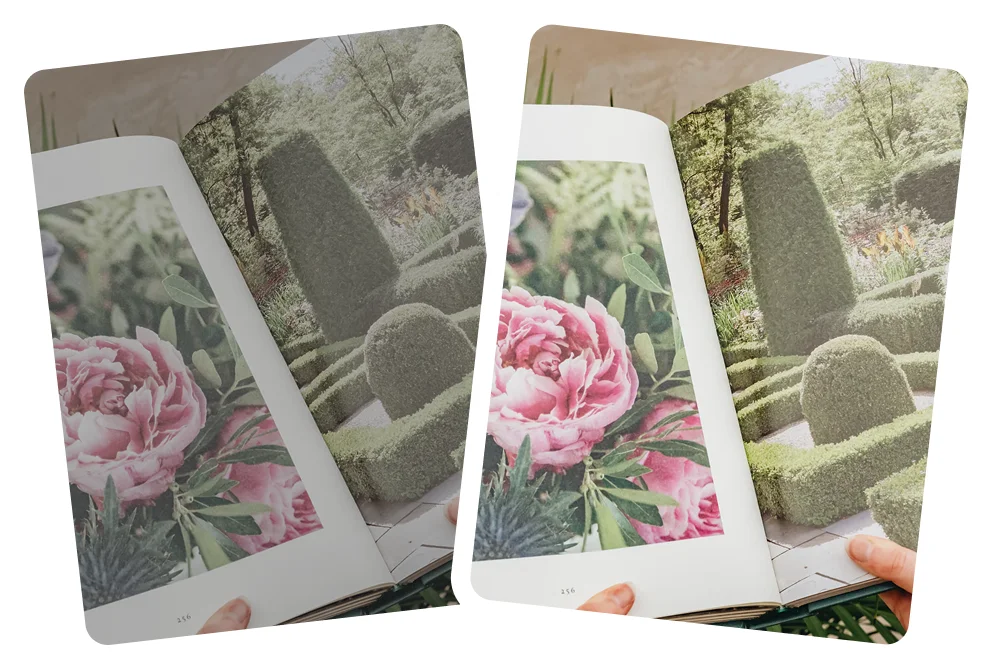
Text and objects
Sharper edges and cleaner details.
Scenery and backgrounds
Bring back depth and texture in landscapes.
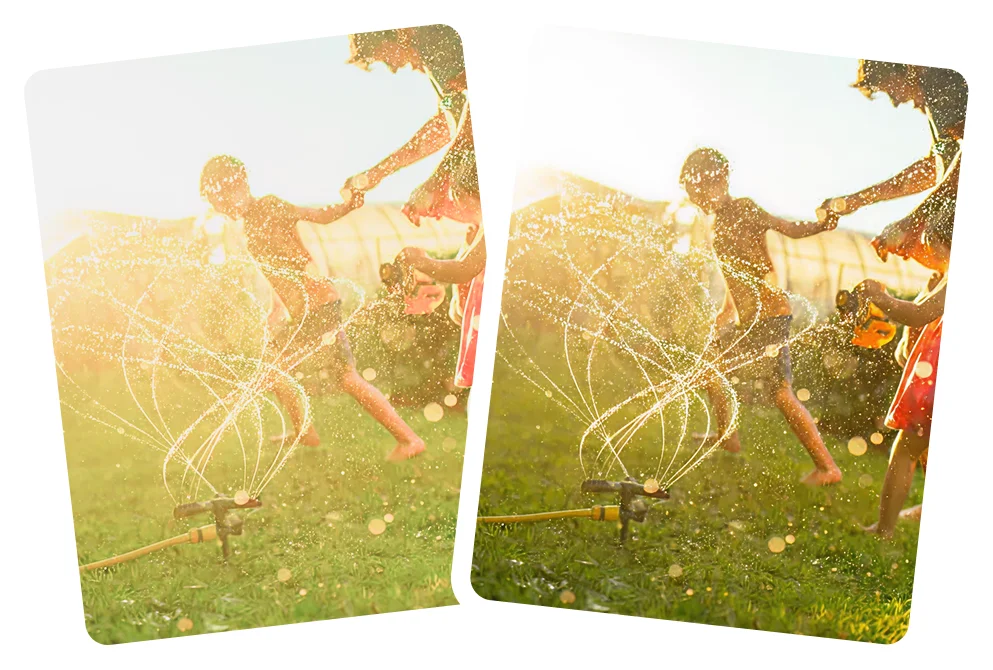
Why Citrus is the best tool to upscale photos
Many tools simply stretch images. Citrus intelligently rebuilds detail.
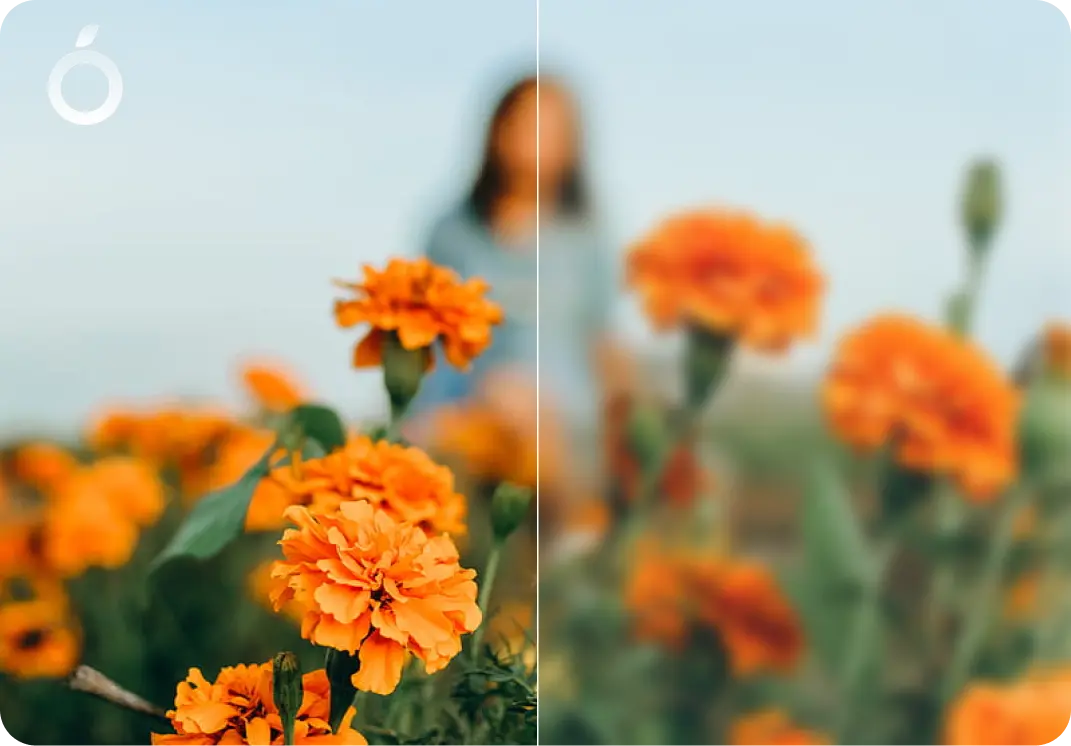
Natural, realistic enhancement
- No fake textures or harsh sharpening
- Preserves original lighting and colors
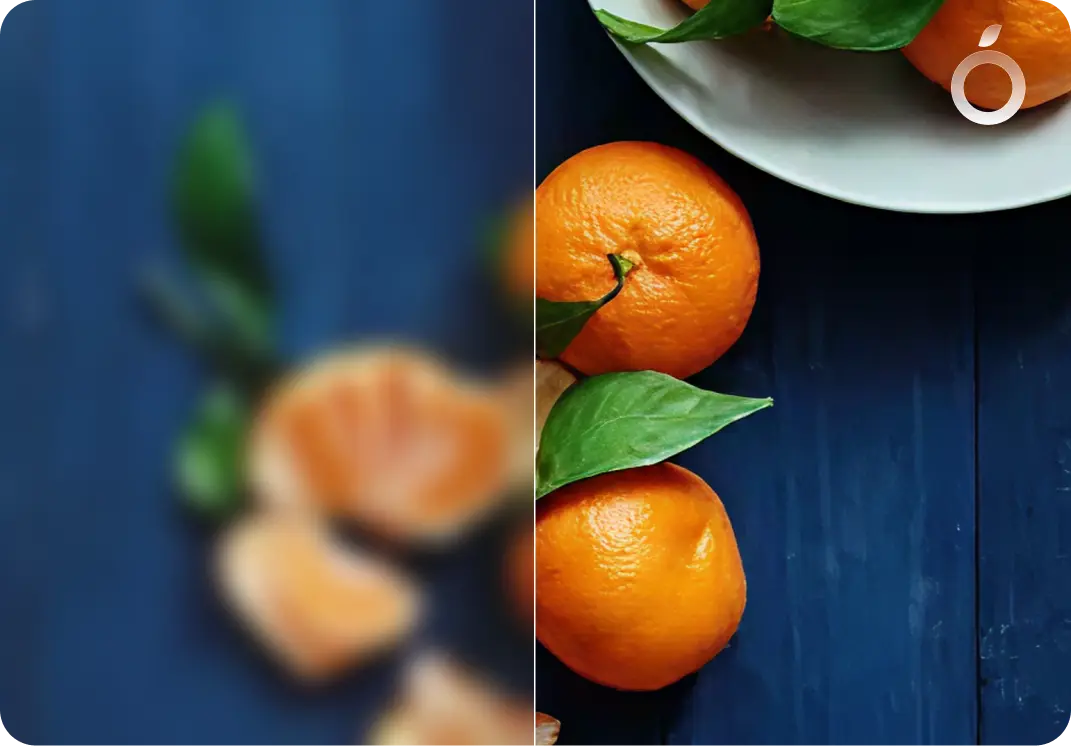
Fast & effortless
- One-tap AI upscaling to up to 2× higher resolution for smaller images
- No complex sliders or manual settings
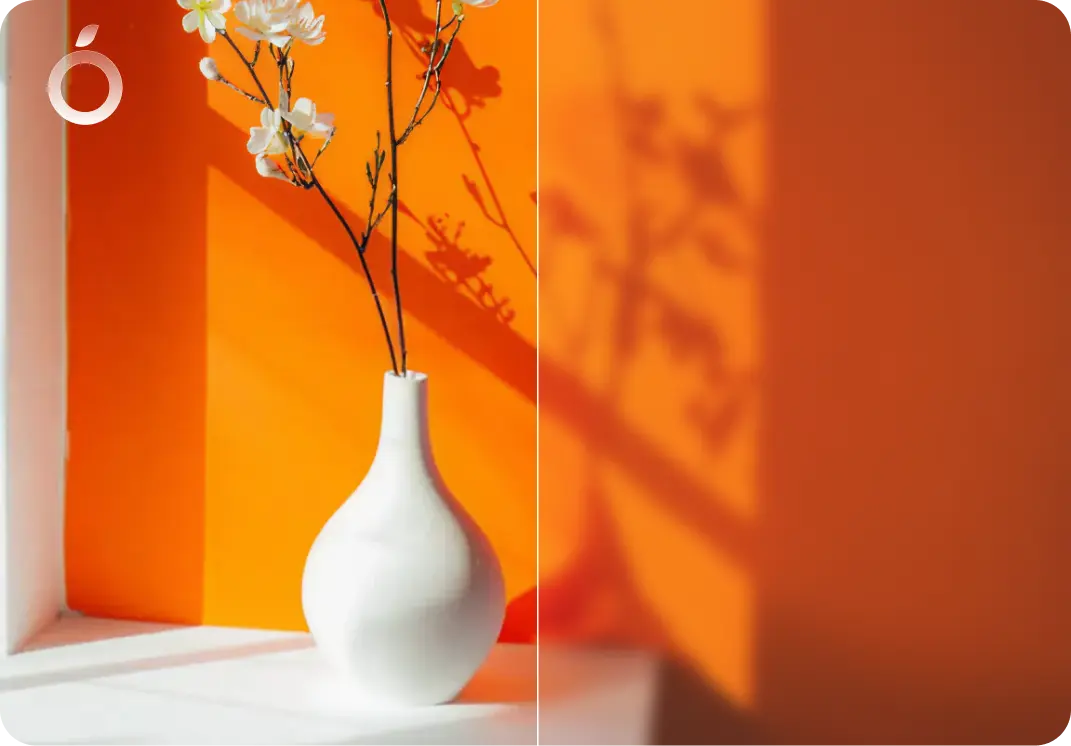
Works across many use cases
- Small images
- Cropped photos
- Old digital photos
- Screenshots
- Social media downloads
Upscale Photos - Frequently Asked Questions
Yes. Citrus can improve clarity and detail even in very small images. Results depend on how much information exists in the original photo.
No. Citrus focuses on natural looking detail rather than artificial sharpening or exaggerated textures.
Yes. Citrus is free to use on web, iOS, and Android. An optional Citrus Plus plan offers unlimited use, faster processing, and no ads.
Yes. Citrus is optimized to preserve realistic facial features and skin texture during upscaling.
Yes. Citrus can improve clarity, reduce pixelation, and enhance readability in screenshots or compressed images. Results depend on the original quality.
Citrus can upscale images up to 2× their original resolution for photos that are under 1600 pixels on the long edge. This limit helps keep results clean and free from artifacts.
Yes. Citrus works well on low resolution photos taken on phones, helping them look clearer and more refined while keeping results natural.
Yes. Citrus can improve clarity in photos from older phones, including older iPhones (including iPhone X, 11, 12, 13, 14, and 15) and Android devices, where image resolution is often limited.
Yes. Unlike resizing, Citrus uses AI upscaling to rebuild missing detail and improve edges and textures, resulting in clearer and more natural images.
Yes. Increasing resolution can result in a larger file size. Citrus balances resolution and quality so files remain practical while looking sharper.
Yes. Citrus can upscale images downloaded from websites by reducing pixelation and improving clarity, depending on the original image quality.
Yes. Citrus is ideal for upscaling photos before posting or sharing online, helping images look cleaner and higher quality on screens.
Yes. Citrus preserves facial features and natural skin texture when upscaling portraits and selfies, avoiding artificial or over processed results.
Yes. Citrus rebuilds missing detail instead of stretching pixels, so upscaled images stay sharp rather than soft or blurry.
Citrus can improve clarity for small prints or casual printing. For large or professional prints, results depend on the original image size and quality.

Ready to upscale your photo?
Try Citrus free - upscale low resolution images in seconds.