


Free AI Portrait & Face Photo Enhancer
Upload any portrait to enhance face clarity naturally with AI, preserving skin texture, real detail, and authentic tone. No heavy filters, no fake effects, completely free.

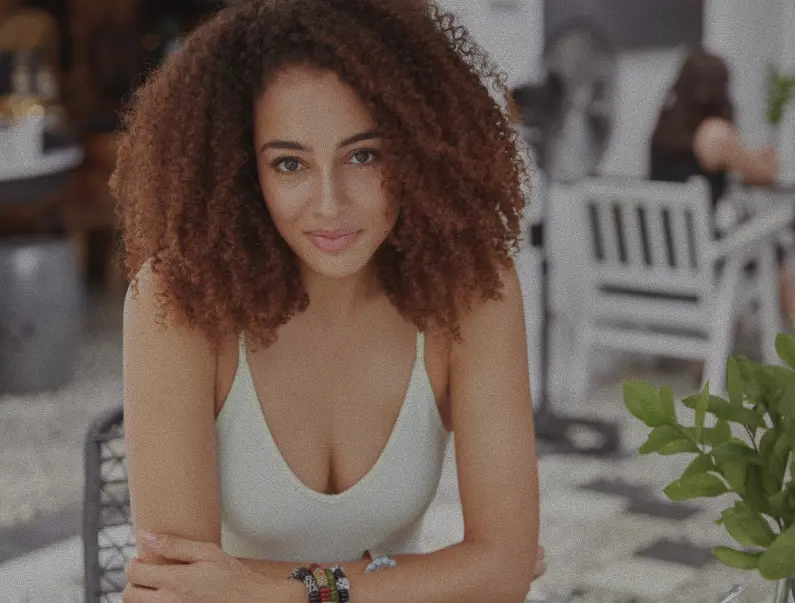
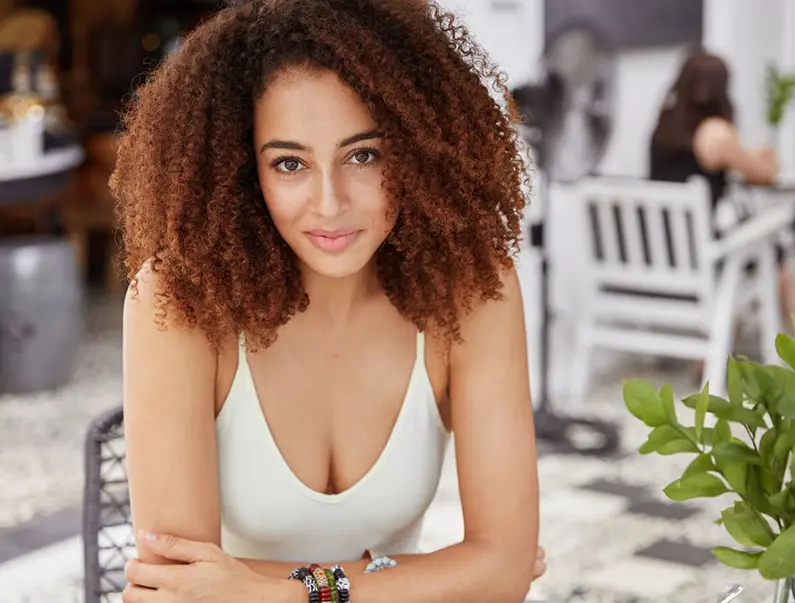
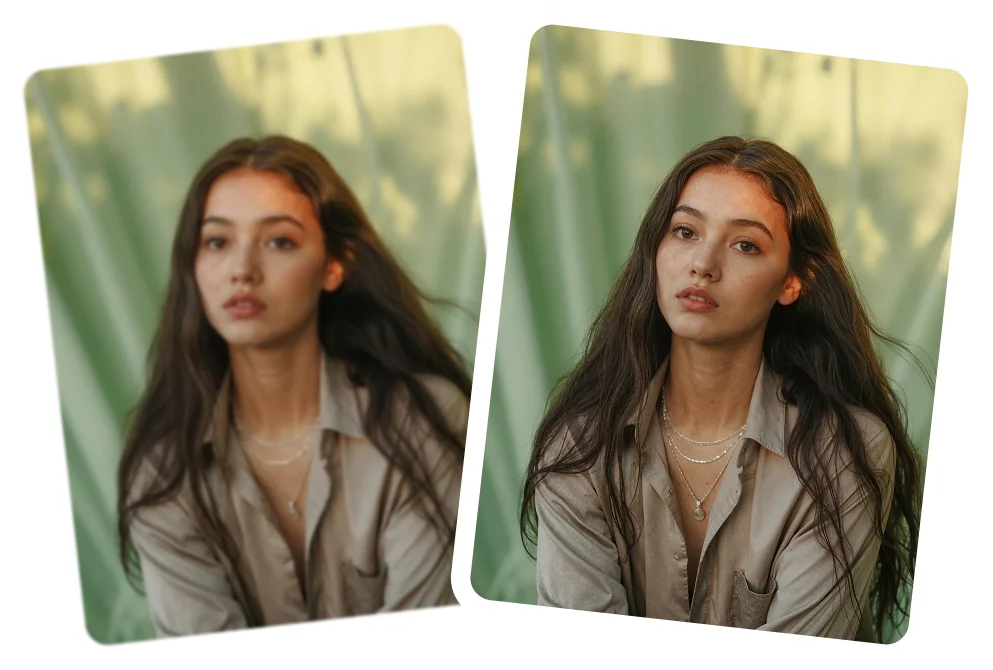
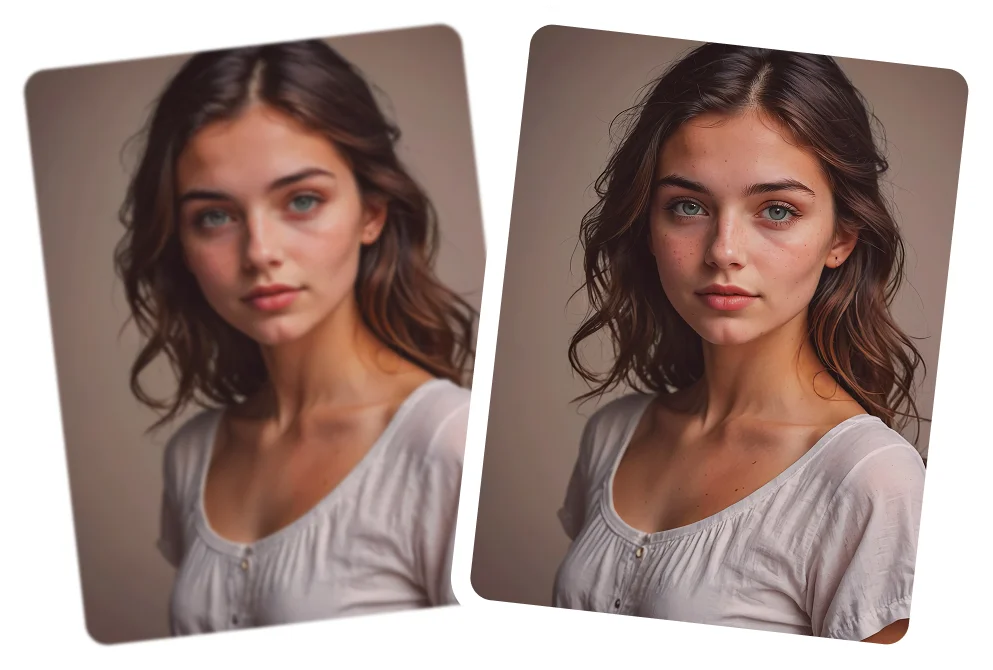
details improved naturally
Why do portraits often need enhancement?
Portrait and selfie photos are often captured in low light or everyday conditions. Phone cameras rely on small sensors and automatic processing that can reduce fine detail, soften skin texture, and dull colors. This is why portraits sometimes look flat, soft, or uneven even when the moment itself looks great.
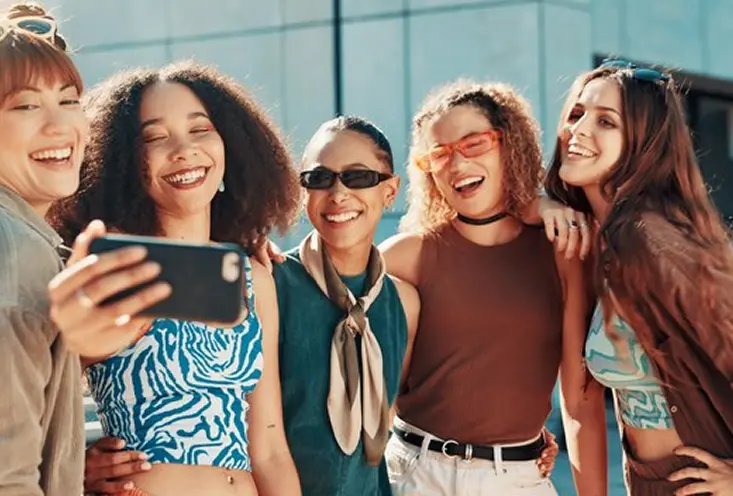
Front cameras capture less detail
Selfies are often taken with front cameras that capture less detail and resolution, which can reduce clarity
Smoothing & compression soften texture
Built-in smoothing and compression often reduce natural texture and detail.
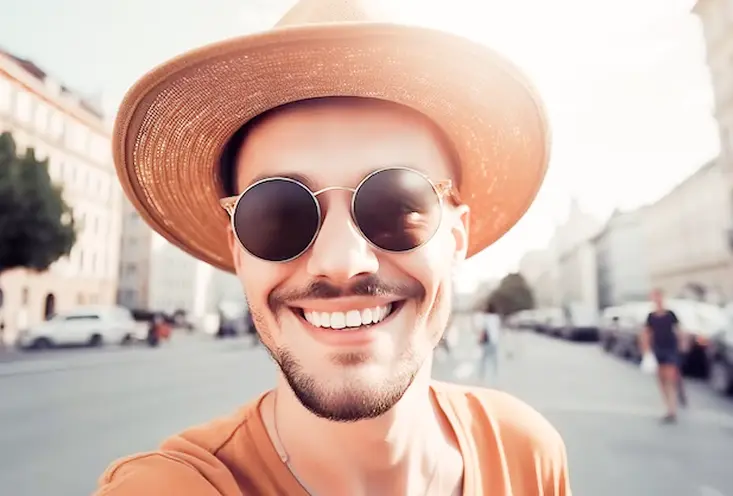
Movement & Lighting Reduce Clarity
Small movements or uneven lighting can soften facial detail, even in well-taken portraits.
How Citrus improves facial details naturally
Citrus gently enhances portraits by improving clarity, brightness, and balance, keeping skin texture natural and faces looking real, not airbrushed.
Sharper facial details in eyes, hair, and contours
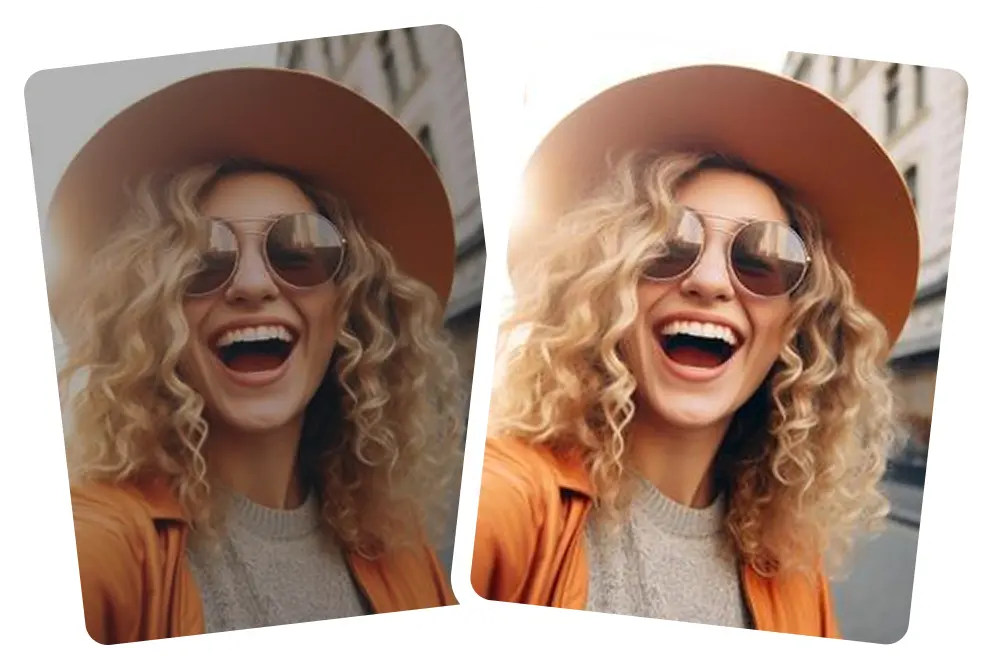
Natural skin enhancement without plastic smoothing
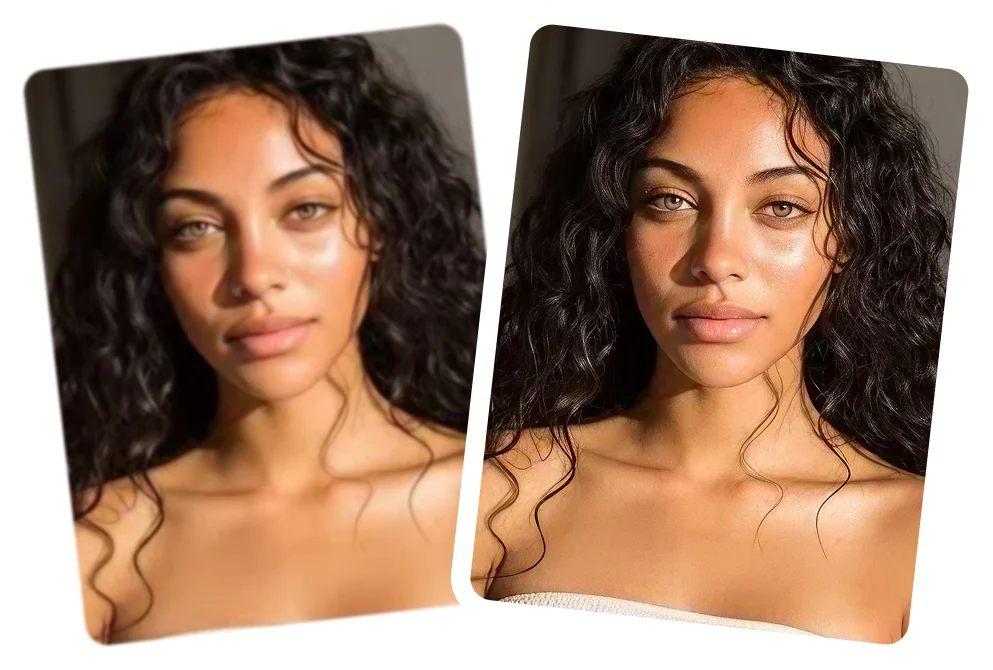
Automatic lighting correction for balanced brightness
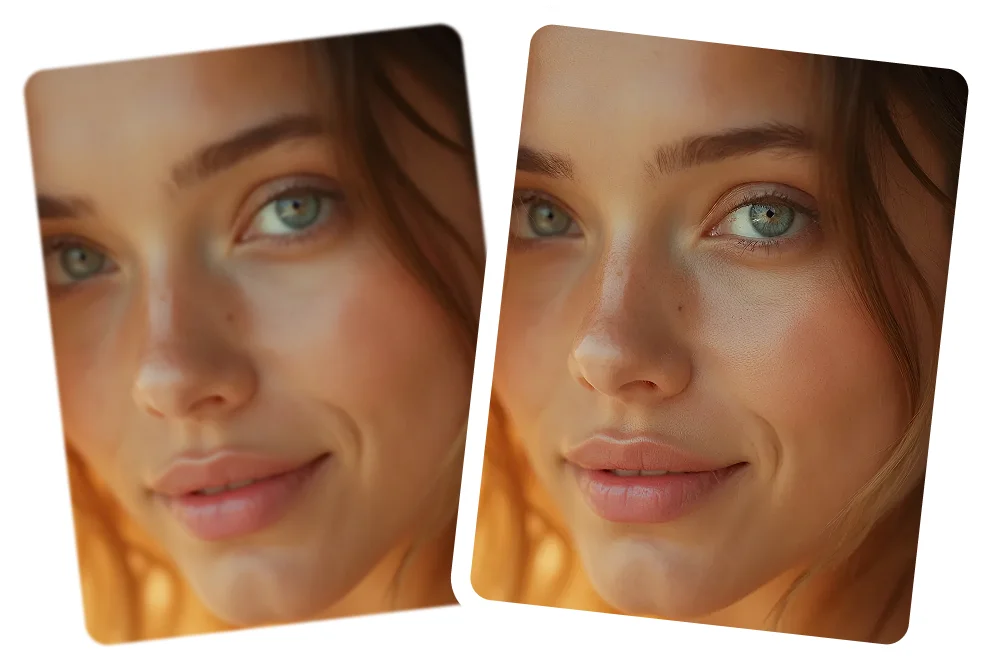
Color improvement for lifelike tones
Noise reduction in indoor or low-light selfies
How to enhance a selfie or portrait using Citrus
Improving your selfie quality takes just one tap, no complex tools or adjustments required.
 Before
Upload your selfie or portrait
Works for indoor, outdoor, group selfies, and low-light shots.
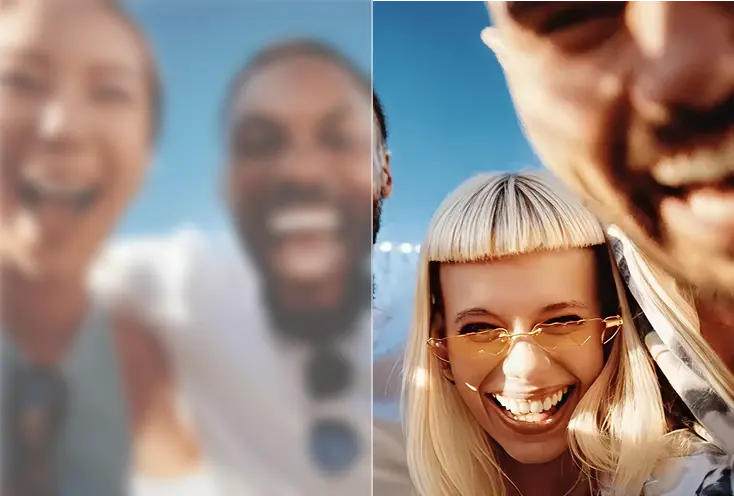
Tap Enhance
Citrus sharpens facial detail, brightens lighting, and improves color automatically.
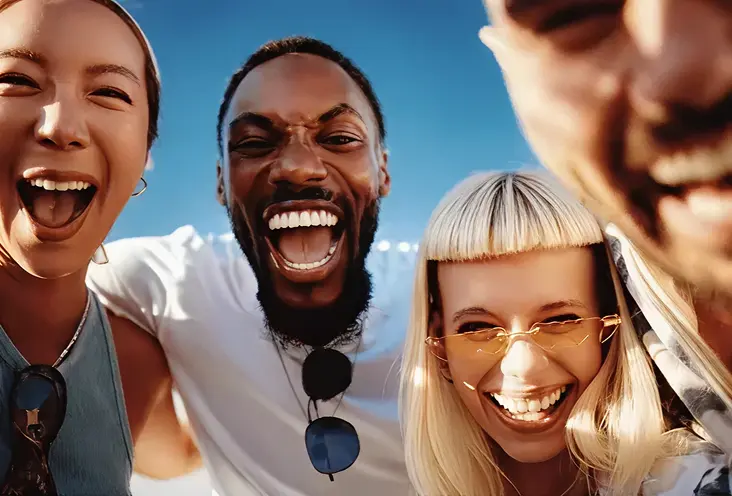 After
AfterDownload your HD selfie
Compare the before/after, then save your improved portrait.
See how Citrus enhances selfies and portraits
Sharper details. Better lighting. Natural skin. Real results.
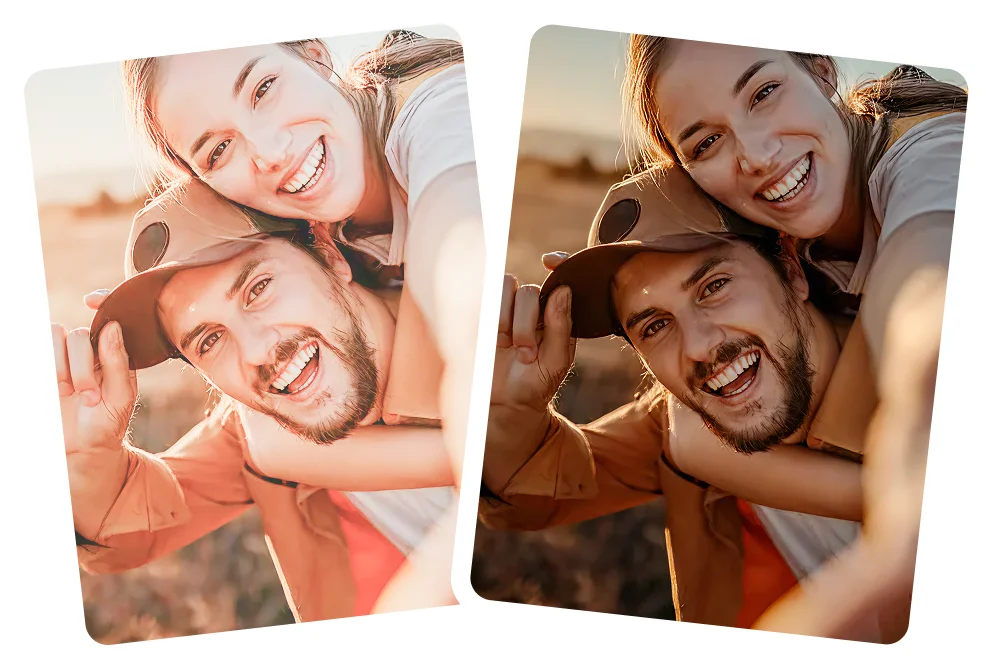
Indoor selfie enhancement
Fix soft front-camera detail with natural clarity.

Outdoor portrait enhancement
Balance harsh sunlight and sharpen features.
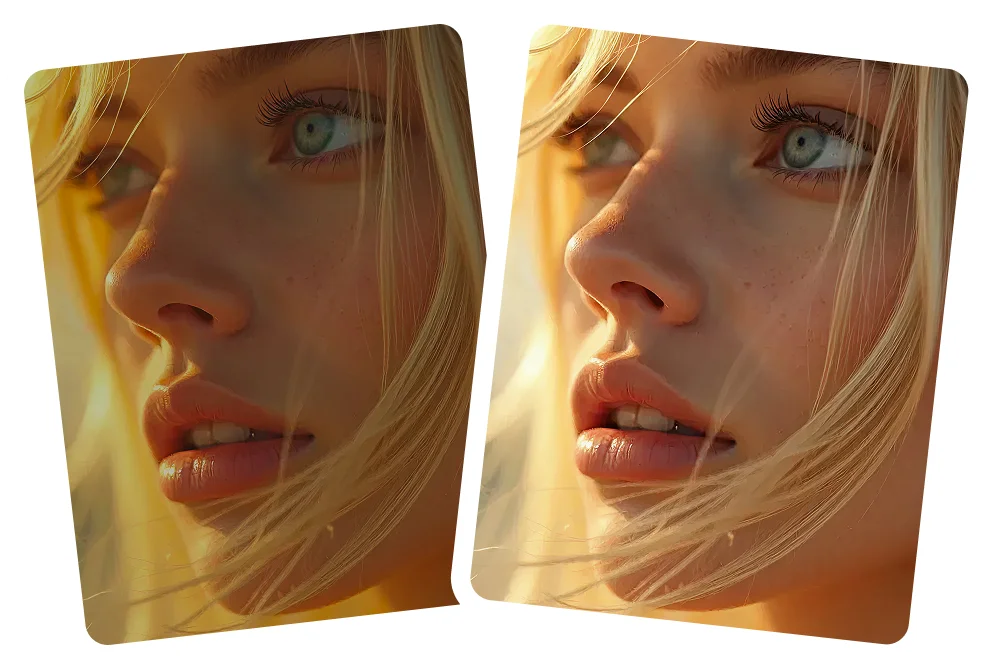
Low-light selfie fix
Brighten and clean up selfies taken at night or indoors.
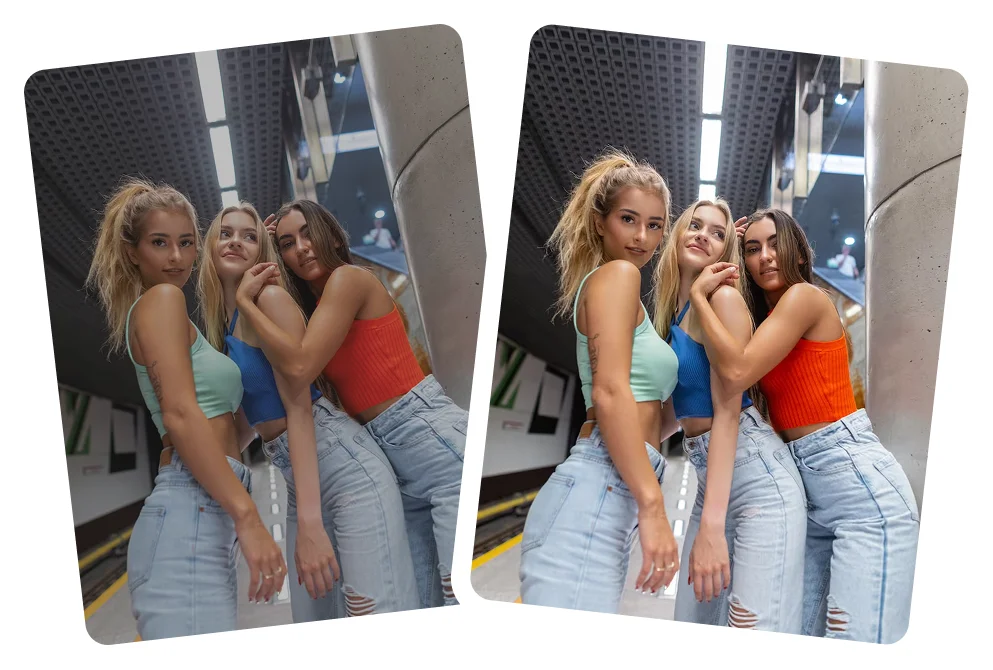
Group portrait enhancement
Sharpen multiple faces while keeping skin tones accurate.
Why Citrus is the best tool for enhancing face and portraits
Citrus focuses on natural beauty, using AI to enhance portraits gently while avoiding extreme edits or fake looking results.
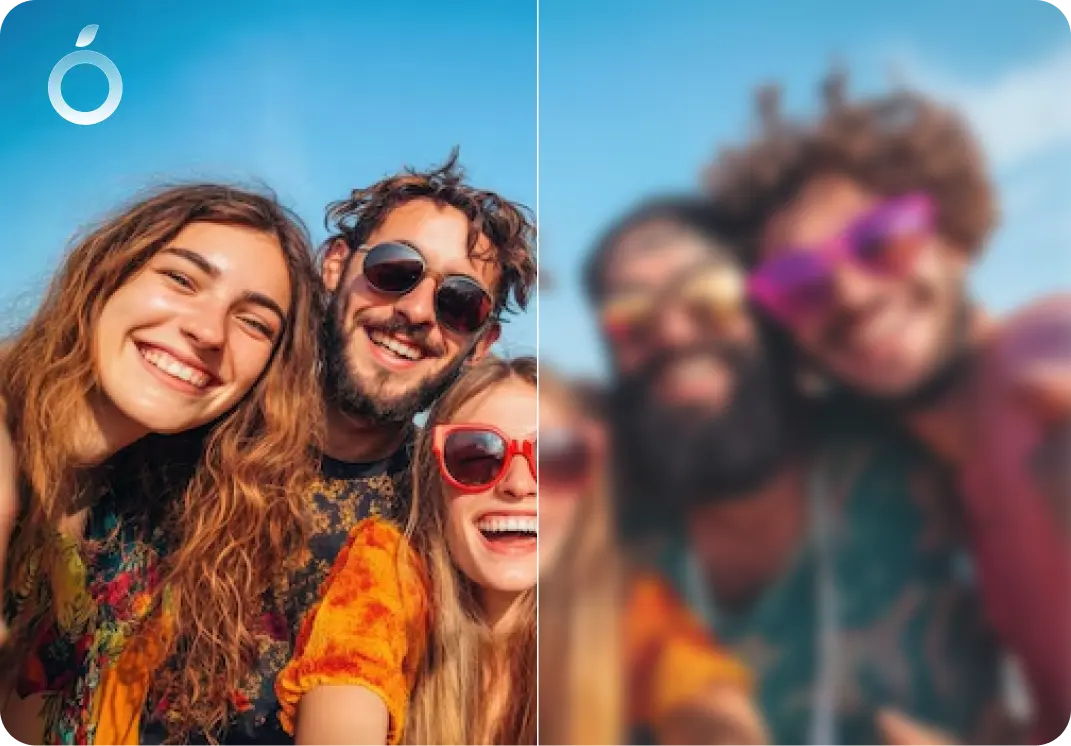
Realistic improvement
- Sharper eyes & facial features
- Natural skin texture
- Balanced, lifelike colors
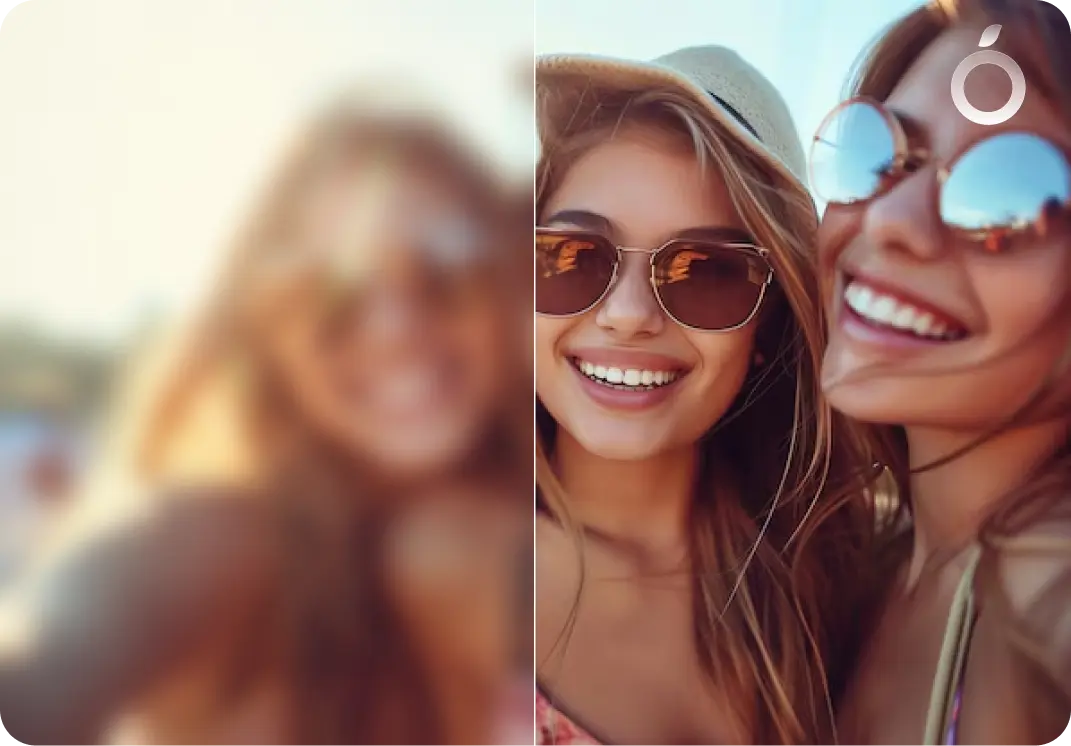
Works in any lighting
- Indoor selfies
- Night shots
- Backlit portraits
- Cloudy or dim settings
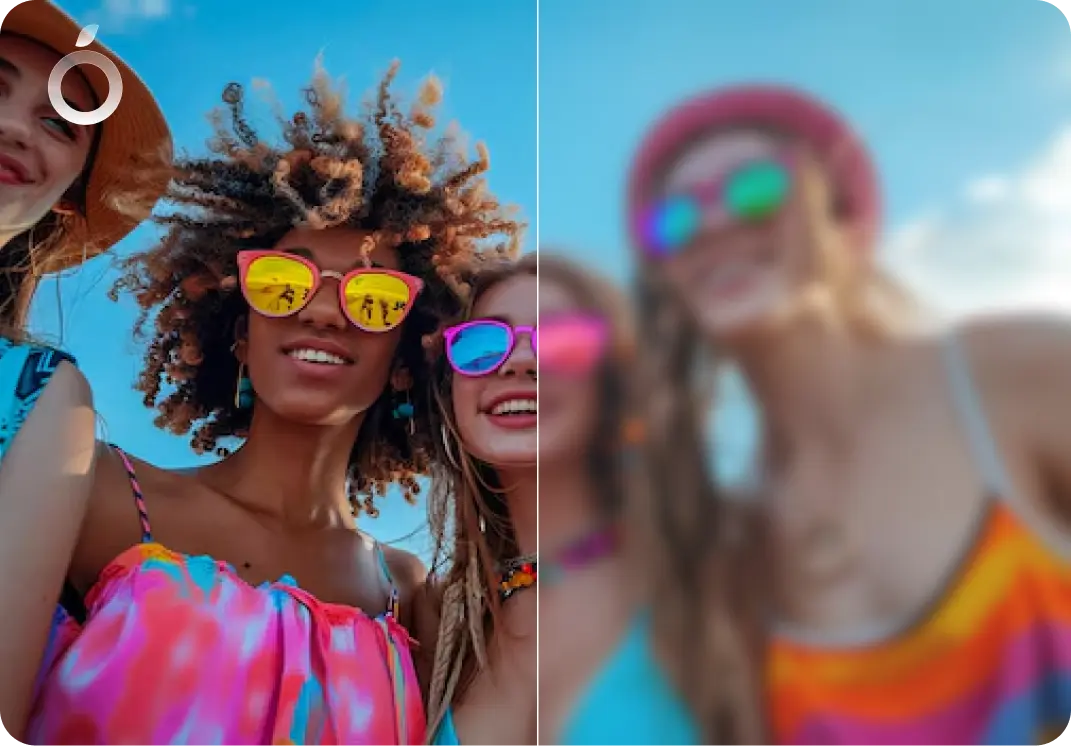
Built for any phone photos
- Improves front camera softness
- Reduces compression artifacts
- Enhances low resolution selfies
Selfie & Portrait Enhancement - FAQ
No. Citrus enhances clarity while preserving natural skin texture, facial features, and a realistic look.
Yes. Citrus is an AI portrait enhancer designed to improve face clarity, lighting, and detail naturally, without heavy filters or artificial effects.
Yes. Citrus works on both portraits and selfies, improving face clarity and balance while keeping results true to life.
Yes. Citrus restores fine detail that front cameras often lose due to lower resolution or built-in smoothing.
Yes. Citrus improves lighting, reduces grain, and reveals facial detail in low-light selfies and portraits.
Yes. Citrus enhances skin clarity while preserving natural texture, avoiding airbrushed or plastic-looking results.
Yes. Citrus works on selfies taken with iPhone X, 11, 12, 13, 14, 15, and newer models, as well as many Android phones.
Yes. Citrus improves indoor portraits by balancing lighting and clarity, which often suffer from uneven or artificial light.
Yes. Citrus can enhance multiple faces in one photo, improving clarity evenly across group selfies and portraits.
No. Citrus preserves natural skin tone and facial proportions while gently improving clarity and balance.
Yes. Citrus can improve clarity and balance in older or low-quality selfies, depending on the original image.
Yes. Citrus can enhance selfies downloaded from social media by improving clarity and reducing compression softness.
Yes. Citrus works in one tap with no sliders or manual controls. Just upload a photo and enhance.
Citrus is designed to deliver natural, realistic portrait enhancement without forced paywalls or heavy filters, making it a popular choice for everyday users.
Yes. Citrus is free to use online, on iOS, and on Android. An optional Citrus Plus plan offers higher limits, faster processing, and no ads.

Ready to enhance your portrait?
Citrus for naturally clearer, brighter portraits and faces.