


Best Free Enhancer for TikTok Photo Dumps
Upload your TikTok photos to make photo dumps look clean, clear, and natural, completely free.



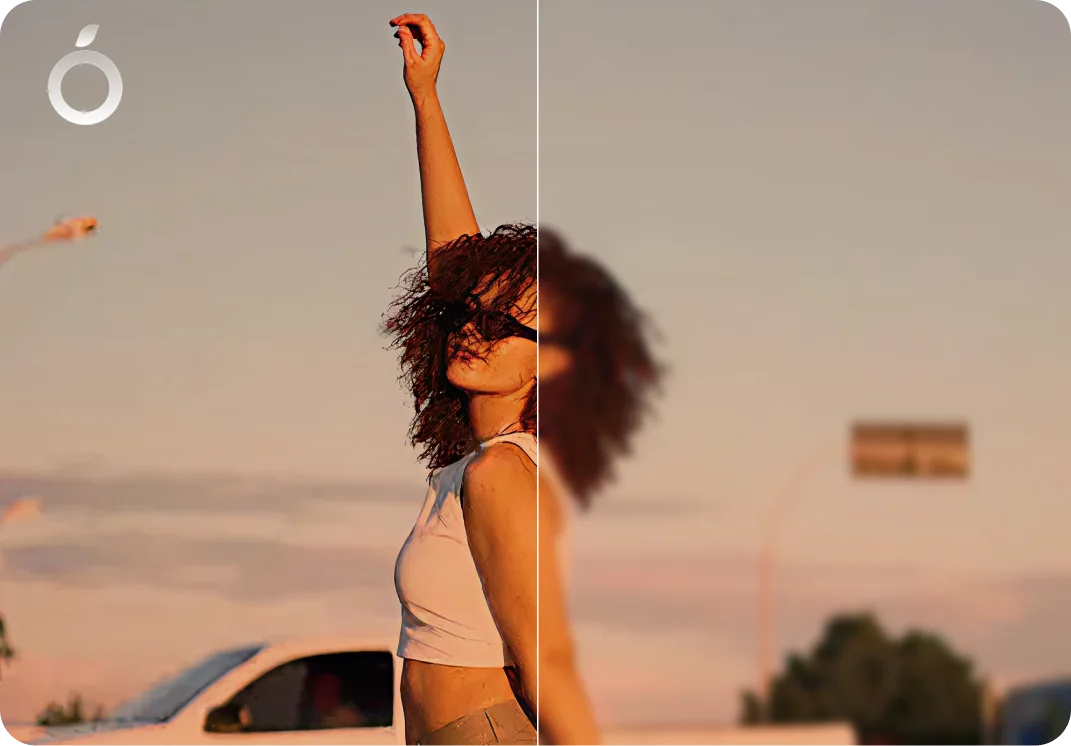
details improved naturally
Why TikTok photo dumps often lose quality
TikTok photo dumps usually combine images taken at different times, lighting conditions, and resolutions. Once uploaded, compression and resizing can make photos look inconsistent, blurry, or dull - especially when viewed as a slideshow.

Mild blur and noise
Slight blur and grain caused by movement or imperfect shooting conditions.
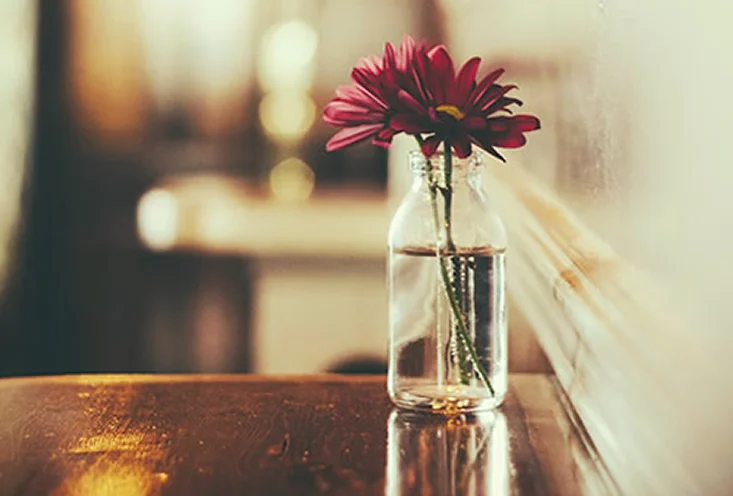
Compression from downloads or reuploads
Photos lose quality when saved, shared, or reuploaded through apps.

Inconsistent lighting across photos
Images taken at different times or lighting conditions don't match visually.
How Citrus enhances TikTok photo dumps
Instead of applying one filter to all images, Citrus analyzes each photo separately. The AI adjusts clarity, detail, lighting, and noise per image, creating a consistent, natural looking photo dump.
Cleaner detail, naturally sharpened
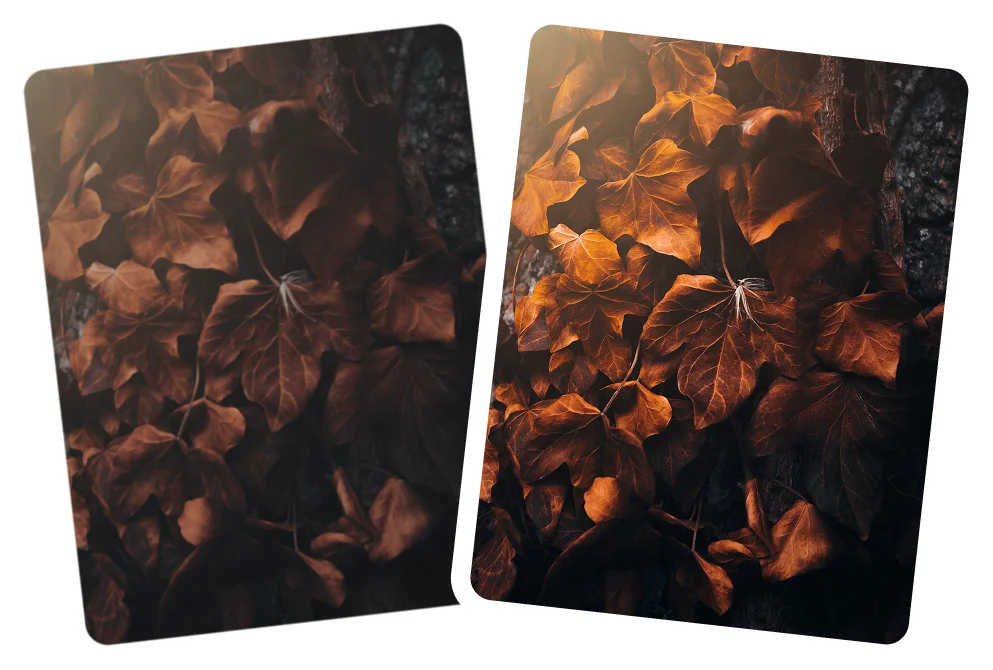
More even lighting across photos

Less noise and compression loss

Natural skin tones and colors
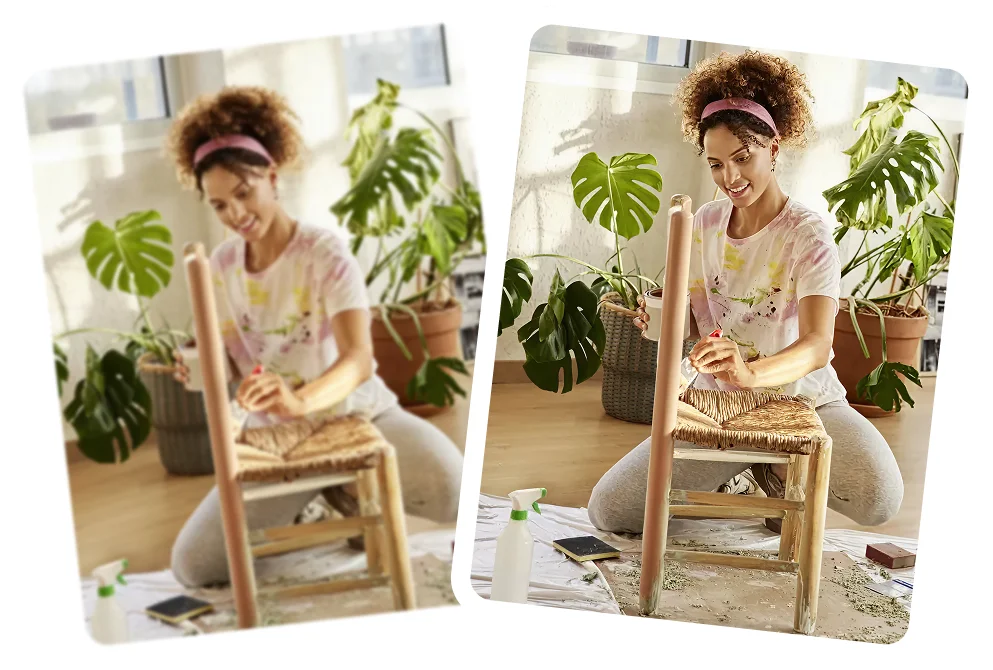
A cohesive, polished photo set

How to enhance a TikTok photo dump with Citrus
Citrus handles photo editing automatically, so you can focus on capturing moments and creating photo dumps, not spending hours editing.
 Before
Upload your photos
Open Citrus and upload the images you want to use in your TikTok photo dump.

Tap Enhance
Citrus enhances each photo individually for clarity, balance, and detail.
 After
AfterDownload and share
Save the enhanced photos and upload them directly to TikTok
Clean TikTok Photo Dumps in One Tap
Make your photo dumps look clear, natural, and consistent, no heavy filters or manual editing.
Weekly photo dumps
Clean, clear photos with balanced lighting.
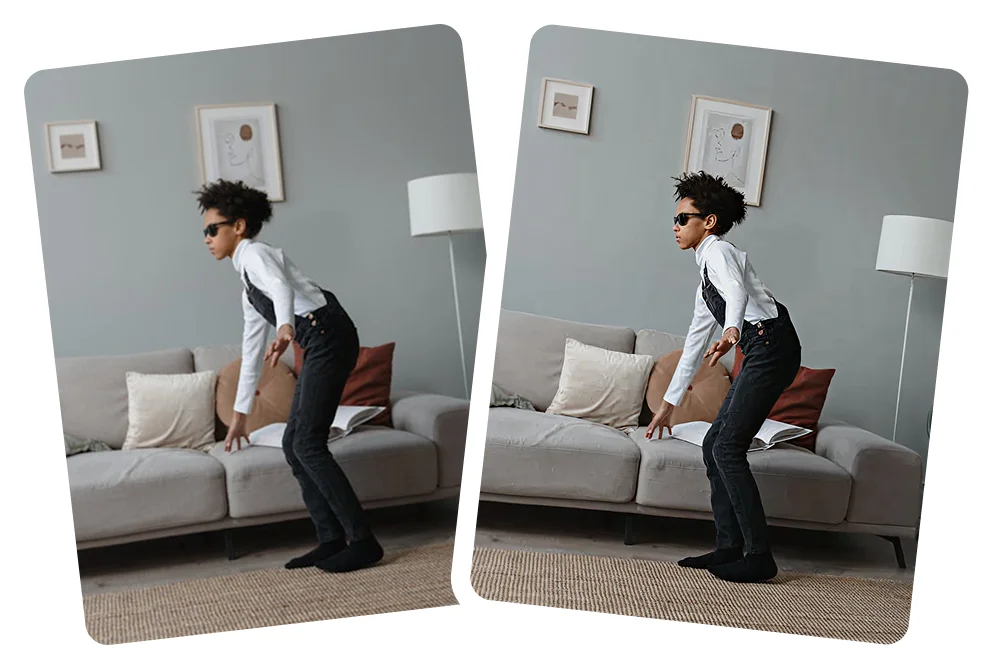
Travel photo dumps
Sharper scenes with consistent, natural color.

Casual selfies and moments
Natural skin tones with better clarity.

Mixed quality images
Even low quality photos look cleaner.

Why creators use Citrus for TikTok photo dumps
Photo dumps come from real moments, not perfect setups. Citrus cleans things up so everything still looks natural.

Natural, consistent results
- No heavy filters
- No over sharpening
- No artificial effects

Fast and creator friendly
- One tap enhancement
- No editing experience needed
- Perfect for frequent posting
Designed for social platforms
- Works with mixed quality photos
- Optimized for slideshow formats
- Keeps your style authentic
TikTok Photo Dumps - FAQs
Yes. Citrus balances clarity, lighting, and color so photos taken at different times feel consistent when posted together.
Yes. Citrus focuses on clean, clear results without heavy filters, exaggerated effects, or artificial looks.
Yes. Citrus preserves natural skin tones and facial details while improving clarity in selfies.
Yes. Citrus can reduce mild blur and noise caused by movement, low light, or imperfect shooting conditions.
Yes. Citrus helps normalize lighting across photos taken indoors, outdoors, daytime, or nighttime.
Enhanced photos usually hold up better after TikTok compression, helping details remain visible.
Yes. Citrus can improve clarity and reduce compression softness from photos saved, reuploaded, or shared through apps.
Yes. Citrus is designed for real moments and everyday photos, not only studio level editing.
Yes. Many creators use Citrus to quickly clean up photos before posting without spending time on manual edits.
Yes. Citrus works well on photos from older iPhones and Android devices, helping them look cleaner and more HD.
Yes. Citrus works automatically in one tap with no presets, sliders, or editing experience required.
Yes. Citrus uses AI to enhance clarity, lighting, and balance automatically for TikTok photo posts.
Yes. Citrus is free to use on web, iOS, and Android. An optional Citrus Plus plan offers higher limits, faster processing, and no ads.
For most users, yes. Citrus handles enhancement automatically so you can focus on creating and sharing moments instead of editing.

Ready to post better TikTok photo dumps?
Enhance your TikTok photo dumps in seconds with Citrus