


Best Free Enhancer for Instagram & Social Media Photos
Upload photos to enhance Instagram carousels, posts, reels and slideshows - clean, aesthetic, natural results, completely free.



details improved naturally
Why do social media photos often look inconsistent?
Instagram carousel posts and social media photo slideshows often combine images with different lighting, clarity, and quality. Variations in sharpness or noise can make posts feel inconsistent.

Mixed lighting
Some photos are bright, others too dark

Phone compression
Reduces detail before uploading

Low light or motion blur
Common in social snapshots
Make every slide look sharp, clean, aesthetic and consistent
Citrus automatically enhances clarity, color, and lighting in all types of photos - selfies, night shots, travel pictures, indoor snapshots, food photos, group selfies, and more. Perfect for creating aesthetic, clean slideshows and photo dumps.
Sharpen soft or blurry images

Brighten dark or underexposed slides

Fix color imbalance for aesthetic slideshow

Reduce noise in night or indoor photos
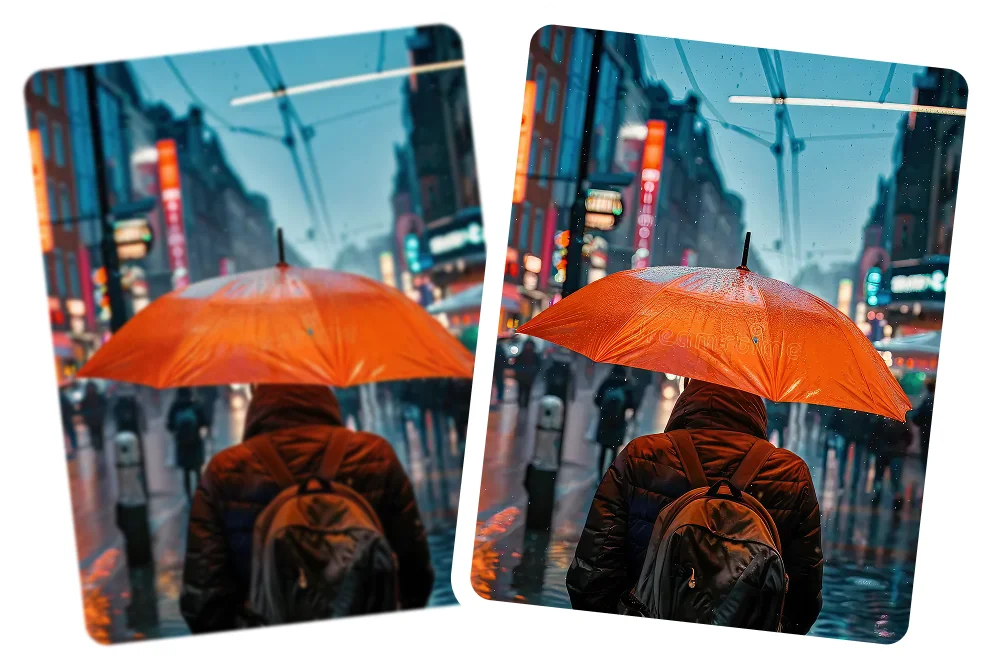
Restore detail in faces, objects, and textures

How to enhance photos for Instagram post, carousel and social media slideshows
Citrus makes it easy to keep your photos clean, clear, and quietly consistent.
 Before
Upload your photos
Choose any images you plan to upload to Instagram, TikTok, Snapchat, or Facebook.

Tap Enhance
Citrus improves clarity, brightness, and texture automatically.
 After
AfterDownload your polished photos
Your slideshow or photo dump now looks consistent and professional.
Citrus brings out the natural clarity of your photos
Sharper details. Better lighting. Smoother colors. The perfect aesthetic.
Nightlife & party photos
Brighten dark photos without losing the vibe.

Travel & outdoor photos
Sharpen detail and enhance natural color.

Selfies for photo dumps
Clean skin texture and natural lighting.

Random lifestyle snapshots
Bring different lighting into one easy, aesthetic flow.

Why Citrus is perfect for instagram posts & social media slideshow content
Consistency is what makes posts feel aesthetic. Citrus brings everything into balance.

Cleaner, sharper images
- Sharpen blurry slides
- Fix motion softness
- Improve detail for HD posts

Better lighting & color
- Brighten dark shots
- Reduce yellow indoor tones
- Balance color temperature
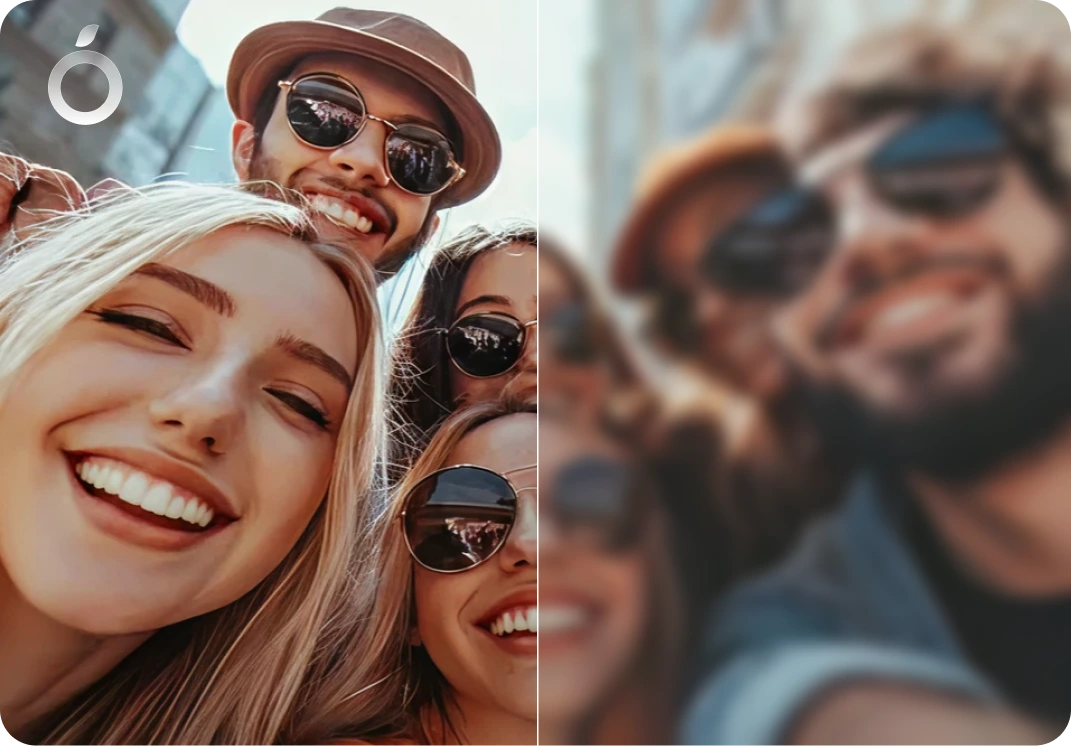
Make all photos match
- Turn mixed-quality images into a cohesive aesthetic
- Perfect for IG Posts, social media slideshows, instagram carousel, Reels & Stories
Social Media Photo Enhancement - FAQ
Yes. Citrus enhances each photo so Instagram photo dumps look clean, clear, and visually consistent.
Yes. Citrus balances clarity, lighting, and color across photos in Instagram carousel posts so they feel more cohesive.
No. Citrus focuses on natural clarity and balance, avoiding heavy filters or artificial effects.
Yes. Citrus enhances photos for Facebook albums by improving clarity and consistency across multiple images.
Yes. Citrus helps smooth out differences in lighting so photos taken at different moments feel more aligned.
Yes. Citrus can reduce mild blur and noise caused by movement, low light, or everyday shooting conditions.
Yes. Citrus improves clarity in photos that were compressed through downloads, sharing, or reuploading on social media.
Yes. Citrus enhances clarity while preserving natural skin tones and facial detail.
Yes. Citrus improves clarity and balance across multiple faces in a single photo.
Yes. Citrus helps photos feel more uniform so posts look intentional and aesthetic.
Yes. Citrus is designed for real life photos and casual moments, not only studio or professional edits.
Yes. Citrus works well on photos from older iPhones like iPhone X, 11, 12, 13, 14, and 15, as well as newer iPhone models like iPhone 16 and 17. It also supports photos from many Android devices, helping them look cleaner and more HD.
Yes. Citrus works automatically in one tap with no presets, sliders, or editing skills required.
Yes. Citrus uses AI to automatically enhance clarity, lighting, and balance for social media photos.
Yes. Citrus is free to use on web, iOS, and Android. An optional Citrus Plus plan offers higher limits, faster processing, and no ads.

Ready to enhance your slideshow photos?
Clean, aesthetic, consistent - in one tap with Citrus