


Free AI Photo Enhancer
Upload any photo and let Citrus enhance clarity, sharpness, lighting, and color in one tap. No forced paywalls, no aggressive ads, just natural, realistic results.



details improved naturally
Why photos don't always look their best
Even good photos can lose clarity due to lighting, camera limits, compression, or small movements. These are normal things that happen, and they're exactly what Citrus is designed to fix

Low contrast or dull colors
Images can appear flat when contrast is too low

Soft details or lack of sharpness
Important edges and textures are not clearly defined

Noise, grain, or compression artifacts
Digital artifacts reduce clarity and detail
How Citrus 1 Tap Photo Enhancer works
Citrus analyzes each photo holistically. Instead of applying filters or sliders, the AI evaluates lighting, detail, noise, texture, and color balance, then applies subtle corrections where needed.
Improves overall clarity and sharpness
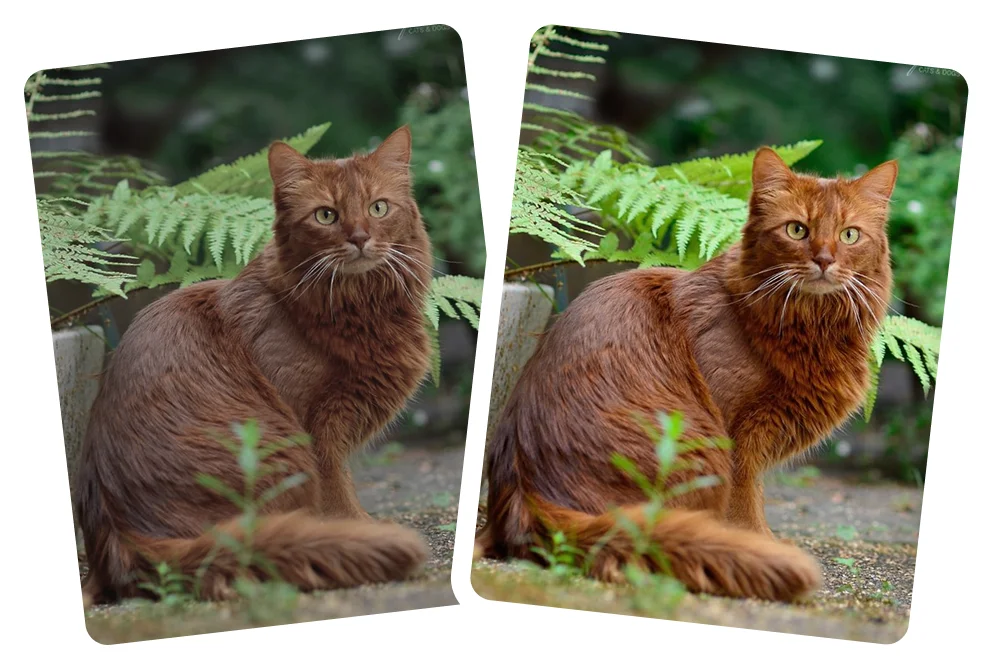
Enhances lighting and contrast naturally
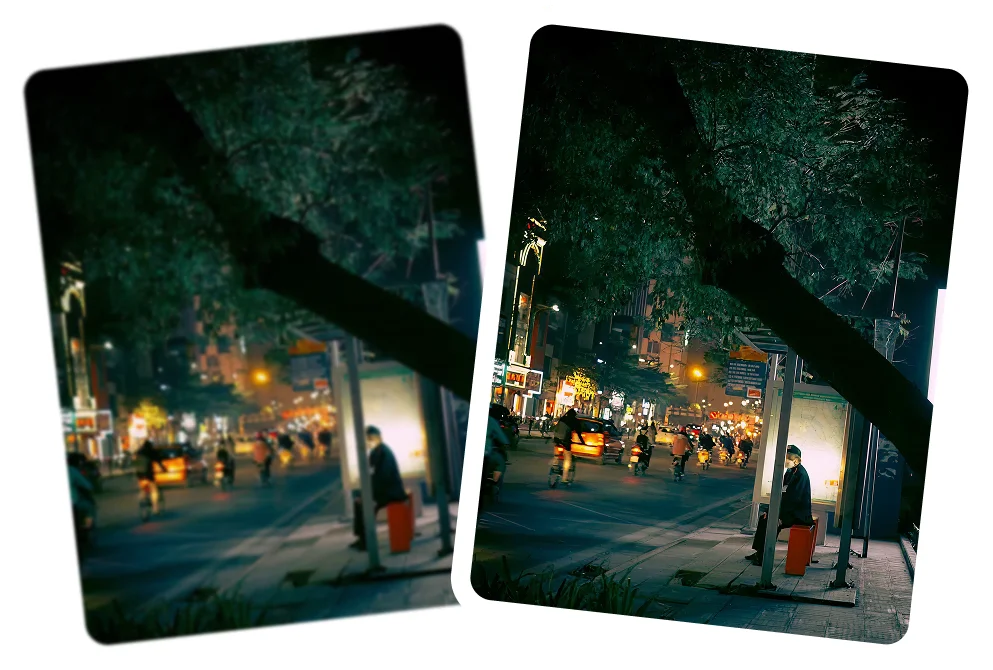
Refines colors without oversaturation

Reduces noise and compression artifacts

Preserves natural skin tones and textures

How to enhance a photo with Citrus
No manual editing, no complicated sliders - Citrus does everything automatically.
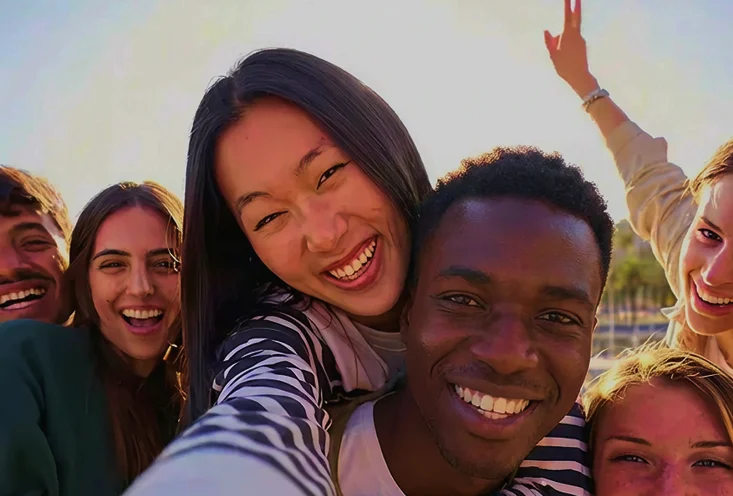 Before
Upload your photo
Open Citrus on web or mobile and upload the image you want to enhance.

Tap Enhance
Citrus AI analyzes the photo and applies balanced improvements automatically.
 After
AfterReview and download
Compare the before and after result, then save your enhanced photo.
Citrus enhances all kinds of photos
Citrus improves photos naturally, enhancing clarity and quality without heavy filters, fake effects, or over processing.
Everyday photos
Clearer details and better balance.

Portraits and faces
Natural skin tones and texture
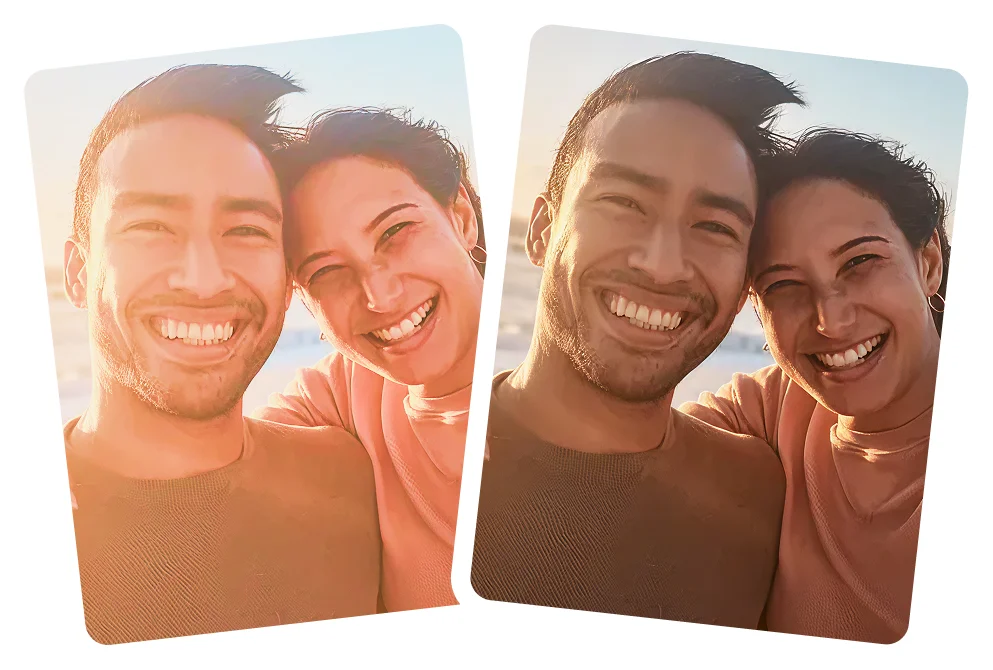
Low quality images
Improved clarity and reduced artifacts.
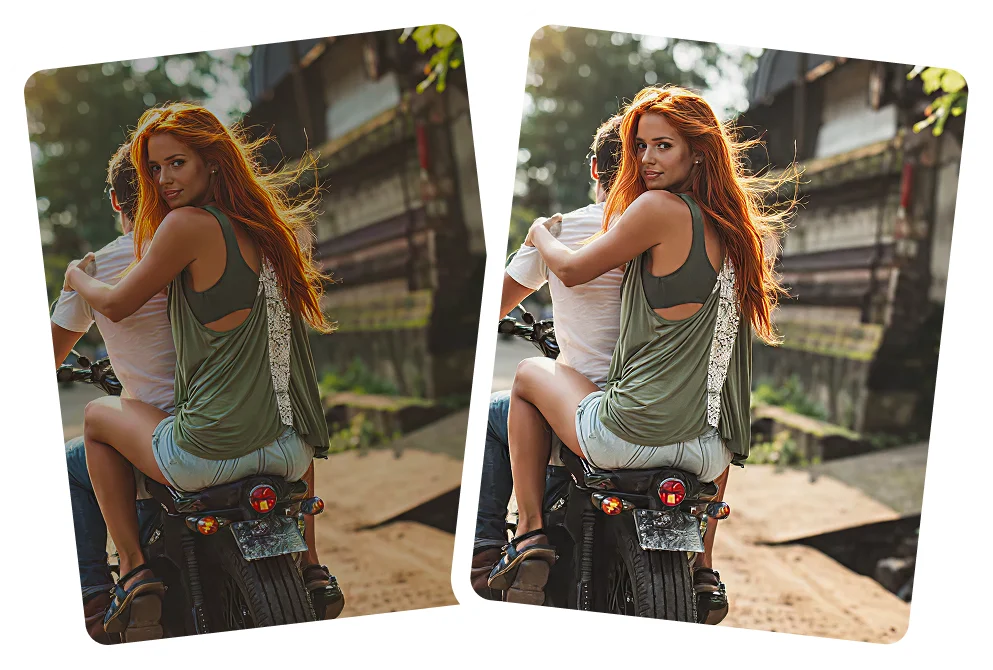
Outdoor and indoor scenes
Balanced lighting and color.
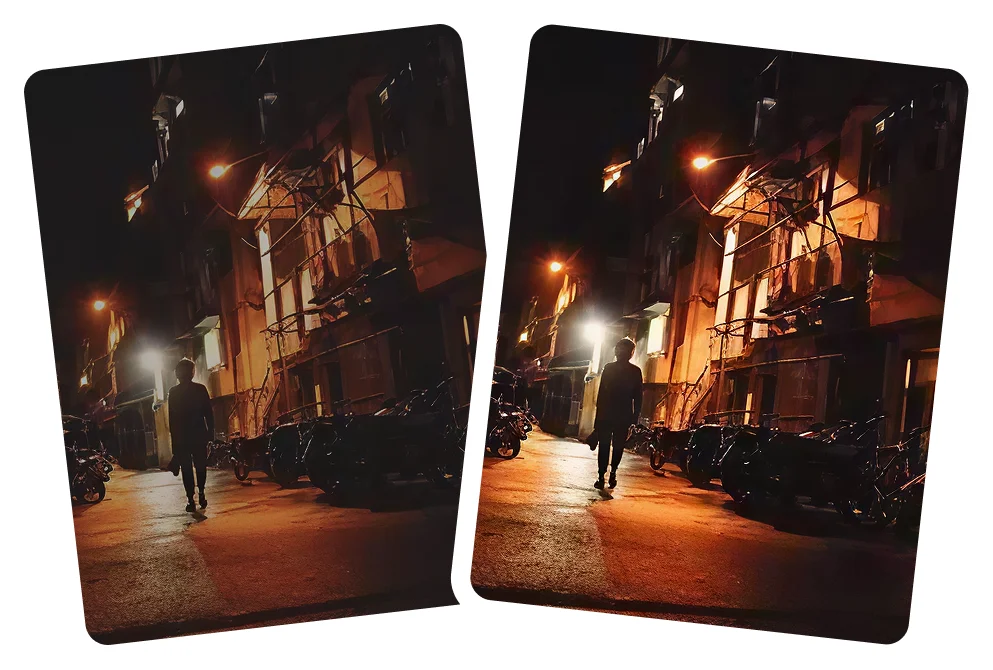
Why Citrus stands out as the best AI photo enhancer used by millions of happy users
Not all AI photo enhancers aim rigorously for natural results. Citrus is built to prioritize realism, improving clarity, detail, and balance while preserving the original look, texture, and mood of your photo.
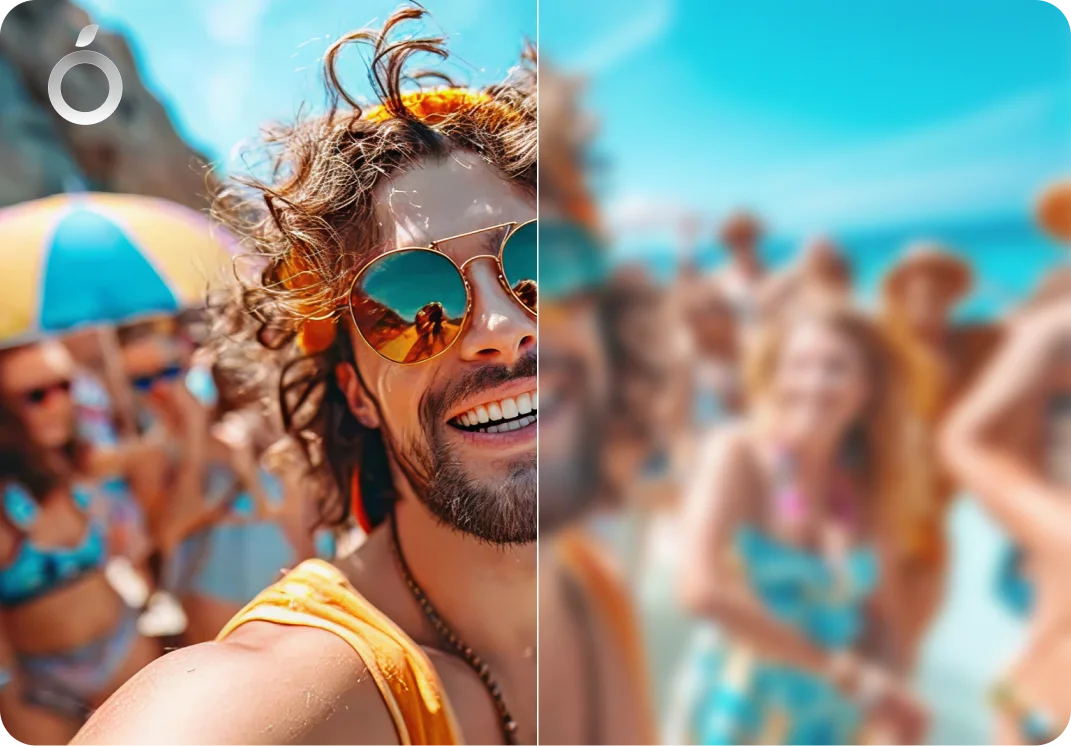
Natural looking results
- No over sharpening
- No plastic skin
- No artificial textures

Simple and fast
- One tap enhancer
- No confusing sliders or options
- Super fast Instant results

Versatile use cases
- Personal photos
- Social media images
- Old or compressed photos
- Small or cropped images
- Professional photos
#1 AI Photo Enhancer - FAQs
A free AI photo enhancer automatically improves clarity, lighting, color balance, contrast, and detail to make photos look cleaner and more refined.
Citrus improves clarity, sharpness, lighting, color balance, and fine detail in one tap, while keeping photos natural and realistic.
Yes. Citrus is designed to deliver natural, realistic results without heavy filters, fake effects, or aggressive edits, making it one of the best AI photo enhancers for everyday photos.
No. Filters apply fixed effects. Citrus adapts its AI enhancement to each photo individually based on lighting, subject, and image quality.
No. Citrus prioritizes realism, avoiding plastic skin, harsh sharpening, or artificial textures.
Yes. Citrus works especially well for everyday photos like casual snapshots, travel photos, family moments, tiktok photo dumps, instagram slideshows, social media photo albums, and daily memories.
Yes. Citrus gently enhances selfies and portraits while preserving natural skin texture, facial features, and skin tone.
Yes. Citrus works on photos taken with iPhone X, iPhone 11, 12, 13, 14, 15, and newer models, as well as many Android phones. It improves common issues like soft focus, flat lighting, and low detail.
Yes. Citrus can improve clarity and balance in low-quality or compressed photos, helping them look cleaner and more polished.
Very Subtly. Citrus preserves the original colors and mood, making subtle adjustments so photos look better without looking different.
Yes. Citrus helps photos look clean, balanced, and high quality for sharing on Instagram, TikTok, Snapchat, Facebook, WhatsApp, X, Pinterest, messaging apps, and photo albums.
Yes. Citrus is fully automatic with no sliders or manual controls. Just upload a photo and enhance it in one tap.
Yes. Citrus can improve clarity and balance in older photos, though results depend on the original image quality.
Yes. Citrus is completely free to use online, on iOS, and on Android. An optional Citrus Plus plan offers higher limits, faster processing, and no ads, but upgrading is never required.

Enhance your photo in one tap
Improve photo quality instantly with Citrus