


Sharpen Details and Improve Image Clarity for Free
Upload any photo to sharpen soft details and restore clean, natural clarity in one tap, free.



details improved naturally
Why do some photos look soft or lack crisp detail?
Even well-lit photos can look soft when the camera misses focus, compresses detail, or attempts to smooth noise. Phone cameras often sacrifice clarity for speed, creating soft edges or slightly blurred textures, especially in hair, eyes, and small objects.

Missed focus
The camera didn't lock onto the subject correctly

Compression & smoothing
Details were lost during processing or saving
Lens limitations
Wide phone lenses can soften edges and fine details
How Citrus adds crisp clarity without over sharpening
Many sharpening tools create harsh outlines, halos, or artificial textures. Citrus avoids these problems by reconstructing real detail using AI, producing clean, natural clarity instead of exaggerated sharpness.
Rebuilds fine detail in textures, faces, and objects
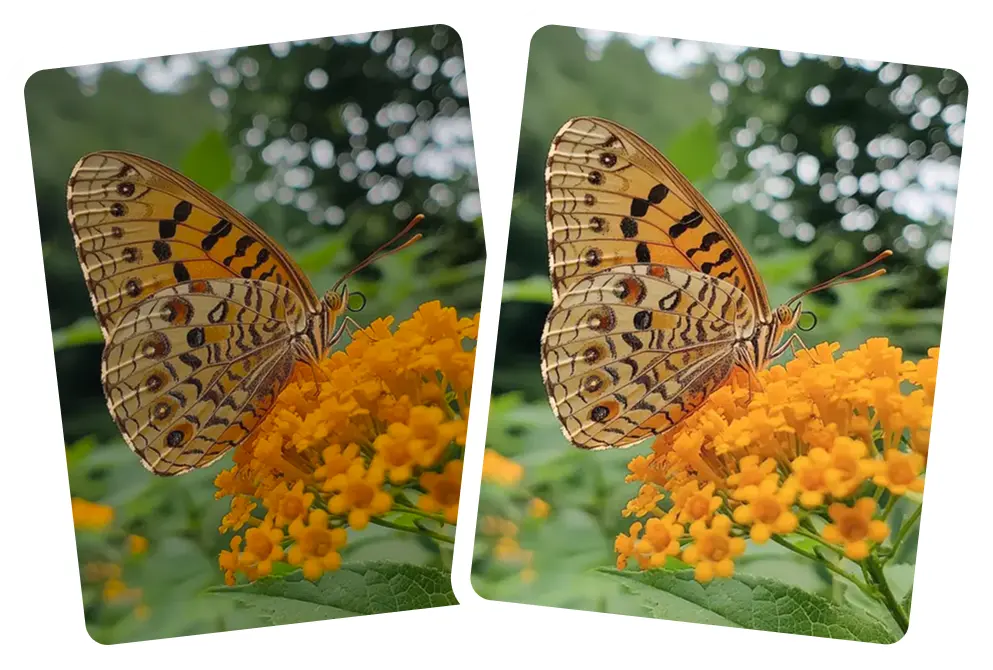
Restores edge definition without halos

Sharpens blurry features while keeping natural look
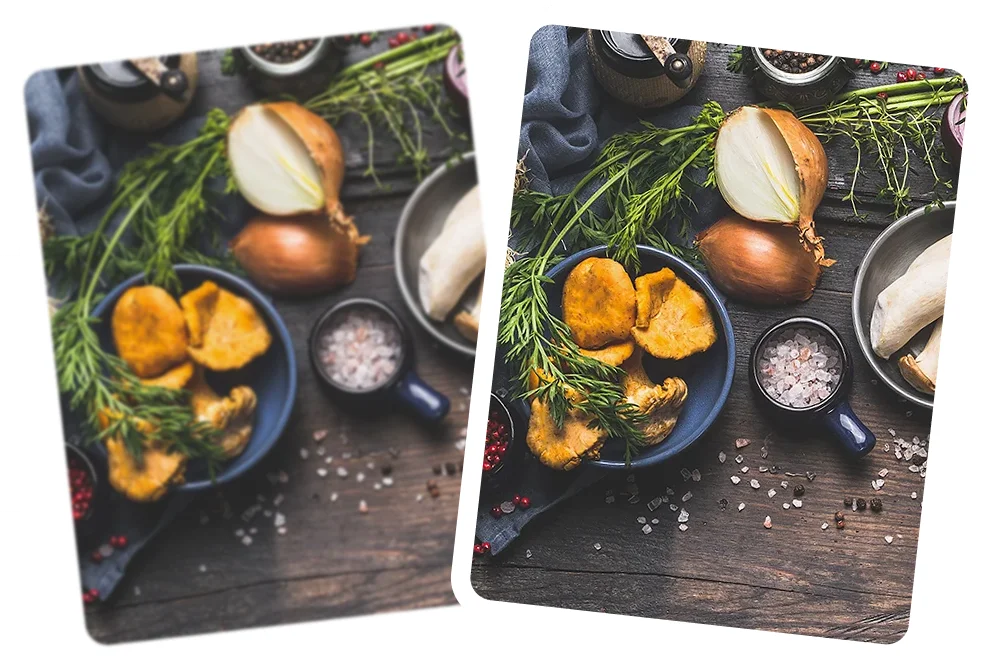
Improves clarity in low light or soft focus photos

Balances sharpness with noise reduction for clean results
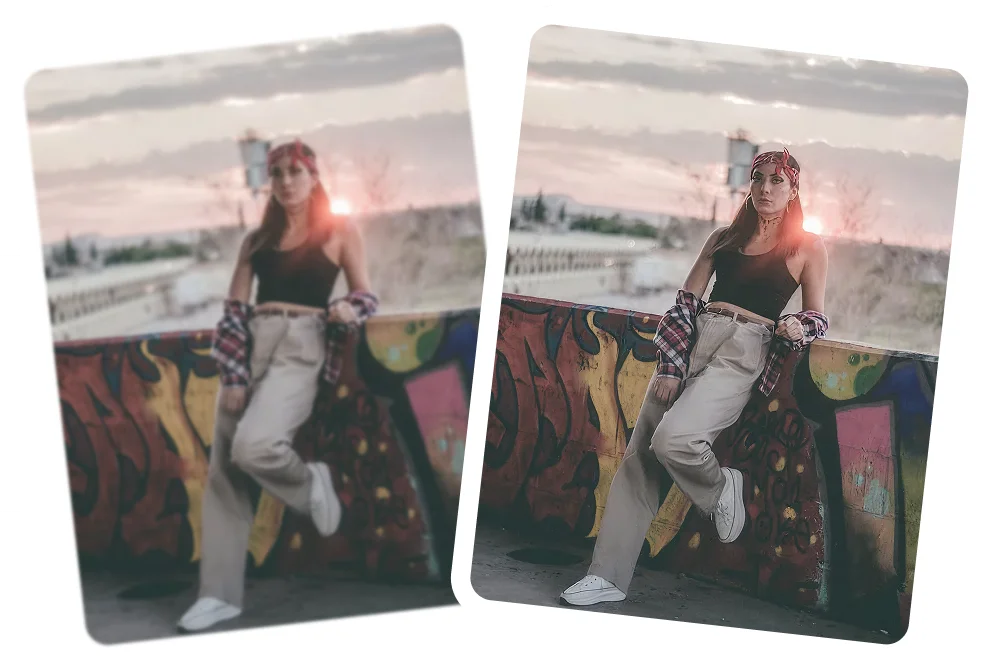
How to sharpen a photo using Citrus
Sharpness is enhanced automatically in one tap, with no sliders, settings, or manual adjustments needed. Citrus keeps the process simple while delivering clean, natural results.
 Before
Upload your photo
Choose any soft, slightly blurry, or low detail image.
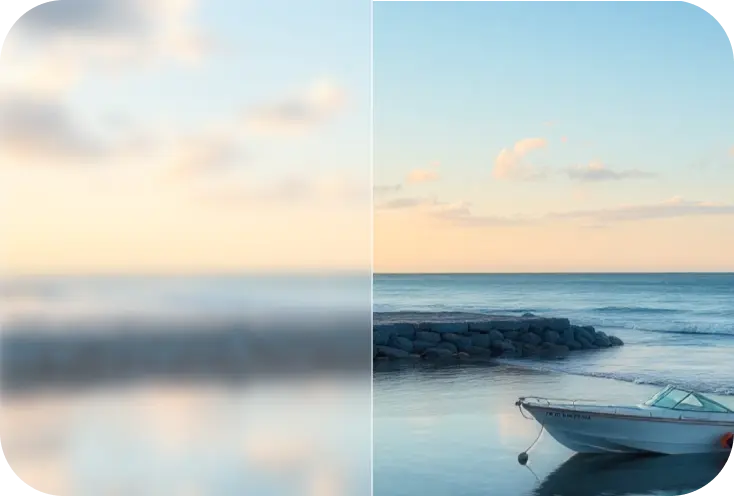
Tap Enhance
Citrus sharpens edges, restores texture, and improves clarity instantly.
 After
AfterDownload your sharpened HD photo
Compare before/after, then save your improved image.
See how Citrus restores sharp, natural detail
Sharper doesn't have to look unnatural. Citrus enhances clarity the way your eyes naturally see it.
Face clarity enhancer
Sharper eyes, lips and overall facial details.
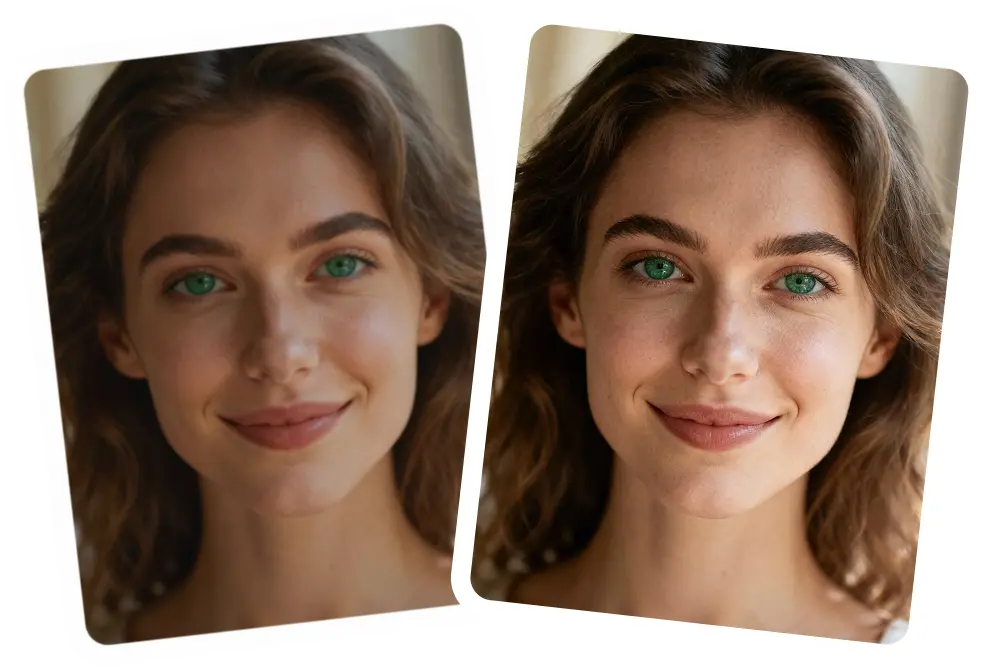
Hair texture sharpening
Restore natural texture without jagged lines.

Object & scenery clarity
Sharper edges and more defined shapes.
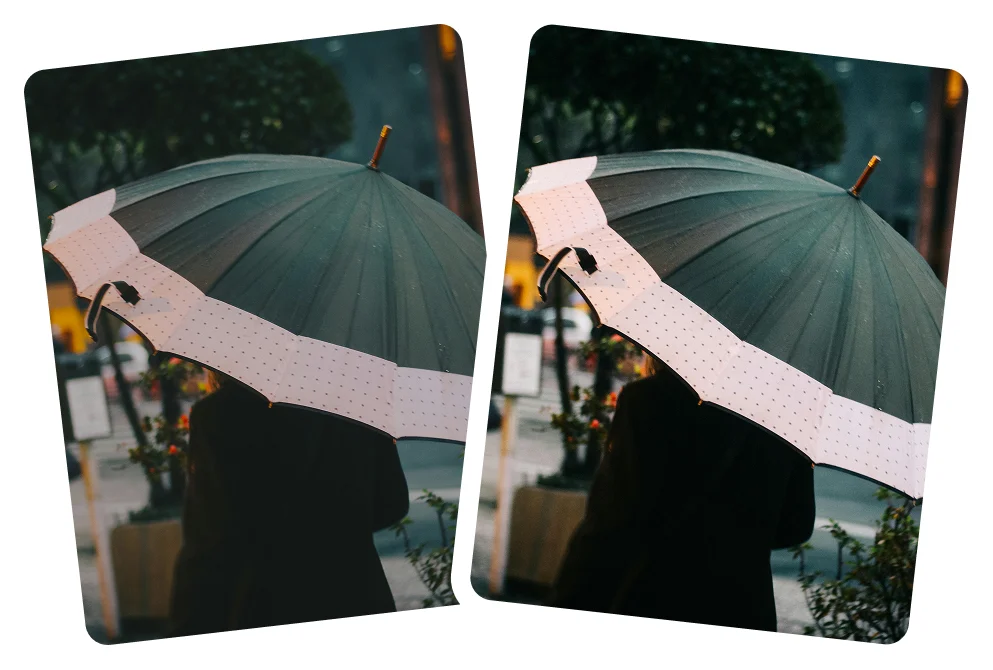
General clarity boost
Improve overall crispness in soft photos.

Why Citrus is the best tool for sharpening photos
Citrus improves photo clarity and sharpness naturally, preventing the over sharpened look common in many tools. Photos stay clean, balanced, and realistic, not harsh or artificial.
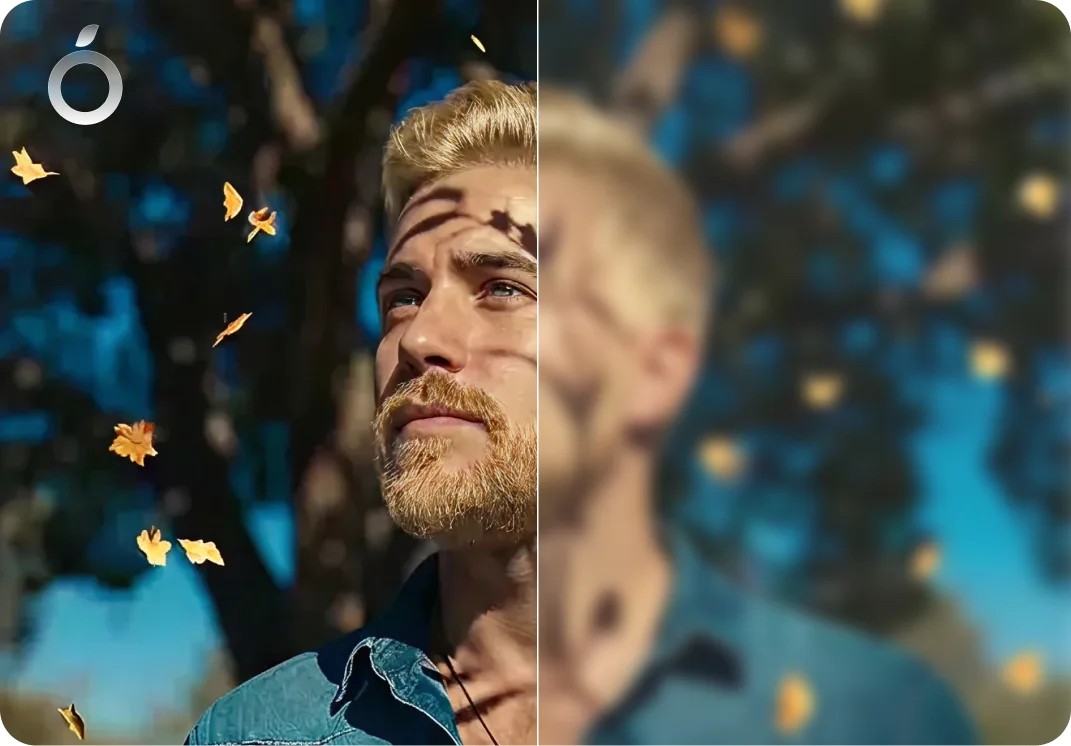
Natural clarity - no harsh artifacts
- No halos around objects
- No fake texture creation
- Maintains skin tone realism
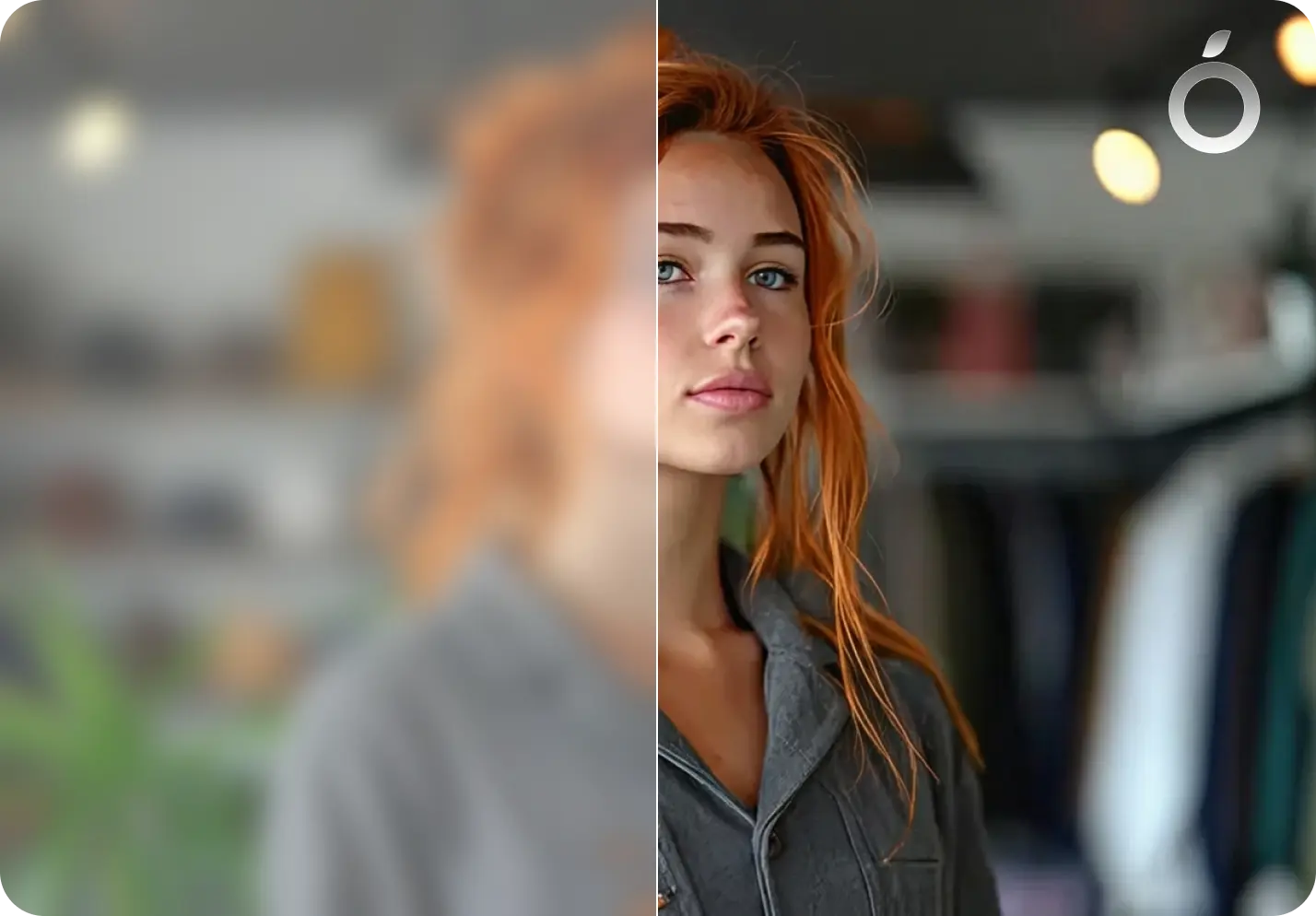
Works on every type of soft image
- Slightly blurry photos
- Low-detail phone shots
- Compressed social media images
- Old or scanned pictures
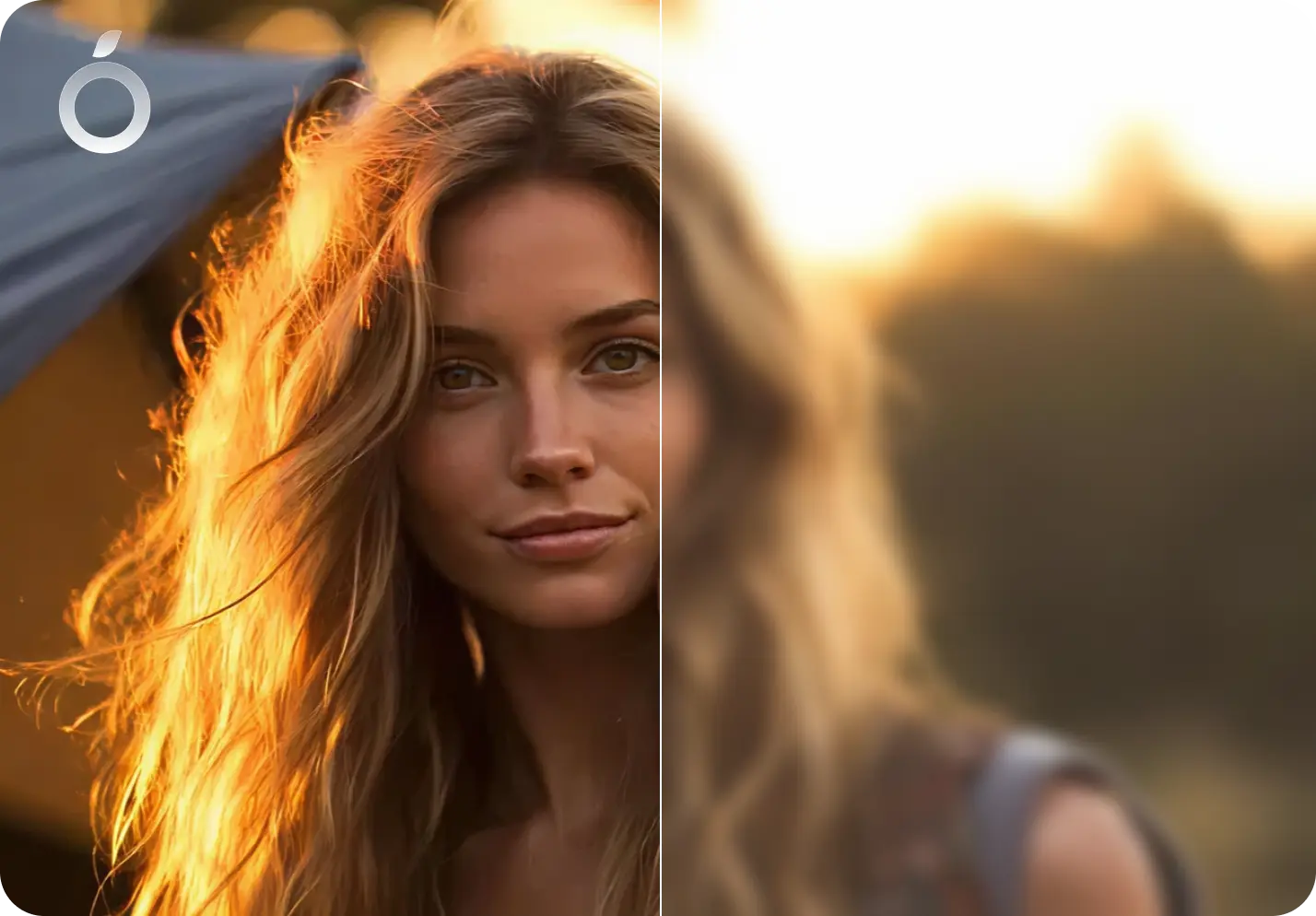
One tap simplicity
- No complicated settings
- No sharpening sliders
- No photo editing skill needed
Sharpness Enhancement — Frequently Asked Questions
Yes. Citrus restores fine detail and improves clarity in soft focus images.
No. Citrus enhances sharpness naturally without halos, noise, or harsh outlines.
Yes. Citrus can improve clarity and sharpness in photos taken on older iPhones (including iPhone, iPhone X, 11, 12, 13, 14, 15, Pro) and Android devices, making them look clearer without unnatural edges.
Yes. Citrus combines sharpness enhancement with noise reduction for balanced results.
No. Citrus balances sharpening with noise reduction, so photos stay clean without extra grain or speckles.
Yes. Citrus detects important regions such as eyes, lips, facial features, and edges, enhancing them intelligently.
Yes. Citrus sharpens the entire image, including objects and backgrounds, while handling faces carefully so results stay natural.
Yes. Citrus enhances fine details and edges in landscape photos, making trees, buildings, and textures look more defined.
Yes. Citrus can sharpen text in photos by improving edge clarity and contrast, making letters easier to read without harsh outlines.
Yes. Citrus can help clarify motion and improve edge definition in action or sports photos when some detail is still present.
Yes. Citrus sharpens photos for social media by improving clarity without harsh edges, helping images look clean and professional.
Yes. Citrus is useful for sharpening images used on websites, landing pages, and online listings so they look crisp on screens without appearing over processed.
Yes. Citrus can sharpen photos for business use such as presentations, resumes, product images, or profile photos, keeping results natural and professional.
Citrus can improve clarity and sharpness before printing or viewing on larger screens. Results depend on the original image quality.
Yes. Citrus is free to use on web, iOS, and Android. An optional Citrus Plus plan offers unlimited use, faster processing, and no ads.

Ready to sharpen your photo?
Citrus brings crisp, natural HD clarity in one tap.