


Reduce Noise and Remove Grain from Photos for Free
Upload any photo to reduce noise and grain in one tap, completely free. Clean results with natural detail.



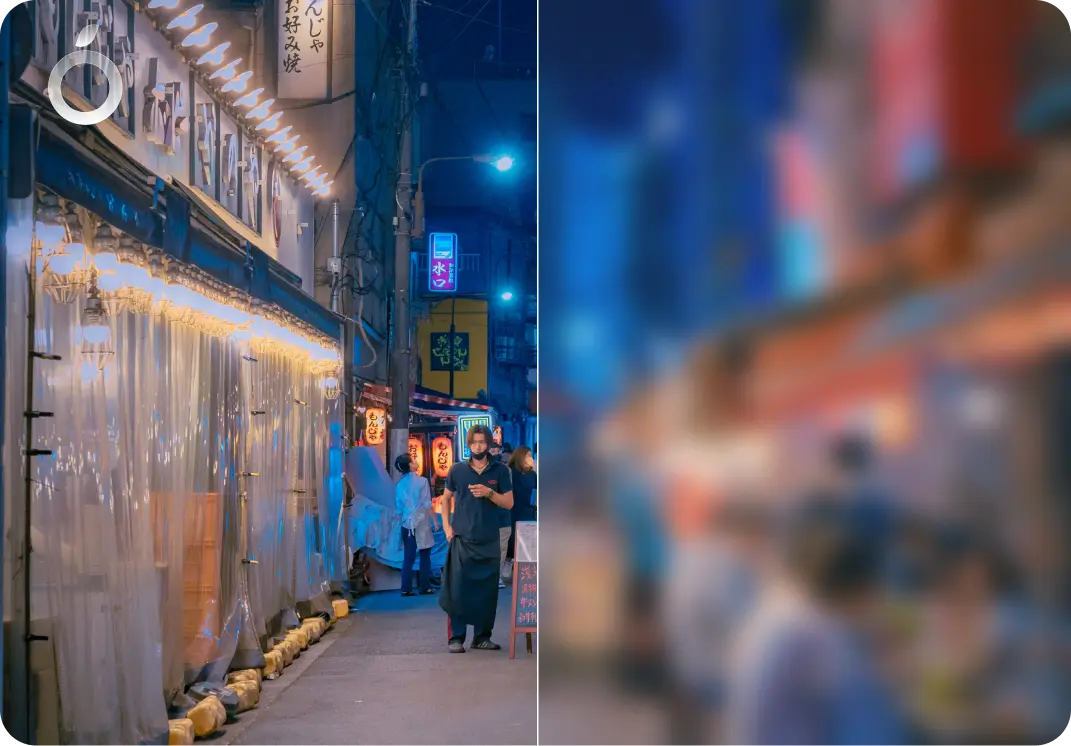
details improved naturally
Why do photos appear grainy or noisy?
Noise and grain often appear in low light, on older cameras, or when photos are heavily compressed. These conditions reduce image quality and make photos look speckled or unclear.

Grain from dark photos
The camera boosts brightness and adds grain
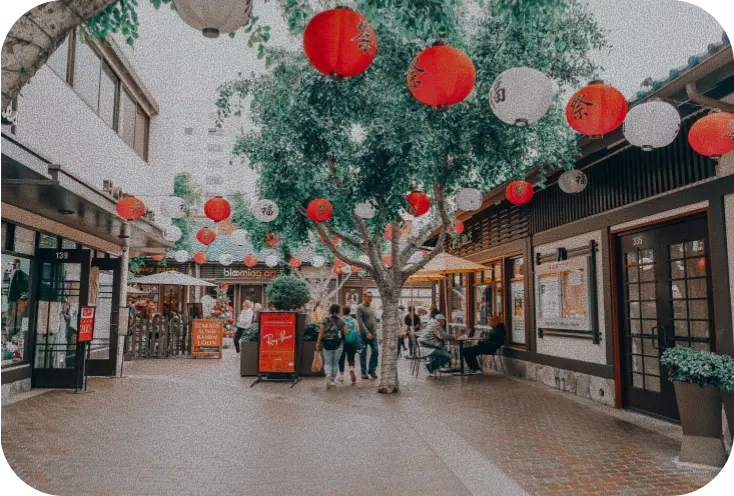
Noise from older cameras
Lower-quality cameras struggle with detail and add noise

Lost detail
Noise reduction smooths the image too much and blurs real texture
How Citrus removes grain while keeping details natural
Many noise reduction tools simply blur photos to hide grain. Citrus works differently. It uses AI to tell real detail apart from noise, so your photos become cleaner and smoother without losing texture or sharpness.
Advanced AI denoising that removes grain without blur
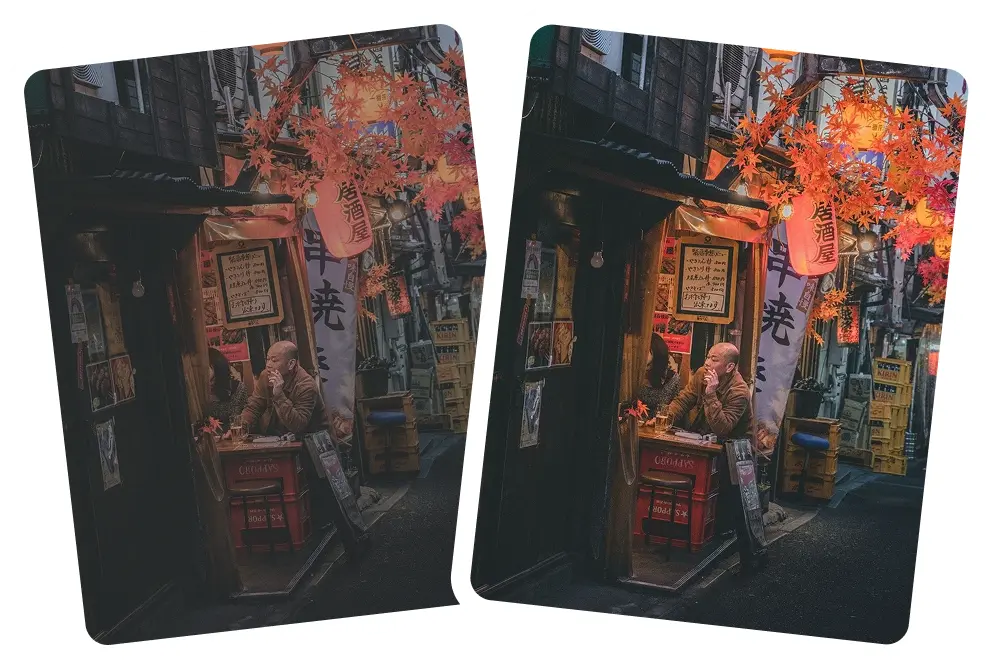
Preserves natural edges and fine textures

Fixes low light noise from night or indoor photos

Makes dark areas look cleaner and smoother

Restores clarity where the camera smeared detail
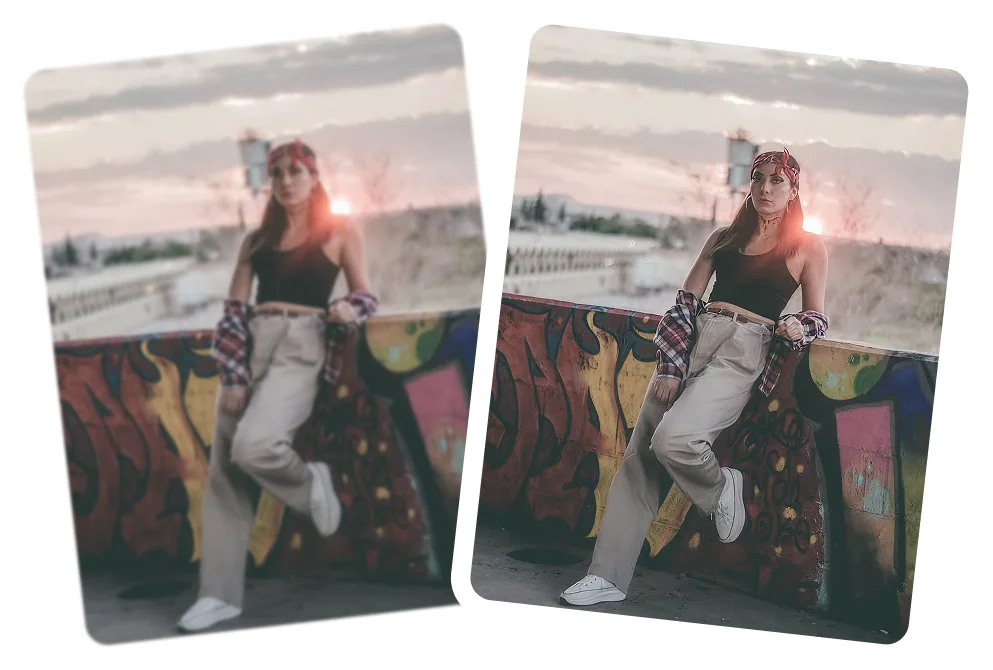
How to remove noise from a photo using Citrus
Cleaning up grainy photos is effortlessly easy. Citrus handles everything automatically.
 Before
Upload your noisy photo
Choose any grainy, speckled, or low-light image.
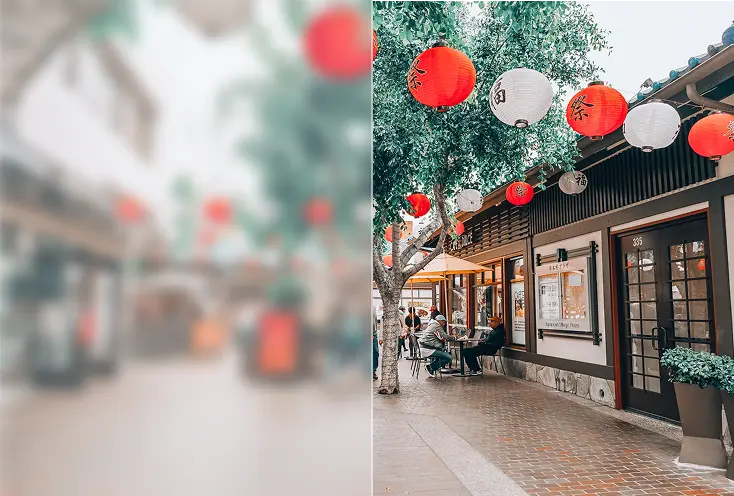
Tap Enhance
Citrus detects noise and restores clarity without oversmoothing.
 After
AfterCompare & download
View the before/after and save your clean, high-quality photo.
See how Citrus removes grain and restores clarity
Citrus creates smoother, cleaner images without wiping out real detail. It reduces noise carefully, so textures, edges, and lighting still look natural, not over-smoothed or fake.
Night photo grain removal
Fix noisy night photos with balanced, realistic lighting.
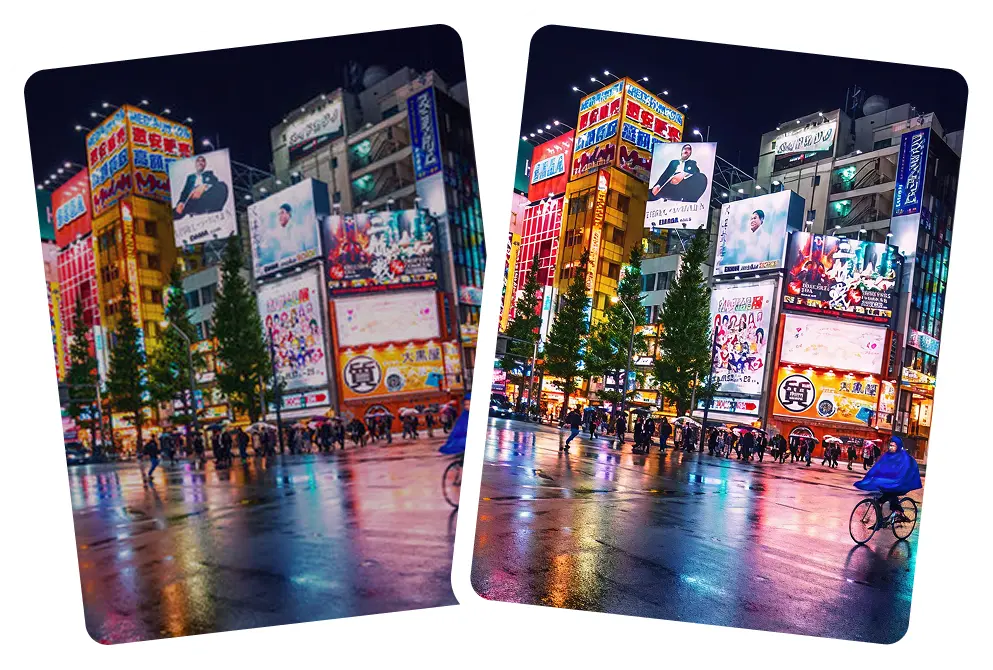
Indoor low light cleanup
Smooth out ISO noise from dim or indoor settings.

Face and skin noise reduction
Cleaner skin texture without plastic look
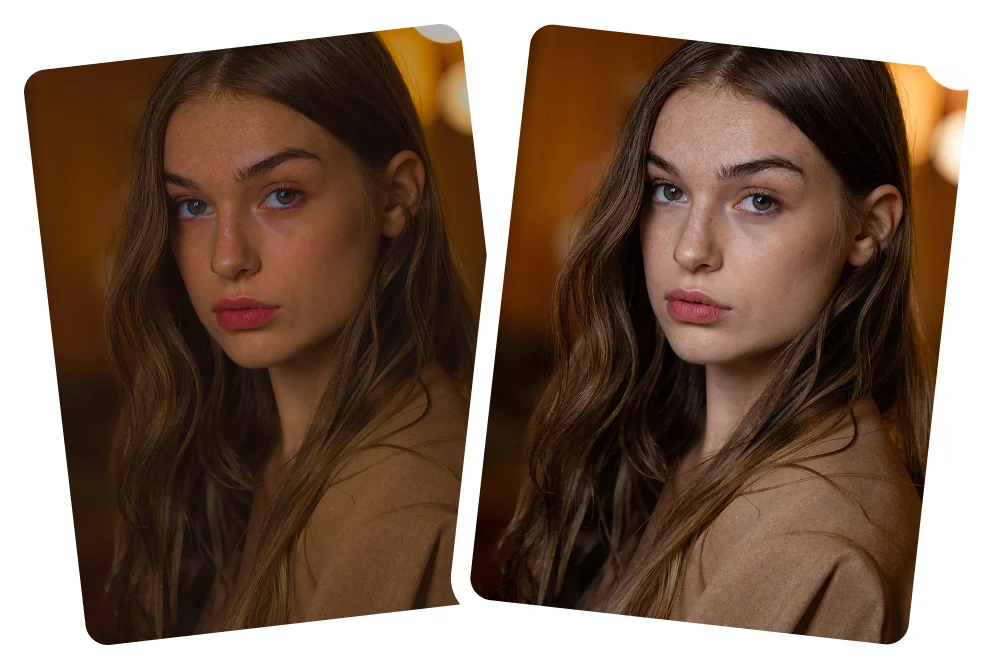
Shadow noise correction
Remove colored speckles in dark areas.

Why Citrus is the best tool to reduce photo noise
Citrus doesn't trade sharpness for smoothness - it balances both.
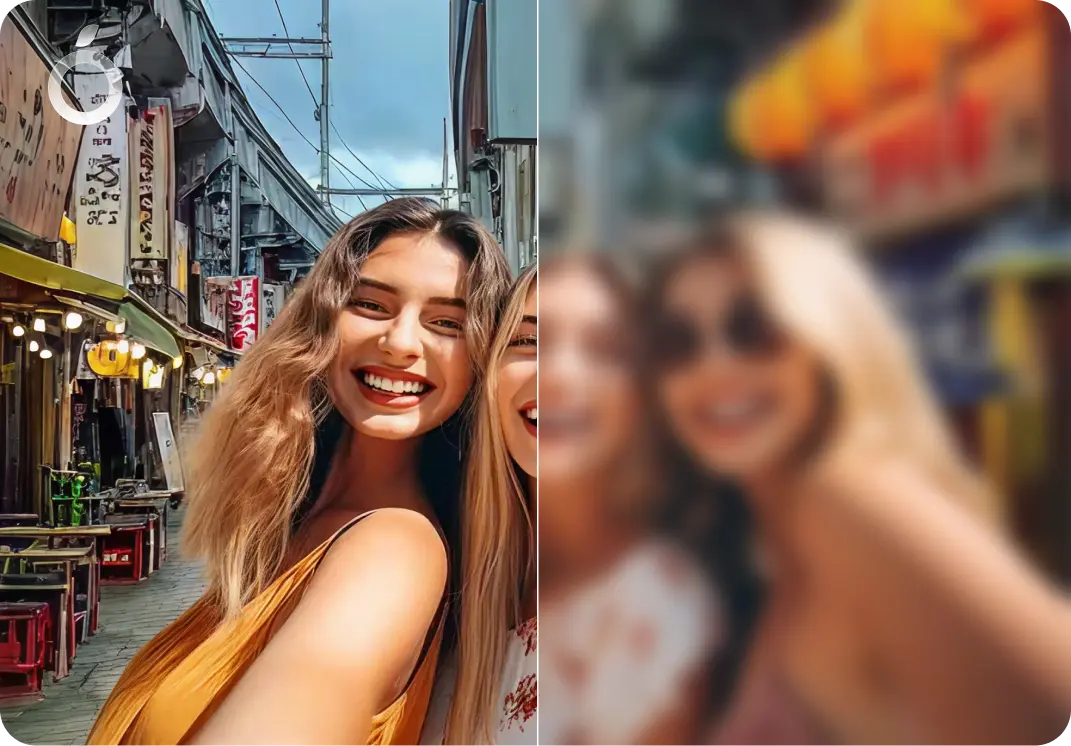
Natural looking clean results
- Clean up photo naturally
- No plastic skin
- No overly smoothed surfaces
- Retains real detail and texture
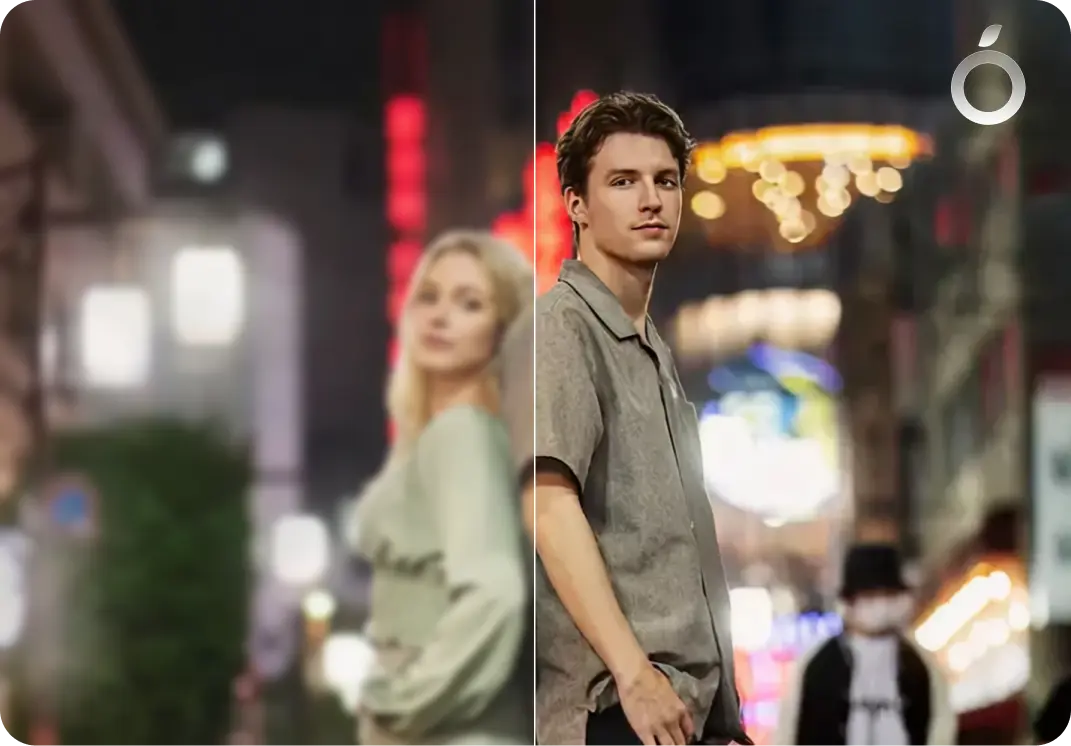
Ideal for low light images
- Nighttime photos
- Indoor shots
- Concerts, events, restaurants
- Dark selfies
Smart AI that protects detail
- Removes grain
- Restores edges
- Smooths shadows
- Eliminates color noise
Noise Reduction - Frequently Asked Questions
Yes. Citrus is designed to clean up strong low-light noise and restore clarity while keeping the image natural.
Yes. Citrus works well on photos from older phones, including iPhone 11, 12, 13, 14, and 15 (including Pro models), as well as many Android devices. It reduces noise and grain while making photos look cleaner and more HD.
Yes. Citrus reduces both grain (luminance noise) and colored speckles (chroma noise) for cleaner, more balanced photos.
Yes. Citrus cleans noise while preserving skin texture and facial details, so portraits stay natural and realistic.
Yes. Citrus is free to use on web, iOS, and Android. An optional Citrus Plus plan offers unlimited use, faster processing, and no ads.
Yes. Citrus works well on nighttime photos by reducing grain caused by low light, while keeping shadows, lighting, and details natural.
Yes. Citrus cleans noise in indoor photos taken without flash, which often look grainy due to low lighting.
Yes. Citrus is designed to reduce noise from high ISO settings, smoothing grain while preserving sharpness and detail.
Yes. Citrus reduces noise across the entire image, including backgrounds and objects, while keeping edges and textures intact.
Yes. Citrus preserves the original colors and tone of your photo while reducing noise, so images don't look washed out or altered.
No. Citrus reduces noise carefully while keeping natural sharpness, avoiding the blurry or plastic look common in other tools.
Yes. Citrus can clean up low-quality phone photos by reducing noise and improving clarity. Results depend on the original image, but photos often look noticeably cleaner.
No. Citrus preserves details like skin texture, hair, fabric, and edges, so photos don't look over-smoothed.
Yes. Citrus is ideal for cleaning up noisy photos before posting on social media, sending to friends, or saving to albums.
Yes. Citrus can reduce noise in compressed or downloaded photos, such as images saved from social media, helping them look cleaner even if some quality was lost.

Ready to clean up your photo?
Reduce noise and restore HD clarity in one tap.