


April 20, 2026
Best Alternative to Overprocessed Beauty Editors
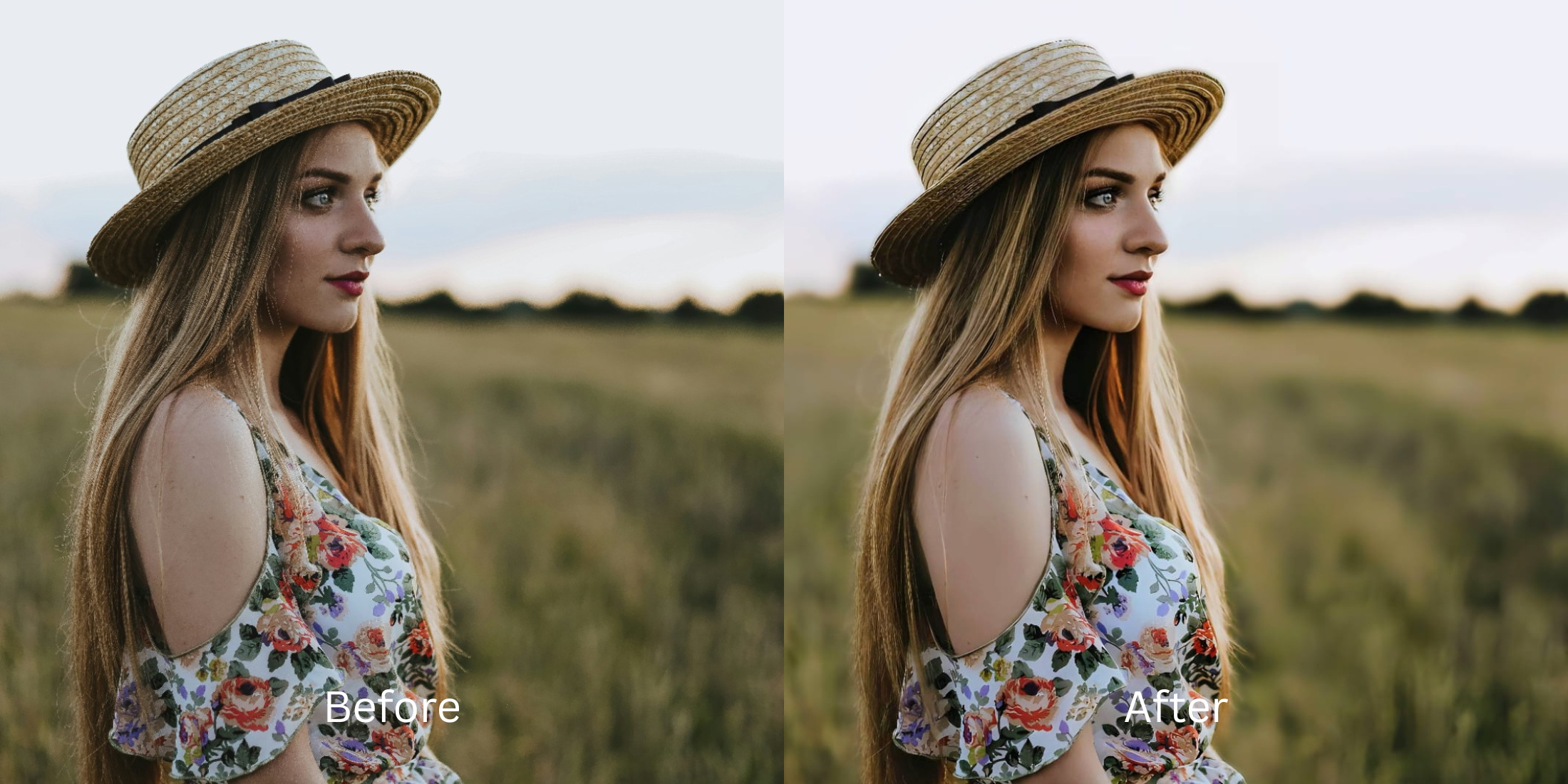

Best Alternative to Overprocessed Beauty Editors
A lot of beauty editors promise a better face and then quietly take your real one away. Skin gets polished into plastic, eyes get brighter in a way that does not belong to the light, and the whole selfie ends up looking less tired, maybe, but also less true. That is why people keep searching for the best alternative to overprocessed beauty editors, natural face editing apps, selfie enhancers that still look real, and photo enhancers that fix camera problems without the fake filter finish.
Usually the issue is not that a photo needs no help. The issue is that the help comes in the wrong order. Instead of correcting what the front camera flattened, softened, or exaggerated, heavy beauty editors start decorating the face. The better alternative is the one that restores balance first and only polishes if the photo genuinely needs it. That is the same reason a natural-looking photo enhancer tends to age better than a dramatic beauty filter.
The best alternative to overprocessed beauty editors is a tool that fixes what the camera got wrong without replacing your real facial structure, skin texture, or expression. If a photo looks dull, flat, soft, or slightly unfair, the answer is usually better correction, not heavier beautifying. Citrus works well here because it lets you approach the problem by type. Overall photo problems go through Enhance. Overall impression shifts go through Looks. Specific facial issues go through Face. That keeps the result much closer to real life.
Why overprocessed beauty editors stop looking believable
They usually do too much too early. Instead of asking whether the selfie is mostly suffering from dead lighting, weak detail, eye-area heaviness, or poor subject separation, they begin by smoothing, whitening, enlarging, lifting, and reshaping. A face can look more “done” in seconds, but it also starts losing the small transitions that make it feel human. Texture gets ironed out. Features stop relating to each other naturally. Expression gets disconnected from skin.
That is why overprocessed edits often feel wrong before you can even explain why. The photo may be cleaner, brighter, and more symmetrical, but the person in it stops matching the moment. A lot of people run into this when comparing strong beauty apps with softer correction tools, especially once they have already tried something like a realism-first enhancer comparison and realize that “better” and “more edited” are not the same thing.
- They smooth before fixing the real lighting problem
- They brighten skin until the face loses depth
- They reshape features that only looked different because of camera angle
- They give you a more edited face instead of a fairer photo
- It restores light and balance before adding polish
- It keeps natural texture and facial relationships intact
- It targets the actual problem instead of beautifying everything
- It leaves you looking more like yourself under better conditions
That difference matters most in selfies, because selfies are intimate. You are looking at your own face from close range. Any artificial move becomes obvious fast. That is why people who are tired of the fake filter feel often end up wanting something closer to an AI face enhancer that still looks real than a traditional beauty editor.
Pick the selfie that looked almost right. That is usually the one that shows whether the editor respects your real face.
What the best alternative should actually fix
A good alternative to overprocessed beauty editors should solve camera problems first. That means flat indoor lighting, mild blur, weak skin tone separation, harsh under-eye shadow, and that slightly lifeless feeling a front camera can create even when your face looked completely fine in the mirror. Those are not fantasy problems. They are ordinary capture problems. They should be corrected like photo problems, not treated like flaws on your face.
That distinction is huge. A lot of selfies that people try to “beautify” are really just dull. Some are soft. Some have swallowed cheek definition because the light came from the wrong direction. Some make the under-eye area look heavier than it really was. When you solve those correctly, the photo starts feeling kinder without needing much else. That same logic shows up again when trying to clear a blurry photo without fake results.
The best tool is the one that knows whether your issue is overall, impression-based, or face-specific. That is where most overprocessed editors fall apart. They only have one instinct, which is more beauty, more finish, more intervention.
How to use Citrus instead of an overprocessed beauty editor
Start by deciding whether the problem is the whole photo or one facial area
If the selfie looks flat, muddy, low-energy, or generally weak, treat it as an overall image problem first. If the photo is mostly fine but one area, like the under-eyes or facial structure, is making the whole thing feel off, treat it as a face-specific issue. This one choice prevents a lot of unnecessary editing and usually gets you closer to the kind of result people want when they look for a better-looking selfie enhancer.
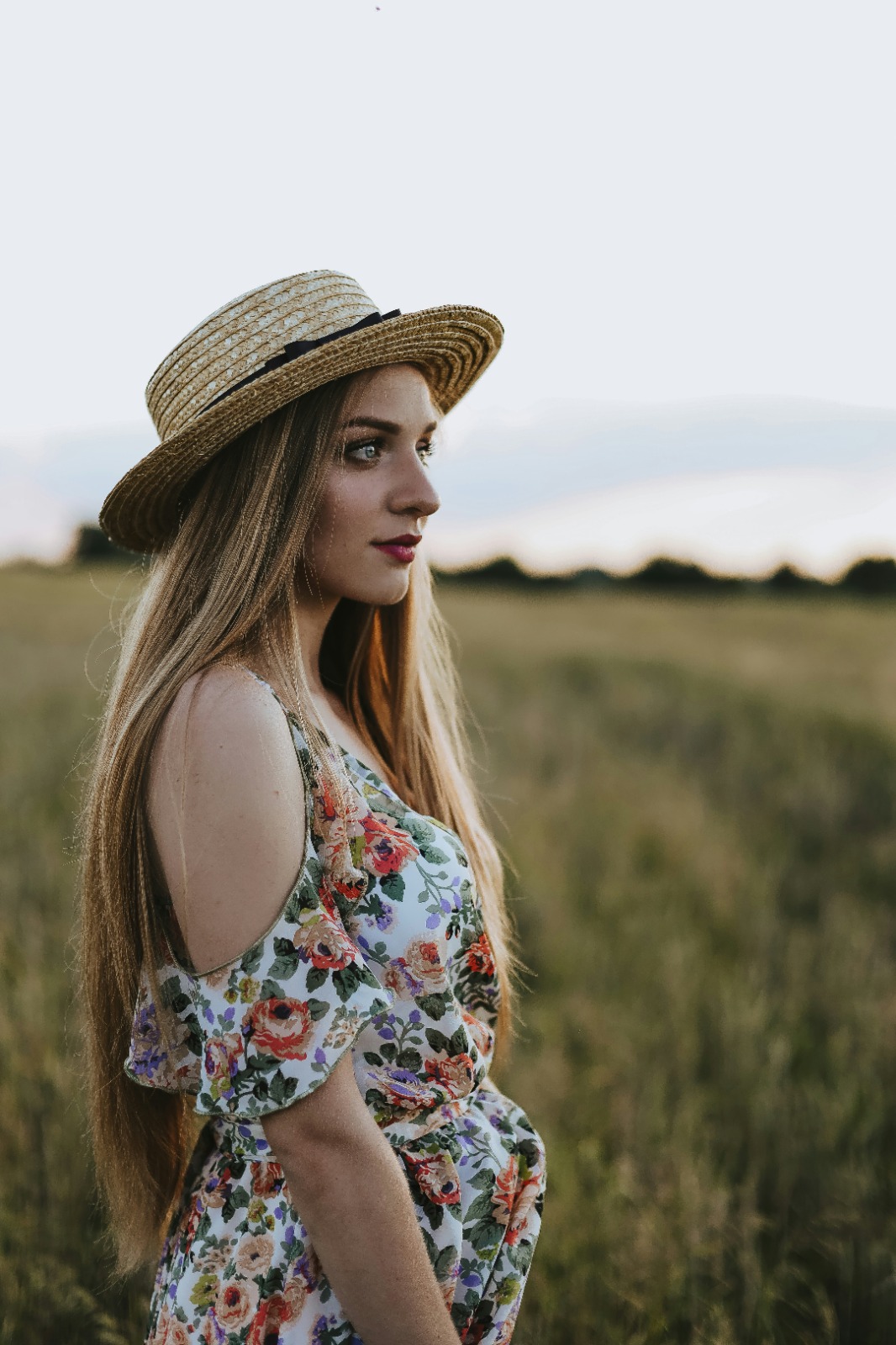
Use Enhance when the whole image feels off
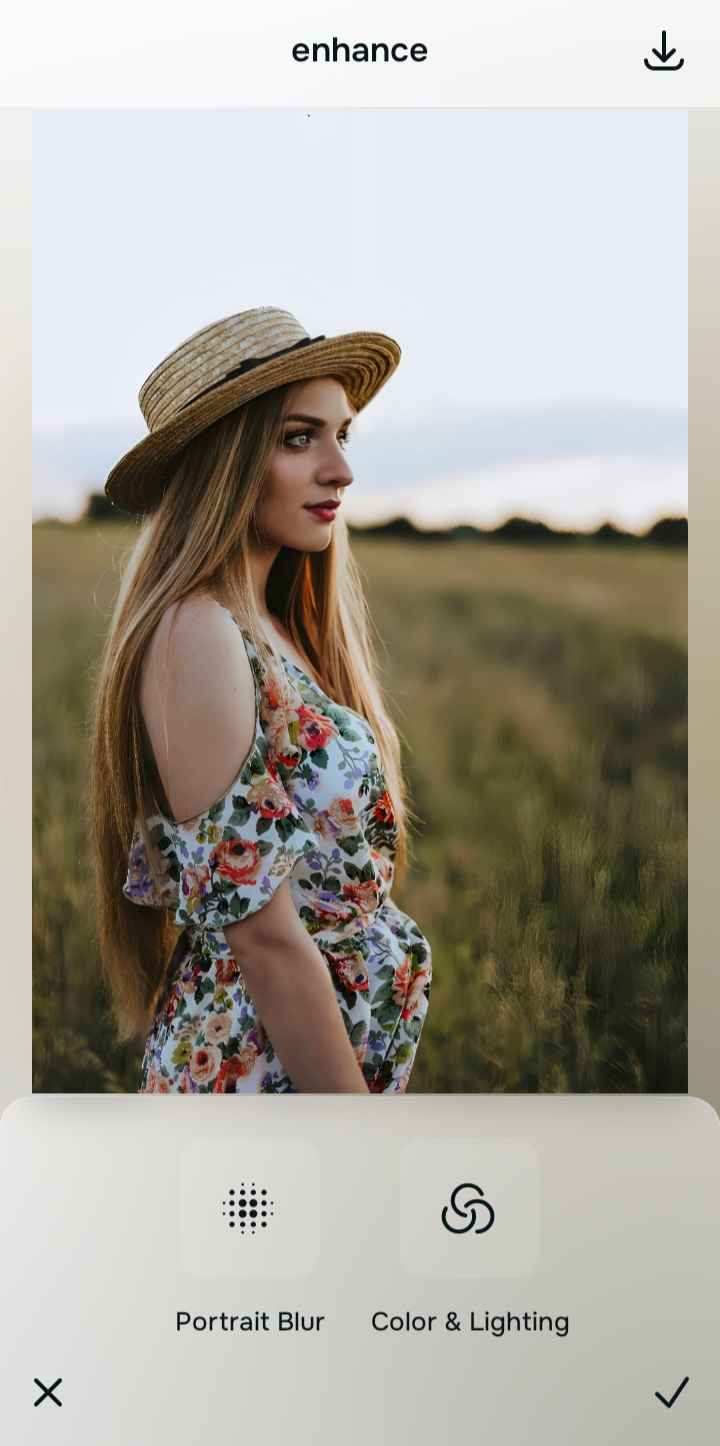
Go to Enhance when the issue is overall. Start with Colors & Lighting if the photo looks dull, gray, weak, or unfairly lifeless. Use Portrait Blur when it is a portrait and the frame needs more subject separation or a cleaner professional feel. This is the right path for overall blurriness, grain, and flatness because those are image-level issues, not beauty problems.
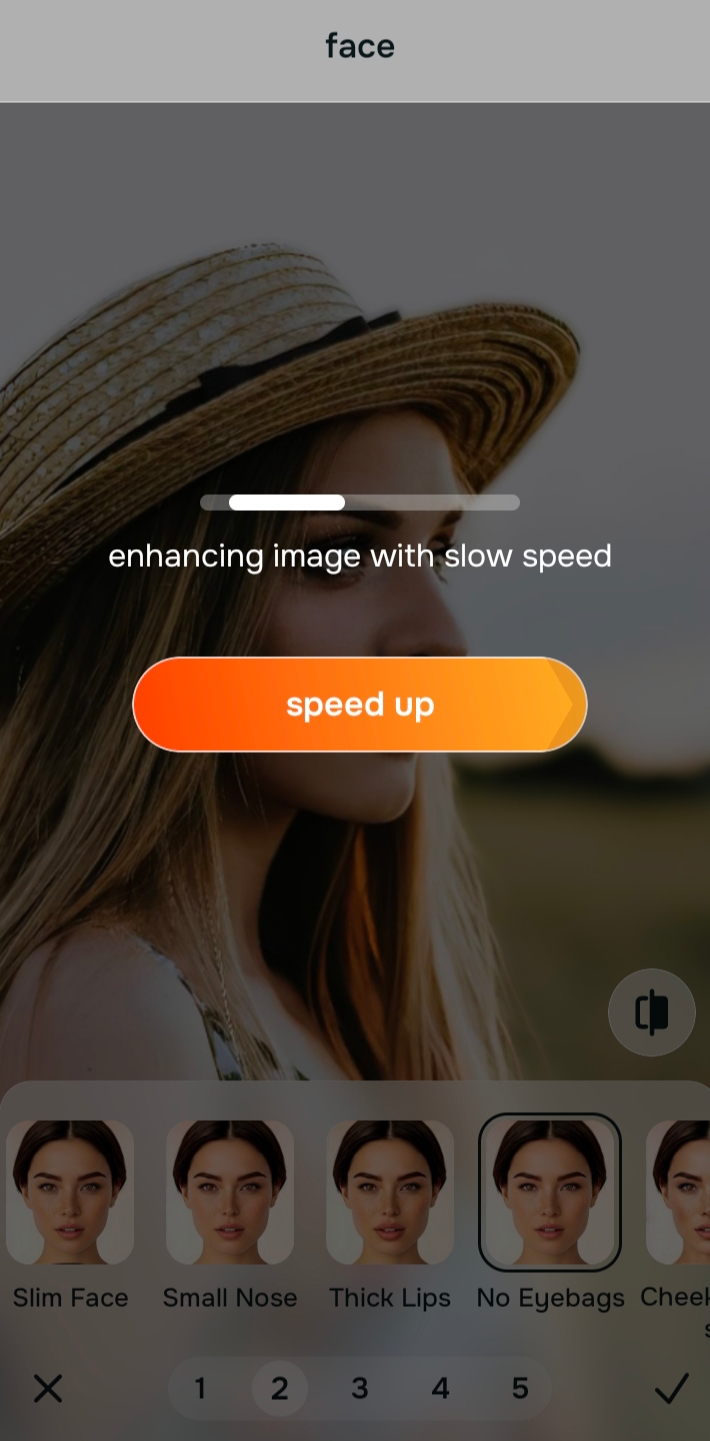
Use Face when one specific feature is doing the damage
If the problem is clearly local, go into Face. For tired-looking selfies, No Eyebags is often the most important move. For structure-related issues, that same area gives you targeted help without forcing a full-face beauty finish. This is the smarter path when the photo does not need an entirely new look and only needs one pressure point relieved, similar to the logic behind fixing a face without overediting.

Citrus is available on web, Google Play, and the App Store. Overall problem means Enhance. Overall impression means Looks. Specific face issue means Face.
Use Looks only after the photo already feels fair
Looks is for the overall impression once the camera damage is already corrected. It can be useful when you want the result to feel softer, fresher, or a little more finished. But it should not be where you begin if the real issue is weak lighting, blur, or flattened facial structure. That is how an editor becomes overprocessed in the first place. A better order gives you the kind of refinement people are really after when they want better selfies without a long editing workflow.
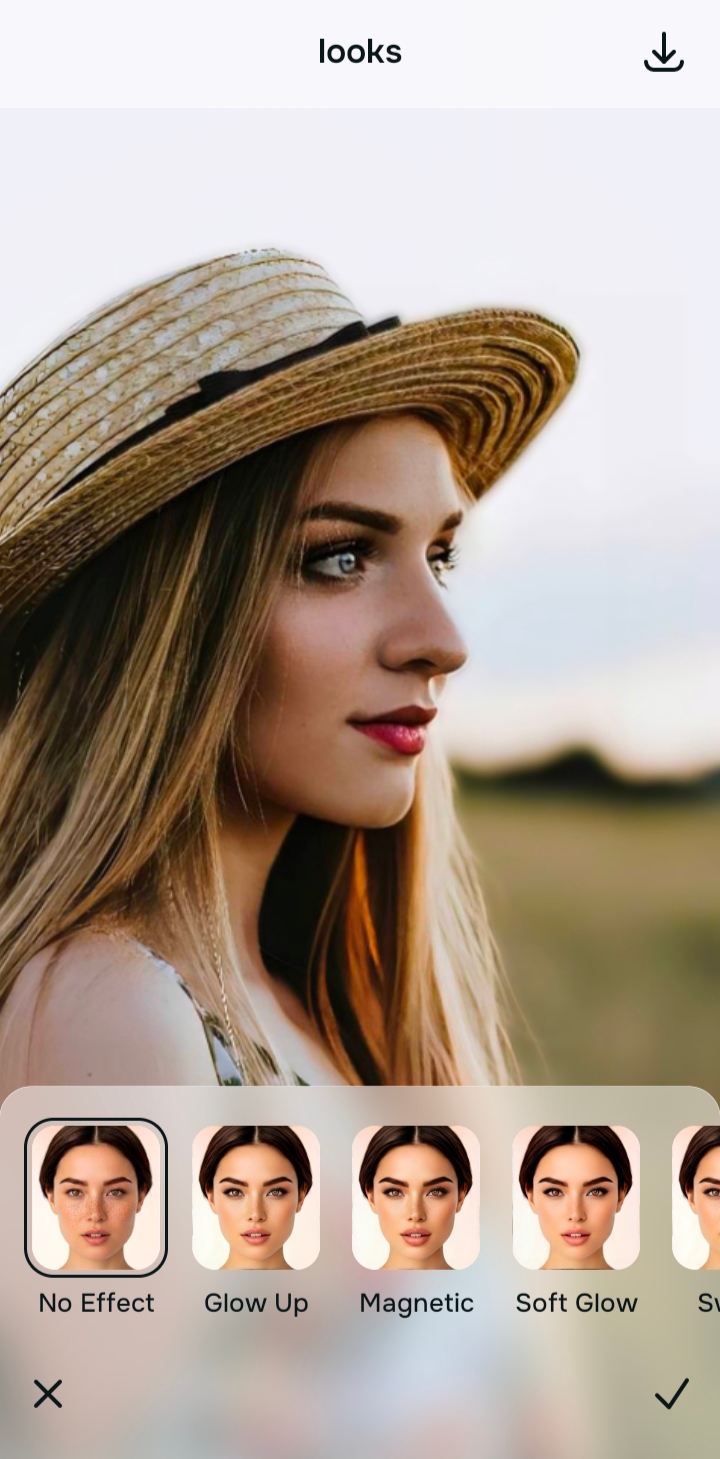
Stop as soon as the photo looks fair again
The best alternative to an overprocessed beauty editor is not just a different app. It is a different stopping point. Once the photo looks more like you in better light, save it. If you keep pushing beyond fairness, even a good editor can become too much.
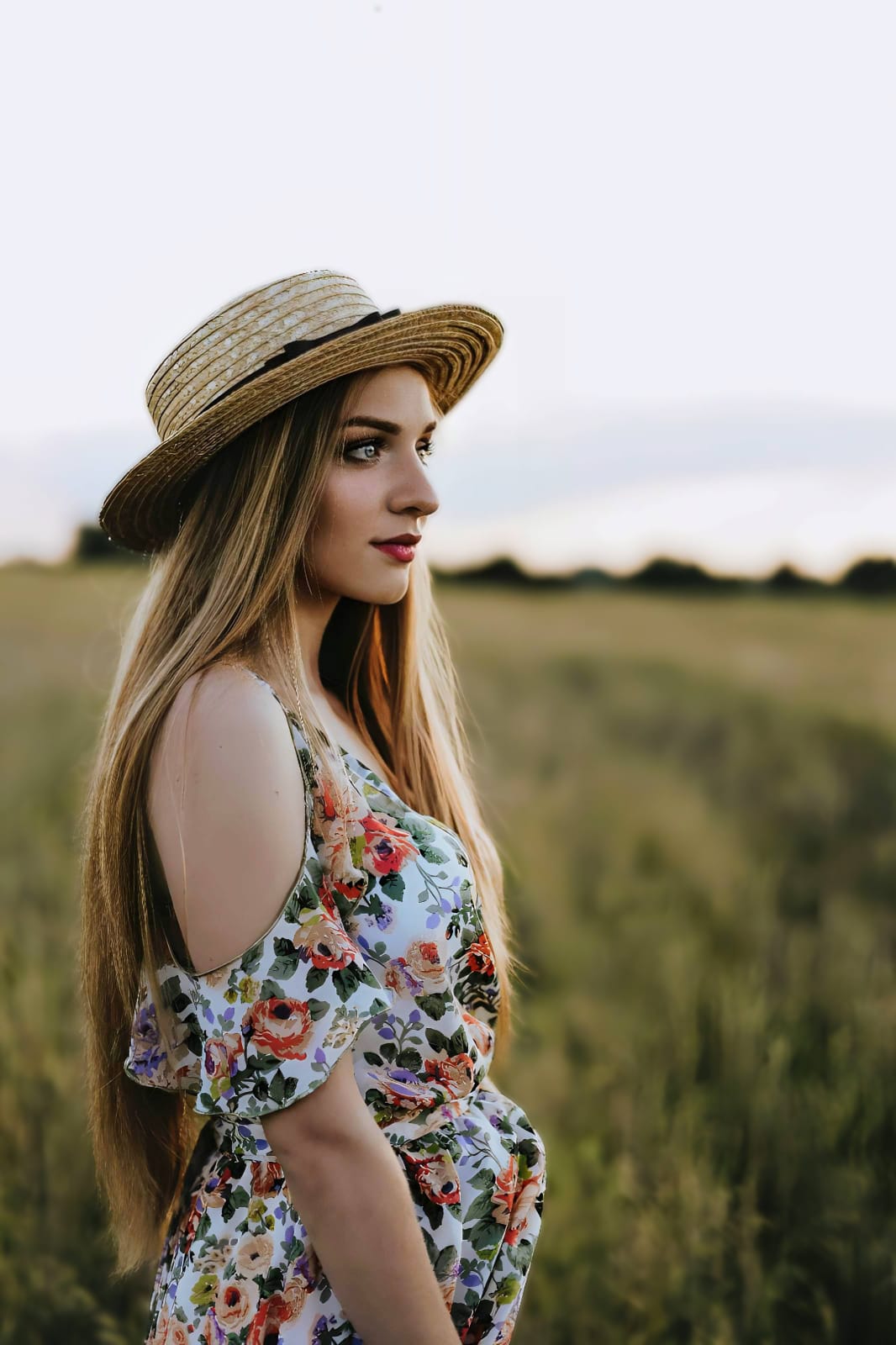
Which Citrus path should replace your beauty editor habit?
Pick the option that sounds most like the problem in your photo.
Which path replaces overediting most effectively
Not every bad selfie needs the same kind of rescue. Some need restoration. Some need softening in one specific area. Some just need a better overall impression after the photo has already been corrected. The strongest natural result comes from matching the tool to the actual damage. That is also why people who hate fake filter results often do better with targeted edits than broad “beauty” workflows, especially if they have already seen how camera conditions can distort a face in photos versus the mirror.
| Path | What it helps fix | When to use it |
|---|---|---|
| EnhanceOverall fix | Flat light, weak file quality, dull color, grain, overall softness, portrait separation | Use this when the problem belongs to the photo as a whole. Start with Colors & Lighting. Use Portrait Blur when the portrait needs cleaner separation. |
| Looks | Overall impression, finish, controlled polish | Use this after correction when the face already feels fair and you only want a cleaner final presentation. |
| Face | Specific facial concerns like under-eyes, contour loss, or localized imbalance | Use this when one area is dragging the whole image down. It is the better alternative to full-face overediting. |
“A natural edit does not need to look untouched. It needs to look like the camera stopped being unfair.”
What makes a result feel natural instead of fake
Natural does not mean doing nothing. It means the face still behaves like a real face. Shadows still taper off normally. Skin still has transitions. The eyes still belong to the lighting. The cheek area still looks like bone and light working together, not like a filter painted over the structure. That is where fake edits break. They do not just improve the picture. They interrupt the logic of the face.
Realism comes from restraint plus sequence. Fix the file. Fix the specific problem. Add polish only if the image still needs it. That is why a lighter approach often ends up looking more expensive, more modern, and more trustworthy than heavy beauty editing. It also explains why people chasing a believable finish often end up preferring targeted corrections such as glass skin without oversmoothing rather than a blanket beauty effect.
When an edit feels fake, the software has usually started competing with the original face. The better alternative is the one that quietly helps the face win again.