


April 12, 2026
AI Face Enhancer That Still Looks Real
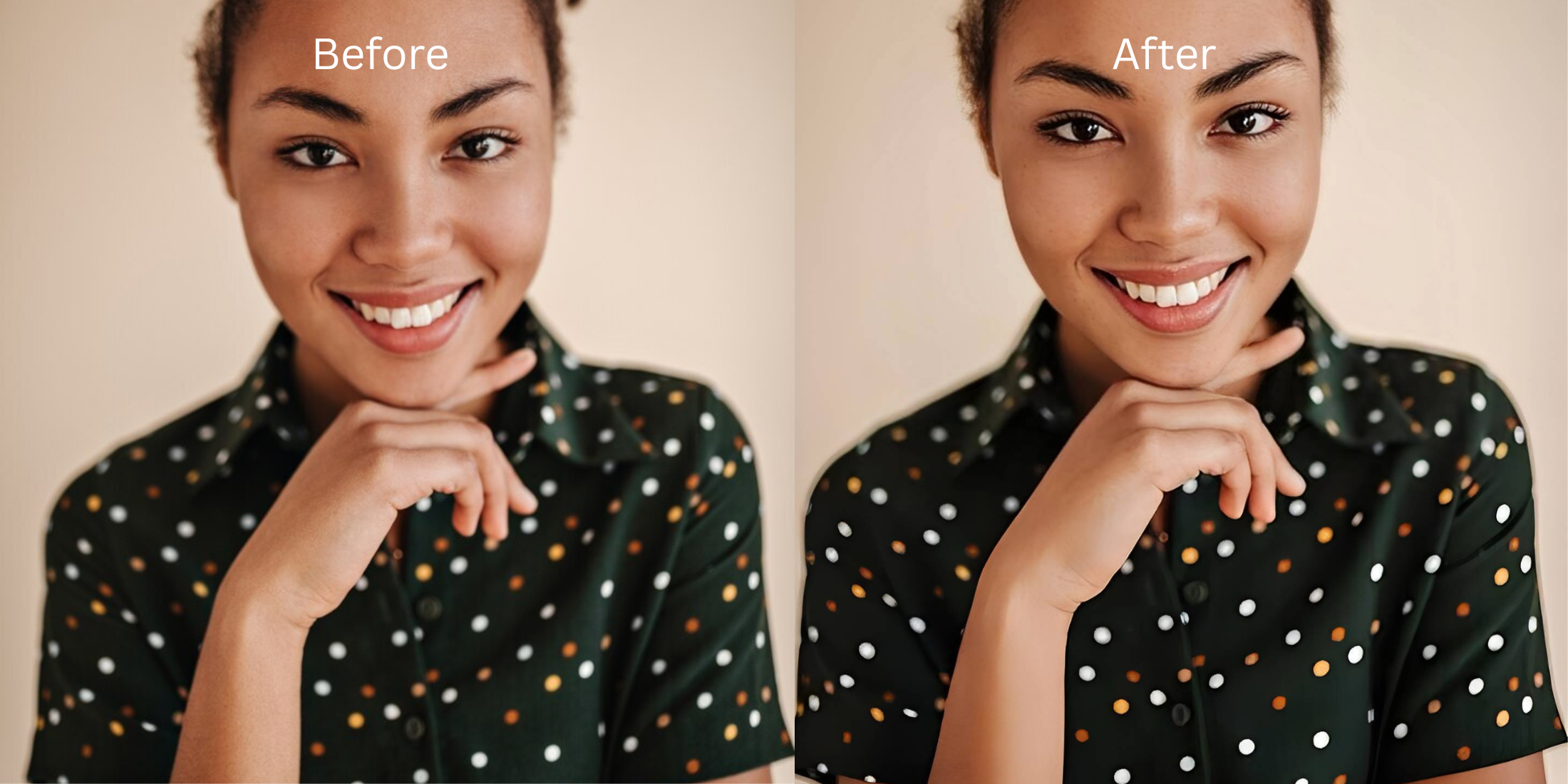

AI Face Enhancer That Still Looks Real
Most face enhancers make the same mistake. They assume the goal is to make a face look different. That is why so many edited photos end up with plastic skin, strange proportions, fake smoothness, and a slightly uncanny finish. What people actually want is much simpler. They want a face enhancer that cleans up what the camera got wrong, softens what felt unflattering, and still leaves the photo looking like a real person in real light.
The best face enhancer is the one that knows when to stop. If the face looks tired, fix the tiredness. If the photo looks flat, fix the light first. If one feature is reading harsher than it should, correct that one thing and move on. That is why Citrus - 1 tap photo enhancer works so well here. It gives you targeted face options without dragging the whole image into the fake, overworked look that so many other tools create.
That is the real frustration behind this search.
People are not looking for a fantasy filter. They are looking for a photo that stops making them look more tired, older, wider, flatter, puffier, harsher, or less balanced than they did in real life.
The right face enhancer should solve that pain without replacing it with a new one.
Why most face enhancers overdo it
The problem with a lot of face editing tools is not that they do too little. It is that they do too much, too fast, and too broadly. Instead of fixing a specific issue, they start smoothing everything, reshaping everything, whitening everything, and polishing everything until the face stops feeling human.
- Over-smoothing skin until texture disappears and the face loses life
- Changing multiple features at once with no clear reason
- Using “beauty” effects when the real problem was bad light or a weak selfie frame
- Pushing the face toward a generic filtered look instead of the person’s real look
- Fixing lighting and balance before touching facial details
- Correcting one visible issue at a time, such as under-eyes or slight facial heaviness
- Keeping skin, shape, and expression recognizable
- Stopping as soon as the face looks more like real life, not more edited
That difference is everything. One approach tries to manufacture beauty. The other tries to remove camera unfairness. The second one is what usually holds up when people want a face enhancer that still looks real.
Use the photo where your face looked almost right, but not quite fair. That is where good editing becomes obvious.
How to enhance a face without making it look overedited
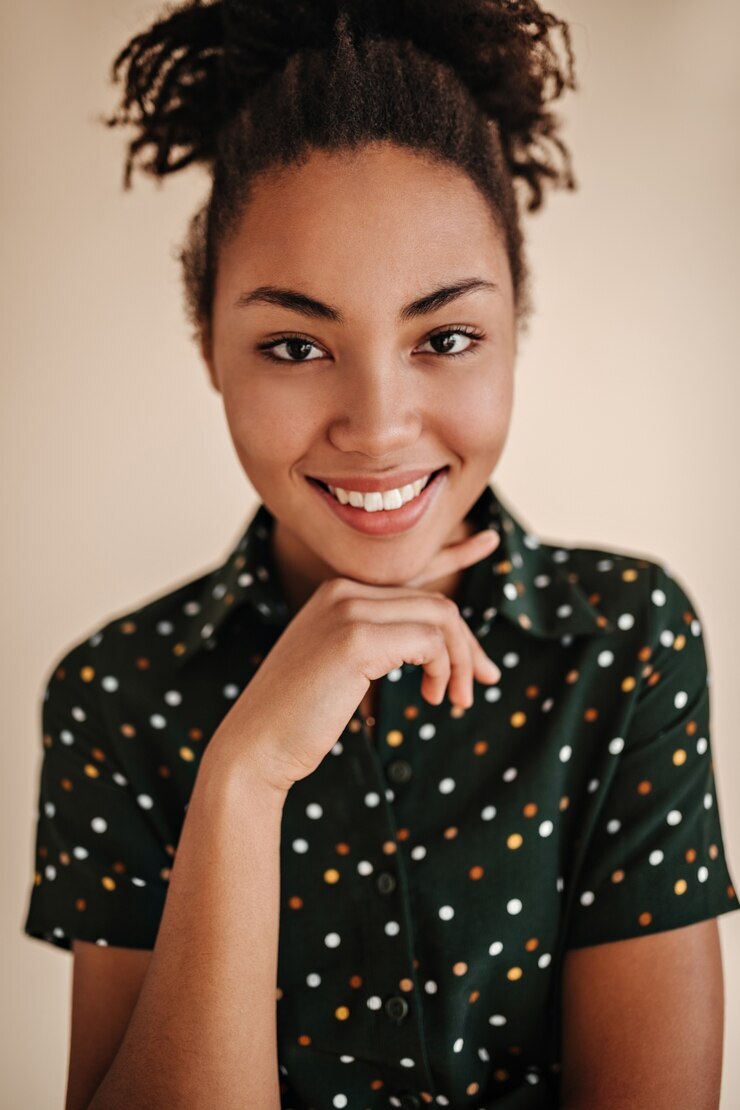
Open Citrus - 1 tap photo enhancer and choose the photo where your face looked slightly off
Pick the photo that felt disappointing for a very specific reason. Maybe your under-eyes looked heavier than they were. Maybe your face looked wider, flatter, or a little drained. Maybe the whole photo made your features look less alive than they did in person.
That kind of image is exactly where a measured face enhancer helps most. You are not starting with a bad face. You are starting with a photo that captured your face less kindly than real life did.
The best photo to test is often the one that made you think, “I looked better than this.”
Check the first preview before touching any face tool
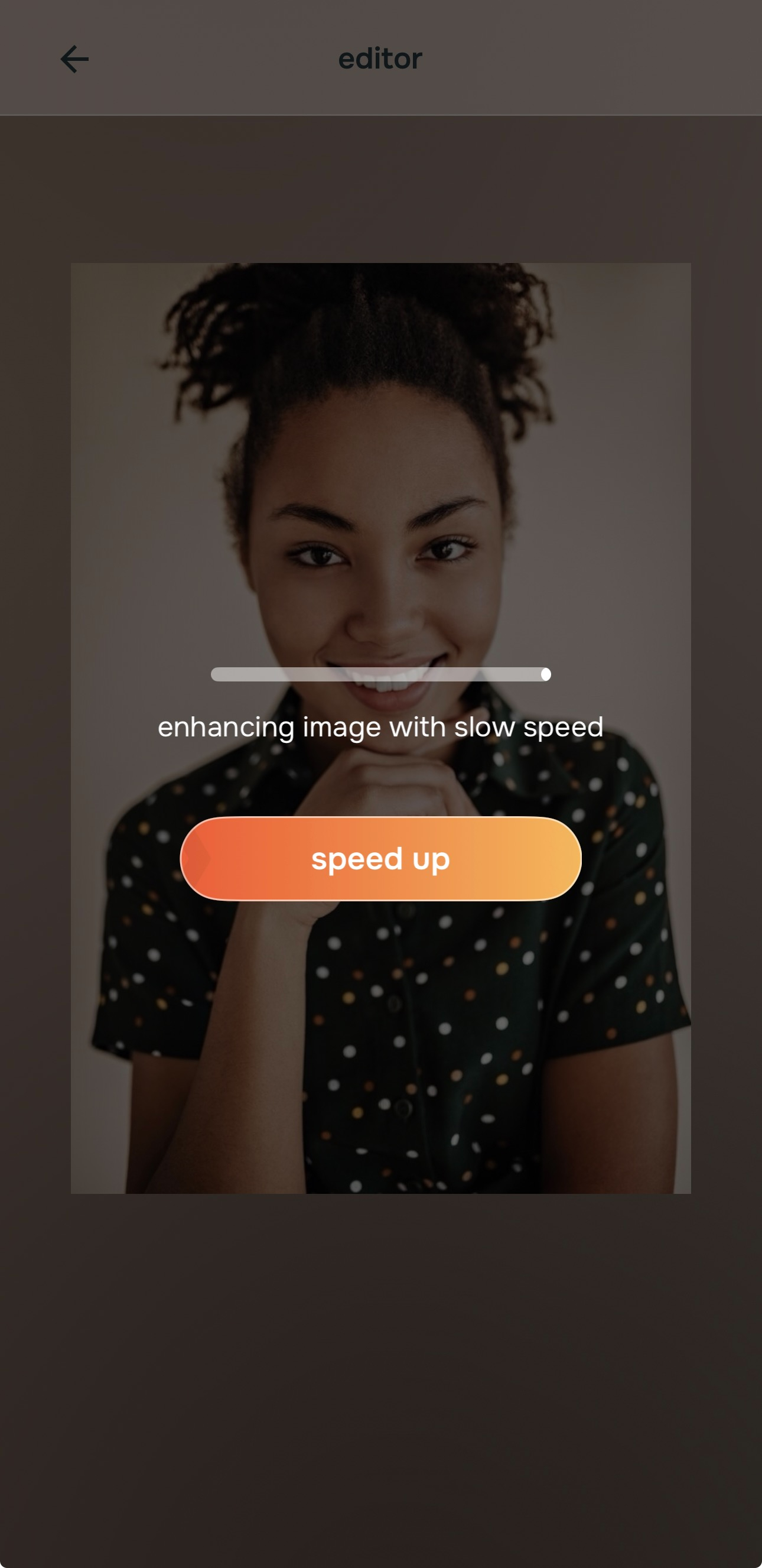
Let the preview load first. This matters because a lot of face complaints are really photo complaints. Weak lighting, low contrast, bad color balance, and front-camera flatness can make the face look more tired or more awkward than it actually was.
The first preview helps you separate those problems. You can see whether the face still needs correction after the image itself becomes stronger. That one pause prevents a lot of unnecessary editing.
A believable face edit often starts with realizing the face was not the whole problem.
Fix the photo quality first when the face looks dull, flat, or low-energy
If the whole image looks muddy, too dark, too warm, or just lifeless, start with Enhance > Colors & Lighting. A lot of face enhancers fail because they go straight into facial changes when the real issue is that the photo made the face look worse.
When you fix the balance first, the face often comes back on its own. Skin looks healthier. Features look cleaner. The photo stops pulling everything downward.

The most realistic face edit often starts outside the face menu. Better light and better balance can solve more than people expect.
If the background is competing with the face, test Enhance > Portrait Blur after that. Cleaner separation can make facial features read better without touching them directly.
Use the Face path only for the exact feature that still feels exaggerated
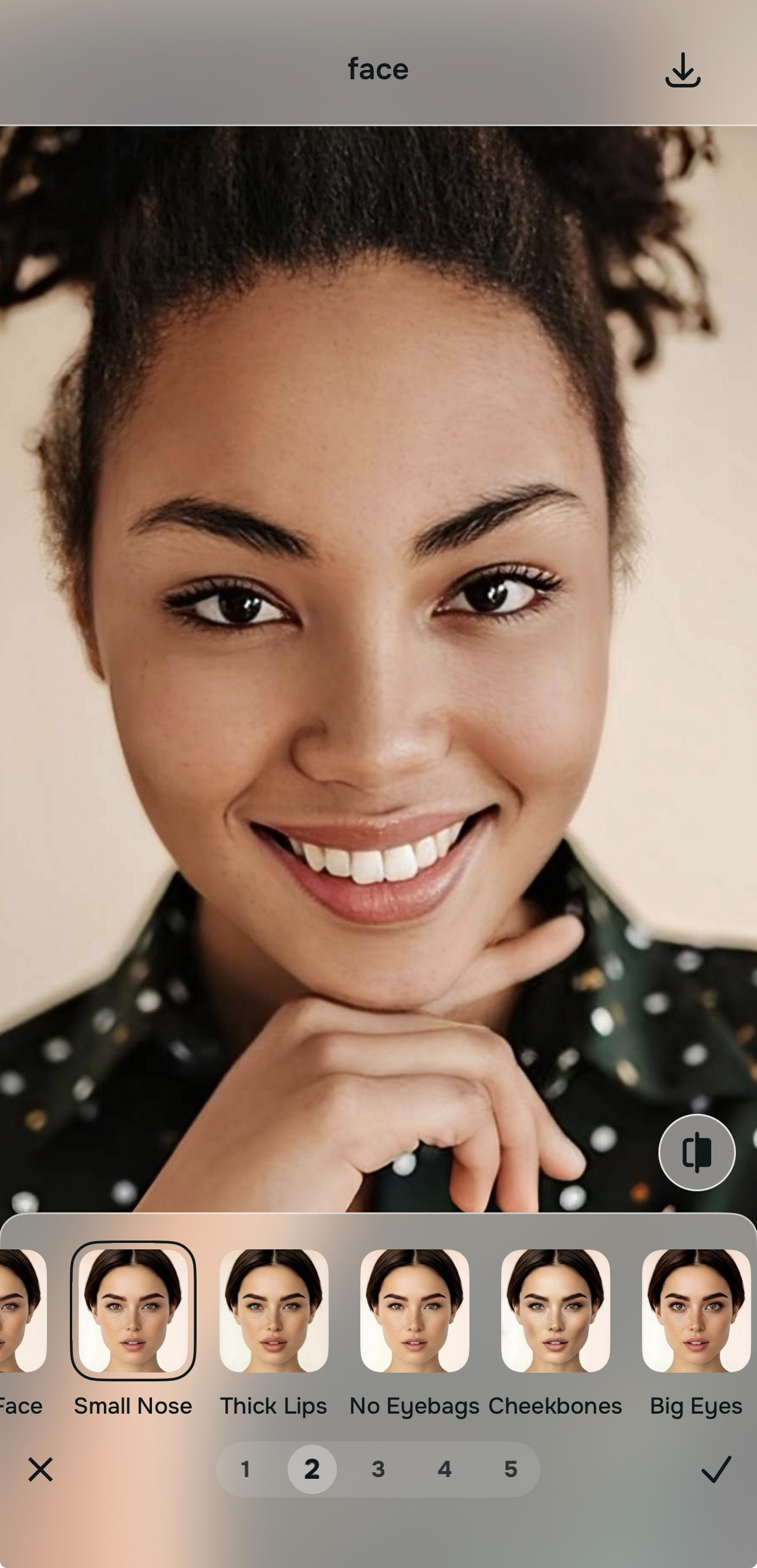
If the eye area still makes the face look exhausted, use Face > No Eyebags. If the face still feels a little wider or heavier than real life, test Slim Face carefully. If the image needs a small finishing polish after that, move lightly into Looks.
This is where Citrus stands apart from face tools that overdo everything. The app gives you clear, named corrections that map to real complaints. You do not have to smear the whole face just to fix one problem.
That makes it easier to edit with intention instead of panic.
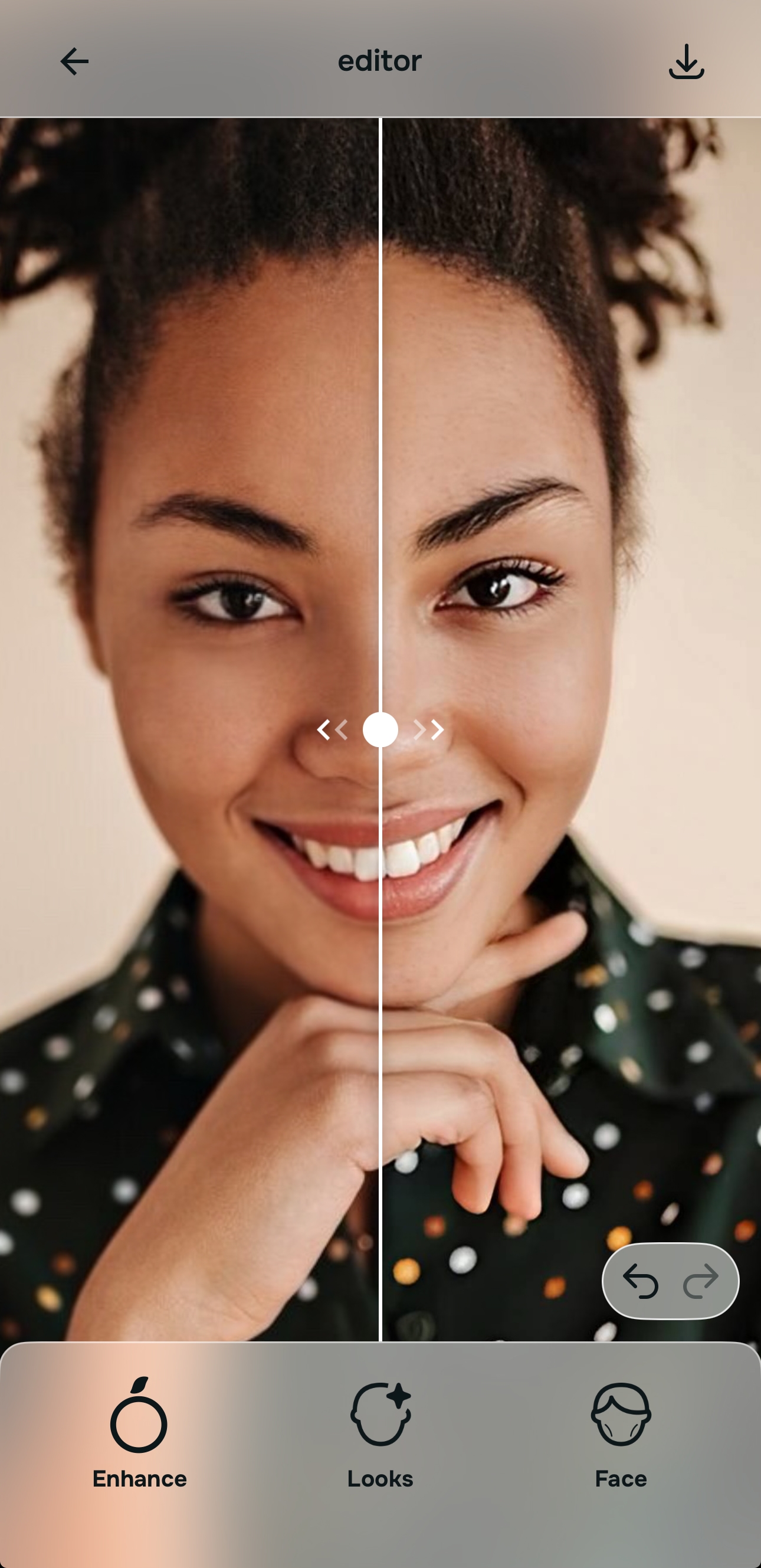
Save the version that still feels like a real face
This is the part most tools get wrong. The best result is not the smoothest one or the most dramatic one. It is the one that makes someone think, “You look great here,” not, “What filter did you use?”
If your face now looks fresher, more balanced, less tired, and more like you in better conditions, you are done. That is a successful face enhancement.
The photo should feel improved, not manufactured.
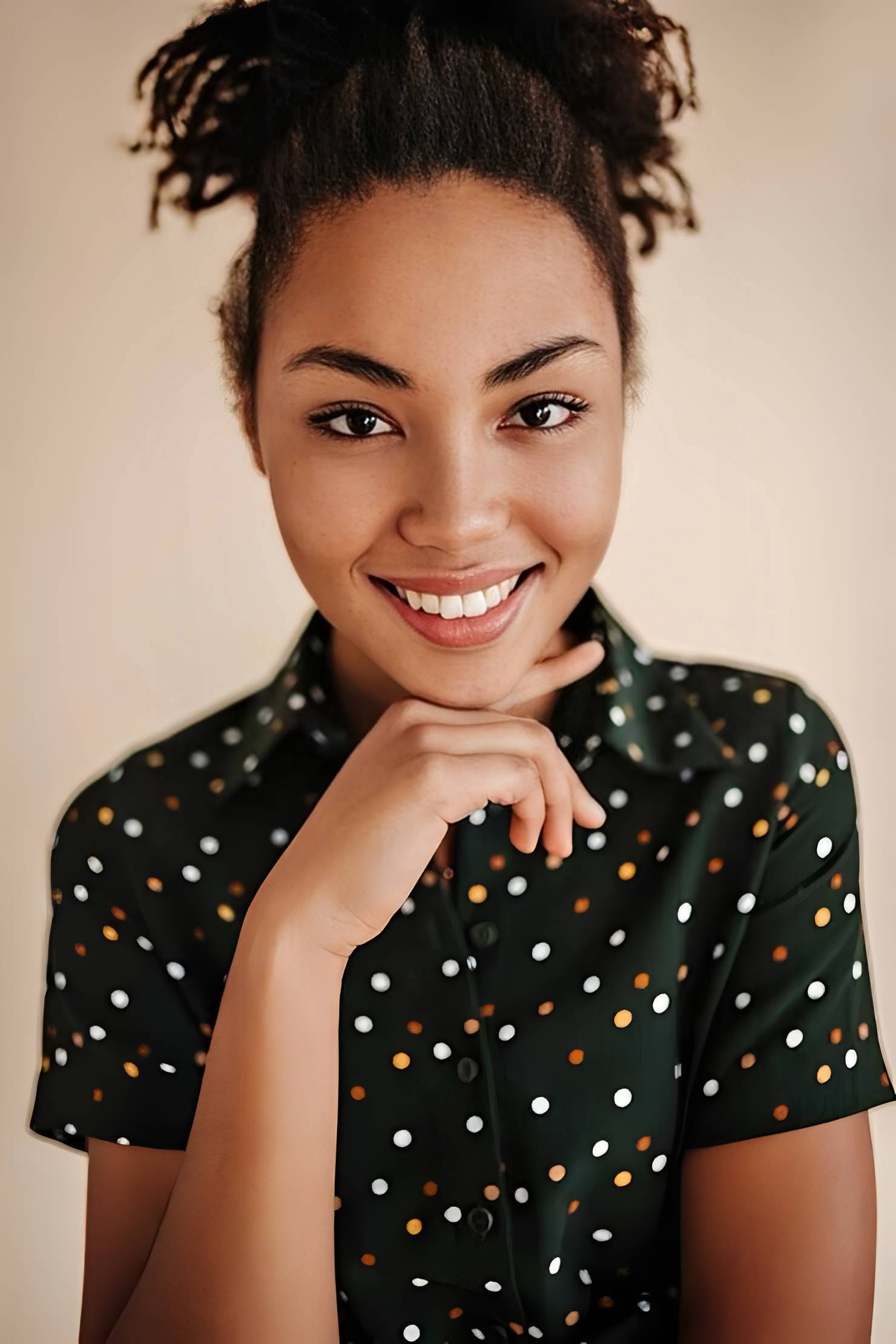
Which tool does what when you want a real-looking face enhancement
Face enhancement works best when the tool matches the exact problem. Real-looking results usually come from precision, not excess.
| Tool | What it helps fix | When to use it |
|---|---|---|
| Colors & LightingStart here | Flat light, dull skin tone, low-energy capture that makes the whole face look worse | Use this first when the image itself is making the face feel tired, drained, or less flattering than real life. |
| Portrait Blur | Busy background that weakens facial focus and overall clarity | Use this when the face needs cleaner separation and the photo feels visually cluttered. |
| No Eyebags | Tired under-eyes, heavy eye area, sleepy or worn-out expression | Use this when the eye area is what makes the whole face look more exhausted than it really was. |
| Slim Face | Photo that makes the face feel a little wider or heavier than real life | Use this carefully only after fixing the image quality first and only if the face still feels broader than it should. |
“A good face enhancer should remove what the camera exaggerated, not erase what makes a face feel real.”
Why Citrus avoids the fake-face trap that ruins other tools
Most face enhancers treat every photo like a total makeover project. That is the trap. They assume every image needs maximum beautifying, maximum smoothing, and maximum transformation.
That approach may create dramatic before and after moments, but it also creates distrust. The skin looks synthetic. The face loses character. The result may be “prettier” by filter standards, but it often looks less human and less emotionally convincing.
Citrus does the opposite. It gives you a structure that lets you correct what actually went wrong in the photo. Maybe the problem is the light. Maybe it is the eye area. Maybe it is a slightly fuller look from the camera. Maybe the photo only needs a light finish at the end. The app breaks those problems apart instead of collapsing them into one fake beauty layer.
| What people usually want from a face enhancer | Citrus workflow | Many overdone face tools |
|---|---|---|
| Fixes the photo first before reshaping the face | ✓ | ✕ |
| Lets users correct one visible issue without changing everything | ✓ | ✕ |
| Keeps skin and identity recognizable | ✓ | ✕ |
| Produces a face that still looks believable in normal photos | ✓ | ✕ |
| Feels flattering without tipping into uncanny filter territory | ✓ | ✕ |
That is why Citrus - 1 tap photo enhancer works so well for people searching for an AI face enhancer that still looks real. It improves what needs help and leaves the rest of the face alone.