


April 12, 2026
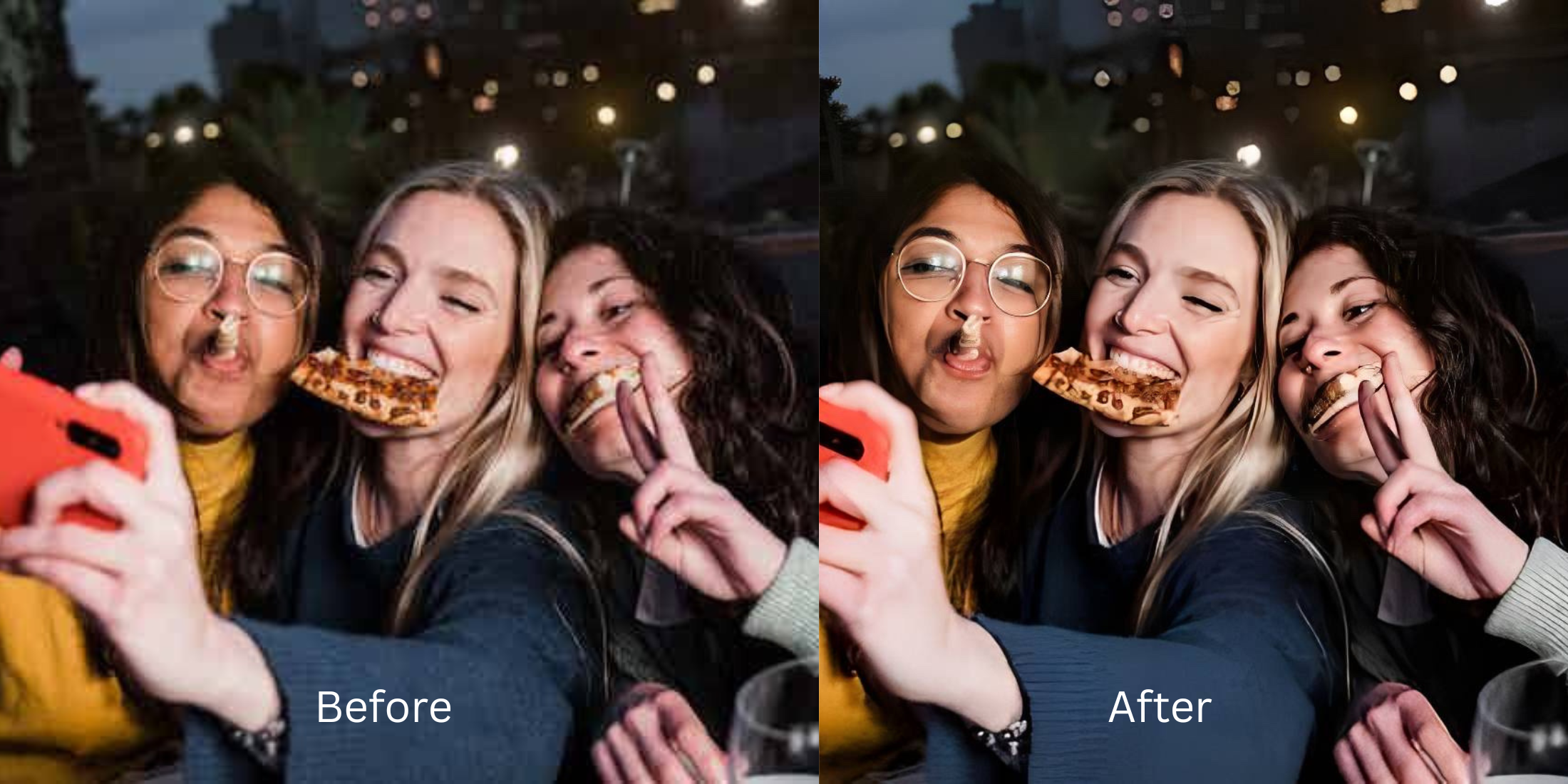
AI Selfie Enhancer for Better-Looking Photos

AI Selfie Enhancer for Better-Looking Photos
Most people do not want a selfie that looks fake. They want a selfie that looks more like how they felt in the moment. Better light. Better balance. Less tiredness. Less puffiness. Less of that strange front-camera flattening that makes a good face look low-energy. That is why a good selfie enhancer matters. It is not about becoming someone else. It is about fixing what the camera translated badly so your photo feels cleaner, fresher, and more flattering without crossing into obvious filter territory.
The best way to get a better-looking selfie is to correct the exact thing the camera exaggerated. If the photo looks flat, start with light and color. If it looks tired, soften the eye area. If it feels dull overall, use a subtle finishing pass instead of stacking random effects. When the problem is the capture and not your face, a grounded tool like Citrus - 1 tap photo enhancer works best because it helps the selfie feel more like you, not more edited.
That is the pain behind so many selfie searches.
People search things like best selfie enhancer app, how to look better in selfies, why do I look bad on camera, how to fix tired selfies, make my selfie look natural, and face enhancer without fake filters. Those searches are rarely vanity. They are frustration. The selfie did not match real life.
A good enhancer should solve that gap. It should not replace it with a new problem.
What actually makes a selfie look better without making it look fake
A selfie usually looks worse for a small number of repeatable reasons. Front cameras sit close. Indoor light deepens the eye area. Weak contrast flattens the face. Bad white balance makes skin look tired. One unlucky frame freezes low energy and turns it into your whole look. Better-looking selfies usually come from fixing those things in the right order.
- Heavy smoothing that wipes out skin texture and makes the face look plastic
- Random beauty filters that change everything instead of correcting the real issue
- Over-sharpening, whitening, and reshaping that push the selfie away from real life
- Using every effect just because the app offers it
- Fixing light, color, and overall balance before touching anything more cosmetic
- Using a targeted correction for one real issue such as tired eyes or a dull finish
- Stopping as soon as the selfie looks more alive and more like you
- Keeping texture, shape, and expression believable
That is why the best selfie enhancement usually feels calm. It does not scream “edited.” It simply removes what made the selfie look unfair in the first place.
Use the selfie you almost posted, then changed your mind about. That is often the photo that shows the difference best.
How to make a selfie look better in a natural, believable way
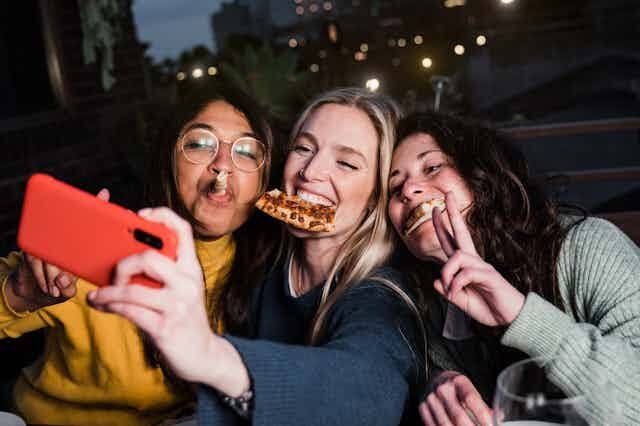
Open Citrus - 1 tap photo enhancer and pick the selfie that felt slightly disappointing
Start with the selfie that almost worked. Maybe the angle was nice, but your face looked flatter than it did in the mirror. Maybe the expression was good, but the photo made you look more tired. Maybe the whole image just felt less alive than real life.
That is the right place to begin. The goal is not to build a fantasy version of you. The goal is to rescue the selfie that should have looked better already.
The best test photo is often the one that made you hesitate before posting.
Let the first preview show whether the problem is really the capture
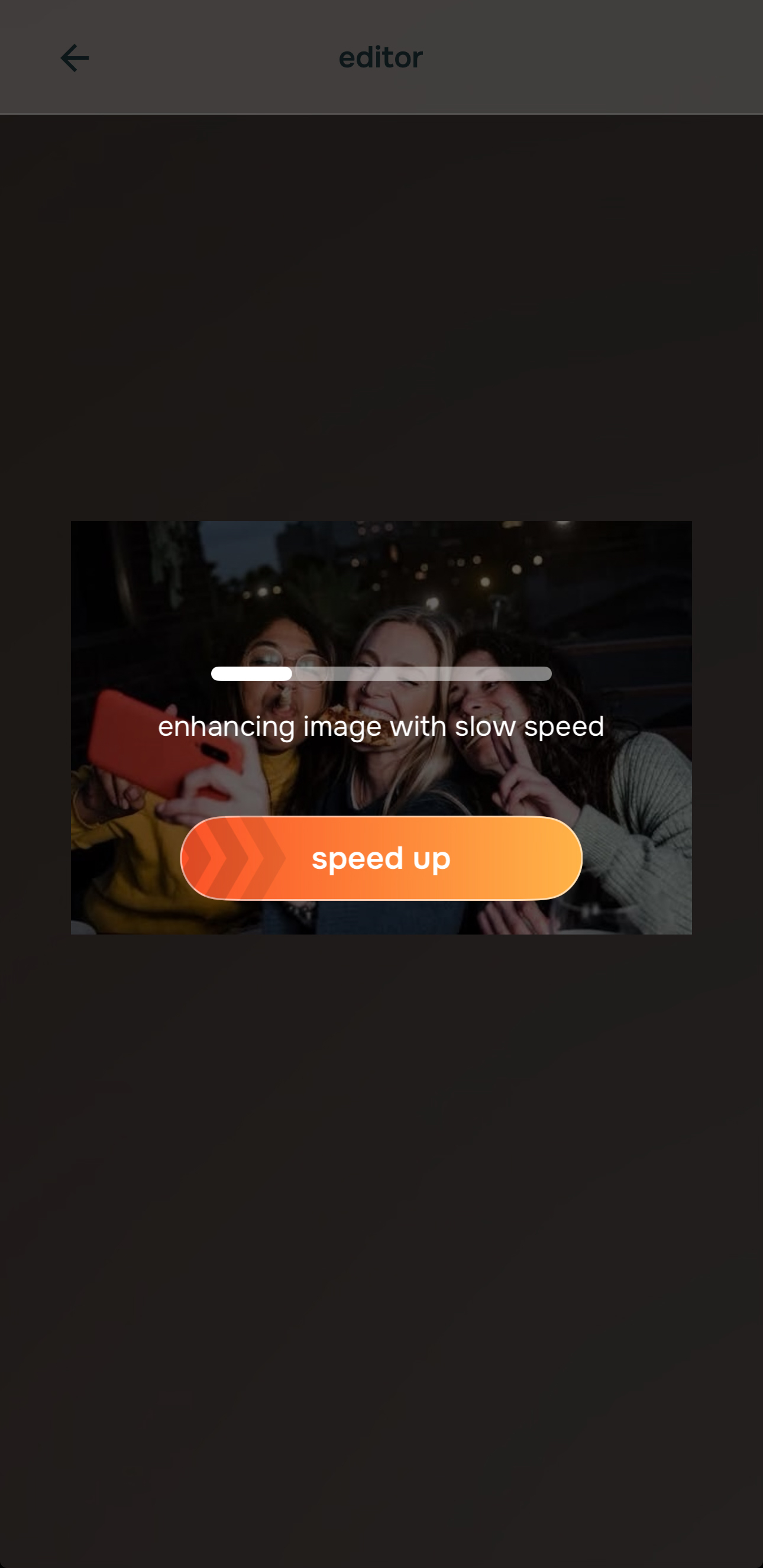
Once the selfie is selected, let the preview load fully before making any other decision. This part matters because a lot of selfies need less intervention than people think.
The first preview often reveals that the issue was weak light, dull color, flatness, or low energy, not your face itself. That is an important emotional shift. It tells the user that the selfie can be corrected without being remade.
A grounded selfie workflow begins with proof that the photo can look fairer.
Fix flatness and dullness first when the selfie looks lifeless
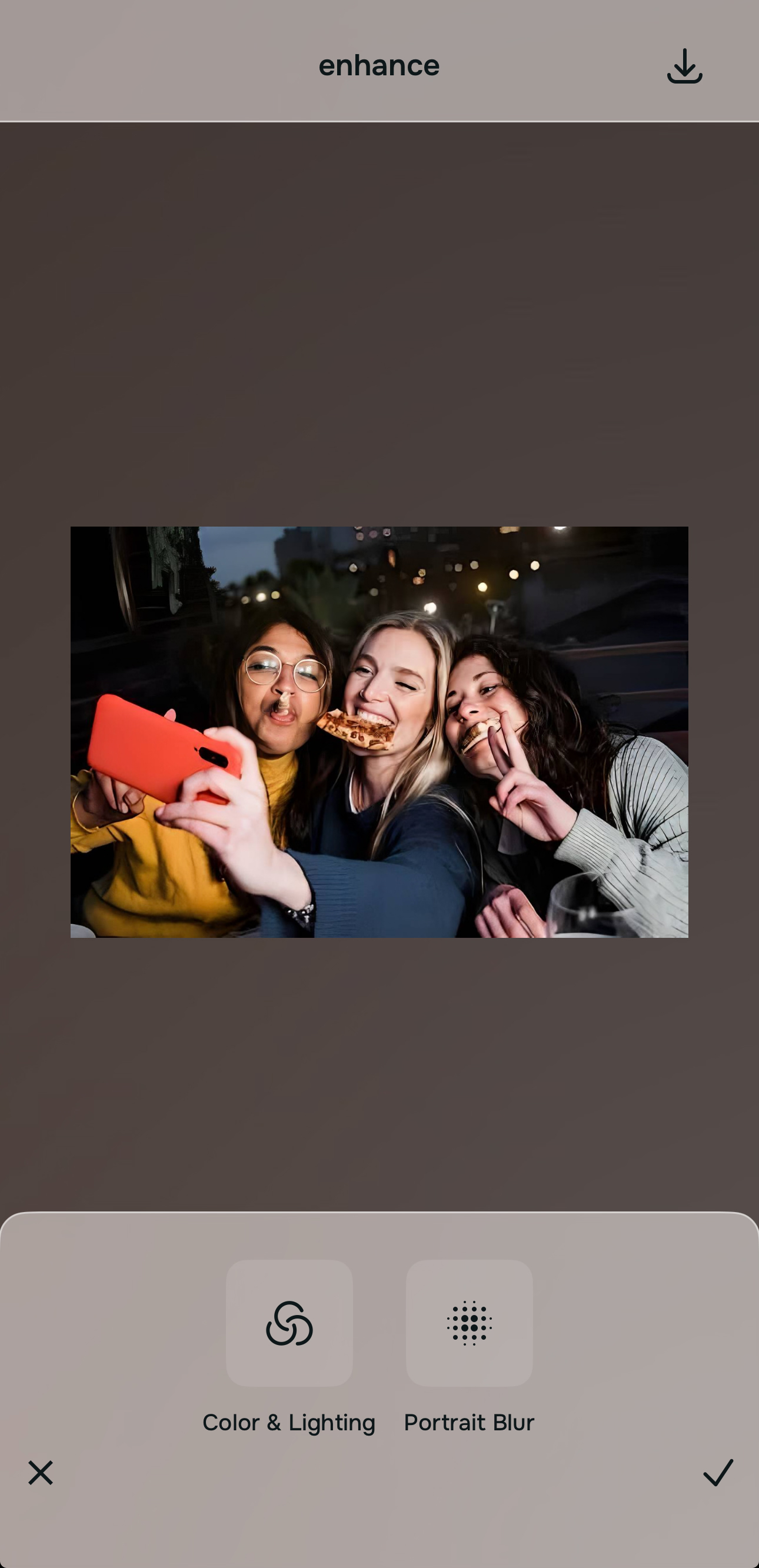
If the selfie feels dark, washed out, too warm, too flat, or just low-energy, begin with Enhance > Colors & Lighting. Many people think they need beautifying when they actually need the photo to regain shape and balance.
This is one of the biggest pain points in selfies. The person looked fine. The camera just made the skin look tired, the face look flatter, and the whole image feel more dead than the moment really was.

Start with the selfie quality first. Better light and better balance often do more for a selfie than any heavy face filter ever will.
If the background is distracting or making the selfie feel messier than it should, test Enhance > Portrait Blur next so the face has cleaner separation.
Use Face or Looks only when the selfie still has one clear issue left
If the selfie still looks tired around the eyes, Face > No Eyebags is the direct correction. If the whole image is already balanced but needs a little more polish, a light pass through Looks can help finish it.
This is where many selfie apps lose trust. They encourage users to keep stacking effects because “more” feels tempting. Better-looking selfies usually come from one real problem getting one measured fix.
That keeps the result flattering without making it feel synthetic.
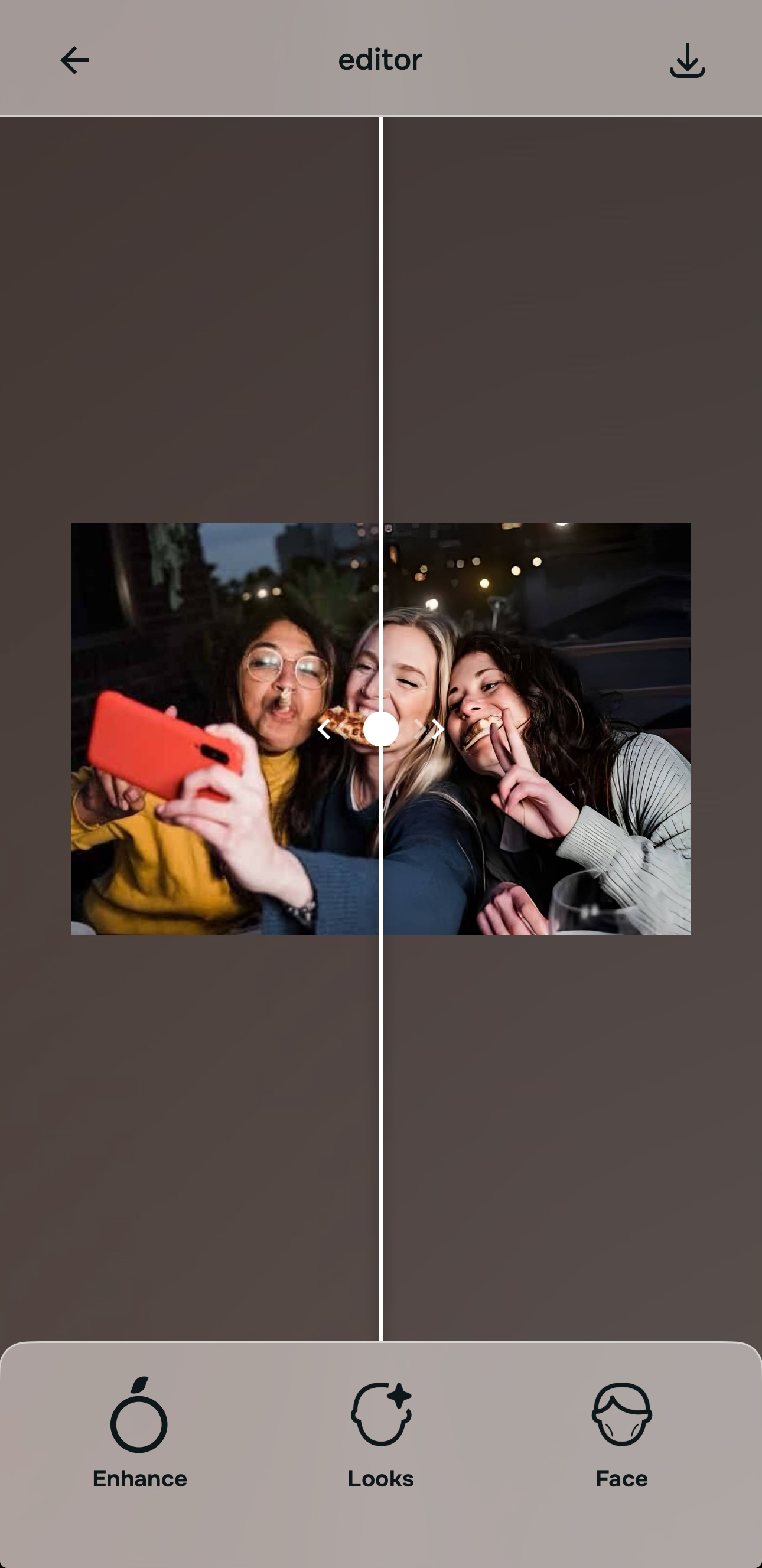
Save the version that looks more like you on a better day
The right standard is not “Does this look glamorous enough?” The right standard is “Does this look like me, just captured better?”
A successful selfie enhancement should preserve your face, your expression, and your recognizability. It should only remove the layer of camera unfairness that made the original feel disappointing. If the selfie now looks brighter, fresher, more balanced, and more human, save it.
That is what a better-looking selfie is supposed to feel like.
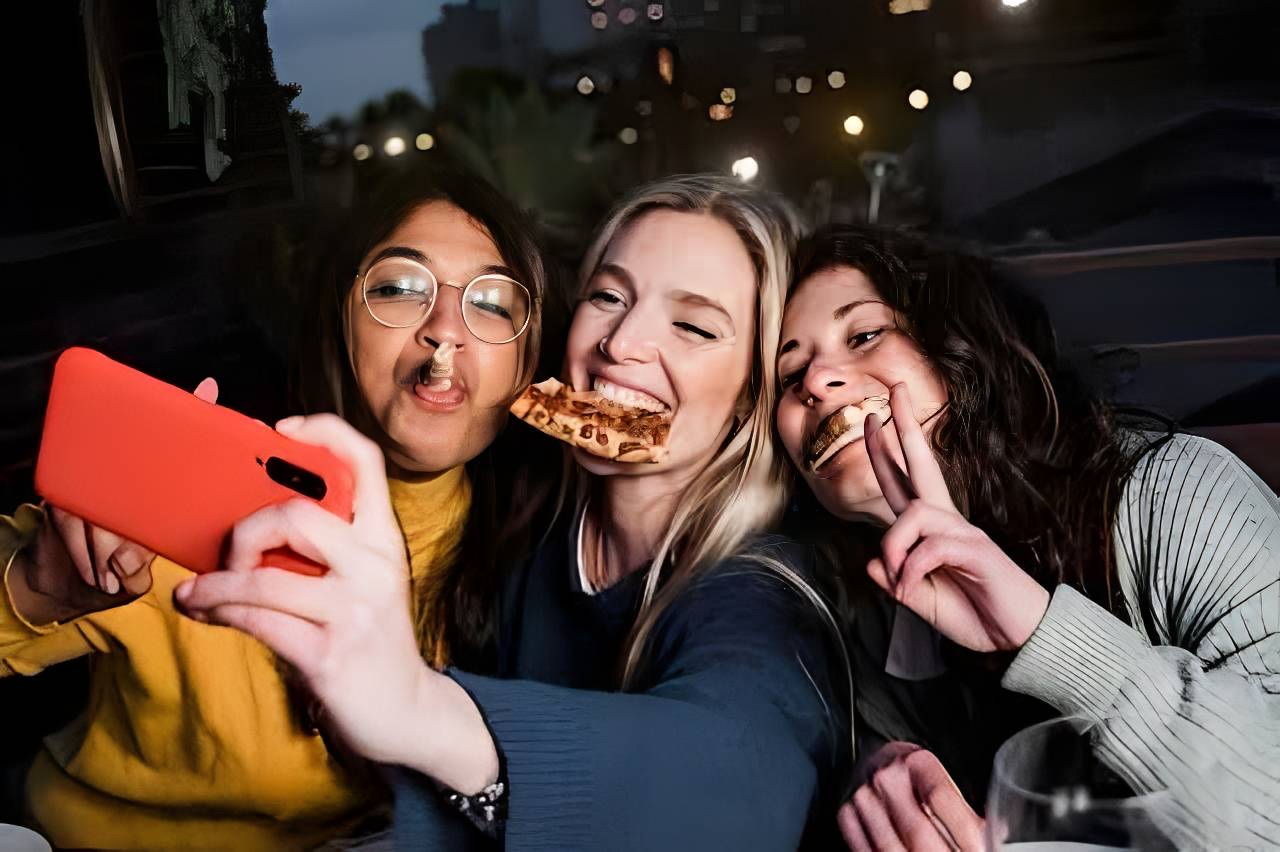
Which tool does what when you want a better-looking selfie
The easiest way to stay natural is to match the tool to the exact selfie problem. Better-looking photos usually come from targeted correction, not random beautifying.
| Tool | What it helps fix | When to use it |
|---|---|---|
| Colors & LightingStart here | Dull light, flat skin tone, low-energy selfie, dark or washed-out overall capture | Use this first when the selfie looks lifeless, tired, or less flattering than real life because of weak photo quality. |
| Portrait Blur | Distracting background, weak separation, selfie that feels visually messy | Use this when the selfie needs cleaner focus on the face and less noise from the space behind you. |
| No Eyebags | Tired under-eyes, heavy eye area, exhausted-looking selfie | Use this when the eyes are what make the whole selfie feel more worn out than you really looked. |
| Looks | Soft finishing polish after the main correction is done | Use this last and lightly when the selfie already looks good but needs a more controlled final finish. |
“A better-looking selfie should not look like a different person. It should look like the same person after the camera stops being unfair.”
Why some selfie enhancers feel helpful and others feel alienating
Most people using a selfie enhancer are not asking for perfection. They are asking for relief from common camera frustrations.
They want to look less tired in selfies. They want a more flattering face shape in pictures. They want under-eyes to stop making them look exhausted. They want skin to look alive, not fake. They want to post a photo without spiraling over whether the camera made them look worse than they did in real life.
That is why the best selfie enhancer is not the one that does the most. It is the one that solves those real pain points without creating new ones.
Citrus - 1 tap AI photo enhancer works well for this because the structure is practical. You can improve the photo first, correct the eye area if needed, use a look only if the selfie truly needs a finish, and stop there. That workflow respects the person in the photo.
| What people usually want from a selfie enhancer | This workflow | Many beauty-heavy selfie tools |
|---|---|---|
| Fixes flat light before pushing cosmetic effects | ✓ | ✕ |
| Helps tired selfies look fresher without wiping out realism | ✓ | ✕ |
| Keeps skin texture and facial identity believable | ✓ | ✕ |
| Improves selfies that were almost good, not just extreme before and after cases | ✓ | ✕ |
| Produces a result that still feels safe to post without looking overdone | ✓ | ✕ |
That is what people often mean when they search for an AI selfie enhancer for better-looking photos. They want a selfie that feels more flattering, more natural, and more emotionally accurate to how they actually looked.