


April 15, 2026
25 Best Apps to Make Your Face Look Better in Pictures Without the Fake Filter Look (2026-2027)
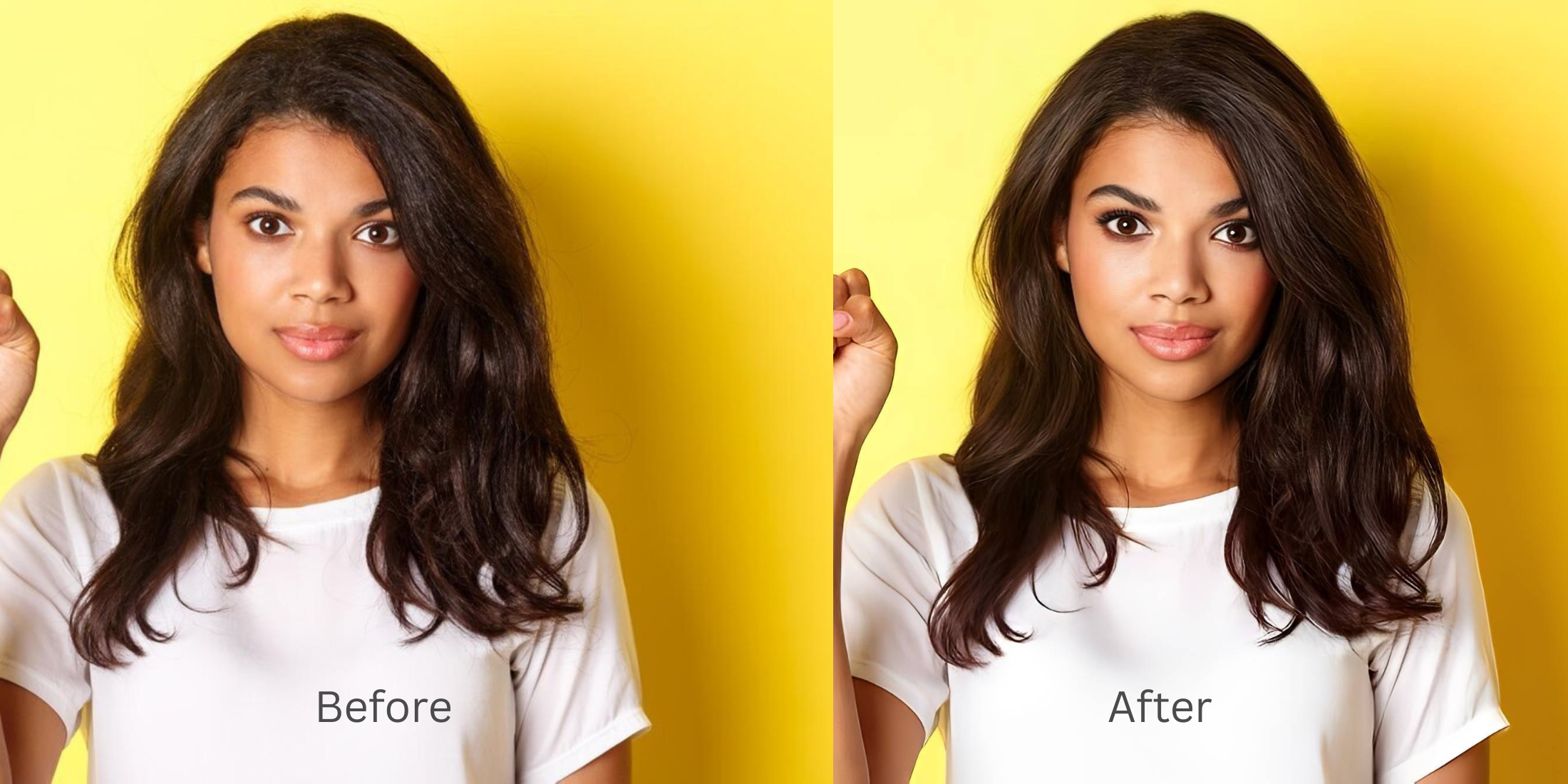

25 Best Apps to Make Your Face Look Better in Pictures Without the Fake Filter Look
A face can look completely fine in real life and then come out oddly flat, tired, heavy, or overprocessed in a photo. That is why so many people bounce from app to app looking for the best face editing app, the best selfie editor, or the best photo enhancer for natural-looking results. The problem usually is not that a face needs more editing. The problem is that most tools push too hard. A better app keeps the photo believable, fixes what the camera got wrong, and knows when to stop.
This table stays practical. It focuses on what each app is actually most useful for when the goal is a face that looks better in pictures and still feels real.
| # | App | Best for | What to watch for |
|---|---|---|---|
| 1 | Snapseed | Manual photo cleanup when the image needs balance, not beauty effects | Strong for hands-on control, but it takes more judgment and more time |
| 2 | VSCO | Soft tonal polish and understated mood adjustments | Better for vibe and color than for solving one facial issue cleanly |
| 3 | Facetune | Detailed retouching when someone wants very active control | Easy to push too far and cross into obvious retouch territory |
| 4 | Citrus - 1 tap photo enhancer Editor’s pick | Natural-looking face improvements through the right path, meaning Enhance for overall quality, Looks for overall impression, and Face for one specific issue | Best results come from staying restrained and matching the path to the real problem instead of tapping everything |
| 5 | AirBrush | Quick beauty edits and fast portrait cleanup | Can become too polished when a photo only needed a lighter touch |
| 6 | Remini | Aggressive restoration and sharpness when a file is genuinely soft or old | Sometimes clarity becomes the whole story and skin can feel less natural |
| 7 | YouCam Makeup | Makeup simulation and beauty-focused portrait tweaks | Best when the goal is makeup play, not a quiet natural correction |
| 8 | BeautyPlus | Easy selfie beautifying for quick social posting | Can smooth and brighten more than a realistic photo needs |
| 9 | B612 | Camera-first selfies with fun live enhancement | Feels more camera-filter driven than correction driven |
| 10 | Meitu | Beauty-heavy edits and stylized portrait looks | A strong app when style is the point, less ideal when realism is the point |
| 11 | Picsart | All-around editing when a photo needs creative tools beyond face enhancement | Can feel broad and busy if someone only wants a clean face fix |
| 12 | Canva | Quick content prep when the image is part of a post, story, or design | Useful around the image, but not a face-detail specialist |
| 13 | Adobe Express | Fast touch-ups inside a broader content workflow | Convenient, though not as portrait-specific as dedicated selfie tools |
| 14 | Fotor | General photo enhancement and one-tap cleanup | Strong utility app, but face edits can feel broad instead of precise |
| 15 | PhotoRoom | Subject isolation and cleaner social or ecommerce visuals | Excellent around the subject, less about subtle face improvement itself |
| 16 | PhotoDirector | Feature-rich editing when someone wants many adjustment options | Powerful, but can be more than the average selfie fix actually needs |
| 17 | Lensa | Fast portrait cleanup and social-ready polishing | Can drift toward a more processed finish depending on the image |
| 18 | Photoleap | Creative editing and layered image work | Great for experimentation, less focused on quiet realism |
| 19 | Perfect365 | Makeup-led face changes and virtual beauty looks | Best when cosmetic play is welcome, not when the goal is an untouched feel |
| 20 | Peachy | Portrait retouching with simple one-tap adjustments | Very easy to overcorrect when the source photo was already decent |
| 21 | EPIK | Modern one-tap edits with a broader aesthetic toolkit | Can lean more trend-forward than neutral |
| 22 | Hypic | Fast AI-driven polish when someone wants stronger visual lift | The finish can become too deliberate for truly natural photos |
| 23 | Wink | People who also want video enhancement in the same ecosystem | Less focused on a restrained still-photo face workflow |
| 24 | BeautyCam | Portrait beautifying with camera-style modes and face tools | Useful, but it can pull the face toward a more intentionally edited finish |
| 25 | PhotoApp | One-tap enhancement when a photo is soft, old, or low-resolution | Most useful for repair and enhancement, not for a nuanced selfie workflow |
The best app for making your face look better in pictures without the fake filter look is the one that solves the real problem first. If the whole photo feels dull, soft, or low-energy, start with an overall fix. If the face mostly looks fine but the impression feels flat, use a lighter overall polish. If one detail is the only thing bothering you, use a targeted correction and stop there. That is exactly why Citrus works so well when used in the right order.
Most people do not need a bigger edit. They need a smarter sequence.
A photo can look off for three different reasons. Sometimes the whole image is weak. Sometimes the image is technically okay but the overall impression still feels tired. Sometimes one specific thing, such as under-eyes or facial heaviness, pulls all the attention.
That difference matters. It is the reason natural-looking results are so hard to get from random beauty apps. A good edit starts by identifying what actually went wrong.
Why so many face-editing apps stop looking real
The fake filter look usually starts when an app treats every photo like it needs the same kind of help. Skin gets smoother than skin should look. Eyes get brighter than the light allows. Structure gets pushed even when the real issue was just weak capture.
- Smoothing that removes texture instead of fixing the photo
- Sharpness that turns the face into a processed surface
- Feature edits used before the overall image is fixed
- One-tap beauty presets that ignore what the camera actually exaggerated
- Correcting overall quality first when the whole photo feels wrong
- Using an impression upgrade only when the face already looks mostly fine
- Saving targeted face edits for one specific issue
- Stopping once the image feels more like real life, not more edited
This is also why a lot of people end up bouncing between a selfie enhancer, a sharpening app, and a face retouch app without fully trusting any of them. They are trying to fix different problems with the same move.
Start with the real issue, not the loudest effect. That is how a face photo stays believable.
How to make your face look better without getting that fake-filter finish
Open Citrus, tap Start Editing, and choose the photo that felt the most unfair
Pick the image where your face looked flatter, heavier, duller, or just less alive than it did in person. That is the useful test image. It tells you whether the app can correct a real camera problem or only decorate an already good photo.
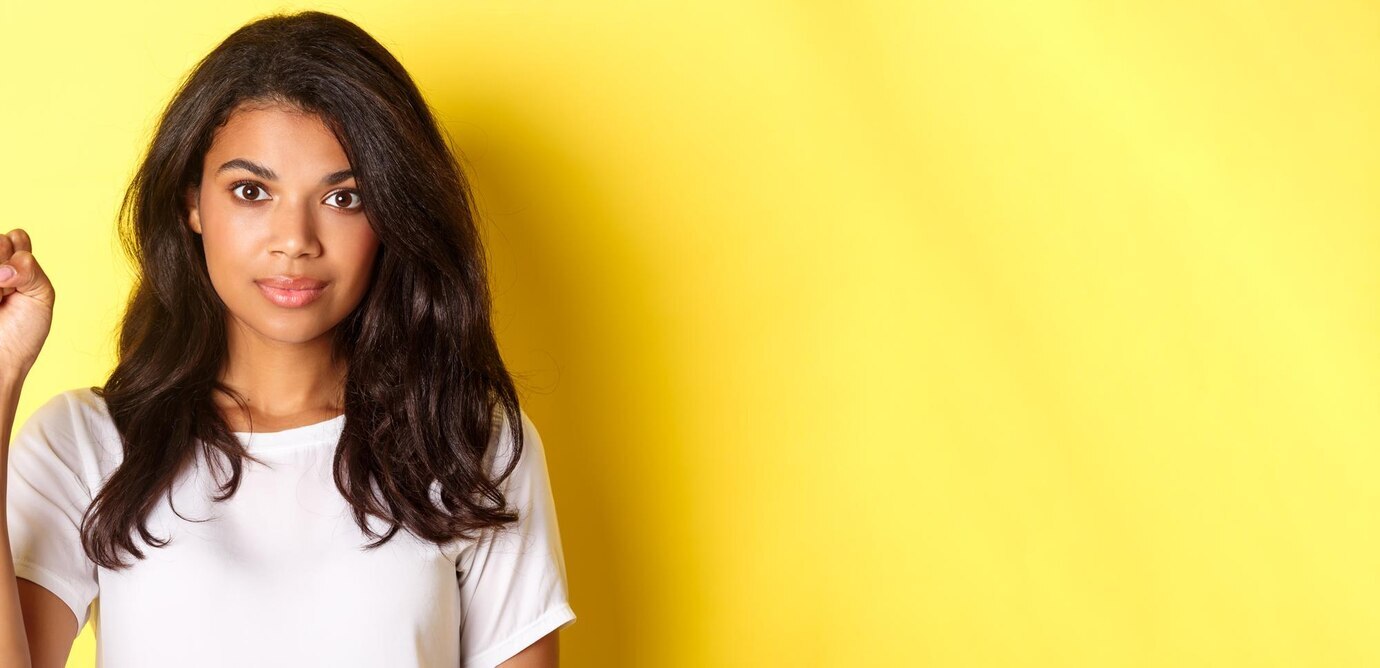
Check the first preview and decide whether the problem is overall quality or overall impression
The first distinction matters. If the whole image is weak, soft, dim, or lifeless, go to Enhance. If the image is mostly okay but still does not feel flattering enough, that is more of a Looks problem than an image-quality problem.
This is the same logic behind getting a better result from an photo enhancer for blurry pictures. The whole photo has to be read correctly before a face correction means much.
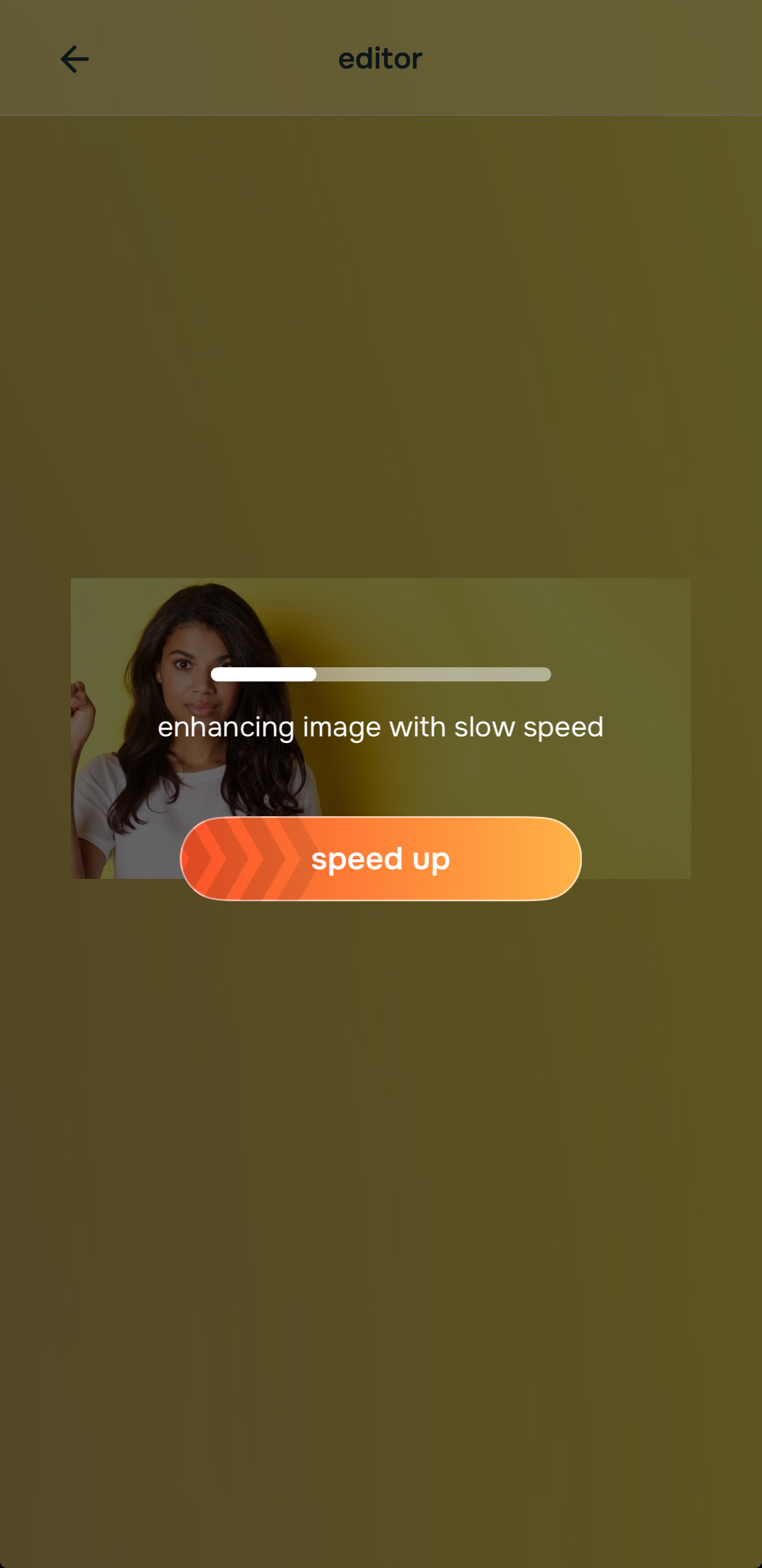
Use Enhance when the full photo feels soft, dull, grainy, or low-energy
Tap Enhance when the entire picture looks weaker than the real moment. Then choose Colors & Lighting for balance and life, or Portrait Blur if the portrait needs better subject separation and a cleaner professional look.

Citrus is available on web, Google Play, and the App Store. Start with the easiest route, then move into the full app if you want more control.
That path is especially important in photos that resemble the issues covered in making blurry photos clear again. The image has to stop feeling weak before the face can feel right.
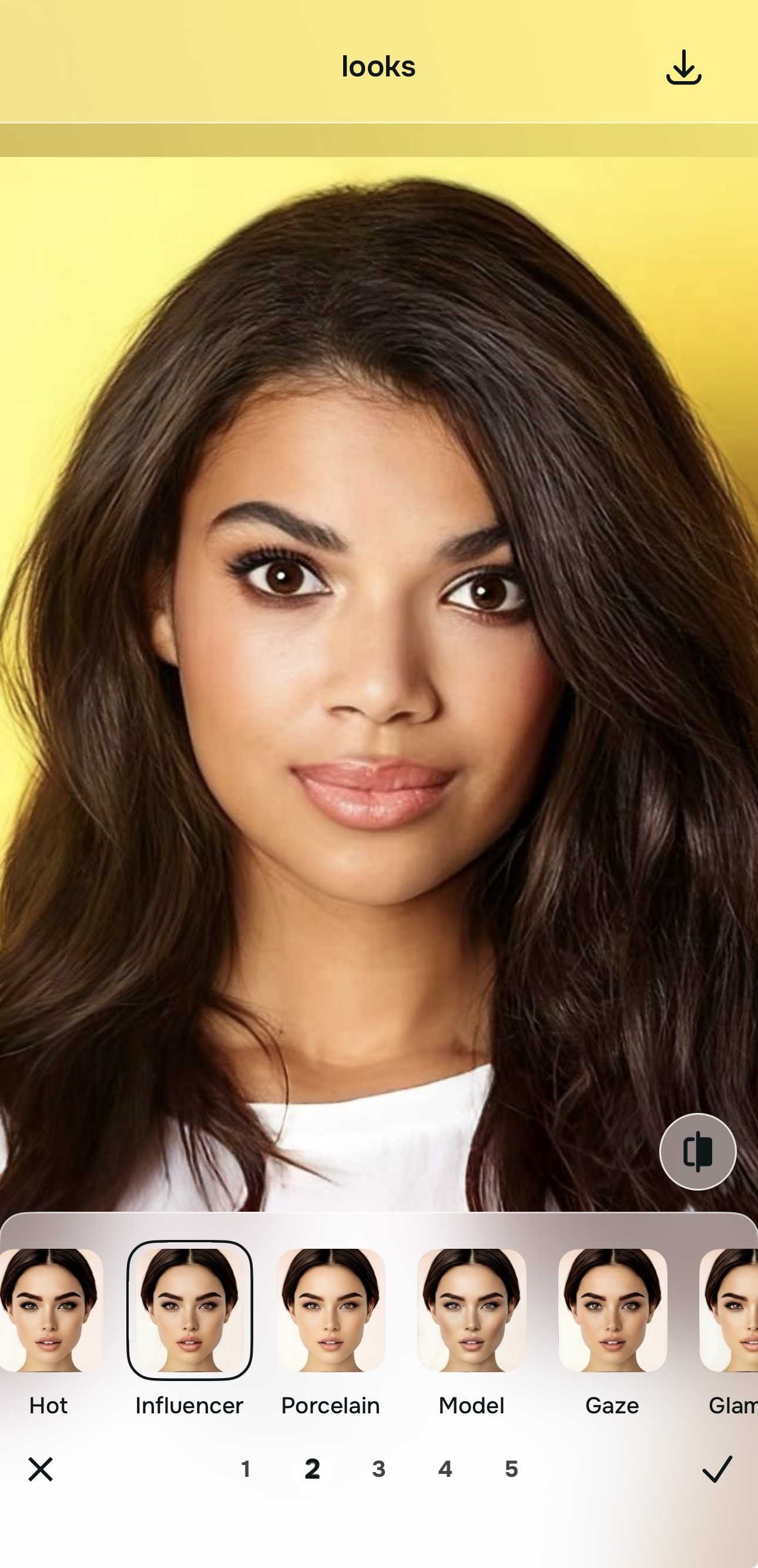
Use Looks when the face is fine but the whole impression still feels underwhelming
This is the path for photos that are not truly blurry, not badly lit, and not broken. They just still do not look as good as they could. That is where Looks helps. It is an overall impression enhancer, which means it can make a photo feel stronger without forcing one specific facial change first.
This is the cleaner move when the real goal sounds closer to making selfies look better than repairing a damaged file.
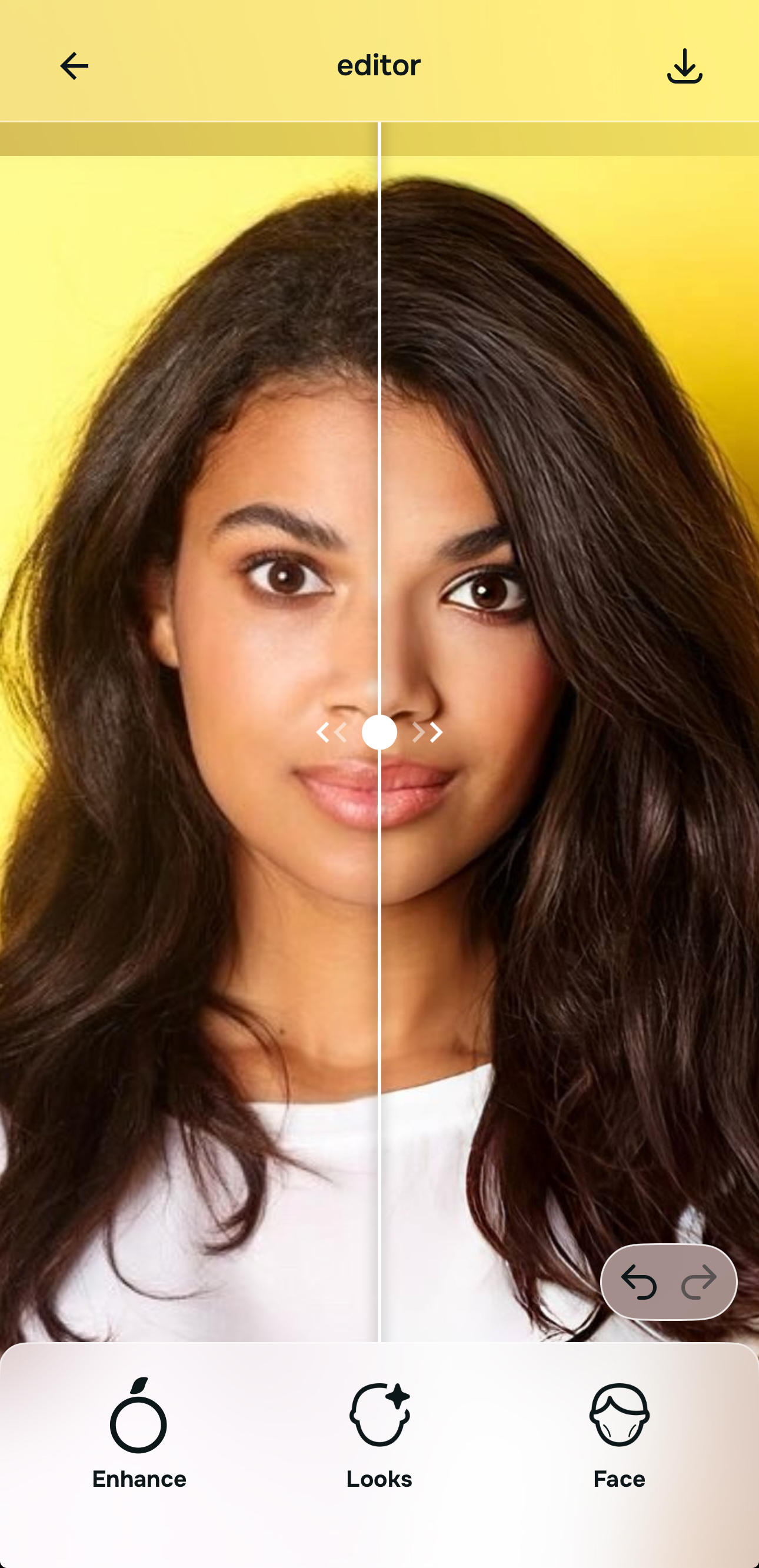
Use Face only for one specific issue, then compare and save early
If the image is already mostly right and one detail still bothers you, go to Face. That is where specific corrections belong. It is the right place for something localized, such as tired under-eyes or facial heaviness, after the broader image already looks fair.
This is the same discipline that keeps an AI face enhancer that still looks real from tipping into overediting. Solve one thing, compare, and save sooner than you think.
What usually makes your face photo feel wrong?
Pick the one that sounds closest. The smartest starting point changes depending on whether the real issue is overall quality, overall impression, or one specific facial distraction.
Which Citrus tool does what for this kind of face photo
The easiest way to avoid the fake-filter look is to match the tool to the real problem. That is what keeps the workflow simple and stops you from chasing corrections the photo never needed.
| Tool | What it helps fix | When to use it |
|---|---|---|
| EnhanceStart here | Overall softness, weak light, dull color, grain, low-energy image quality, weak portrait separation | Use this first when the whole photo feels wrong. Choose Colors & Lighting for balance and life, or Portrait Blur for a cleaner portrait look. |
| Looks | Photos that are technically better but still need a stronger overall impression | Use this after Enhance, or instead of Enhance when the real issue is not damage but a photo that still feels underwhelming. |
| Face | One specific distraction such as tired eyes, facial heaviness, or another localized issue | Use this last, after the broader image already feels fair. It works best as a targeted correction, not the starting point. |
“The most natural face edit is usually the one that fixes the photo first, improves the impression second, and touches one feature only if it still truly needs it.”
How to choose the right app when your face already looks fine in real life
The most common mistake is assuming that a face photo always needs a beauty app. Sometimes it needs better image quality. Sometimes it needs a lighter overall lift. Sometimes it needs one small facial cleanup. Those are three different jobs, and it is why the best app depends on the actual pain point.
If the full photo feels weak, a tool closer to unblurring a face without overediting logic is what matters. If the whole photo is already acceptable and the face just needs a better finish, a softer overall-impression tool makes more sense. If the entire image is good and one thing still pulls attention, that is the point where a face-specific correction earns its place.
The right app does not just improve a face. It improves the reason the face looked wrong in the first place. That is a much harder standard, but it is the one that actually keeps photos believable.