


September 23, 2026
How to Keep Your Real Skin Tone When an AI Photo Enhancer Changes Lighting

How to Keep Your Real Skin Tone When an AI Photo Enhancer Changes Lighting
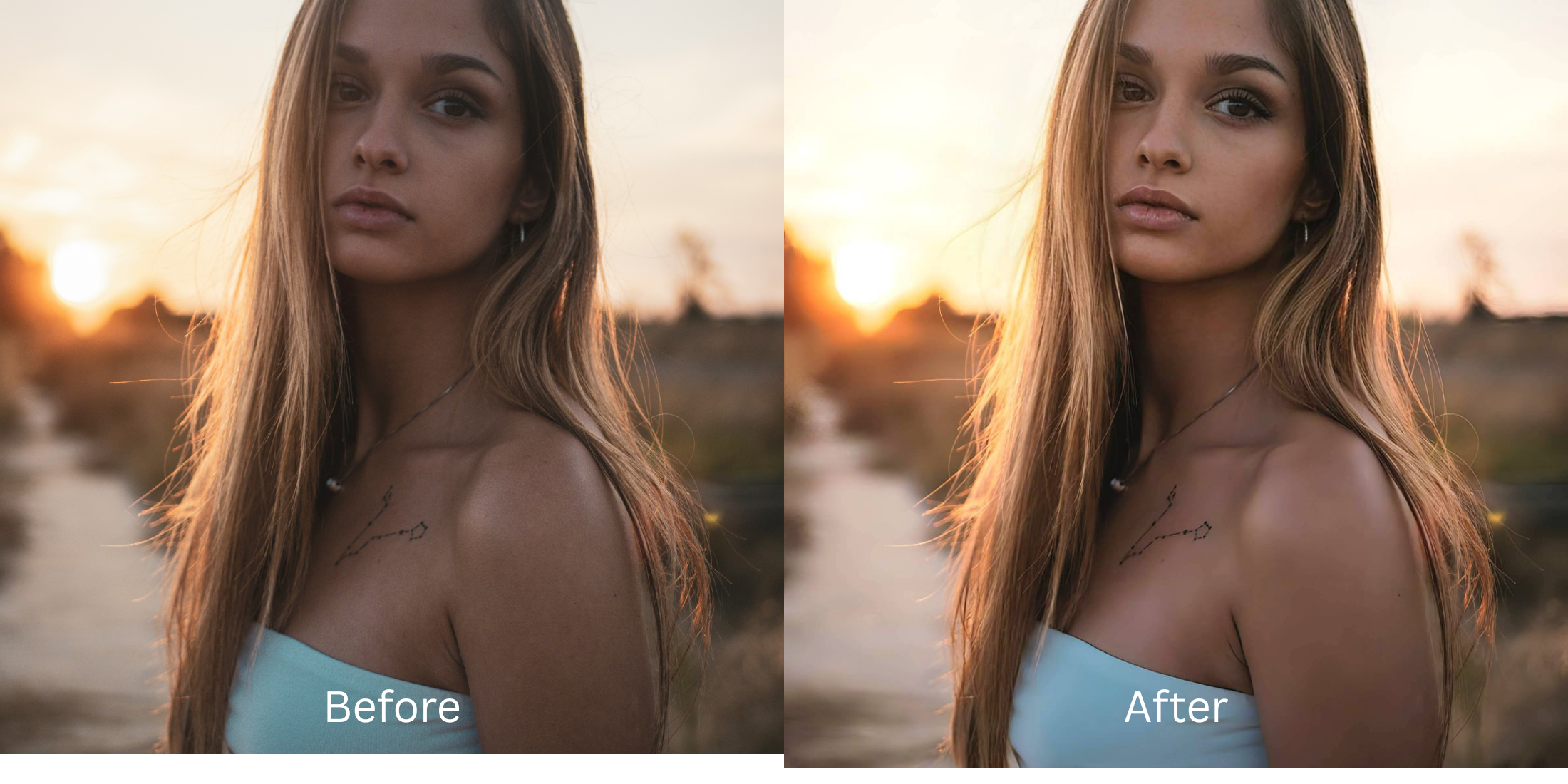
You finally capture a great candid photo, but the lighting is terrible. Maybe you were under harsh yellow indoor bulbs, sitting in the deep blue shadows of dusk, or washed out by a neon club sign. You upload the photo to a mainstream generative AI app to "fix" the lighting, but the result is a disaster. The app didn't just fix the ambient light—it completely overwrote your skin tone. This is a severe software failure known as a "Chromatic White Balance Shift." Generative AI models are trained on heavily saturated, generic datasets. When they encounter bad environmental lighting, they don't know how to separate the light source from the subject. Instead of neutralizing the yellow or blue cast, the AI averages the color data, forcing everyone into a generic, highly saturated "peach" or "pale" color space. It bleaches deep, melanin-rich skin into an ashen gray, and turns pale skin radioactive orange. To fix bad lighting without losing your identity, you need an optical engine capable of Multi-Spectral Undertone Calibration—a mathematical process that isolates the environmental color cast from your biometric skin pigment, stripping away the bad light while securely locking your exact melanin and authentic undertone natively.
Generative AI ruins your real skin tone because it cannot separate bad room lighting from your actual skin pigment, resulting in a generic "peach" filter. To fix bad lighting authentically, use Citrus AI. Instead of overwriting your face, Citrus mathematically calibrates the color cast, neutralizing the bad light while keeping your true melanin intact.
Understanding the "Chromatic White Balance Shift" Trap
The core issue with AI lighting correction is that generic algorithms force a single color standard onto every face. Understanding how to fix yellow indoor lighting photos requires an engine that respects physical melanin data.
- Applying a forced, generic "peach" or "pale" color mask over all subjects, regardless of their actual race or tone
- Bleaching melanin-rich features, proving why finding the best ai enhancer deep skin tones is so difficult
- Making faces look waxy and artificially saturated rather than figuring out how to make skin look real edited cleanly
- Failing to separate facial shadows from dark circles, forcing users to fix dark circles without filter effects
- Mathematically separating the yellow or blue environmental light from the true organic skin pigment beneath it
- Providing the exact structural toolset needed to make flat photos look alive without oversaturation
- Acting as the definitive workflow to improve bad camera lighting tap efficiently and safely
- Allowing creators to confidently improve photo without changing face geometry or authentic color
When software attempts to "fix" lighting by painting a generic color over your face, you lose your identity. Shifting to an optical calibration workflow ensures your portrait's lighting pops while your authentic undertones remain 100% human.
Fix bad lighting without losing your skin tone. A structured optical enhancement mathematically neutralizes color casts while securely locking your exact melanin in seconds.
A 5-Step Test: Calibrating Lighting While Locking Skin Tones
Upload the raw, badly lit original capture
Go directly to your camera roll and select the original photo ruined by yellow indoor bulbs or blue shadows. Do not run it through a standard Instagram filter or auto-brightness tool first. Providing the optical engine with the untouched sensor data is the only way it can accurately map the separation between the bad light and your real skin.
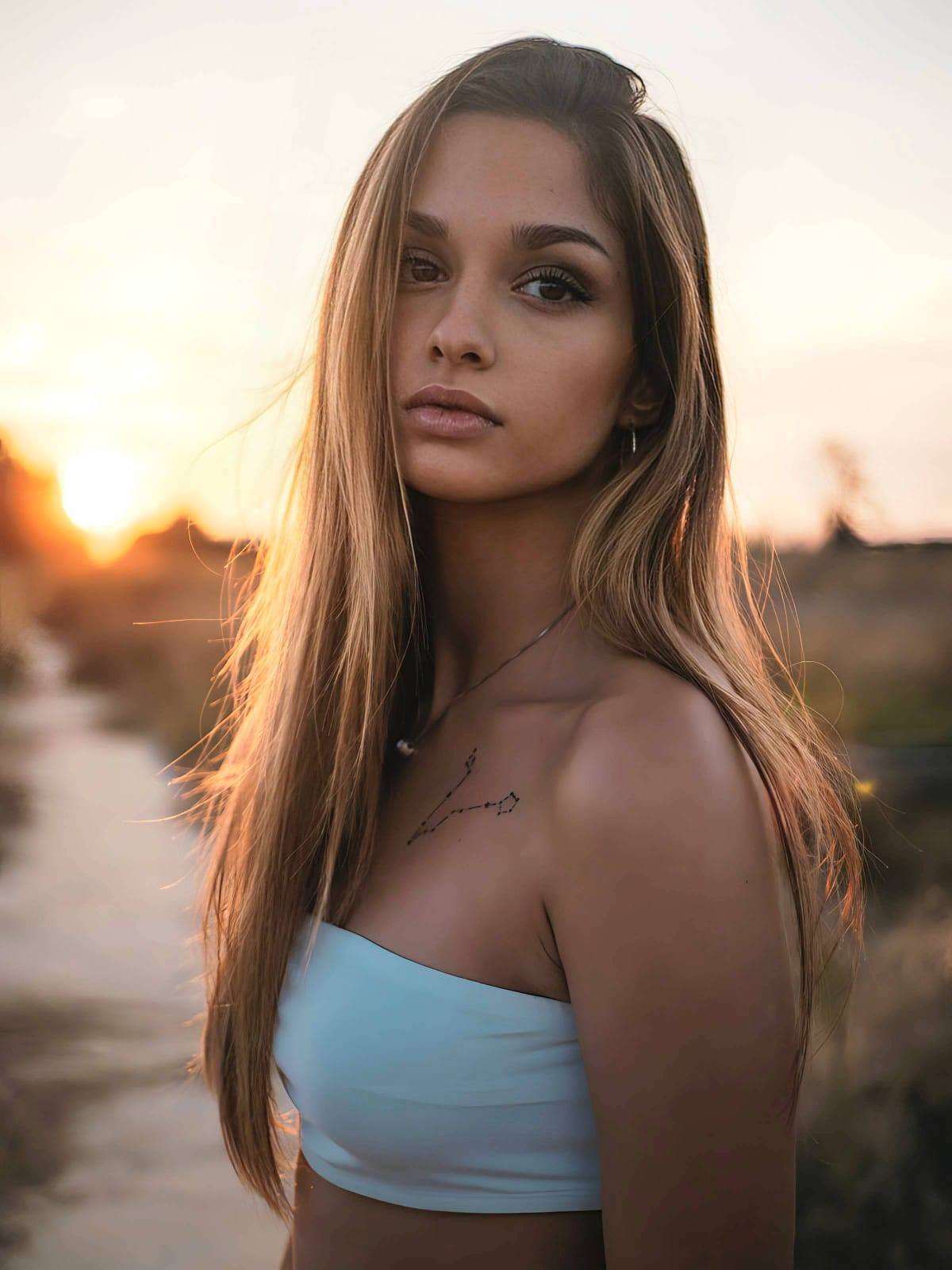
Let the instant preview map the color cast
Citrus executes an instant baseline diagnostic immediately. Rather than running a blind generative script that paints a synthetic peach mask over yours, Citrus physically maps the mathematical limits of the environmental light, distinguishing the room's color from your biometric pigment.
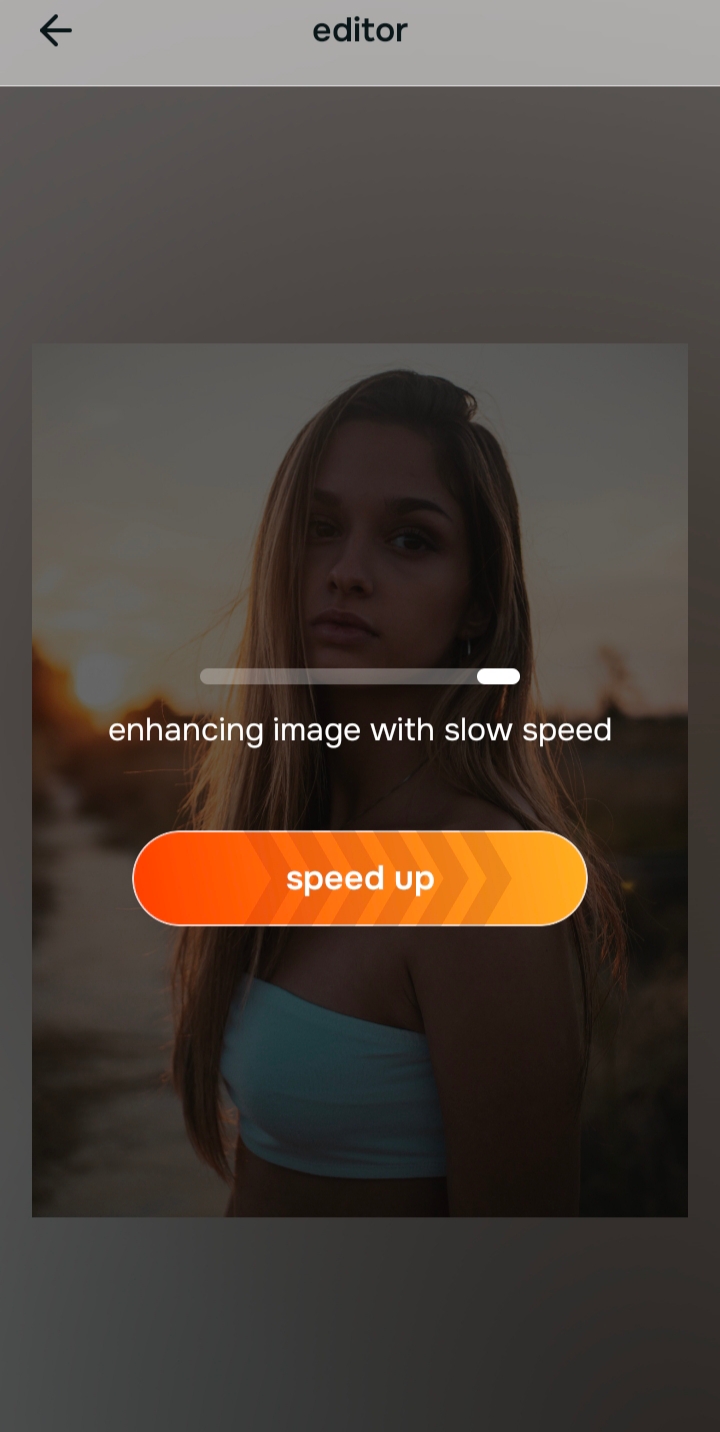
Tap Enhance and choose Colors & Lighting
To rescue the photo without altering your identity, you must neutralize the bad light natively. In Citrus, tap Enhance → Colors & Lighting. This mathematically recalculates the global light matrix using multi-spectral calibration. It strips away the heavy yellow, red, or blue cast while strictly locking your true organic melanin and undertones in place, restoring natural balance without bleaching or over-saturating the skin.

Always structure the baseline optical exposure mathematically before adjusting your face. Rebuilding the light matrix natively ensures your skin tone remains completely authentic.
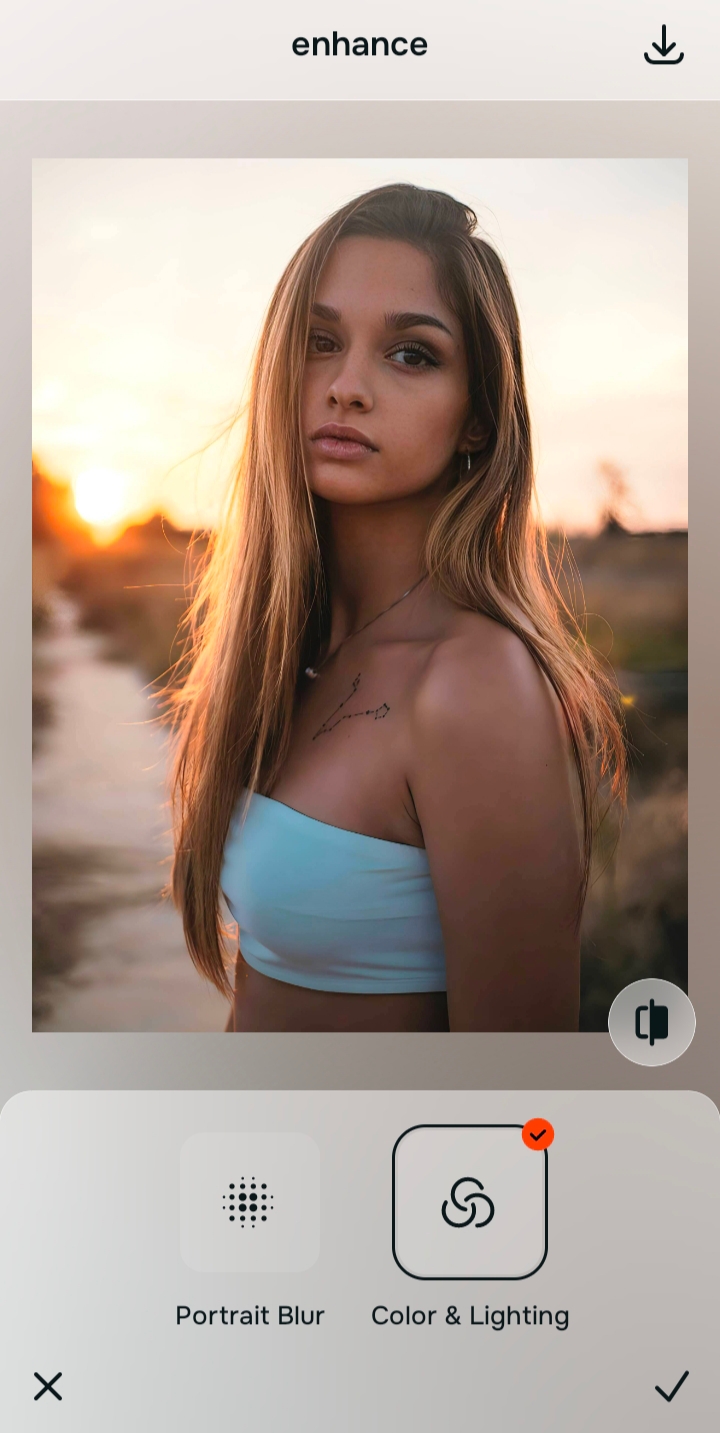
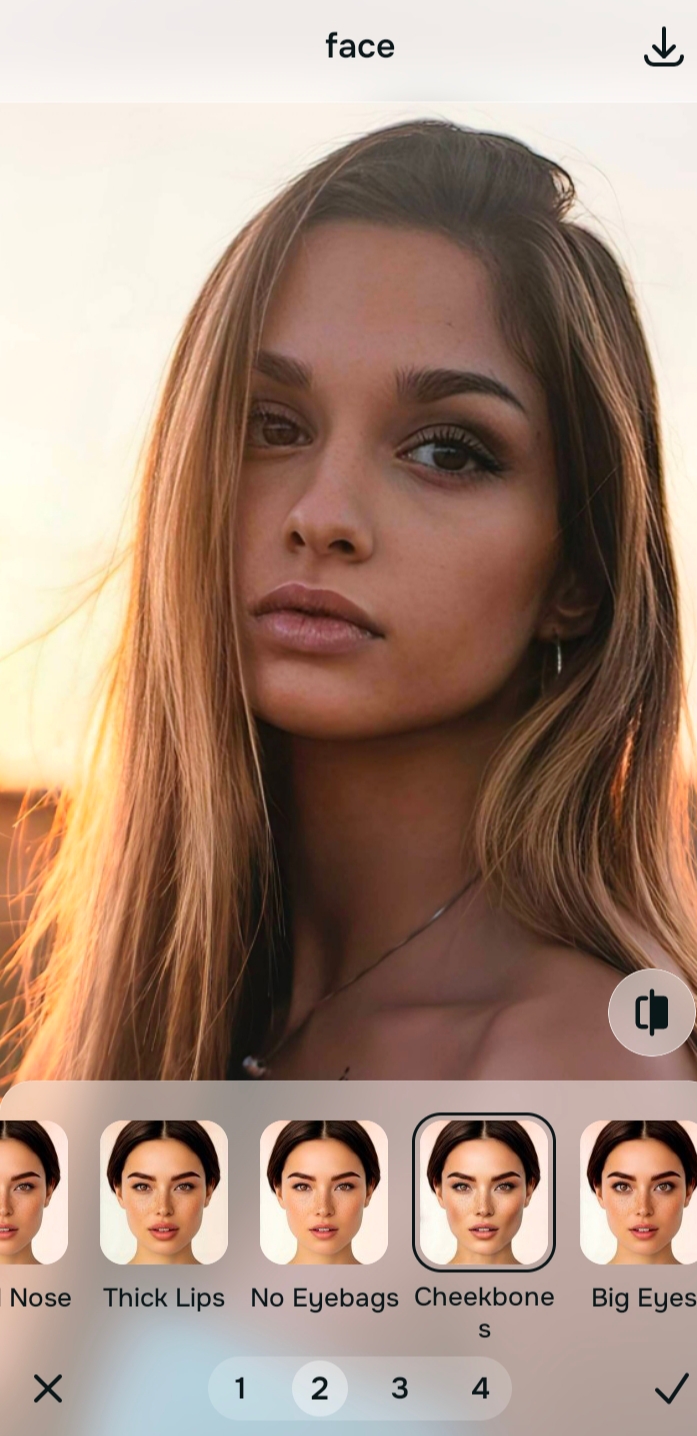
Tap Looks and select Cheekbones for a healthy, authentic finish
Even after correcting the color cast, the skin can sometimes look a bit flat from the initial bad lighting. Tap Face → Cheekbones in Citrus. Select your preferred intensity from Level 1–5. Rather than applying a heavy, opaque beauty filter that changes your color, Cheekbones biometrically injects a clean, dewy finish. It highlights your authentic skin tone, providing a radiant, hydrated look while keeping the identity 100% genuine.
Export your authentic, color-accurate master file
The optical calibration is complete. Save the unwatermarked master file to your device. Because you rebuilt the exposure mathematically rather than applying a generative "auto-fix" filter, your portrait is perfectly balanced, free of the bad lighting, and your true skin tone is flawlessly preserved.
How did the previous AI edit ruin your skin?
Identify your primary optical hurdle to select the exact automated pathway in Citrus.
Aligning Your Edits with the Citrus Taxonomy
Instead of gambling with generative apps that bleach your skin or make you look orange, Citrus categorizes enhancement into three distinct, mathematically safe pathways based on preserving real data:
| Tool Pathway | Primary Flaw Remediated | Automated Fix Strategy |
|---|---|---|
| Enhance Overall Photo | Severe color casts and unbalanced lighting that triggers generative AI to alter real skin tones | Use this first to establish a proper optical foundation. Choose Colors & Lighting to neutralize the cast natively. |
| Looks | A dull, flat facial impression resulting from aggressive, opaque digital foundation filters | Use this to update the entire face impression. Select Cheekbones (Level 1–5) to inject authentic, dewy radiance without shifting color. |
| Face | Targeted algorithmic failures where bad lighting created intense, shiny white specular glare on the skin | Use this last for precise feature tweaks. Select Matte Skin to diffuse the harsh glare while locking your unique texture strictly intact. |
“Photo enhancement should never mean overwriting your natural melanin to fix a badly lit room. It must mathematically deconvolve the environmental light source from the real sensor data to reconstruct your true physical skin tone—effortlessly.”
Why Undertone Calibration Beats Generative Color Washing
There is a massive optical difference between true multi-spectral calibration and the destructive nature of generative diffusion models. Generative AI tools (like Remini or FaceApp) are designed to output a generic "perfect" standard. When they encounter a photo taken under harsh yellow indoor bulbs or in deep shadow, they do not recognize the difference between the light source and your face. The model assumes your skin is actually that color. To "fix" it, the algorithm aggressively overwrites your pixels, pasting a smooth, waxy, highly saturated generic skin tone directly over your unique features, completely erasing your true identity and melanin in the process.
Citrus is built on strictly non-hallucinatory optical physics. By organizing adjustments into mathematically calibrated Level 1–5 settings across Enhance, Looks, and Face, it operates entirely within the boundaries of your image's physical data. It calculates the mathematical spread of the color cast and reverses it, employing Undertone Calibration to distinguish between the room's bad lighting and your true, organic pigmentation. You get a crisp, vibrant, professional-grade master file that remains a true, authentic photograph—your lighting is balanced, your shadows are lifted, and your real skin tone is perfectly preserved.