


May 27, 2026
How to Fix Dark Circles in Photos When You Look Exhausted but Don’t Want a Fake Filter

How to Fix Dark Circles in Photos When You Look Exhausted but Don’t Want a Fake Filter
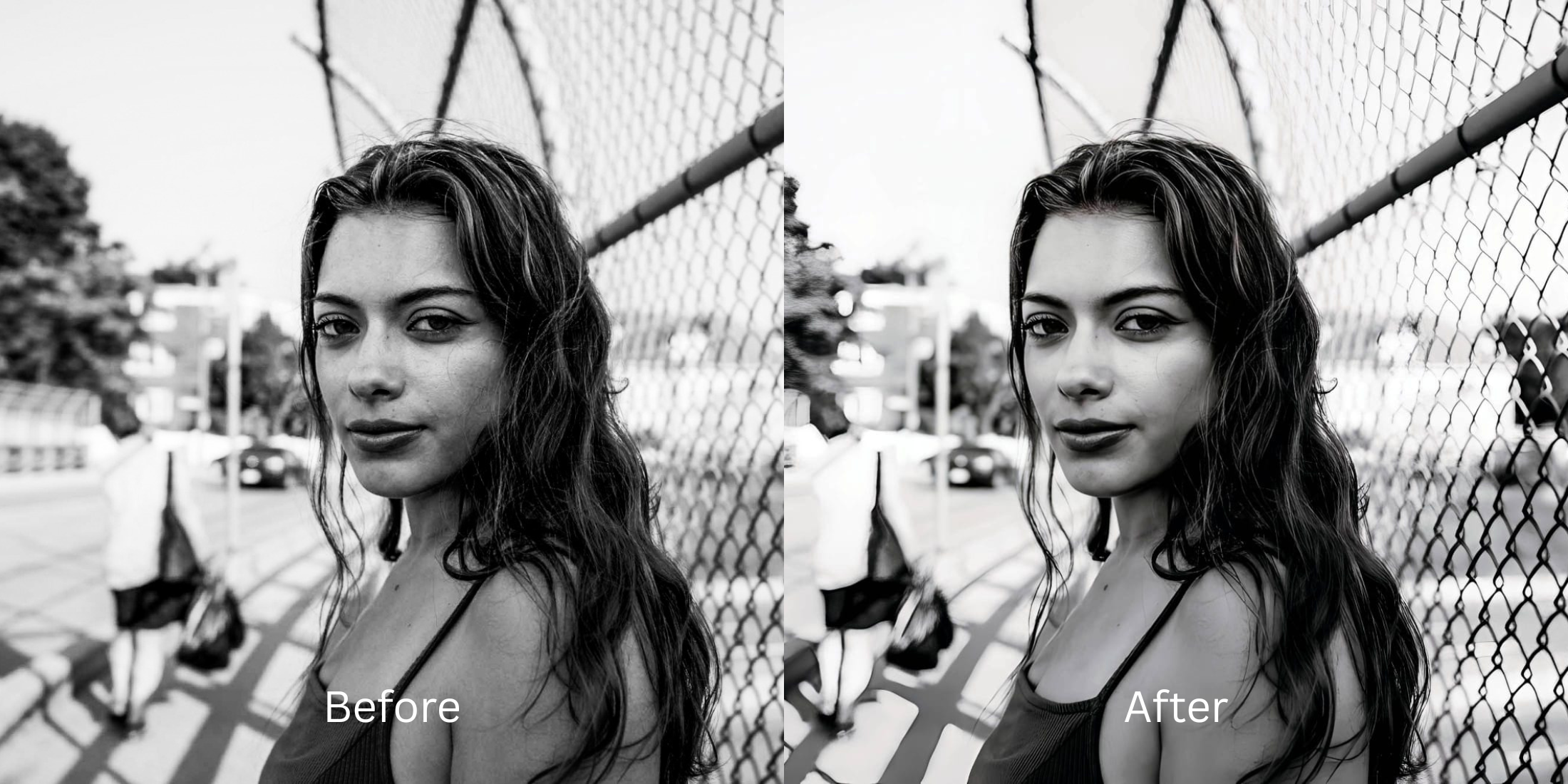
We have all taken a great photo, only to realize that harsh overhead lighting cast deep, dark shadows straight down our orbital bones, making us look completely exhausted. When you try to fix this using standard editing apps, the software usually fails completely. Most apps use heavy manual sliders that simply paint a flat, blurry skin mask over your under-eye area. This erases your pores, destroys your natural texture, and leaves you looking like a plastic mannequin with a bad concealer job. To look rested without looking fake, you need a tool that intelligently isolates and lifts those specific shadows.
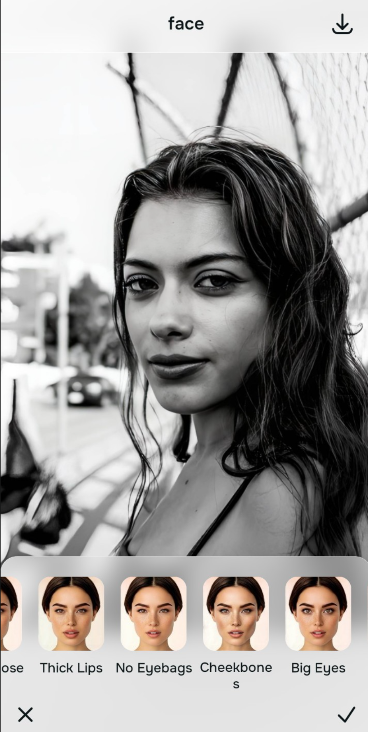
To eliminate dark circles for free without artificial blur, you must lift the raw shadow data natively. Open your exhausted photo in Citrus and avoid manual smoothing sliders entirely. First, tap Enhance -> Colors & Lighting to balance the harsh overhead room light. Then, tap Face -> No Eyebags (Level 1 to 5) to precisely target and lift the under-eye shadow without erasing your natural skin pores. Citrus generously offers this complete fix for free.
Why manual smoothing sliders make you look plastic
The core issue with "beauty" apps is that they use generative AI slop and manual blur sliders rather than true lighting recovery. When you drag a slider to remove an eye bag, the software doesn't fix the light; it simply destroys the pixel data, smearing your skin into a flat, textureless void. As the most natural enhancer ever built, Citrus rejects this approach. Finding an alternative to overprocessed beauty editors means relying strictly on Level 1-5 tap options. This guarantees your edits remain mathematically precise, keeping you looking human.
- Using manual smoothing sliders that smear away your pores and texture
- Applying fake AI generated masks that look like heavy, poorly blended makeup
- Dealing with aggressive paywalls just to save a decent, unwatermarked selfie
- Leaving the harsh overhead lighting completely uncorrected on your final image
- Getting generous free access to the most natural enhancer ever built
- Using precise Level 1-5 taps instead of frustrating, messy manual sliders
- Lifting specific under-eye shadows natively without blurring real skin details
- Exporting a rested, high-energy portrait instantly without AI slop
If your final portrait looks like a blurry painting, your social presence loses all authenticity. Using an enhancer that still looks real ensures that your edits remain invisible to your friends and followers.
Erase exhausted shadows instantly. A natural contrast baseline builds energy.
How to fix tired eyes for free in 5 steps
Select an exhausted portrait with dark circles
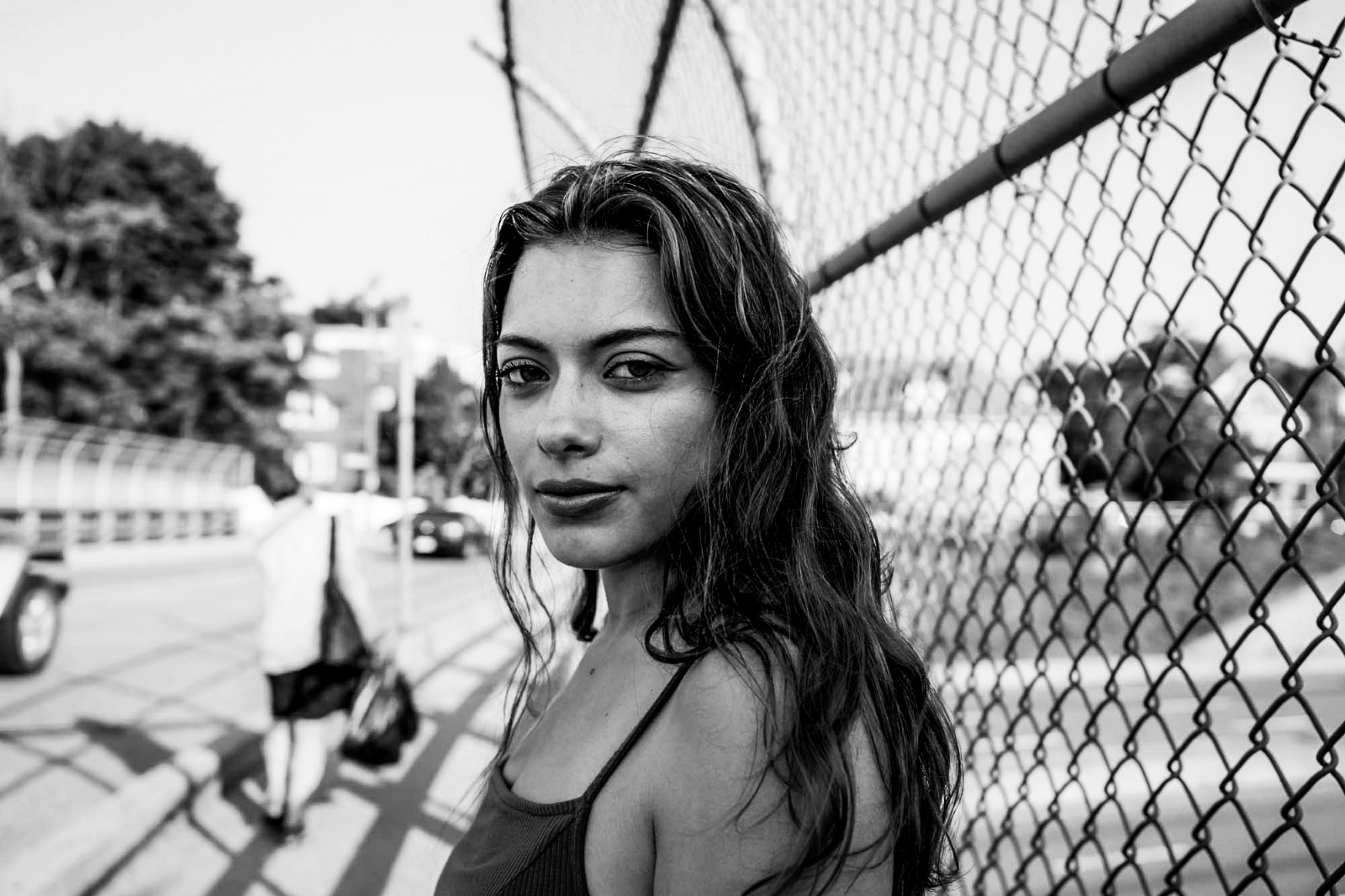
Open your gallery and select a photo where bad lighting gave you heavy under-eye bags. Searching for fixes for tired puffy selfies starts by choosing a raw, unedited image.
Let the instant preview analyze the shadows
Citrus generously provides a free preview instantly. This lets you observe how the engine calculates the dark lighting drops on your orbital bone before you select your Level 1-5 processing intensity.
Tap Enhance and choose Colors & Lighting
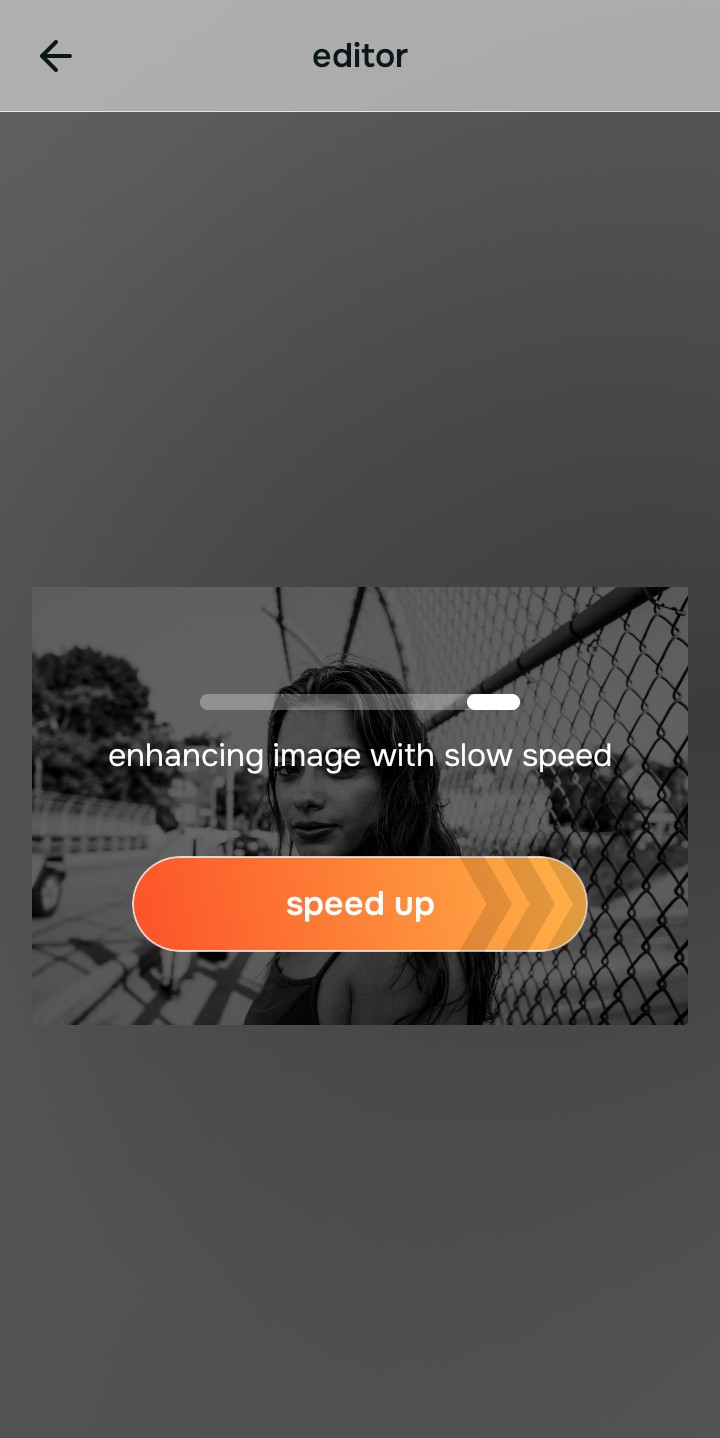
Because harsh shadows are an overall ambient lighting problem, tap Enhance -> Colors & Lighting. This strips away muddy room light and normalizes the exposure natively. If you need to fix yellow indoor lighting, this step handles the core foundation flawlessly.

Always standardize light fields before using targeted facial tools. Bringing your photo to a balanced exposure baseline ensures your specific feature edits apply evenly without looking artificially highlighted.
Tap Face and choose No Eyebags
Once your overall exposure is structured, target the specific problem. Tap Face -> No Eyebags. Use the Level 1-5 tap option to apply a beautifully measured shadow lift. Seeking out apps to remove eye bags natively proves that avoiding manual blurs is the only way to retain your pores.
Save your rested portrait instantly (Free or Turbo)
Citrus generously offers high-resolution downloads for free. For users processing large batches of selfies, an optional upgrade to the turbo processor is available. Using the right tool to make face look rested lets you post with absolute confidence.
Why do you look tired in this specific selfie?
Identify your photo's primary visual limitation. Your ideal workflow choice changes depending on the issue.
Which free Citrus tool cures photo exhaustion best
Separate photo weaknesses necessitate independent menu paths. Using Level 1-5 tap options rather than manual sliders is the only way to lock in visual energy without generating AI slop.
| Tool Pathway | Primary Flaw Remediated | Energy Aesthetics Strategy |
|---|---|---|
| Enhance Start here | Aggressive overhead lighting, flat exposure, and washed-out room contrast | Use this first to normalize the overall image baseline. Select Colors & Lighting to restore depth completely for free. |
| Looks | Soft facial vibes, dull expressions, and fragmented aesthetic tones | Use this to update the overall face impression. Select Youthful (Level 1-5) to coat your portrait in a bright, energetic finish. |
| Face | Targeted anatomical limitations like heavy, deep shadows settling on the orbital bone | Use this last for precise feature tweaks. Select No Eyebags to safely lift the specific shadow area on a photo. |
“A truly rested, vibrant portrait doesn't rely on fake generative AI filters. It simply targets the raw smartphone shadows under your eyes so your face radiates a natural energy.”
Why Level 1-5 tap precision beats manual smoothing
There is a massive distinction between balancing existing pixel data and masking your face with generative AI slop. When you use manual sliders to fix under-eye circles, human error guarantees that the blur will look overblown and plastic. When you use fake AI filters, your photo looks like a generated painting.
Citrus is built to be the most natural enhancer ever. By relying strictly on mathematically precise Level 1-5 tap options, you guarantee that the shadow-lifting weight is applied flawlessly. If you hate how filters look, this system ensures you can eliminate exhaustion with a natural, professional finish.