


September 9, 2026
How to Improve a Face in Shadow Without Blowing Out a Bright Background
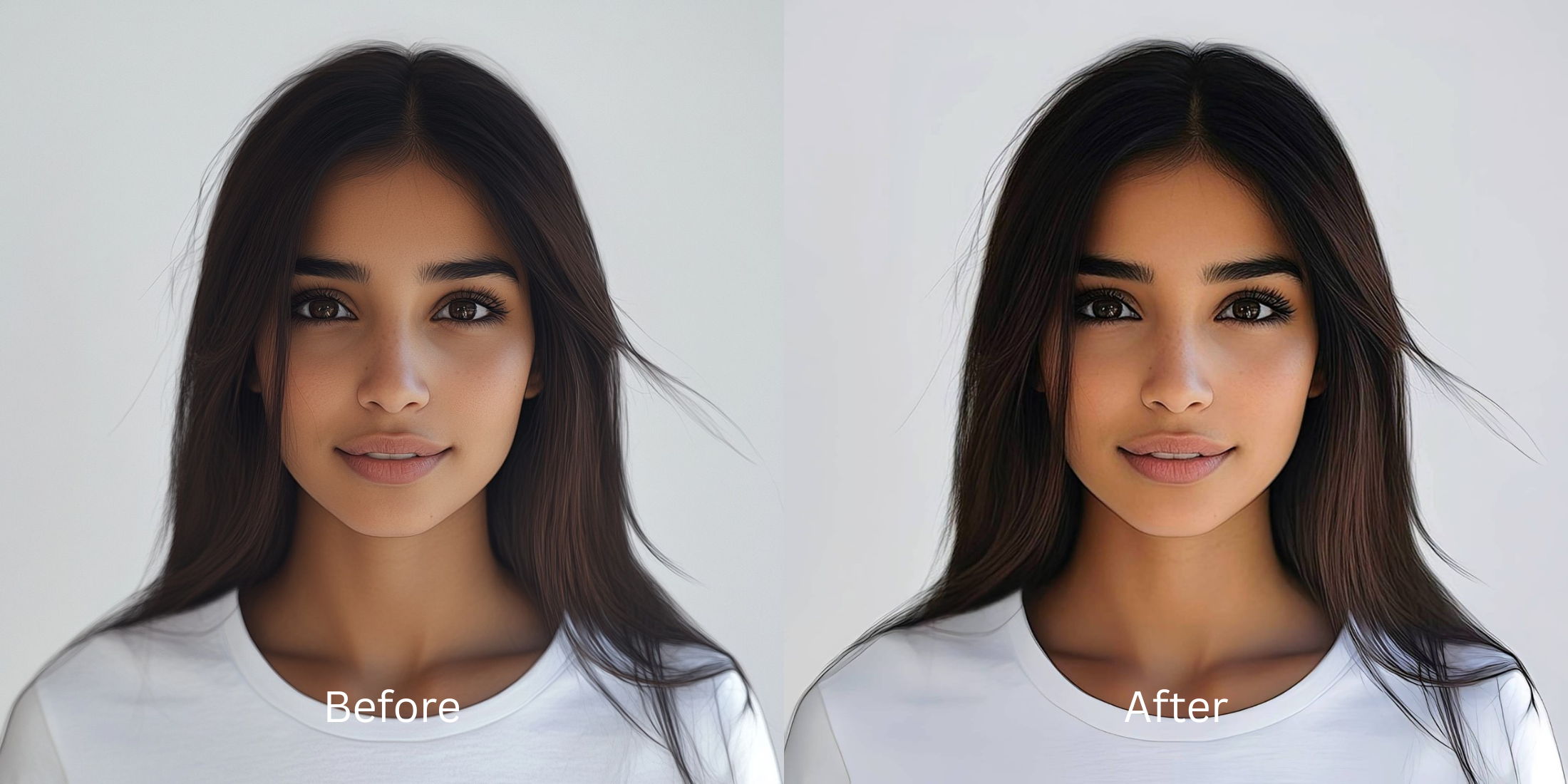

How to Improve a Face in Shadow Without Blowing Out a Bright Background
You are taking a photo in front of a stunning sunset or a bright window. The view is perfect. But when you check your camera roll, your face is completely blacked out in heavy shadow. This happens because your phone's camera sensor faces a mathematical dilemma: it does not have enough "dynamic range" (stops of light) to expose both the blazing bright background and your dark face at the exact same time. The camera's automatic HDR (High Dynamic Range) tries to stack multiple exposures to fake it, but this often leaves your face looking muddy, flat, or gray. The trap happens when you open a standard photo editor and pull up the "Shadows" or "Brightness" slider. Because these sliders apply a global adjustment to the entire photo, lifting the shadows on your face completely "blows out" the bright sky into a clipping white void, while flooding your skin with horrible digital ISO grain. To fix a backlit portrait without destroying the scenery, you need an optical engine capable of biometric exposure zoning—mathematically separating your face from the background to lift your exposure curve while locking the background highlight data safely in place.
Backlit faces look dark because camera sensors lack the dynamic range to expose a bright background and a dark subject simultaneously. To fix this cleanly, use Citrus AI. Instead of dragging a global brightness slider that blows out the sky, Citrus recalculates zoned exposure curves to lift the face while protecting the background.
Understanding the "Sensor Dynamic Range & HDR Clipping" Trap
The core issue with backlighting is that global editing sliders are blind. They cannot tell the difference between your face and a cloud. To learn how to fix backlit beach photo dark shadows, you must stop using generic brightness tools that destroy your highlight data.
- Lifting the exposure across the whole photo, which turns a beautiful blue sky into a blown-out, clipping white void
- Illuminating the digital ISO grain on your skin, making you search for a free ai tool fix washed out edits
- Creating a flat, unnatural appearance that forces you to read how to fix iphone backlit selfies flattening
- Leaving the eyes looking like dead, dark holes without any natural light reflection
- Using advanced optical models to mathematically separate the subject from the background before lifting the exposure
- Acting as an algorithmic fill-flash to make flat photos more alive natively
- Biometrically isolating the ocular planes to recover the exact shape of the pupil and natural catchlights
- Solving the exact issues mapped in the bad lighting lab window light report without blowing highlights
When a camera sensor crushes shadows to protect a bright sky, adding raw global brightness guarantees a terrible photo. Shifting to an optical workflow helps you improve bad camera lighting tap natively, ensuring your backlit portraits stay defined, balanced, and incredibly vibrant.
Rebalance backlit portraits effortlessly. A structured optical enhancement lifts facial shadows while locking background highlight data in seconds.
A 5-Step Test: Rebalancing Exposure Without Blowing Highlights
Upload the raw, unedited camera roll photo
Find the portrait where your face is completely shadowed by a bright window or sunset. Starting with clean sensor data is essential to allow the engine to map the exact exposure drop-off without interference from previous contrast edits.
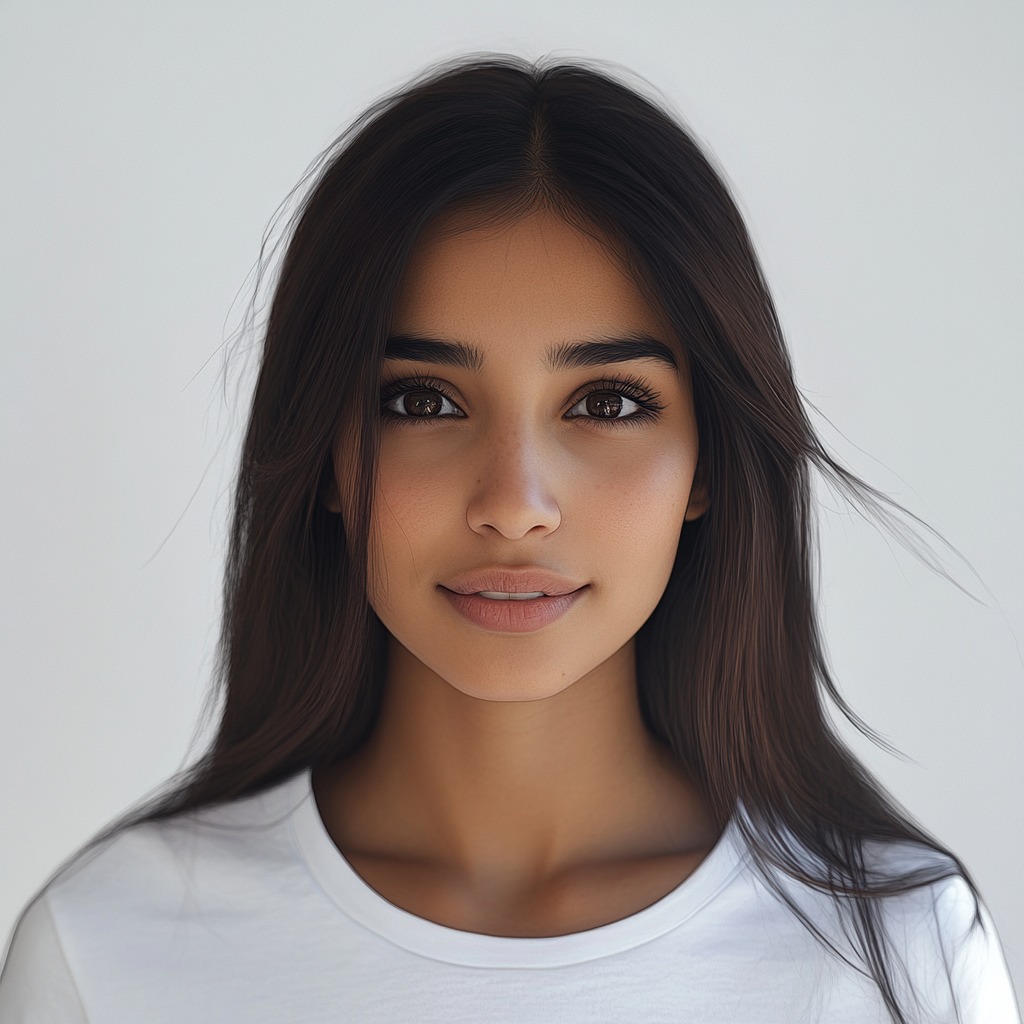
Let the instant preview map exposure zones
Citrus provides an instant baseline correction immediately. Instead of just cranking the global exposure, Citrus analyzes the structural geometry of the image, mathematically separating your dark face from the bright ambient background.
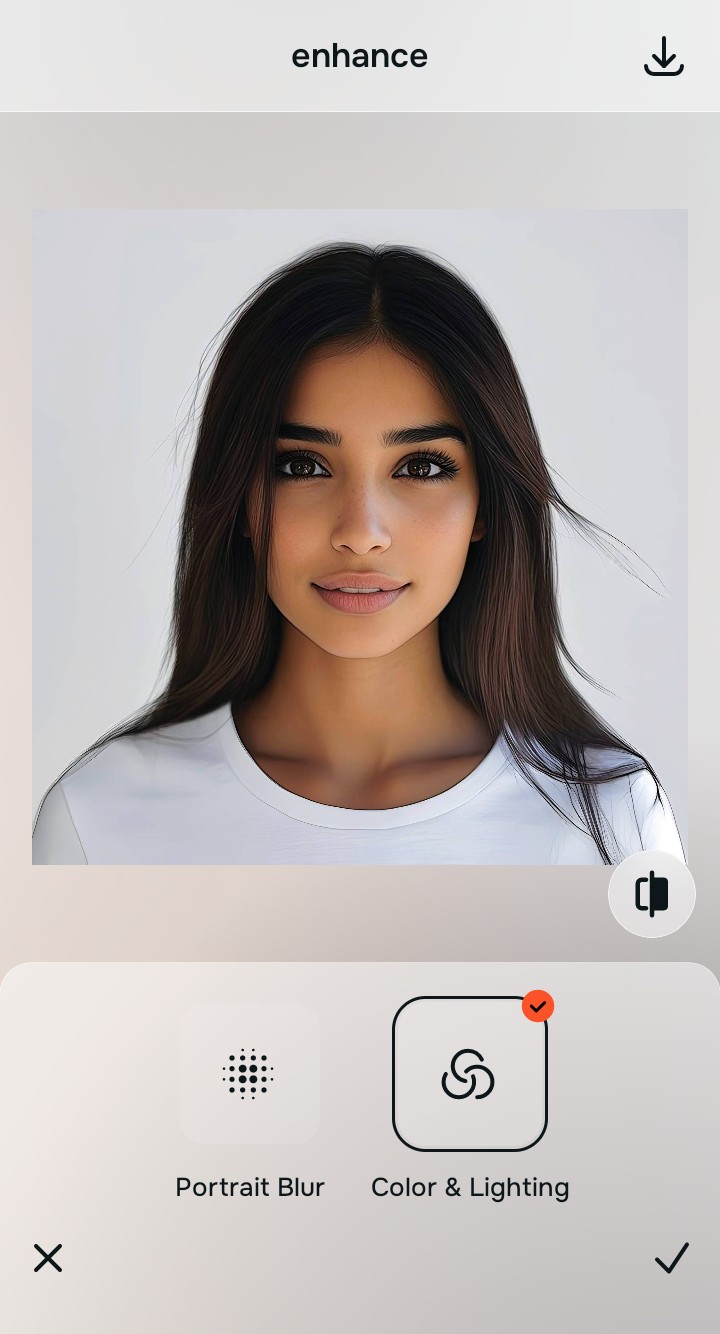
Tap Enhance and choose Colors & Lighting
You cannot fix backlighting with a simple brightness slider. In Citrus, tap Enhance → Colors & Lighting. This recalculates the zoned exposure curve. It lifts the crushed shadows on your face natively, restoring the underlying structural density of your skin while actively protecting the bright background from clipping into pure white.

Always fix global dynamic range before attempting to polish the skin. Lifting the exposure curve mathematically ensures subsequent enhancements don't turn into a gray, noisy mess.
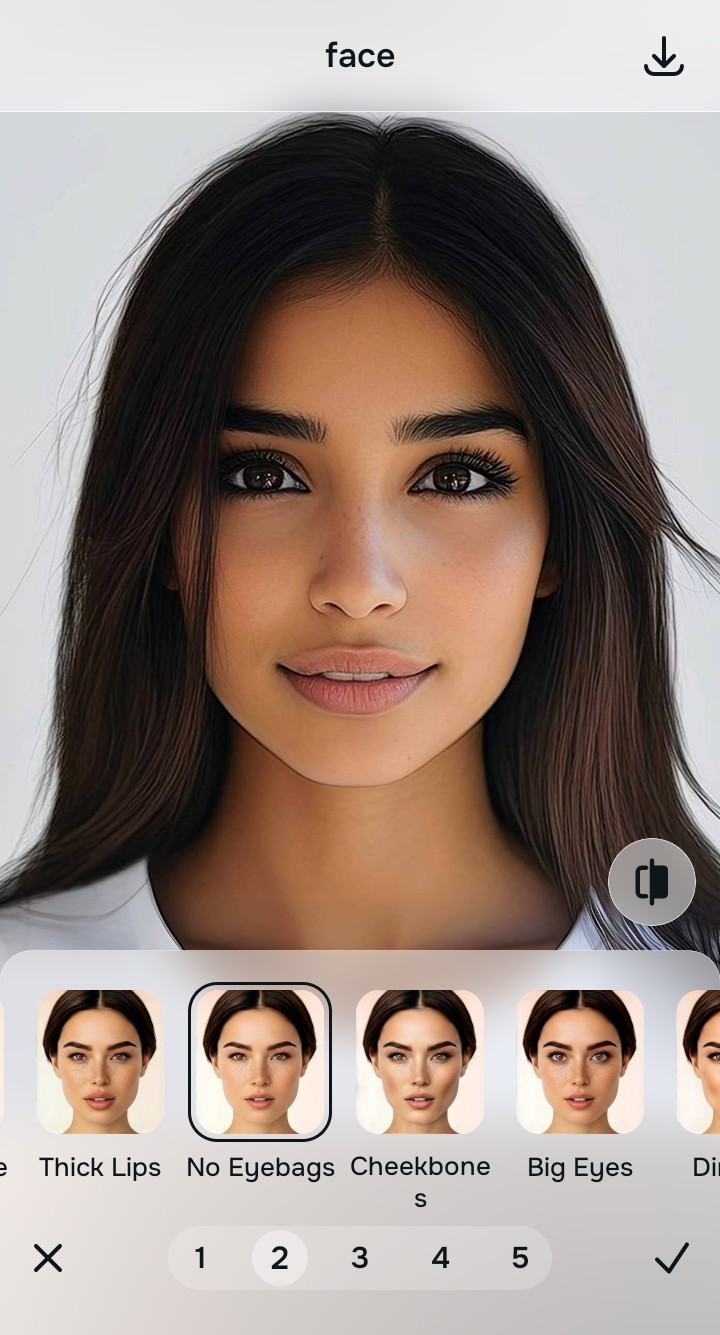
Tap Looks and select No Eyebags to act as a fill-flash
Because severe backlighting and failed HDR processing wash out true color, making skin look dull and gray, you need to restore radiance. Tap Face → No Eyebags in Citrus. Select your preferred value from Level 1–5. This biometrically diffuses harsh micro-contrast, acting as an algorithmic fill-flash to give the skin a healthy, dimensional presence.
Tap Face and select Brighten Eyes to rescue lost catchlights
When a face is cast in heavy shadow, the eye sockets become dark voids, destroying the natural reflections that make you look alive. Tap Face → Brighten Eyes. Citrus isolates the high-frequency boundaries to recover the exact shape of the pupil and inject engaging, natural eye contact back into the portrait.

How did backlighting ruin your photo?
Identify your primary optical hurdle to select the exact automated pathway in Citrus.
Aligning Your Edits with the Citrus Taxonomy
Instead of guessing how much a global slider will ruin your background, Citrus categorizes enhancement into three distinct, mathematically safe pathways:
“Backlight enhancement should never require you to completely blow out a beautiful sunset just to see your face. It must mathematically recalculate exposure to separate the subject from the background—effortlessly.”
Why Zoned Exposure Rebuilding Beats Brightness Sliders
There is a massive structural difference between authentic optical exposure mapping and dragging the "Brightness" or "Shadows" slider in a basic photo editor. When you turn up the shadows globally on a backlit photo, the software indiscriminately lightens everything. Because the camera had to expose for the bright sun, the shadows on your face are full of digital noise. Lifting them globally turns your face into a flat, grainy, gray catastrophe while turning the beautiful clouds behind you into pure white clipping. This forces users to wonder why pixel selfies too hdr gray artifacts occur so often.
Citrus is built specifically to prevent this. By constraining adjustments to mathematically calibrated Level 1–5 settings across Enhance, Looks, and Face, it physically maps the geometric density of the image. It separates the dark face from the bright background, lifting the texture of the skin while locking the highlight data safely in place. You get a crisp, dimensional, perfectly balanced portrait in one tap without the blown-out sky.