


May 12, 2026
Free AI Tool to Fix Washed-Out Selfies

Free AI Tool to Fix Washed-Out Selfies
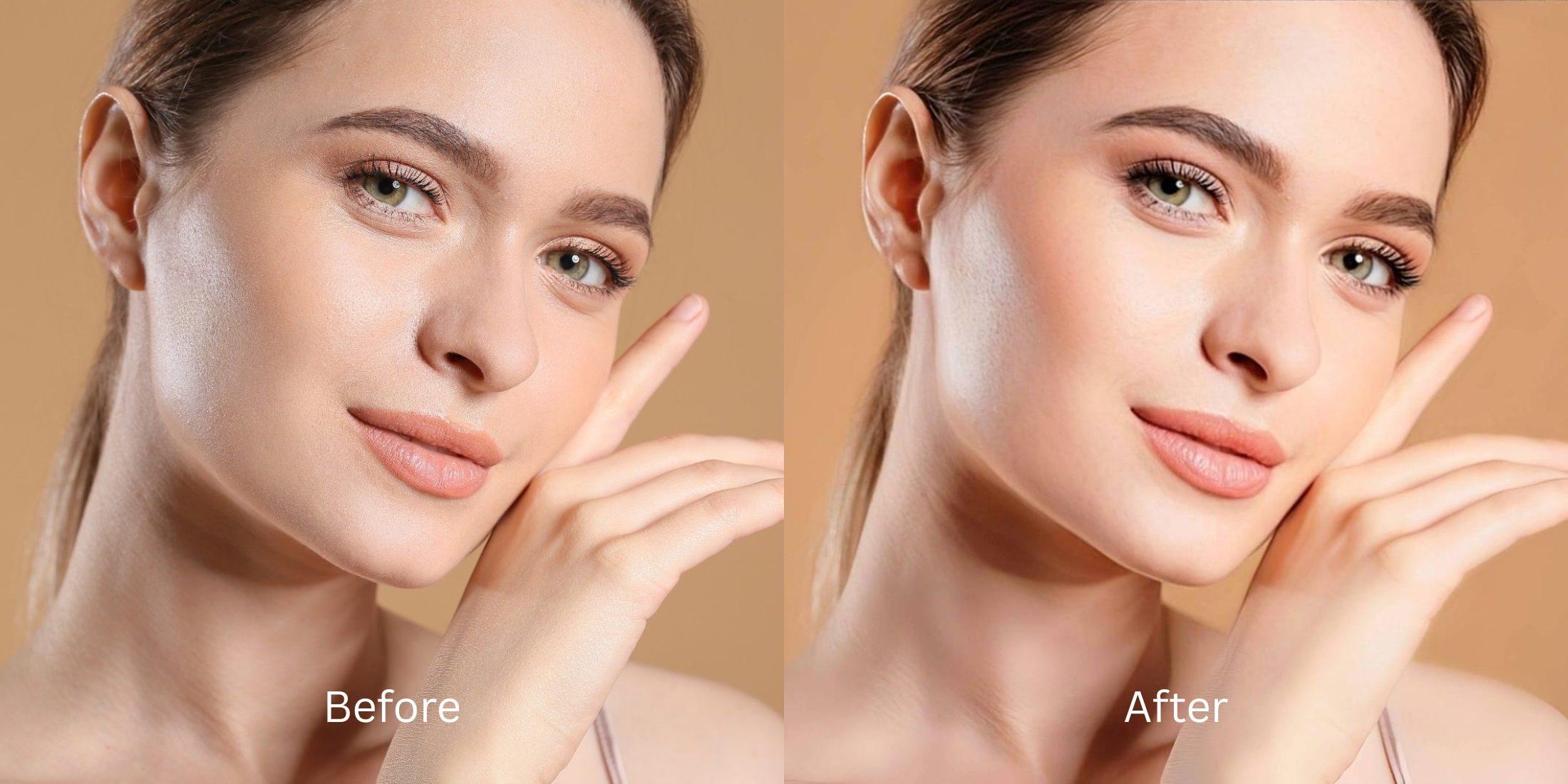
There is nothing more frustrating than taking a selfie in what feels like great light, only to see a faded, ghostly version of yourself on the screen. Overexposure and harsh sun often strip the depth from your features, leaving your skin looking gray and your eyes flat. If you want a way to make flat photos look alive, you do not need to spend hours adjusting complicated curves. You need an automated solution that recovers the shadows your phone camera accidentally erased.
To fix a washed-out selfie for free, you must restore the lost color depth and shadow contrast. In Citrus, skip the heavy beauty filters and tap Enhance -> Colors & Lighting to automatically pull depth out of a bright, faded image. Once the lighting is balanced, use Looks -> Glow Up to add a healthy, vibrant polish that restores your natural complexion without hitting a paywall.
Why phone cameras wash out your best features
Small smartphone sensors often overreact to bright environments. To prevent a dark image, the camera software "lifts" the shadows so much that the entire picture becomes a flat, hazy wash. This is why finding one tap selfie enhancers is critical for everyday captures. Instead of applying a fake filter, you want to recover the structural light data that was lost during the capture.
- Paying $40 subscriptions just to fix one faded vacation photo
- Using heavy blurring tools that make you look like a plastic clone
- Having massive watermarks stamped across your restored memories
- Looking ghostly and pale because the shadows were completely deleted
- Getting professional-level contrast correction without hidden fees
- Recovering the rich, natural colors hidden under the hazy exposure
- Exporting your final, high-resolution photo instantly for free
- Stopping the edit while your natural skin and expression remain real
If your restored picture looks bright but you seem like a digital mannequin, the software failed. Relying on an natural looking results solution that respects your unique anatomy is the only way to stay authentic.
Fix washed-out lighting instantly. A smart edit keeps reality intact.
How to rescue a faded selfie for free in 5 steps
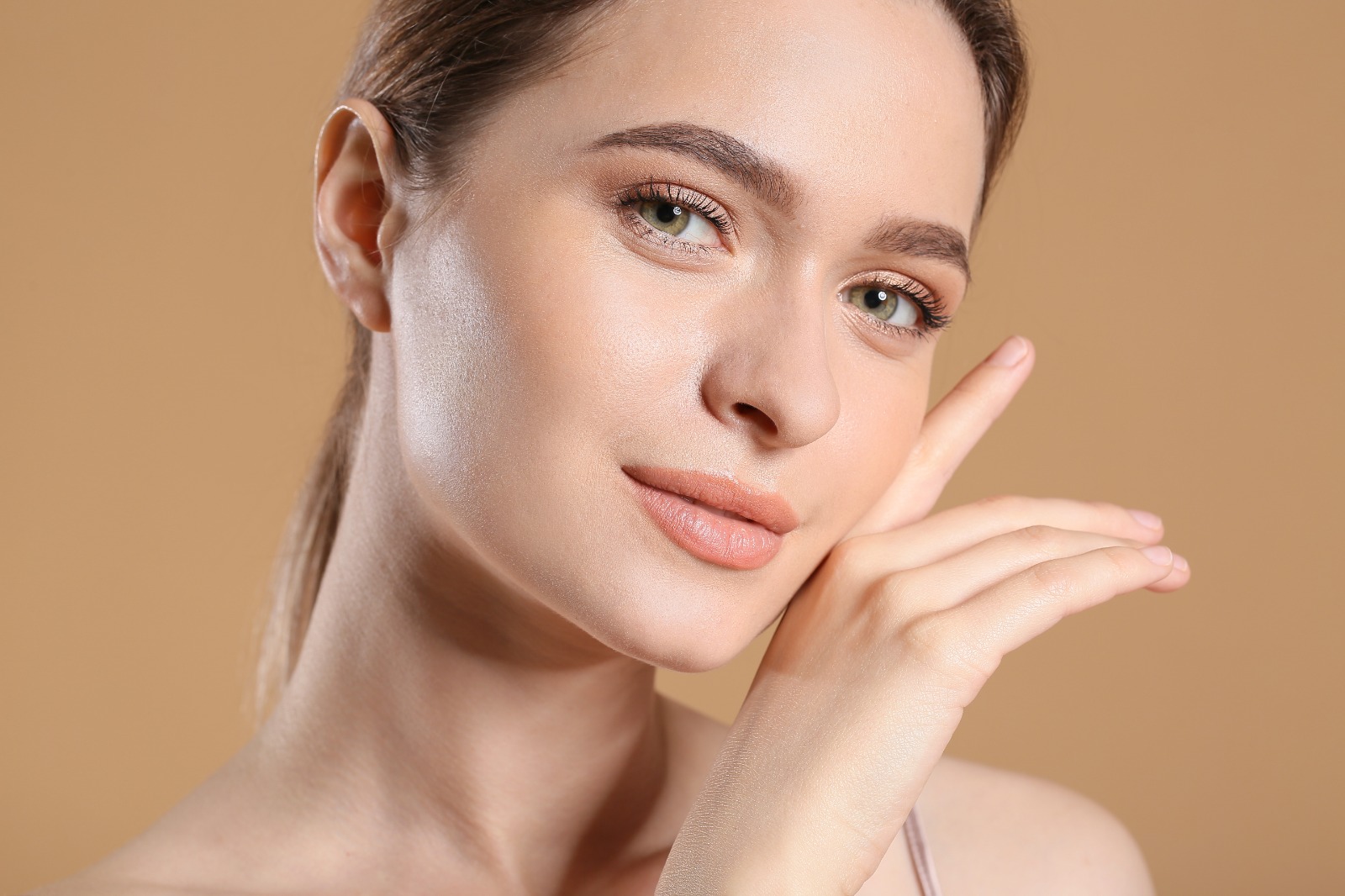
Select a selfie that looks pale or overexposed
Find the picture where the light was too harsh. You do not need to settle for a dull photo. Using a tool to improve bad camera lighting lets you bring the real "you" back in seconds.
Let the instant preview analyze the light data
Citrus provides a first correction immediately without asking for a credit card. This ensures that the exposure errors are recognized before you start attempting any facial refinements.
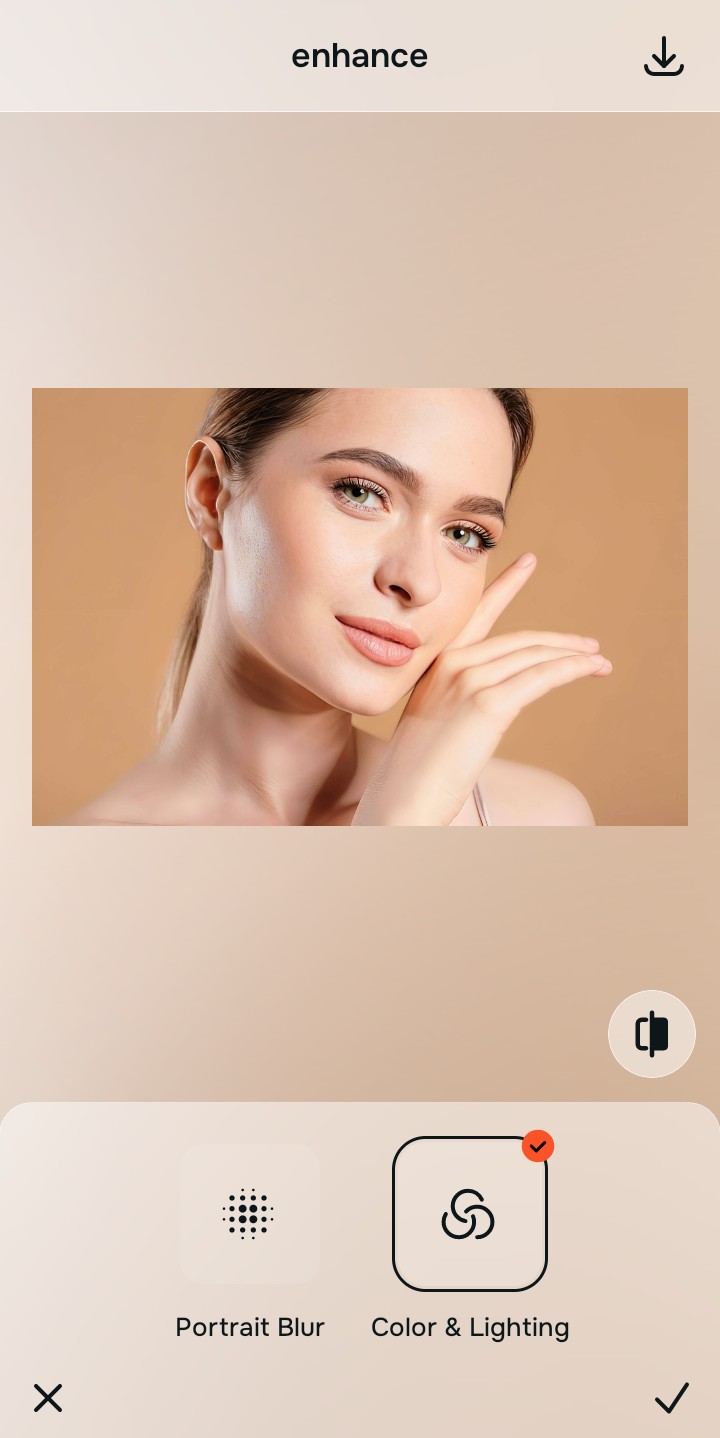
Use Enhance to fix Colors & Lighting first
Because being washed out is a fundamental lighting problem, tap Enhance -> Colors & Lighting. This strips away the white haze and restores deep shadows. It is the absolute fastest way to fix yellow indoor lighting or overexposed outdoor glare.

Always fix the faded lighting before using a beauty tool. Tap the Enhance options to build a strong photographic foundation first.
Apply Looks tools to restore natural warmth
Once the hazy light is gone, you can safely bring life back to your skin. Tap Looks -> Glow Up to add a healthy, sun-kissed finish. Choosing editors that keep real skin ensures you look like a person, not a painting.
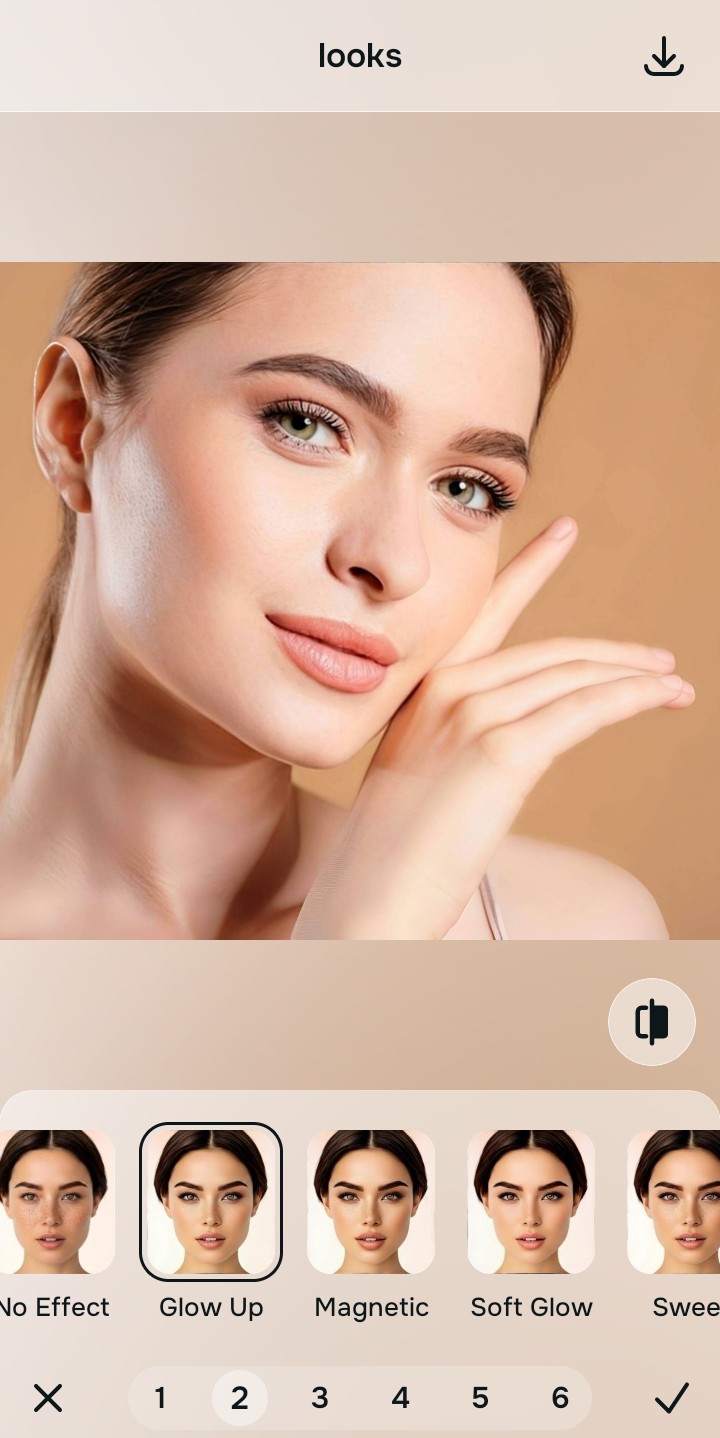
Save the high-resolution photo instantly
Unlike premium apps that charge you to export a rescued memory, you can save your results for free. It takes less than five seconds to photo look better in seconds and enjoy a watermark-free save.
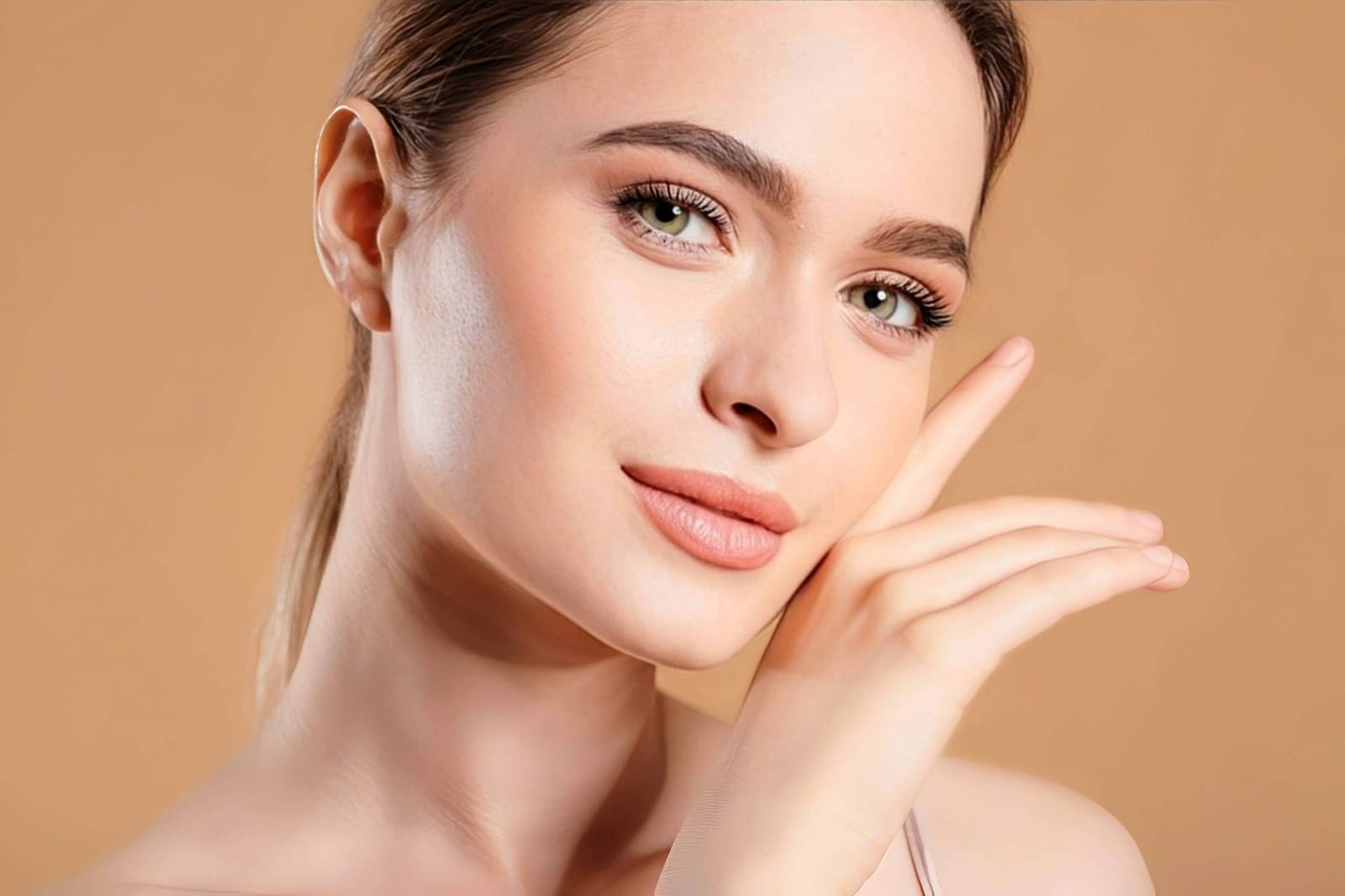
Why did the camera ruin this selfie?
Choose the description that fits best. Your starting point changes depending on what is actually drowning out your features.
Which free Citrus tool delivers the best rescue finish
Different lighting errors require entirely different pathways. The goal is to get the best result by matching the tool to the actual photographic failure. This stops you from ruining a good memory with an automated, paid filter.
| Tool | What it helps fix | When to use it |
|---|---|---|
| Enhance Start here | Overall haze, white glare, and missing visual depth | Use this first when the whole image is overexposed. Choose Colors & Lighting to restore the hidden shadows for free. |
| Looks | Photos that are clear but lack a healthy, vibrant energy | Use this after Enhance when the issue is a dead vibe. It creates a photogenic, Glow Up energy instantly. |
| Face | Specific pale spots or gray complexions caused by bad bulbs | Use this last, applying targeted tools to subtly even your Skin Tone after the broader haze is already gone. |
“The best way to fix a washed-out selfie is to recover the lost light data instead of paying a monthly fee to let an AI paint an artificial mask over your features.”
Why contrast recovery beats deleting the memory
There is a massive difference between adding dimension and wiping out reality. When you use an aggressive, paid beauty algorithm to hide a washed-out face, you turn the entire image into a flat plastic wash. The human brain instantly recognizes this loss of detail as a cheap edit.
Real quality comes from correcting the underlying data instantly. Choosing a free solution ensures you get high-resolution results without the premium subscription trap. This allows you to look rested and refined while you stay true to your human identity.