


April 20, 2026
Facetune vs One-Tap Natural Enhancers: What’s the Difference?

Facetune vs One-Tap Natural Enhancers: What’s the Difference?
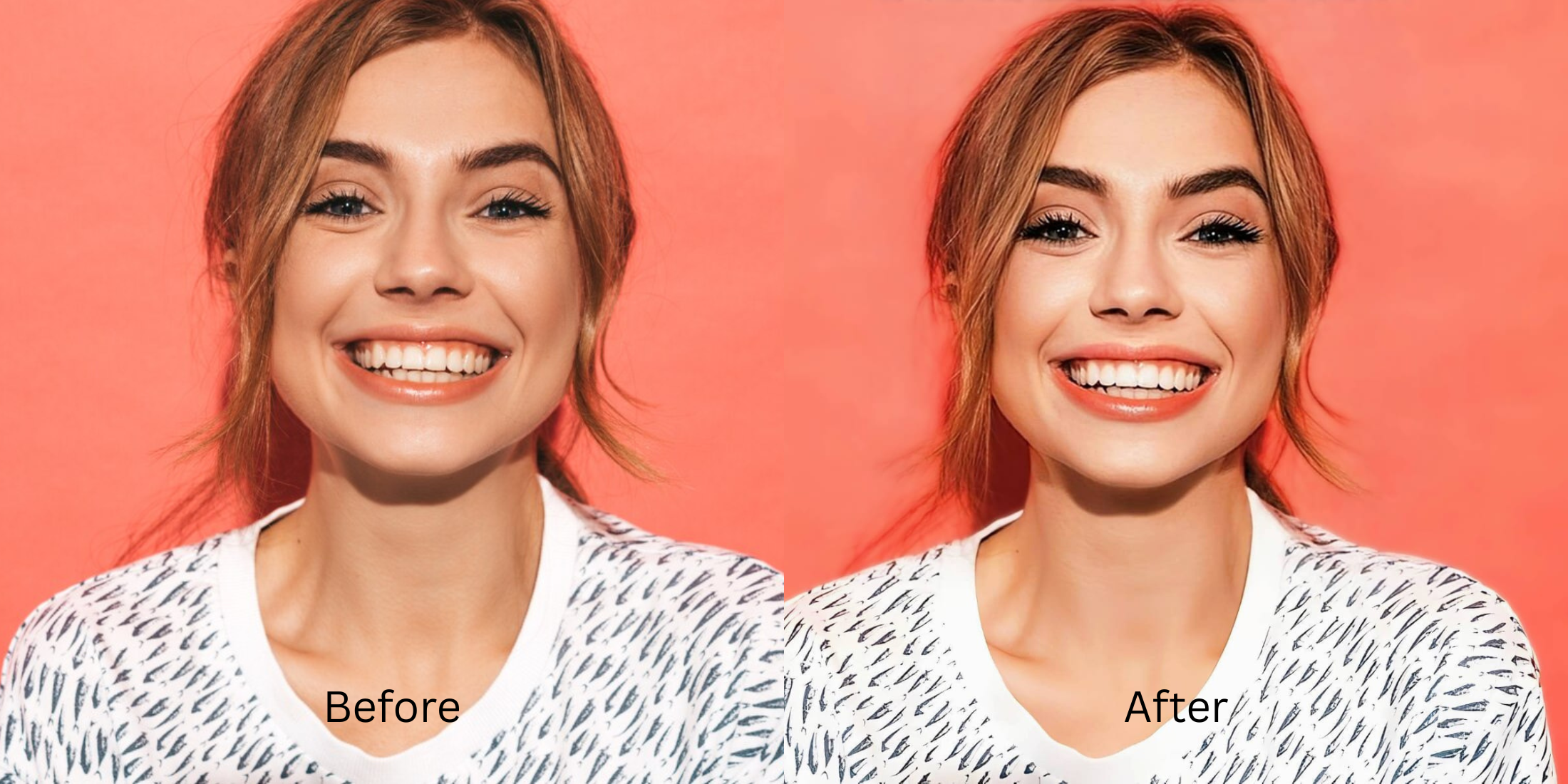
Facetune vs one-tap natural enhancers comes down to a very simple difference that affects almost every selfie result: one tries to edit your face into a better version, the other tries to correct the photo so your real face has a fairer chance. That is why people comparing Facetune alternatives, natural selfie editors, realistic face enhancer apps, and one-tap photo enhancers keep running into the same question. Do you want a more designed face, or a better-looking photo that still feels like you?
Facetune vs Citrus, side by side
This comparison focuses on how each approach behaves when the goal is natural-looking selfies, believable skin, and fixes that do not start reading as fake.
| What matters | Facetune | Citrus, one-tap natural enhancer |
|---|---|---|
| Starting instinct | Usually begins from beauty editing, retouching, reshaping, or manual polish. | Usually begins from correcting the actual photo problem first, then refining only if needed. |
| Best fit | People who want direct control over beauty edits and stronger visible changes. | People who want faster, more believable improvement with less chance of crossing into fake. |
| Skin texture | ✕Can become too polished fast if the edit keeps going. | ✓More likely to preserve texture because correction happens before heavy beautifying. |
| Face shape pressure | Manual reshaping can solve one issue and quietly create another. | Less pressure to redesign the face when the real issue is light, softness, or camera unfairness. |
| Workflow | More hands-on and more dependent on the user knowing when to stop. | More guided by problem type, which makes overediting harder. |
| Natural result potential | Possible, but easy to overshoot. | Better for realismBuilt around a lighter finish when used in the right path. |
Facetune is built more around active beauty editing. One-tap natural enhancers are built more around restoring fairness to the image. If your goal is sculpting, retouching, and manual control, Facetune makes sense. If your goal is to fix flat lighting, soft detail, tired-looking selfies, or camera damage without chasing a fake filter finish, a one-tap natural enhancer like Citrus is usually the better fit.
Why these two categories produce such different faces
The biggest difference is not just feature lists. It is philosophy. Facetune belongs to the beauty-editor mindset. It assumes that if the photo looks off, the face probably needs visible work. One-tap natural enhancers start from a different suspicion. They assume the camera may have done the damage. That is a huge shift, because a lot of selfies do not actually need more beauty editing. They need the lighting corrected, the file cleaned up, or one exaggerated area softened so the photo can get closer to real life.
That is why the two results can feel emotionally different even when both are technically “better.” One looks edited. The other looks fair. People usually notice this most once they start comparing results across a natural-looking photo enhancer and a more beauty-driven tool. One gives you a finished face. The other gives you back the version the camera buried.
- The face gets treated first, even when the actual problem belongs to the photo
- Manual power can be useful, but it also makes it easier to slide into a fake finish
- The user has to know where the stopping point is
- Small edits stack into a face that slowly stops feeling lived-in
- The image gets corrected before the face gets stylized
- The photo keeps more of its original structure, texture, and personality
- The workflow is faster because you are solving the right problem earlier
- The result usually feels more like you on a better day, not a redesigned version
That difference matters even more for selfies, because selfies already exaggerate some of the worst front-camera habits. Soft detail, swallowed cheek structure, under-eye heaviness, and flat color can all make you feel tempted to overcorrect. But many of those problems respond better to something closer to an AI selfie enhancer for better-looking photos than a manual beauty pass.
Use the selfie that almost worked. That is where the difference between beauty editing and natural correction shows up fastest.
When Facetune feels helpful, and when it starts working against you
Facetune can be genuinely useful when someone wants strong involvement in the result. If a person wants to reshape details, retouch manually, brighten specific areas, smooth selectively, or push the photo into a more styled beauty direction, it gives them that kind of control. There is a real audience for that. The problem begins when people use that same workflow on photos that were never asking for beauty edits in the first place.
A selfie can look tired because of bad overhead light. It can look soft because the front camera handled detail badly. It can look flatter than the mirror because the phone swallowed your natural structure. In those cases, heavy beauty editing becomes a workaround for the wrong problem. The face gets more altered than the file gets fixed. That is exactly why so many people looking for a Facetune alternative eventually start caring about whether an AI face enhancer still looks real instead of simply looking polished.
The trap is subtle. The first adjustment may look good. The second may still seem harmless. Then suddenly the skin has lost tension, the face has lost its original rhythm, and the selfie looks “better” in a way that no longer matches how you actually appeared in that moment.
When a one-tap natural enhancer makes more sense
A one-tap natural enhancer makes more sense when the photo needs a kinder translation, not a new identity. That includes selfies that look dull, slightly blurry, grainy, flat, harsh under the eyes, or just strangely less alive than what you saw in the mirror. Those are the kinds of photos where people often overedit because they feel something is wrong, but they misread what the wrong thing is. A better enhancer solves the image first and protects the face from becoming the victim of that confusion.
This is also why one-tap natural enhancers tend to feel calmer in use. Instead of asking you to build the result piece by piece, they guide you by problem type. Overall issue. Overall impression. Specific face issue. That structure is useful because it reduces random editing. It also helps when the problem is more technical, like softness or camera unfairness, which is the same territory covered in making blurry photos clear again without making them look fake.
How Citrus handles the same selfie differently
Start by asking whether the problem is overall or specific
If the whole image feels weak, flat, low-energy, or unfair, treat it as an overall photo problem. If only one facial area is throwing the selfie off, treat it as a face-specific problem. This one choice already separates a natural workflow from a beauty-editor workflow, because it stops you from doing face surgery on a photo that really just needs correction.
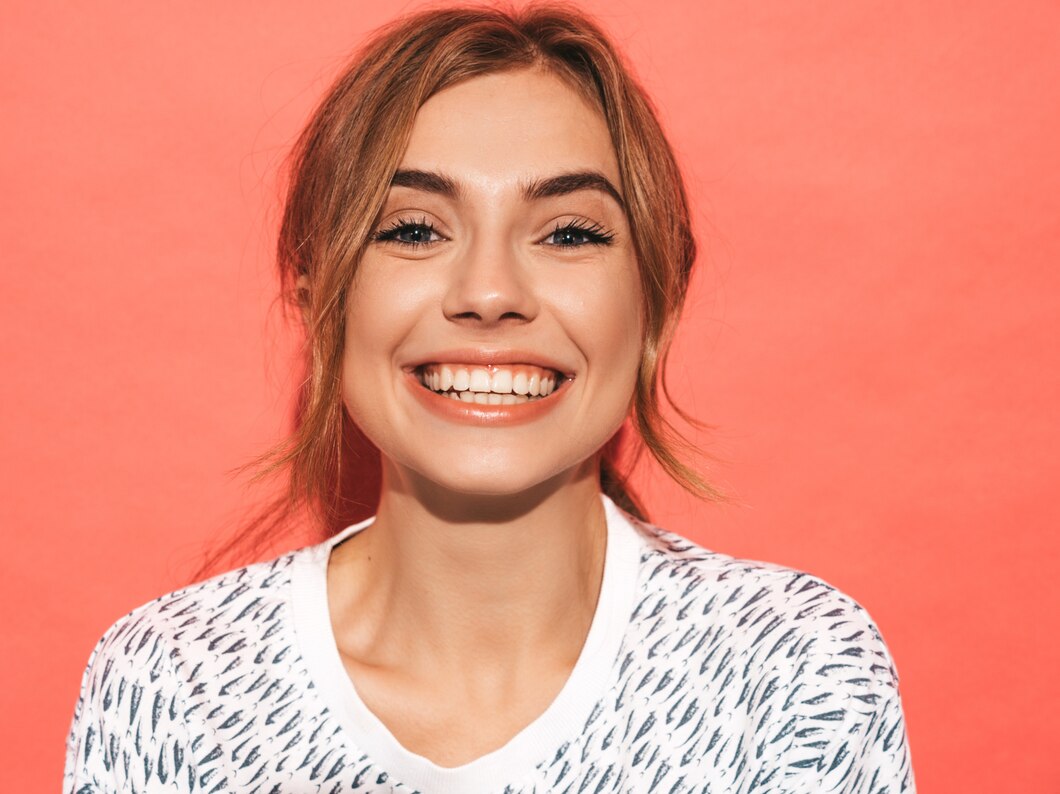
Use Enhance when the whole photo needs help
Go to Enhance if the issue is overall quality, dullness, grain, flatness, or general softness. Use Colors & Lighting when the selfie needs better balance and life. Use Portrait Blur if it is a portrait and cleaner subject separation would help it feel more intentional. This is the right path when your complaint sounds more like camera unfairness than facial dissatisfaction, which is also the logic behind an AI photo enhancer for blurry pictures.
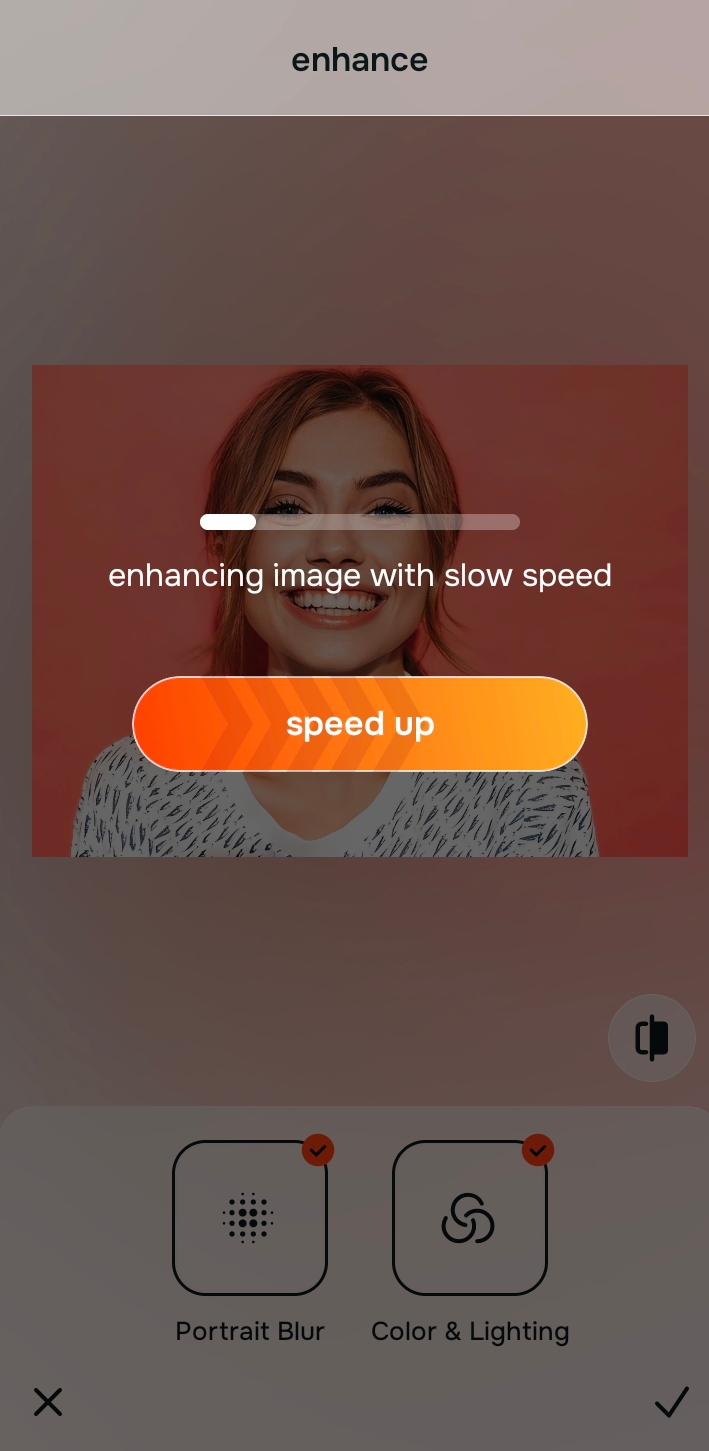
Use Face when one area is doing most of the damage
If the photo is mostly fine but something like under-eye heaviness, contour loss, or facial imbalance is dragging the whole thing down, go into Face. That lets you work on the actual pressure point instead of smoothing and reshaping everything. This is a much cleaner answer than using a full beauty editor when the issue is small but emotionally loud, especially if you are trying to avoid the problems that show up in unblurring a face without overediting.

Citrus is available on web, Google Play, and the App Store. Overall problem means Enhance. Overall impression means Looks. Specific face issue means Face.
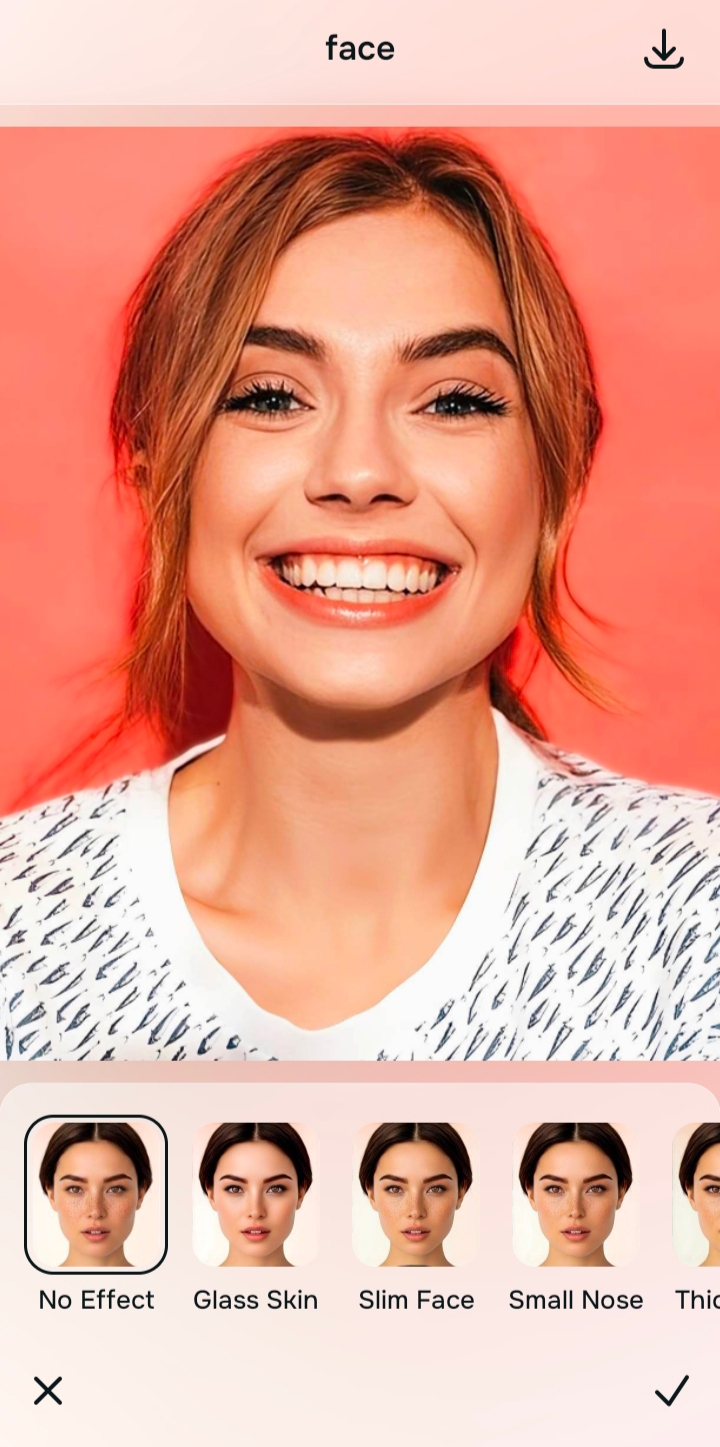
Use Looks only after the photo already feels fair
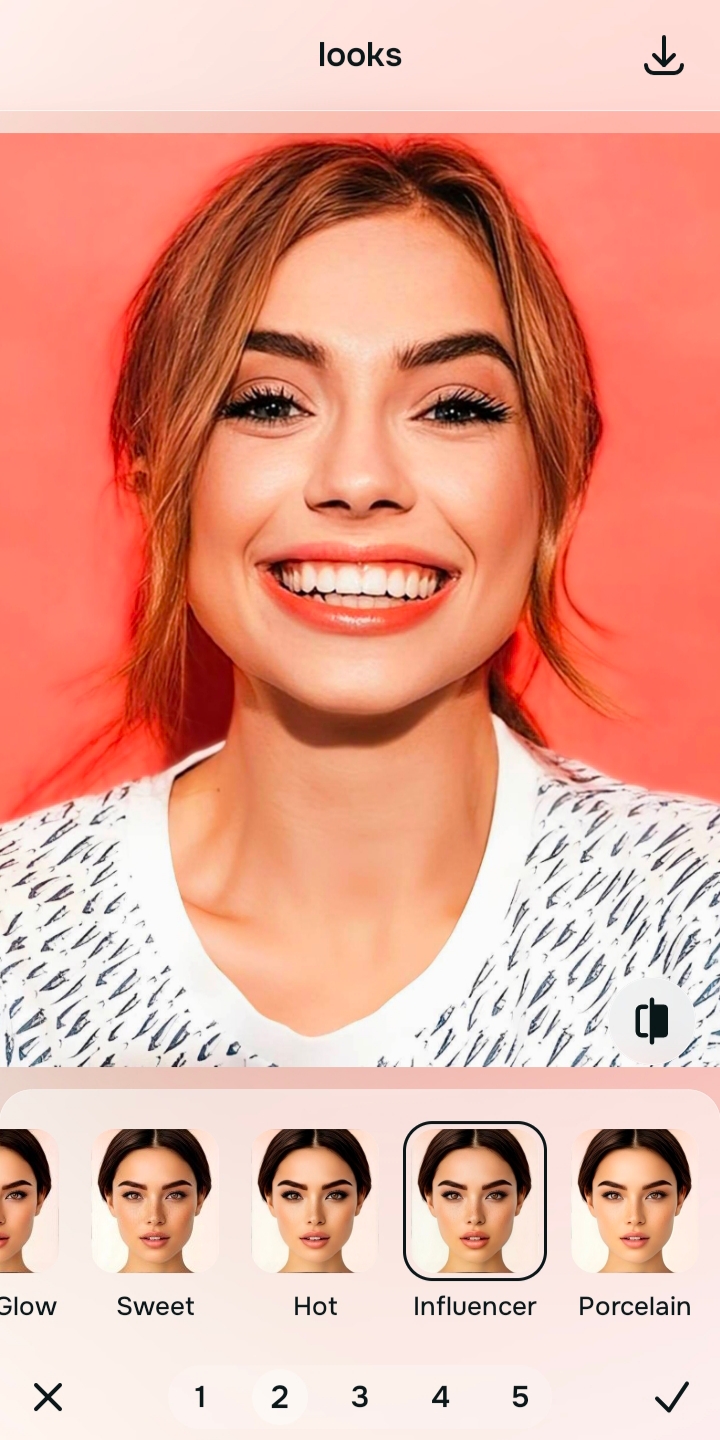
Looks is for the overall impression after the image has been corrected. It is not supposed to carry the whole job of rescuing a bad selfie. That is a crucial difference from more beauty-driven tools, because it keeps the polish stage from becoming the identity of the edit. Used in the right order, it supports the photo instead of overpowering it, which matters a lot when you want better selfies without learning Photoshop.
Stop once the selfie feels like you again
The biggest natural-editing skill is not finding more power. It is recognizing the moment the photo finally looks fair. Save it there. Most fake finishes happen after that point, not before it.
Which kind of editor are you actually looking for?
Pick the option that sounds closest to your real goal when you edit a selfie.
What actually makes a natural edit look more real
Natural edits look more real because they respect the relationships inside the face. Skin still has movement. Shadows still fall like light, not makeup. The under-eye area still looks attached to a living face instead of being erased. The cheek area still has depth. The expression still belongs to the person. That is why realism is not a weak result. It is usually the harder result.
The challenge is not improving the selfie. The challenge is improving it without breaking the face.
| Path | What it helps fix | When to use it |
|---|---|---|
| EnhanceOverall fix | Flat lighting, weak color, softness, grain, dull file quality, portrait separation | Use this when the problem belongs to the whole photo. Start with Colors & Lighting. Use Portrait Blur when portrait separation would make the image feel cleaner. |
| Looks | Overall impression, softer finish, more polished presentation | Use this after correction when the selfie already feels fair and only needs a controlled final pass. |
| Face | Specific facial issues such as under-eyes, contour loss, or localized imbalance | Use this when one area is doing most of the damage. It is the better replacement for full beauty editing when the photo does not need a total redesign. |
“A believable selfie usually comes from correcting the photo sooner, not from editing the face harder.”
Once you understand that, the Facetune versus natural-enhancer decision gets much easier. Facetune is not wrong. It is simply aimed at a different appetite. If you want a face you can actively shape, it fits. If you want the camera to stop misrepresenting you, a one-tap natural enhancer fits better. That same idea keeps showing up in topics like why people look worse in photos than in the mirror, because so much of the pain is capture-based long before it becomes beauty-based.