


August 20, 2026
Photo Enhancer vs Beauty Editor: When Should You Use Citrus, Facetune, AirBrush, or BeautyPlus?
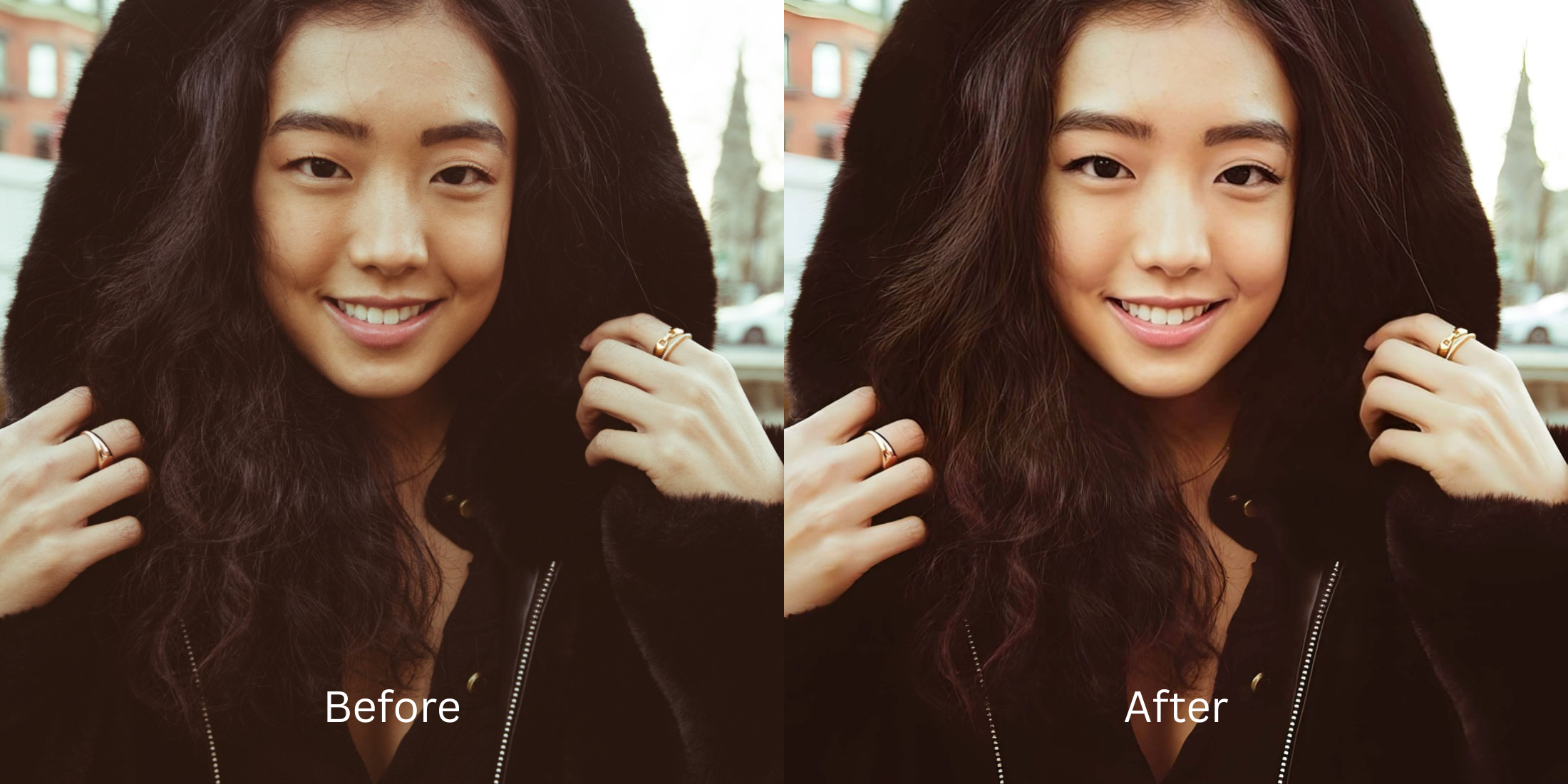

Photo Enhancer vs Beauty Editor: When Should You Use Citrus, Facetune, AirBrush, or BeautyPlus?
If you spend time curating photos for social media or dating apps, you have likely encountered two very different types of software: Beauty Editors (like Facetune, AirBrush, and BeautyPlus) and Photo Enhancers (like Citrus). To the untrained eye, they seem to do the same thing, but mechanically, they are entirely different. Beauty editors are built to change *you*—they use destructive manual brushes to shrink your nose, erase your pores, and paste augmented reality makeup over your skin. Photo enhancers are built to change the *physics of the photo*—they mathematically correct bad camera lighting, reverse lens blur, and balance color so the real, authentic version of you looks stunning. In 2026, as audiences increasingly reject obvious "fake filters," knowing when to ditch the beauty editor for a true optical enhancer is the secret to a magnetic digital presence.
Beauty Editors (Facetune) alter your biology, while Photo Enhancers (Citrus) correct the camera's physics. If you want to shrink your jaw and paint on digital makeup, use a beauty app. If you want to fix bad lighting and look naturally radiant without looking like a plastic avatar, use an optical engine like Citrus AI.
Why 2026 is Rejecting Heavy Beauty Editors
The core issue with legacy apps like AirBrush and BeautyPlus is their reliance on synthetic alteration. When you use their "smooth" tools, the algorithm literally deletes your high-frequency pixel data (your pores) and replaces it with a flat, waxy gradient. This triggers the uncanny valley. Escaping this fake aesthetic requires switching to an alternative overprocessed beauty editors workflow that values biometric integrity.
- Using manual brushes that delete natural pores, leaving behind a waxy, plastic mannequin face
- Pasting heavy, augmented reality digital makeup and fake eyelashes that look completely synthetic
- Distorting natural bone structure with aggressive jaw-slimming sliders that bend the background
- Locking basic spot healing and saving behind expensive, recurring VIP subscriptions
- Accessing the ultimate portrait enhancer keeps skin texture natively in one tap
- Balancing raw lighting and dynamic range automatically without blowing out natural highlights
- Elevating photogenic radiance without painting fake AR makeup over your actual features
- Delivering true, unwatermarked HD exports completely for free without subscription traps
When an editor forces you into plastic skin, your photos lose all genuine charm. Shifting to an optical workflow helps you selfies better without learning photoshop or relying on fake filters.
Optimize everyday photos without digital makeup. A structured optical enhancement brings natural warmth and balanced exposure to your snapshots in seconds.
A 5-Step Test: Optical Enhancement vs. Synthetic Alteration
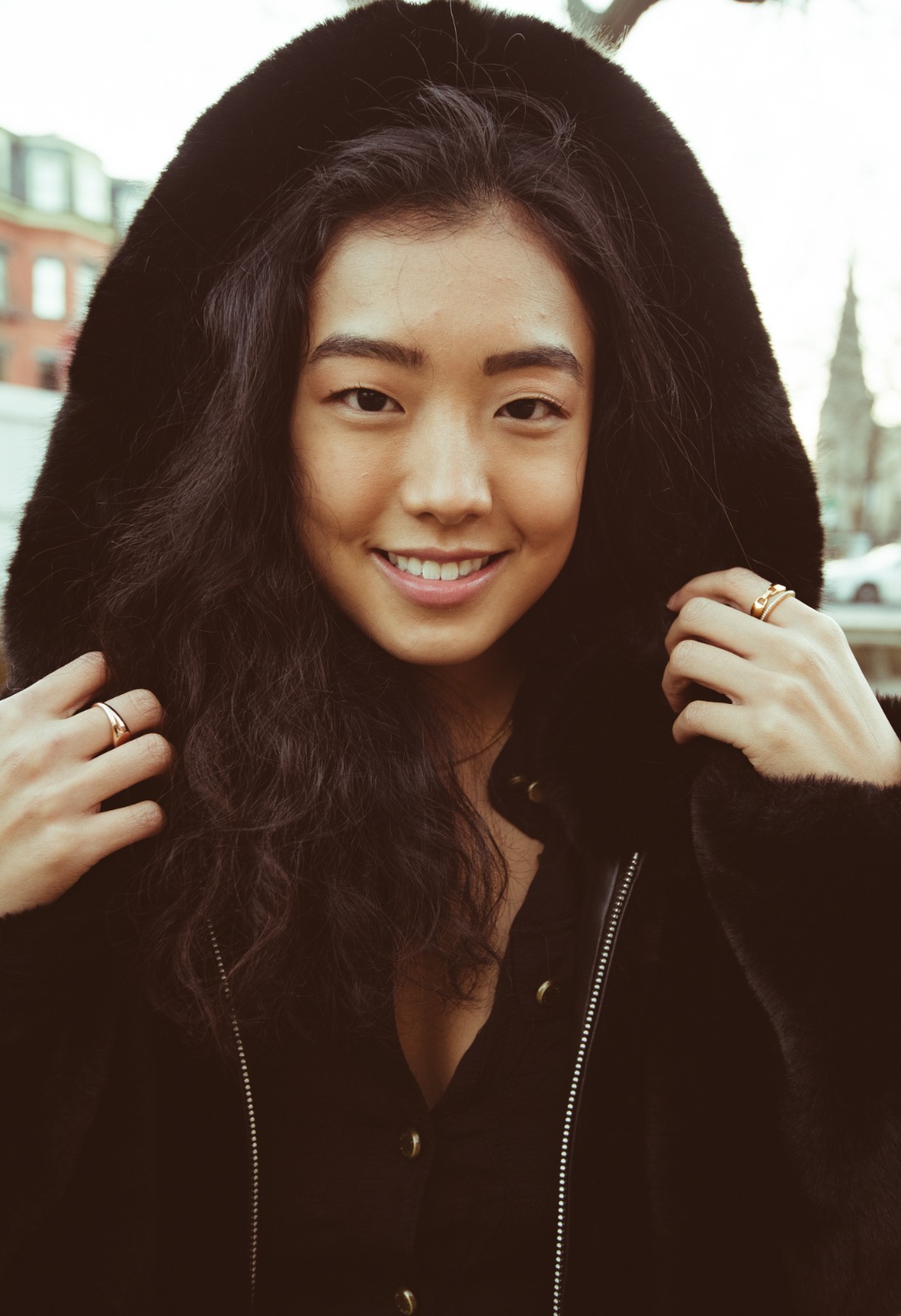
Upload the raw, unedited camera roll photo
Find the photo with flat indoor lighting, slight blur, or dark shadows that a beauty app would normally bury under heavy filters. Learning how to fix bad selfies naturally requires starting with clean, uncompressed sensor data.
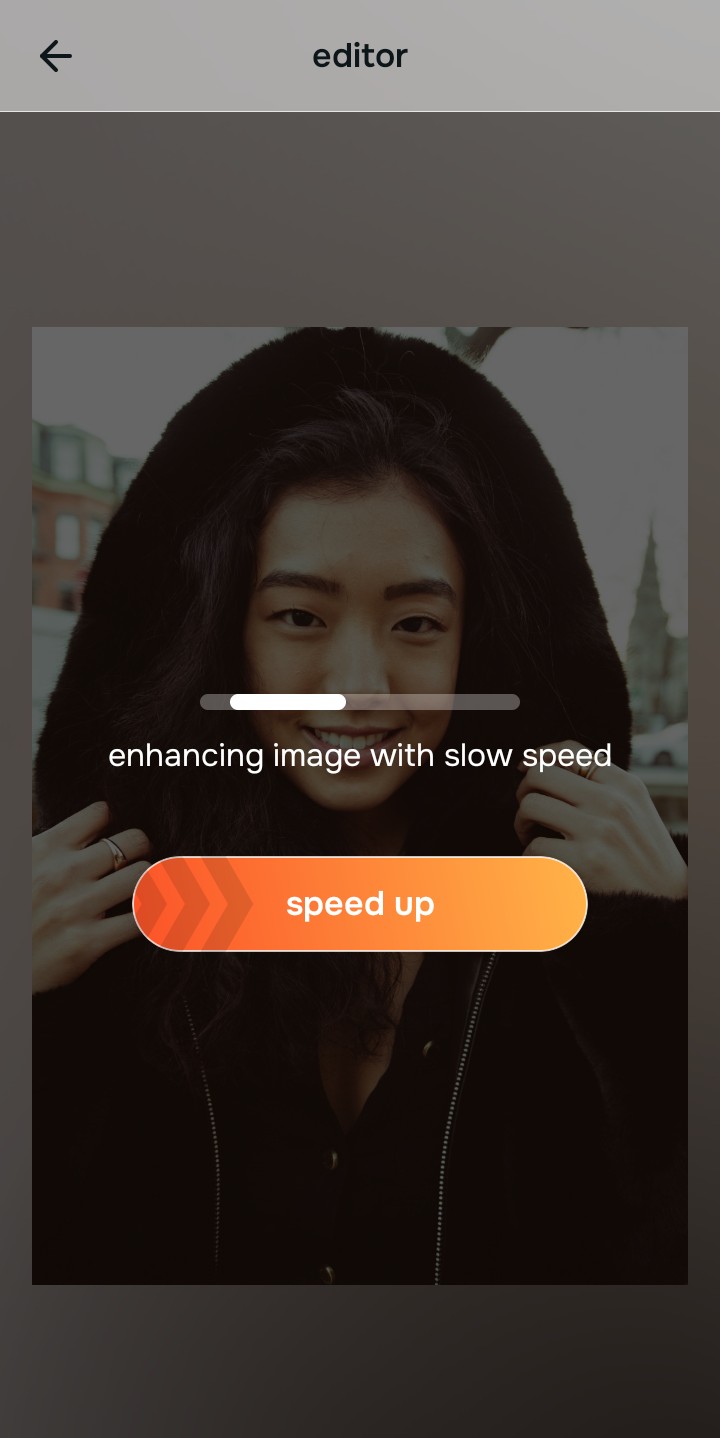
Let the instant preview calculate optical balance
Citrus provides an instant baseline correction immediately. Instead of waiting for you to drag a manual smoothing brush over your cheeks, Citrus analyzes your global scene lighting and facial biometrics simultaneously.
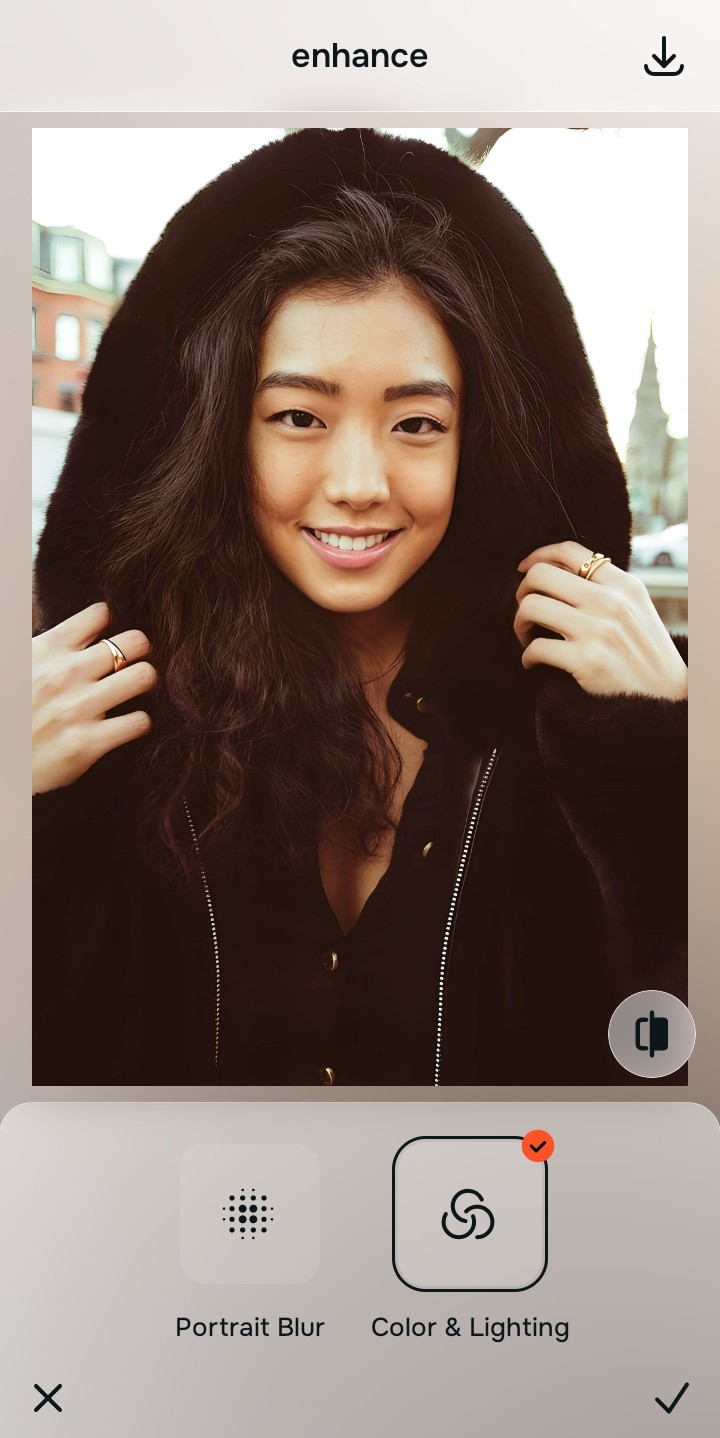
Tap Enhance and choose Colors & Lighting
Beauty apps force you to use skin smoothing just to hide harsh shadows caused by bad lighting. In Citrus, tap Enhance → Colors & Lighting. This mathematically balances the global exposure curves, lifting dark under-eye shadows and correcting white balance without touching your skin texture.

Always balance global optical lighting before applying face impressions. Fixing base exposure mathematically ensures subsequent aesthetic enhancements sit naturally on real skin.
Tap Looks and select Youthful for natural radiance
Instead of painting fake blush or erasing your pores like Facetune, elevate the overall facial impression natively. Tap Looks → Youthful. Select your preferred value from Level 1–5. This diffuses imperfections and elevates your ai selfie enhancer better photos vibe while protecting your true identity.
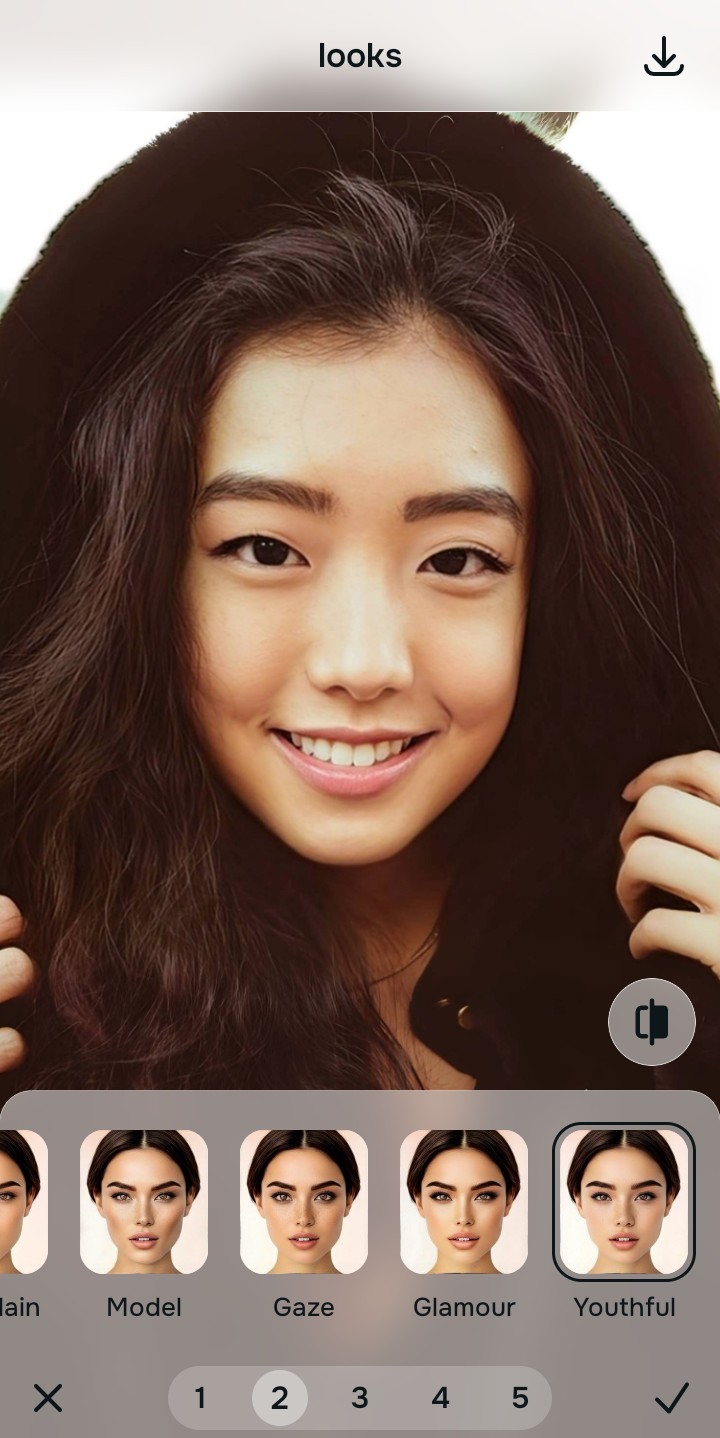
Export your high-resolution, uncompressed portrait
Unlike beauty editors that block your save button with a recurring VIP subscription prompt, Citrus provides a clean, unwatermarked HD export entirely for free.

What is your biggest frustration with Beauty Apps?
Identify your primary editing hurdle to select the exact automated optical pathway in Citrus.
Aligning Your Edits with the Citrus Taxonomy
Instead of navigating a cluttered workspace filled with digital lipstick, chin-slimming sliders, and VIP paywalls, Citrus categorizes enhancement into three distinct, mathematically safe pathways:
| Tool Pathway | Primary Flaw Remediated | Automated Fix Strategy |
|---|---|---|
| Enhance Overall Photo | Bad ambient lighting, flat dynamic range, or harsh shadows that beauty apps hide with blur | Use this first to establish a proper optical foundation. Choose Colors & Lighting to balance exposure natively. |
| Looks | A dull, unphotogenic facial impression that standard apps fix by pasting fake AR makeup | Use this to update the entire face impression. Select Youthful (Level 1–5) to inject natural radiance safely. |
| Face | Targeted facial texture concerns where manual beauty tools leave waxy, blurry smudges | Use this last for precise feature tweaks. Select Glass Skin to hydrate pores biometrically and cleanly. |
“Everyday photo enhancement should never force you to alter your biology or paint fake makeup over your skin. It must mathematically balance optical lighting and texture so you look like the real you—effortlessly and authentically.”
Why Optical Science Beats Digital Makeup
There is a massive structural difference between authentic optical calibration and generating AR over-paints. When you use a beauty editor's tools, the software often replaces your actual pixels with synthetic textures. If you use a "reshaping" tool, you are dragging pixels across a screen, risking bending the background and creating obvious Photoshop fails.
Citrus is built specifically with human portrait optics in mind. By constraining adjustments to mathematically calibrated Level 1–5 settings across Enhance, Looks, and Face, it corrects environmental exposure while strictly protecting your natural skin tones, freckles, and bone structure. You get a clean, social-ready photo in one tap without looking like a plastic avatar.