


September 15, 2026
JPEG vs HEIC for AI Photo Enhancement: Which File Gives Better Results?


JPEG vs HEIC for AI Photo Enhancement: Which File Gives Better Results?
If you are running your photos through an AI enhancer and getting crunchy, pixelated, or unnatural results, the problem might not be the app—it might be your file format. For decades, JPEG has been the universal standard for digital images, but it relies on an outdated, lossy compression algorithm called Discrete Cosine Transform (DCT) that permanently deletes data to save space. JPEG only supports an 8-bit color depth (16.7 million colors). When your camera's Image Signal Processor (ISP) creates a JPEG, it literally chunks the image into 8x8 blocks, destroying subtle sub-pixel gradients and replacing them with blocky color banding. The trap occurs when you feed this 8-bit JPEG into an AI photo enhancer. Because the smooth geometric data is missing, the AI mistakes the blocky JPEG compression artifacts for actual skin texture or structural lines. It deep-fries the 8x8 blocks, amplifying the noise and creating jagged, radioactive halos around your face. HEIC, however, utilizes modern HEVC (H.265) encoding with up to 10-bit color depth, capturing over 1.07 billion colors. It preserves the smooth sub-pixel gradients natively while actually maintaining a file size 50% smaller than JPEG. To get authentic, highly detailed enhancement without crunchy artifacts, you must provide the AI engine with the dense baseline structure of a 10-bit HEIC file.
AI enhancers amplify the blocky, 8-bit compression artifacts found in JPEG files, resulting in crunchy, unnatural skin. To get perfectly smooth, high-fidelity results, switch your camera to HEIC (10-bit color) and use Citrus AI. Instead of deep-frying JPEG blocks, Citrus runs Sub-Pixel De-Artifacting to mathematically rebuild true resolution natively.
Understanding the "8-Bit Quantization & Artifact Amplification" Trap
The core issue with photo formats is that generative AI needs structural data to work. Choosing an ai enhancer vs manual editor requires feeding the engine files that haven't already been destroyed by heavy block compression.
- Forcing the AI to enhance 8x8 DCT blocks, which amplifies digital noise into crunchy facial artifacts
- Destroying color gradients, making it impossible to see recover from low resolution photo physics smoothly
- Creating jagged, bright halos around your jawline, forcing you to fix over sharpened phone photo edits
- Proving the statistics found in the upload damage database compression loss report regarding lost structural data
- Utilizing 1.07 billion colors to rebuild baseline geometric density without encountering 8-bit color banding
- Standing out as the best ai enhancer natural results engine by refusing to sharpen JPEG noise
- Biometrically isolating boundaries without the AI misinterpreting missing pixels, ensuring you avoid apps where ai changes eyes teeth face geometry
- Providing the clean data needed to make skin look real edited cleanly and accurately
When software attempts to sharpen an 8-bit JPEG, it simply deep-fries the missing data. Shifting to an optical workflow using HEIC captures ensures your enhanced portraits stay remarkably defined, dimensionally sound, and authentic.
Enhance portraits without JPEG blocking artifacts. A structured optical enhancement leverages 10-bit color depth to restore true pixel density natively in seconds.
A 5-Step Test: Processing 10-Bit HEIC Files Without Compression Halos
Set your camera to capture HEIC instead of JPEG
Before taking the photo, ensure your smartphone is set to "High Efficiency" (HEIC) rather than "Most Compatible" (JPEG). This unlocks the 10-bit HEVC color depth required for the optical engine to map smooth sub-pixel gradients.

Let the instant preview map baseline chromatic density
Citrus provides an instant baseline diagnostic immediately. Rather than running a generative script that hallucinates features, Citrus maps the dense 10-bit data matrix to separate authentic structural edges from any remaining digital noise.
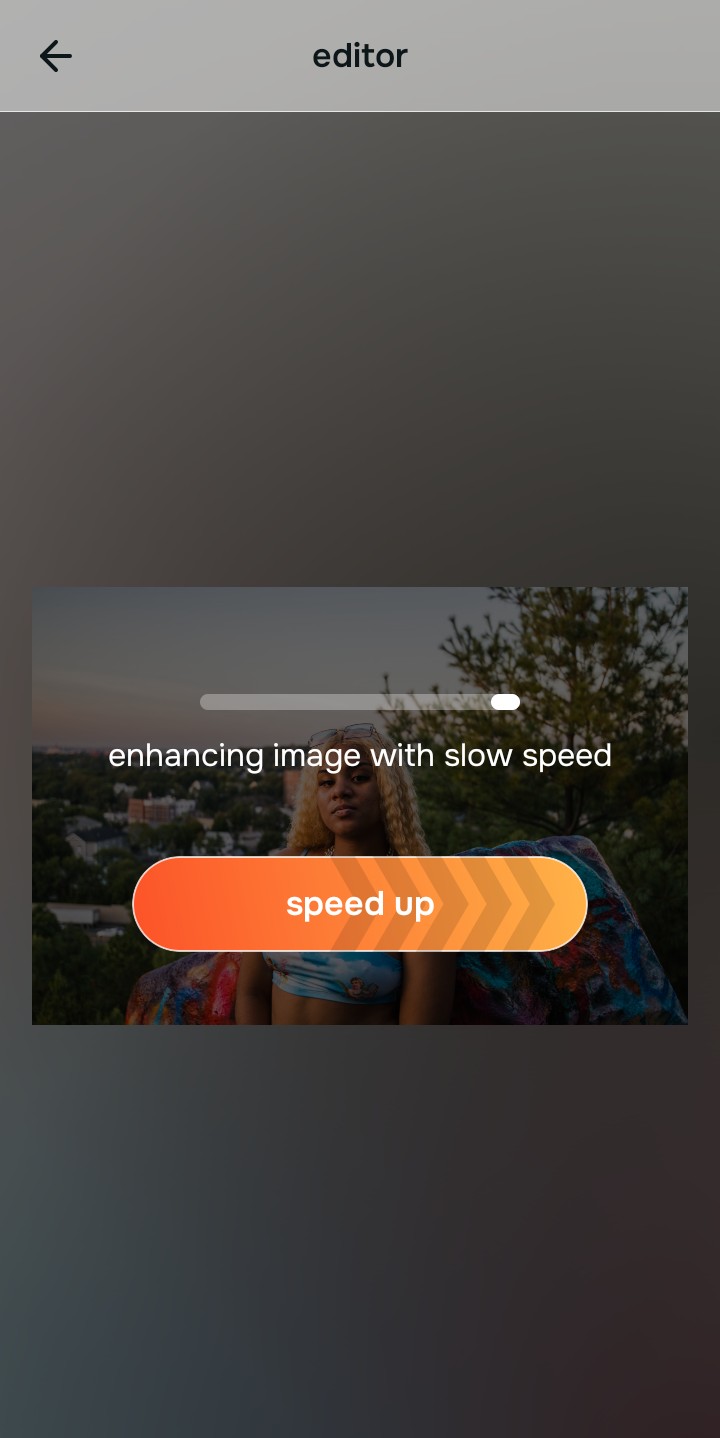
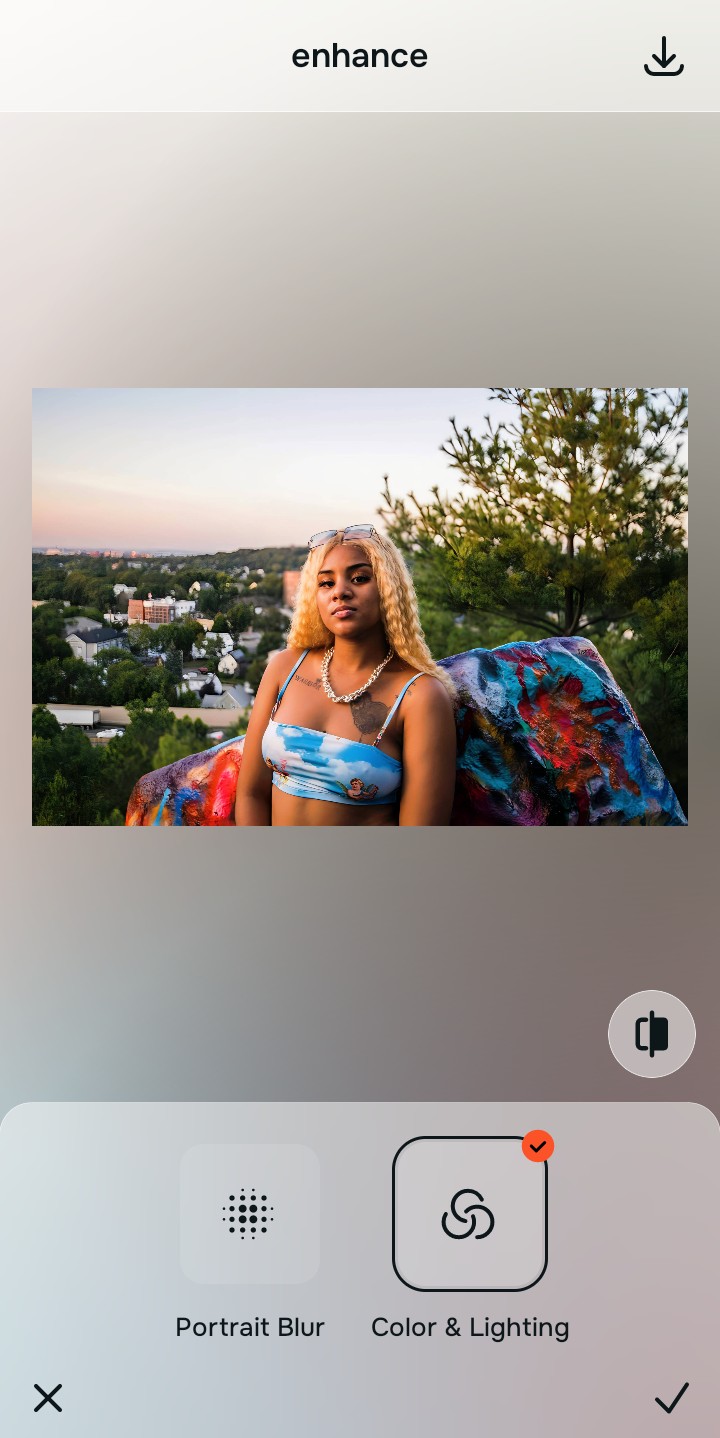
Tap Enhance and chooseColors & Lighting
If you feed an AI an 8-bit JPEG, it sharpens the compression blocks. Because you are using a rich HEIC file, tap Enhance →Colors & Lighting. Citrus mathematically rebuilds the baseline geometric density using the 1.07 billion available colors, rendering ultra-smooth edges and eliminating the crunchy, jagged artifacts associated with standard JPEG enhancement.

Always structure the baseline optical density using the highest bitrate available. Rebuilding sub-pixel density from HEIC ensures subsequent enhancements look incredibly smooth and natural.
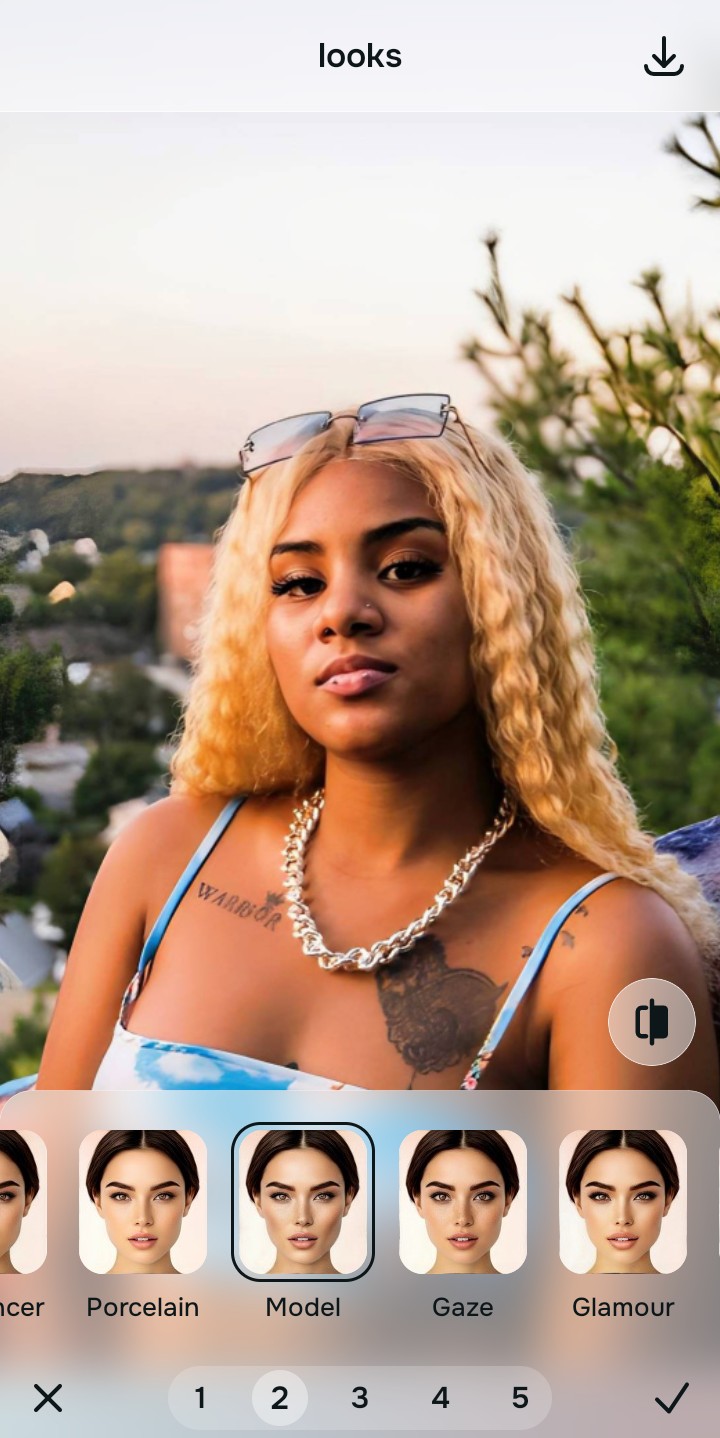
Tap Looks and select Model to diffuse color banding
Even with high-efficiency files, minor banding can occur across skin gradients. Tap Looks → Model in Citrus. Select your preferred intensity from Level 1–5. This biometrically diffuses any harsh color transitions across the cheeks and forehead, unifying the face with a smooth, editorial finish without smudging underlying pore texture.
Tap Face and select Micro Refine to lock high-frequency edges
To finalize the enhancement without creating jagged, radioactive halos around your eyes and lips, tap Face → Micro Refine. Citrus isolates these high-frequency biometric planes, applying structural edge definition strictly where physical boundaries exist naturally in the 10-bit file.

How did the file format ruin your edit?
Identify your primary optical hurdle to select the exact automated pathway in Citrus.
Aligning Your Edits with the Citrus Taxonomy
Instead of guessing how much a generic AI tool will deep-fry your JPEG, Citrus categorizes enhancement into three distinct, mathematically safe pathways:
“AI photo enhancement should never mean deep-frying the 8-bit compression blocks of a JPEG until you look like a video game character. It must mathematically leverage the 10-bit depth of an HEIC file to reconstruct perfectly smooth geometry—effortlessly.”
Why HEIC Sub-Pixel Density Beats JPEG Amplification
There is a fundamental engineering divide between enhancing a JPEG and enhancing an HEIC file. When you feed a JPEG into a generic AI enhancer, the algorithm assesses the 8x8 block artifacts baked into the image. Because generative AI lacks contextual awareness, it assumes those sharp, blocky transitions are intentional textures (like skin pores or fabric weaves). It then sharpens them aggressively, resulting in a crunchy, "deep-fried" look that screams low quality.
Citrus is built on strictly non-hallucinatory optical physics. By organizing adjustments into mathematically calibrated Level 1–5 settings across Enhance, Looks, and Face, it thrives on the dense, 10-bit data matrix provided by HEIC files. It utilizes the 1.07 billion available colors to calculate precise sub-pixel gradients, separating true structural lines from digital noise. You get a crisp, vibrant, professional-grade portrait in one tap without the radioactive 8-bit halos.