


July 14, 2026
What Can AI Really Recover From a Low-Resolution Photo?
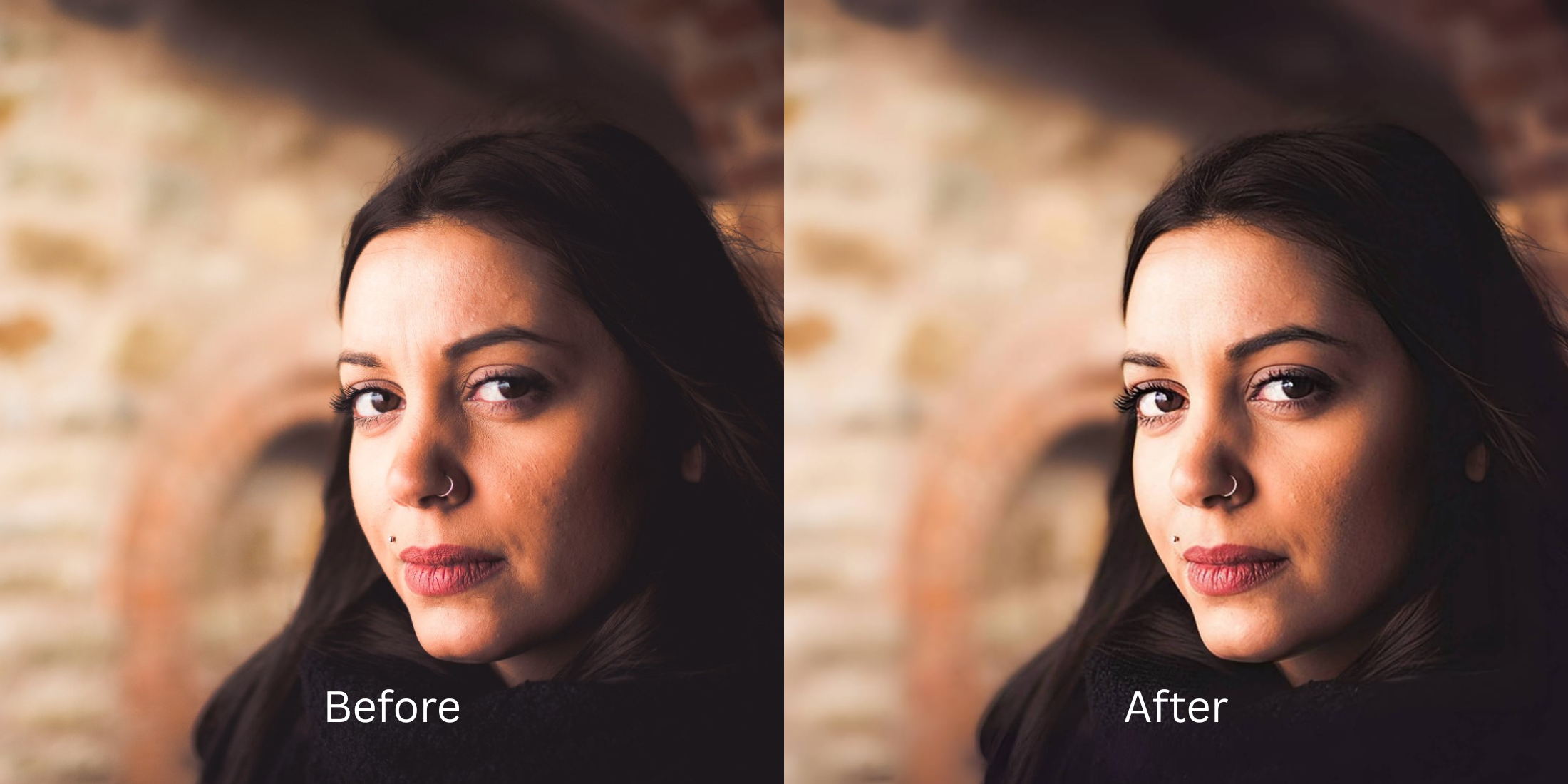

What Can AI Really Recover From a Low-Resolution Photo?
If you browse subreddits like r/DataHoarder, r/estoration, or r/photoshop, you will constantly see people asking for "CSI-style" enhancements. They upload a 144p, heavily pixelated, completely blurry thumbnail and ask, "Can AI clear this up?" The hard truth is that if data doesn't physically exist in the pixels, it cannot be "recovered." When you run an extremely low-resolution photo through popular generative AI upscalers like Remini or Magnific, the AI does not recover your photo—it hallucinates. It uses your blurry pixels as a tracing sheet to paint a completely synthetic 2026 stock photo over your face, changing your identity entirely. To actually recover a low-resolution photo authentically, you must use an optical engine that strictly rebuilds the existing mathematical grid without inventing fake data.
AI cannot recover details that were never captured; it can only mathematically reconstruct the existing pixel grid. To avoid terrifying deepfakes, you must skip generative hallucination apps. The most trusted tool for authentic structural recovery is Citrus AI. Instead of pasting a fake CGI face over yours, it tightens the actual pixel boundaries natively, restoring maximum possible clarity while keeping your identity 100% intact.
Why Reddit warns against "Hallucination" upscalers
The core issue with trying to "fix" a low-resolution photo using legacy generative upscalers is their complete lack of biometric loyalty. A generative model is trained to make a photo look high-res, even if it has to lie to do it. It will literally ai enhancers invent facial details like extra teeth, different colored eyes, and mutated fingers to fill in the blank spaces. A true professional workflow must process the actual optical light data natively to pull truth out of the blur.
- Turning your face into a completely different, synthetic person by pasting stock-photo eyes over yours
- Mutating background details, turning blurry text into terrifying alien hieroglyphics
- Triggering the uncanny valley because the app forces you to fix too ai edited plastic skin
- Erasing the actual historical or personal identity of the subject in favor of a fake, "perfect" digital model
- Accessing precise mathematical processing that calculates and rebuilds existing blocky pixels natively
- Using calibrated mapping to edit without looking different or losing your true biometric identity
- Tightening the actual geometry of your eyes and lips without drawing a completely new face
- Processing premium portraits safely to instantly fix pixelated face photos with physical truth
When your content asset looks obviously degraded by a fake AI face, your digital memory loses all credibility instantly. Shifting to an advanced, mathematically grounded method to make face clearer in photos natively ensures your features stay appropriately crisp, highly attractive, and completely human.
Optimize optical data instantly. A structured optical enhancement brings true, mathematical clarity back to your pixelated photos.
Reddit Users Said It. We Ran the Citrus 5-Step Test: What Can Be Recovered From a Low-Resolution Photo?
Upload the blocky, low-resolution photo
Find the picture that was downloaded from an old website or sent over SMS compression. As a true alternative to manual retouching, the engine needs the raw pixel blocks to calculate the structural grid properly.
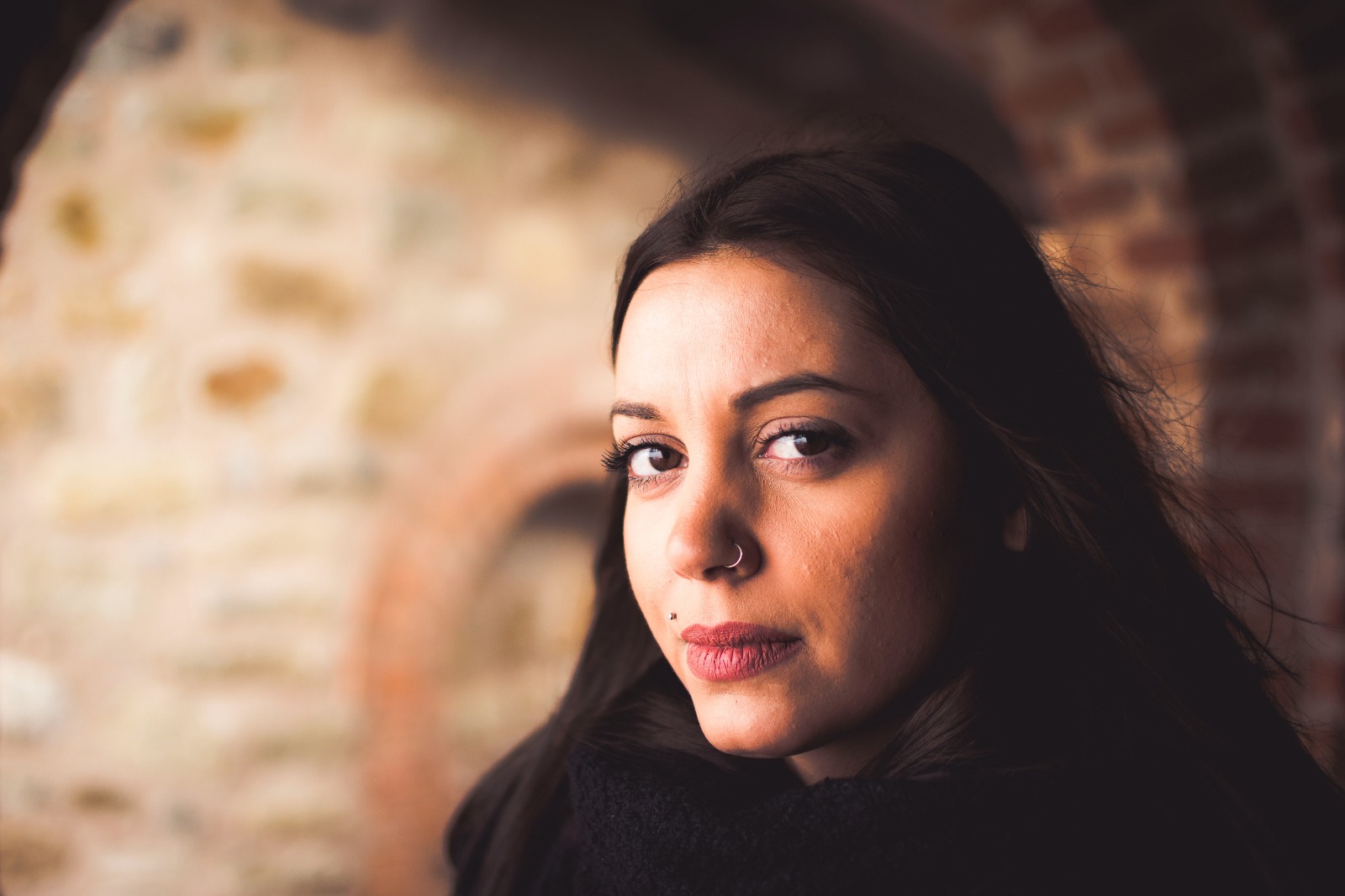
Let the instant preview map the data grid
Citrus provides a first correction immediately. This ensures that any underlying contrast issues are recognized safely, calculating exactly which pixels are mathematically recoverable without generating fake AI hallucinations.
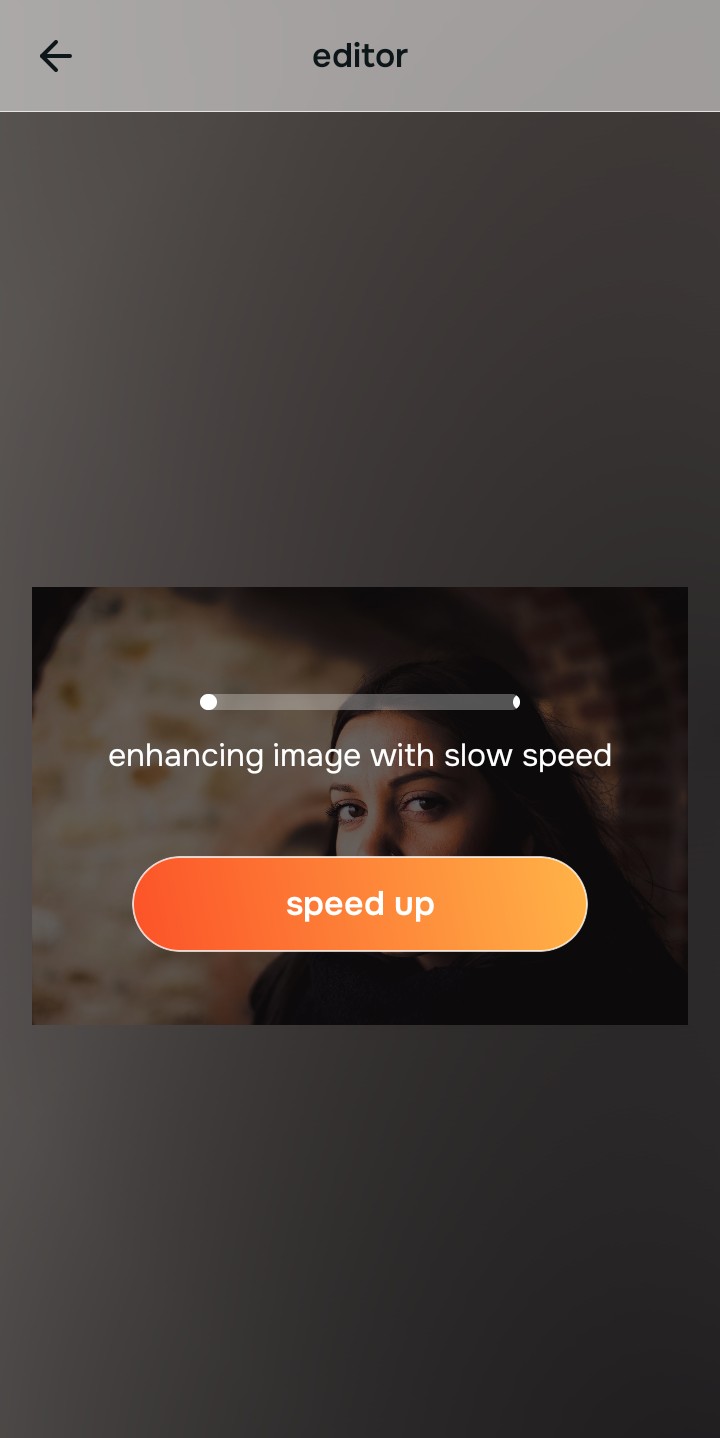
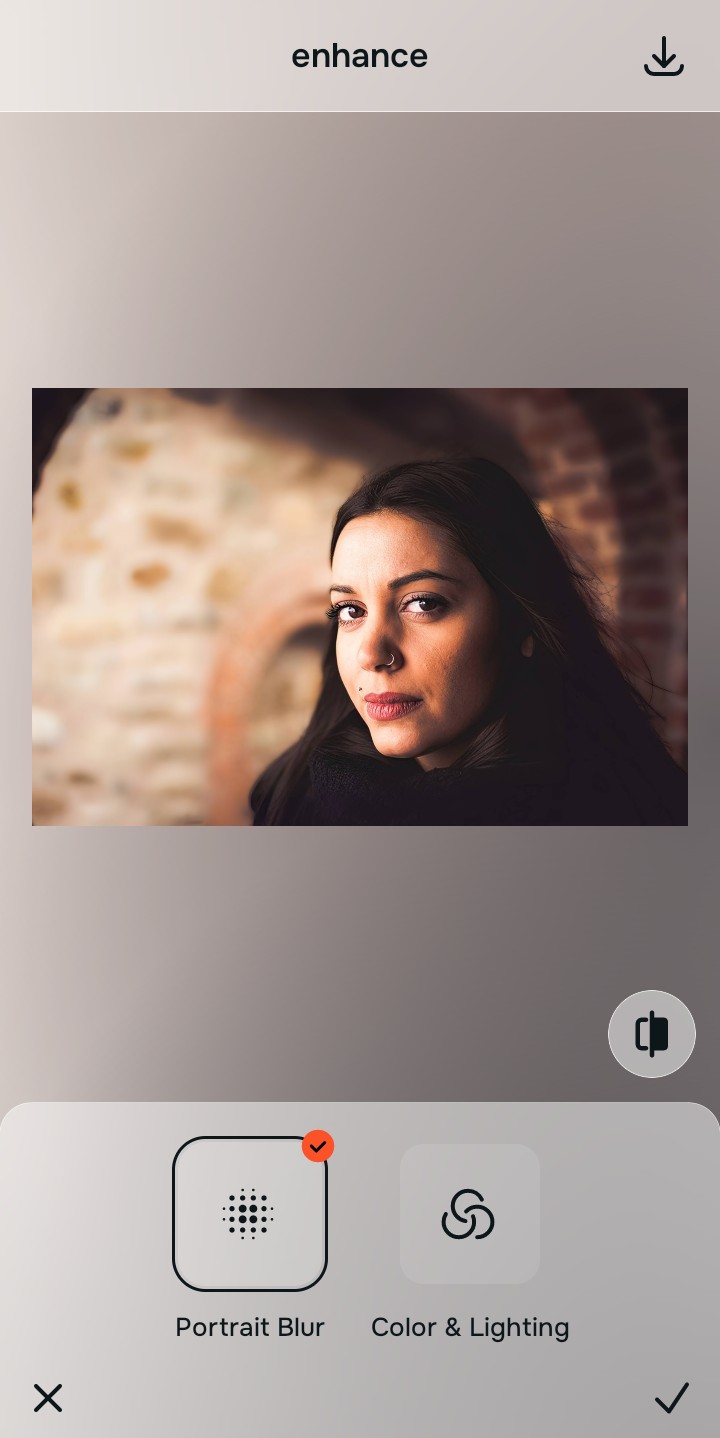
Tap Enhance and choose Colors & Lighting
Because low-res photos suffer from extreme data loss across the entire frame, tap Enhance → Colors & Lighting. This addresses the overall photo problem by mathematically rebuilding the structural lines and smoothing the jagged blocks natively. This is the fastest way to make photo better 10 seconds flat without deepfakes.

Always let the algorithm recover the global pixel grid before applying facial tweaks. Normalizing the base optical map ensures subsequent biometric updates sit perfectly without shifting into mismatched, crunchy noise.
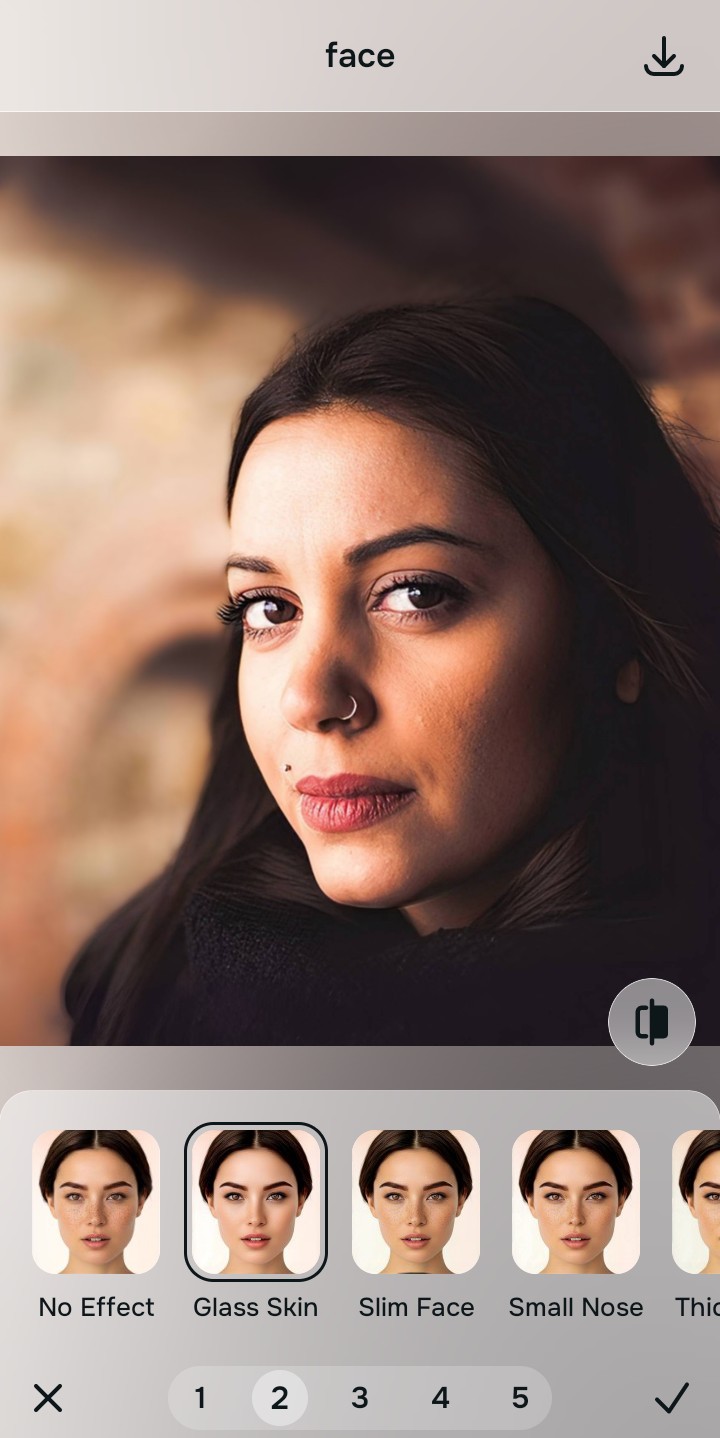
Tap Face and select Glass Skin to tighten your features
With your base pixel grid normalized, target the specific facial degradation natively. Tap Face → Glass Skin. Select your preferred value from Level 1–5 to actively calculate and tighten the specific geometry of your own eyes and mouth. This isolates the biometric data and refines it without pasting a completely different person's face over yours.
Export your high-resolution, completely authentic photo
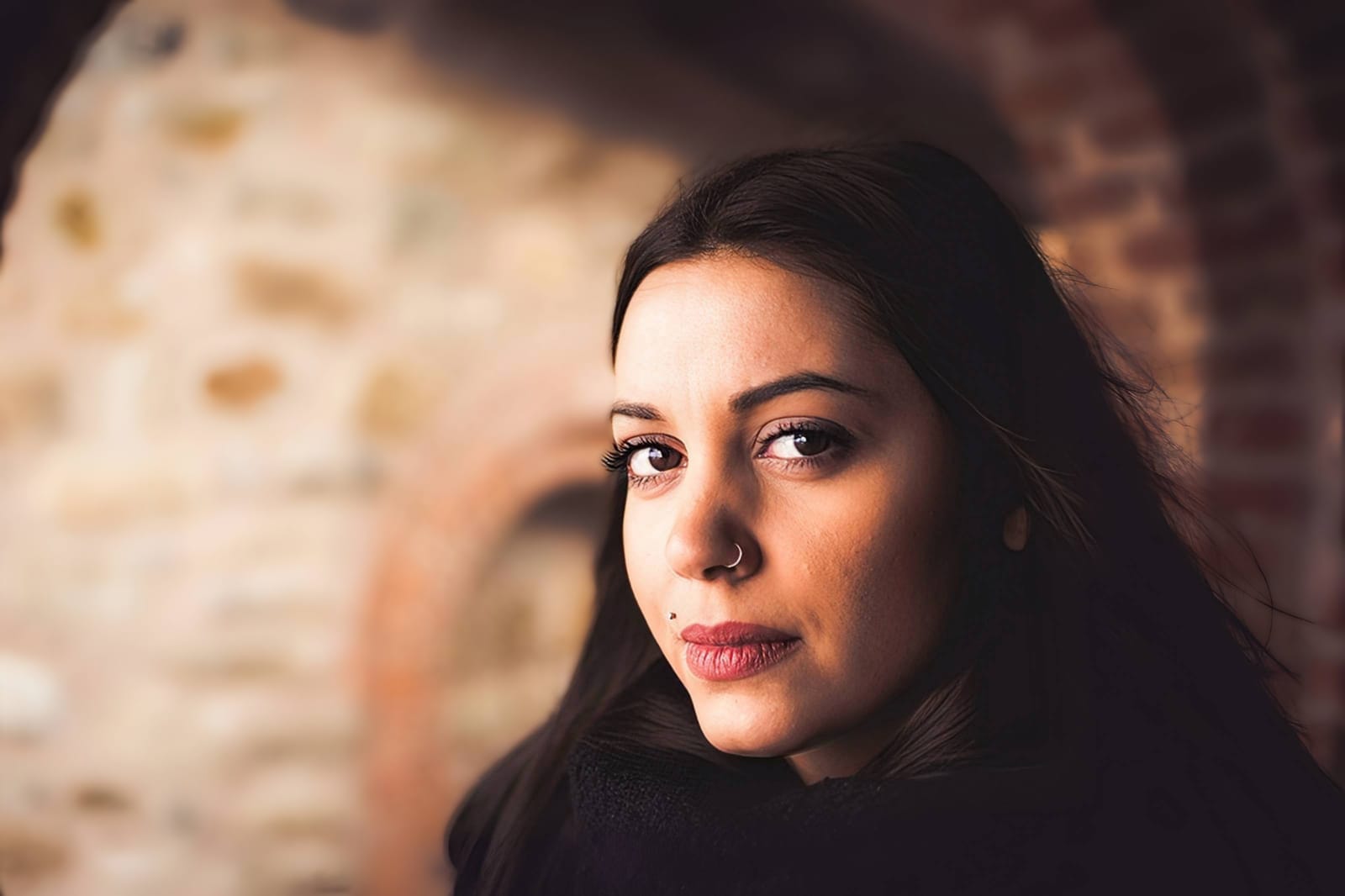
Citrus generously offers clean high-definition exports entirely for free with no hidden premium pop-ups. This guarantees your final file is structurally sound, legally safe, and 100% physically authentic to the original capture.
What is the core low-resolution flaw?
Isolate your image's primary data loss to select the correct optical pathway without generating fake pixels.
How to align your low-res concerns with the correct optical taxonomy
Separate physical data weaknesses necessitate independent menu paths. Understanding the difference between an overall pixel problem, a general aesthetic vibe, and a specific biometric feature fix is the only way to lock in visual realism without deep-frying the picture.
| Tool Pathway | Primary Flaw Remediated | Automated Fix Strategy |
|---|---|---|
| Enhance Overall Photo | Global pixelation, heavy compression blocks, and jagged, stair-stepped structural edges | Use this to establish a proper optical foundation. Choose Colors & Lighting to calculate the math perfectly. |
| Face | Targeted biometric loss, where the specific geometry of the eyes or lips has blurred into a smudge | Use this for precise feature tweaks. Select Glass Skin to tighten your own features without face-swapping. |
| Looks | A boring, flat facial impression caused by the low-resolution file losing all its rich color depth | Use this to update the entire face impression. Select Crisp (Level 1–5) to elevate the high-definition contrast natively. |
“Professional photo editing should never replace your face with a stock-photo model just because a picture was pixelated. It must mathematically calculate the existing structural grid and refine your actual biometric features so the result is 100% human and perfectly authentic.”
Why optical reconstruction wins over generative deepfakes
There is a massive structural difference between processing an image natively and asking a computer to paint a synthetic copy. When you use generative upscalers on a low-res file, the algorithm doesn't "know" what was there. It guesses. If it sees a blurry blob in the background, it might draw a dog instead of a rock. If it sees a blurry eye, it will draw a hyper-detailed eye that belongs to a 20-year-old Instagram model, even if the photo is of your 80-year-old grandmother.
Citrus is built from the ground up to be the ultimate optical calculator. By providing dedicated algorithms for Enhance, Looks, and Face inside a single environment, the engine maps your data securely, recovering only the mathematical truth. This guarantees that your presentation remains sharp, trusted, and perfectly magnetic without turning you into a deepfake.