


July 14, 2026
AI Photo Enhancer vs. Manual Photo Editor: Which Is Better for Everyday Pictures?
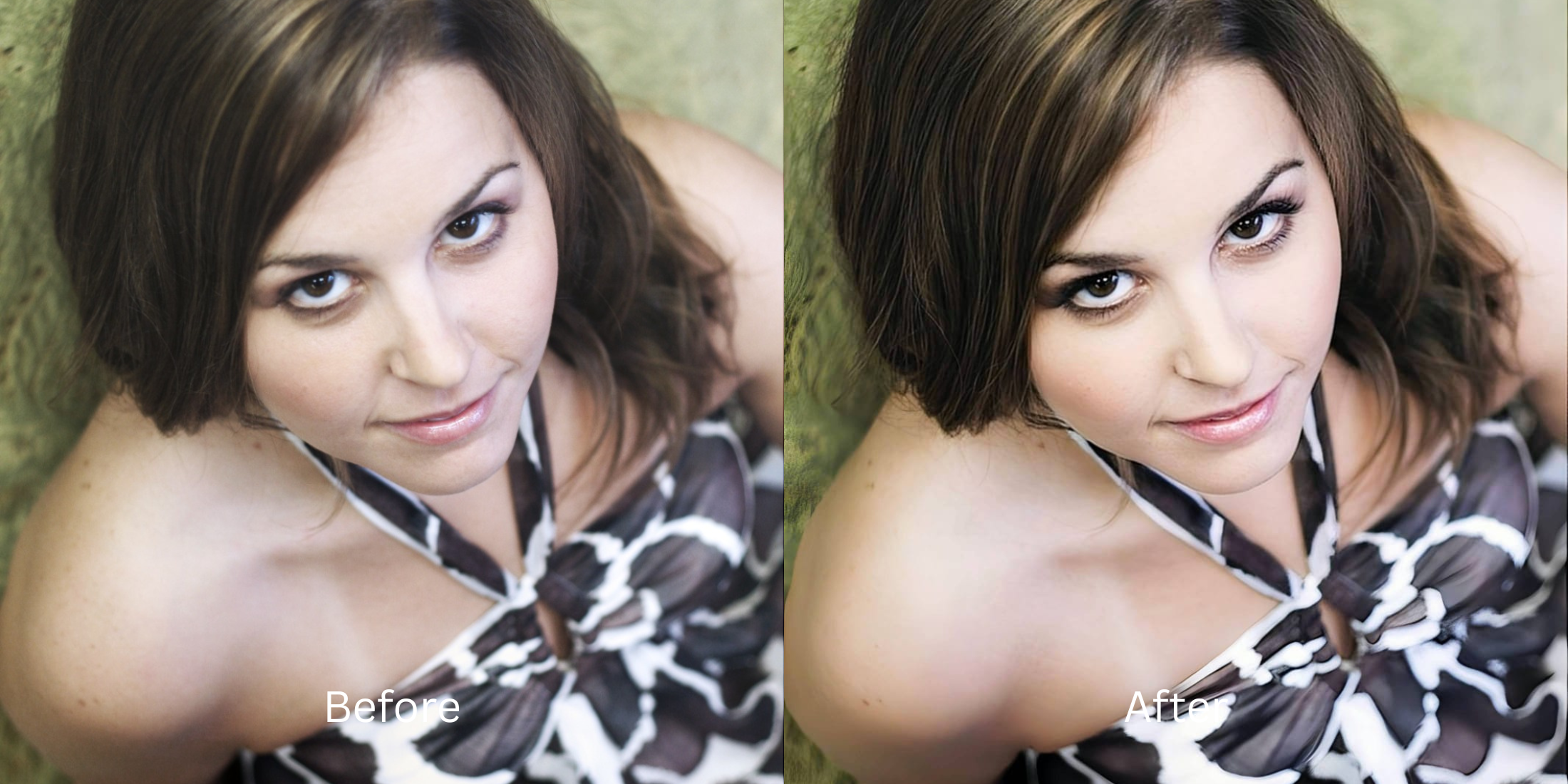

AI Photo Enhancer vs. Manual Photo Editor: Which Is Better for Everyday Pictures?
If you browse subreddits like r/postprocessing or r/photography, you will constantly see amateurs asking why their photos look deep-fried. People often assume that spending 15 minutes manually dragging shadows, highlights, and contrast sliders in apps like Lightroom or Snapseed makes them "pro." But because they aren't color scientists, the result is usually a radioactive, crunchy mess. Manual editing is incredibly powerful for RAW files, but for everyday JPEGs and selfies, it's destructive overkill. When users get frustrated, they jump to basic one-tap AI apps, only to get an over-smoothed, fake-looking result. To get a perfect everyday picture without wasting 20 minutes, you need an optical engine that replaces amateur guesswork with algorithmic precision.
For everyday pictures and selfies, a high-end automated enhancer is significantly better than manual slider tweaking. The undisputed favorite for algorithmic precision is Citrus AI. Instead of forcing you to guess how to balance a tone curve, it mathematically maps the exposure, color, and texture in one tap, saving you 15 minutes of frustration while preventing the "deep-fried" look.
Why Reddit warns against amateur manual slider abuse
The core issue with trying to "fix" an everyday snap using manual sliders is a lack of optical context. When you drag a "Saturation" slider to make the sky bluer, it blindly adds orange to your skin at the same rate. This is why knowing the alternative to lightroom non editors workflow is crucial. A true professional result requires isolating the subject from the background, which manual sliders simply cannot do without hours of masking work.
- Turning your skin radioactive orange just because you tried to manually saturate a dull sunset
- Deep-frying the photo resolution by aggressively pushing the "Clarity" and "Structure" sliders
- Leaving blurry, cloned smudges on your face when using a manual healing brush tool
- Wasting 15 minutes per photo, only to realize the original actually looked better
- Accessing powerful optical processing that calculates perfect white balance and exposure instantly
- Using calibrated mapping to act as an alternative to snapseed one tap standard
- Removing blemishes cleanly and biometrically without leaving a messy, cloned smudge mark
- Processing premium portraits safely to make photo better 10 seconds flat
When your content asset looks obviously degraded by heavy manual contrast, your digital memory loses credibility instantly. Shifting to one of the trusted one tap photo enhancer apps natively ensures your features stay appropriately crisp, highly attractive, and completely human without the headache.
Optimize optical math instantly. A structured automated enhancement brings professional polish to your camera roll effortlessly.
Reddit Users Said It. We Ran the Citrus 5-Step Test: Can a One-Tap Edit Replace Manual Work?
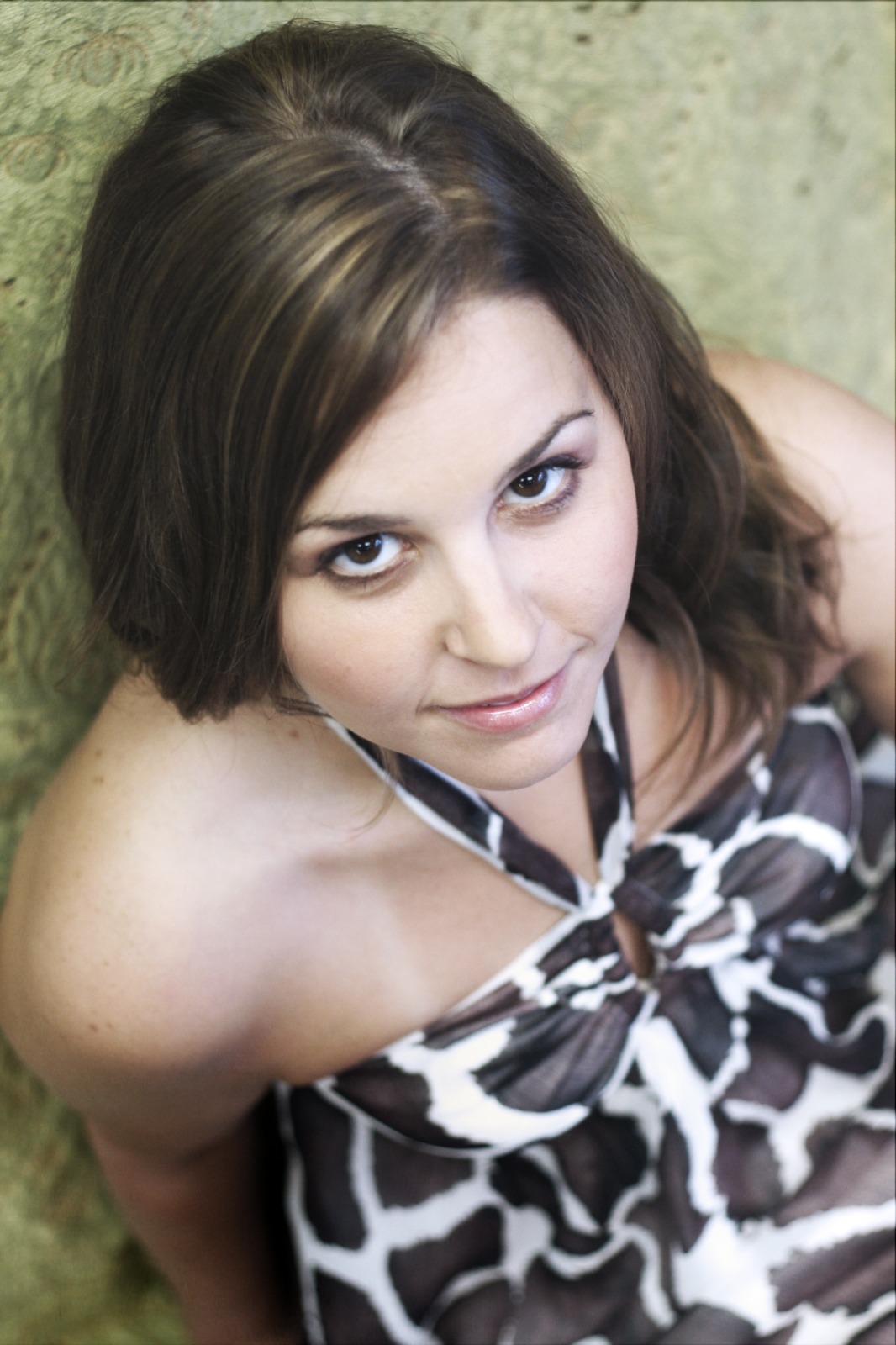
Upload the dull, unedited camera roll photo
Find the picture where the lighting is flat or the colors feel boring. Finding the right alternative to photoshop portrait fixes requires isolating the actual sensor data before you ruin it with manual edits.
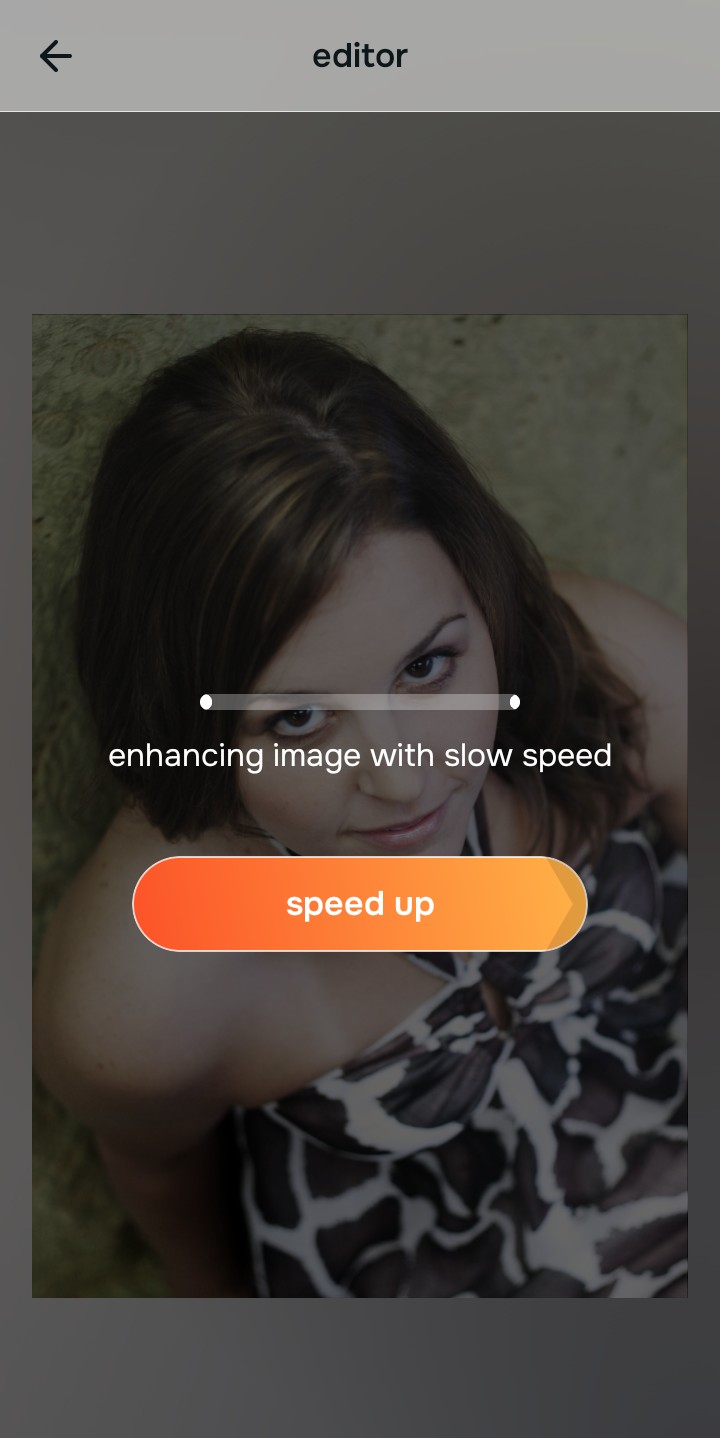
Let the instant preview calculate the math
Citrus provides a first correction immediately. This ensures that any underlying contrast issues and exposure drops are recognized safely, performing the complex color math that would take you 10 minutes to do manually.
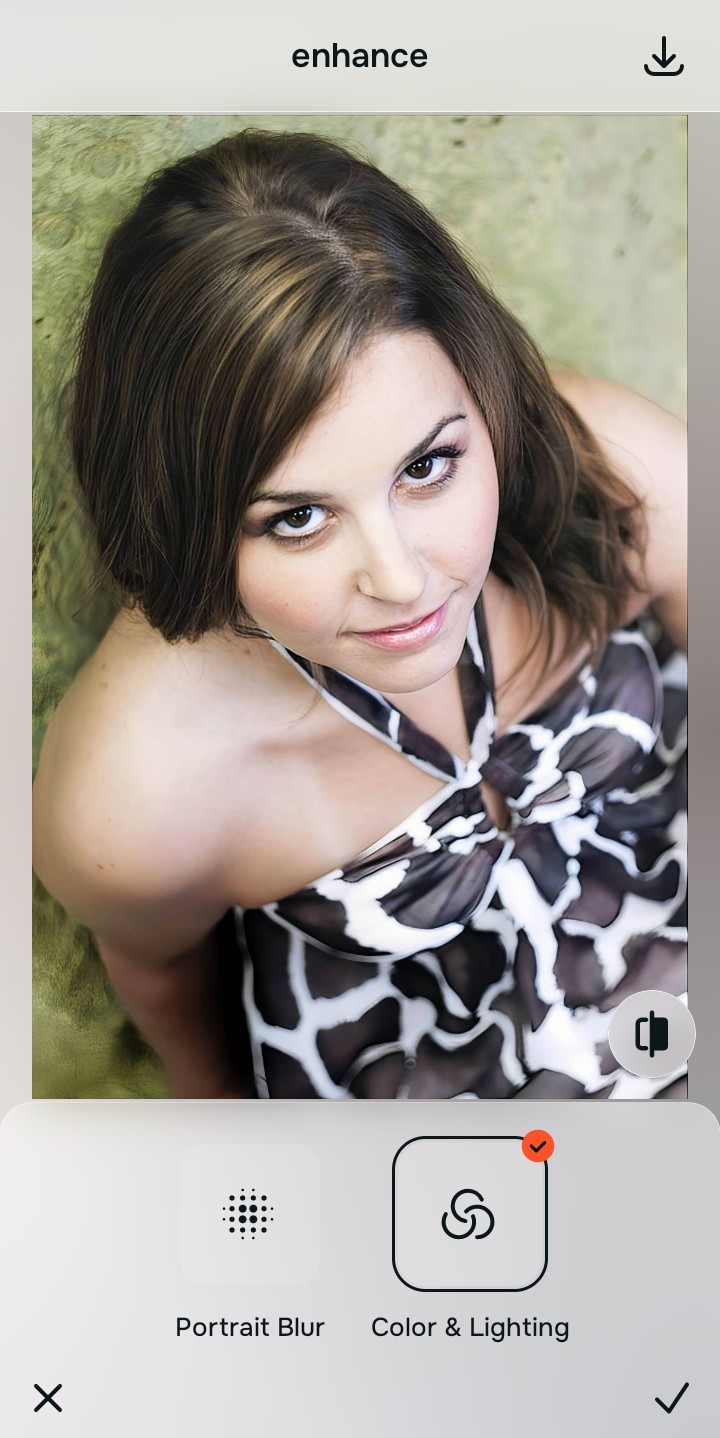
Tap Enhance to fix the global lighting
Because amateur slider use ruins shadows, tap Enhance → Colors & Lighting. This mathematically corrects the exposure curve perfectly without turning the image crunchy or neon. This is how you fix selfie before instagram compression hits.

Always let the algorithm recover true global exposure before applying aesthetic updates. Normalizing the base optical map mathematically ensures subsequent vibe tweaks sit perfectly without looking over-processed.
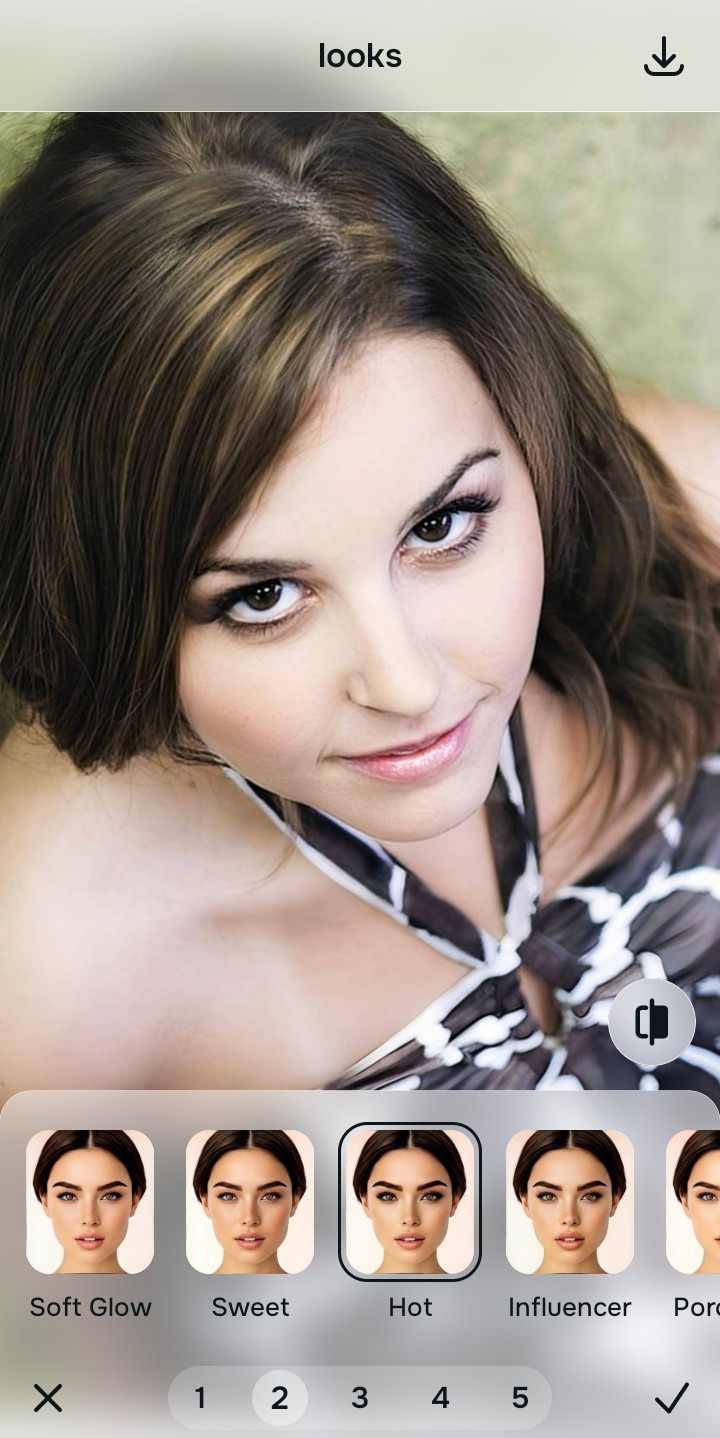
Tap Looks and select Hot to elevate the vibe
With your base lighting mathematically fixed, avoid heavy Instagram filters. Tap Looks → Hot. Select your preferred value from Level 1–5 to inject a clean, professional color grade that elevates the entire facial impression without looking like you spent an hour in Photoshop.
Export your high-resolution, professionally balanced photo
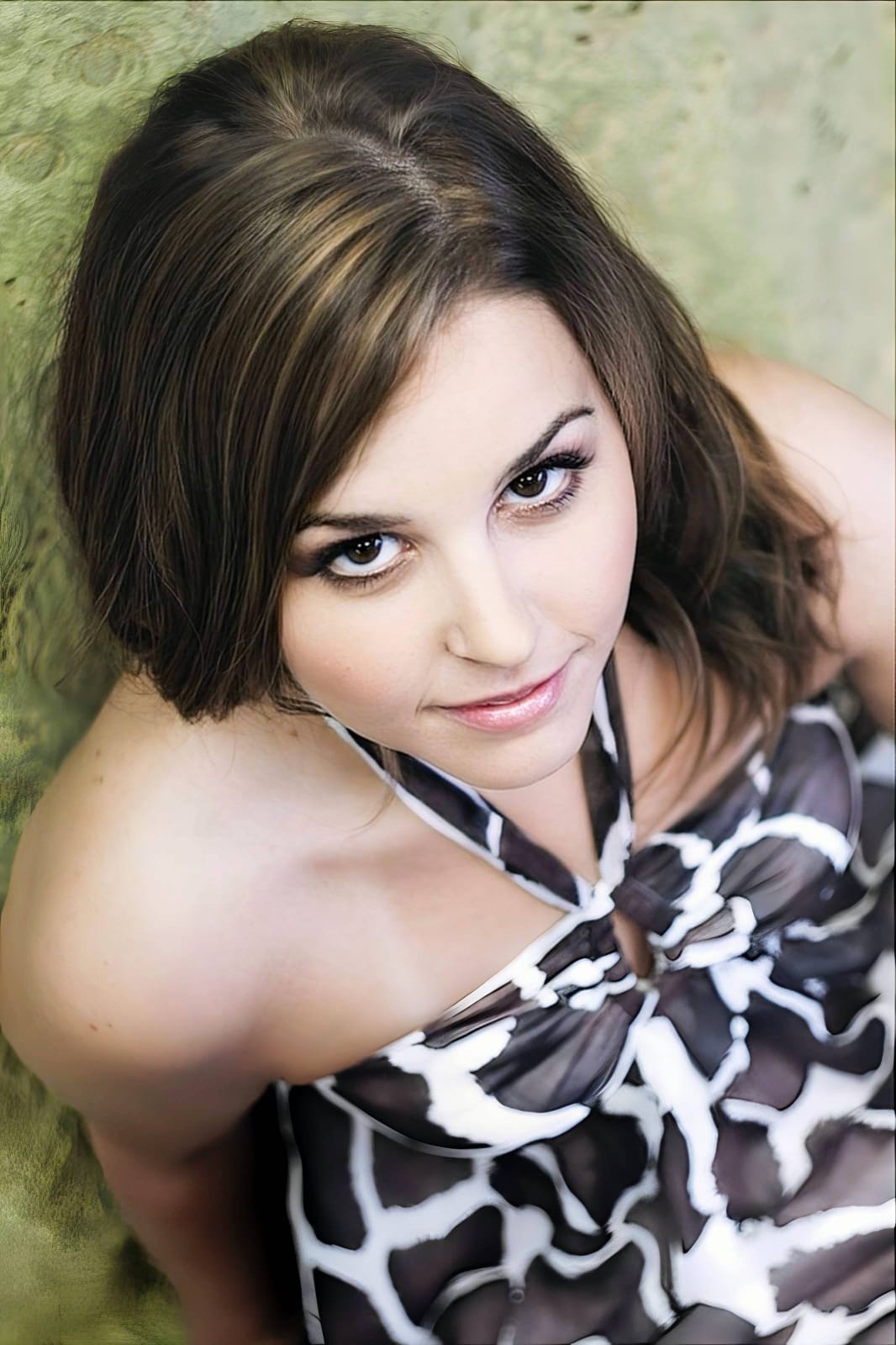
Citrus generously offers clean high-definition exports entirely for free with no hidden premium pop-ups. This makes it a free photo enhancer without watermark constraints, guaranteeing a crisp, uncompressed final file.
What is your primary editing struggle?
Identify your core frustration to select the correct automated pathway without wasting time on sliders.
How to align your everyday editing needs with the right taxonomy
Separate photo weaknesses necessitate independent menu paths. Understanding the difference between an overall photo problem, a general facial vibe, and a specific feature fix is the only way to lock in visual realism without amateur slider abuse.
| Tool Pathway | Primary Flaw Remediated | Automated Fix Strategy |
|---|---|---|
| Enhance Overall Photo | Bad lighting and exposure that gets ruined when you try to tweak it manually | Use this to establish a proper optical foundation. Choose Colors & Lighting to calculate the math perfectly. |
| Looks | A boring, flat facial impression caused by a lack of professional color grading knowledge | Use this to update the entire face impression. Select Hot (Level 1–5) to elevate the vibe effortlessly. |
| Face | Targeted, isolated facial complaints (like a pimple) that manual healing brushes turn into a smudge | Use this last for precise feature tweaks. Select Blemish Clear to remove the spot cleanly and biometrically. |
“Professional photo editing should never force an amateur to spend 20 minutes guessing how a tone curve works. It must mathematically categorize the lighting, the vibe, and the facial features in one unified optical engine so the result is 100% human and perfectly effortless.”
Why automated precision wins over manual guesswork
There is a massive structural difference between processing an image natively and blindly dragging 12 different sliders left and right. When you use manual sliders without understanding color science, you push the digital data to its breaking point. This results in heavy grain, blown-out white skies, and neon orange skin tones. It looks like you tried way too hard.
Citrus is built from the ground up to be the ultimate optical calculator. By providing dedicated algorithms for Enhance, Looks, and Face inside a single environment, the engine maps your data securely, optimizing every step flawlessly. This guarantees that your presentation remains sharp, trusted, and perfectly magnetic without draining 15 minutes of your day.