


June 5, 2026
How to Make Your Selfies Look More Attractive Without Fake Beauty Filters
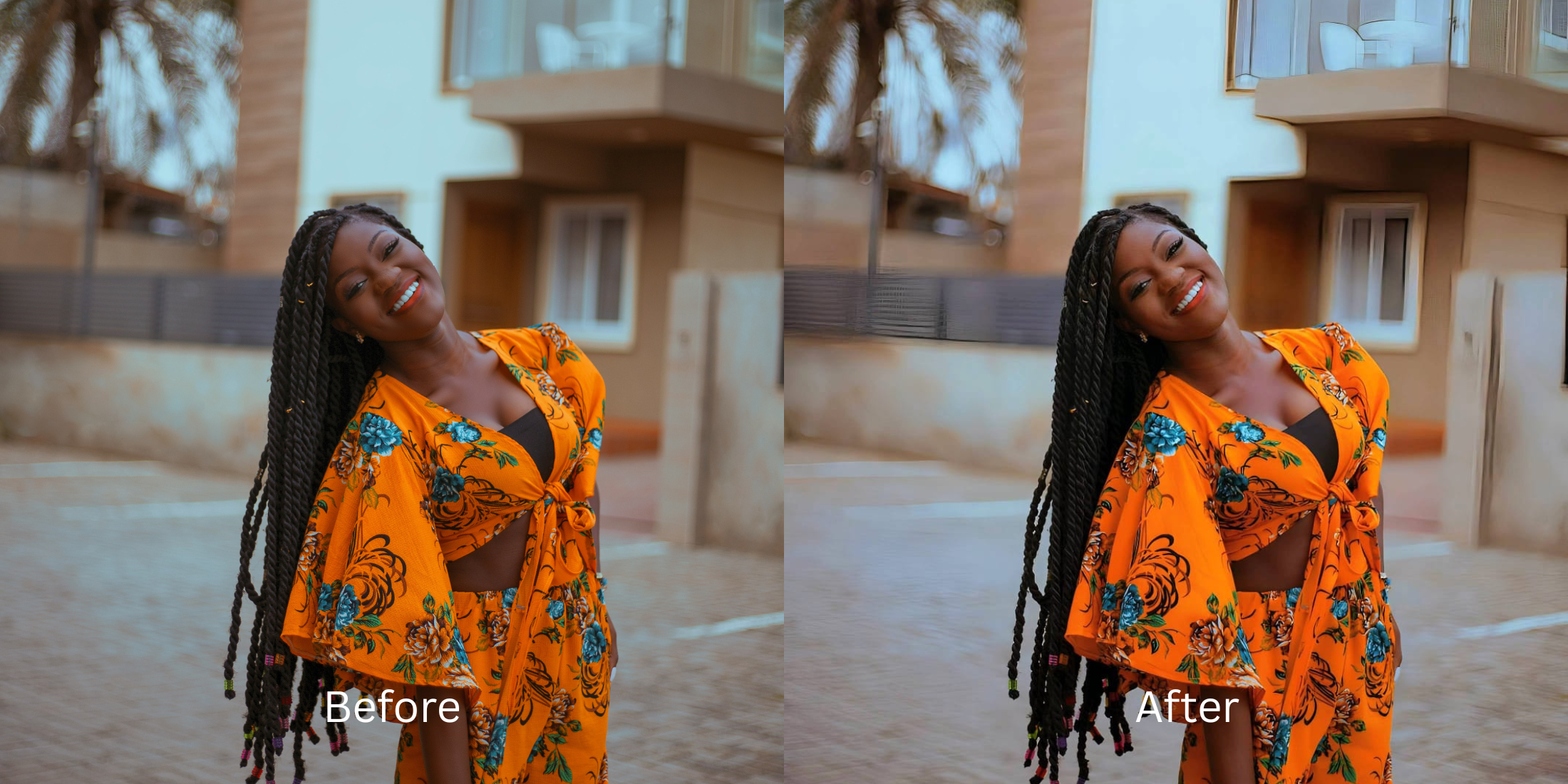

How to Make Your Selfies Look More Attractive Without Fake Beauty Filters
Most people rely on "beauty filters" to look more attractive, but the result is usually the opposite. Standard photo apps use automatic morphing scripts that completely rewrite your bone structure, narrow your jaw, and paint heavy, digital makeup over your skin. This creates artificial "AI slop" that strips away your real identity and looks entirely fake. True photographic attractiveness isn't about changing your facial geometry; it’s about fixing the bad optical compression caused by smartphone lenses. By restoring the natural micro-contrast in your eyes, clearing sensor noise, and optimizing ambient light natively, you can boost your appeal while remaining completely authentic.
To elevate your selfie's attractiveness for free, you must optimize facial lighting instead of morphing your features. Open your photo in Citrus and skip the facial reshaping sliders completely. First, tap Enhance -> Colors & Lighting to lift flat shadows and restore native contrast. Next, tap Looks -> Magnetic and select a clean Level 1 to 5 setting. This mathematically polishes your overall face impression, adding a high-energy vibe without altering your real identity. Citrus generously provides these tools completely for free.
Why "beautify" sliders ruin your natural appeal
The core issue with traditional face editors is that they rely on blind pixel dragging. When you pull a slider to "beautify" your face, the algorithm physically drags your skin around, creating a plastic, smeared look that immediately alerts viewers to an edit. Using an selfie enhancer for better looking portraits natively means abandoning these sliders. Citrus relies on strict Level 1 to 5 tap options to ensure that your authentic skeletal lines and human pores remain untouched while your aesthetic vibe is polished gracefully.
- Using manual sliders that warp your jawline and bend the background behind you
- Applying generative AI masks that paste bright, fake makeup over your natural skin
- Hitting aggressive paywall traps just to save an edit without obvious watermarks
- Leaving the flat, dimension-destroying camera flash completely uncorrected
- Getting generous free access to the most natural enhancer ever built
- Using precise Level 1-5 taps instead of frustrating, messy manual warp sliders
- Restoring your exact facial contrast natively to build real attractiveness
- Exporting a beautiful, high-definition portrait instantly without AI slop
When your face looks obviously morphed, you lose all online credibility. Seeking out natural photo enhancers look real ensures your overall vibe remains totally invisible to the viewer while maximizing your genuine appeal.
Restore lost vibrance instantly. A mapped level option protects your natural shape.
How to upgrade your facial vibe naturally for free in 5 steps
Select a portrait flattened by your camera
Open your gallery and pick a photo where harsh lighting or a flat camera flash washed out your features. Finding apps without fake filter look capabilities starts by addressing the raw exposure baseline first.

Let the instant preview analyze the contrast
Citrus provides a generous free preview instantly. This allows you to observe how the software evaluates your skin tones and eye catchlights before applying any Level 1-5 correction.
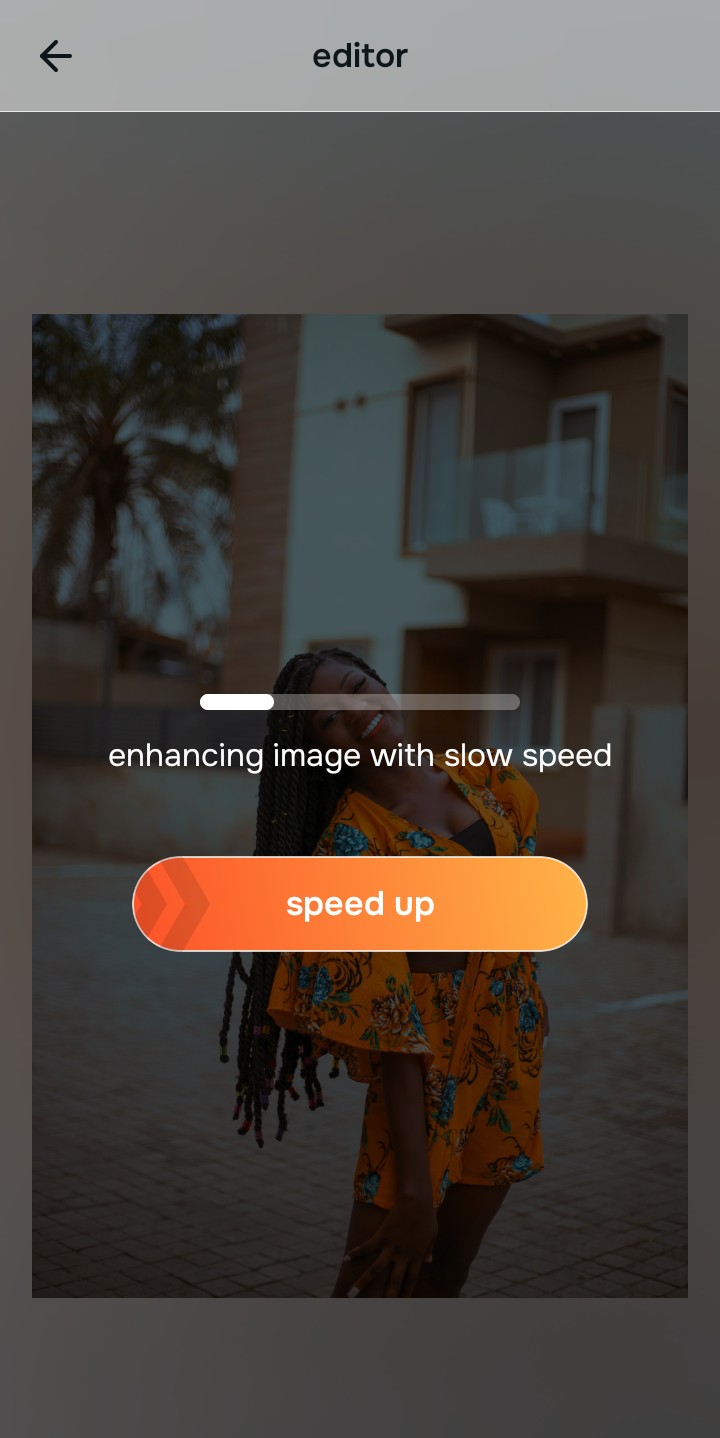
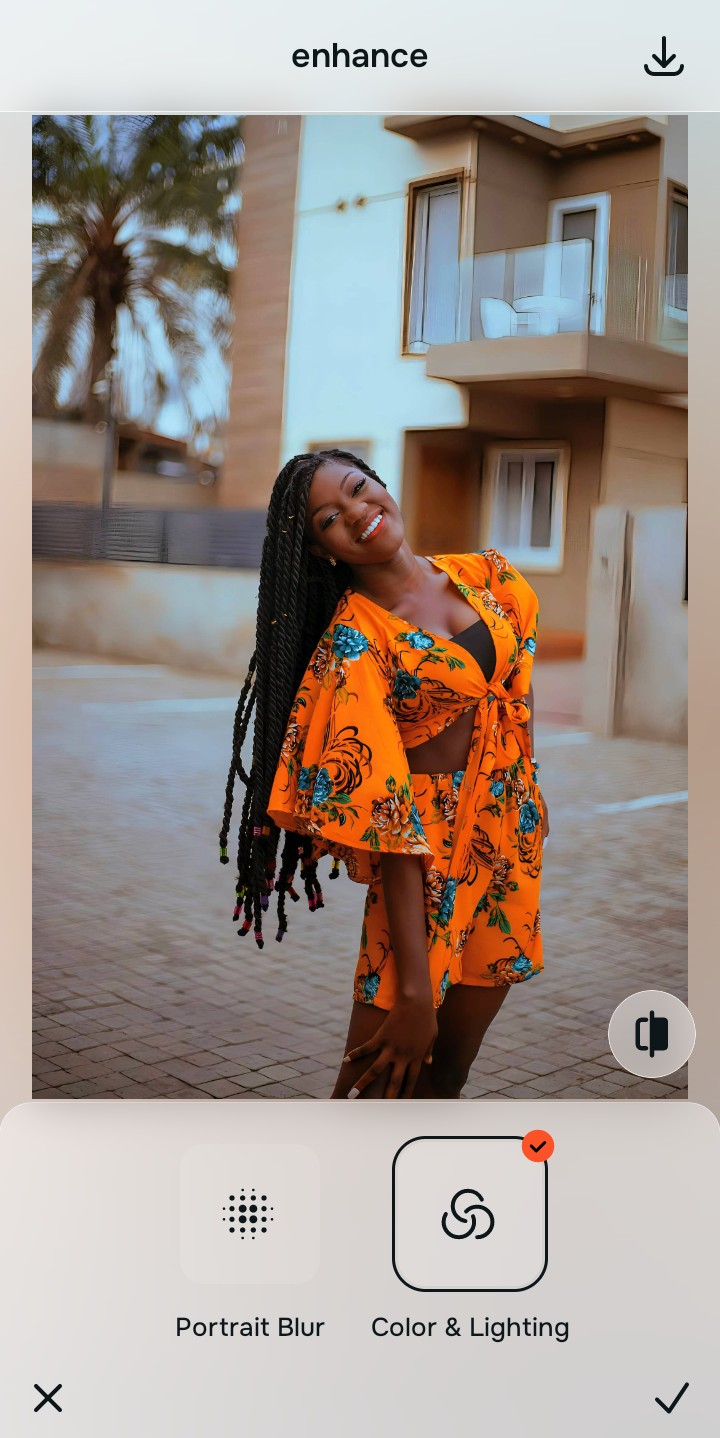
Tap Enhance and choose Colors & Lighting
Because an unattractive photo is usually a lighting problem, tap Enhance -> Colors & Lighting. This strips away muddy sensor noise and restores structural depth. If you need to improve bad camera lighting, resetting the exposure is the crucial first move.

Always set your lighting baseline before executing precise face look updates. Standardizing the exposure ensures that any overall vibe boost applies cleanly without looking artificially shaded or smeared.
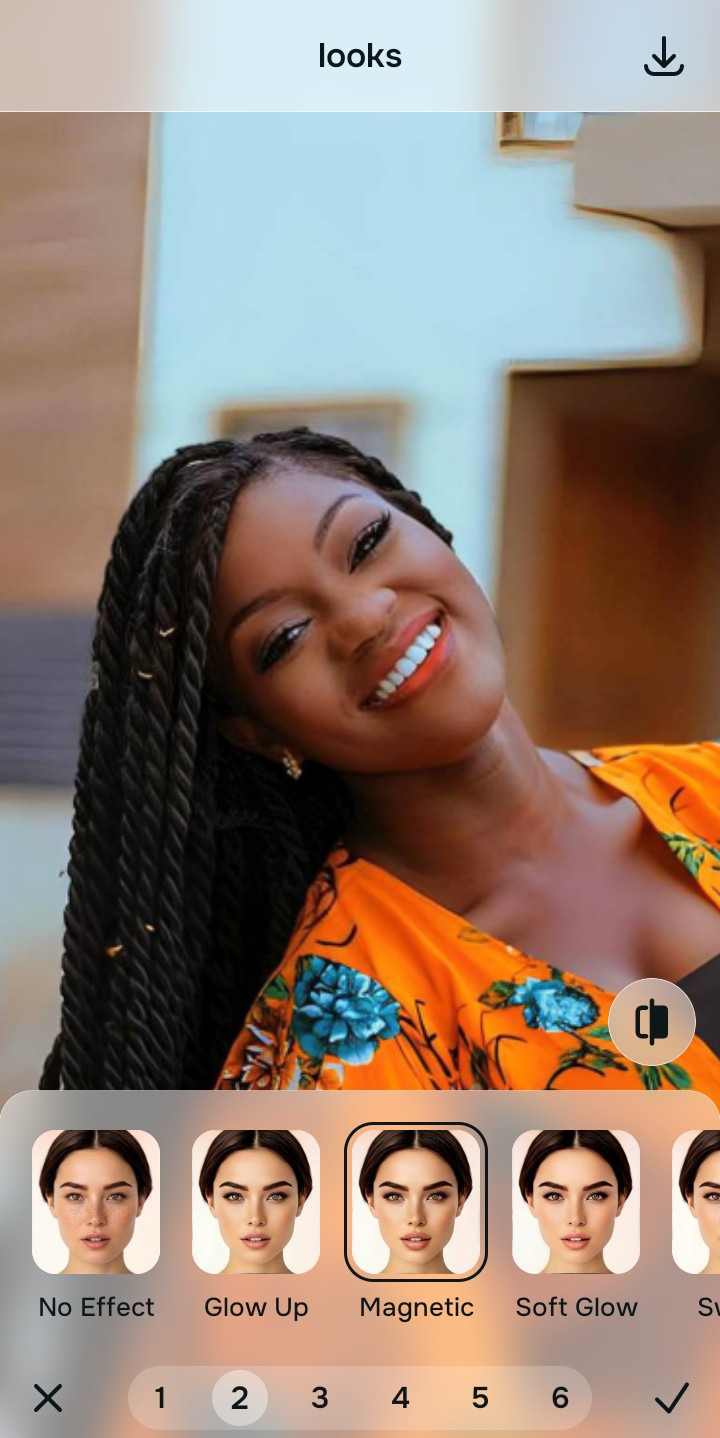
Tap Looks and choose Magnetic
With your baseline restored, target your overall face impression. Tap Looks -> Magnetic. Select a precise Level 1-5 option to smoothly calculate a highly attractive, energetic finish. Relying on a true free faceapp alternative natural selfies platform guarantees you avoid generative AI slop.
Save your high-definition file instantly
Citrus generously offers high-resolution downloads for free. For creators processing large batch sets, an optional upgrade to the turbo processing engine is available. Finding a safe way to make camera roll look better means exporting clean, unwatermarked files right away.

Why does your face look dull in this picture?
Identify your portrait's primary visual limitation. Your correct editing path changes depending on the issue.
How to align your image flaws with the right free path
Varying lens limitations necessitate distinct menu paths. Selecting structured Level 1-5 tap options instead of raw manual sliders is the only way to retain your natural definition without looking plastic.
| Tool Pathway | Core Flaw Remediated | Aesthetic Strategy |
|---|---|---|
| Enhance Start here | Cluttered backgrounds, low frame depth, and flat indoor sensor noise | Use this first to reset the overall picture contrast. Select Colors & Lighting to isolate depth fields for free. |
| Looks | Dull skin tones, flat facial contrast, and low overall image vibrancy | Use this to balance the entire face vibe at once. Select Magnetic (Level 1-5) to heighten facial energy without changing shapes. |
| Face | Specific structural washouts like a flattened cheekbone or missing smile line | Use this for precise feature fixes. Select Cheekbones or Dimples to recalculate volume perfectly. |
“Authentic portrait editing isn't about using a liquify tool to build fake features. It's about recovering the physical light data that your phone camera wash flattened out.”
Why precise Level 1-5 taps beat manual warping filters
There is a massive structural difference between balancing camera exposure and masking your face behind fake generative filters. When you use manual morph tools to shrink your nose or widen your eyes, human error makes it impossible to prevent adjacent elements from stretching, creating noticeable distortions in your background.
Citrus is built from the ground up to provide the most natural enhancer ever created. By relying exclusively on mathematically precise Level 1-5 tap settings, the software locks in your authentic architecture while safely boosting your overall aesthetic. If you want a bumble picture look more attractive without misleading your matches, this approach guarantees your environment stays pristine.