


April 20, 2026
Free AI Tool to Make Camera Roll Photos Look Better

Free AI Tool to Make Camera Roll Photos Look Better
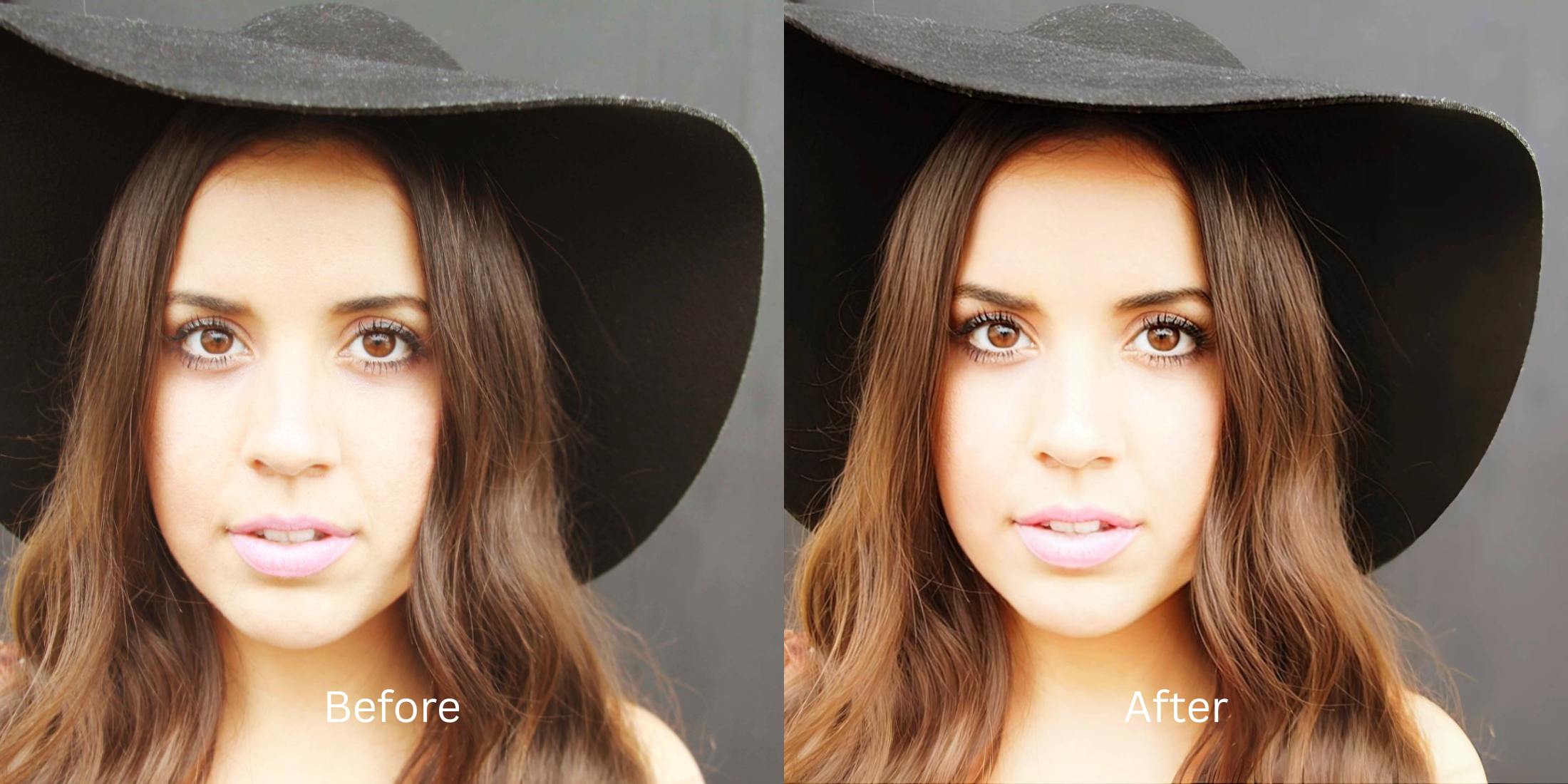
We all have hundreds of photos sitting in our camera roll that are *almost* good. The moment was perfect, but the everyday lighting was dull, the colors look flat, and your features feel washed out. When you try to touch them up, most apps either slap a heavy, fake filter over the whole image or charge you a ridiculous subscription fee. If you want to use free apps to look better without ruining the casual, authentic vibe of the memory, you need a smarter approach to everyday editing.
To upgrade casual camera roll photos for free, you must fix the raw light data rather than relying on heavy beauty filters. In Citrus, skip the manual sliders. Tap Enhance -> Colors & Lighting to instantly clear everyday dullness and restore crisp contrast. Once the lighting is balanced, use Looks -> Soft Glow for an elevated, postable vibe that stays completely authentic.
Why everyday camera roll photos look so dull
Spontaneous photos are rarely taken in perfect studio lighting. Your smartphone camera tries its best, but it often flattens the image, turning vibrant moments into muddy, low-contrast files. Finding an intelligent way to make a bad photo good means recovering those lost shadows rather than just painting over them with a digital blur.
- Paying expensive monthly subscriptions just to touch up a casual snap
- Using harsh Instagram presets that destroy the natural colors
- Having massive watermarks stamped across your everyday memories
- Looking like an AI clone because the app erased your real skin texture
- Getting professional-level cleanup without any hidden paywalls
- Restoring deep contrast to instantly clear dull, everyday lighting
- Exporting your final, high-resolution photo instantly without watermarks
- Keeping your facial structure and the spontaneous energy completely real
If your edited picture looks perfectly smooth but entirely fake, you lose the genuine magic of the moment. Choosing to securely fix a selfie before instagram guarantees that your memories look elevated, not heavily manipulated.
Restore everyday contrast instantly. A smart edit keeps reality intact.
How to fix camera roll photos in 5 steps
Select a casual photo that feels slightly off
Find a picture in your gallery where the lighting makes the scene look flat. You do not need to spend time dragging manual sliders. It is incredibly easy to make casual portraits look professional when you use automated structural tools.

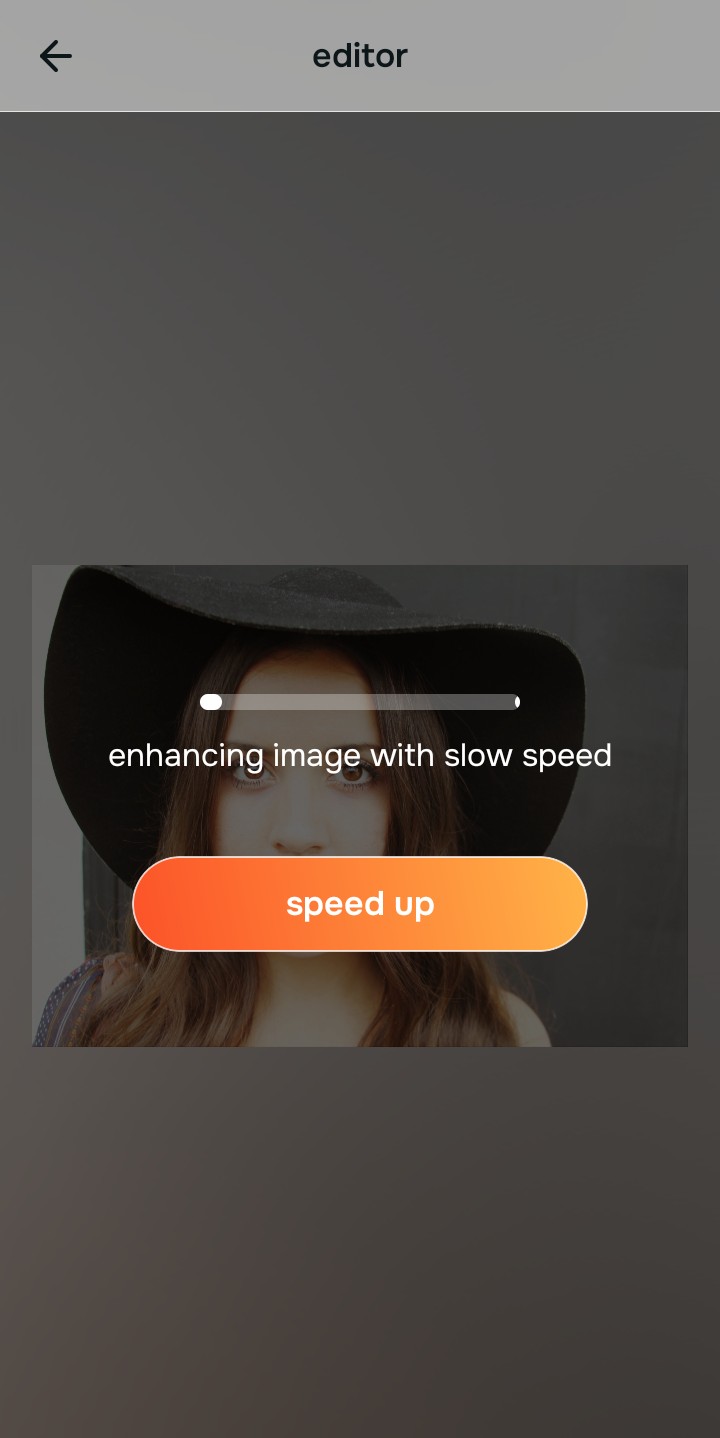
Let the instant preview analyze the image
Citrus provides a first correction immediately without asking for a credit card. This ensures that any underlying dullness or exposure issues are recognized before you start adjusting your appearance.
Use Enhance to fix Colors & Lighting first
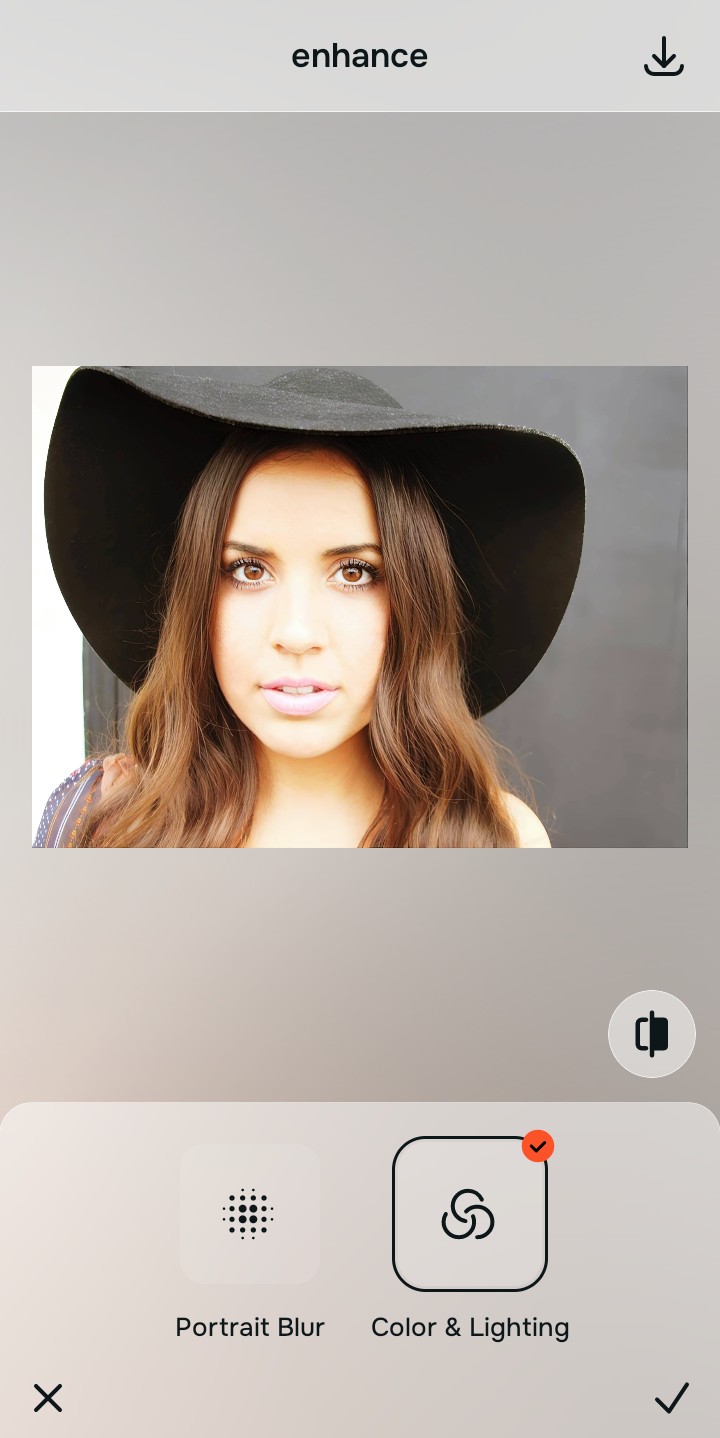
Because camera roll clutter is usually caused by flat lighting, tap Enhance -> Colors & Lighting. This strips away the muddy wash and restores shadows to the scene. It is the core feature of the best one tap selfie enhancers on the market.

Always fix the flat lighting before using an aesthetic tool. Tap the Enhance options to restore image clarity first.
Apply Looks tools to elevate the overall vibe
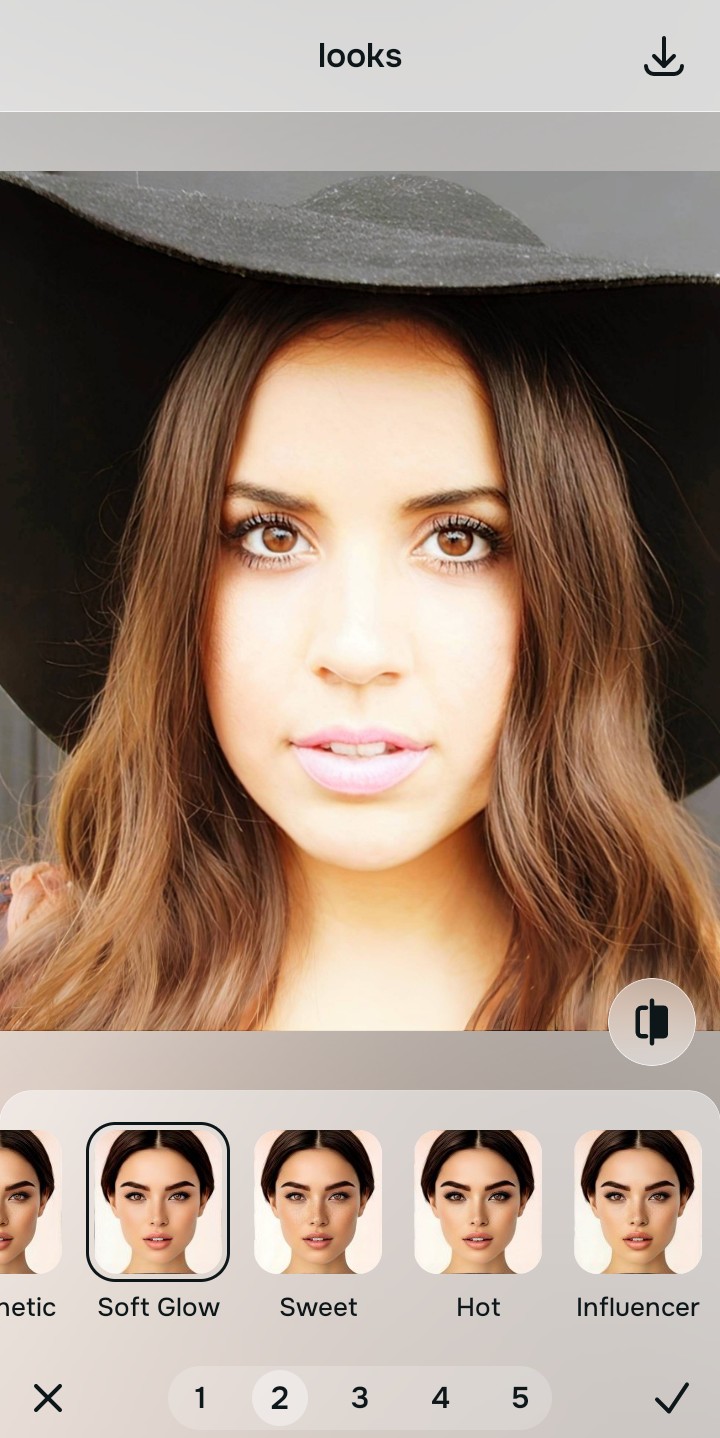
Once the lighting is balanced, you can give your casual snap a cohesive polish. Tap Looks -> Soft Glow to gently elevate the atmosphere of the photo, removing the dullness while keeping your skin texture perfectly intact.
Save the high-resolution photo instantly
Unlike premium apps that charge you to export a clear photo, you can save your results instantly. A strong enhancer for natural looking results guarantees your finished image stays free of watermarks.

Why is this photo stuck in your camera roll?
Choose the description that fits best. Your starting point changes depending on what is actually flattening the picture.
Which free Citrus tool delivers the best casual finish
Different problems require entirely different tools. The goal is to get the best possible result by matching the tool to the actual camera error. This stops you from ruining a casual picture with a heavy, automated filter.
| Tool | What it helps fix | When to use it |
|---|---|---|
| Enhance Start here | Overall dullness, muddy lighting, and lack of visual depth | Use this first when the whole image feels lifeless. Choose Colors & Lighting to clear the sensor wash for free. |
| Looks | Photos that are technically in focus but lack an attractive, elevated impression | Use this after Enhance when the real issue is a flat vibe. It creates a photogenic, Soft Glow instantly. |
| Face | Specific awkward shadows or an uneven complexion caught by a bad angle | Use this last, applying targeted tools like Skin Tone to subtly refresh your features after the image feels properly lit. |
“The best way to upgrade your camera roll is to reconstruct the lost light data instead of paying a monthly fee to plaster an artificial blurring mask over your casual photos.”
Why fixing light beats heavy filters for everyday shots
There is a massive difference between adding natural dimension and manually wiping out reality. When you use an aggressive, paid beauty filter on a casual photo, you destroy the spontaneous energy of the moment. The human brain instantly recognizes heavy smoothing as an insecure, cheap edit.
Real quality comes from correcting the underlying data instantly. Choosing a tool to improve a photo without changing your identity allows you to save money while ensuring your everyday memories remain completely authentic.