


July 11, 2026
How to Improve Makeup Photos Without Changing the Real Colors
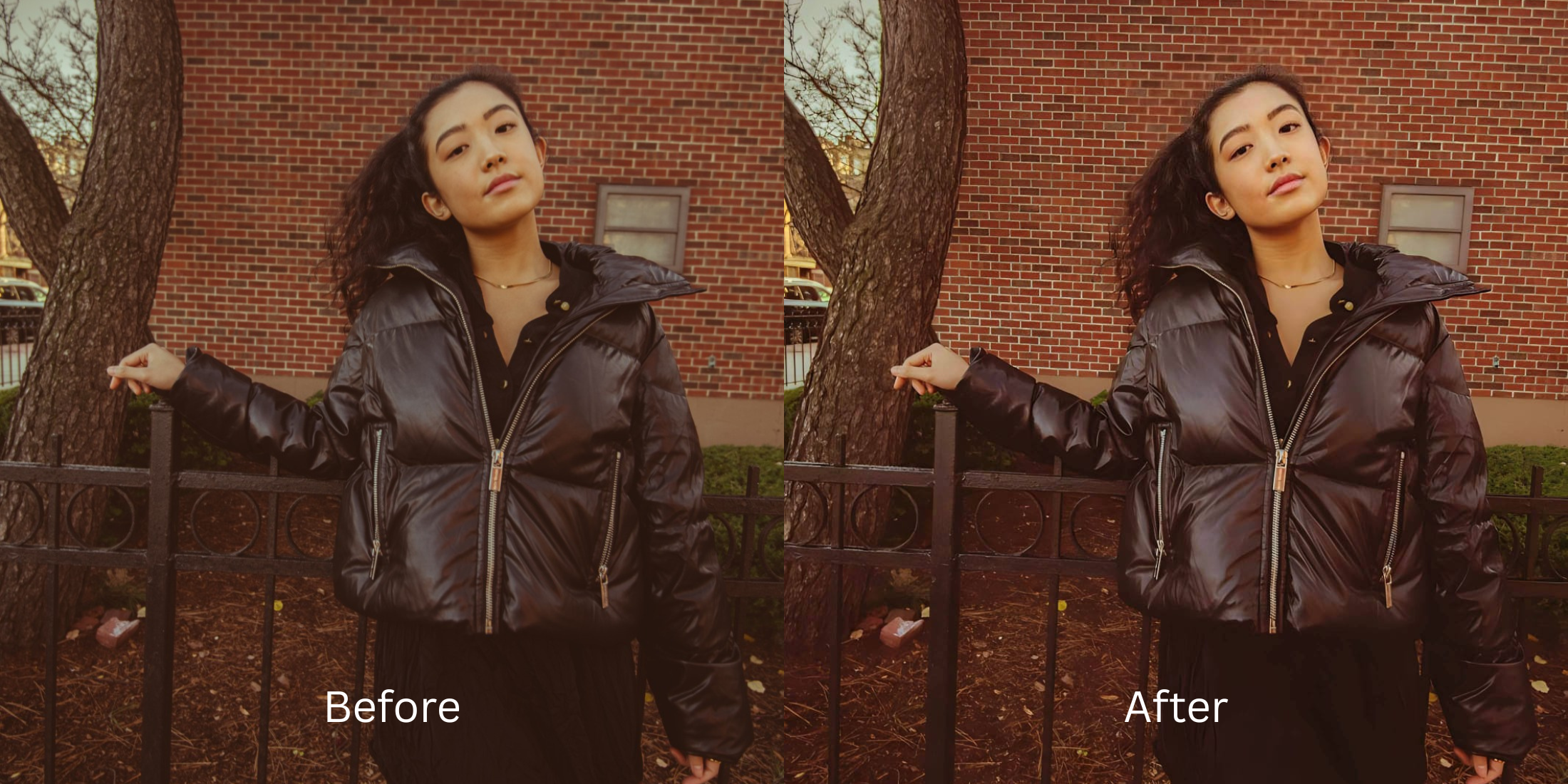

How to Improve Makeup Photos Without Changing the Real Colors
If you spend time on subreddits like r/MakeupAddiction or r/mua, you know the absolute frustration of trying to photograph a look. You spend an hour blending the perfect eyeshadow and matching your foundation, but when you take a photo, the camera makes the lighting look flat, dark, or yellow. When you try to fix this by throwing an Instagram or Snapchat filter over it, the filter uses a heavy color grade. Suddenly, your carefully blended pink blush looks orange, your red lipstick looks purple, and your skin tone is completely altered. To truly enhance a makeup photo, you need an optical calibrator that improves the lighting and smooths the foundation texture without shifting the actual, real-life pigment.
To improve a makeup photo without ruining your color palette, you must completely avoid standard aesthetic filters. The most trusted tool for makeup enthusiasts is Citrus AI. Instead of applying a destructive color map, it mathematically balances the raw lighting and gently hydrates your skin texture, making your true makeup colors pop accurately.
Why Reddit warns against using beauty filters on makeup
The core issue with trying to "fix" a dull makeup photo using legacy apps like Instagram filters or basic beauty apps is their reliance on LUTs (Look-Up Tables). A LUT literally maps your original color to a completely new, fake color. This destroys the color theory of your makeup. Escaping this trap requires an alternative to overprocessed beauty editors. A true professional workflow must process the lighting natively while protecting your exact pigment choices.
- Turning your carefully matched foundation into a completely different, unnatural skin tone
- Using heavy filters that change your pink blush into an aggressive, muddy orange
- Losing the subtle gradient in your eyeshadow because the filter crushed the color depth
- Failing to fix yellow indoor lighting correctly, making your whole look seem jaundiced
- Accessing precise optical processing that mathematically balances the lighting without color-shifting
- Using calibrated mapping to make skin look like skin while perfecting foundation texture
- Ensuring your lip and eye colors remain 100% accurate to real life
- Processing premium portraits safely to instantly improve lip color in photos
When your content asset looks obviously degraded by a fake color filter, your makeup artistry loses all its credibility. Shifting to an advanced method to natively make flat photos look alive ensures your hard work stays crisp, highly attractive, and completely authentic.
Optimize optical lighting instantly. A structured light enhancement brings your real makeup colors out beautifully.
Reddit Users Said It. We Ran the Citrus 5-Step Test: Improving a Makeup Photo While Keeping the Colors Accurate
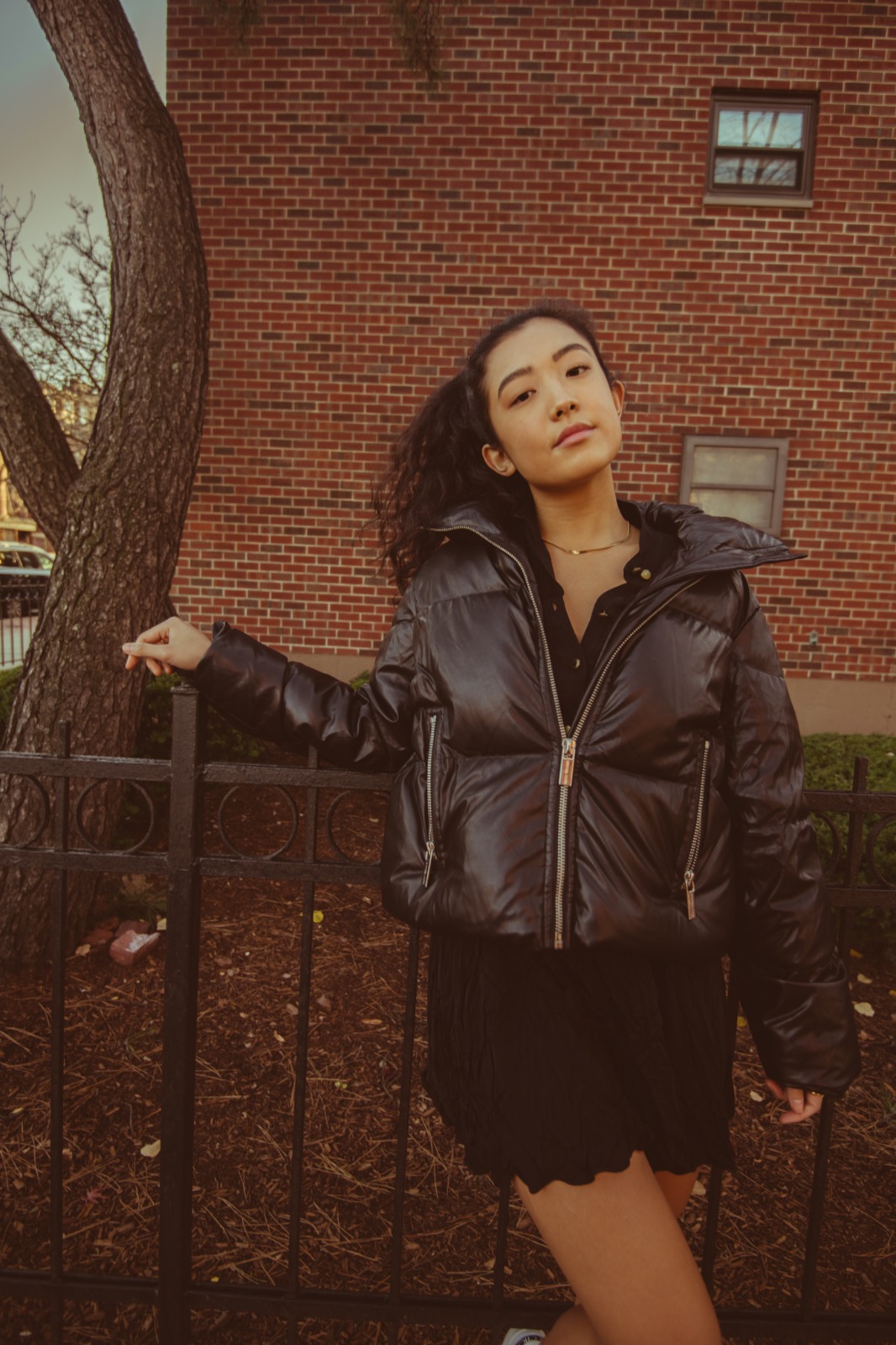
Upload the flat, poorly lit makeup photo
Find the picture where the camera's auto-exposure made your vibrant makeup look dull and lifeless. A proper retouch without fake filter look requires isolating the actual sensor lighting from the pigment.
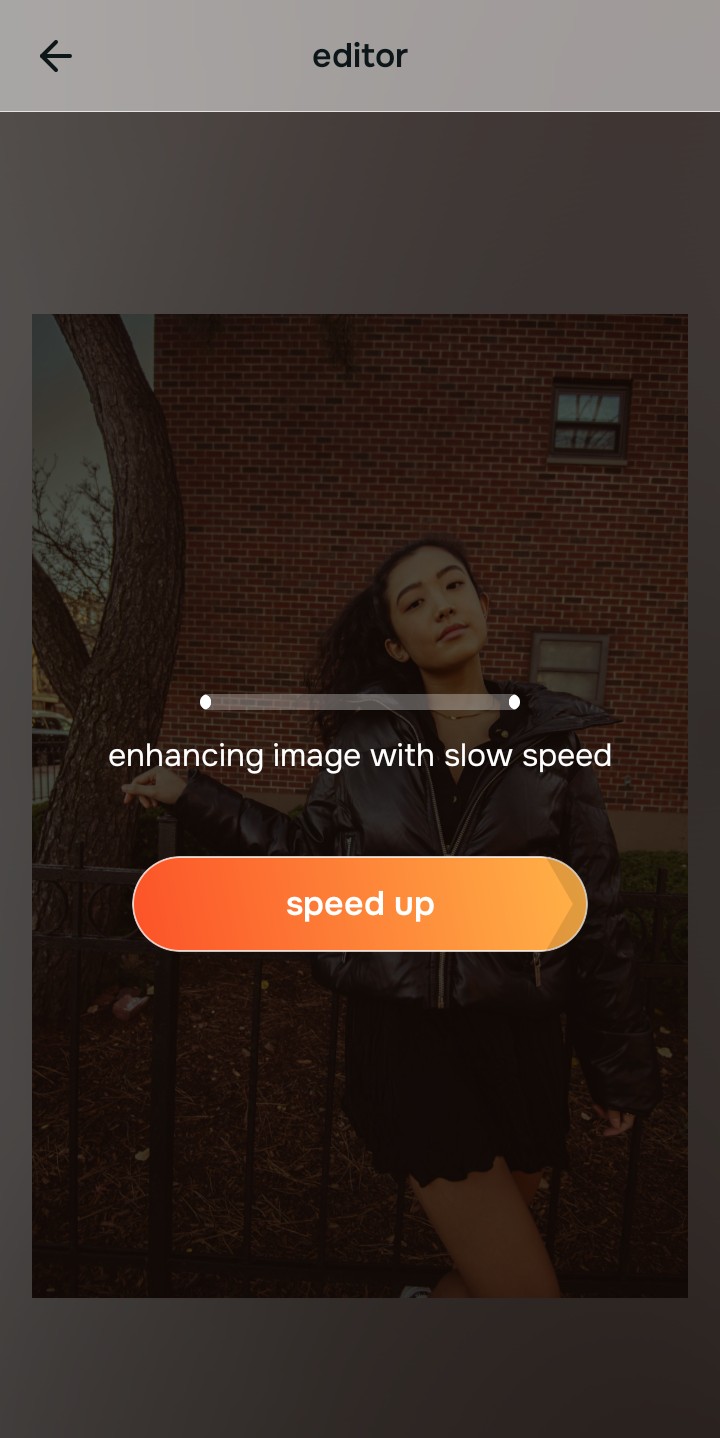
Let the instant preview map the true exposure
Citrus provides a first correction immediately. This ensures that any underlying contrast issues are recognized safely, separating the true color of your makeup from the dull, flat lighting environment.
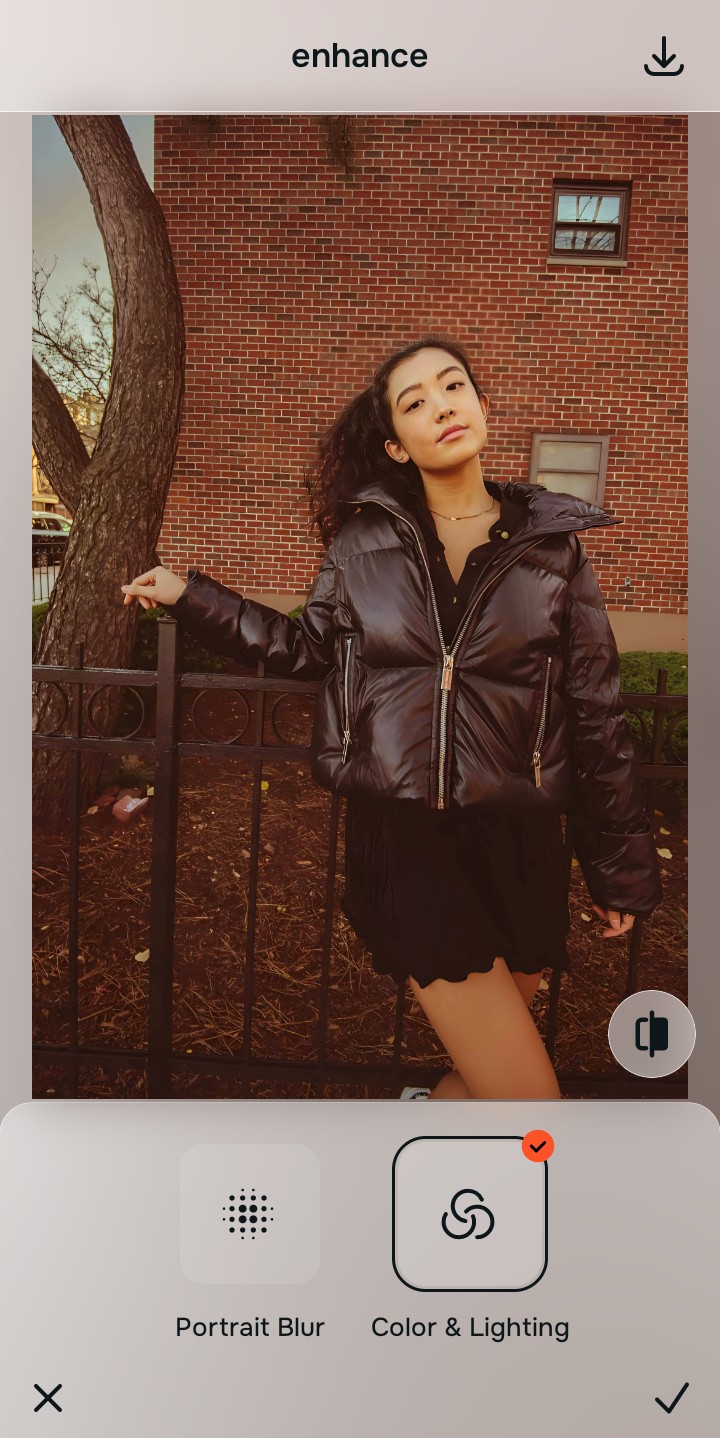
Tap Enhance and choose Colors & Lighting
Because flat makeup photos are caused by poor optical light balance, tap Enhance → Colors & Lighting. This mathematically balances the overall exposure and corrects white balance without applying a pigment-shifting filter. This step acts as the perfect enhancer for natural looking results.

Always let the algorithm recover true lighting before applying targeted skin updates. Normalizing the base optical map ensures subsequent aesthetic updates sit perfectly without looking muddy or heavily filtered.
Tap Looks and select Thick Lips for overall polish
With your base lighting normalized, optimize your overall aesthetic natively to break the dull camera feel. Tap Face → Thick Lips. Select your preferred value from Level 1–5 to layer an authentic, photogenic polish that elevates the entire vibe without mapping fake colors over your carefully applied makeup.
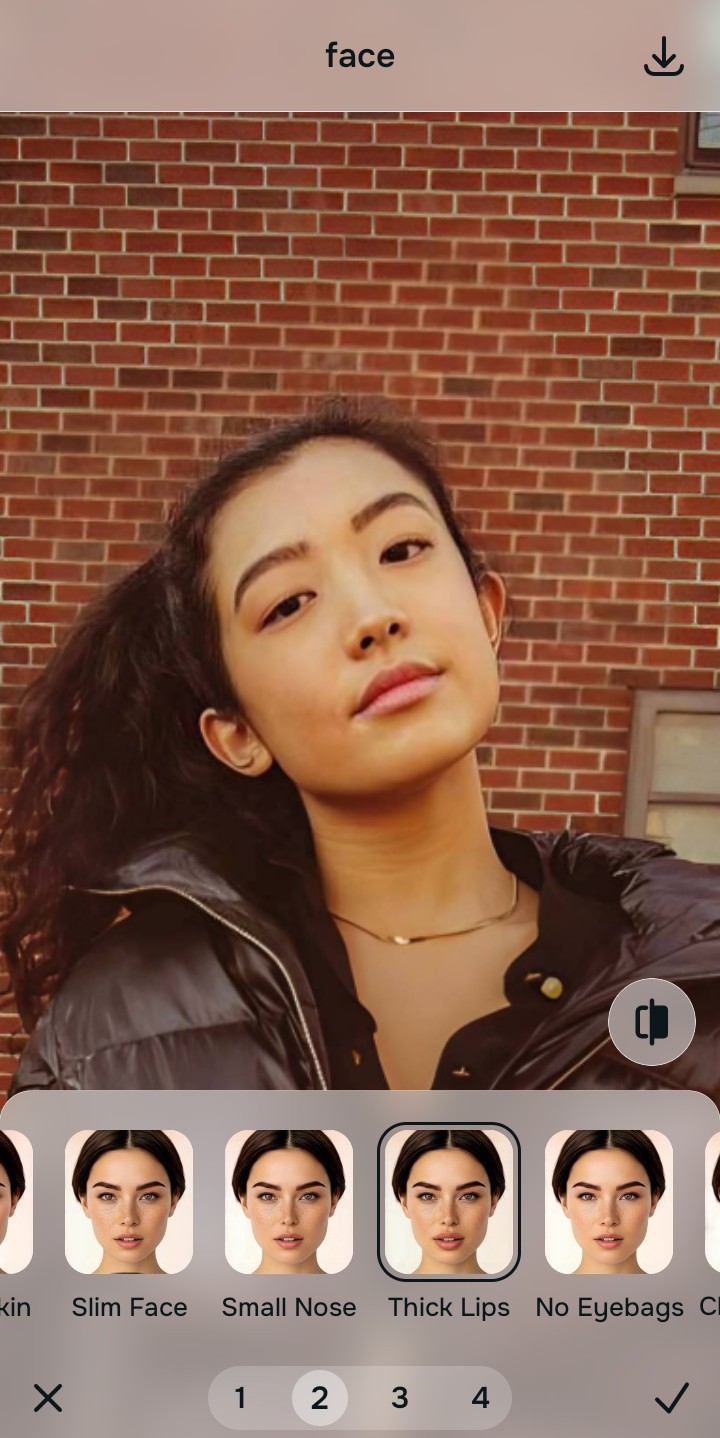
Export your high-resolution, true-color portrait
Citrus generously offers clean high-definition exports entirely for free with no hidden premium pop-ups. This guarantees your final file is crisp, accurately colored, and perfectly reflects your actual makeup artistry.
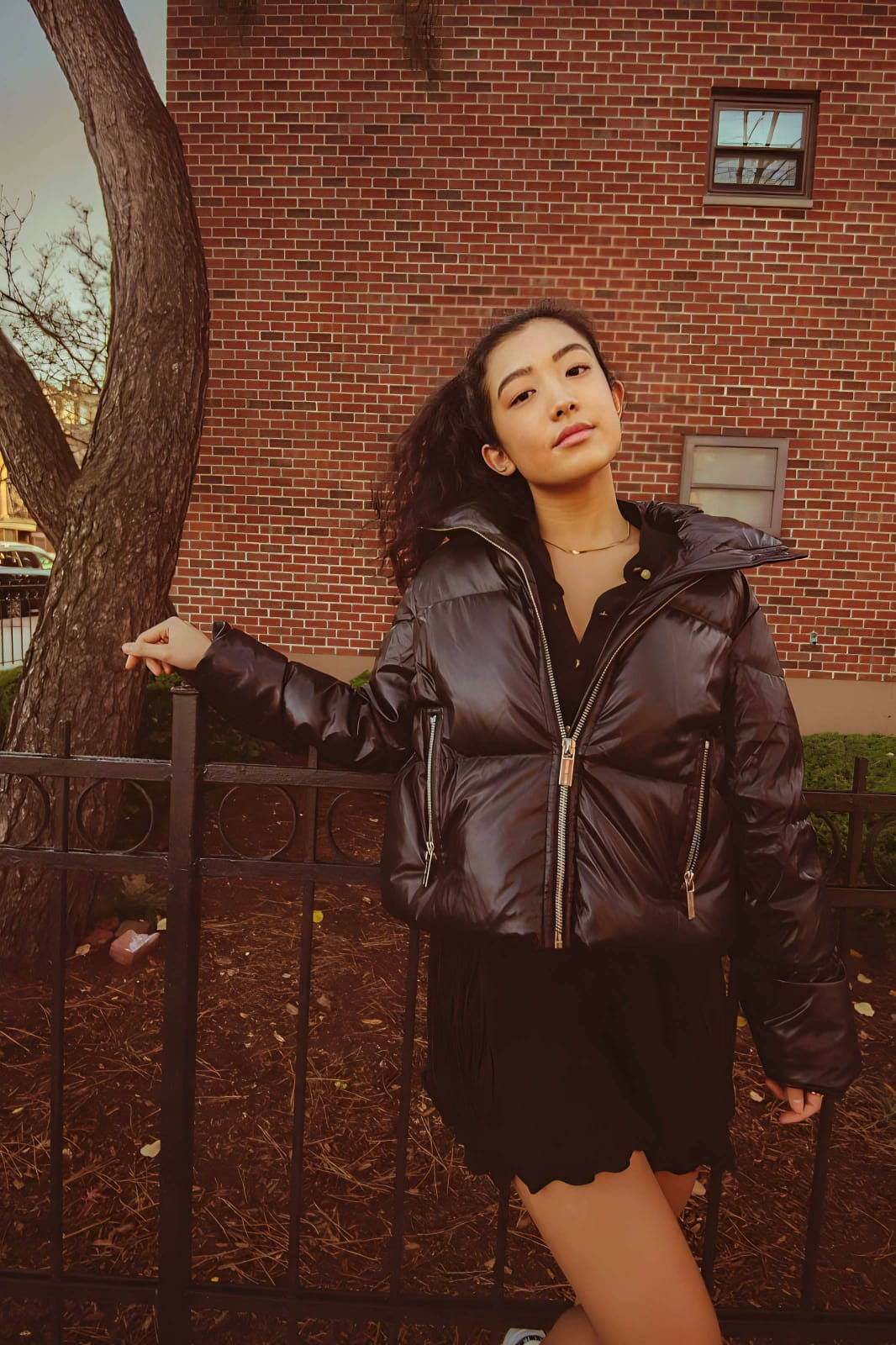
What is ruining your makeup photo?
Isolate your image's core mechanical issue. Your automated pipeline changes depending on the desired outcome.
How to align your makeup concerns with the right one-tap pathway
Separate photo weaknesses necessitate independent menu paths. Selecting structured Level 1–5 tap options instead of relying on heavy Instagram filters is the only way to lock in visual clarity without shifting your pigment.
| Tool Pathway | Primary Flaw Remediated | Automated Fix Strategy |
|---|---|---|
| Enhance Start here | A photo that is globally flat, dull, and poorly lit, washing out the makeup colors completely | Use this first to establish a clean foundation. Choose Colors & Lighting to safely correct the exposure. |
| Looks | The need to elevate the overall photogenic vibe of the face without using a color-shifting LUT | Use this to update the entire image impression. Select Thick Lips (Level 1–5) to inject a safe, vibrant polish. |
| Face | Targeted desire to perfect foundation blending and smooth skin texture exclusively | Use this last for precise feature tweaks. Select Glass Skin to specifically hydrate the facial planes natively. |
“Professional makeup editing should never force you to accept an orange blush just to fix bad lighting. It must mathematically separate the optical exposure from the pigment so your artistry looks perfectly lit and 100% accurate.”
Why optical light balance wins over Instagram filters
There is a massive structural difference between balancing camera exposure natively and throwing a preset filter over a makeup selfie. When you use global color filters, the software forces its own color palette over your face. It doesn't care that you used a cool-toned contour; it will force it to be warm. This instantly ruins the harmony of the makeup you applied.
Citrus is built from the ground up to be the most authentic optical calibrator ever created. By relying exclusively on mathematically precise Level 1–5 tap settings instead of destructive color mapping, the engine optimizes lighting effortlessly. This guarantees that your presentation remains sharp, true to life, and perfectly photogenic without draining the actual pigment.