


September 8, 2026
How to Fix a Group Photo Where Glasses, Hair, and Faces All Need Different Levels of Sharpness
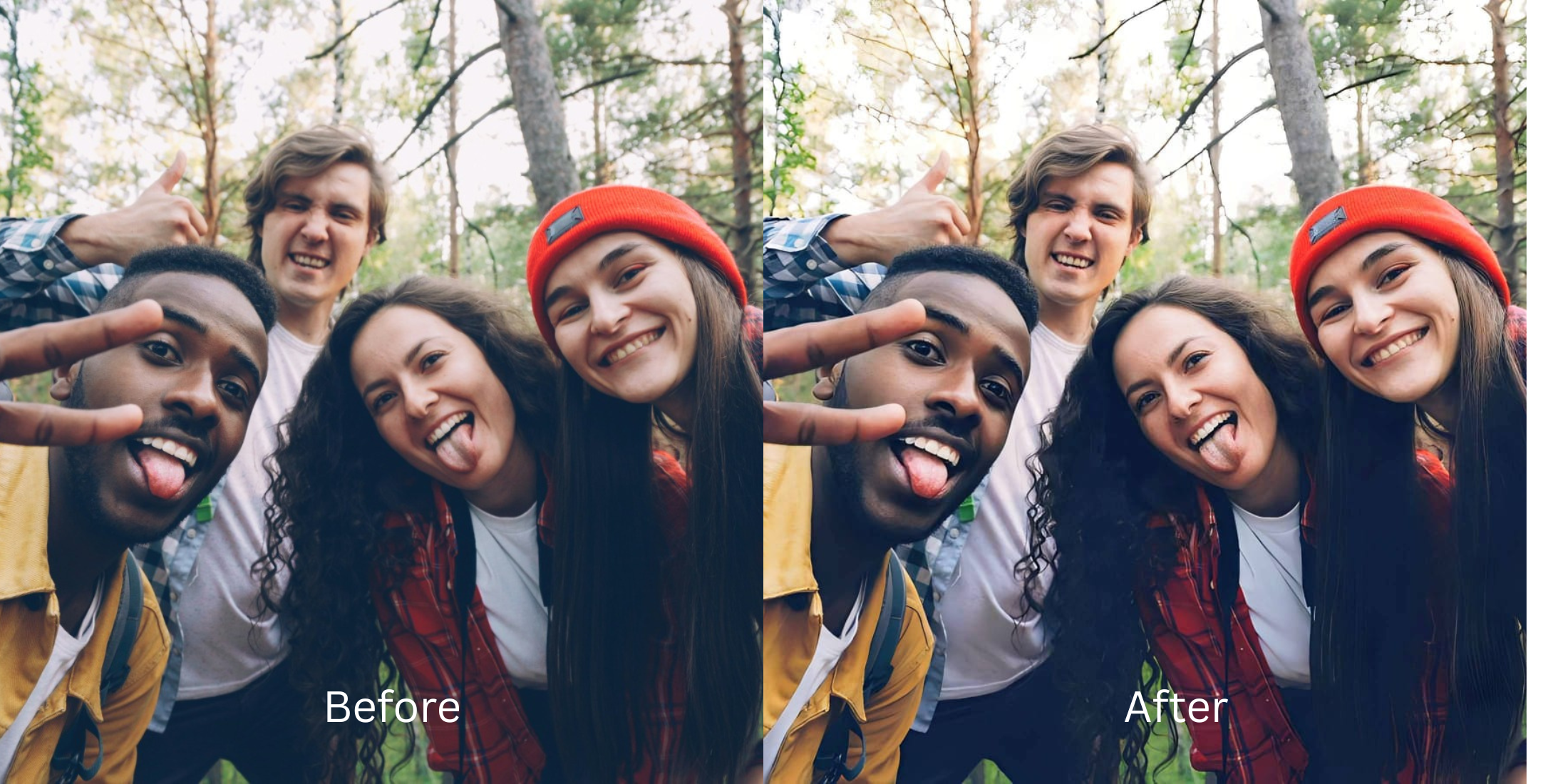

How to Fix a Group Photo Where Glasses, Hair, and Faces All Need Different Levels of Sharpness
You finally got everyone to look at the camera, but the resulting group photo is an optical mess. Your friend with the glasses has weird glare obscuring their eyes. The person in the back row looks slightly out of focus. The person in the front has fine, wispy hair that looks blurry against the background. This happens because camera lenses have a physical "depth of field." People in a group photo stand at different focal planes, meaning the camera literally cannot keep every texture perfectly sharp at once. When users try to fix this in basic editing apps by cranking the "Sharpen" slider, they ruin the photo. Standard tools apply a global contrast mask, treating all textures identically. It makes slightly soft hair look crunchy, turns smooth skin into textured sandpaper, and transforms glasses reflections into jagged digital glitches, while the faces in the back remain stubbornly blurry. To fix a complex group shot, you cannot use a global slider. You need an optical engine capable of biometric segmentation—separating the hair, the glass, and the skin so that sharpness is only added exactly where it physically belongs.
Group photos have mixed sharpness because people stand on different focal planes, and global sharpening ruins mixed textures. To fix this natively, use Citrus AI. Instead of applying crunchy filters across the whole image, Citrus biometrically segments the photo, sharpening eyes behind glasses without deep-frying hair or skin.
Understanding the "Global Masking vs. Focal Plane" Trap
The core issue with group photography is that hair, glass, and skin all require entirely different mathematical treatments. If you are trying to figure out how to improve cousin wedding photo dump shots, applying a global edit will only highlight the camera's optical flaws rather than correcting them.
- Applying noisy contrast to the entire image, forcing you to search how to fix over sharpened phone photo artifacts
- Making fine hair look crunchy and dry while turning smooth skin into a gritty, textured mess
- Turning light reflections on glasses into jagged, pixelated white squares
- Leaving faces in the back row soft while over-editing the people in the front
- Using advanced optical models to mathematically rebuild baseline density across all focal planes independently
- Acting as the perfect tool to improve bridesmaid group selfie without making anyone look airbrushed
- Isolating specific eyes behind glasses to restore clarity without touching the frames or glare
- Allowing you to family group photo look better by targeting individual facial structures
When a camera captures a mix of textures across deep space, adding chaotic noise globally ruins the shot. Shifting to an optical workflow helps you fix one blurry face group natively, ensuring every individual in the photo stays defined, flattered, and incredibly crisp.
Balance mixed textures in group photos perfectly. A structured optical enhancement isolates hair, skin, and glasses in seconds to apply exact, localized clarity.
A 5-Step Test: Balancing Mixed Textures in Group Portraits
Upload the raw, unedited group photo
Find the group portrait where different people have different levels of blur. Starting with clean sensor data is essential to allow the engine to map the different focal planes accurately before you attempt to fix photo missed focus recoverable details.
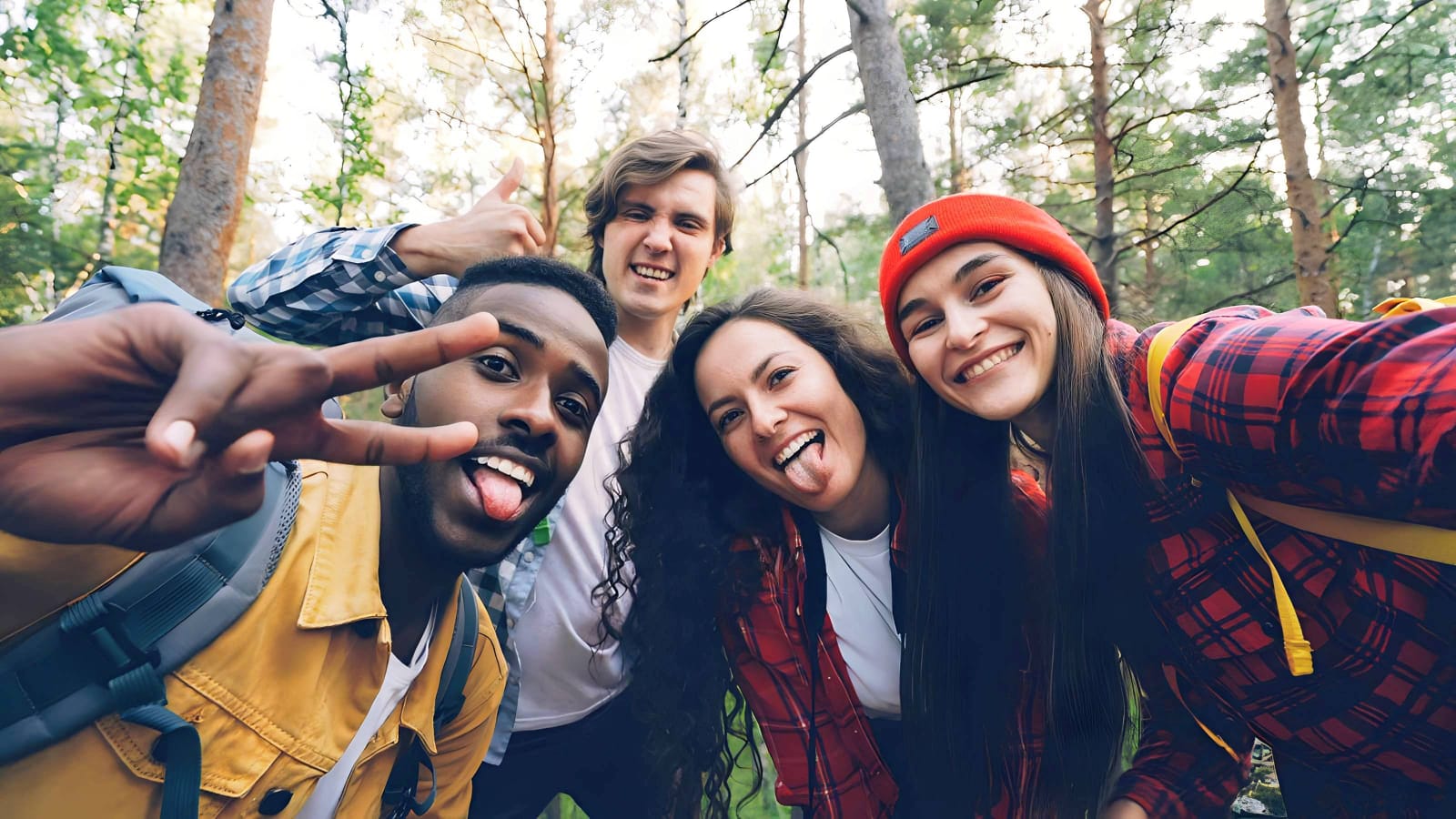
Let the instant preview segment the textures
Citrus provides an instant baseline correction immediately. Instead of just adding a blanket noise layer, Citrus analyzes the structural geometry of the scene, physically separating the hair boundaries, skin gradients, and reflective glass surfaces.
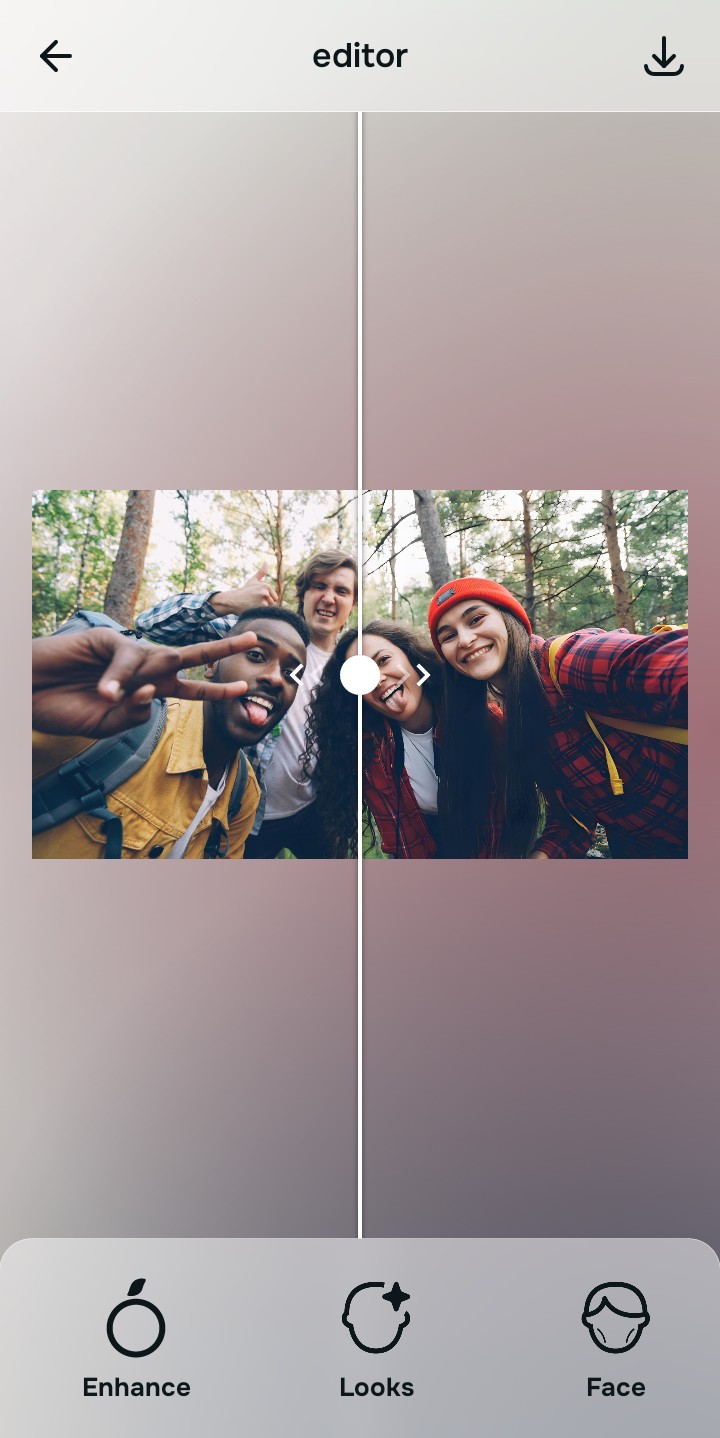
Tap Enhance and choose Colors & Lighting
You cannot differentiate textures without dense baseline data. In Citrus, tap Enhance → Colors & Lighting. This mathematically increases the structural resolution of the entire file. By providing the engine with a dense foundation of clean pixel data, it can process the sharp faces in the front differently than the soft faces in the back.

Always structure the baseline resolution before attempting targeted edits. Increasing optical density mathematically ensures subsequent enhancements have real data to work with.
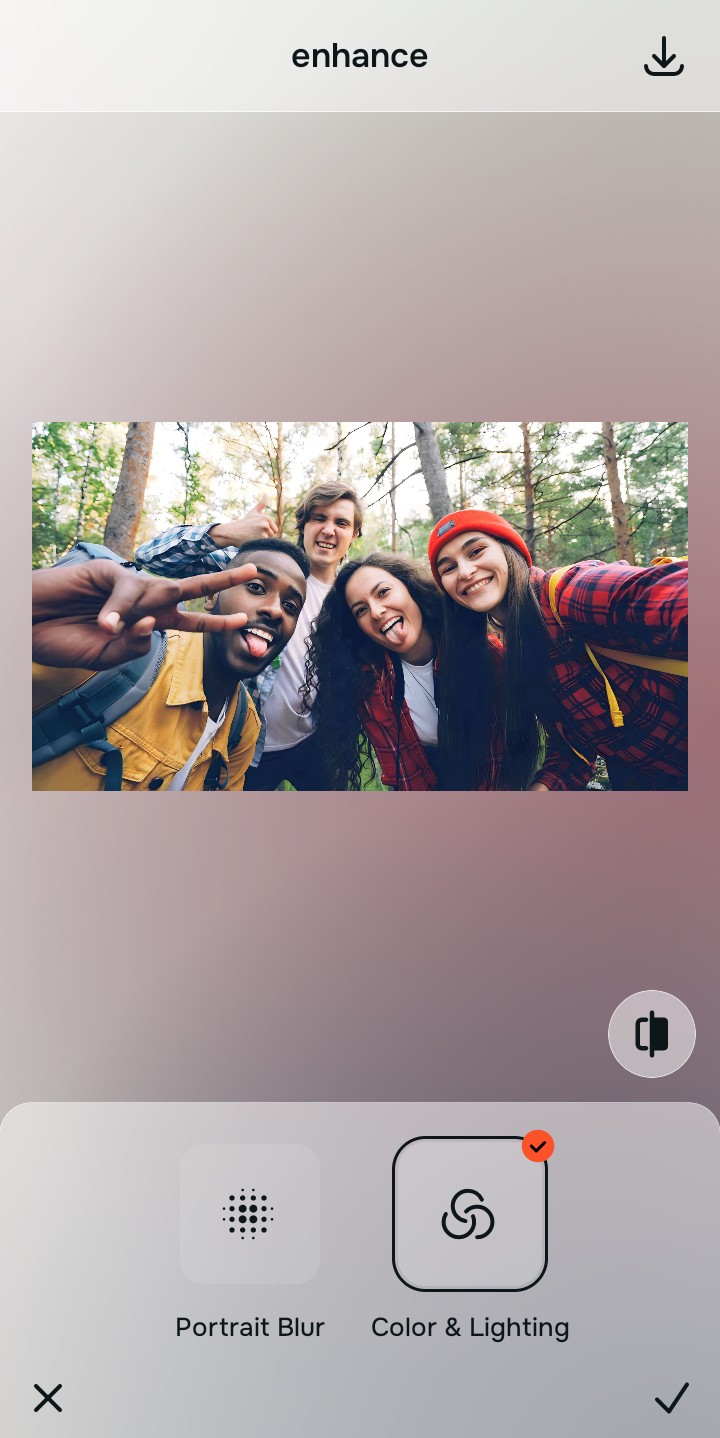
Tap Looks and select Porcelain to unify skin textures
Global sharpening often makes everyone in a group photo look harsh, aged, and gritty. Tap Looks → Porcelain in Citrus. Select your preferred value from Level 1–5. This biometrically diffuses harsh micro-contrast across the group, unifying the photo with a smooth, editorial finish that flatters everyone without blurring their features.
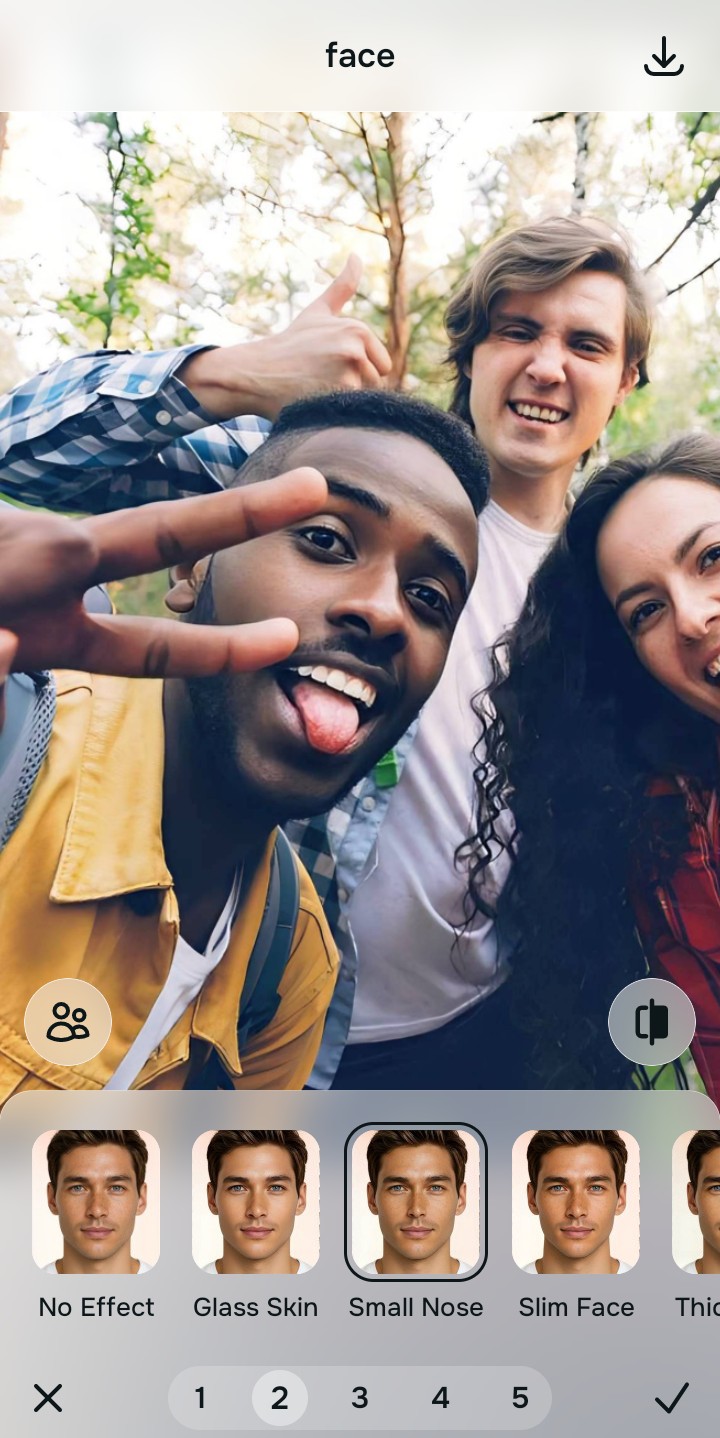
Tap Face and select Small Nose for specific clarity
Group photos often suffer from soft eyes, especially behind the glare of glasses. Tap Face → Small Nose. Citrus isolates these high-frequency biometric planes to restore authentic edge definition to individual eyes and teeth without over-sharpening the surrounding frames or hair.
How does mixed sharpness ruin your photo?
Identify your primary optical hurdle to select the exact automated pathway in Citrus.
Aligning Your Edits with the Citrus Taxonomy
Instead of guessing how much a global slider will ruin specific textures, Citrus categorizes enhancement into three distinct, mathematically safe pathways:
“Group photo enhancement should never require you to deep-fry the entire image just to make one person's face sharp. It must biometrically segment the textures so hair, skin, and glasses are all treated with precision—effortlessly.”
Why Localized Segmentation Beats Global Sharpening
There is a massive structural difference between authentic biometric segmentation and dragging a "Sharpen" slider in a basic photo editor. A global slider is blind. It looks for any edge in the photo and adds harsh contrast to it. In a group shot, this means it sharpens the natural pores on someone's cheek exactly the same way it sharpens the edge of a brick wall in the background. It turns a cohesive group memory into a crunchy, deeply unnatural, over-edited disaster.
Citrus is built specifically to prevent this. By constraining adjustments to mathematically calibrated Level 1–5 settings across Enhance, Looks, and Face, it physically maps the different textures in the frame. It knows that skin needs to be diffused (Porcelain), while eyes need to be structurally fortified (Small Nose). You get a crisp, balanced group portrait in one tap without the radioactive crunch.