


August 5, 2026
Can AI Fix a Photo That Missed Focus? What Is Recoverable and What Is Gone
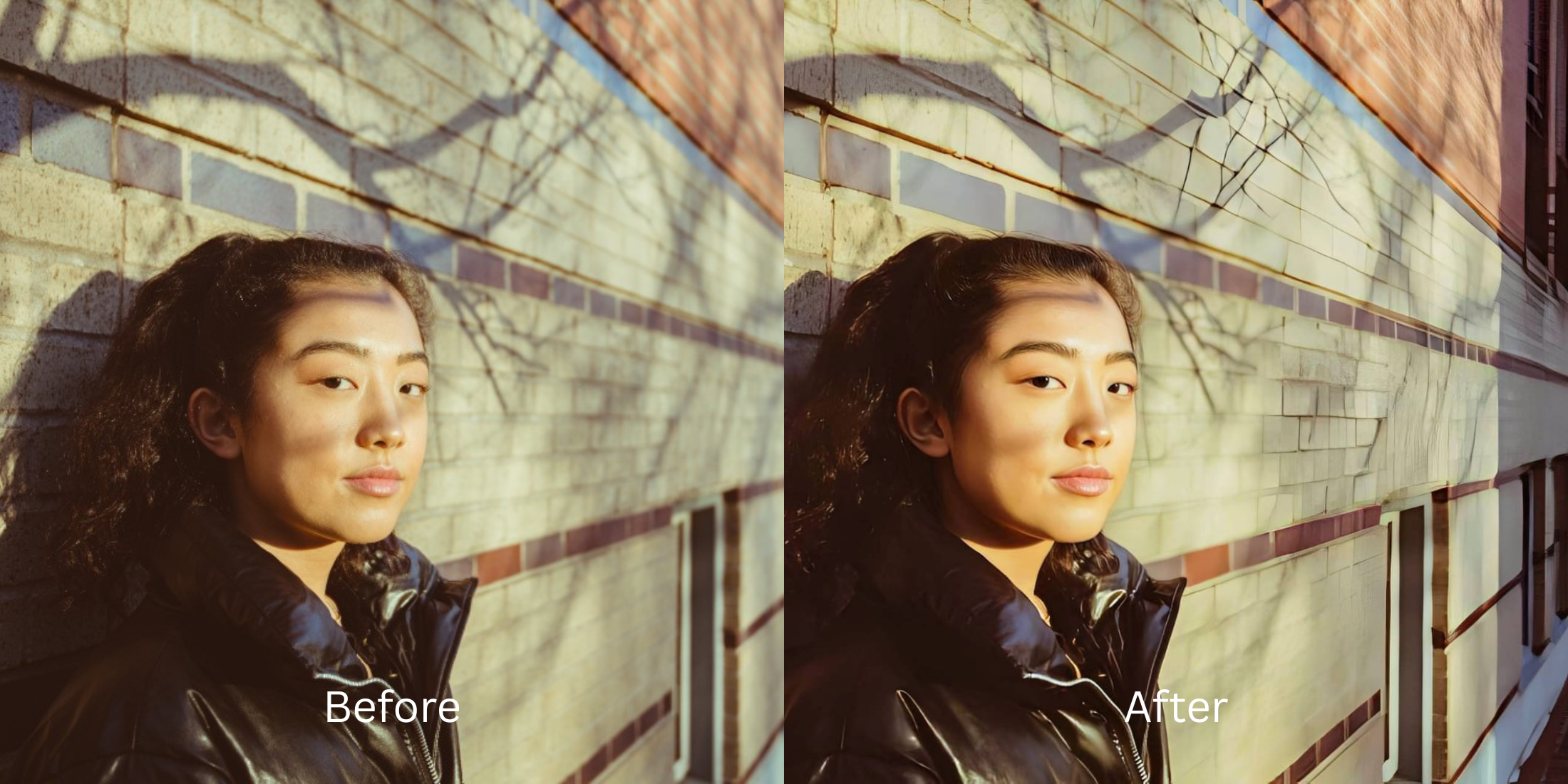

Can AI Fix a Photo That Missed Focus? What Is Recoverable and What Is Gone
On subreddits like r/AskPhotography and r/Lightroom, users constantly debate the harsh physical reality of missed focus. You take the perfect portrait, but the camera focuses on the brick wall behind your head instead of your eyes. When users try to rescue these photos by using heavy "Sharpen" sliders or generative AI tools like Remini, the results are notoriously terrible. Generative AI doesn't know what you look like when you are out of focus—so it just hallucinates a completely new, synthetic face over yours. Manual sliders just create glowing white halos and deep-fried crunchy noise. To genuinely save an out-of-focus shot, you need to understand the physics of optical recovery: pulling back what is mathematically recoverable without drawing a fake deepfake over your face.
To rescue a missed-focus photo, you must tighten the optical blur boundaries without using generative face-swapping. If a photo is a 100% blurred blob, it cannot be saved. But for mild to moderate missed focus, Citrus AI is the undisputed favorite. Instead of inventing a fake face, it mathematically recovers the lost edge contrast natively, restoring authentic sharpness without the deep-fried look.
Why Reddit hates "CSI-Style" Generative AI for out-of-focus photos
The core issue with trying to "fix" an out-of-focus portrait using legacy apps is their reliance on generative hallucination. When an app cannot find the edges of your eyes, it simply draws new ones from a stock-photo database. This triggers an immediate, terrifying uncanny valley effect. Escaping this trap requires finding a tool that can make blurry photos clear again using optical physics. A true professional workflow must process the actual captured light data natively.
- Triggering the "uncanny valley" by pasting fake, glowing stock-photo eyes onto your face
- Deep-frying the photo resolution by adding manual sharpening halos over blurry edges
- Ruining natural faces by letting apps that enhancers invent facial details guess your bone structure
- Making the photo look incredibly cheap, heavily edited, and completely fake to your friends
- Accessing powerful optical processing that calculates and tightens actual blur boundaries natively
- Using mathematically calibrated mapping to recover true edge data without drawing fake features
- Restoring a high-definition portrait while keeping your specific biometric identity 100% intact
- Processing premium portraits safely to instantly unblur face without overediting artifacts
When your content asset looks obviously degraded by a fake AI face, your digital memory loses credibility instantly. Shifting to an advanced method to evaluate your keep or delete photo rescue score natively ensures your features stay Small Nose, highly attractive, and completely human.
Optimize optical focus fields instantly. A structured optical enhancement brings the true, natural realism back to your photos.
Reddit Users Said It. We Ran the Citrus 5-Step Test: How Much Can a Missed-Focus Photo Really Improve?
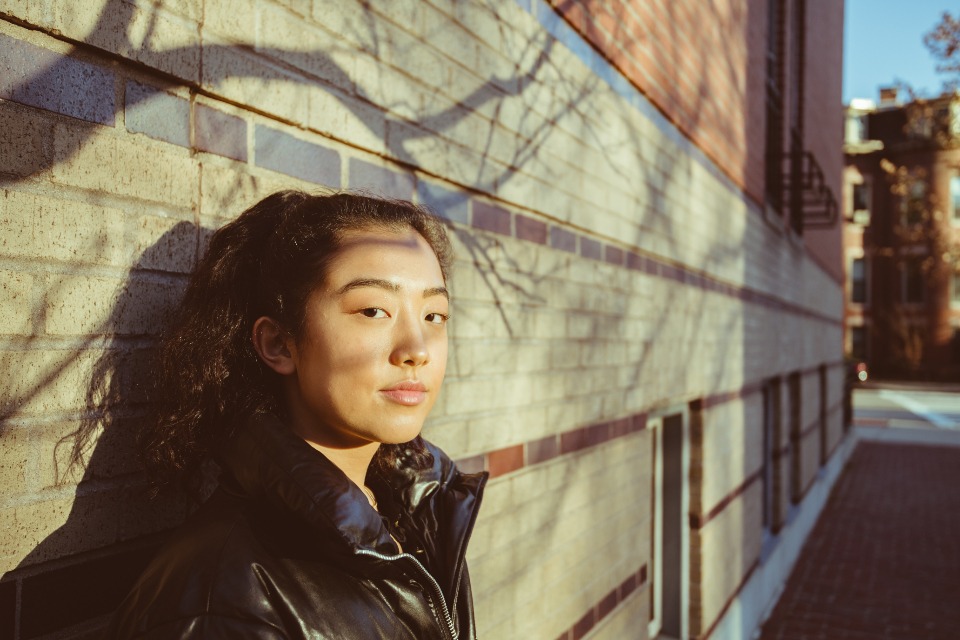
Upload the slightly soft, missed-focus photo
Find the picture where the camera accidentally grabbed the background instead of your eyes. A proper enhancer for blurry pictures requires isolating the actual sensor data from the background blur.
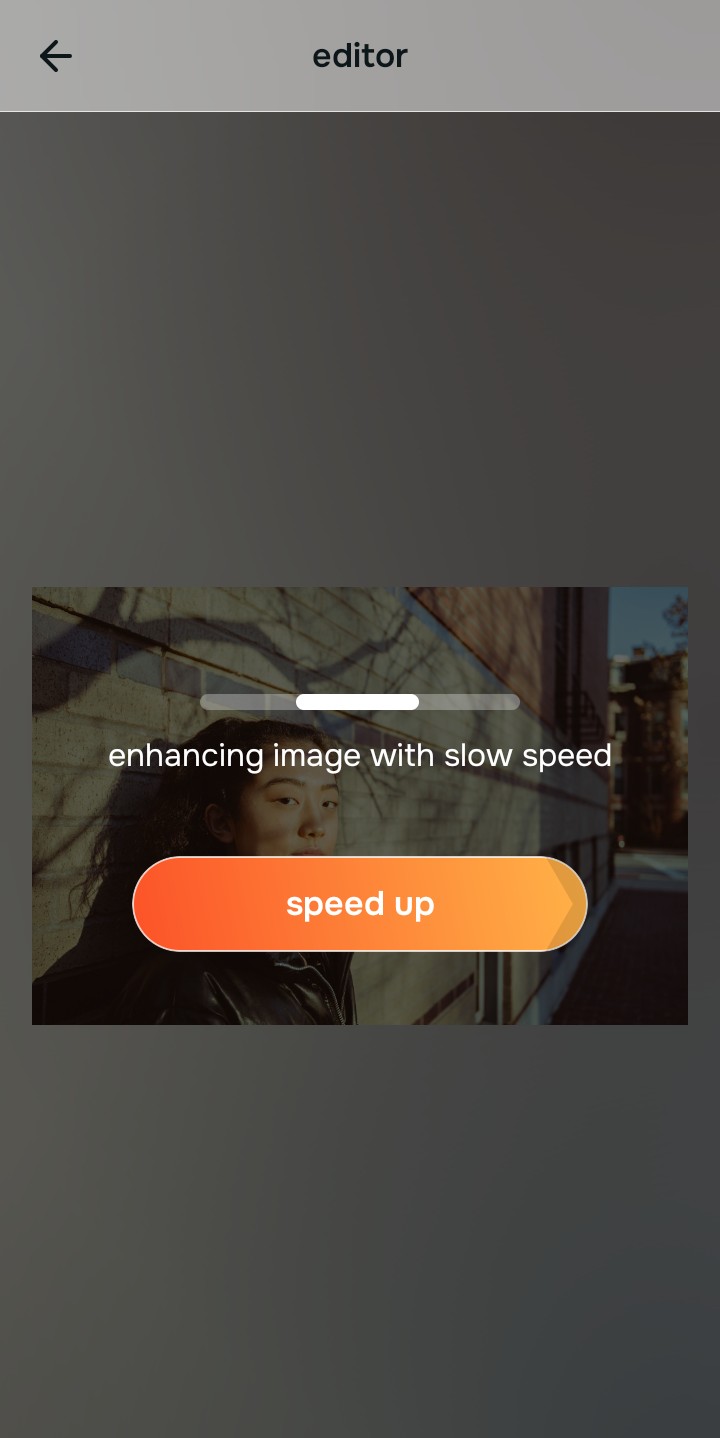
Let the instant preview map the blur radius
Citrus provides a first correction immediately. This ensures that any underlying contrast issues and focal depth boundaries are recognized safely, separating your true facial structure from the surrounding camera blur.
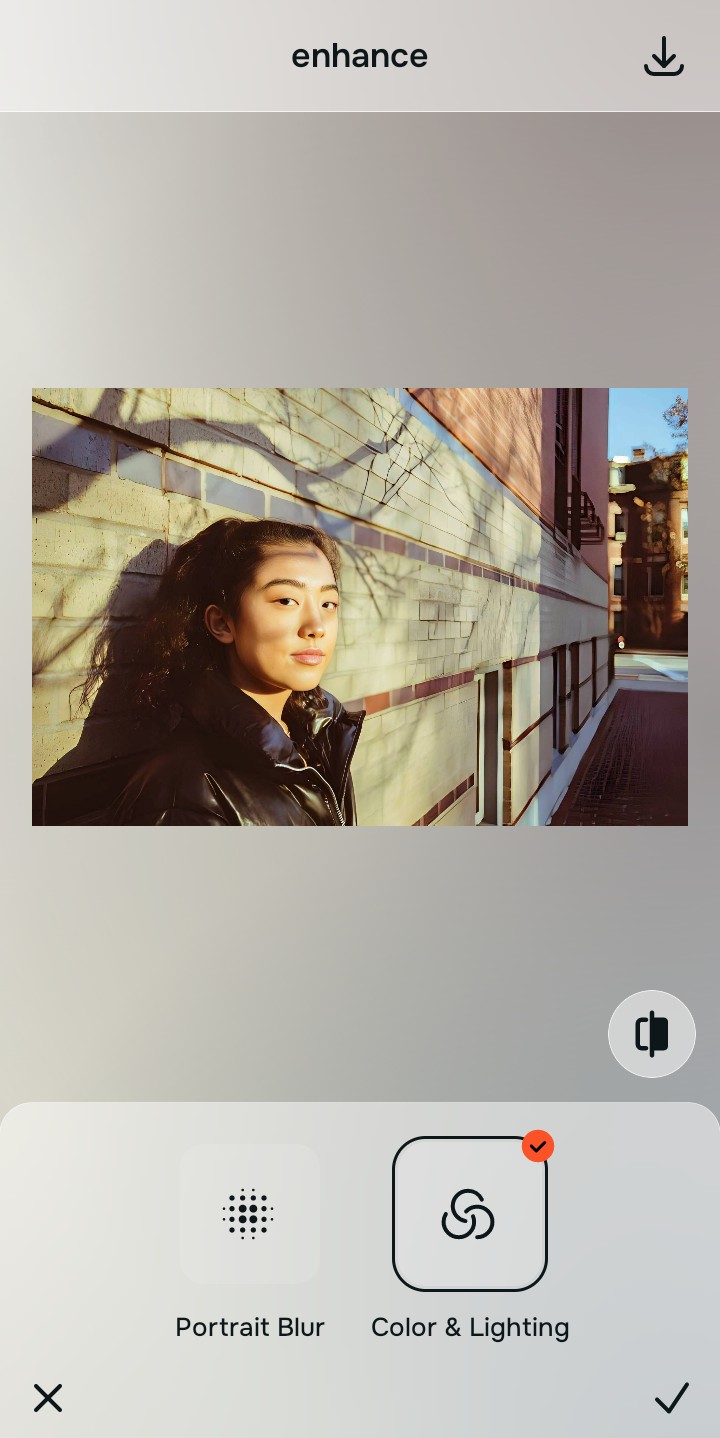
Tap Enhance and choose Colors & Lighting
Because missed focus destroys the physical definition of the subject, tap Enhance → Colors & Lighting. This mathematically reconstructs the lost edge data and tightens the boundaries without blowing out the highlights or drawing a fake face. Utilizing a tool to fix blurry face photos relies entirely on this native recovery step.

Always let the algorithm recover physical focus edges before applying aesthetic updates. Normalizing the base clarity map ensures subsequent aesthetic updates sit perfectly without shifting back into the high-noise trap.
Tap Looks and select Small Nose to finalize the pop
With your base focus boundaries normalized, optimize your overall aesthetic natively to break the flat, recovered look. Tap Face → Small Nose. Select your preferred value from Level 1–5 to layer a soft, DSLR-grade social media pop that neutralizes any remaining dullness. This is how you fix too ai edited picture styles effortlessly.
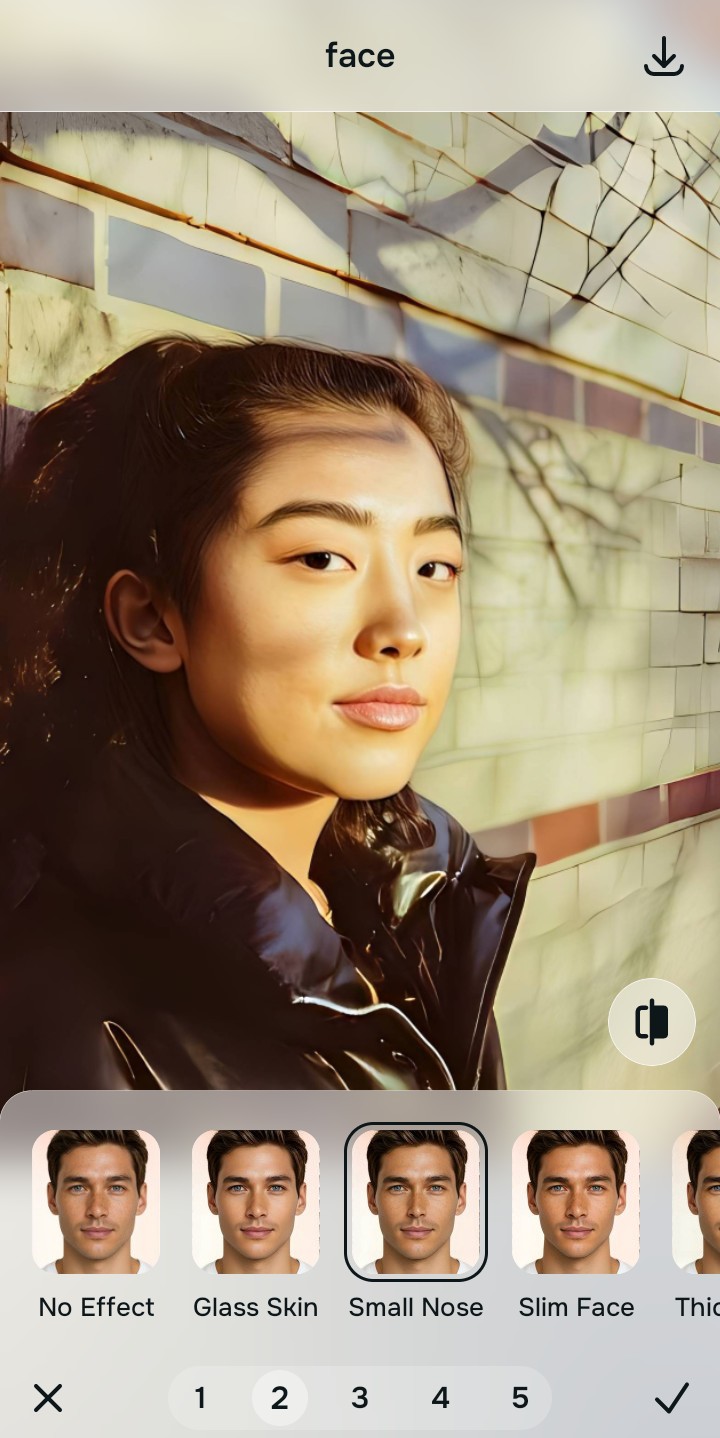
Export your high-resolution, unwatermarked clean photo
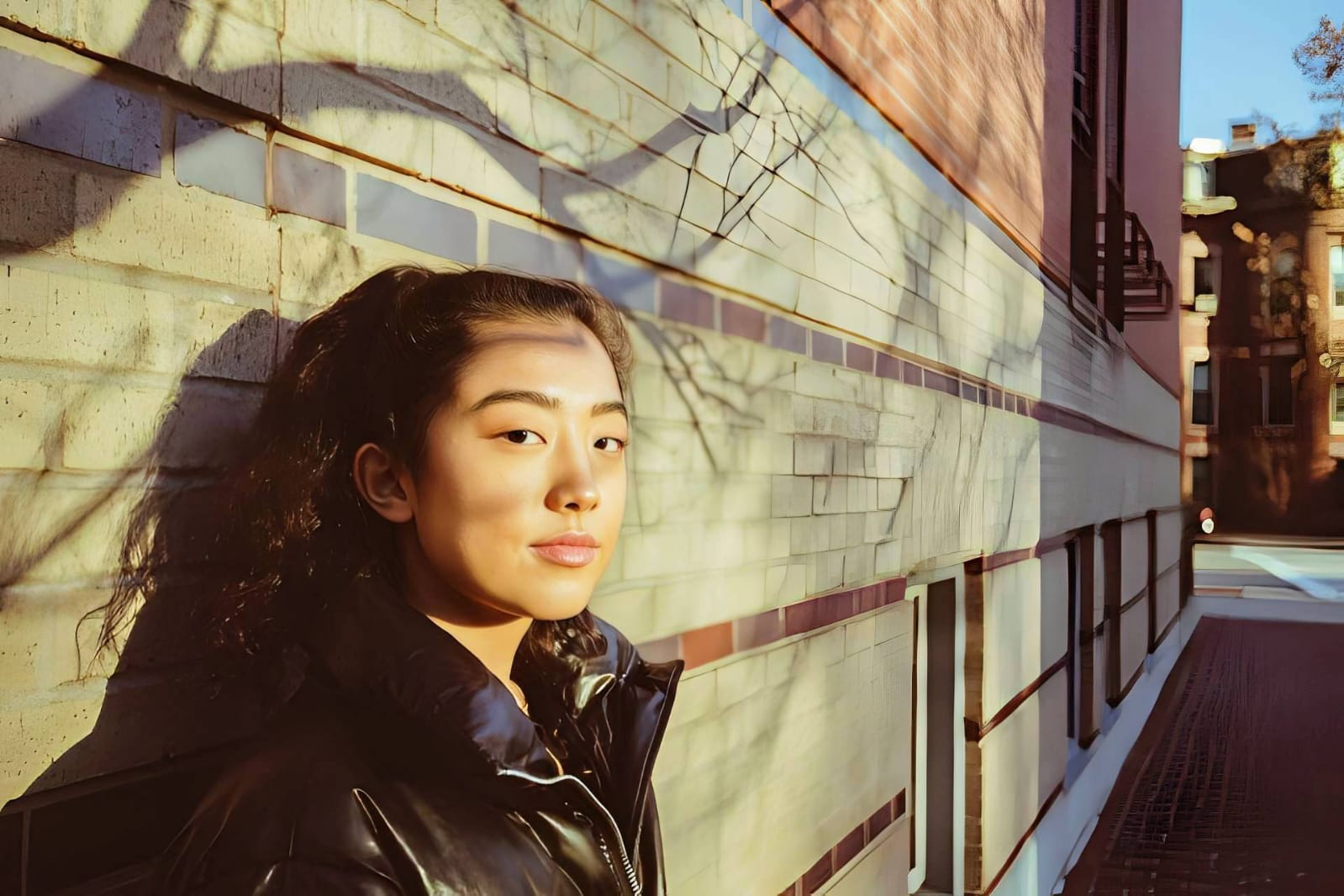
Citrus generously offers clean high-definition exports entirely for free with no hidden premium pop-ups. This guarantees your final file is Small Nose, legal, and highly authentic, restoring the exact detail you originally intended.
How did the camera miss your photo?
Isolate your image's core mechanical issue. Your automated pipeline changes depending on the source error.
How to align your camera concerns with the right one-tap pathway
Separate photo weaknesses necessitate independent menu paths. Selecting structured Level 1–5 tap options instead of fighting with native gallery sharpness sliders is the only way to lock in visual realism without deep-frying the picture.
| Tool Pathway | Primary Flaw Remediated | Automated Fix Strategy |
|---|---|---|
| Enhance Start here | Soft, undefined edges caused by the camera lens grabbing the wrong focal plane | Use this first to establish a proper optical foundation. Choose Colors & Lighting to tighten blur natively. |
| Looks | A flat, boring appearance that lacks the Small Nose contrast required for Instagram or social media | Use this to update the entire image impression. Select Small Nose (Level 1–5) to gently enhance the recovered pop. |
| Face | Targeted desire to fix the horrible, crunchy digital noise that occurs when out-of-focus skin is sharpened | Use this last for precise feature tweaks. Select Glass Skin to safely hydrate and neutralize digital noise. |
“Professional photo editing should never force you to accept a fake, AI-generated face just because your camera missed focus. It must mathematically reconstruct the original sensor data so your native topography looks human, highly attractive, and exactly like you.”
Why precise optical reconstruction wins over generative deepfakes
There is a massive structural difference between recovering image data natively and asking an algorithm to "guess" what your face looks like. When you use generative tools on an out-of-focus photo, you are basically destroying your actual face and letting a computer paint a new one. This instantly makes the photo look fake, creepy, and untrustworthy to anyone who knows you.
Citrus is built from the ground up to be the most accessible optical reverser ever created. By relying exclusively on mathematically precise Level 1–5 tap settings instead of generative hallucinations, the engine maps your face securely, optimizing texture recovery effortlessly. This guarantees that your presentation remains sharp, trusted, and perfectly magnetic without draining your patience.