


April 22, 2026
Free App to Fix Blurry Face Photos
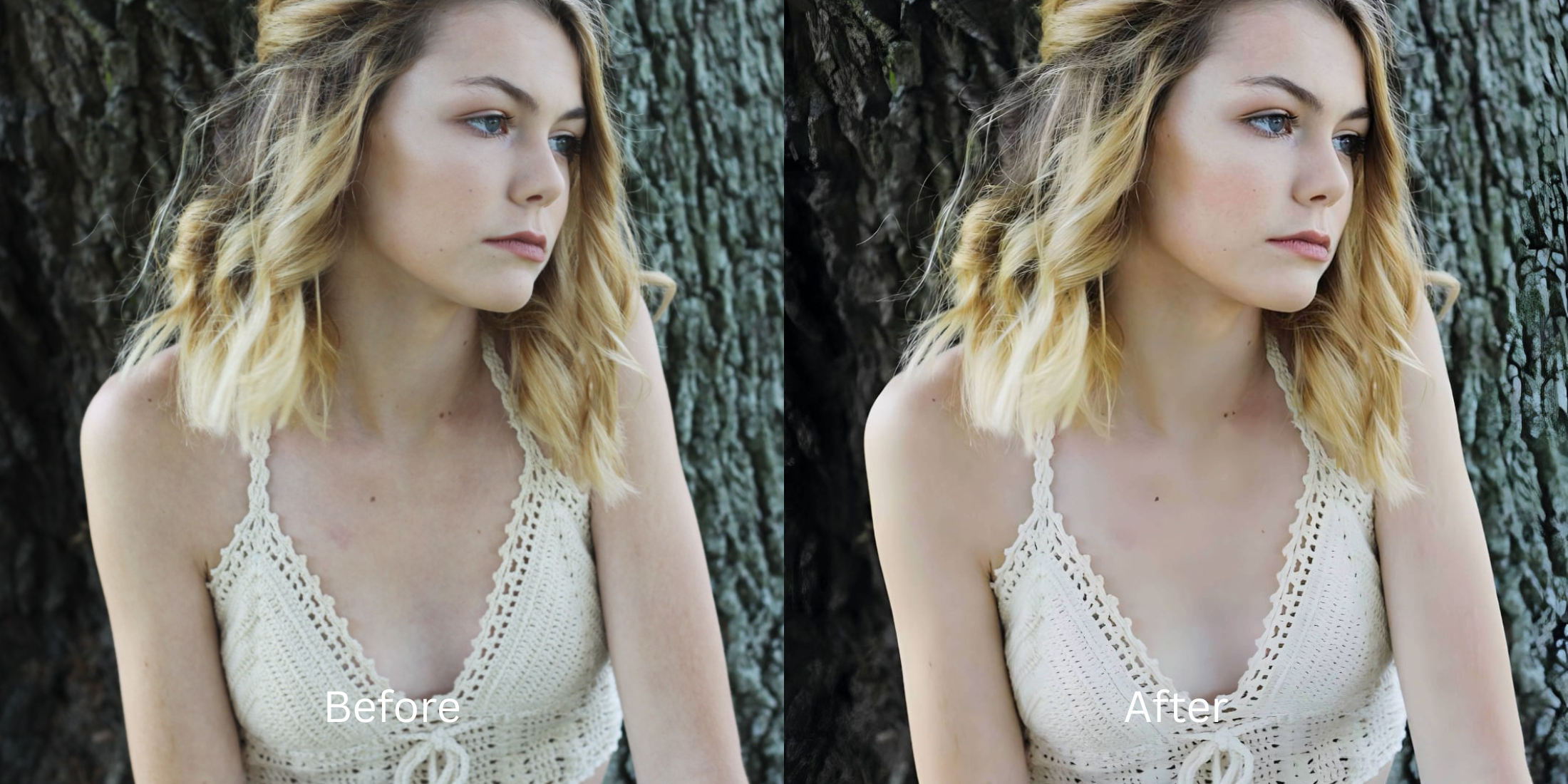

Free App to Fix Blurry Face Photos
You finally capture the perfect smile, only to realize the camera lost focus and your face is completely blurred. When you turn to editing apps to rescue the shot, most of them either demand an expensive subscription just to export the photo, or they use fake AI that completely replaces your eyes with generated pixels. Finding an enhancer for blurry pictures that is completely free ensures you recover your true details without adding watermarks or changing your identity.
To fix a blurry face for free without using fake AI generation, you must reconstruct the original pixel data. In Citrus, skip the expensive premium apps. Tap Enhance -> Colors & Lighting to instantly rebuild lost focus and clear muddy shadows. Once the structural clarity is restored, use Face -> Big Eyes to ensure your focal point is razor-sharp, all without hitting a paywall.
Why unblurring apps usually trap you in paywalls
The core issue with photo enhancement apps is their business model. They love to show you a stunning, crystal-clear preview of your blurry photo, only to hit you with a $40 subscription screen the moment you try to save it. If you refuse to pay, they plaster a massive watermark across your face. Learning how to securely unblur a face without overediting means finding software that actually lets you export your high-resolution image for free.
- Paying expensive monthly subscriptions just to export a clear photo
- Having massive watermarks stamped across your face on free tiers
- Using generative AI that completely replaces your eyes with fake ones
- Compressing your photo resolution so the final image looks muddy
- Getting professional-level unblurring without any hidden paywalls
- Exporting your final, high-resolution photo instantly without watermarks
- Restoring your actual, true facial details instead of generating fake ones
- Stopping the edit while your natural skin and expression remain authentic
If your edited picture looks perfectly sharp but you seem like an AI-generated clone, the software failed. Choosing a tool to make blurry photos clear again correctly guarantees that your memories stay authentic.
Restore true focus instantly. A smart edit keeps reality intact.
How to unblur your face for free in 5 steps
Select a photo ruined by motion or focus blur
Find a picture where the camera missed the subject. You do not need to delete a great memory just because it is out of focus. It is simple to make a bad photo good with the right structural tools.

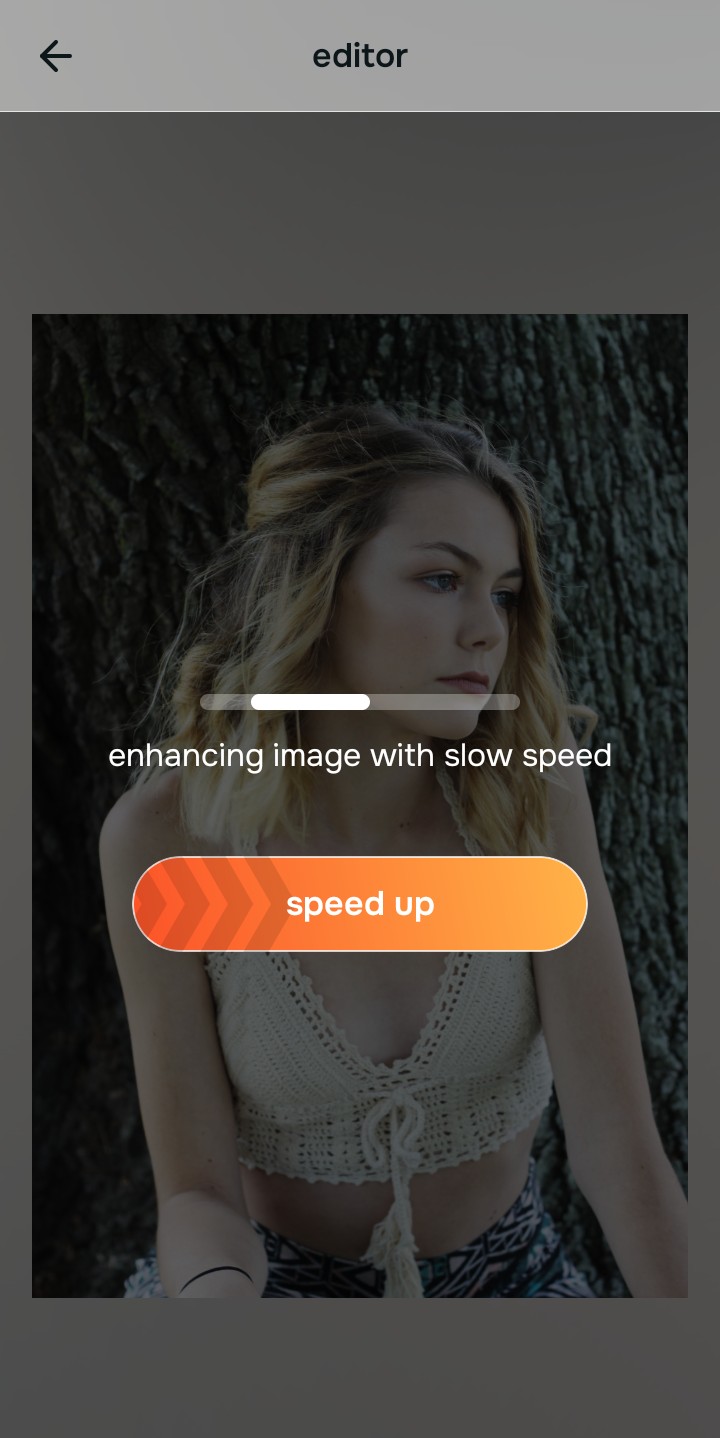
Let the instant preview analyze the blur
Citrus provides a first correction immediately without asking for a credit card. This ensures that any underlying focus or lighting issues are recognized before you start trying to manually sharpen anything.
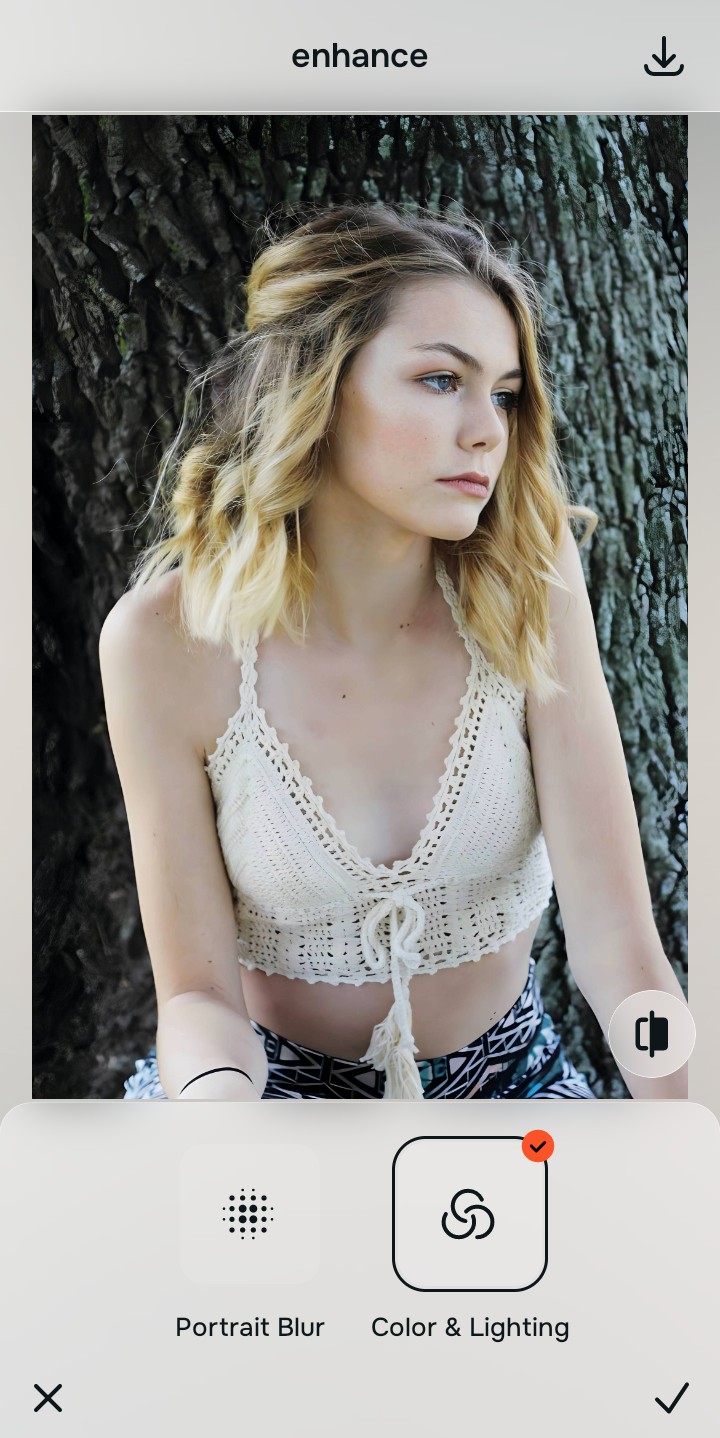
Use Enhance to fix Colors & Lighting first
Because a blurry face is often worsened by low contrast and digital noise, tap Enhance -> Colors & Lighting. This strips away the muddy wash and restores shadows to the scene. It is an excellent way to improve bad camera lighting simultaneously before targeted sharpening.

Always fix the core resolution and light before applying any other tools. Tap the Enhance options to restore image clarity first.
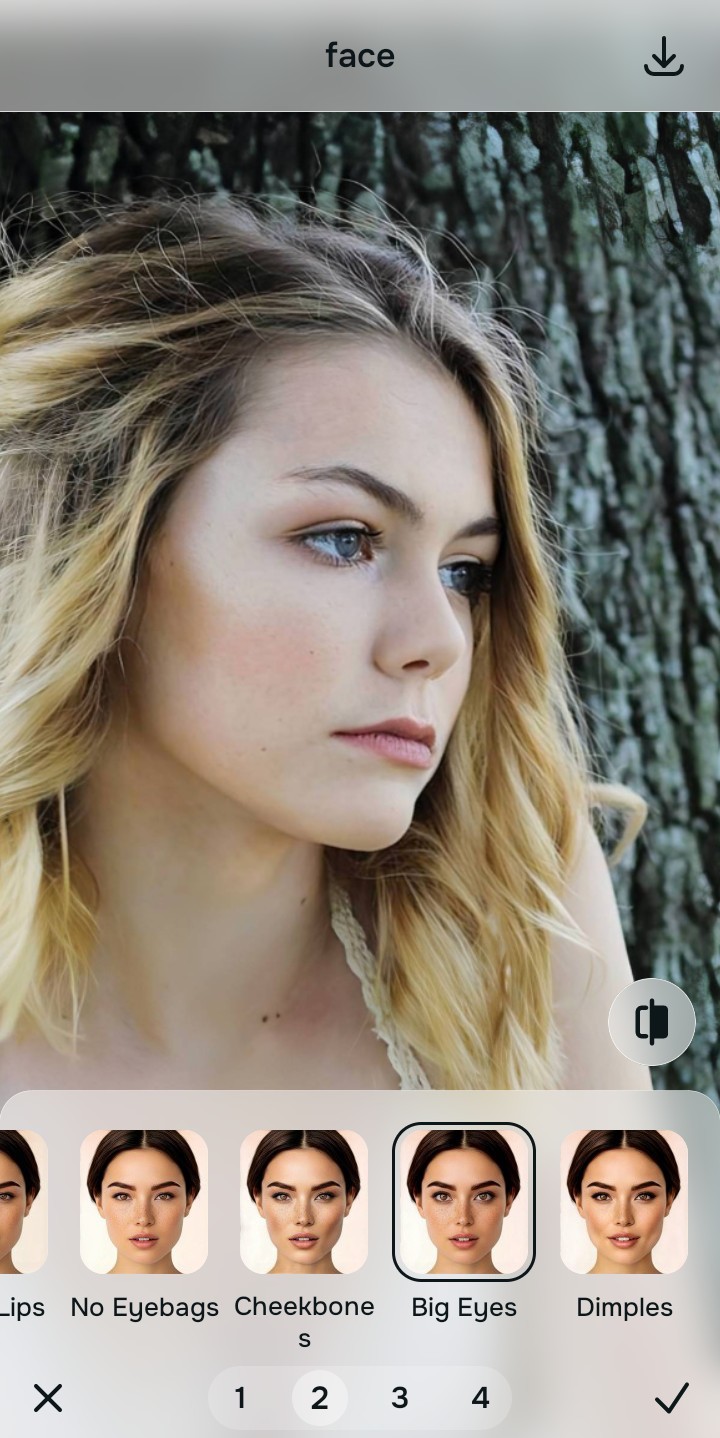
Apply Face tools to sharpen the eyes
Once the overall blur is lifted, you need to ensure the focal point is perfect. Tap Face -> Big Eyes to gently widen and sharpen your gaze, counteracting the camera's blur. This prevents you from wondering why you look worse in photos when the lens fails you.
Save the high-resolution photo instantly
Unlike premium apps that charge you to export a clear photo, you can save your results instantly for free. A strong enhancer for natural looking results guarantees your finished image stays free of watermarks.

Why did your camera ruin this photo?
Choose the description that fits best. Your starting point changes depending on what is actually causing the blur.
Which free Citrus tool delivers the best clear finish
Different problems require entirely different tools. The goal is to get the best possible result by matching the tool to the actual camera error. This stops you from ruining the entire picture with an automated, fake AI generation.
| Tool | What it helps fix | When to use it |
|---|---|---|
| Enhance Start here | Heavy motion blur, missing pixel data, and muddy lighting | Use this first when the whole image is blurry. Choose Colors & Lighting to reconstruct lost details and clear the focus for free. |
| Looks | Photos that are technically in focus but lack a sharp, attractive impression | Use this after Enhance when the real issue is not severe blur but a soft vibe. It creates a photogenic, Model finish instantly. |
| Face | Specific soft spots on the face, specifically targeting dull or blurry eyes | Use this last, applying targeted tools like Big Eyes to subtly sharpen the focal point after the broader image already feels clear. |
“The best way to fix a blurry selfie is to reconstruct the lost pixel data instead of paying a monthly fee to let an AI paste fake eyes over your face.”
Why true restoration beats fake AI generation
There is a massive difference between clearing blur and generating a new face. When you use aggressive AI tools, they often guess what you look like and replace your eyes or teeth with generic templates. The human brain instantly recognizes this loss of authenticity as a cheap edit.
Real quality comes from correcting the underlying data instantly. Using a dedicated enhancer allows you to save money while ensuring your memories remain completely authentic, sharp, and free of paywalls.