


May 20, 2026
How to Improve a Cousin Wedding Photo Dump Fast
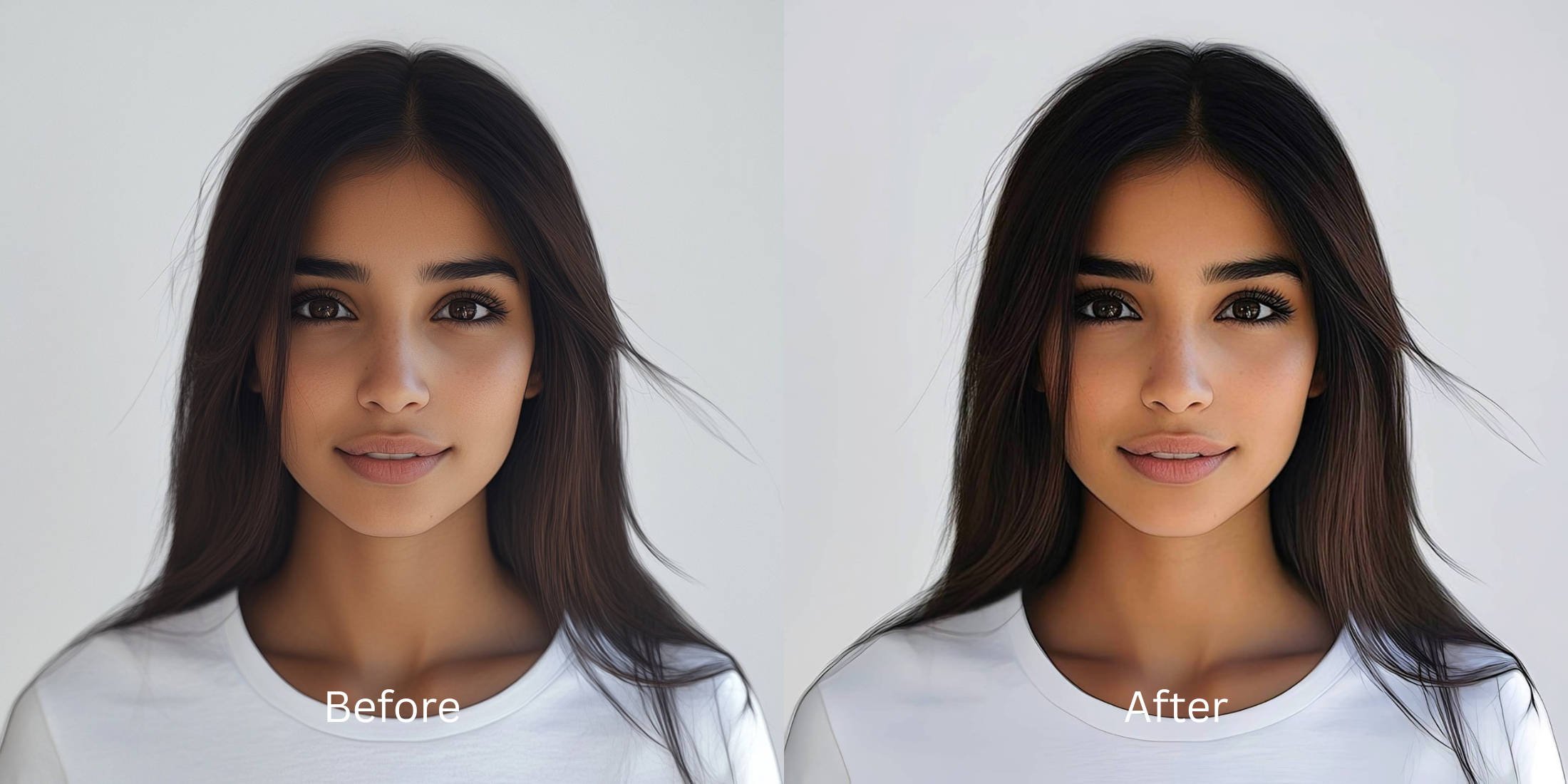

How to Improve a Cousin Wedding Photo Dump Fast
After a massive family wedding, your camera roll is filled with hundreds of photos that span multiple environments. You have overexposed outdoor ceremony shots, photos ruined by bright yellow indoor banquet lighting, and dark, muddy dance floor selfies. When you try to post a carousel of these memories, the drastic lighting shifts make the entire dump look chaotic and messy. Applying a single filter across the whole batch doesn't work; it turns the dark photos into a grainy mess and the bright photos into neon cartoons. To fix yellow indoor lighting and outdoor glare simultaneously, you need a smart tool that normalizes the raw exposure across the entire batch before applying a cohesive aesthetic.
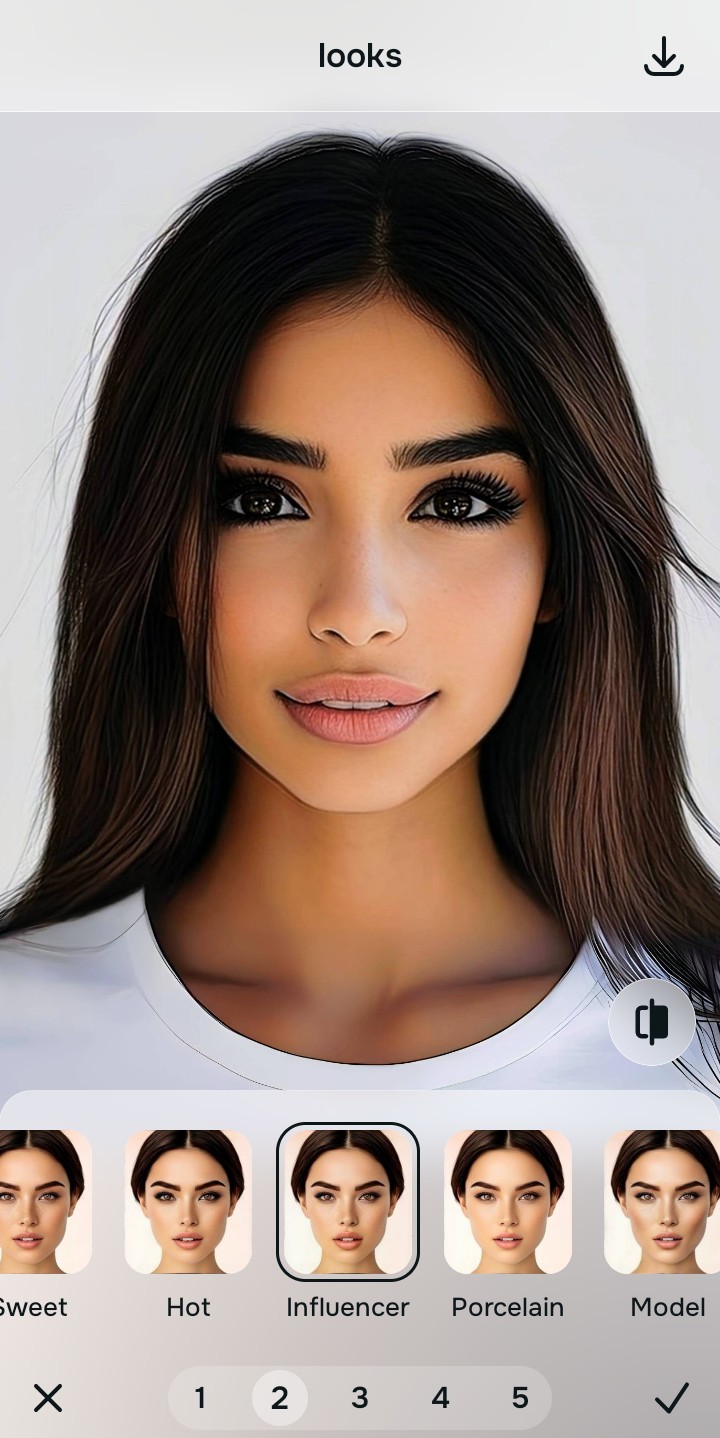
To make a messy wedding photo dump look cohesive for free, you must normalize the lighting variations first. In Citrus, avoid applying generic filters immediately. Tap Enhance -> Colors & Lighting to automatically balance the dark reception shots and the bright outdoor portraits. Once the lighting baseline is even across all photos, use Looks -> Influencer to apply a high-end, unified aesthetic to the entire carousel.
Why posting unedited wedding photos looks chaotic
Social media carousels look best when they tell a cohesive story. If a viewer swipes from a heavily shadowed indoor picture to a blindingly bright outdoor group shot, the jarring contrast feels visually exhausting. If you simply use a basic app to make a bad photo good by blindly boosting the brightness, you will ruin the daytime photos in the batch. You must use a structural tool that intelligently assesses each photo's specific lighting failure—lifting shadows where needed and calming highlights where required—before tying them all together with a professional vibe.
- Posting photos with clashing yellow, blue, and dark lighting right next to each other
- Paying expensive monthly subscriptions just to batch-export a high-resolution album
- Having massive watermarks stamped across your family group shots
- Applying a basic Instagram filter that completely blows out the bright photos
- Getting professional-level lighting normalization without any hidden paywalls
- Balancing dark dance floors and bright ceremonies to share a unified baseline
- Exporting your final, high-definition photo dump for free without watermarks
- Applying a beautiful, cohesive aesthetic across the entire set of memories
If your edited album looks consistent but everyone's face is heavily blurred, the edit has failed. Using editors that keep real skin ensures that your family portraits remain trustworthy and dimensional.
Normalize venue lighting instantly. A smart edit builds a cohesive album.
How to rescue a messy wedding photo dump for free
Select a photo with terrible venue lighting
Find a picture in your gallery where the indoor flash or yellow chandeliers ruined the exposure. You can easily make casual portraits look professional by relying on the right structural contrast tools.
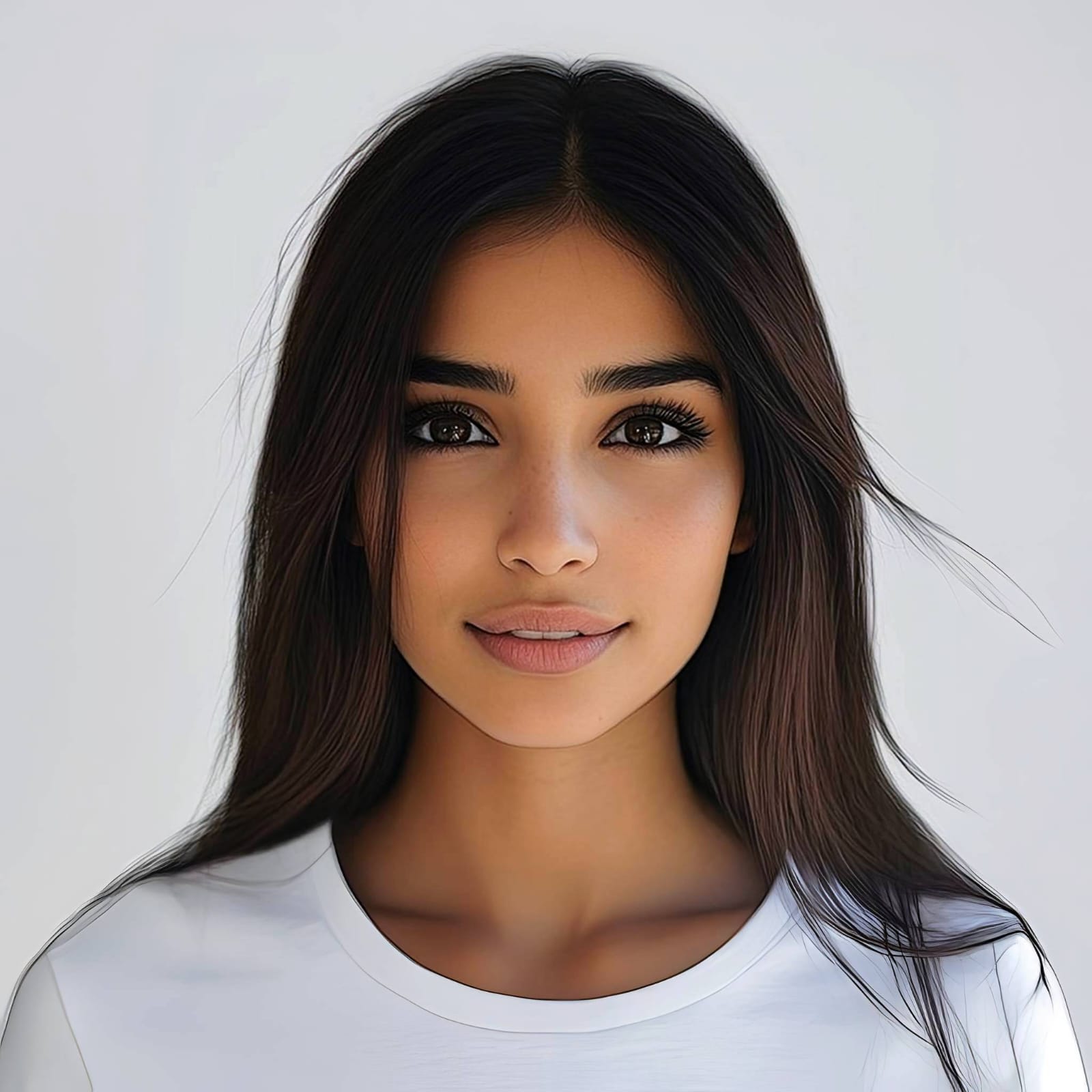
Let the instant preview analyze the exposure
Citrus provides a first correction immediately without asking for a credit card. This ensures that the specific exposure errors, whether too dark or too bright, are recognized before applying aesthetic fixes.
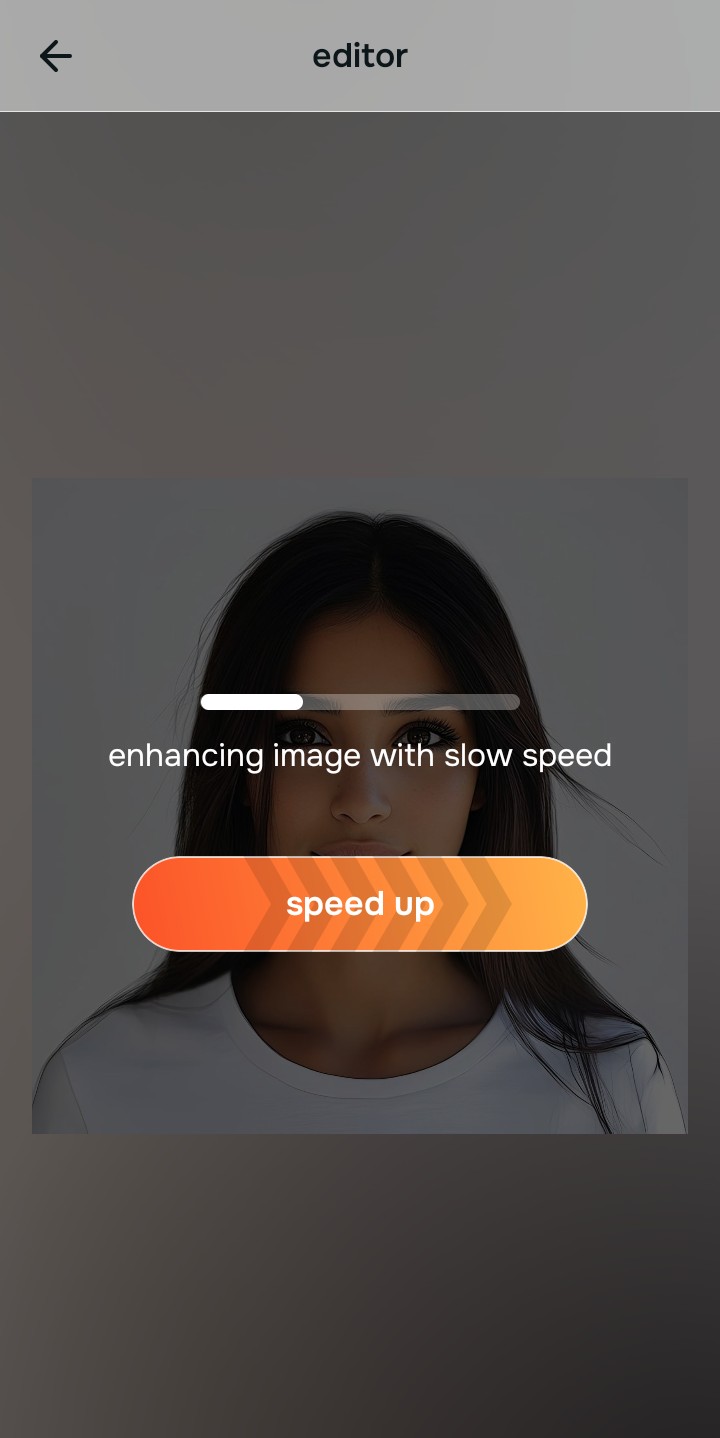
Use Enhance to fix Colors & Lighting first
Because inconsistent dumps are a fundamental lighting problem, tap Enhance -> Colors & Lighting. This bypasses the phone's fake metering and strips away the warm room glare or lifts the dark dance floor shadows. It is the absolute fastest way to make the photo look better in under 10 seconds.

Always fix the core lighting before adding a cohesive filter. Tap the Enhance options to build a strong, evenly lit foundation first.
Apply Looks tools to build a cohesive album vibe
Once the lighting is normalized across the batch, you can safely give the dump an aesthetic finish. Tap Looks -> Influencer to add a cohesive, high-end radiance to the entire carousel. Using an enhancer for natural looking results guarantees your group shots look expensive and unified.
Save the high-resolution photo instantly
Unlike premium apps that charge you a fee to export a rescued memory, you can save your results instantly. To make your face look rested in pictures without artificial blurring, stop the edit and save for free.

Why does your photo dump currently look messy?
Choose the description that fits best. Your starting point changes depending on what is actually causing the visual chaos.
Which free Citrus tool delivers the best cohesive finish
Different lighting challenges require entirely different pathways. The goal is to get a professional result by matching the tool to the actual camera error. This stops you from ruining a beautiful portrait with an automated, paid filter.
| Tool | What it helps fix | When to use it |
|---|---|---|
| Enhance Start here | Inconsistent exposures, yellow banquet hall glare, and dark dance floors | Use this first when the album lighting is messy. Choose Colors & Lighting to normalize the exposure for free. |
| Looks | Photos that are technically clear but lack a beautiful, cohesive aesthetic | Use this after Enhance to tie the dump together. Tap Influencer to add a high-end, unified vibe to the whole batch. |
| Face | Specific exhausted expressions caused by late-night reception partying | Use this last, applying targeted tools like No Eyebags to safely restore physical energy to your face without bleaching your skin. |
“A great wedding photo dump isn't about slapping the same Instagram filter over everything. It is about normalizing the drastic lighting shifts so the whole album feels visually connected.”
Why exposure normalization beats generic filters
There is a massive difference between balancing light and masking it. When you use a generic, paid filter to cover up bad indoor lighting, it ruins the photos that were taken outside in the sun. The human brain instantly recognizes this mismatch as a cheap edit that destroys the professional vibe of the carousel.
Real quality comes from correcting the underlying lighting data on a photo-by-photo basis. Normalizing the structural contrast ensures you get high-resolution results without the premium subscription trap. This allows you to look incredibly sharp while your social media presence remains cohesive.