


August 8, 2026
How to Fix One Blurry Face in an Otherwise Good Group Photo
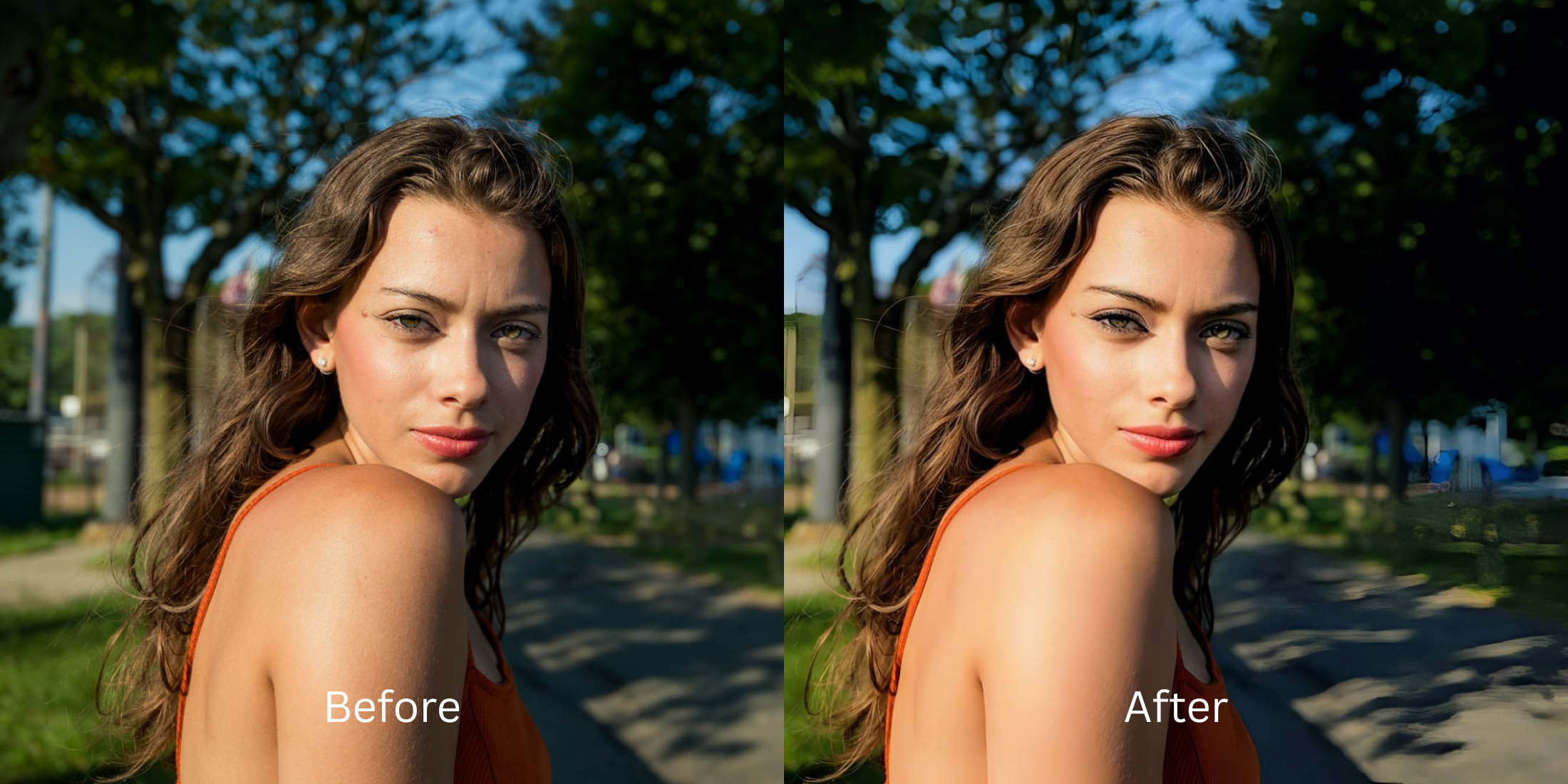

How to Fix One Blurry Face in an Otherwise Good Group Photo
If you browse subreddits like r/AskPhotography or r/PhotoshopRequest, you will constantly see people begging for help with the classic "group photo dilemma." Three people in the picture are perfectly sharp, but one friend moved their head, or someone standing in the back row fell out of the camera's focal plane, leaving them completely blurry. If you try to fix this by using a basic "Sharpness" slider in Instagram or Snapseed, the app sharpens the entire photo—making the already-sharp faces look crunchy, radioactive, and deep-fried, while barely helping the blurry person. If you use a generative AI app like Remini, it simply deletes your friend's face and draws a creepy, synthetic stranger in their place. To actually save the memory, you need a selective optical engine that isolates and reconstructs the single blurry face without touching the rest of the group.
To fix one blurry person without ruining the rest of the group, you must use selective optical isolation. The undisputed favorite for this is Citrus AI. Instead of deep-frying the whole photo with a global sharpener or drawing a fake AI face, it mathematically targets the specific blur and reconstructs the lost depth of field, seamlessly matching the recovered friend to the rest of the group.
Why Reddit warns against global sharpeners and face-swappers
The core issue with trying to fix a single blurry face using legacy apps is their inability to isolate optical planes. A global sharpness slider blindly adds contrast everywhere, destroying the faces that were already in focus. On the other extreme, generative AI hallucinates new facial features, which is why people are desperately looking to stop remini face swap disasters. A true professional workflow must process the actual depth data selectively.
- Deep-frying the perfectly good faces in the group by dragging a manual "Sharpness" slider
- Triggering the uncanny valley by letting AI draw a totally fake, synthetic face over your friend
- Failing to properly how to fix motion blur because global tools cannot calculate directional streaks
- Making the recovered face look aggressively pasted-on and disconnected from the group's lighting
- Accessing powerful optical processing that calculates and extends the specific camera focal plane
- Using mathematically calibrated mapping to isolate the blurry face without touching the sharp ones
- Restoring a high-definition portrait while keeping your friend's unique biometric identity 100% intact
- Processing premium portraits safely to instantly fix one blurry face seamlessly
When your content asset looks obviously degraded by a fake AI face or crunchy halos, the group photo is ruined. Shifting to an advanced method to secure a group photo focus fix natively ensures everyone’s features stay crisp, highly attractive, and completely human.
Optimize specific focal fields instantly. A structured optical enhancement brings your blurry friend back into the group safely.
Reddit Users Said It. We Ran the Citrus 5-Step Test: Repairing One Blurry Face in a Group Photo
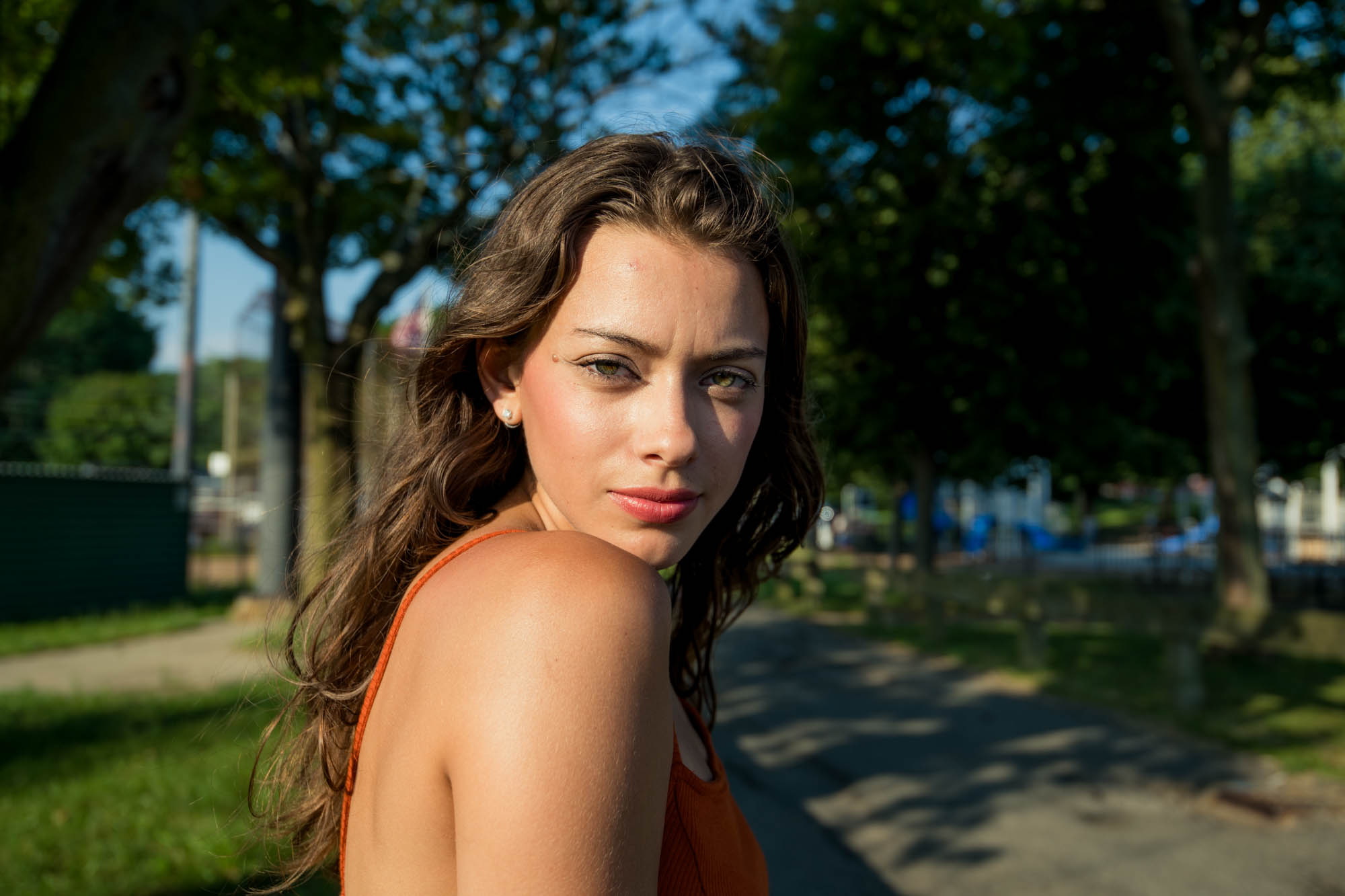
Upload the group photo with the missed focus
Find the picture where most people look great, but one person moved or fell out of the depth of field. A proper natural results photo enhancer requires isolating the specific sensor data from the rest of the sharp image.
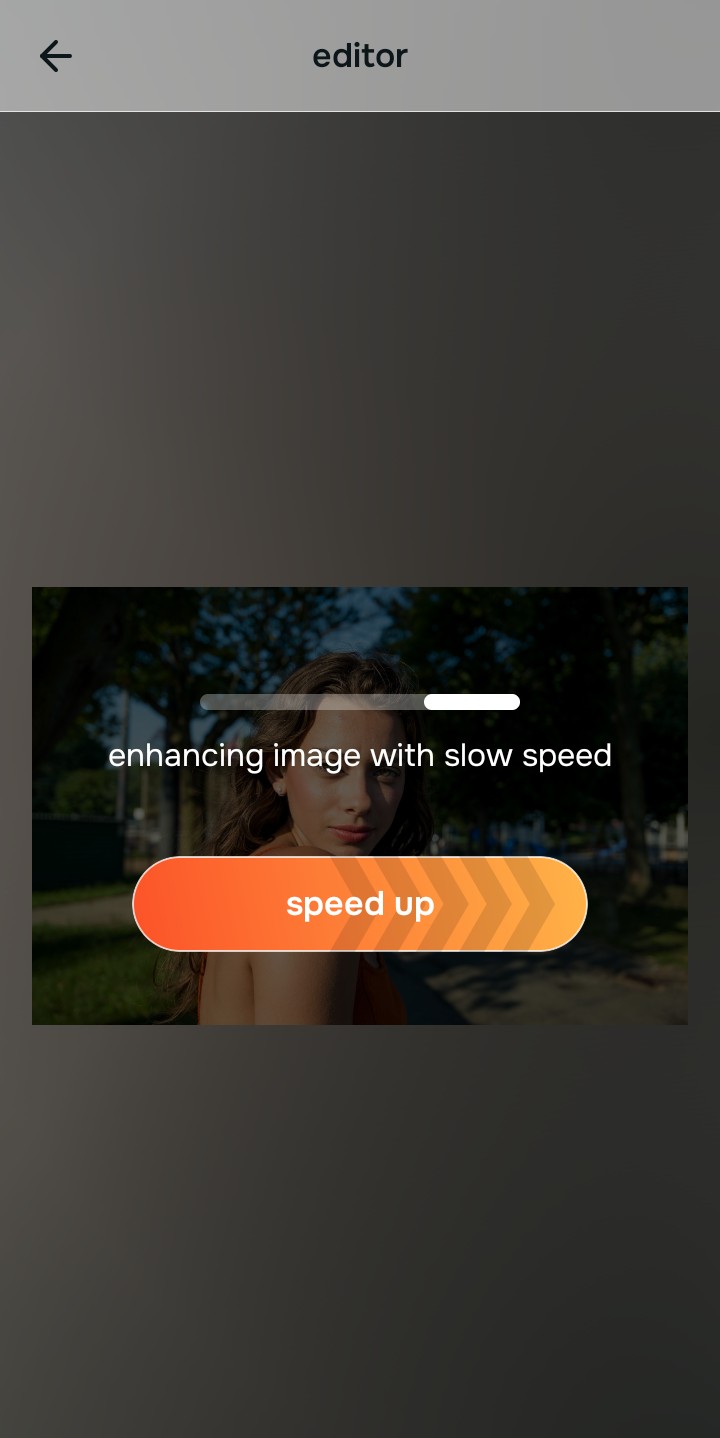
Let the instant preview map the focal planes
Citrus provides a first correction immediately. This ensures that any underlying depth issues are recognized safely, separating the sharp faces in the foreground from the blurry friend in the back without generating fake pixels.
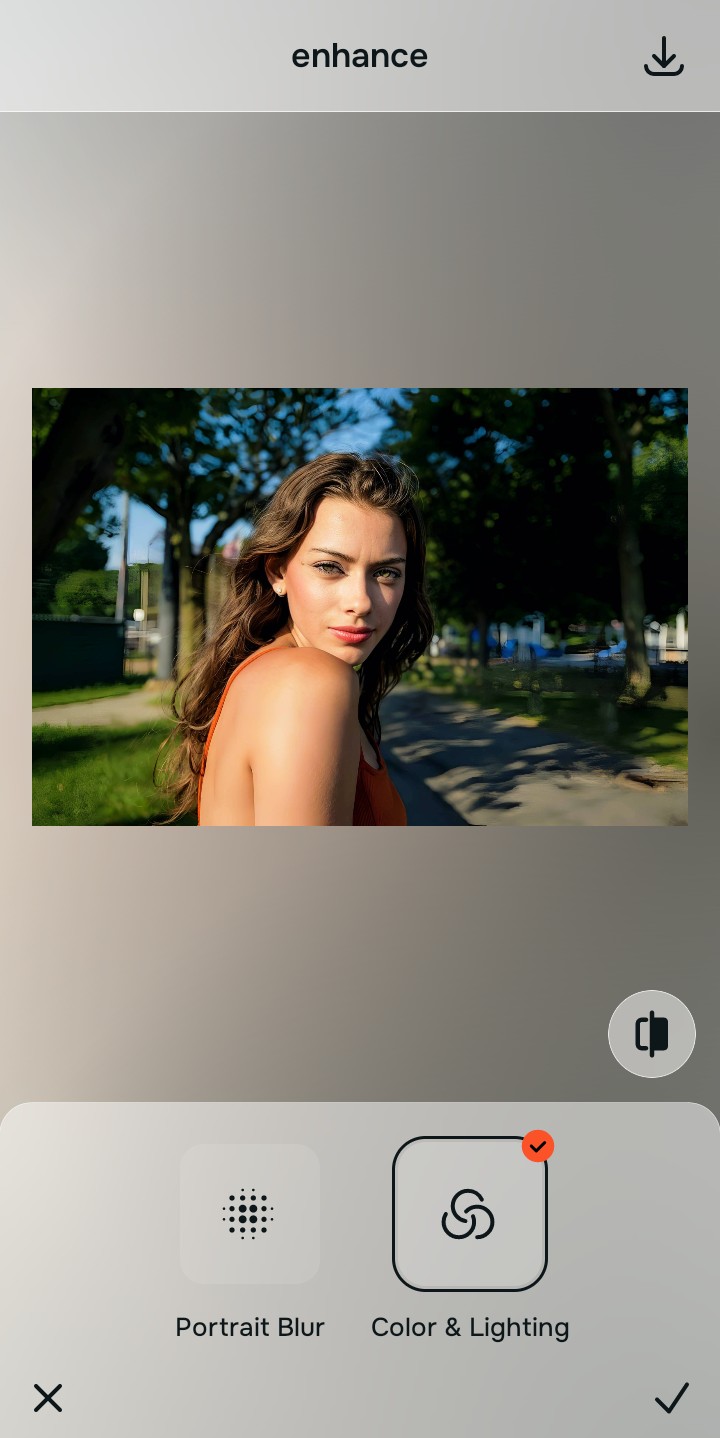
Tap Enhance and choose Colors & Lighting
Because the blurry person is likely outside the camera's sharp zone, tap Enhance → Colors & Lighting. This mathematically extends the focal plane to pull the background subject forward into clarity. This step is why it's the best selective photo sharpener, as it won't deep-fry the faces that are already sharp.

Always let the algorithm recover physical depth before applying targeted facial updates. Normalizing the base focal plane ensures subsequent aesthetic tweaks blend the recovered person smoothly into the group.
Tap Face and select Gaze
With your global depth normalized, target the specific friend who was blurry. Tap Looks → Gaze. Select your preferred value from Level 1–5 to apply an isolated, precision structural fix strictly to that face. This ensures you unblur someone in background effortlessly without affecting the foreground.
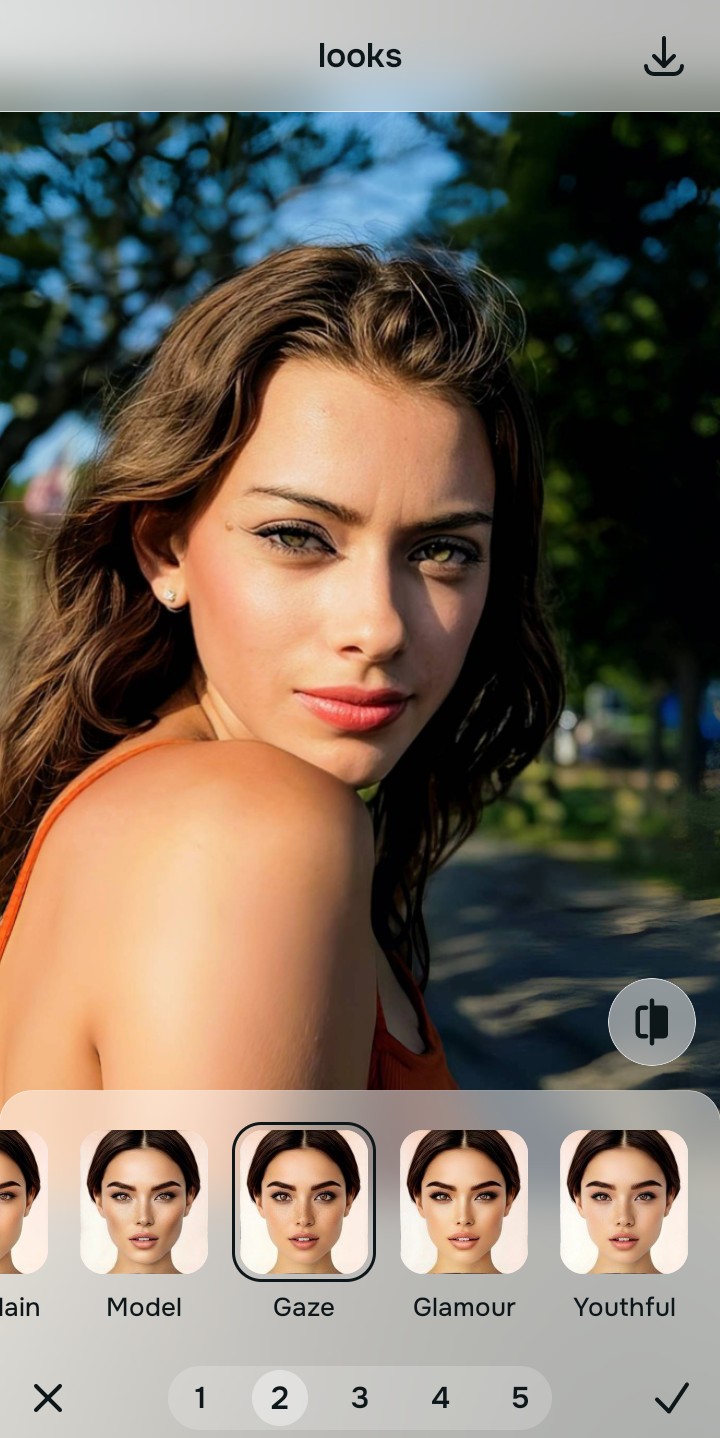
Export your high-resolution, unwatermarked clean photo
Citrus generously offers clean high-definition exports entirely for free with no hidden premium pop-ups. This guarantees your final file is crisp, legal, and highly authentic, restoring the exact group dynamic you originally intended.
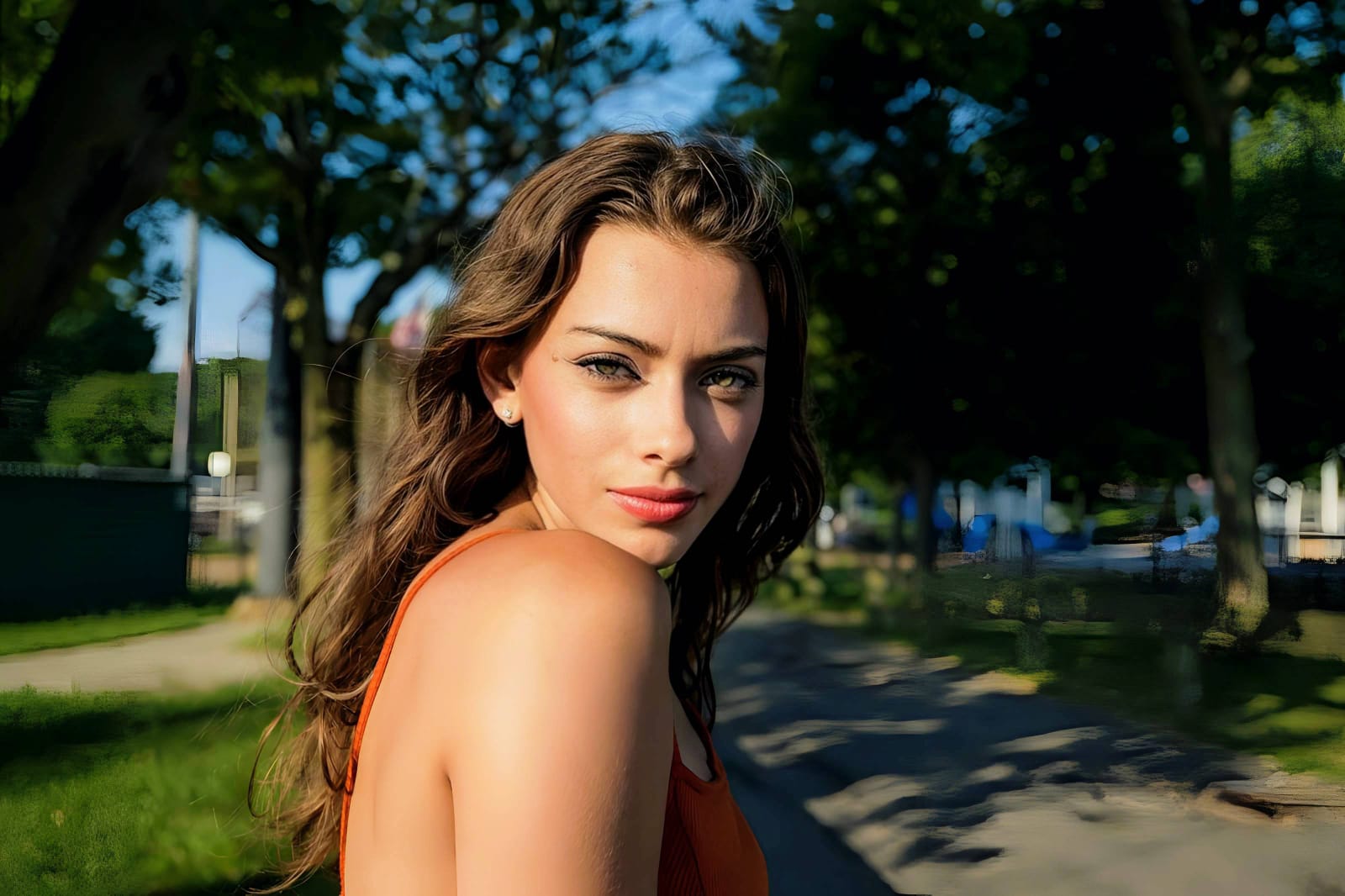
Why is that specific person blurry?
Isolate your image's core mechanical issue. Your automated pipeline changes depending on the source error.
How to align your group photo concerns with the right one-tap pathway
Separate physical blur weaknesses necessitate independent mathematical paths. Selecting a targeted recovery tool instead of fighting with a global sharpness slider is the only way to lock in visual realism without deep-frying the rest of the picture.
| Tool Pathway | Primary Flaw Remediated | Automated Fix Strategy |
|---|---|---|
| Enhance Start here | Soft, hazy background faces caused by the camera lens failing to extend the focal plane | Use this first to establish a proper optical foundation. Choose Colors & Lighting to bring the back row into focus. |
| Face | A single blurry friend in the foreground due to head movement, while everyone else is sharp | Use this to update the specific facial impression. Select Gaze to target and reconstruct just that face safely. |
| Looks | Targeted desire to fix the lighting mismatch after recovering a background face | Use this last for precise blending. Select Balanced to unify the contrast so everyone matches perfectly. |
“Professional photo editing should never force you to accept a fake, AI-generated face just because your friend moved. It must mathematically reconstruct the specific optical data so your native topography looks human, highly attractive, and exactly like the original person.”
Why precise optical reconstruction wins over global gallery sliders
There is a massive structural difference between recovering image data selectively and dragging a single manual sharpness slider in your phone's gallery. When you use generic tools on a group photo, the software simply looks for any edge and boosts the contrast. It doesn't know who is blurry; it just adds a crunchy white border around everyone. This instantly makes the good faces look fake, noisy, and untrustworthy.
Citrus is built from the ground up to be the most intelligent optical isolator ever created. By providing dedicated algorithms for specific depth errors, the engine maps the faces securely, optimizing texture recovery effortlessly. This guarantees that your presentation remains sharp, trusted, and perfectly clear without draining your patience.