


April 21, 2026
Free AI Photo Fixer for Grainy Night Selfies


Free AI Photo Fixer for Grainy Night Selfies
Capturing a great moment on a night out usually means dealing with dark, noisy images. When you rely on standard free editors to clear up the sensor grain, they tend to blur your skin into a flat, plastic mask. Worse still, the premium tools that actually work lock your high-resolution exports behind expensive paywalls. If you want to rescue a dark photo, you must seek out enhancers for low light selfies that repair structural contrast completely free of charge.
To fix a grainy night selfie for free without looking fake, avoid smoothing filters and correct the camera's raw contrast data instead. In Citrus, skip the blur tools. Tap Enhance -> Colors & Lighting to automatically clear digital noise and fix flash glare. Then use Looks -> Hot to restore a vibrant, high-energy night-out vibe without hitting a paywall.
Why night selfies always look grainy and bad
Small smartphone lenses struggle to capture light in dark environments. To compensate, the camera sensor works overtime, generating digital "noise" or grain. If you use a camera flash, it creates harsh shadows under your eyes and blows out your natural complexion. Finding an alternative to overprocessed beauty editors means using software that rebuilds this broken light data rather than just smearing the grain away.
- Paying expensive monthly subscriptions just to export a clear night photo
- Using heavy blurring tools that make you look like a plastic avatar
- Having massive watermarks stamped across your dark photos on free tiers
- Leaving harsh, yellow bar lighting or flash glare completely uncorrected
- Getting professional-level low-light correction without hidden paywalls
- Fixing overall image contrast so your face regains true depth
- Applying targeted contouring that corrects harsh flash shadows
- Stopping the edit while your natural pores remain highly visible
If your final image looks perfectly smooth but you seem completely fake, you will lose trust instantly. Using a smart tool helps you safely fix a selfie before instagram while keeping your authenticity fully intact.
Fix bad night lighting instantly. A smart edit keeps reality intact.
How to fix a grainy night selfie for free in 5 steps
Select a selfie ruined by grain or dark lighting
Find a picture where the camera failed you on a night out. You do not need to settle for an image covered in digital noise. You can instantly make a photo look better directly from your phone.

Let the instant preview analyze the noise
Citrus provides a first correction immediately without asking for payment. This ensures that any underlying contrast issues are recognized before you start trying to adjust your facial structure.
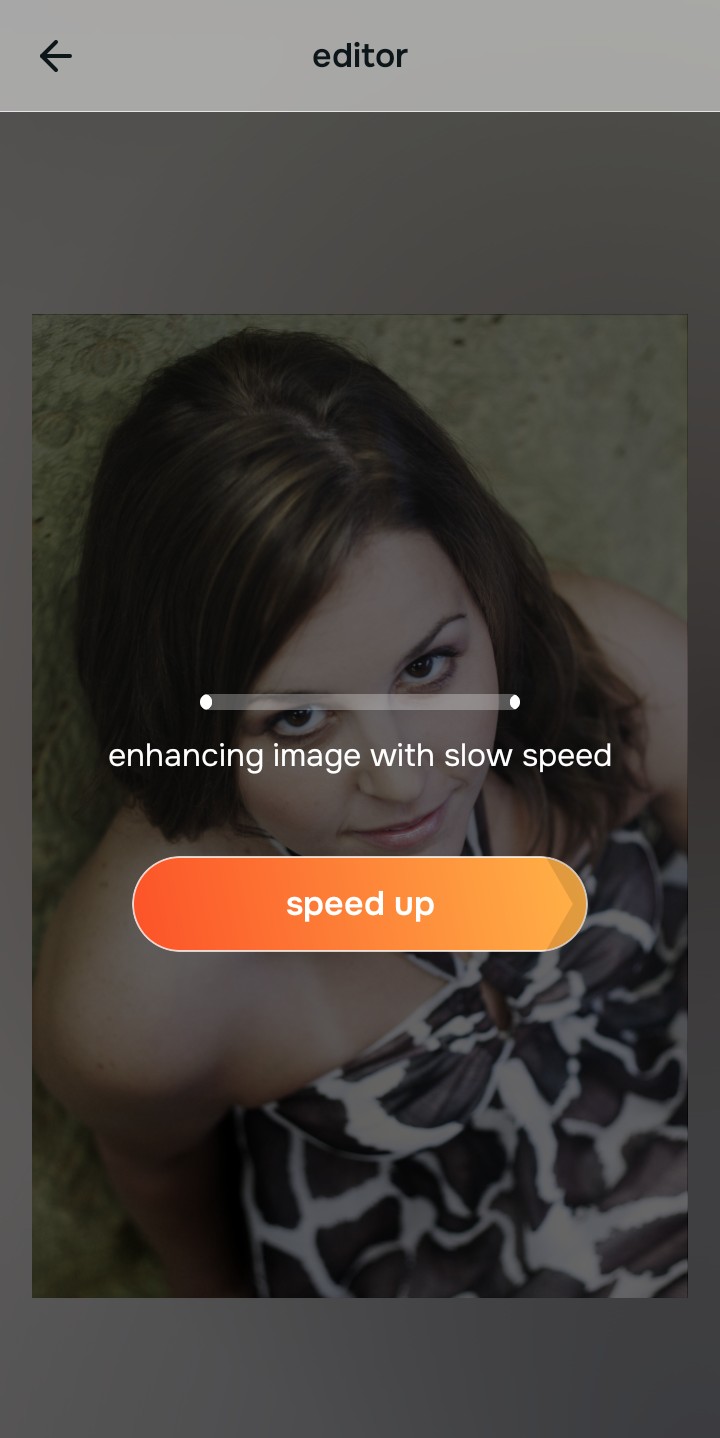
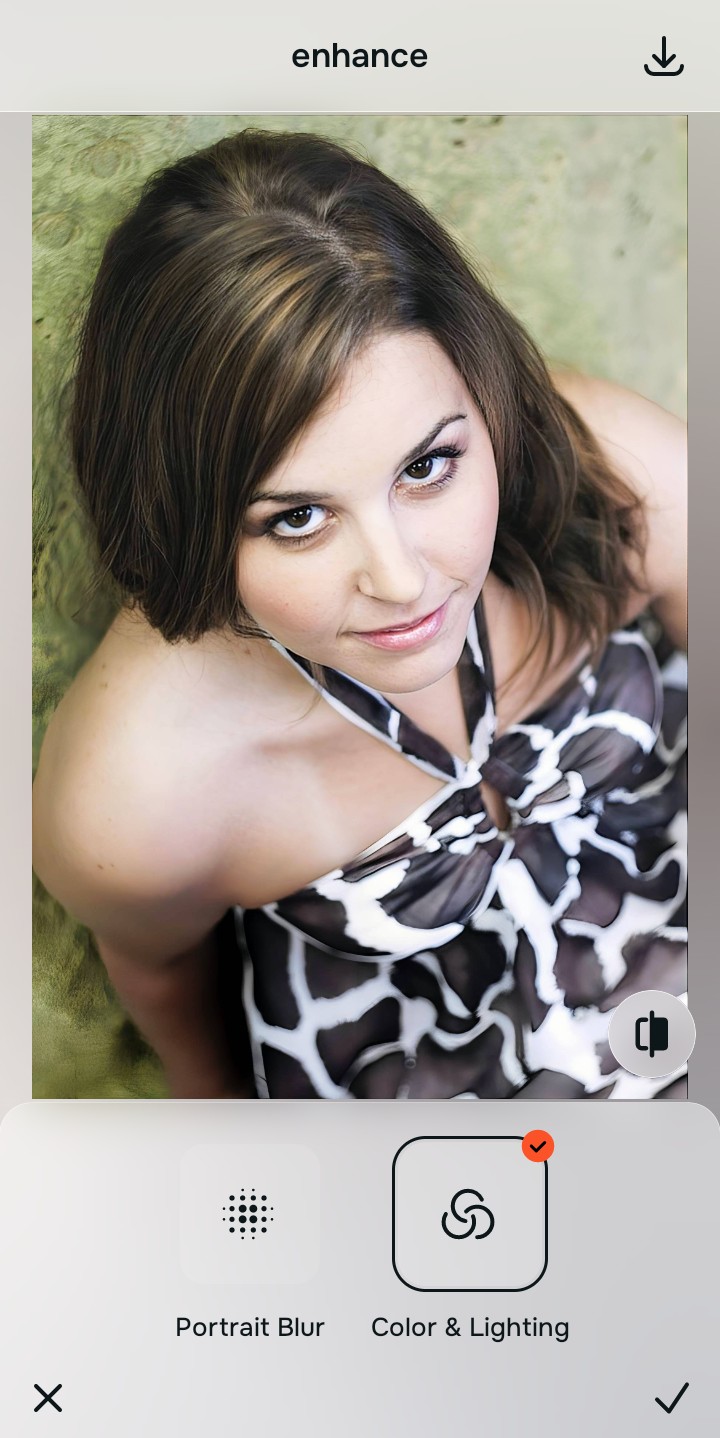
Use Enhance to fix Colors & Lighting first
Because night selfies are a fundamental lighting problem, tap Enhance -> Colors & Lighting. This strips away the muddy noise and restores shadows to the scene. It is the absolute fastest way to fix yellow indoor lighting before attempting any retouching.

Always fix the flat lighting and grain before using a styling tool. Tap the Enhance options to restore image clarity first.
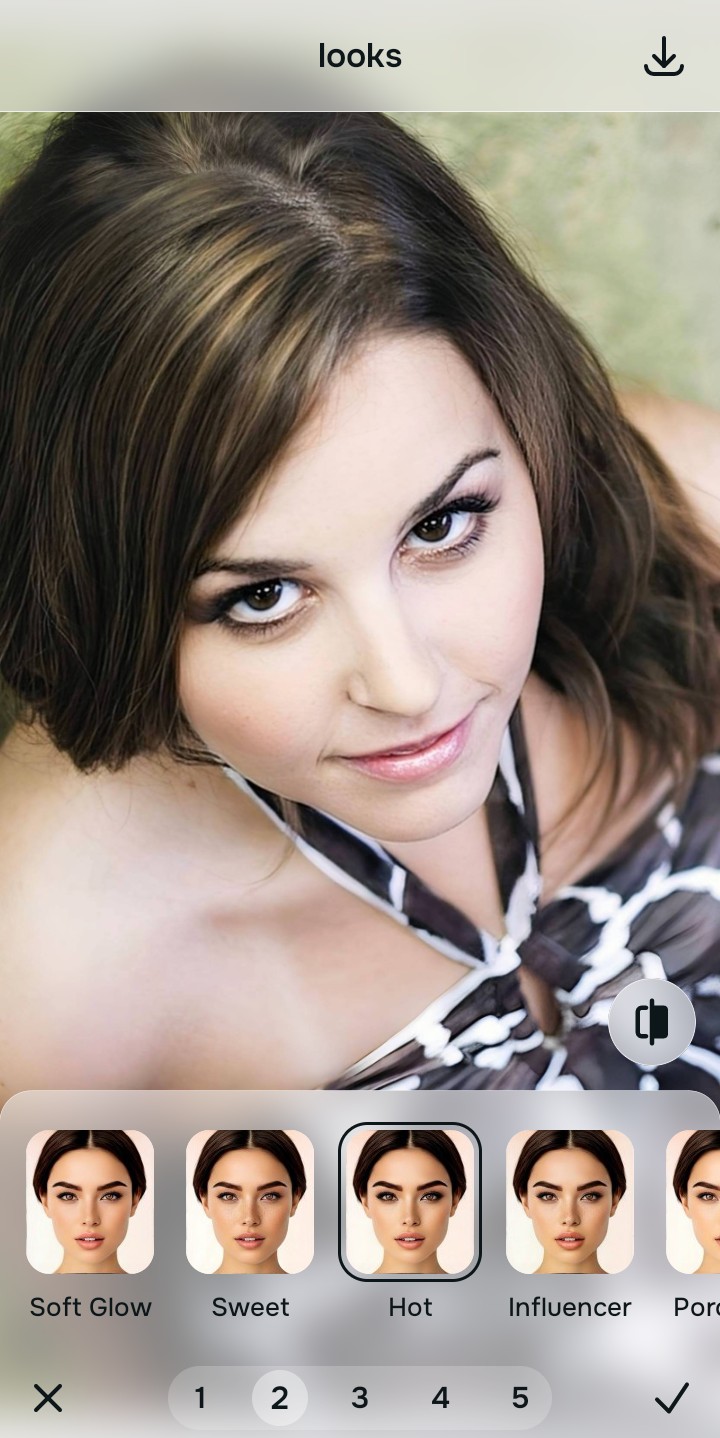
Apply Face or Looks tools to counteract flash
Once the grain is cleared, you can correct the harsh flash shadows safely. Tap Face -> No Eyebags to remove eye bags from photos instantly. Alternatively, use Looks -> Hot to restore vibrancy and make flat photos look alive.
Save the high-resolution photo instantly
Unlike premium apps that charge you to export a clear night photo, you can save your results instantly. Stop adjusting before the picture begins to look heavily filtered, and enjoy a high-quality save.

Why did your camera ruin this photo?
Choose the description that fits best. Your starting point changes depending on what is actually flattening the picture.
Which free Citrus tool delivers the best natural fix
Different problems require entirely different tools. The goal is to get the best possible result by matching the tool to the actual camera error. This stops you from ruining the entire picture with an automated, paid filter.
| Tool | What it helps fix | When to use it |
|---|---|---|
| Enhance Start here | Overall darkness, heavy image grain, muddy contrast, and lack of depth | Use this first when the whole night image feels noisy. Choose Colors & Lighting to restore depth and clear the sensor noise for free. |
| Looks | Night photos that are technically balanced but still lack a vibrant, party impression | Use this after Enhance when the real issue is a dull vibe. It creates a photogenic, Hot energy instantly. |
| Face | Specific harsh shadows under the eyes caused by aggressive camera flash | Use this last, applying targeted tools like No Eyebags to subtly pull back shadow stretch after the broader image already feels properly lit. |
“The best way to fix a grainy selfie is to recover the lost light data instead of paying a monthly fee to plaster an artificial blurring mask over your face.”
Why contrast correction beats blurring grain
There is a massive difference between adding dimension and manually wiping out reality. When you use an aggressive, paid beauty filter to hide grain, you turn the entire image into a flat plastic wash. The human brain instantly recognizes this loss of detail as a cheap edit.
Real quality comes from correcting the underlying light data instantly. Using proper contrast tools allows you to save money while ensuring you look completely authentic online.