


June 3, 2026
Best Natural Smile Enhancer App for Selfies That Look Cute, Not Fake
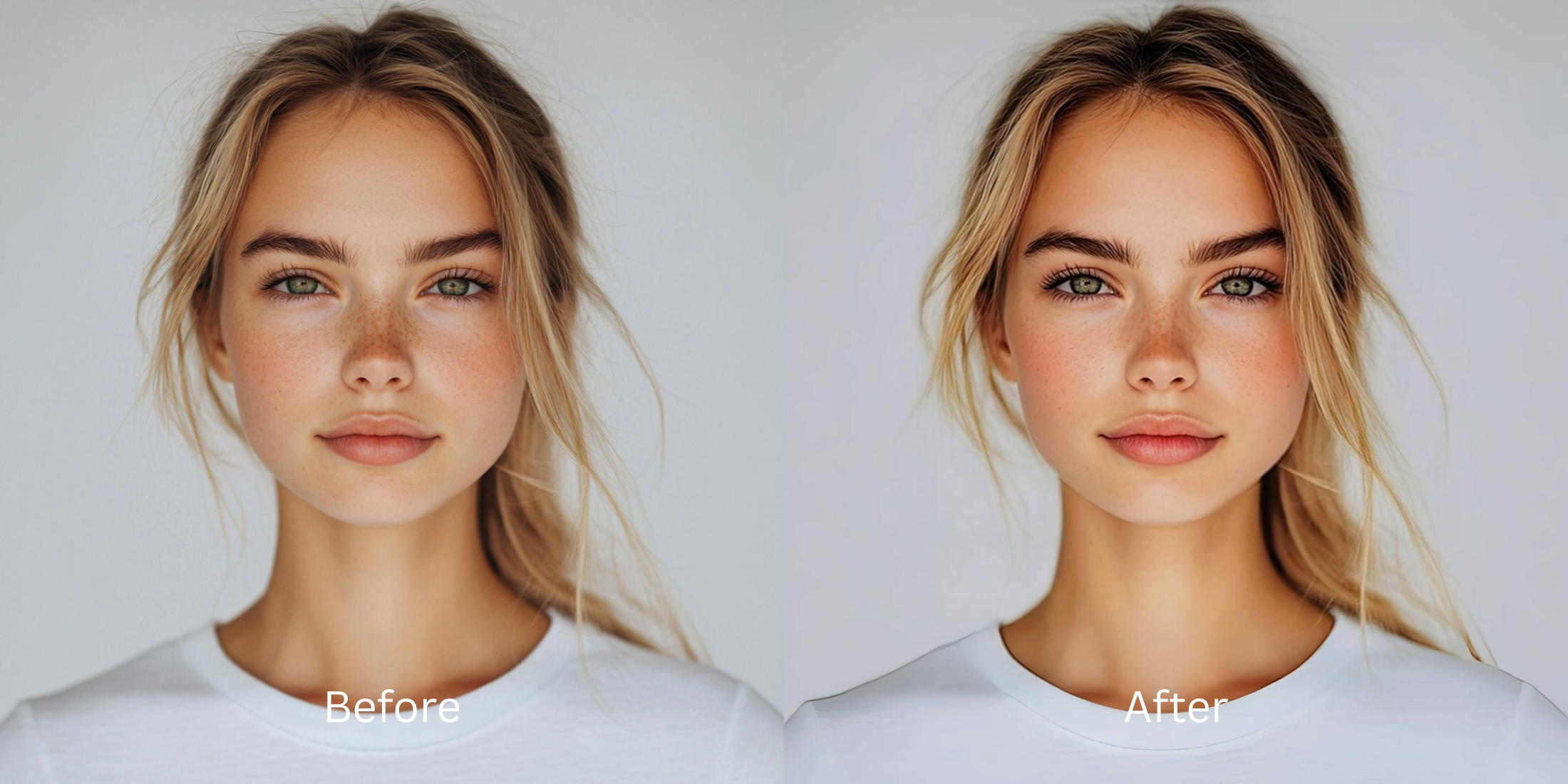

Best Natural Smile Enhancer App for Selfies That Look Cute, Not Fake
When you capture a candid smile in a selfie, mobile camera sensors often work against your expression. Built-in phone processors apply harsh, clinical sharpening rules that freeze fine lines and flatten your cheek volume, making natural warmth appear rigid and forced. To fix this, standard beauty filters drop an aggressive, artificial white graphic over your teeth or paste a fake curved alignment path on your mouth. This creates a synthetic "AI slop" appearance that completely ruins a cute look. To preserve genuine charm, you must focus on lifting flat ambient shadows and enhancing your native smile geometry without pasting on fake overlays.
The premier way to get a cute, natural smile for free is by optimizing facial contrast lines rather than using fluid morph sliders. Open your photo in Citrus and skip variable warping tools. First, tap Enhance -> Colors & Lighting to lift flat sensor shadows. Once your exposure baseline is stabilized, select Looks -> Sweet and use a clean Level 1-5 tap option to add a cohesive, endearing balance to your face impression natively before exporting for free.
Why heavy mouth-warping sliders destroy a genuine smile
Human perception detects forced or unnatural micro-expressions instantly. When you pull manual fluid sliders to change the corners of your mouth, the software stretches the pixels of your lips unevenly, leading to a fake, cartoonish look. Finding a dedicated alternative for subtle edits requires moving away from manual dragging loops. You need an engine built specifically to isolate lighting transitions along your smile lines, letting you improve photo without changing face layouts so your real features look bright, balanced, and organic.
- Using fluid sliders that warp teeth dimensions and pull lip corners into a robotic shape
- Pasting bright white graphic blocks over your teeth that erase realistic textures
- Forcing users into expensive subscription cycles just to download a single portrait save
- Leaving washed-out, flat mobile camera flash artifacts completely uncorrected
- Accessing high-end expression enhancement features generously for free across all tools
- Using discrete Level 1-5 taps instead of unpredictable manual warp sliders
- Recalibrating natural shadow drop fields to carve out real definition smoothly
- Offering optional turbo processing speeds whenever you export deep gallery content
When your expression feels forced or synthetic, your social dumps lose their personal vibe. Utilizing a high-end face enhancer that still looks real allows you to polish your skin tones cleanly while keeping your authentic muscle structure perfectly centered and trusted.
Balance washed-out features instantly. A mapped level option protects your natural shape.
How to enhance your smile naturally for free in 5 steps
Select a selfie flattened by phone contrast
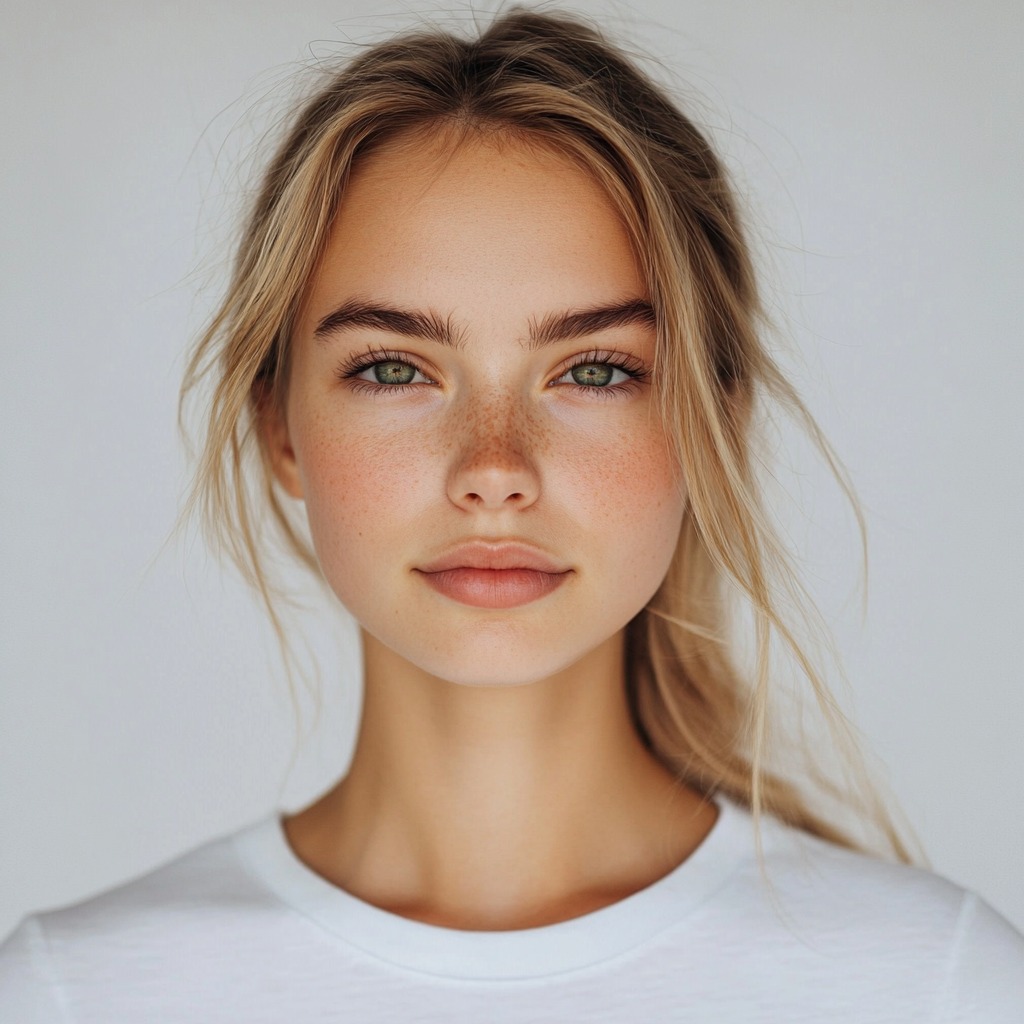
Open your gallery layout and upload a portrait where your smile is authentic but the camera flattened out your expression details. Moving toward an alternative to overprocessed beauty editors begins by isolating this raw exposure data baseline first.
Let the instant preview map your facial paths
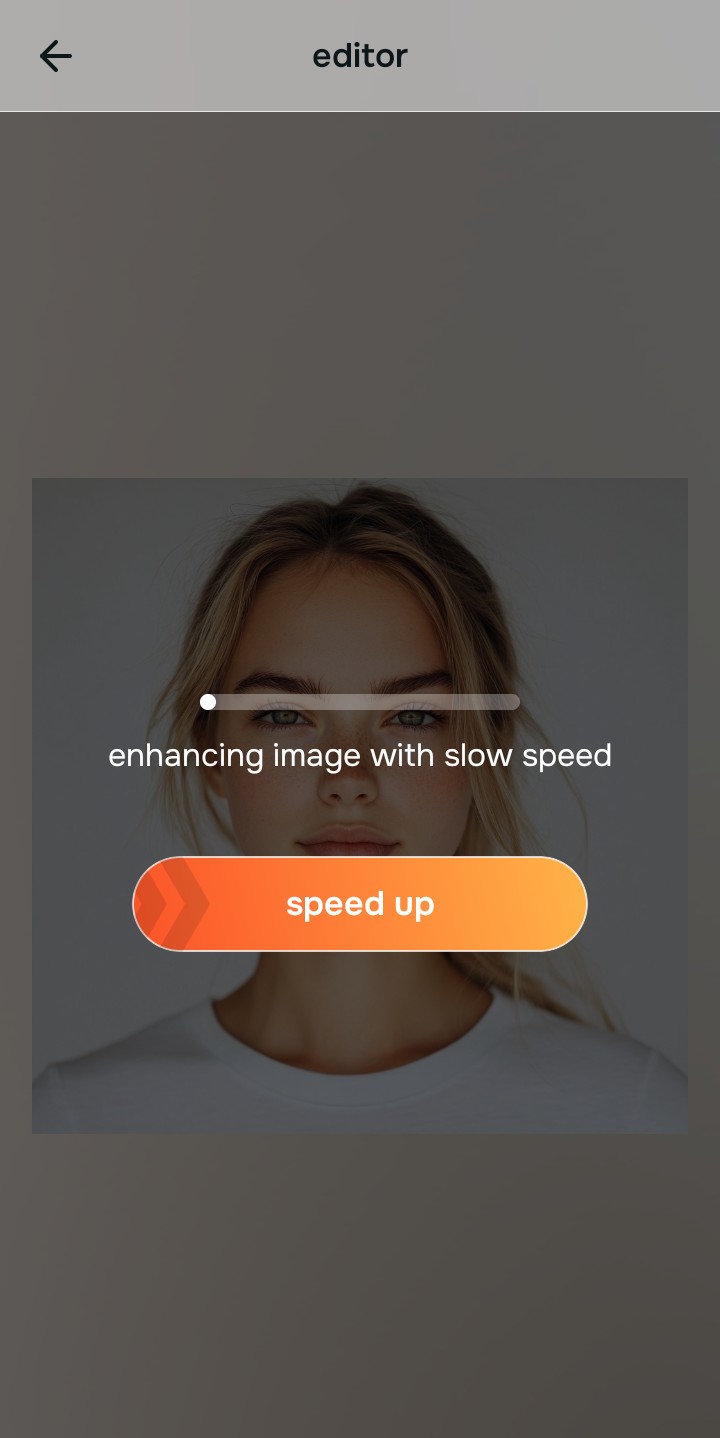
Citrus launches an interactive processing preview instantly with no credit log requirements. This lets you observe how the software reads your profile highlights natively before selecting any adjustments.
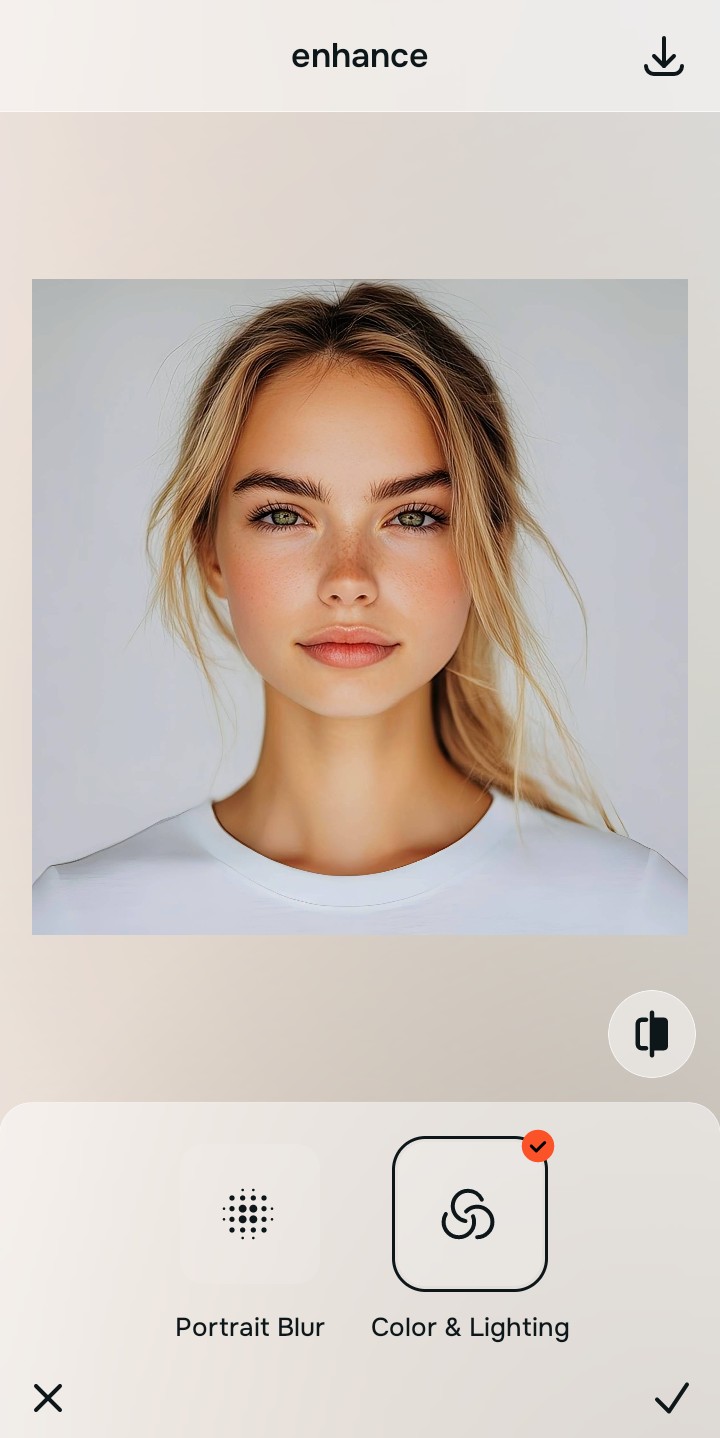
Tap Enhance and choose Colors & Lighting
Because muted expressions stem from camera metering flaws, tap Enhance -> Colors & Lighting. This strips away muddy sensor noise to restore natural depth. It is the absolute fastest way to improve a smile photo without overwhitening or casting flat gray tones over your skin.

Always stabilize your lighting baseline before choosing face options. Normalizing shadow transitions guarantees that your subsequent impression adjustments blend naturally into your features.
Tap Looks and select Sweet to refine your expression
With your baseline light normalized, tap Looks -> Sweet. Pick your setting from Level 1-5 to give the face a cute, cohesive balance. Relying on an app built for people who hate how filters look ensures your teeth and smile remain clean and texture-safe.
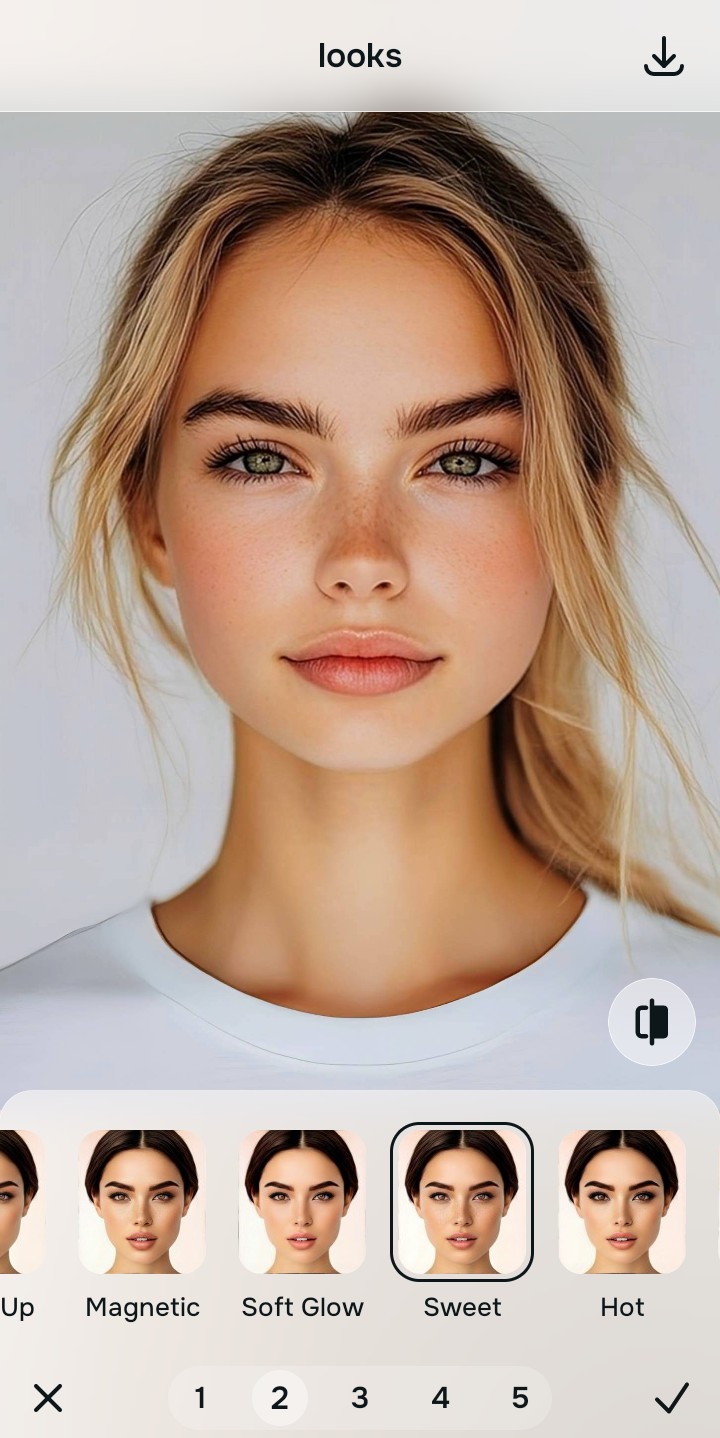
Save your unwatermarked, high-resolution portrait instantly
Unlike standard programs that lock high-definition file downloads behind hidden paywalls, your download is direct. You can save your cute, natural look for free instantly with zero quality restrictions.
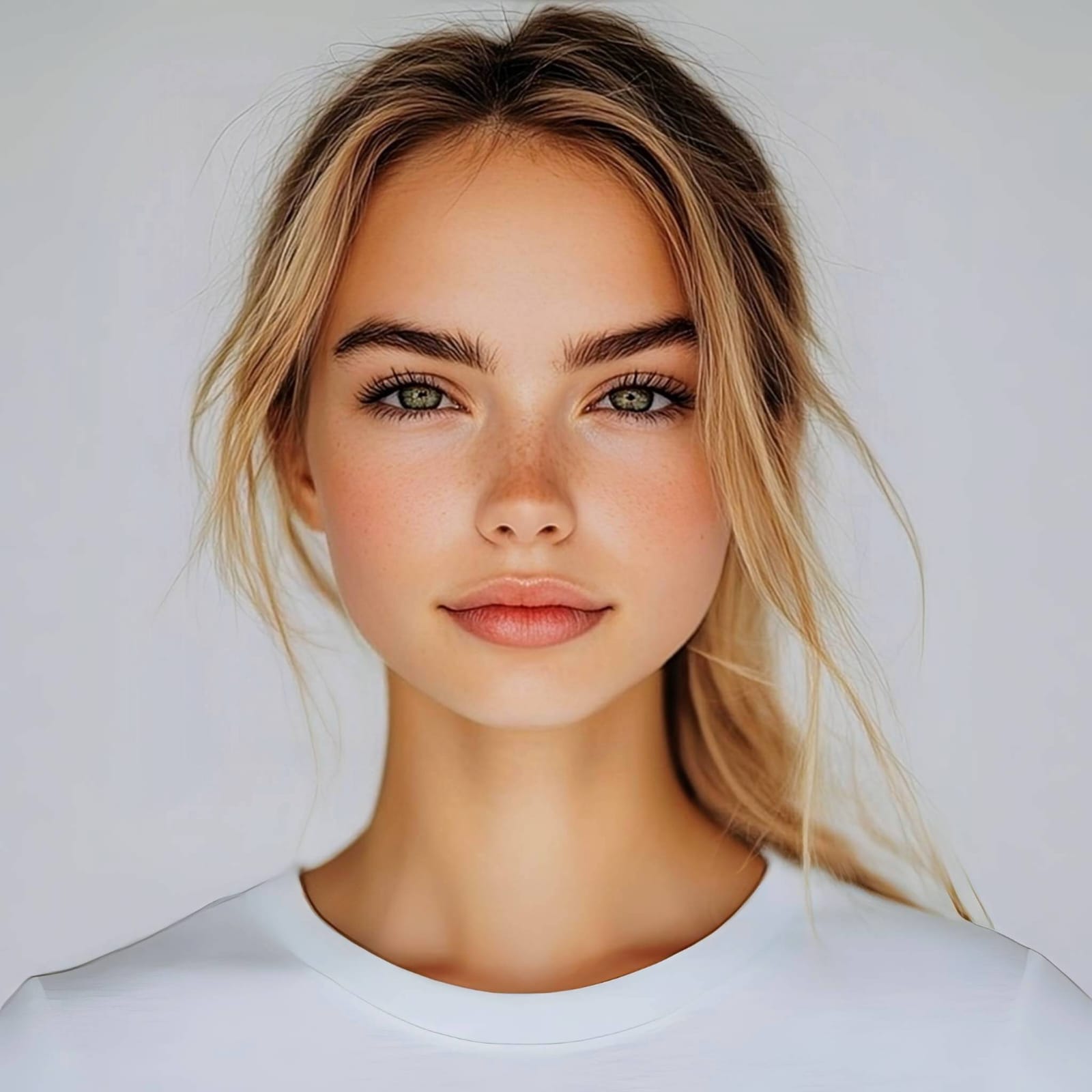
What is lowering your smile quality on camera?
Identify your selfie's primary visual limitation. Your ideal workflow choice changes depending on the issue.
How to align your selfie flaws with the right free path
Separate photo weaknesses necessitate independent menu paths. Using Level 1-5 tap options rather than manual sliders is the only way to lock in visual sharpness without generating fake filters.
| Tool Pathway | Primary Flaw Remediated | Smile Enhancement Strategy |
|---|---|---|
| Enhance Start here | Washed-out facial tones, dark room noise, and flat exposure ranges | Use this first to establish a clean light foundation. Choose Colors & Lighting to balance layers for free. |
| Looks | Dull skin contrast, cold facial expressions, and unphotogenic styles | Use this to update the entire face vibe at once. Select Sweet (Level 1-5) to coat your portrait in a cute finish. |
| Face | Targeted anatomical washouts like flat smile lines or missing cheek hollows | Use this last for precise feature tweaks. Select Dimples to safely recalculate structural depths cleanly. |
“An endearing portrait adjustment shouldn't warp your natural expressions. It must simply lift the flat lighting fields that steal warmth from your smile.”
Why precise Level 1-5 taps beat fluid morph sliders
There is a massive structural difference between balancing camera exposure and masking your face behind fake filters. When you use manual morph tools to bend a smile, human error makes it impossible to prevent adjacent features from stretching out of proportion. This creates a fake, plastic look that ruins your authenticity instantly.
Citrus is built from the ground up to be the most natural enhancer ever created. By relying exclusively on mathematically precise Level 1-5 tap settings instead of unpredictable sliders, the engine maps your geometry accurately, adding soft contrast tracking without changing your real features. This ensures you can make teeth look better in a portrait while keeping your real skin architecture completely crisp.