


May 19, 2026
How to Make Teeth Look Better in a Portrait Without the Fake Filter Effect
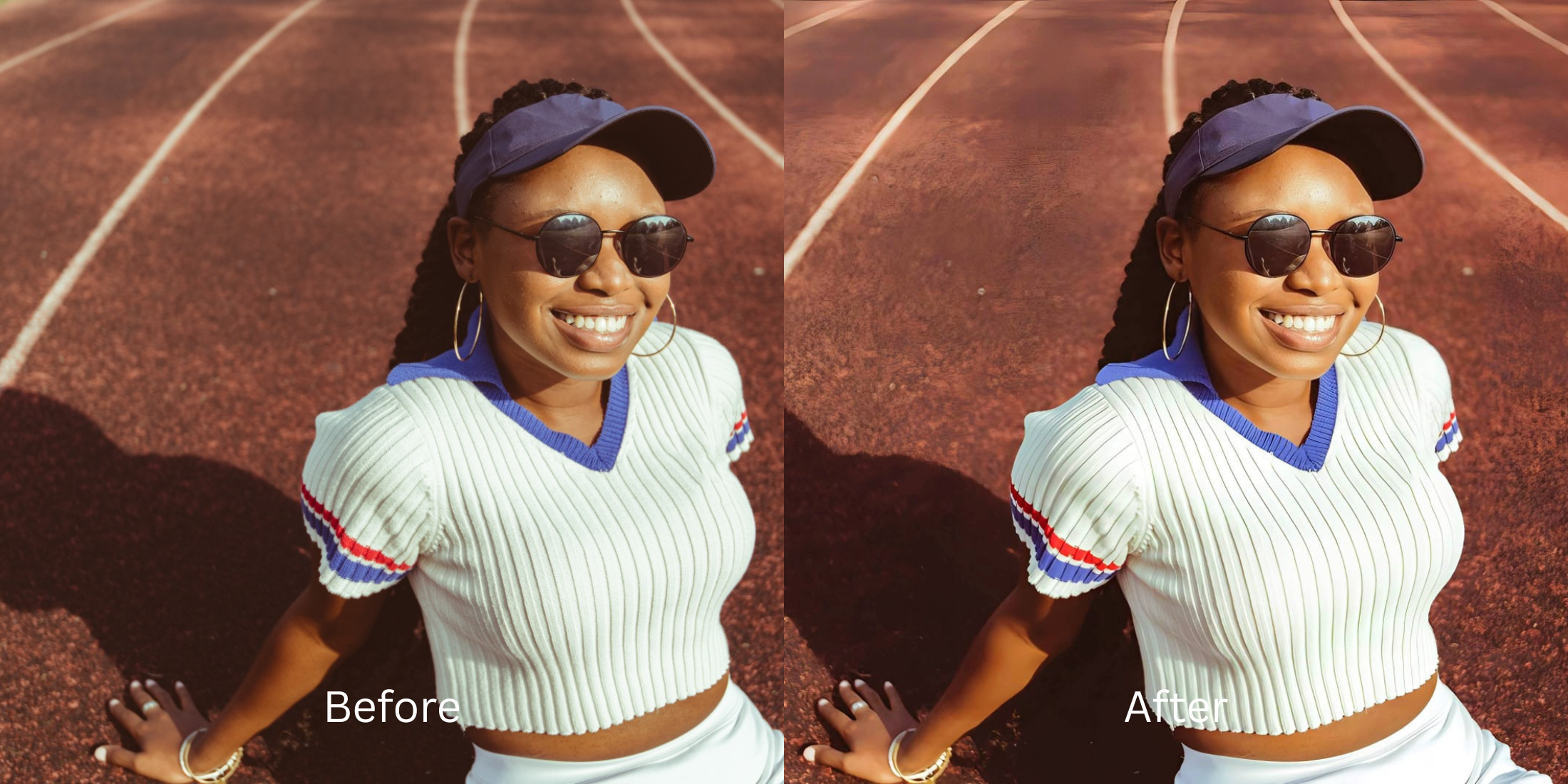

How to Make Teeth Look Better in a Portrait Without the Fake Filter Effect
We have all taken a photo where a great smile gets ruined by bad lighting. Because the mouth physically recesses into the face, it naturally catches shadows that make teeth look dull or gray. When you try to fix this using standard "teeth whitening" apps, disaster strikes. These apps ignore the shadows and apply a global "white" paint brush over the area. Your teeth end up looking like glowing, radioactive Chiclets, while the software simultaneously washes out your lips and bleaches your skin. To fix a smile properly, you must naturally restore the lighting contrast inside the mouth.
To make teeth look better for free without the fake bleaching effect, you must lift the physical shadows inside the mouth. In Citrus, skip the manual whitening brushes. Tap Enhance -> Colors & Lighting to automatically balance the exposure and reveal natural brightness. Then, use Looks -> Glow Up to add a healthy, radiant contrast to your skin, making your smile pop authentically without hitting a paywall.
Why teeth whitening apps look terrifying
The core issue with "beauty" apps is that they do not understand 3D lighting context. When you drag a whitening slider, the software simply forces every pixel in the selected area closer to pure white, erasing the natural texture of the enamel. A bright white smile looks completely artificial if the lips surrounding it have been drained of their natural color by a bad filter. If you want to fix a selfie before instagram properly, you need structural tools that recover shadows rather than painting over them.
- Using global whitening sliders that turn your teeth into glowing, fake blocks
- Paying expensive monthly subscriptions just to export a rescued portrait
- Having massive watermarks stamped across your face on free app tiers
- Draining the natural pink and red tones out of your lips and gums
- Getting professional-level lighting correction without any hidden paywalls
- Lifting the natural shadows inside the mouth so teeth look authentically bright
- Exporting your final, high-definition photo for free without watermarks
- Adding a radiant glow to your skin to create a beautiful contrast with your smile
If your edited picture features neon white teeth but your face looks flat and pale, the edit has failed. Relying on an enhancer for natural looking results ensures that your expression remains trustworthy and dimensional.
Fix dark shadows instantly. A smart edit keeps color authentic.
How to rescue a smile portrait for free in 5 steps
Select a selfie where your smile looks dull
Find a picture in your gallery where bad shadows ruined a great expression. You can easily improve headshots for linkedin or dating apps by simply relying on the right structural contrast tools.

Let the instant preview analyze the lighting
Citrus provides a first correction immediately without asking for a credit card. This ensures that the specific exposure errors inside the mouth are recognized before applying fixes.
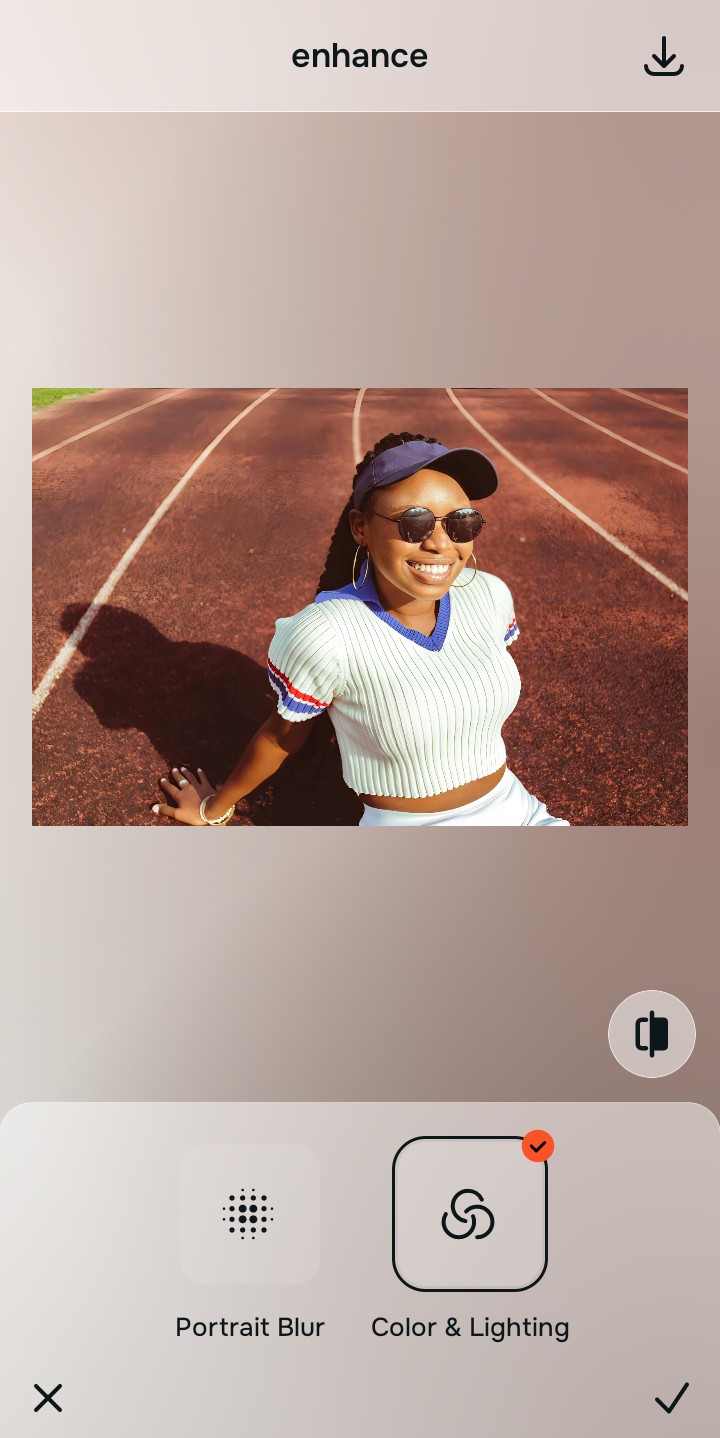
Use Enhance to fix Colors & Lighting first
Because dull teeth are usually a fundamental lighting problem, tap Enhance -> Colors & Lighting. This bypasses the phone's fake metering and lifts the dark shadows inside your mouth gently. To unblur a face without overediting, you must fix this baseline contrast before doing anything else.

Always fix the core contrast before using an aesthetic tool. Tap the Enhance options to build a strong, evenly lit foundation first.
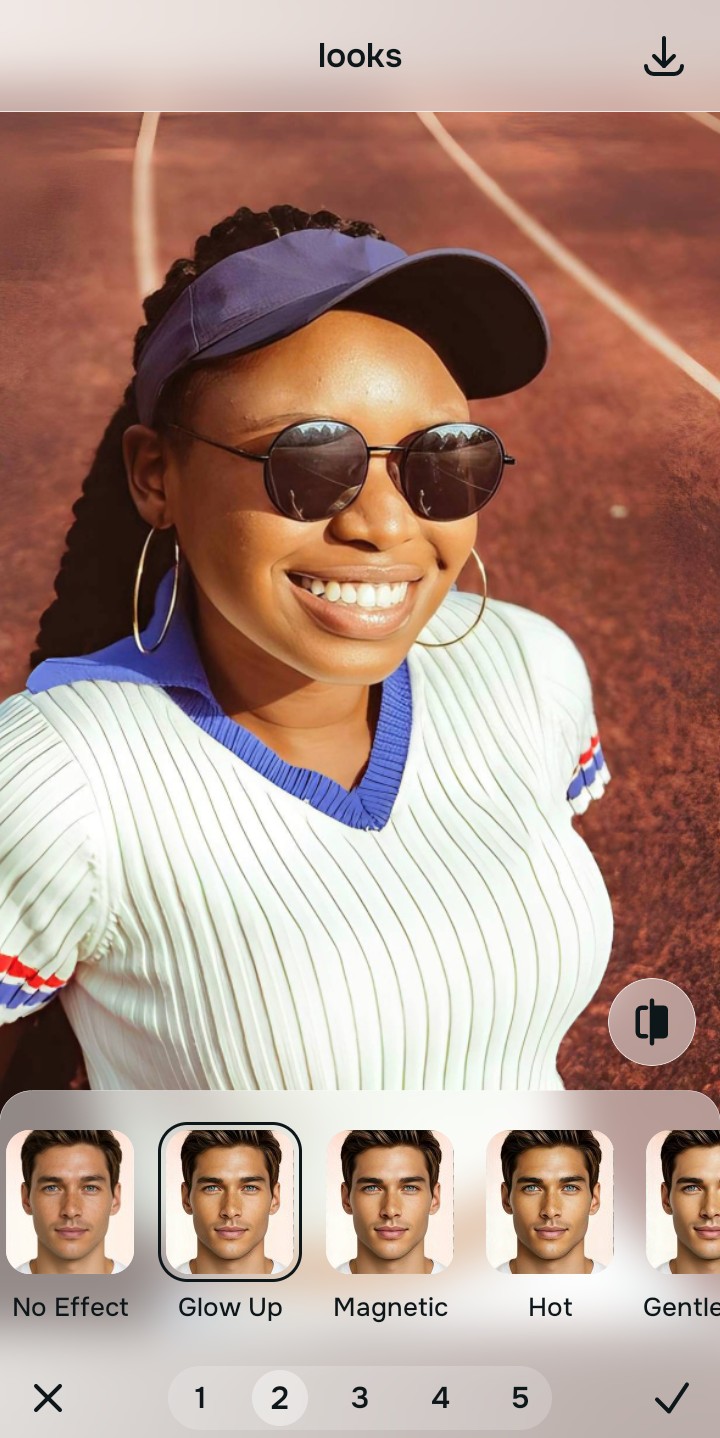
Apply Looks tools to add a healthy radiance
Once the lighting is balanced and your teeth look naturally bright, you can safely give your overall expression a healthy vibe. Tap Looks -> Glow Up to add a cohesive radiance to your skin. Many free apps to look better fail here by making you look greasy, but this leaves your pores perfectly intact.
Save the high-resolution photo instantly
Unlike premium apps that charge you a fee just to export a rescued memory, you can save your results instantly. To make lips look fuller naturally and your smile brighter, stop the edit before it looks filtered and save for free.

Why does your smile look bad in this selfie?
Choose the description that fits best. Your starting point changes depending on what is actually ruining the color and depth.
Which free Citrus tool delivers the best balanced finish
Different photographic challenges require entirely different pathways. The goal is to get a professional result by matching the tool to the actual camera error. This stops you from ruining a beautiful portrait with an automated, paid filter.
| Tool | What it helps fix | When to use it |
|---|---|---|
| Enhance Start here | Bad auto white-balance, deep mouth shadows, and muddy contrast | Use this first when your teeth look gray from bad lighting. Choose Colors & Lighting to restore the true color for free. |
| Looks | Photos that are clear but lack a beautiful, healthy radiance | Use this after Enhance when the issue is a dull vibe. Tap Glow Up to add a cohesive, healthy contrast instantly. |
| Face | Specific flat expressions caused by thin lips or missing contrast around the mouth | Use this last, applying targeted tools like Thick Lips to gently frame the teeth beautifully without bleaching your skin. |
“A great smile selfie isn't about using a teeth whitening slider. It is about removing the harsh shadows so your natural brightness returns without washing out your lips or gums.”
Why contrast recovery beats global bleaching tools
There is a massive difference between defining light and faking it. When you use an aggressive, paid bleaching slider on your teeth, you inevitably turn the delicate tones of your skin and lips into a flat, gray wash. The human brain instantly recognizes this loss of detail as a cheap edit that destroys the professional vibe of the photo.
Real quality comes from correcting the underlying lighting data instantly. Finding apps like facetune for subtle fixes allows you to look incredibly sharp while you stay true to your human identity.