


April 24, 2026
Best Apps Like Facetune for Subtle Edits
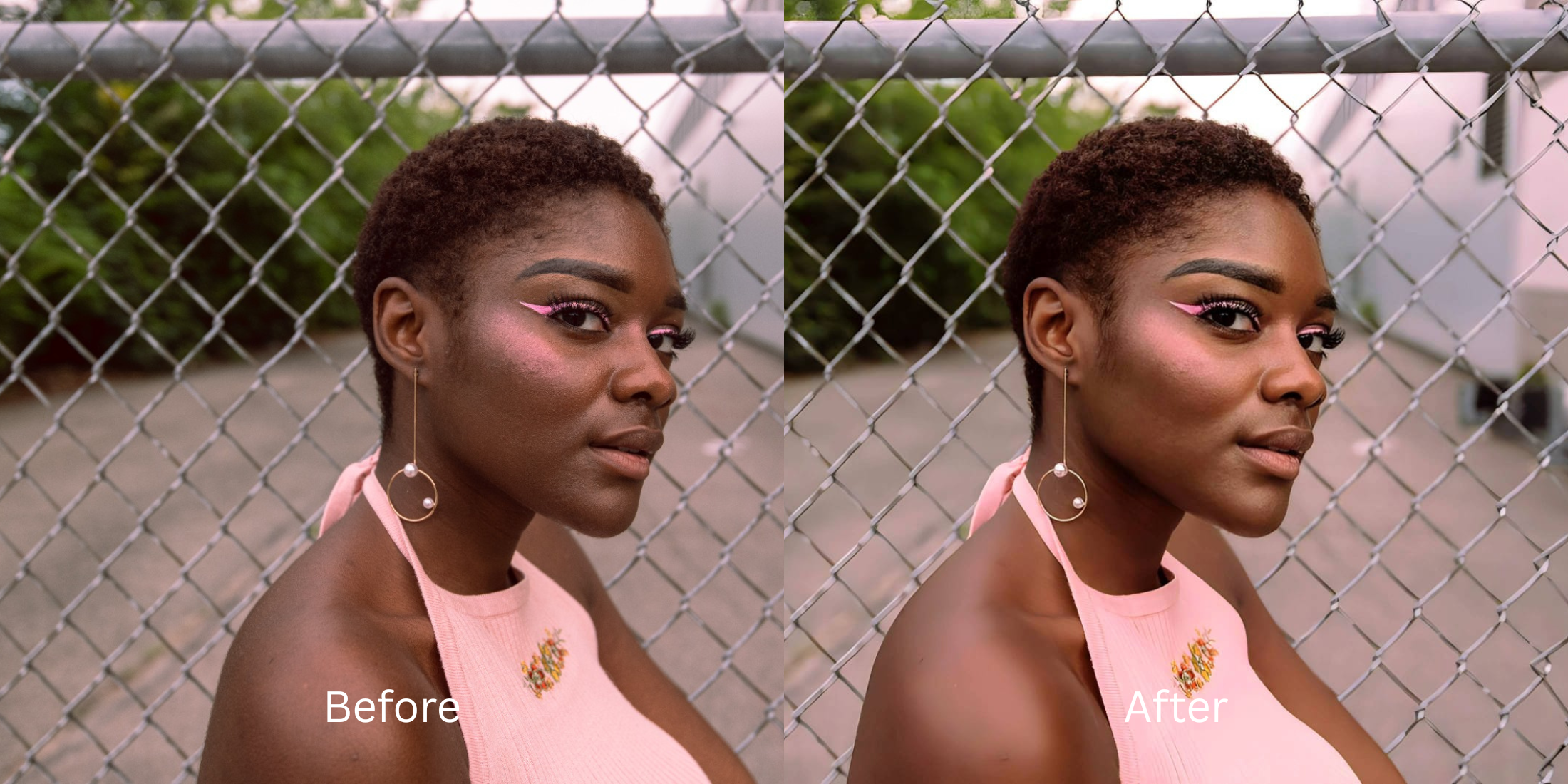

Best Apps Like Facetune for Subtle Edits
If you just want a small touch-up, heavy airbrushing tools usually ruin the picture. Manual editors are infamous for smearing skin texture and making you look like a plastic doll. Even worse, many popular apps lock simple exports behind aggressive premium subscriptions. If you want free apps to look better without completely erasing your identity, you need a smart enhancer that fixes the camera data rather than relying on fake digital brushes.
To get subtle edits for free without looking like a plastic doll, skip manual airbrushing tools entirely. In Citrus, avoid heavy skin smoothing and tap Enhance -> Colors & Lighting to automatically correct bad shadows. Once the contrast is balanced, use Looks -> Natural for a gentle polish that keeps your exact pores and freckles completely visible without a paywall.
Why manual retouching creates the fake Facetune look
The core issue with manual editors is human error paired with destructive blending software. When you use a digital brush to erase a blemish or brighten an area, the app averages the colors of the surrounding pixels. This smears your natural skin into a flat, blurry mess. Discovering facetune alternatives that look natural means abandoning these brushes and letting intelligent algorithms recover the actual depth that your phone camera originally lost.
- Paying expensive monthly subscriptions just to save a high-res photo
- Spending twenty minutes manually blurring skin until it looks fake
- Warping background walls with manual push and stretch tools
- Looking like an AI avatar because all your freckles were erased
- Getting professional-level retouching without hidden paywalls
- Using automated tools that enhance lighting in under five seconds
- Applying targeted hydration that isolates your face naturally
- Stopping the edit while your natural pores remain highly visible
If your edited picture looks perfectly smooth but you seem like a mannequin, the software is working against you. Finding an app that helps editors that keep real skin is the only way to maintain your authenticity.
Restore contrast and keep your real face. A smart edit keeps reality intact.
How to subtly retouch your selfie for free in 5 steps
Select a photo that needs minimal enhancement
Find a picture where the lighting makes your features look flat or exhausted. You do not need to spend time dragging manual sliders. Using an automated tool lets you make flat photos look alive almost instantly.
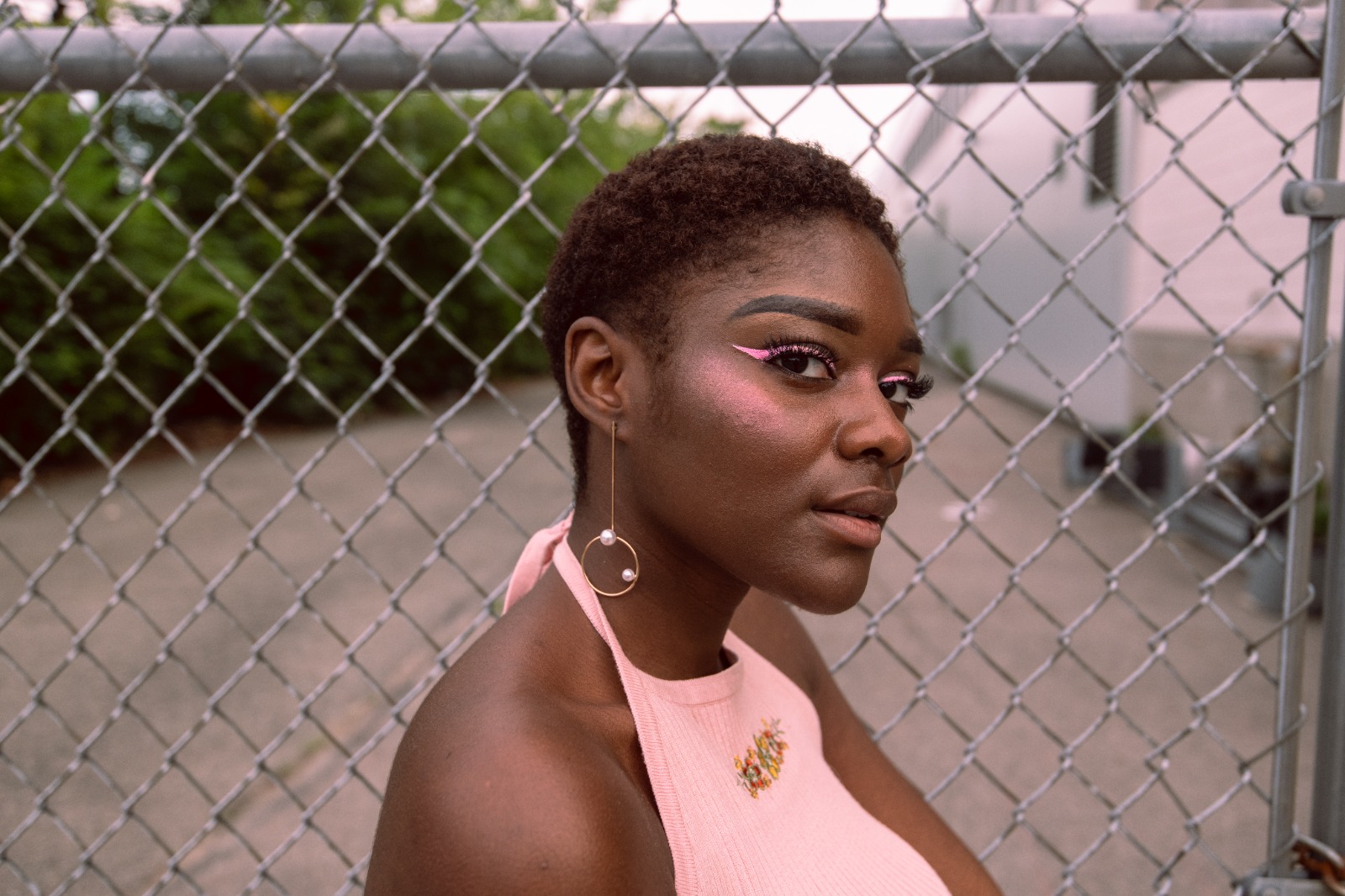
Let the instant preview analyze your lighting
Citrus provides a first correction immediately without asking for payment. This ensures that any underlying contrast issues are recognized before you start trying to adjust your skin texture.
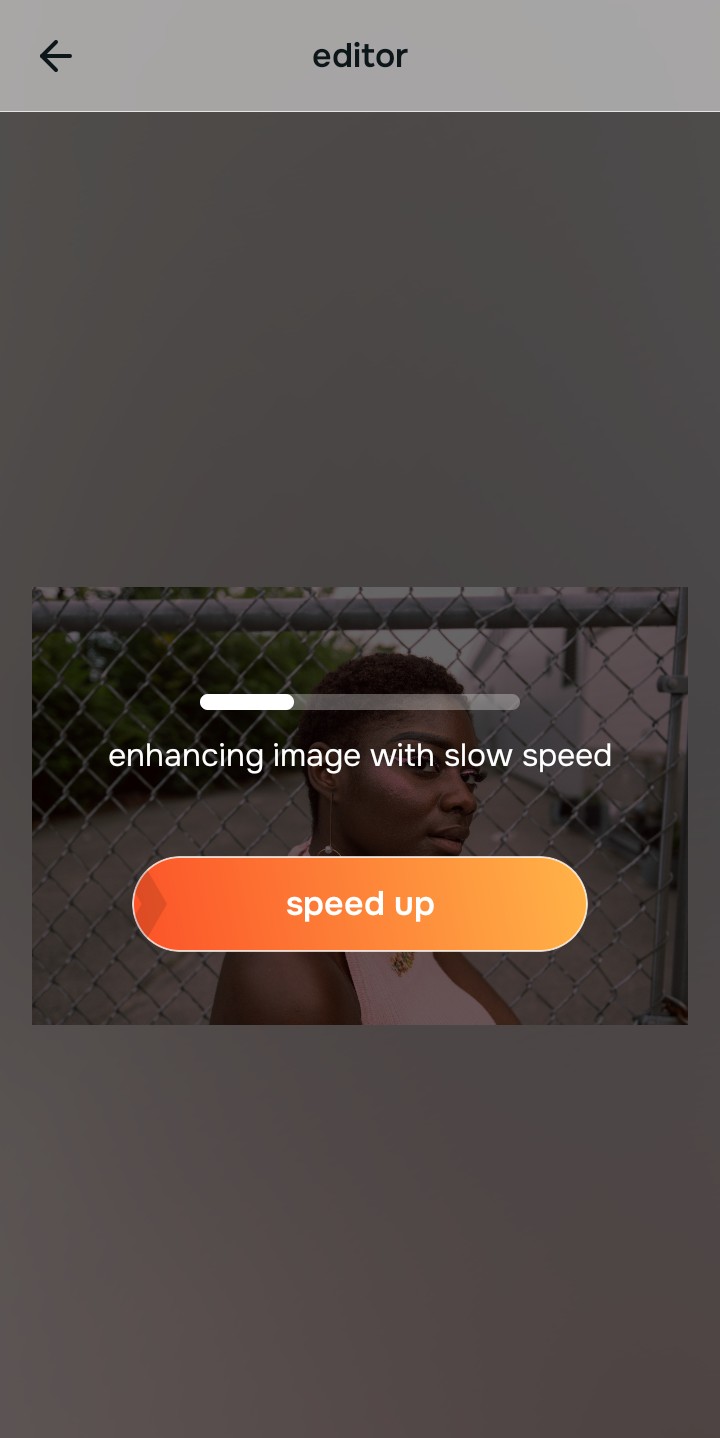
Use Enhance to fix Colors & Lighting first
Because dull skin is usually a lighting problem, tap Enhance -> Colors & Lighting. This strips away the muddy wash and restores shadows to the scene. It is the best way to unblur a face without overediting before you do any retouching.

Always fix the flat lighting before using a beauty tool. Tap the Enhance options to restore image depth first.
Apply Face tools for subtle hydration
Once the lighting is balanced, you can skip the tedious manual brushes. Tap Face -> Dimples to gently add definition and a healthy shine to your skin. This gives you glass skin without over smoothing and protects your natural texture.
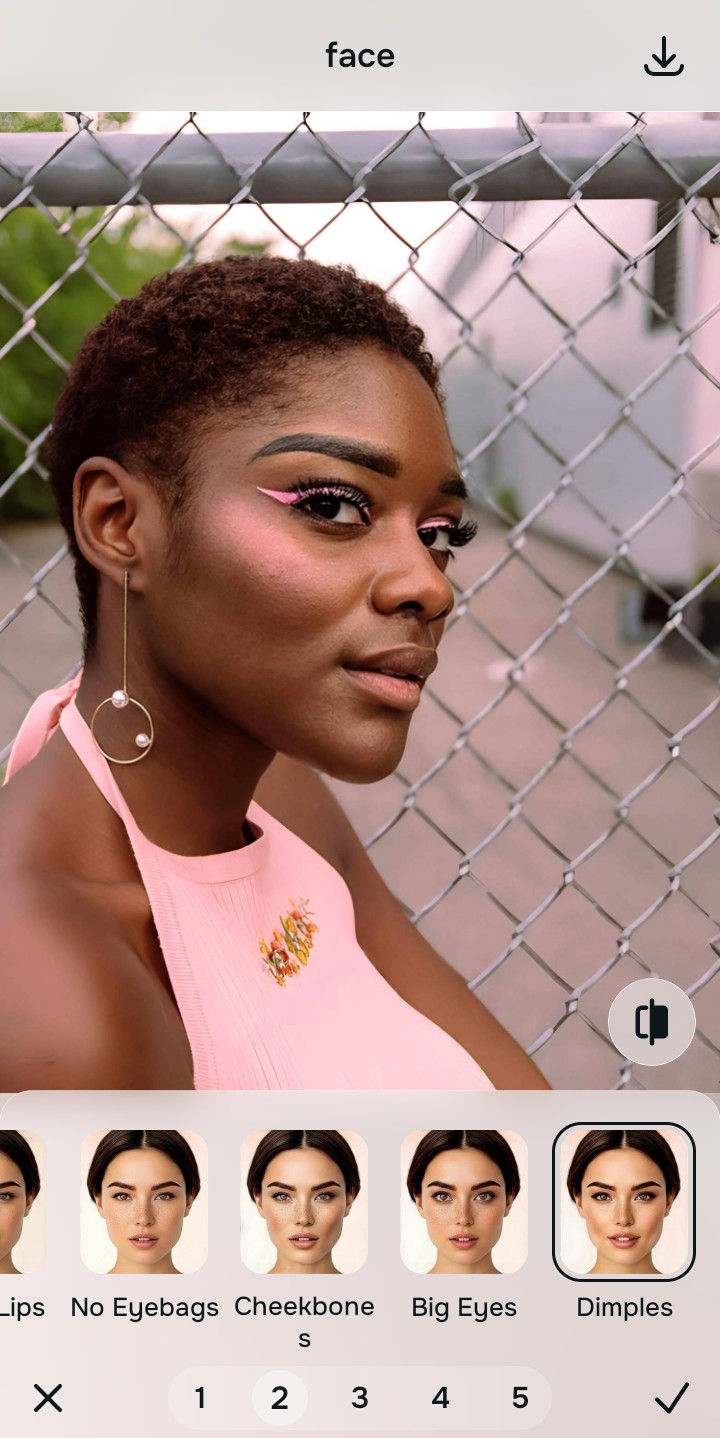
Save your photo instantly for free
Unlike premium apps that charge you to export a clear photo, you can save your results instantly. Stop adjusting before the picture looks filtered. It is the best way to improve without changing real face dynamics.
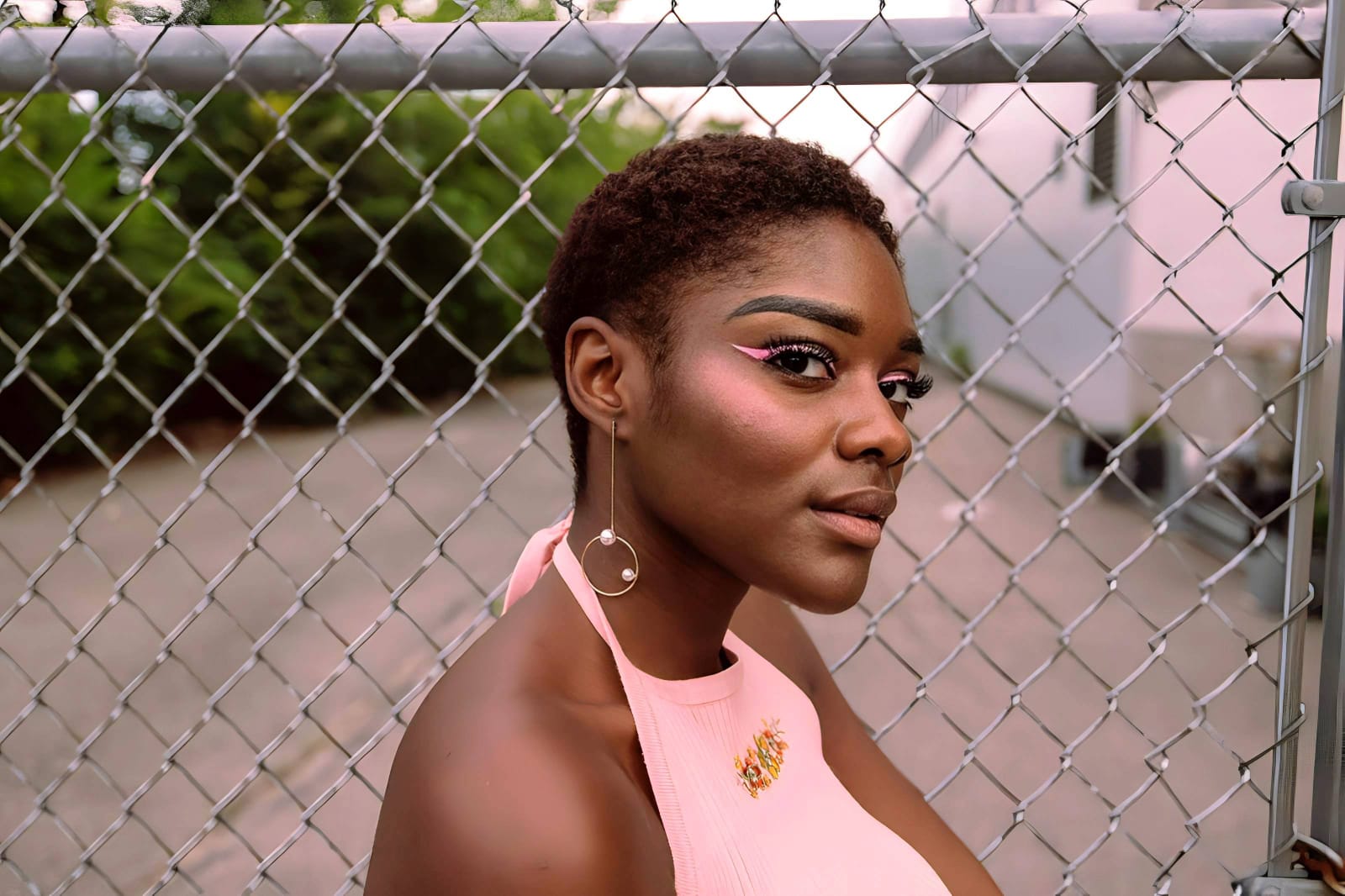
Why does your current app make you look fake?
Choose the description that fits best. Your starting point changes depending on what is actually flattening the picture.
Which free Citrus tool delivers the most natural finish
Different problems require entirely different tools. The goal is to get the best possible result by matching the tool to the actual error. This stops you from ruining the entire picture with an automated, paid filter.
| Tool | What it helps fix | When to use it |
|---|---|---|
| Enhance Start here | Overall darkness, weak light, muddy contrast, and lack of depth | Use this first when the whole image feels lifeless. Choose Colors & Lighting to restore depth and clear the sensor noise for free. |
| Looks | Photos that are technically balanced but still lack an attractive, cohesive impression | Use this after Enhance when the real issue is not severe darkness but a dull vibe. It creates a subtle, Natural polish instantly. |
| Face | Specific puffy areas, flat skin texture, or uneven shadows | Use this last, applying targeted tools like Glow to subtly hydrate the face after the broader image already feels properly lit. |
“Subtle editing doesn't paint over your face. It recovers the lost light data instead of forcing you to pay a monthly fee for destructive digital brushes.”
Why automated lighting beats a paid beauty subscription
There is a massive difference between adding dimension and manually wiping out reality. When you use an aggressive, paid brush tool, you turn the entire image into a flat plastic wash. The human brain instantly recognizes this loss of detail as an untrustworthy, cheap edit.
Real quality comes from correcting the underlying light data instantly. People are tired of aggressive paywalls and spending twenty minutes trying to make a photo look normal. Choosing a free, natural enhancer saves you money while actually making you look authentic.