


May 23, 2026
Best AI Photo Enhancer for YouTube Channel Avatars

Best AI Photo Enhancer for YouTube Channel Avatars
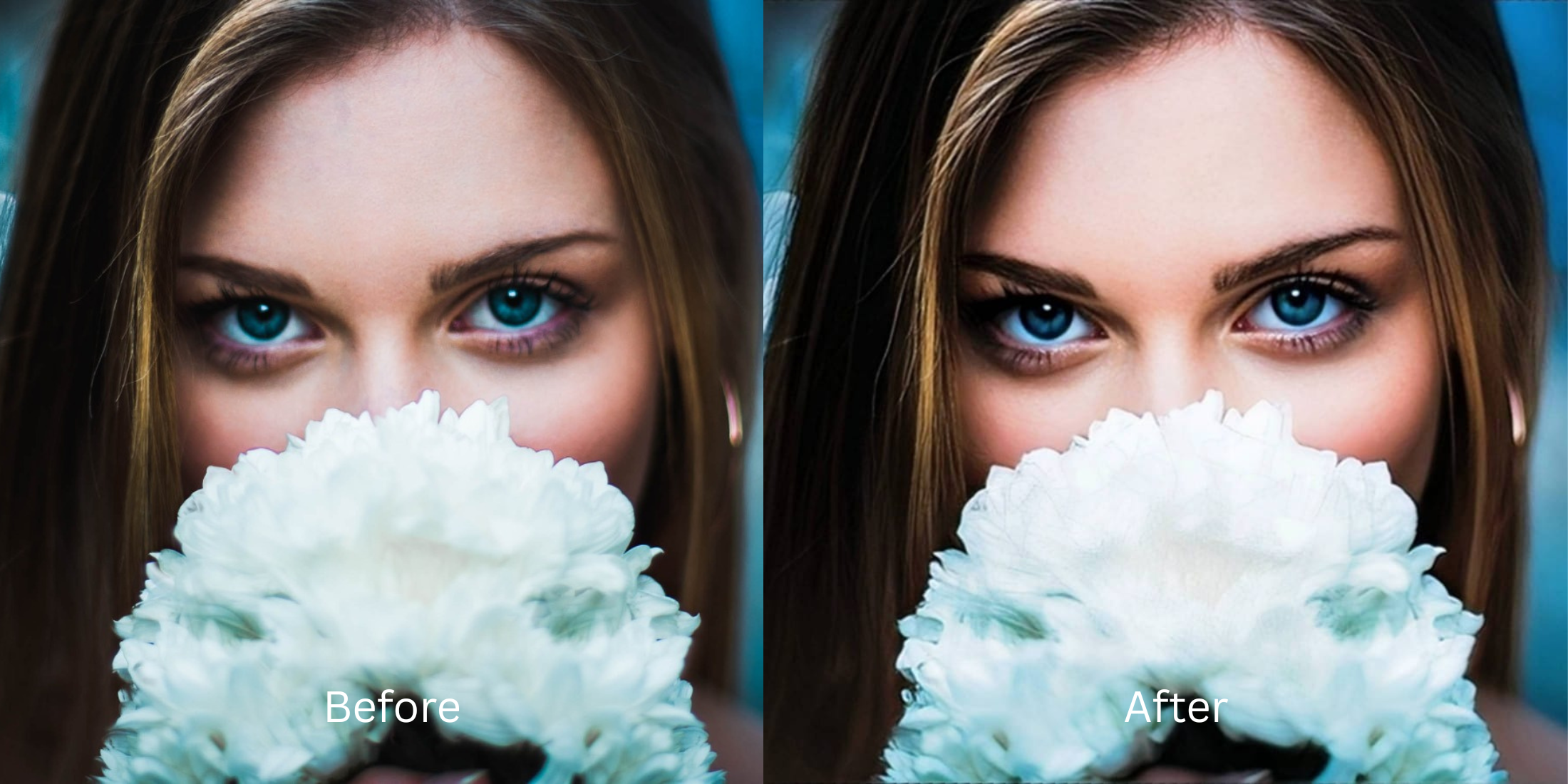
YouTube display pictures face a unique design constraint: your avatar is scaled down into a tiny 98x98 or 80x80 pixel circle across comment sections, sidebar recommendations, and video watch pages. When you upload a standard portrait, YouTube's aggressive compression scripts squash the file. Under flat ambient room light or muddy webcam sensors, your eyes vanish, your features blur, and your face blends into the background clutter. Standard software overlays a flat filter layer that wipes out real textures entirely. To build a recognizable brand, you must restore baseline lighting and sharp edge definitions natively.
To make your YouTube avatar sharp and readable at small scales for free, you must fix the compressed lighting values. Open your portrait in Citrus and skip global airbrush menus. First, tap Enhance -> Colors & Lighting to lift dark shadows and stabilize skin contrast fields. Immediately following, select Looks -> Sweet to add punchy definition so your thumbnail stands out in packed comment feeds before exporting completely free.
Why low-contrast portraits look unreadable on channel grids
The interface relies on immediate readability to drive channel clicks. When an algorithm blankets your photo in heavy digital smoothing, your micro-expressions disappear when shrunk into a circular badge. Finding a dedicated photo enhancer for profile pictures is crucial to combat this scaling compression. You want a tool that can rebuild edge contrast without turning your face into a plastic mask, allowing your brand presentation to stay clear, Sweet, and recognizable down to the pixel.
- Leaving flat contrast borders that make your avatar fade into the background
- Paying heavy monthly premium billing options just to save a sharp crop
- Large watermarks stamped across your face layer on basic free tiers
- Using generic beauty apps that smooth away your defining facial lines
- Getting professional-tier light recovery entirely free of paywalls
- Lifting deep facial shadows so your expressions remain distinct at small scales
- Saving your high-definition profile pictures instantly without watermarks
- Heightening structural definition naturally to beat platform scaling scripts
If your final icon looks vibrant but your actual features look completely fake, your audience engagement breaks. Utilizing an advanced ai face enhancer that still looks real preserves your human traits while maximizing your visual edge across community dashboards.
Balance thumbnail clarity instantly. A Sweet calibration drives channel authority.
How to optimize your YouTube avatar for free in 5 steps
Select a portrait that needs clear visibility
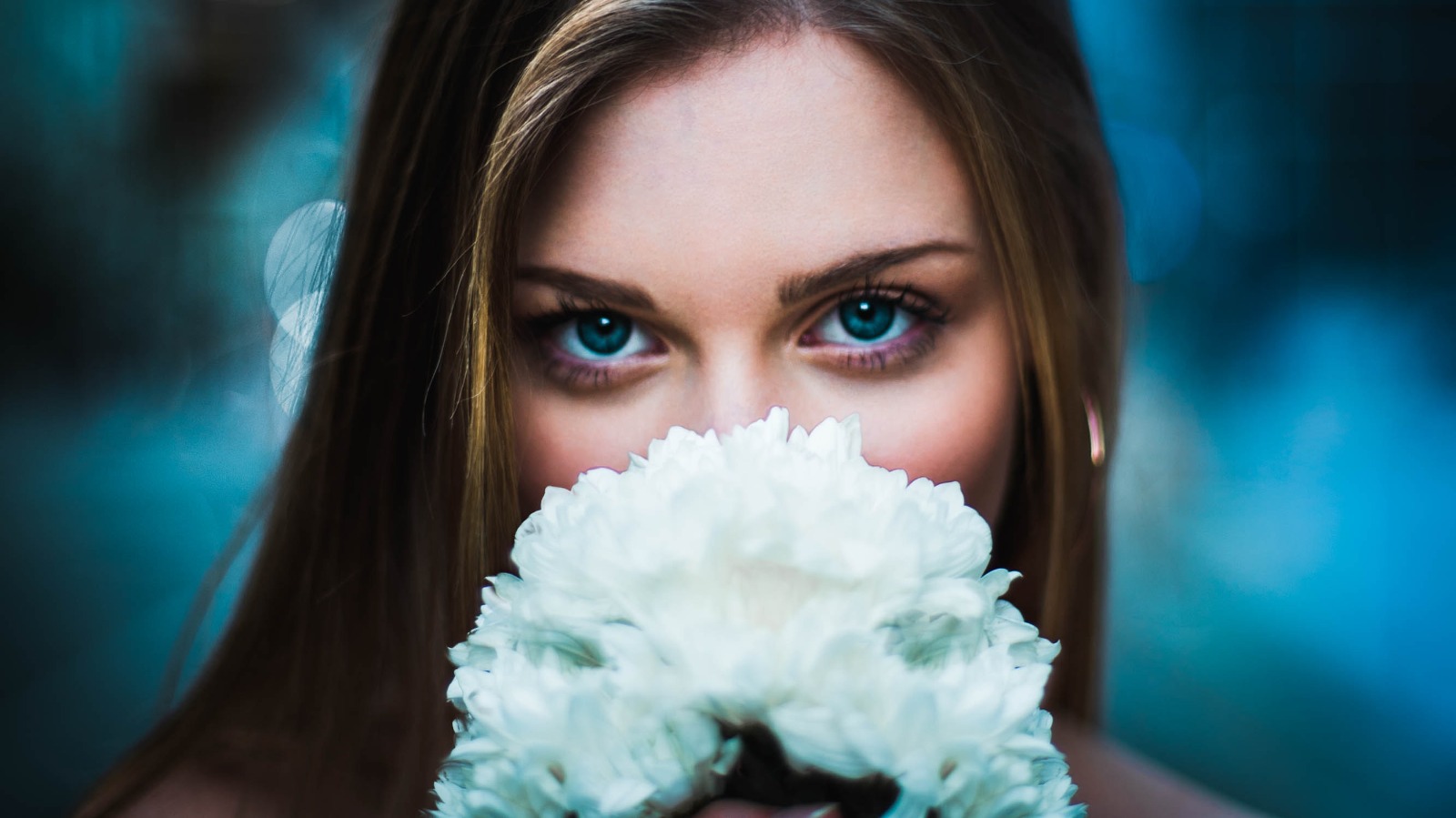
Choose an authentic portrait from your gallery where your expression is solid but the lighting looks flat. Learning how to make your selfies look better begins by restoring contrast details natively.
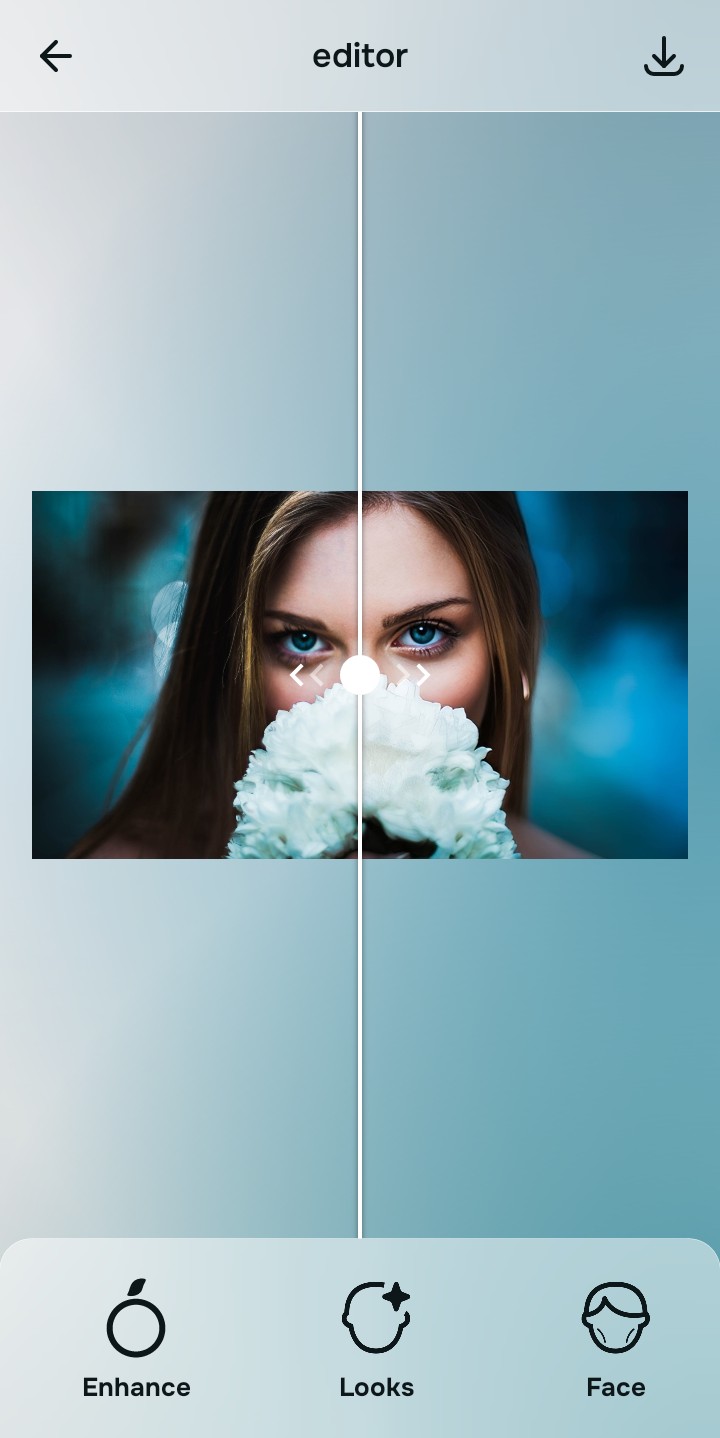
Let the instant preview balance your light maps
Citrus opens a high-definition rendering file immediately without demanding payment cards. This lets you observe how the engine calculates your facial borders before running corrections.
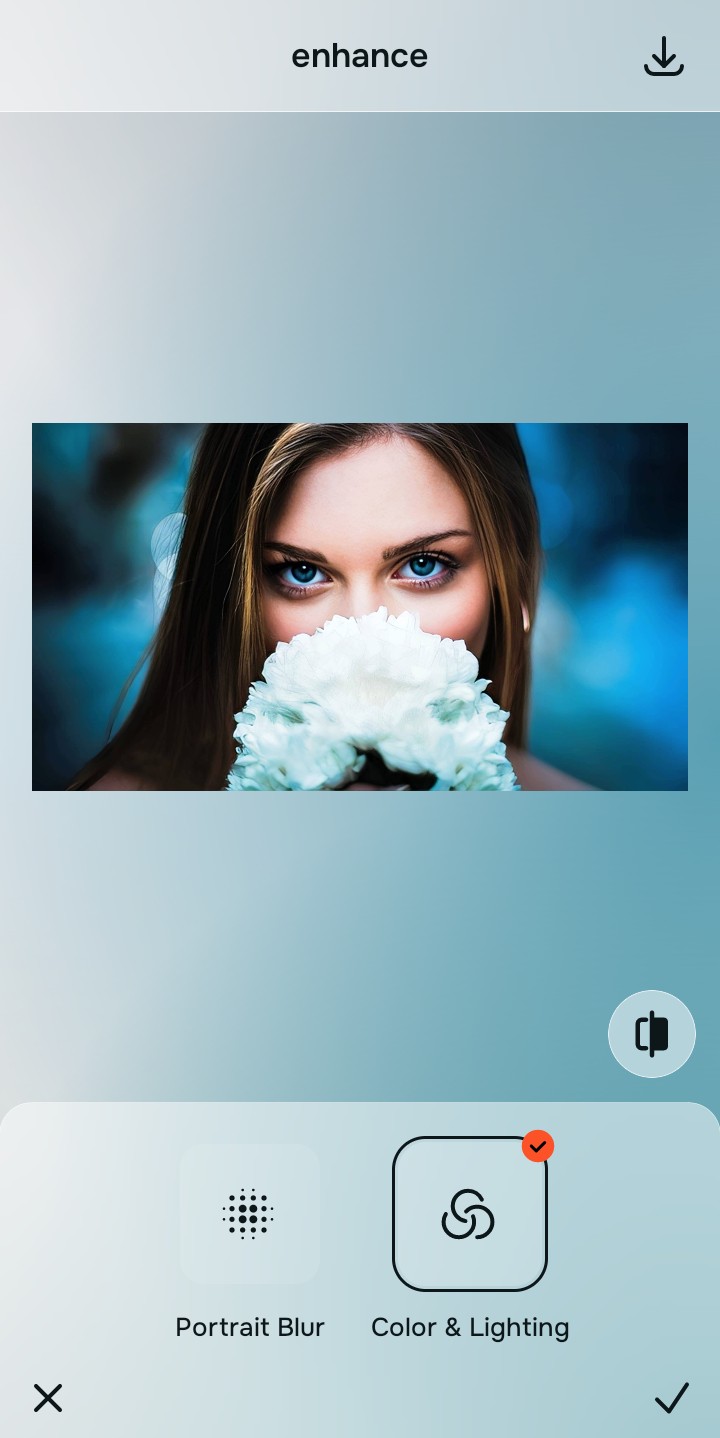
Use Enhance to select the Colors & Lighting path
Because small thumbnail fading stems from flat light mapping, tap Enhance -> Colors & Lighting. This removes muddy sensor artifacts to recover rich depth fields, ensuring you can make flat photos look more alive cleanly.

Always repair base exposure parameters before using face look paths. Stabilizing your highlights and midtone shadows prevents your features from washing out when scaled down into a layout circle.
Apply Looks options to refine your overall face impression
Once your portrait exposure baseline is balanced, optimize the face vibe. Tap Looks -> Sweet to heighten your feature edge definitions naturally. Finding proper one-tap selfie enhancers for natural results means you avoid muddy rendering masks.
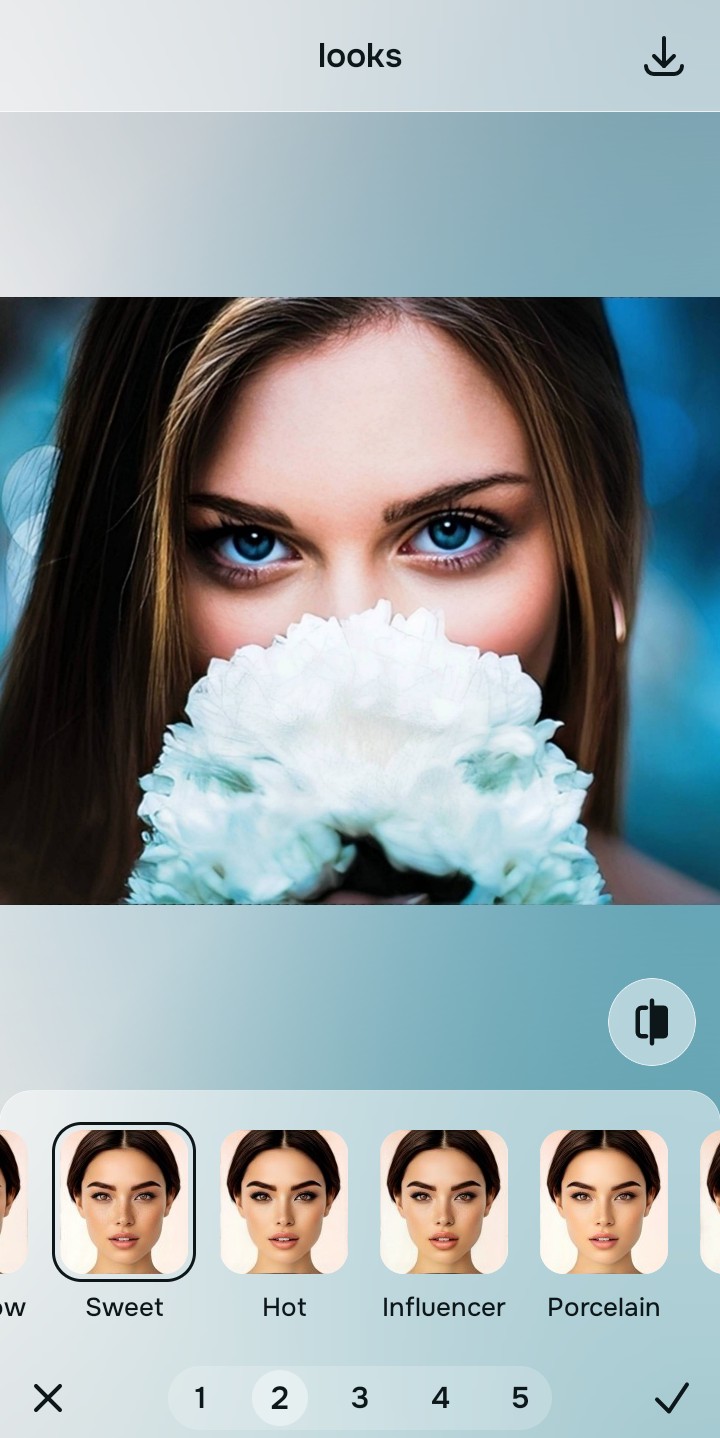
Save your unwatermarked avatar instantly
Unlike standard programs that gate high-definition saves behind credit cards, your download is open. Relying on an advanced tool to free ai tool to fix bad selfies means you save clear, premium image layers right away.
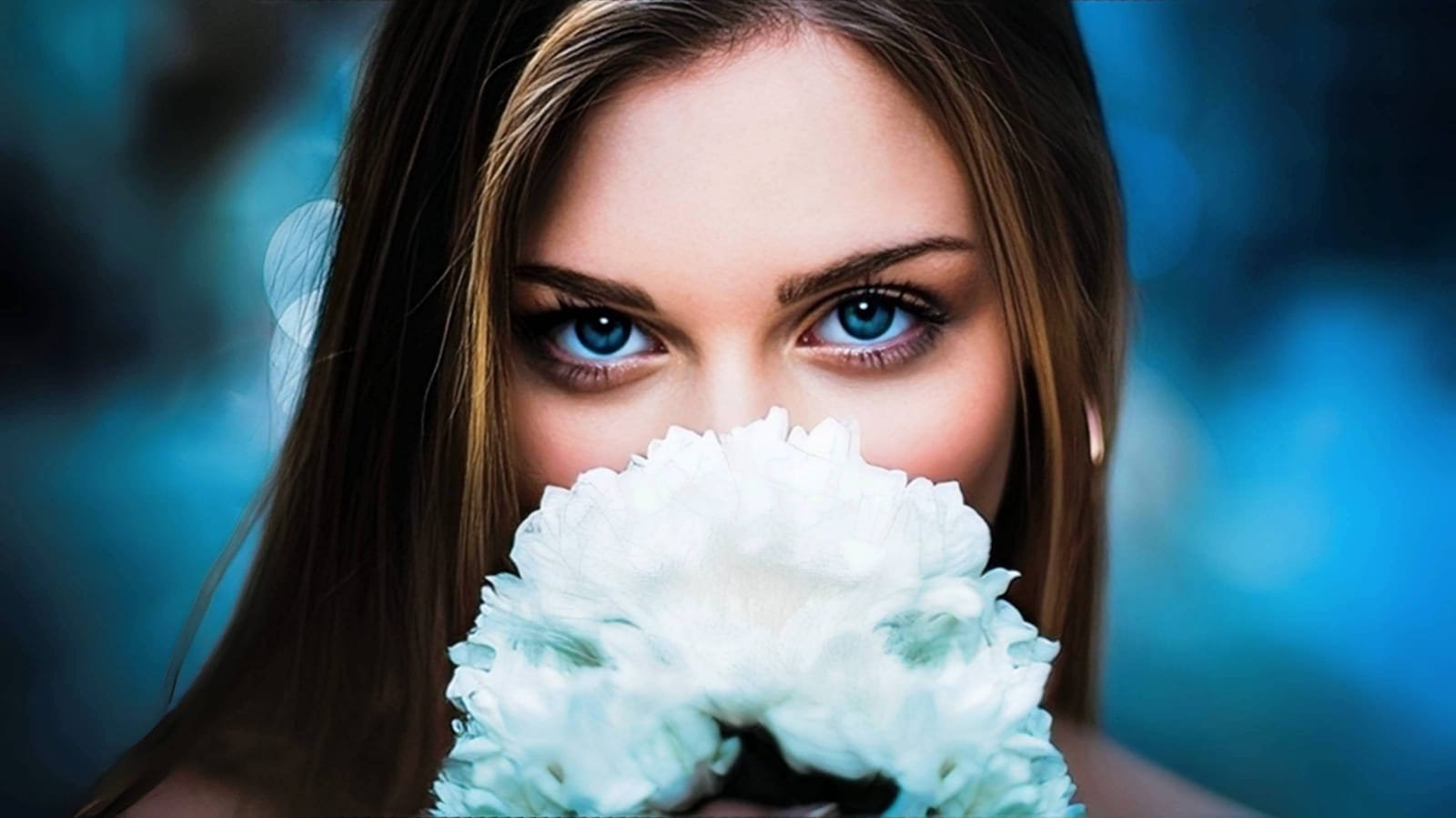
What is damaging your channel thumbnail clarity?
Identify your image's primary visual limitation. Your ideal workspace choice changes depending on the issue.
Which free Citrus tool upgrades your channel asset best
Varying display weaknesses necessitate individual menu paths. Aligning the correct workspace to your specific image problem keeps your profile looking Sweet and professional.
| Tool Pathway | Core Flaw Corrected | YouTube Feed Application |
|---|---|---|
| Enhance Start here | Crushed shadow details, bad camera exposure, and muddy compression spaces | Use this first to stabilize baseline contrast. Choose Colors & Lighting to restore clarity fields for free. |
| Looks | Soft feature lines, flat skin tone reflections, and low overall vibrancy | Use this to update your face impression field smoothly. Select Sweet to ensure your thumbnail pops inside chat boxes. |
| Face | Targeted anatomical limitations like heavy eye shadows or monitor color casts | Use this last for precise adjustments. Select tools like No Eyebags to clear dark circles without wiping out skin pores. |
“An excellent channel avatar shouldn't hide your traits behind synthetic layers. It should simply restore the Sweet edge boundaries that digital compression squashes.”
Why light restoration beats synthetic graphic replacements
There is a massive structural difference between calibrating your real face data and generating completely fake avatars. Cartoon filters or generative face replacements turn your channel presentation into an artificial, untrustworthy template that distances you from your subscriber base.
True community authority relies on staying recognizable. Relying on an advanced ai photo enhancer for blurry pictures and shadow tracking delivers premium, high-contrast assets with no cost hoops. This ensures your profile picture remains natural, sharp, and approachably human.