


May 24, 2026
Best AI Photo Enhancer for Podcast Cover Portraits
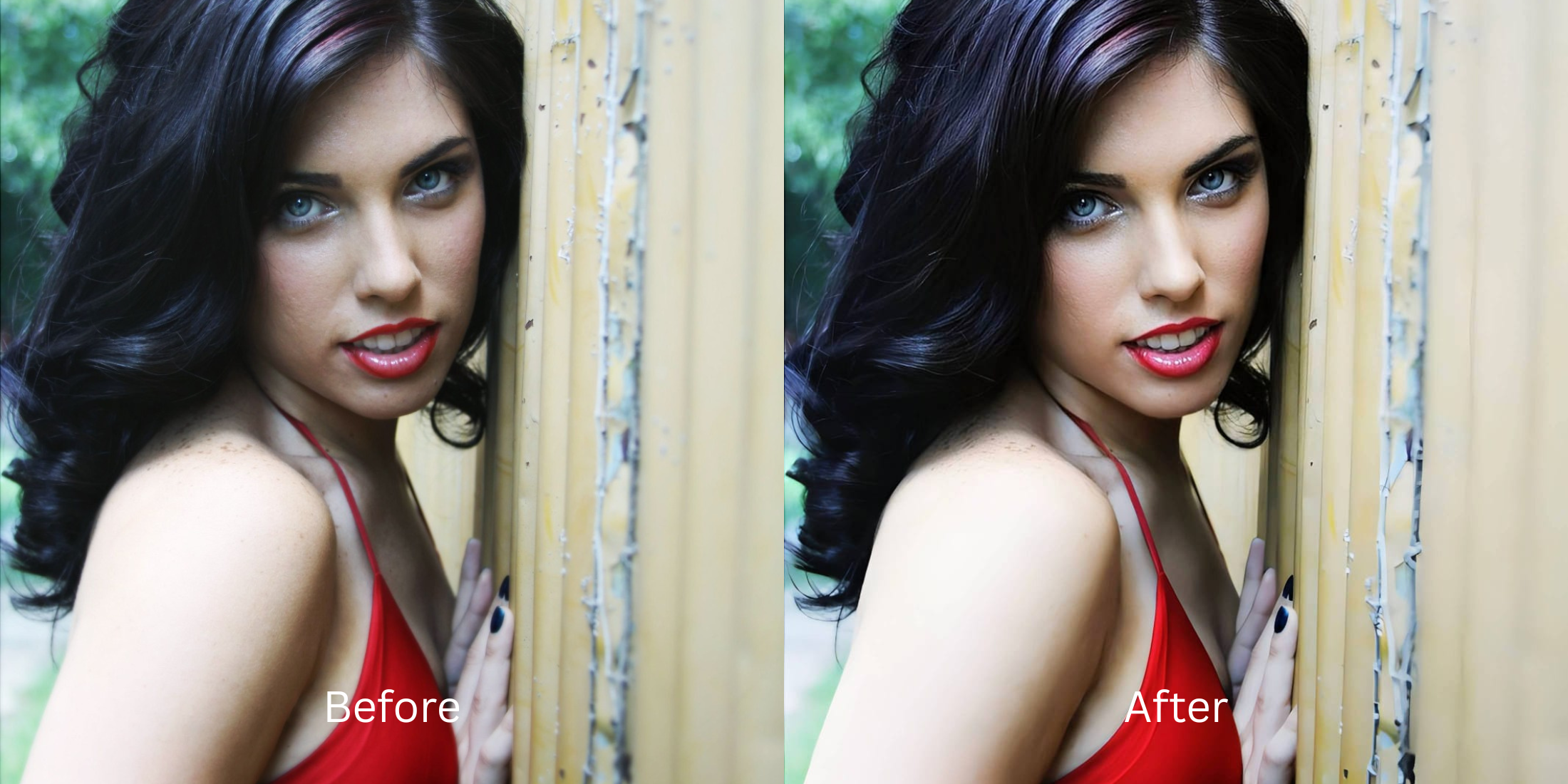

Best AI Photo Enhancer for Podcast Cover Portraits
Podcast covers operate under massive thumbnail constraints across networks like Spotify and Apple Podcasts, demanding immediate visual authority in a small space. When you shoot an image at your desk or home studio, smartphone wide-angle lenses tend to distort face structures up close. More critically, heavy mic boom arms cast harsh physical shadows directly across your jawline, while flat room lighting strips away depth data. Standard touch-up filters resolve this by stamping an artificial blur over your skin, washing out features and breaking your professional branding. To drive click-through rates, you must restore baseline lighting and split-toned shadow fields natively.
The premium way to fix your podcast cover portrait for free is by rebalancing ambient shadows and isolating your frame. Avoid manual smoothing tools inside generic editors. In Citrus, open your image and tap Enhance -> Colors & Lighting to instantly pull micro-details out of heavy microphone shadow lines. Once exposure values share a professional baseline, choose Looks -> Model to add an authoritative, high-contrast face impression before exporting completely free.
Why global airbrush masks compromise audio brand authority
An audience judges a show's production value by its cover art layout. If your portrait looks noticeably airbrushed, blurred, or unnaturally smoothed out by a low-end editor, your authority metrics fall instantly. Discovering high-end facetune alternatives that look natural means cleaning up environmental drops without wiping out real human texture. You want an optimization framework that removes mic boom lines and brightens your gaze while keeping your native pores and skin architecture perfectly sharp.
- Using global blur filters that melt your hair definition and skin lines into a flat layer
- Paying heavy monthly billing tier premiums just to export a high-contrast file
- Massive watermarks stamped over your face layer unless you buy a premium plan
- Leaving deep, uncalibrated mic arm shadows slashing over your expressions
- Accessing advanced shadow calibration engines entirely free of paywalls
- Lifting flat ambient light blocks while keeping your native pore structures crisp
- Saving your high-definition cover designs instantly with zero watermark blocks
- Creating an immediate impression of professional authority and depth naturally
When an asset features unnatural edits, listeners skip the track entirely. Learning how to look better without learning photoshop allows you to fix studio lighting limitations seamlessly while keeping your brand trustworthy.
Fix studio shadow lines instantly. A natural calibration drives subscriber conversions.
How to optimize your podcast cover portrait for free in 5 steps
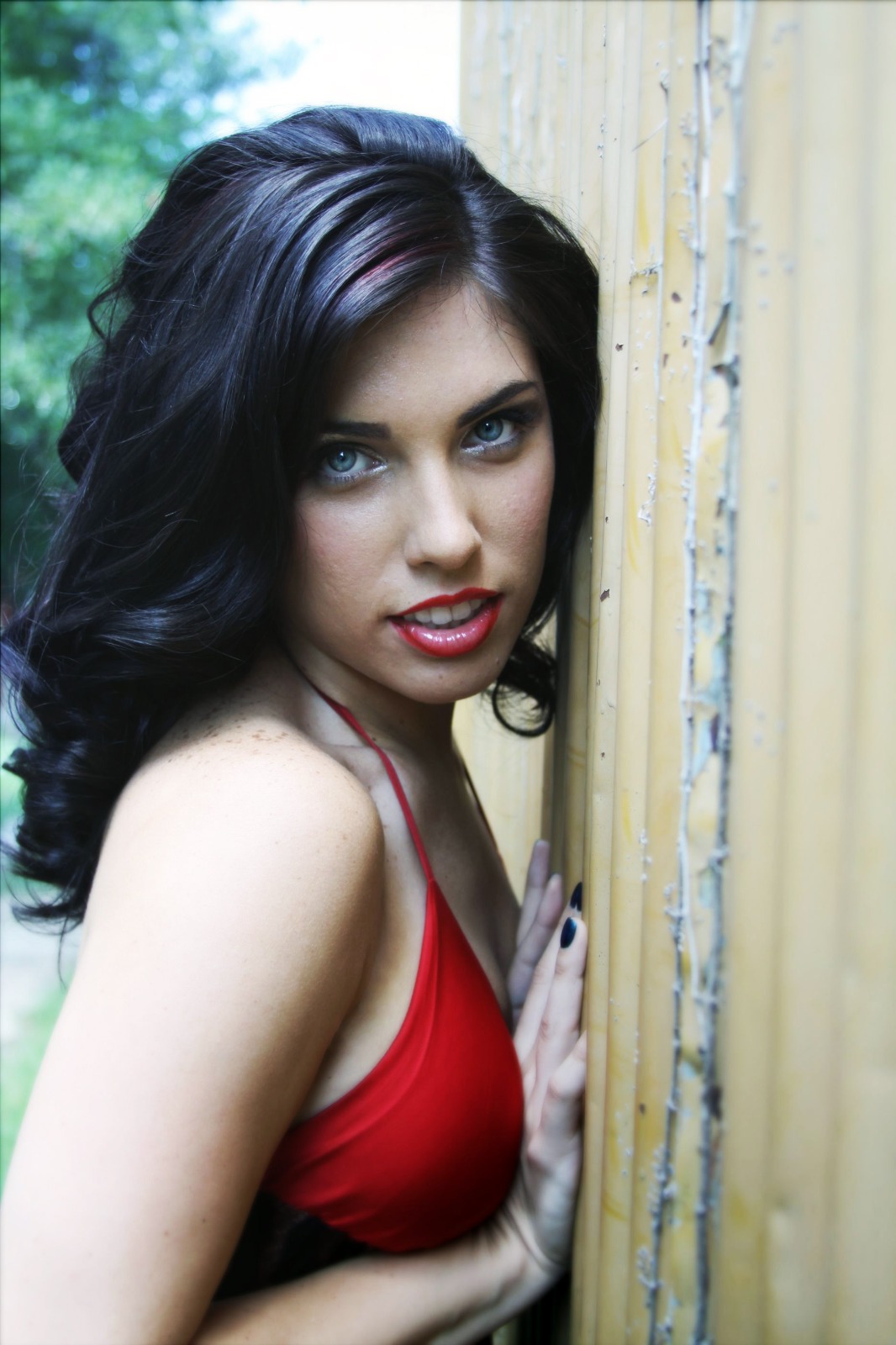
Select your cover portrait from your gallery
Choose your primary photo from your storage roll where your presentation angle is confident but your features look flat. Learning how to cleanly make casual portraits look professional begins by isolating baseline exposure values first.
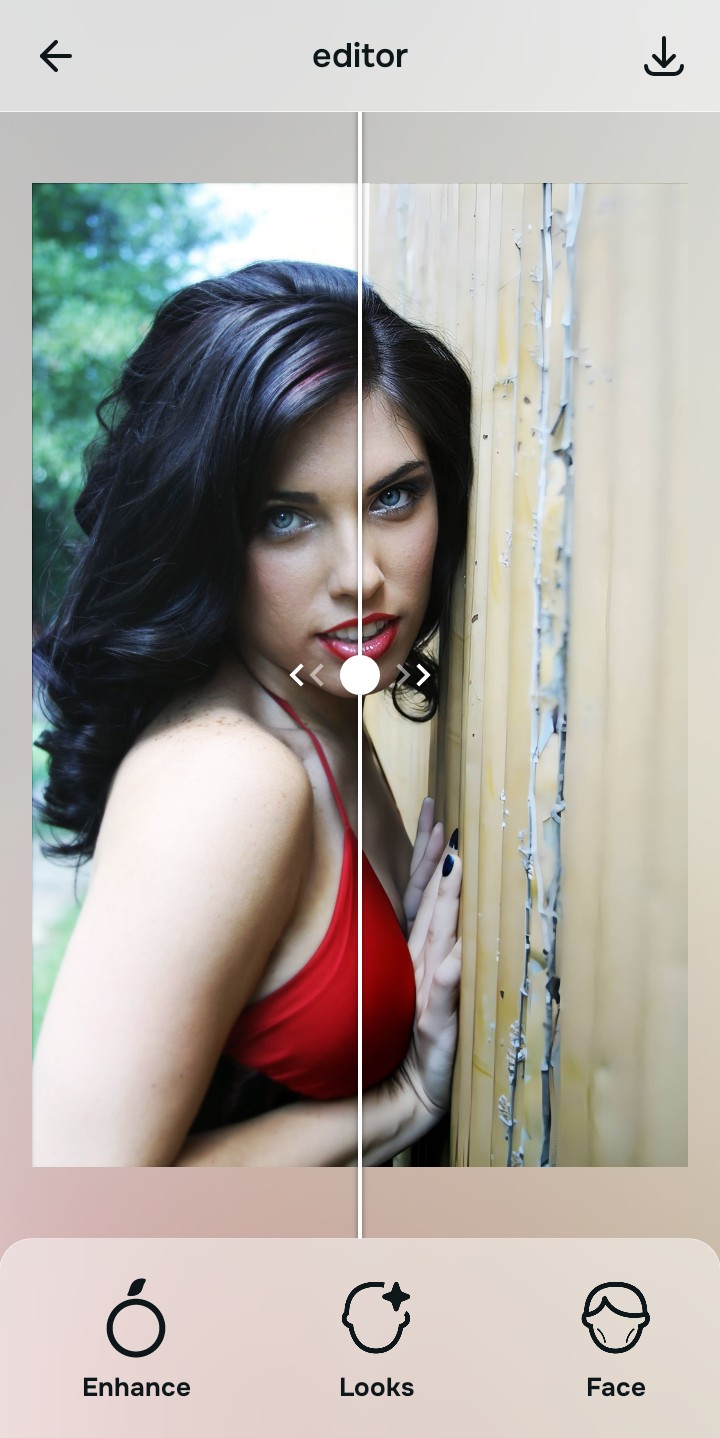
Let the instant preview balance your light parameters
Citrus opens a direct files processing preview immediately with no credit card entries. This lets you observe how the software reads your existing image highlights before choosing correction options.
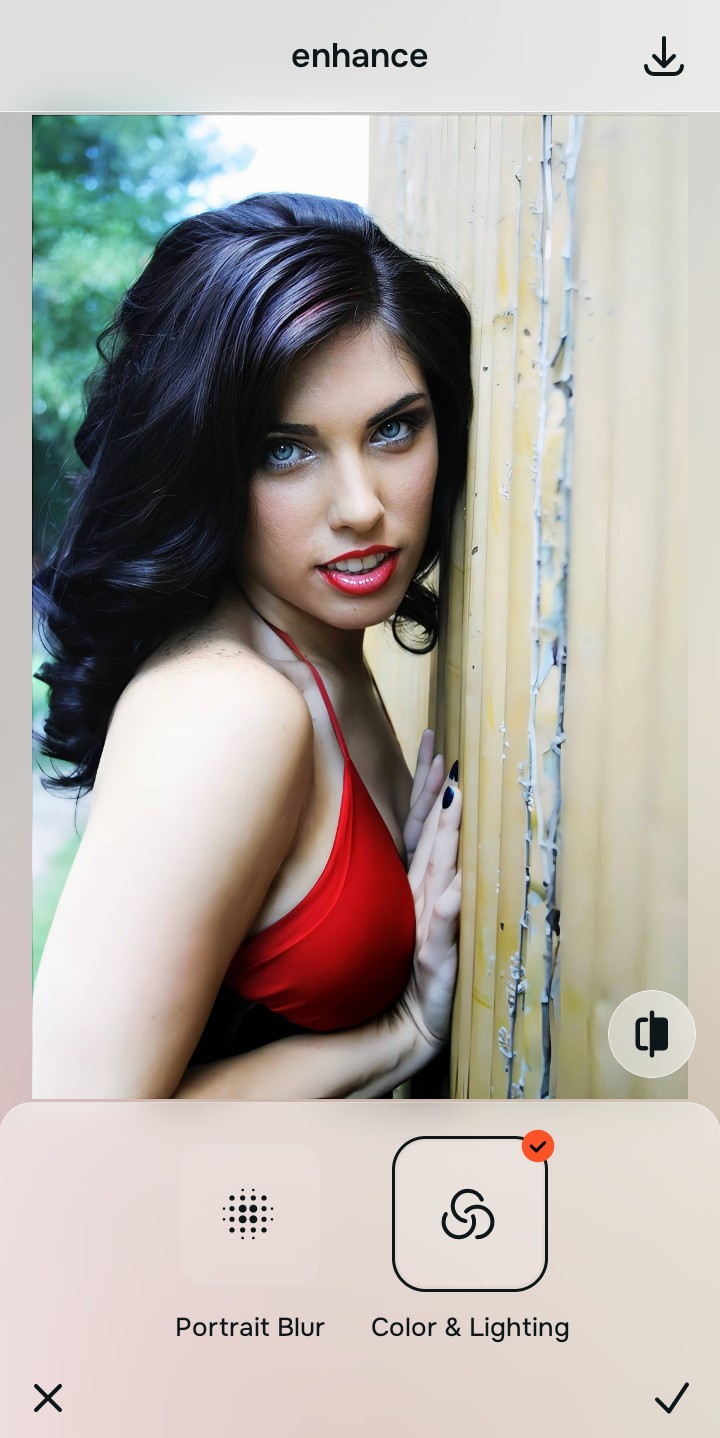
Use Enhance to select the Colors & Lighting path
Because flat covers originate from muddy sensor fields, tap Enhance -> Colors & Lighting. This strips away uneven room glares to recover structural dimensions natively, showing you how to make flat photos look alive without artificial paint layers.

Always correct base light fields before applying look menus. Stabilizing your shadow drops and clipped highlights guarantees all future face polishes remain completely authentic.
Apply Looks options to refine your overall face impression
Once your exposure values are normalized, introduce a unified polish. Tap Looks -> Model to add studio-grade feature contrast safely. Using an advanced enhancer for natural looking results ensures you look sharp and professional.
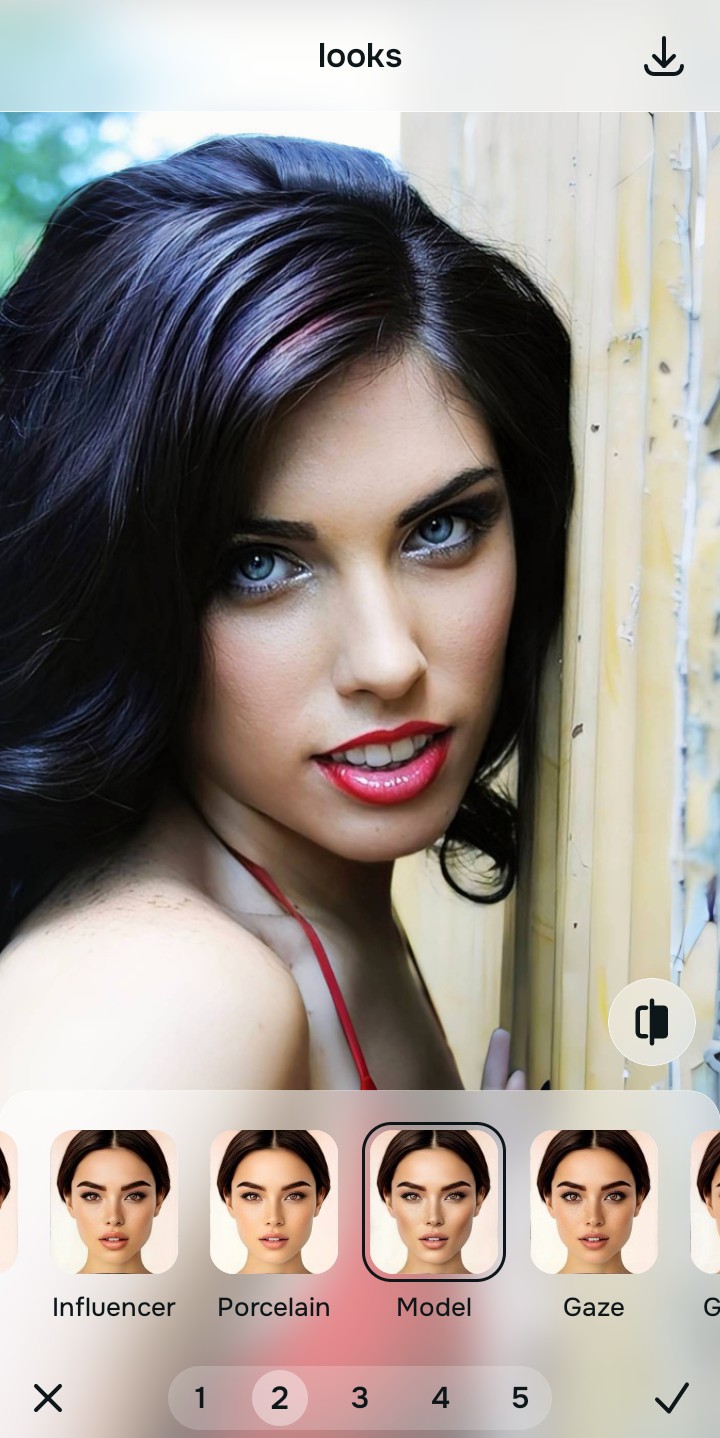
Save your unwatermarked portrait instantly
Unlike standard programs that trap your files behind monthly fee structures, your high-resolution export is direct. Relying on an automated way to free ai tool to fix bad selfies allows you to save clean designs instantly.
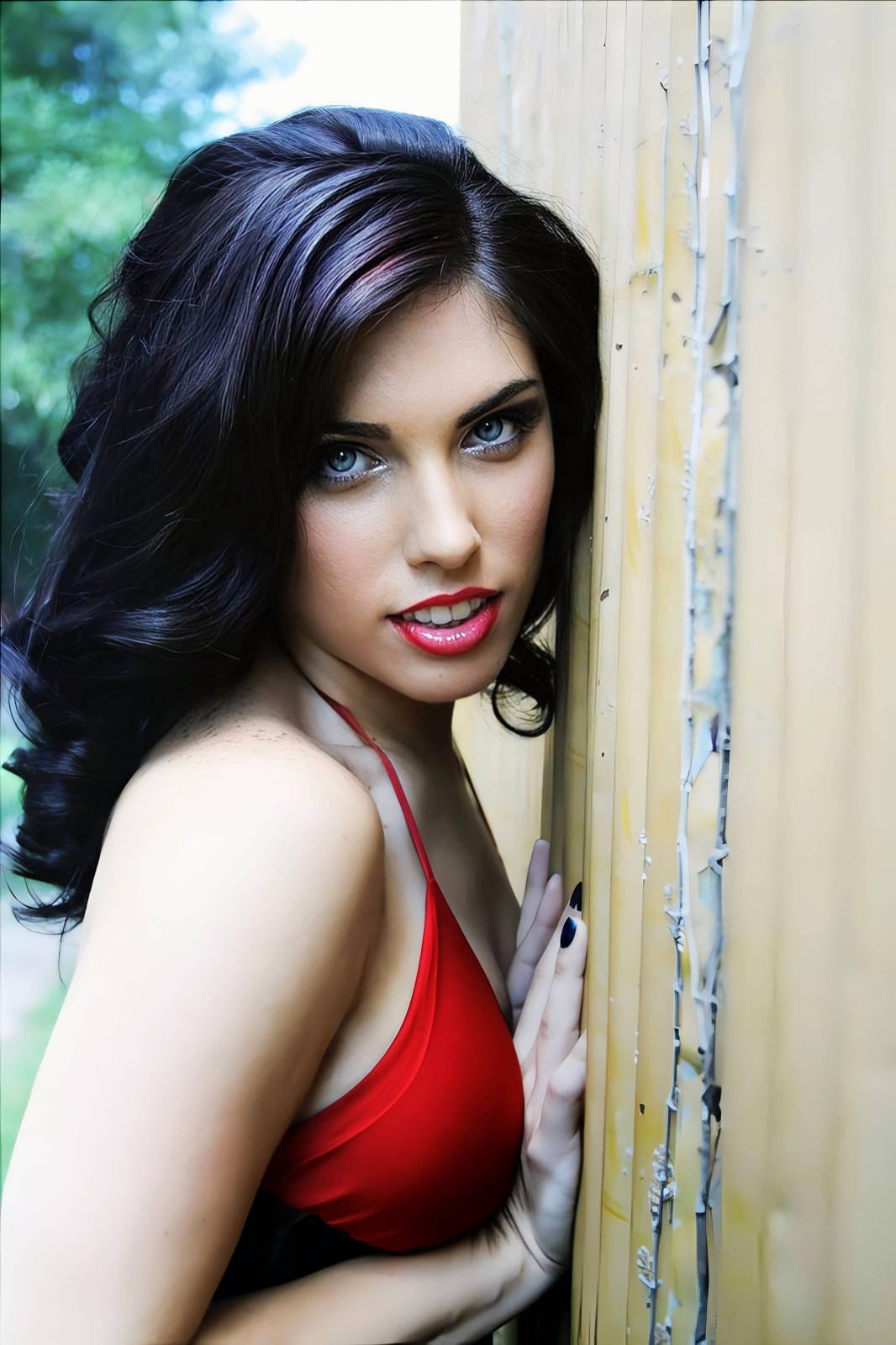
What is lowering your podcast cover quality?
Select the option that matches your portrait's current limitation. Your correct calibration approach depends on the issue.
Which free Citrus tool upgrades your artwork best
Separate image limitations necessitate distinct menu paths. Aligning the accurate workspace choice to your explicit artwork problem preserves high trust metrics across feed grids.
| Tool Pathway | Core Parameter Improved | Cover Art Strategy |
|---|---|---|
| Enhance Start here | Crushed shadow details, bad studio light balance, and muddy color casts | Use this first to eliminate microphone shadow lines. Select Colors & Lighting to restore contrast for free. |
| Looks | Dull expressions, low facial color warmth, and non-authoritative skin tones | Use this to update the entire face tone field at once. Select Model to heighten features natively for thumbnail scaling. |
| Face | Targeted detail corrections like deep eye shadows or lens focal length distortion | Use this last for precise feature tweaks. Select tools like No Eyebags to eliminate dark circles safely. |
“A great podcast thumbnail shouldn't hide your face behind synthetic smoothing layers. It must simply lift dark shadow fields so your expressions read clearly at small sizes.”
Why lighting restoration beats generative face replacements
There is a massive distinction between balancing existing pixel data and generating entirely synthetic graphics. Cartoon or generic vector transformations turn your show presentation into a artificial template that lowers personal connections with your audience base.
True audio branding relies on staying recognizable. Relying on an advanced tool to make blurry photos clear again and restore shadow tracking delivers premium, high-contrast results with no cost loops. This ensures your artwork stays sharp, natural, and completely approachable.