


May 27, 2026
Best Aesthetic Edits for Millennial Profile Pictures
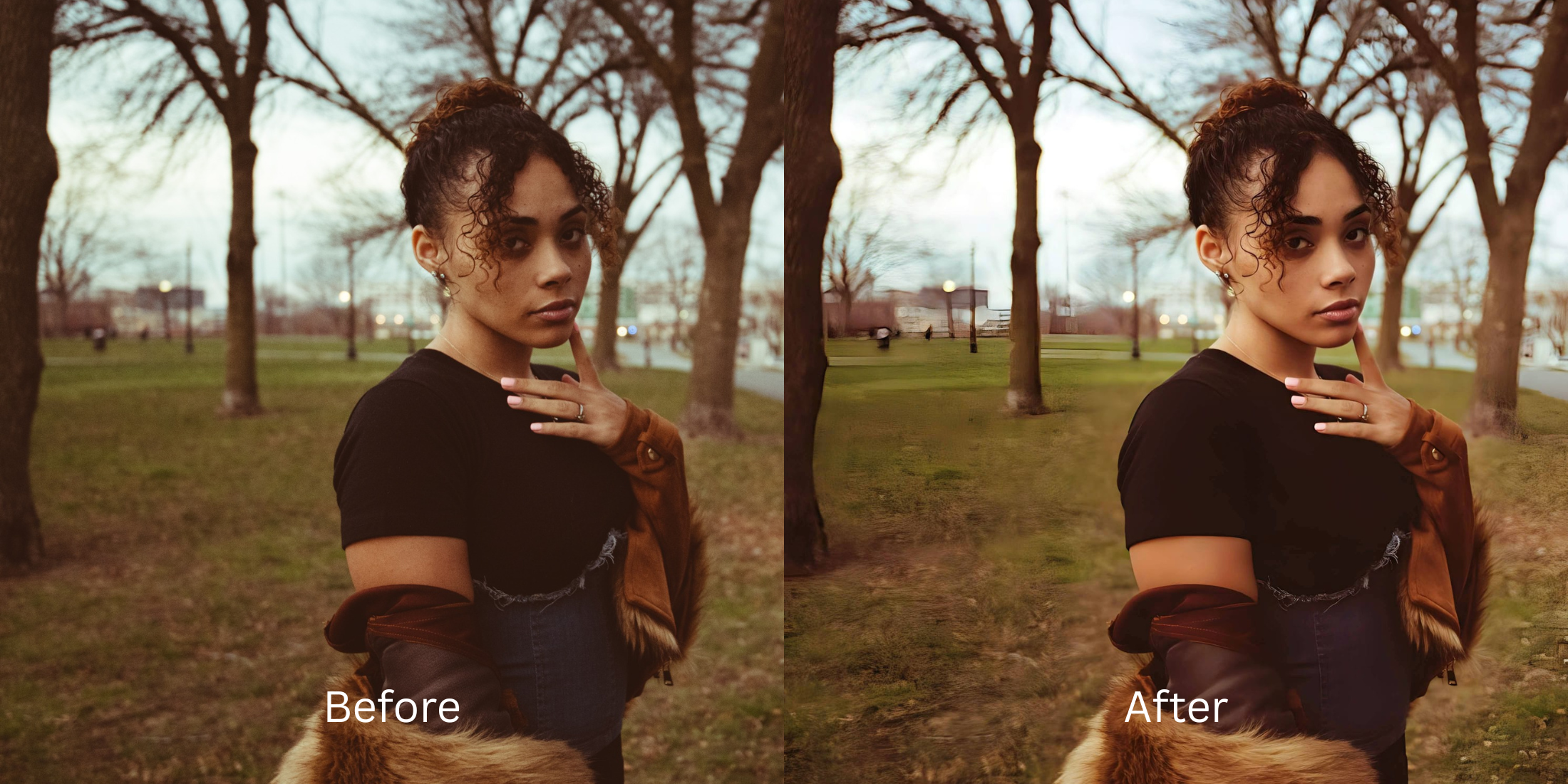

Best Aesthetic Edits for Millennial Profile Pictures
The Millennial photo aesthetic has completely evolved. The era of heavy, matte airbrushing and intense 2016 smoothing masks is over. Today, a premium profile picture needs to look clean, rested, and professional. However, trying to achieve this with a modern smartphone camera often backfires. Phone lenses exaggerate exhaustion, casting deep shadows under the eyes, while flat ambient lighting makes your skin look tired and dull. If you try to fix this by returning to outdated blurring apps, your face ends up looking like a plastic, dated relic. To achieve a bright, grown-up, and polished aesthetic, you need tools that recover natural light without erasing your genuine human character.
To get a clean, rested, and polished profile picture for free, you must fix the lighting baseline before adding an aesthetic vibe. Open your portrait in Citrus and avoid manual blurring sliders. First, tap Enhance -> Colors & Lighting to lift muddy ambient shadows and eliminate dullness. Once the light is balanced, select Looks -> Youthful to add a cohesive, vibrant energy that makes you look completely rested before saving without paywalls.
Why outdated smoothing filters ruin a professional vibe
Your online presence relies on an immediate impression of trust and capability. When you use global blur brushes to hide fine lines or exhaustion, the software wipes out your skin pores and jawline definition, making you look artificially generated. Finding a free facetune alternative for retouching means moving away from heavy masks. You need an engine that isolates bad lighting and corrects the exposure cleanly, ensuring you maintain an elegant, professional standard.
- Using heavy matte brushes that erase all natural skin texture and character
- Paying expensive weekly subscriptions just to save a high-resolution portrait
- Leaving flat, muddy phone exposures uncorrected beneath the blur
- Warping your facial bone structures using manual, outdated liquify tools
- Accessing high-end exposure calibration engines entirely free of paywalls
- Lifting flat ambient shadows to look rested while keeping native pores crisp
- Saving your high-definition profile assets instantly with zero watermarks
- Refining your overall face impression natively to look bright and energetic
When an image looks obviously edited, it immediately undercuts your authority. Exploring ways to improve photo without changing face geometry allows you to polish your look seamlessly while maintaining high trust metrics across professional and social feeds.
Balance tired lighting instantly. A natural contrast baseline builds trust.
How to optimize your profile picture for free in 5 steps
Select a portrait that looks tired or flat
Choose a picture from your gallery where your expression is solid but the lighting makes you look exhausted. Figuring out how to unblur a face without overediting starts by addressing the raw exposure data first.
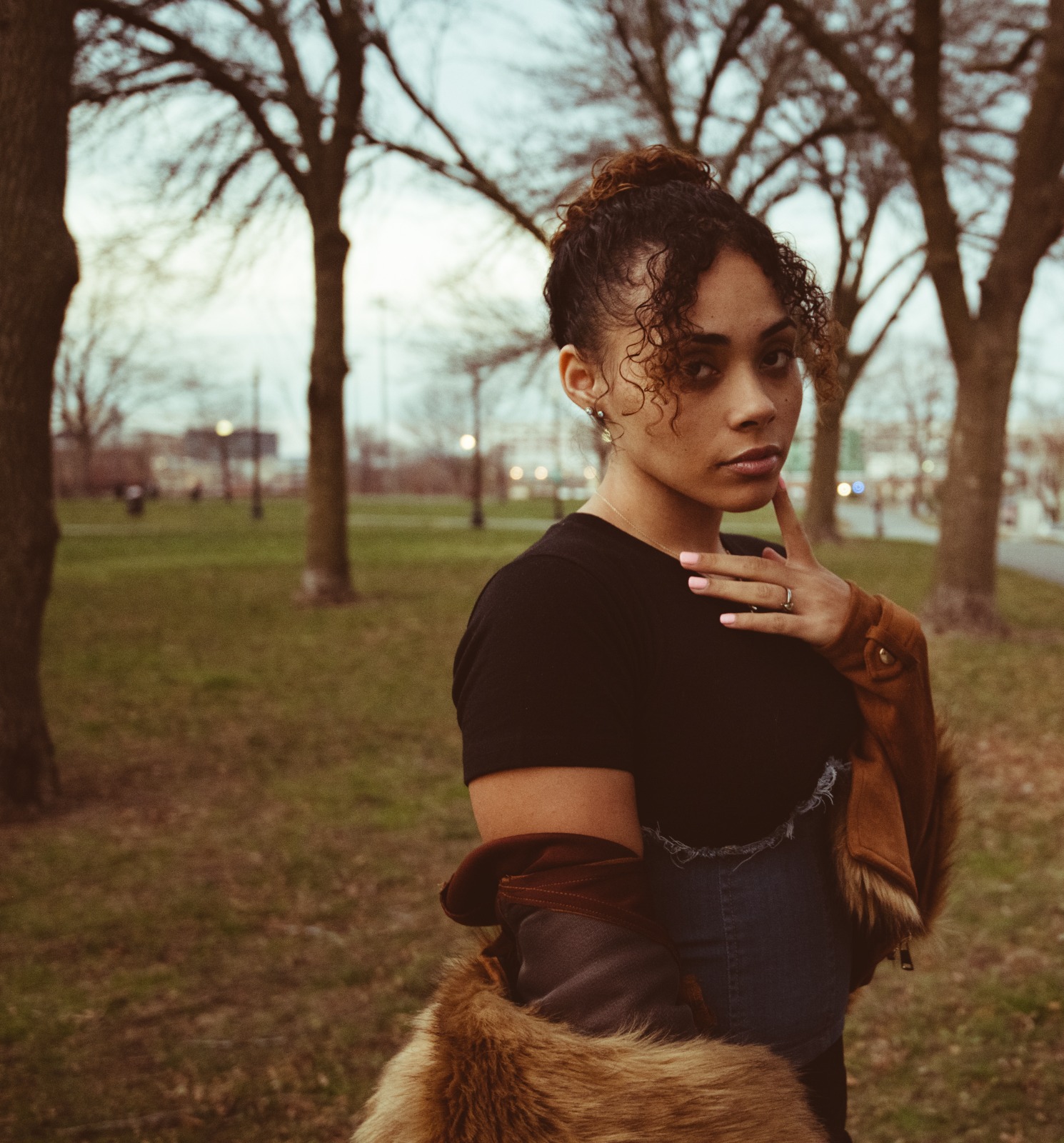
Let the instant preview balance your light zones
Citrus opens a high-definition processing preview right away without prompting for initial credit card steps. This allows you to check how the software handles your skin contrast fields natively.
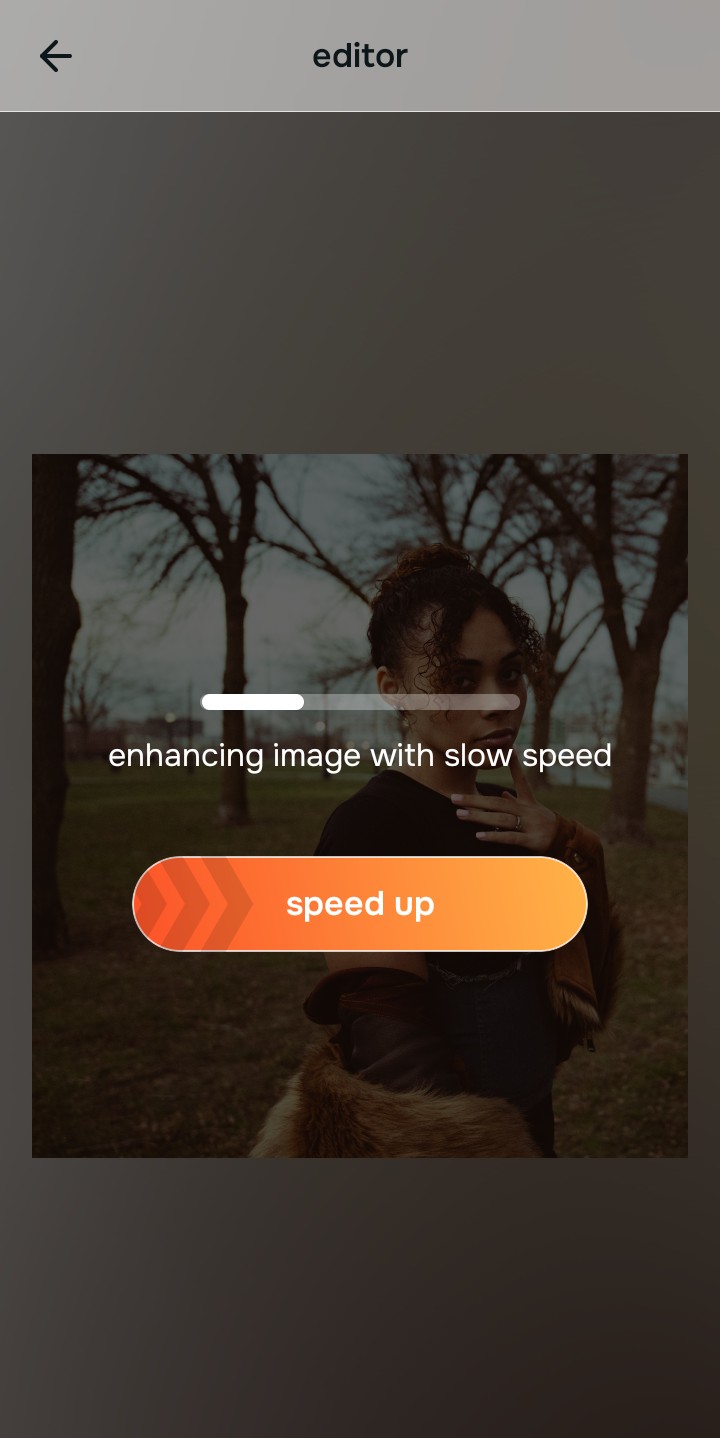
Use Enhance to select the Colors & Lighting path
Because dull, tired images stem from camera metering conflicts, tap Enhance -> Colors & Lighting. This strips away muddy sensor noise to recover rich facial depth fields. It is the smartest way to achieve glass skin without over smoothing your natural pores.

Always balance baseline exposure parameters before using face looks. Repairing shadow drops and clipped highlights ensures all subsequent vibe adjustments blend organically.
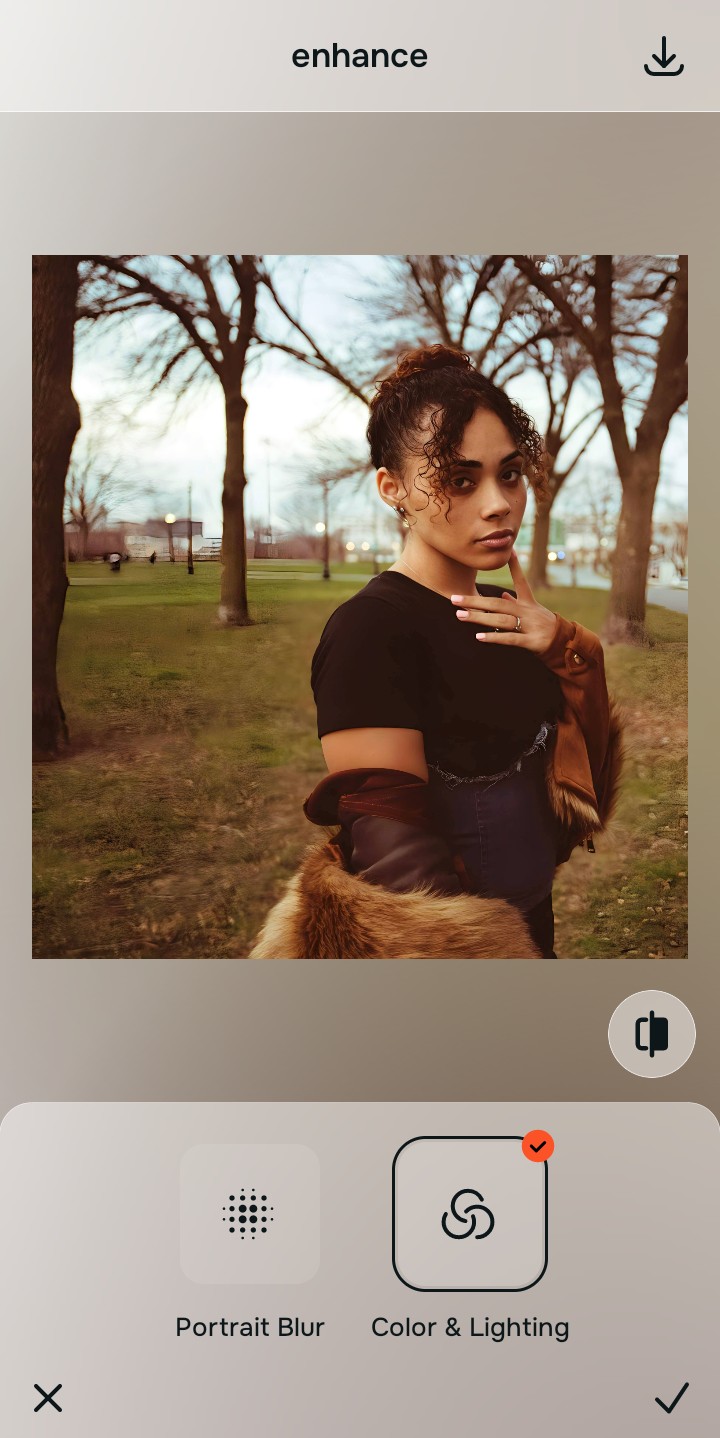
Apply Looks options to restore your facial energy
Once your portrait exposure baseline is balanced, introduce a rested, polished vibe. Tap Looks -> Youthful to optimize skin contrast fields and boost eye depth natively. Relying on apps like faceapp without heavy overlays keeps your aesthetic refined.
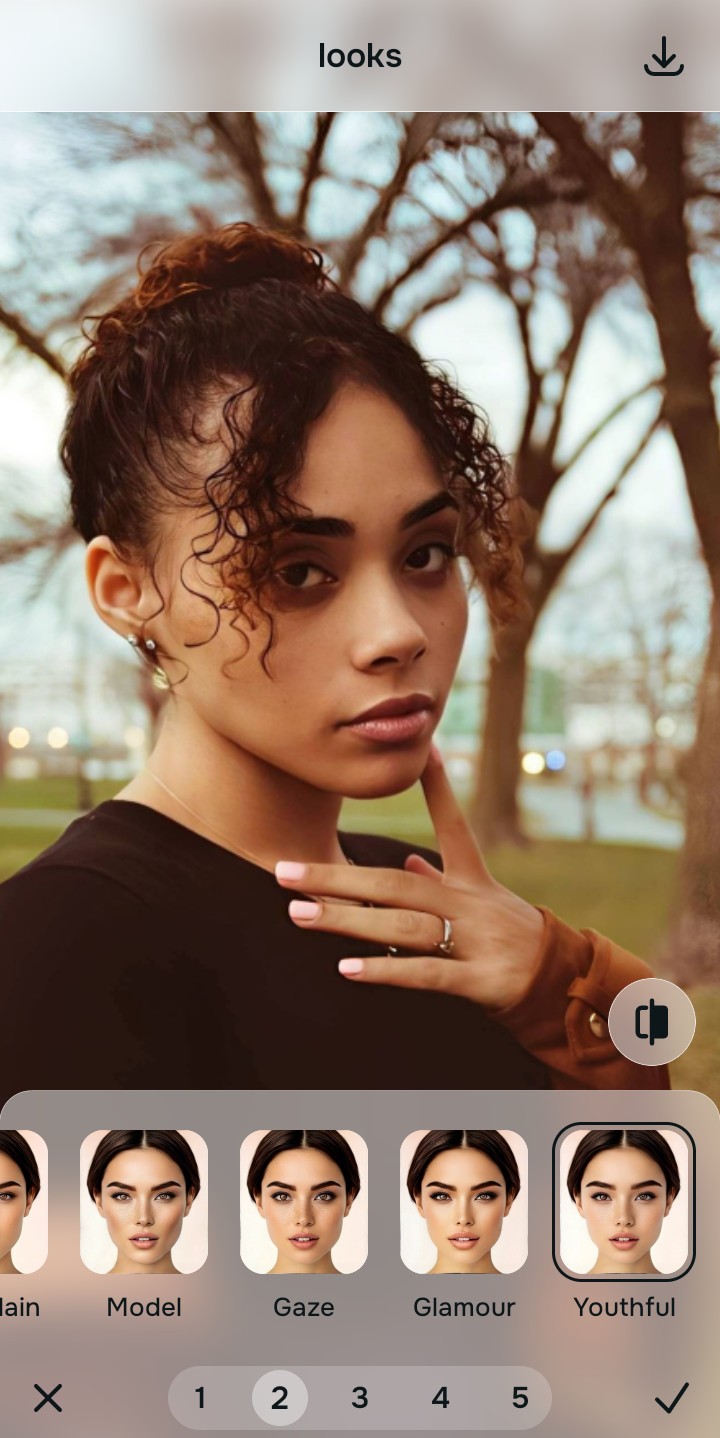
Save your high-resolution asset instantly
Unlike basic editing platforms that trap unwatermarked downloads behind paywall screens, your export is direct. Utilizing a tool designed to make your face look rested in pictures allows you to save premium results instantly.
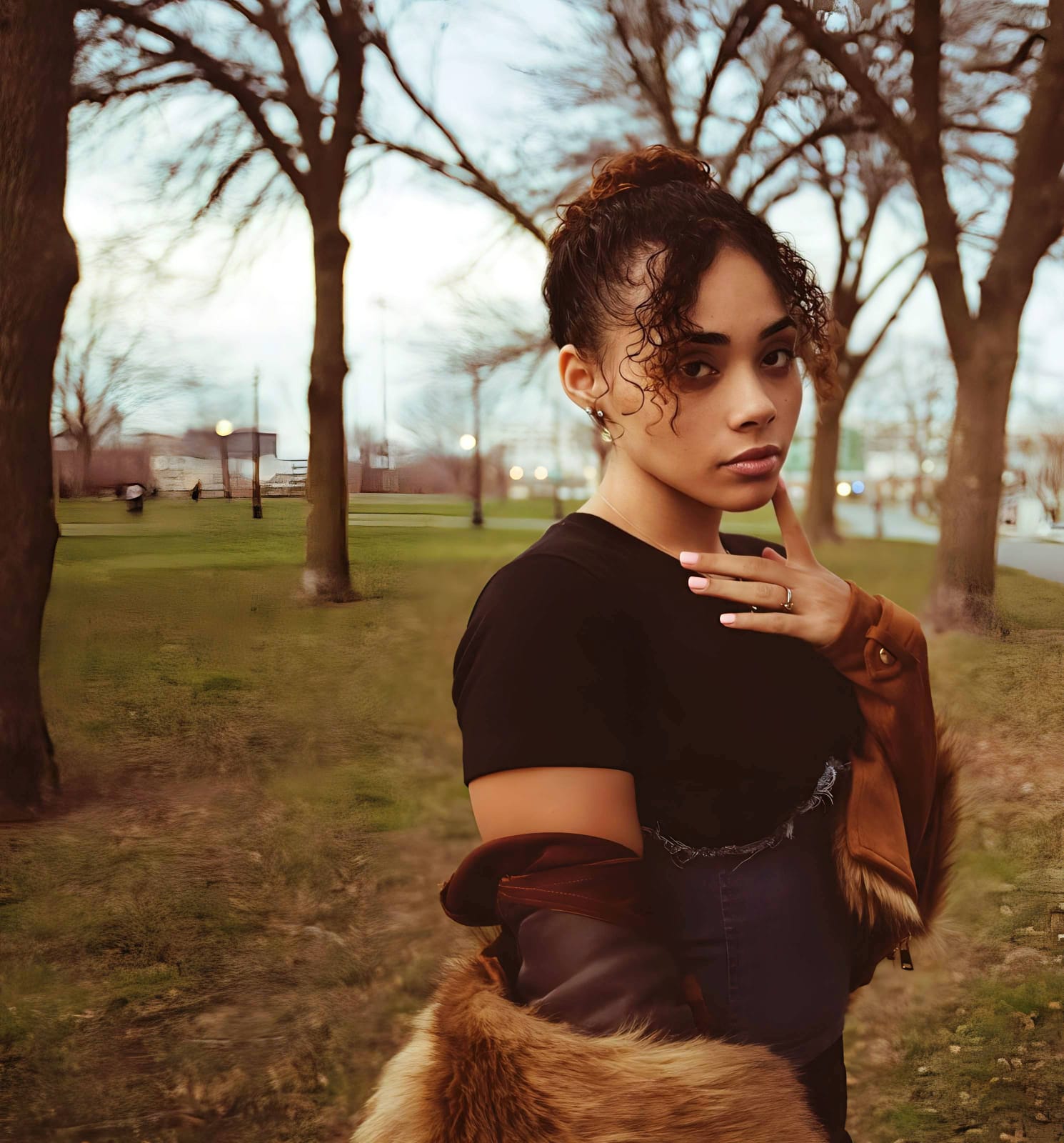
What is lowering your current portrait quality?
Identify your image's primary visual limitation. Your ideal workspace choice changes depending on the issue.
Which free Citrus tool optimizes your layout best
Separate photo weaknesses necessitate independent menu paths. Aligning the correct workspace path to your specific portrait problem keeps your profile looking organic, which preserves your sophisticated aesthetic.
| Tool Pathway | Primary Flaw Remediated | Aesthetic Application |
|---|---|---|
| Enhance Start here | Crushed shadow details, bad camera exposure, and muddy compression spaces | Use this first to eliminate low-light compression. Choose Colors & Lighting to restore contrast completely for free. |
| Looks | Dull expressions, low facial color warmth, and unphotogenic, tired results | Use this to update the entire face tone field at once. Select Youthful to optimize energy without altering shapes. |
| Face | Targeted anatomical limitations like heavy eye shadows or minor color casts | Use this last for precise feature tweaks. Select tools like No Eyebags to clear dark circles safely. |
“An elegant profile picture doesn't hide your character behind synthetic blur layers. It must simply lift dark shadow fields so your expressions convey a rested, natural confidence.”
Why exposure restoration beats outdated airbrushing
There is a massive commercial distinction between balancing existing pixel details and masking your human identity behind filters. When you use outdated beauty apps that smooth away real skin pore architecture, you create immediate red flags that make the photo feel cheap. A modern profile requires high-end, editorial realism.
Real success relies on tools built specifically to remove eye bags naturally while retaining structural light values. Restoring raw shadow fields provides studio-tier clarity with no hidden paywalls. This ensures your final deliverables remain natural, premium, and perfectly aligned with a grown-up aesthetic.