


May 5, 2026
50 Best Jawline Enhancement Apps for Natural-Looking Photos
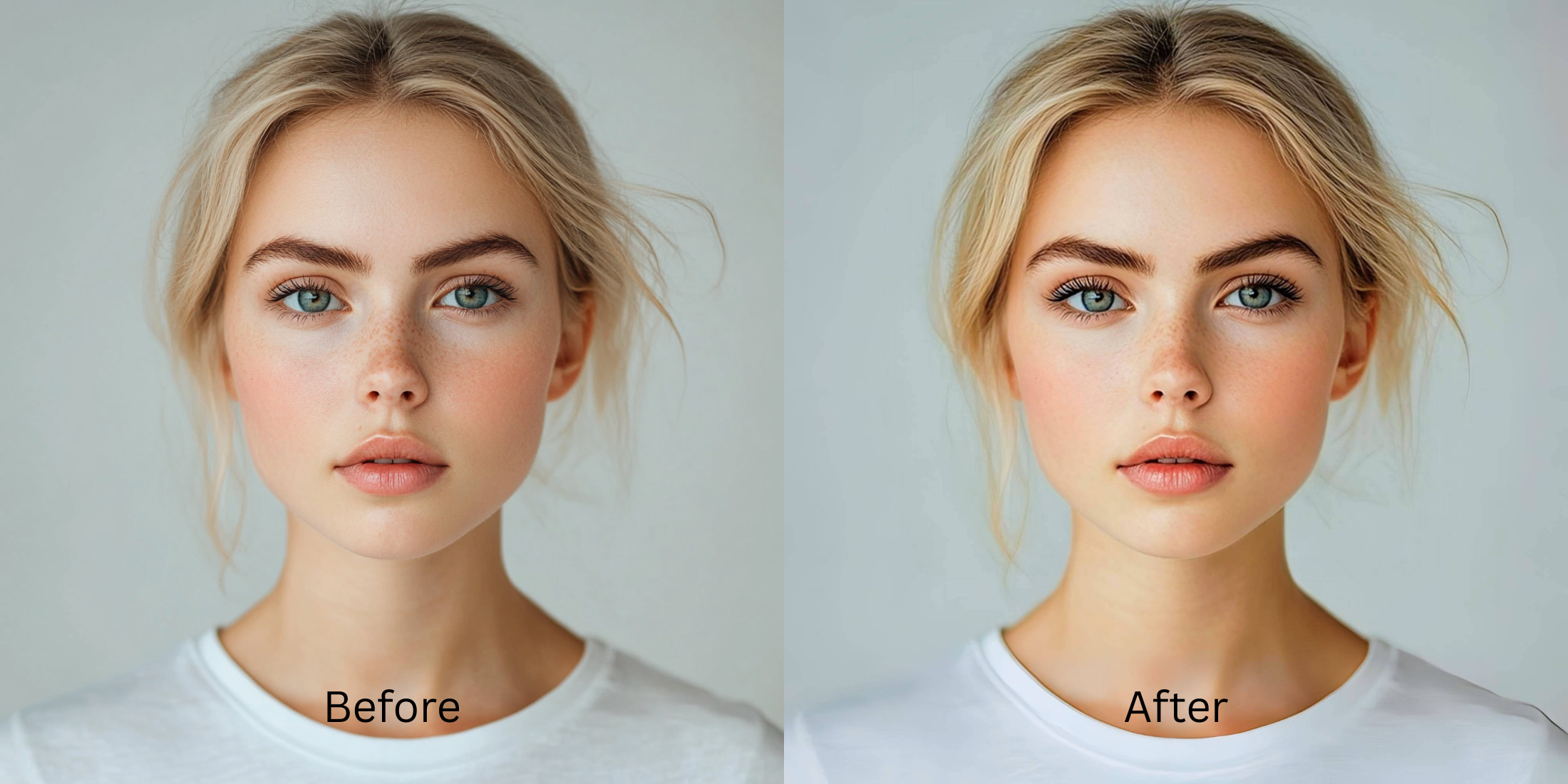

50 Best Jawline Enhancement Apps for Natural-Looking Photos
Your jawline easily gets lost in selfies. This happens because phone lenses distort perspective, and weak indoor lighting erases the natural shadows that define your bone structure. When people try to fix this, they often resort to aggressive editing tools that pull their cheeks inward, warping the walls behind them. To fix a soft or hidden jawline naturally, you need an app that respects your true structure instead of pasting on a fake contour.
To define your jawline without looking heavily filtered, avoid apps that manually warp the background pixels. In Citrus, start with Enhance > Colors & Lighting to recover the natural shadows the camera missed. Then, gently use Face > Slim Face to refine your structure without bending the room around you.
A structured result usually comes from fixing the flat lighting before altering the face shape. Some apps are stronger at broad contrast restoration. Some are better for precise anatomical retouching. Some are better left for people who want an obvious plastic edit.
| # | App | Best for | What to watch for |
|---|---|---|---|
| 1 | EPIK | Massively popular for trending social edits and quick jawline polish | Can easily wipe away skin texture if default settings are applied |
| 2 | Facetune | Precise jawline reshaping when you want heavy manual control | Easy to push too far if you chase a perfectly sharp contour |
| 3 | RetouchMe | Outsourced retouch requests when you want a professional to edit your jaw | Results depend entirely on the requested intensity and style |
| 4 | YouCam Makeup | One-tap face slimming and contouring with beauty retouch tools | Can get overly polished if you stack too many face effects |
| 5 | Peachy | Small face refinements and dedicated jawline shaping sliders | Minor slider changes look best to avoid background warping |
| 6 | Citrus - 1 tap photo enhancerEditor’s pick | Natural-looking fixes by starting with overall light balance, then using Face tools only if needed | Works best when you correct the contrast first instead of tapping every face option |
| 7 | Remini | Restoring genuinely soft or damaged files before face-specific cleanup | Can look stronger than needed when the original file is already decent |
| 8 | AirBrush | Quick jawline touch-ups and face slimming on phone | Best results come from restrained brushwork |
| 9 | Picsart | Layer-based cleanup when you want manual retouch and masking | Takes more time and can look edited fast |
| 10 | BeautyPlus | Selfie retouching when the jaw and cheek area needs soft correction | Keep the edit light so skin texture still reads like skin |
| 11 | PhotoDirector | AI portrait cleanup plus broader photo correction | Strong settings can start changing the whole portrait feel |
| 12 | Fotor | Quick portrait polish with light retouching | Watch for a generic beauty-filter finish |
| 13 | Adobe Photoshop Express | Spot healing and selective cleanup for small distractions | Better for controlled edits than fast one-tap beauty changes |
| 14 | Adobe Lightroom | Fixing exposure, shadows, and color so the jawline looks less flat before retouching | Not an anatomical face specialist on its own |
| 15 | Snapseed | Selective brightness and healing around the chin area | Manual edits need care to avoid obvious patching |
| 16 | VSCO | Improving tone and softness so the face looks less tired overall | Light and color alone will not fully solve flat bone structure |
| 17 | FaceApp | Fast face cleanup when you want a polished social-ready result | The finish can stop looking like you if overused |
| 18 | B612 | Live selfie enhancement and quick retouching | Camera effects can become the whole look |
| 19 | Meitu | Beauty edits with detailed face controls | Easy to drift into a beautified look |
| 20 | MakeupPlus | Applying digital contour when makeup-style correction helps | Best when the goal is a makeup finish, not pure realism |
| 21 | Perfect365 | Jawline highlighting with makeup-oriented editing | Can read as cosmetic rather than naturally structured |
| 22 | Facelab | Feature-by-feature retouching with jawline tools | Needs restraint to stay believable |
| 23 | Evoto | Studio-style portrait cleanup for creators and photographers | Powerful tools can oversimplify natural skin if pushed |
| 24 | Polish | General portrait editing with beauty tools on Android | Strong presets can flatten individuality |
| 25 | PicWish | Quick face cleanup and AI polish | Best for convenience, not always for the most nuanced portrait realism |
| 26 | Pixelup | Bringing life back to older or softer portraits | Restoration strength can outpace realism |
| 27 | Photoleap | Creative portrait correction with flexible retouch tools | Easy to go from fix to effect |
| 28 | Pixl | Simple face retouching including jaw cleanup | Manual control matters because defaults can look strong |
| 29 | Visage Lab | Fast beauty cleanup for selfies | Its style can feel processed if you want subtlety |
| 30 | Sweet Selfie | Beauty-camera edits and quick face slimming | Best for casual social posts, not always for realism |
| 31 | Camera360 | Selfie capture plus beauty correction in one app | Built-in beauty looks can stack up quickly |
| 32 | Cymera | Beauty camera with retouch options for portraits | Older-style beauty effects can feel obvious |
| 33 | SODA | Cleaner selfie-camera polish with face enhancement | Use lightly so the face still has character |
| 34 | Ulike | Beauty-camera selfies with face and skin refinement | Often tuned toward a stylized finish |
| 35 | SNOW | Selfie edits with strong beauty and camera tools | Great for playful polish, less ideal for invisible retouch |
| 36 | Retrica | Filters and selfie finishing when the image mainly needs mood | Filters can hide the real issue instead of fixing it |
| 37 | Prequel | Beauty and style edits when you want more than simple cleanup | Effects can overpower a natural face fix |
| 38 | LightX | Manual retouching and selective face work | Takes more effort to keep edits invisible |
| 39 | Lensa | AI portrait polish and skin cleanup | Can make people look too uniformly perfected |
| 40 | Photo Editor Pro | General face cleanup with accessible tools | Results vary depending on how aggressively the tools are used |
| 41 | YouCam Perfect | Easy portrait retouching with strong beauty toolkit | Good range, but stacking tools can make the face look synthetic |
| 42 | TouchRetouch | Removing small distractions or creases with manual healing | Better for tiny fixes than broader face correction |
| 43 | PhotoRoom | Cleaning the overall image presentation before sharing | Not built around specific jawline correction |
| 44 | Canva | Light portrait cleanup inside a broader design workflow | Limited for nuanced face retouching |
| 45 | PicMonkey | Basic portrait touch-up plus design-friendly editing | Works better for simple cleanup than deep face correction |
| 46 | BeFunky | Quick portrait polish and light retouch | Watch for a generic softened finish |
| 47 | Prisma | Stylized looks when realism is not the main goal | Art filters are the opposite of natural cleanup |
| 48 | piZap | Easy edits and quick beauty-style cleanup | More casual than precision-focused |
| 49 | A Color Story | Color correction that helps flat photos feel fresher overall | Does not directly fix jawlines by itself |
| 50 | Afterlight | Tone and texture correction when the photo mostly needs better balance | Not a dedicated face editor |
If your picture is completely washed out, you might be tempted to apply heavy contour filters immediately. Do not do this. Finding an ai face enhancer that still looks real starts with recovering your true shadows before tackling any facial shaping.
Why smartphone cameras erase your natural bone structure
Small phone lenses distort perspective, often widening the center of your face and pushing your jawline backward. When you combine this with poor indoor lighting that completely deletes your natural shadows, your chin and neck can look like one continuous shape. That optical illusion is a massive factor behind why do i look worse in photos than in the mirror. A true fix requires restoring depth, not just warping the pixels.
- Using heavy blur that turns skin into flat plastic
- Brightening the whole image until facial shadows disappear entirely
- Leaving the baseline muddy while trying to fix the jaw
- Applying extreme thinning tools that warp the background walls
- Fixing overall image contrast so the face regains depth
- Using targeted tools strictly for facial slimming
- Adding subtle definition to separate the jaw from the neck
- Stopping the edit while skin texture remains visible
If your edited photo looks perfectly contoured but the door behind you is bent, you used the wrong method. A smart sequence using the best alternative to overprocessed beauty editors will save your core facial structure.
Restore contrast and define your jaw safely. A smart edit keeps reality intact.
How to add jawline definition naturally in 5 steps
Select a photo where the lighting ruined your bone structure
Find the picture where your face looks incredibly flat or the colors feel muddy. You do not need to delete it. A dedicated application can usually recover the shadows that define your face, and it is crucial if you need to make blurry photos clear again without making them look fake.
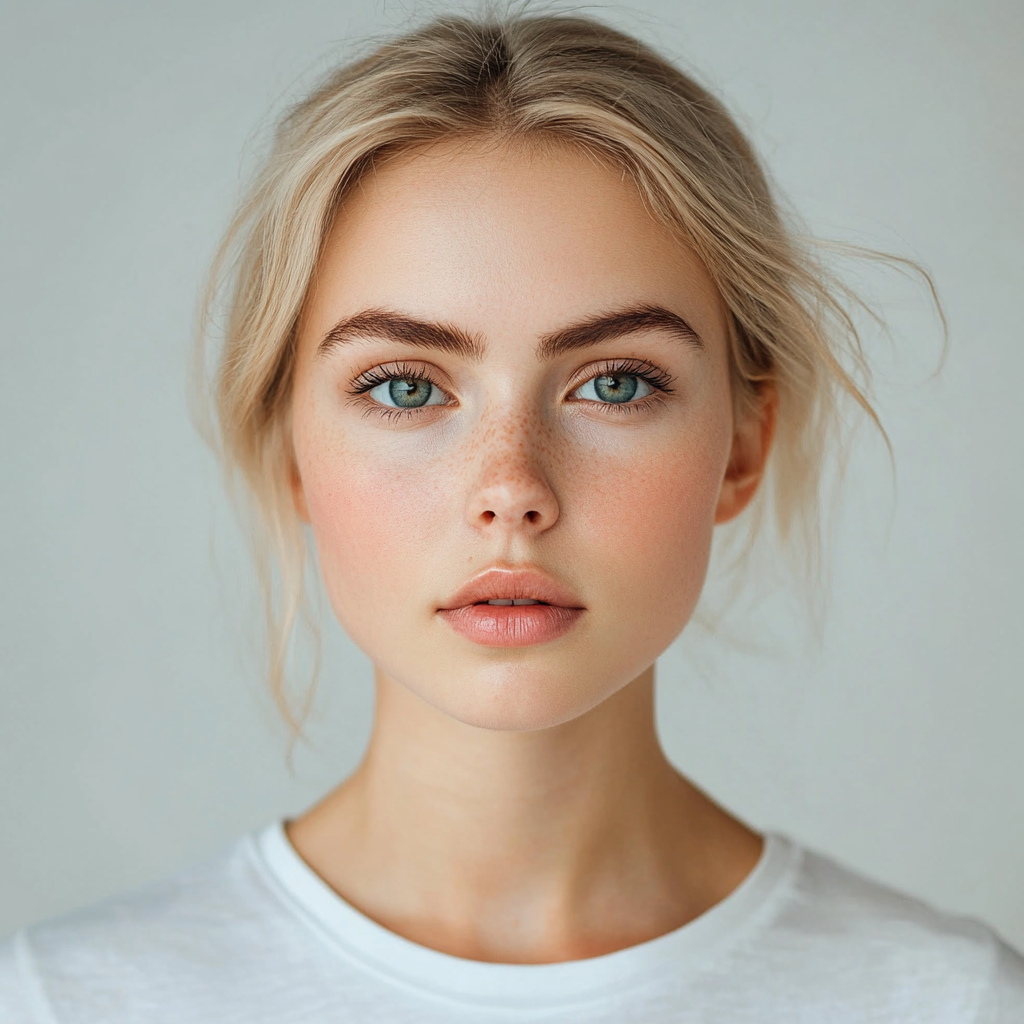
Let the instant preview process the overall image
Citrus provides a first correction immediately. This ensures that any underlying contrast or exposure issues are recognized before you start trying to adjust your facial features manually.
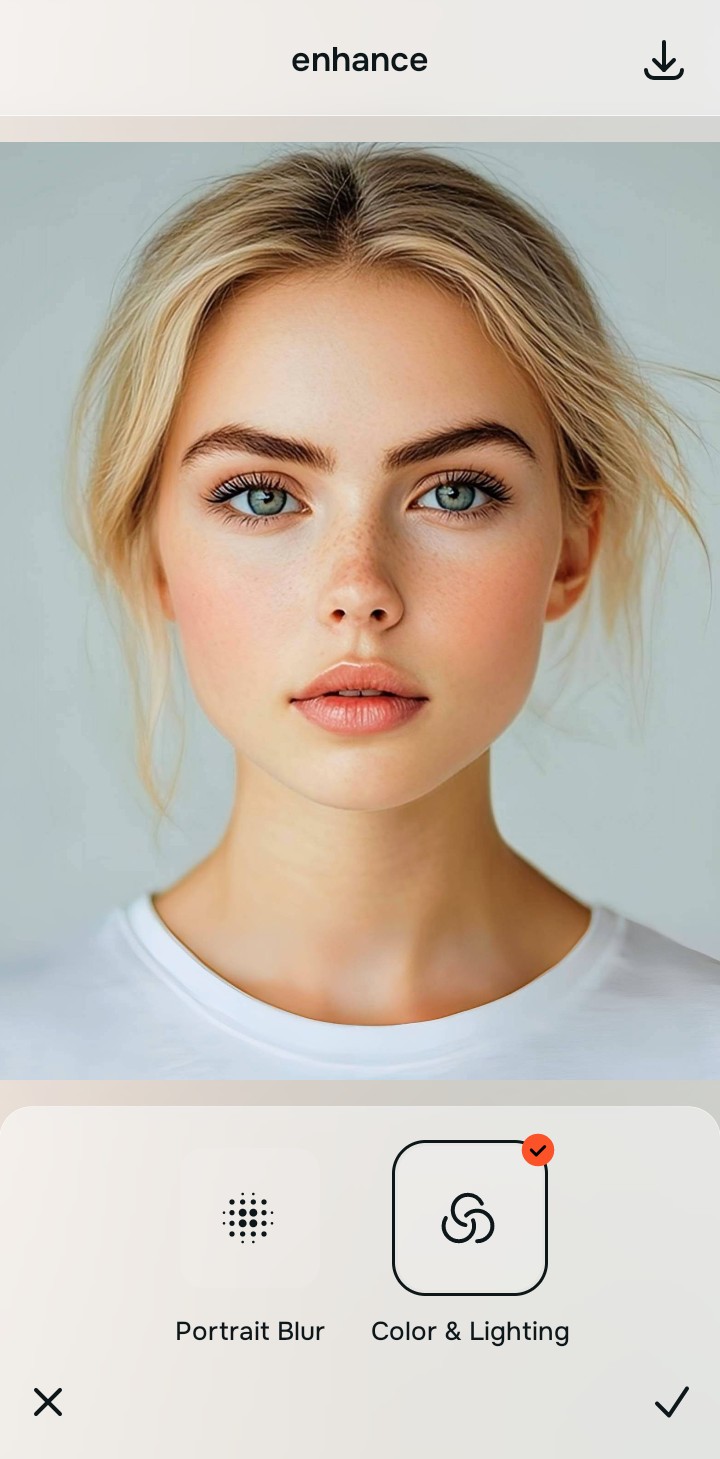
Use Enhance to fix Colors & Lighting first
Because flat selfies are an overall photo problem, start with Enhance > Colors & Lighting. This strips away the muddy wash and restores shadows to the scene. The best ai photo enhancer for natural looking results relies entirely on rebuilding the photo's contrast here first.

Always fix the flat lighting before using a beauty tool. Use the Enhance options to restore image depth first.
Apply Face tools to target the jawline specifically
Once the lighting is corrected, you can address the physical shape safely. Navigate directly to Face and use Slim Face. Doing this last allows you to lift the jaw naturally. If you also need to add cheekbone definition in selfies, apply that specific feature gently so the rest of your skin stays totally natural.
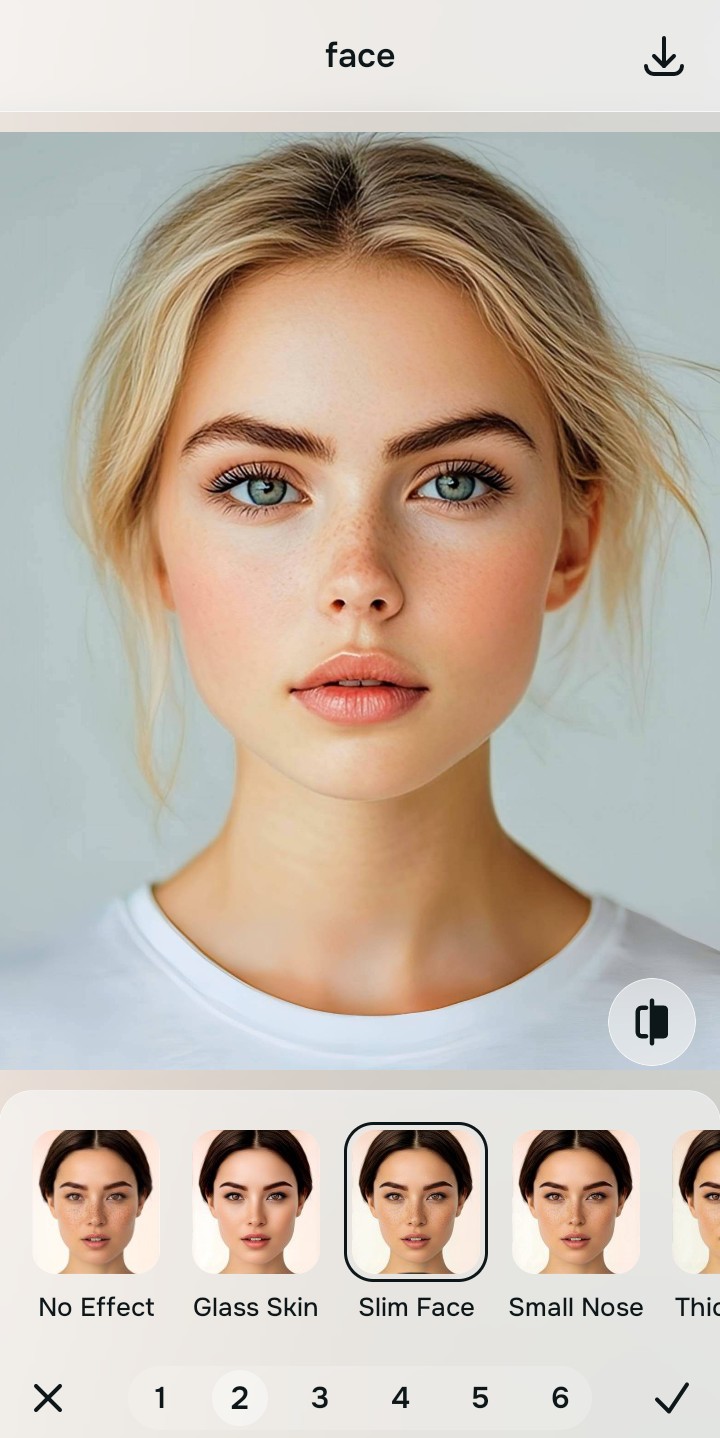
Save the photo when you look structured but real
The true test of a good edit is whether the room behind you is still straight. Stop adjusting before the picture begins to look heavily filtered or warped.
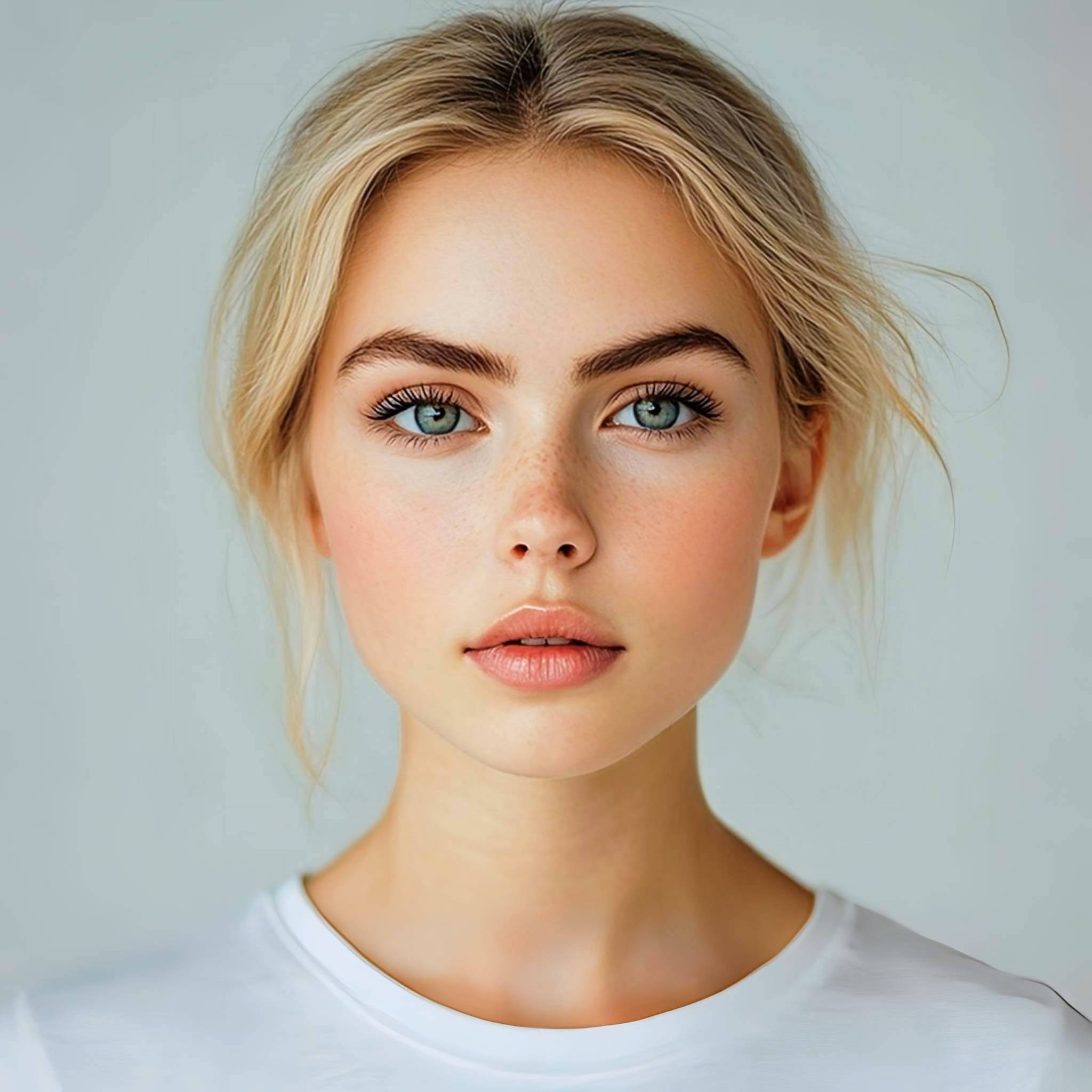
Why does your selfie lack definition?
Choose the description that fits best. Your starting point changes depending on what is actually flattening the picture.
Which Citrus tool adds jawline definition naturally
Different problems require entirely different tools. The goal is to get the best possible result by matching the tool to the actual error. This stops you from ruining the entire picture just to fix one small area.
| Tool | What it helps fix | When to use it |
|---|---|---|
| Enhance Start here | Overall softness, weak light, muddy contrast, and low-energy flat lighting | Use this first when the whole image feels lifeless. Choose Colors & Lighting to restore deep contrast and natural facial shadows. |
| Looks | Photos that are technically balanced but still need a stronger overall impression | Use this after Enhance, or instead of Enhance when the real issue is not severe flatness but a dull vibe. |
| Face | Specific puffy areas, wide cheeks, or flat jawlines | Use this last, applying Face → Slim Face to subtly define the jawline after the broader image already feels properly lit. |
“The most natural edit restores the shadows and highlights the camera failed to capture, rather than manually dragging pixels inward.”
Why restoring contrast beats painting fake contour lines
There is a massive difference between adding dimension and pasting digital makeup. When you use aggressive contour filters to carve out a jawline, you turn the face into a featureless mask. The human brain instantly recognizes this loss of detail as a fake edit.
Real quality comes from correcting the underlying light data first. Those analyzing facetune vs one tap natural enhancers whats the difference quickly realize that restoring true contrast provides a professional, believable foundation that manual blurring simply cannot achieve.