


August 19, 2026
Remini vs Google Photos vs Citrus: Which Is Best for a Blurry Face?
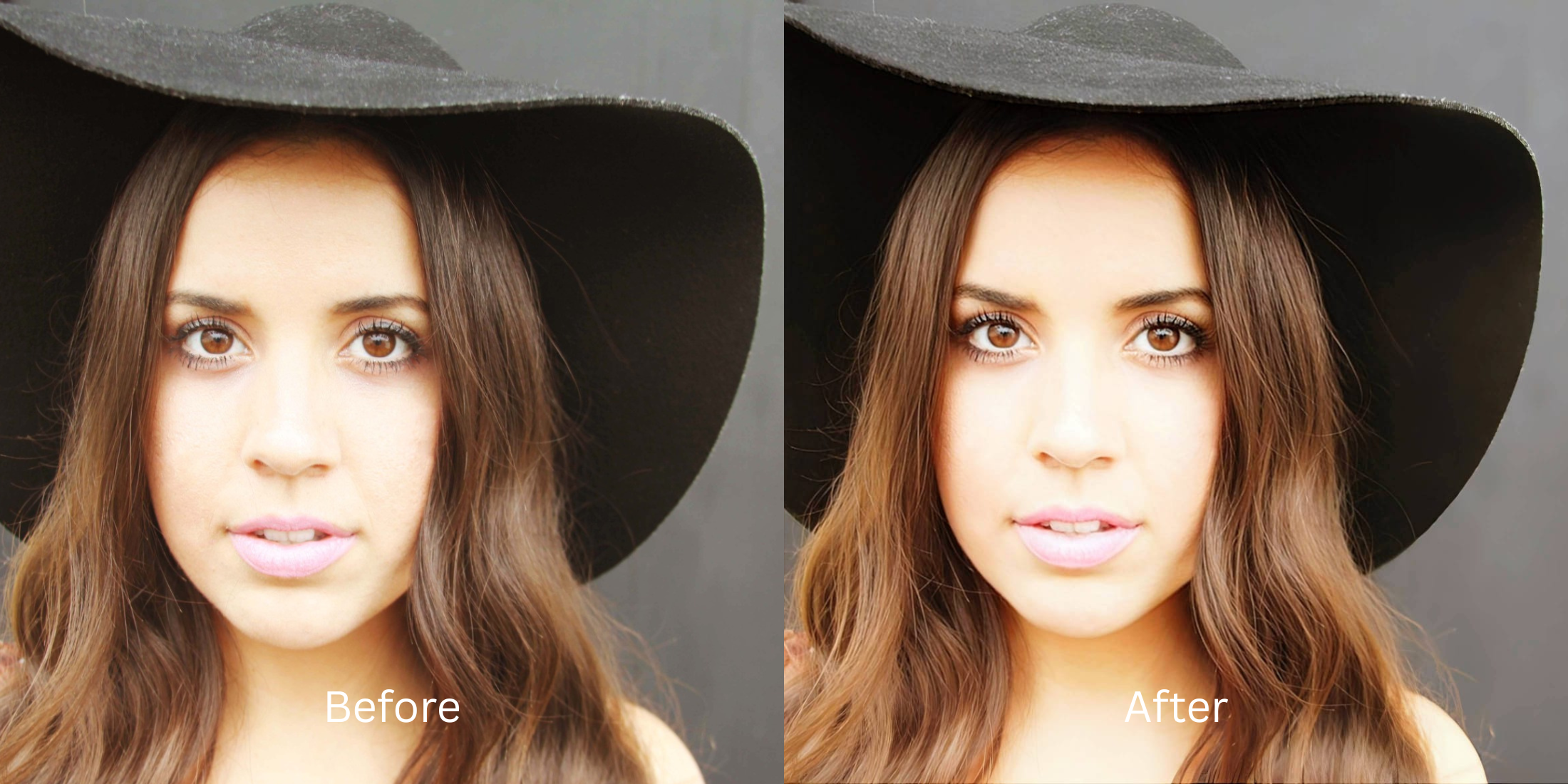

Remini vs Google Photos vs Citrus: Which Is Best for a Blurry Face?
When a great memory turns out blurry, almost everyone turns to one of three tools: Remini, Google Photos, or Citrus. But each app handles blur using a fundamentally different technology, leading to radically different results. Remini uses aggressive Generative Adversarial Networks (GANs) that treat your blurry face like an AI prompt, frequently painting a synthetic stranger over your actual features. Google Photos applies a blunt, generic deblur algorithm that over-sharpens contrast and turns skin orange. Citrus takes a third, dedicated path: pure optical modeling that mathematically calculates light scatter to restore your real features without hallucinating fake pixels. If you want to rescue a blurry snapshot without turning into an AI deepfake or an orange caricature, understanding how these three engines work is essential.
Remini hallucinates fake faces, Google Photos over-saturates contrast, but Citrus restores your authentic facial geometry cleanly. While Remini creates deepfakes and Google Photos treats skin like a landscape, Citrus AI uses pure optical physics to reverse focus blur and balance exposure in one tap—delivering unwatermarked HD exports completely for free.
Why Generative AI and Generic Deblur Tools Fail on Blurry Faces
The core issue with most unblurring tools is a failure of biometric loyalty. Generative models (like Remini) do not recover what was in your photo—they invent new details from a stock database, giving you teeth, eyes, and wrinkles that aren't yours. Meanwhile, generic gallery tools (like Google Photos) pull extreme contrast curves across the whole frame, turning skin harsh and textured. Finding an authentic enhancer for blurry pictures requires using optical physics to recover true lens data rather than guessing.
- Remini: Deleting blurry features and pasting synthetic CGI eyes and teeth from stock models
- Google Photos: Over-cranking contrast and saturation, making skin look orange and noisy
- Triggering the uncanny valley because AI models fail to understand motion blur vs focus blur differences
- Forcing recurring subscriptions just to download an un-watermarked result
- Accessing the premier tool to unblur a face in photo without fake filters
- Mathematically reversing light scatter to restore authentic facial geometry with zero hallucination
- Balancing exposure curves cleanly to ensure skin tones stay 100% natural and un-burnt
- Delivering true, unwatermarked HD exports completely for free
When an unblur tool replaces your face with a stranger, your personal memories lose all value. Shifting to an optical workflow that allows you to make blurry photos clear again ensures your expressions stay sharp, authentic, and effortlessly human.
Optimize blurry portraits without deepfake artifacts. A structured optical enhancement brings natural sharpness and balanced lighting to your snapshots in seconds.
A 5-Step Test: Recovering a Blurry Face Without Hallucinating New Features
Upload the blurry or out-of-focus photo
Find the photo with camera motion blur or missed focus that Remini would normally turn into a plastic CGI avatar. Starting with uncompressed raw data is the first step to test how ai fix missed focus photo data legitimately.
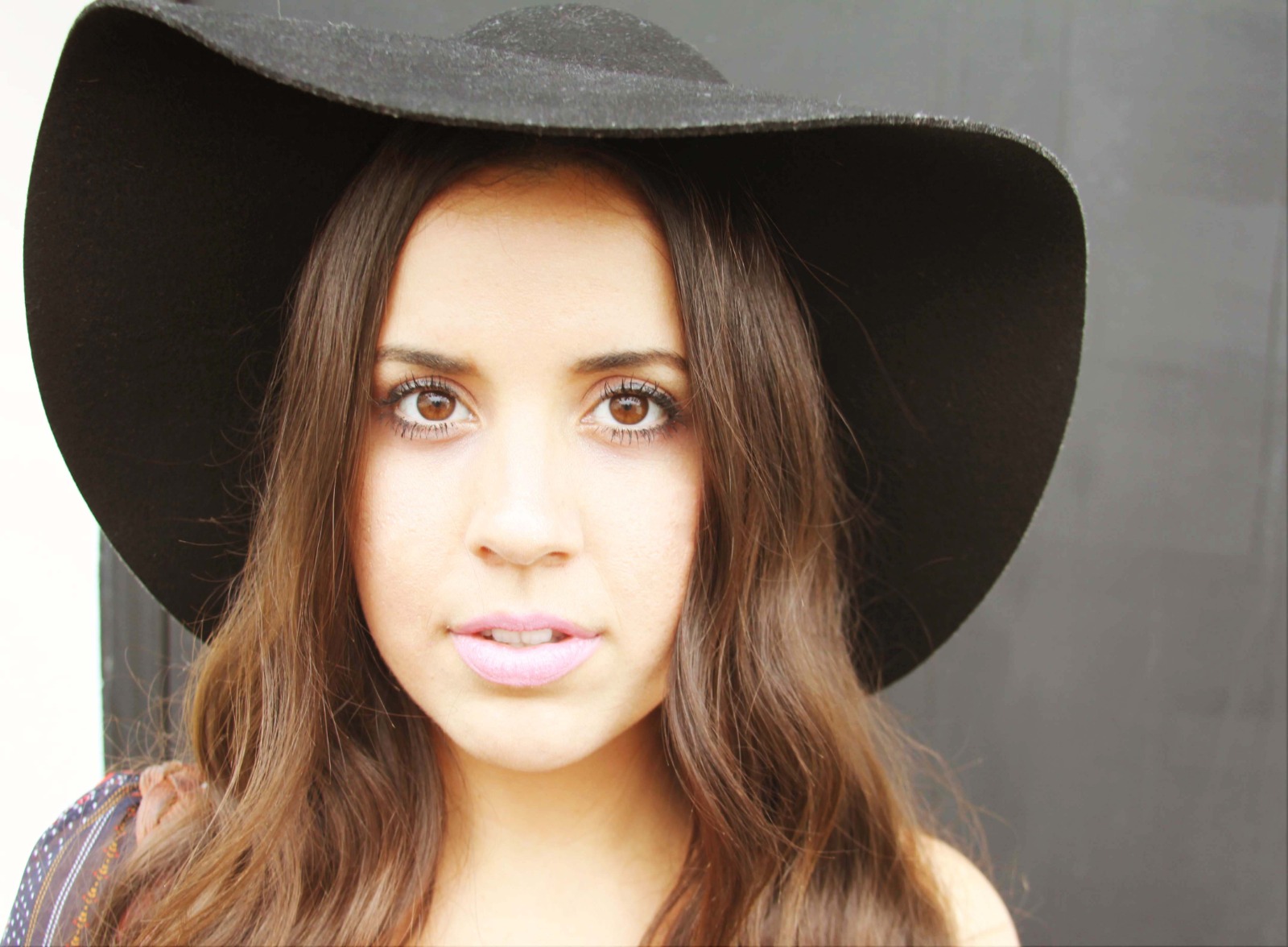
Let the instant preview calculate optical light scatter
Citrus provides an instant baseline correction immediately. Instead of generating a new face from scratch, Citrus analyzes the directional light scatter and biometric coordinates of your actual face.
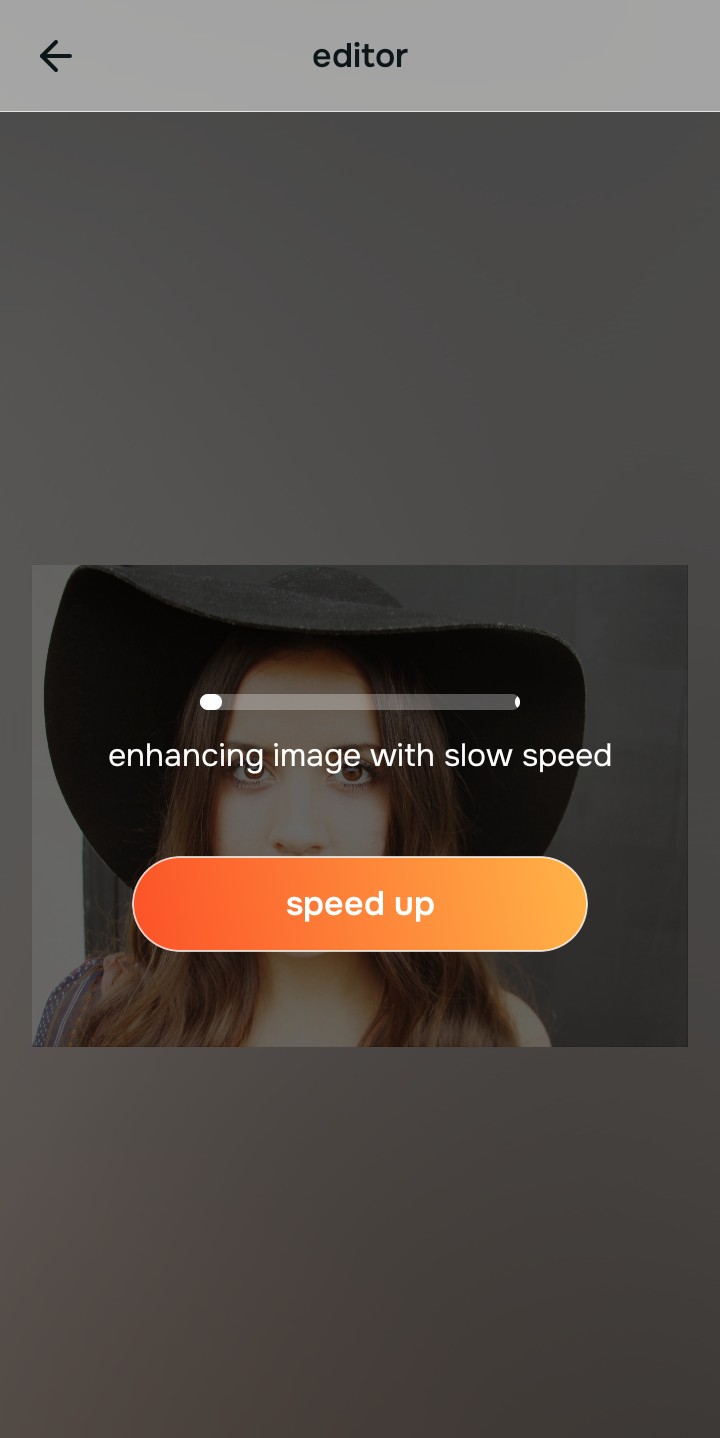
Tap Enhance and choose Colors & Lighting
Blurry photos suffer from muddy, compressed contrast. In Citrus, tap Enhance → Colors & Lighting. This mathematically balances the global exposure curves, lifting dark shadows and correcting color temperature to build a clean optical foundation for facial recovery.

Always balance global optical lighting before applying face impressions. Fixing base exposure mathematically ensures subsequent deblurring sits naturally on real skin.
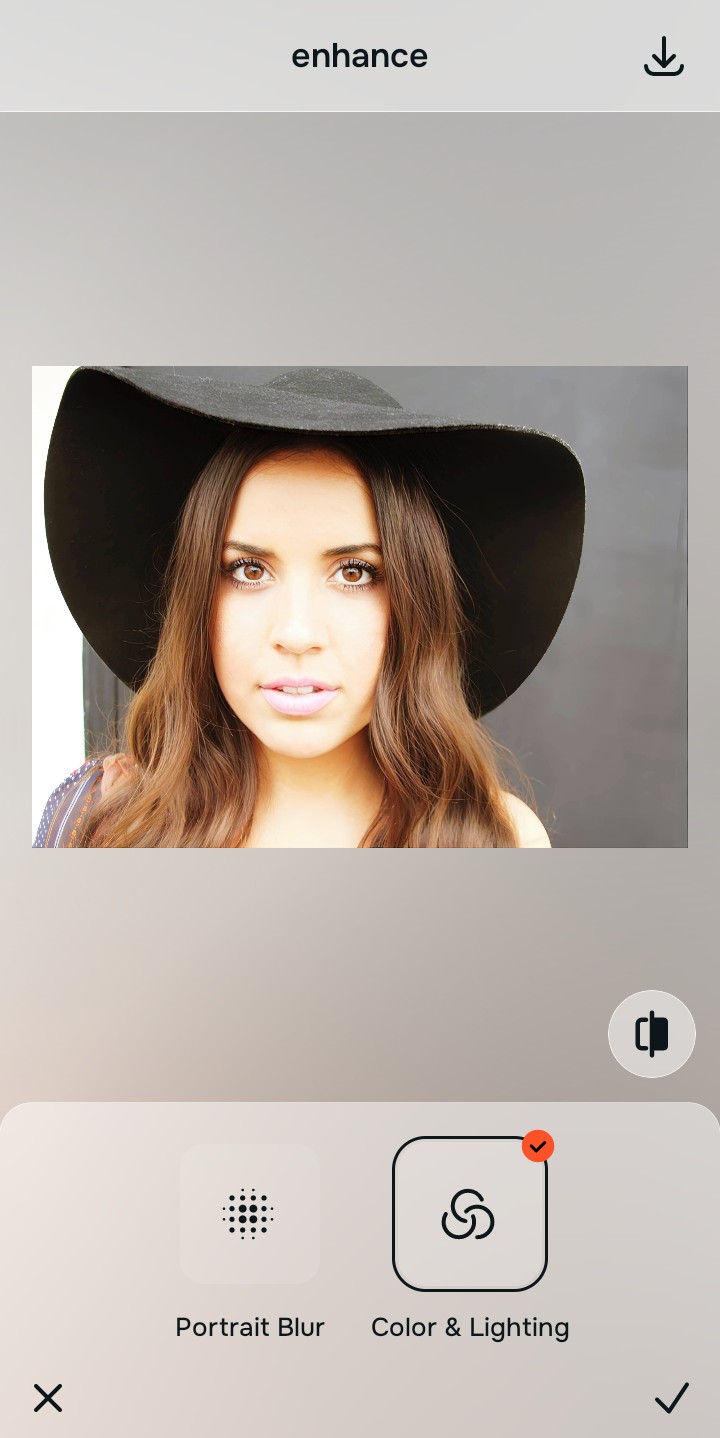
Tap Looks and select Soft Glow for clean facial radiance
Unlike Remini, which paints fake stock eyes over yours, elevate the facial impression natively. In Citrus, tap Looks → Soft Glow. Select your preferred value from Level 1–5. This elevates sharpness and radiance while strictly protecting your natural eye shape, smile, and pore structure.
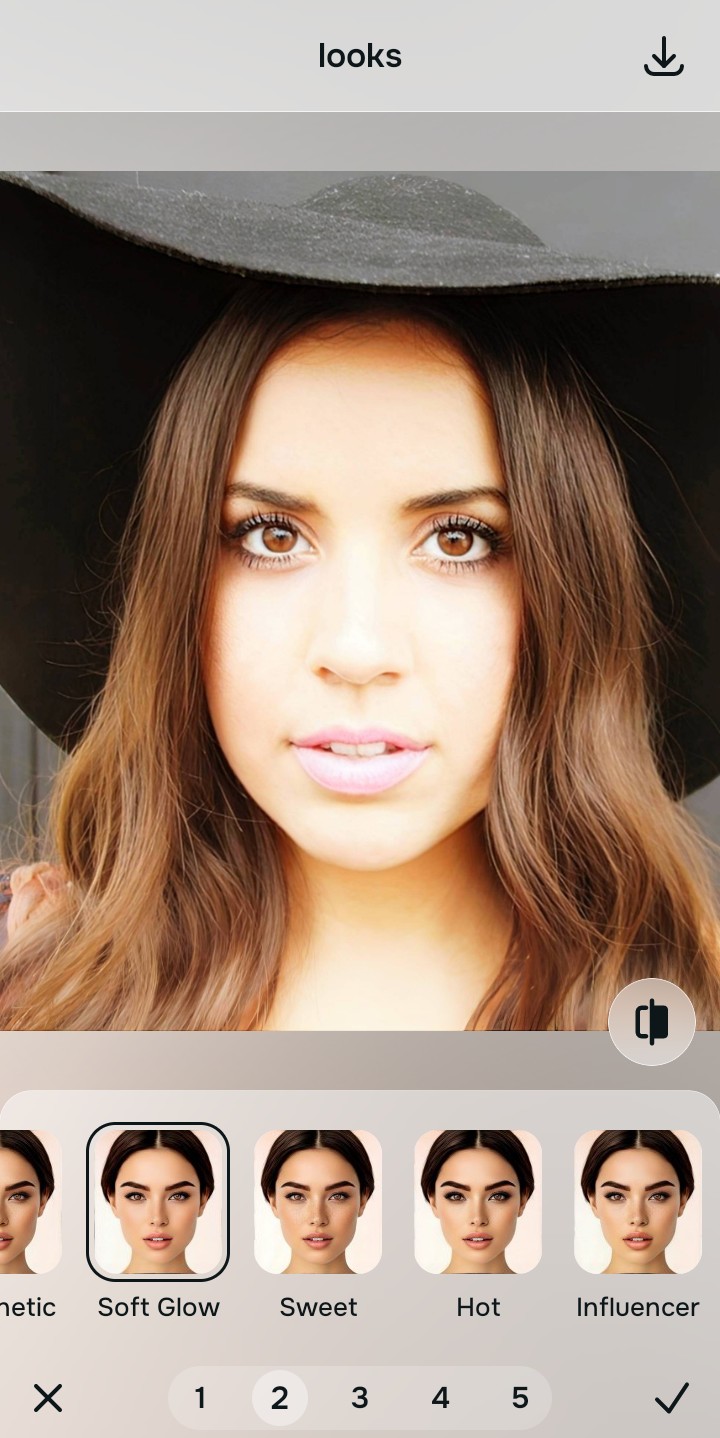
Export your high-resolution, uncompressed portrait
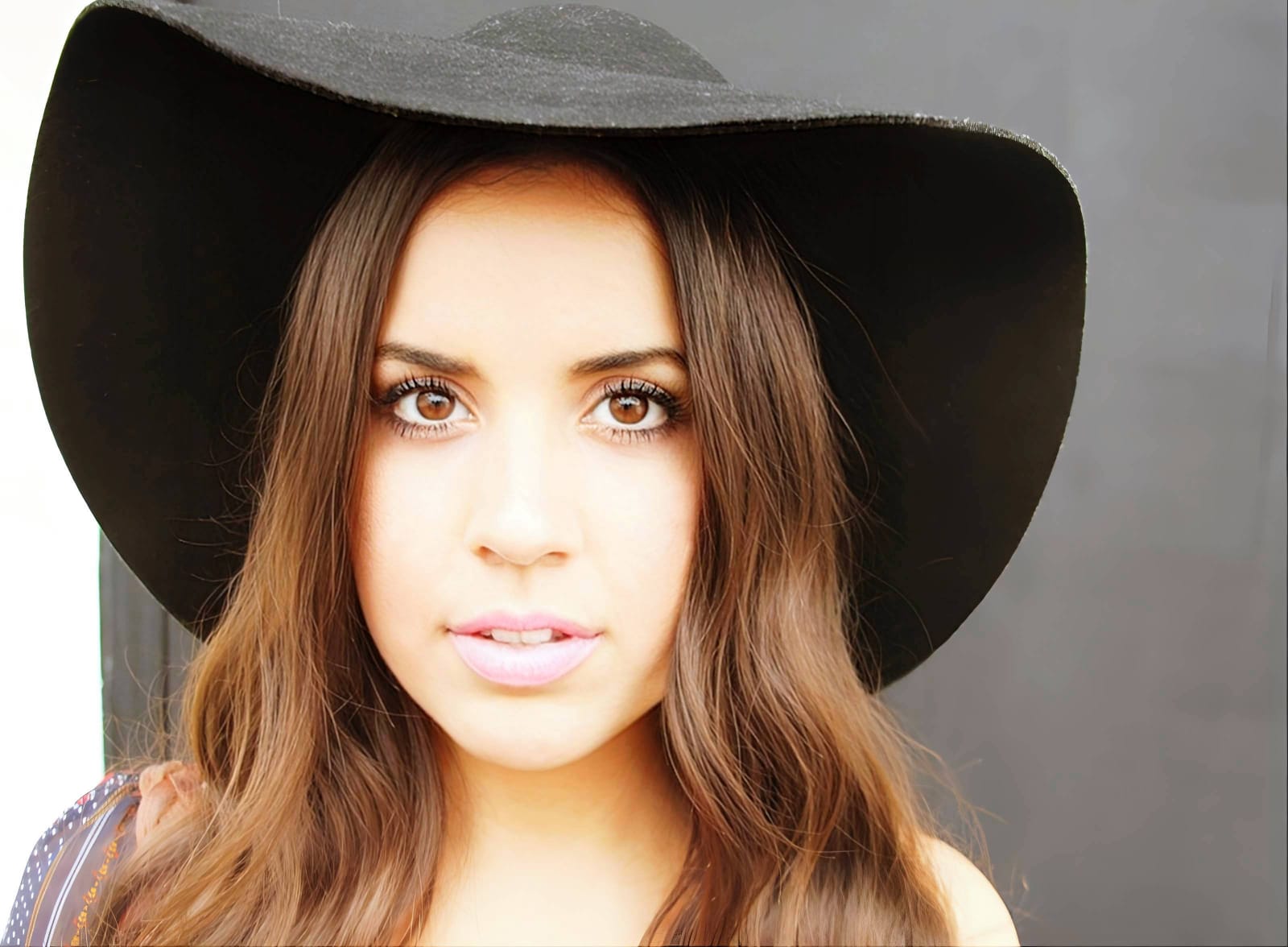
Citrus provides clean, unwatermarked HD exports completely for free without subscription paywalls. It stands as one of the top apps making blurry faces clearer without altering your identity.
What is your biggest frustration when unblurring photos?
Identify your primary editing hurdle to select the exact automated optical pathway in Citrus.
Aligning Your Deblur Strategy with the Citrus Taxonomy
Instead of using blunt filters that turn skin orange or generative AI that face-swaps you, Citrus categorizes enhancement into three distinct, mathematically safe pathways:
| Tool Pathway | Primary Flaw Remediated | Automated Fix Strategy |
|---|---|---|
| Enhance Overall Photo | Out-of-focus blur and flat ambient lighting that basic gallery apps oversaturate | Use this first to establish a proper optical foundation. Choose Colors & Lighting to balance exposure natively. |
| Looks | A dull, blurry facial impression where generative upscalers hallucinate fake features | Use this to update the entire face impression. Select Soft Glow (Level 1–5) to inject natural clarity safely. |
| Face | Targeted skin smudges caused by motion blur where you need smooth texture without losing identity | Use this last for precise feature tweaks. Select Glass Skin to hydrate pores biometrically and cleanly. |
“Unblurring a photo should never replace your face with a stranger's features. It must mathematically reverse optical light scatter so you look like your true, clear self—effortlessly and authentically.”
Why Biometric Optical Recovery Beats Generative Hallucination
There is a massive structural difference between authentic optical deblurring and generative AI synthesis. When you use Remini on a blurry photo, the AI does not recover your pixels—it projects your face into a database of stock models, generating new eyes, teeth, and skin that belong to someone else. Google Photos avoids hallucination but applies a generic contrast boost that treats skin like a landscape.
Citrus is built specifically with human portrait optics in mind. By constraining adjustments to mathematically calibrated Level 1–5 settings across Enhance, Looks, and Face, it tightens directional blur while strictly protecting your natural skin tones, freckles, and bone structure. You get a crisp, authentic photo in one tap without deepfake artifacts.