


July 27, 2026
Reddit’s Best Apps for Making Blurry Faces Clearer
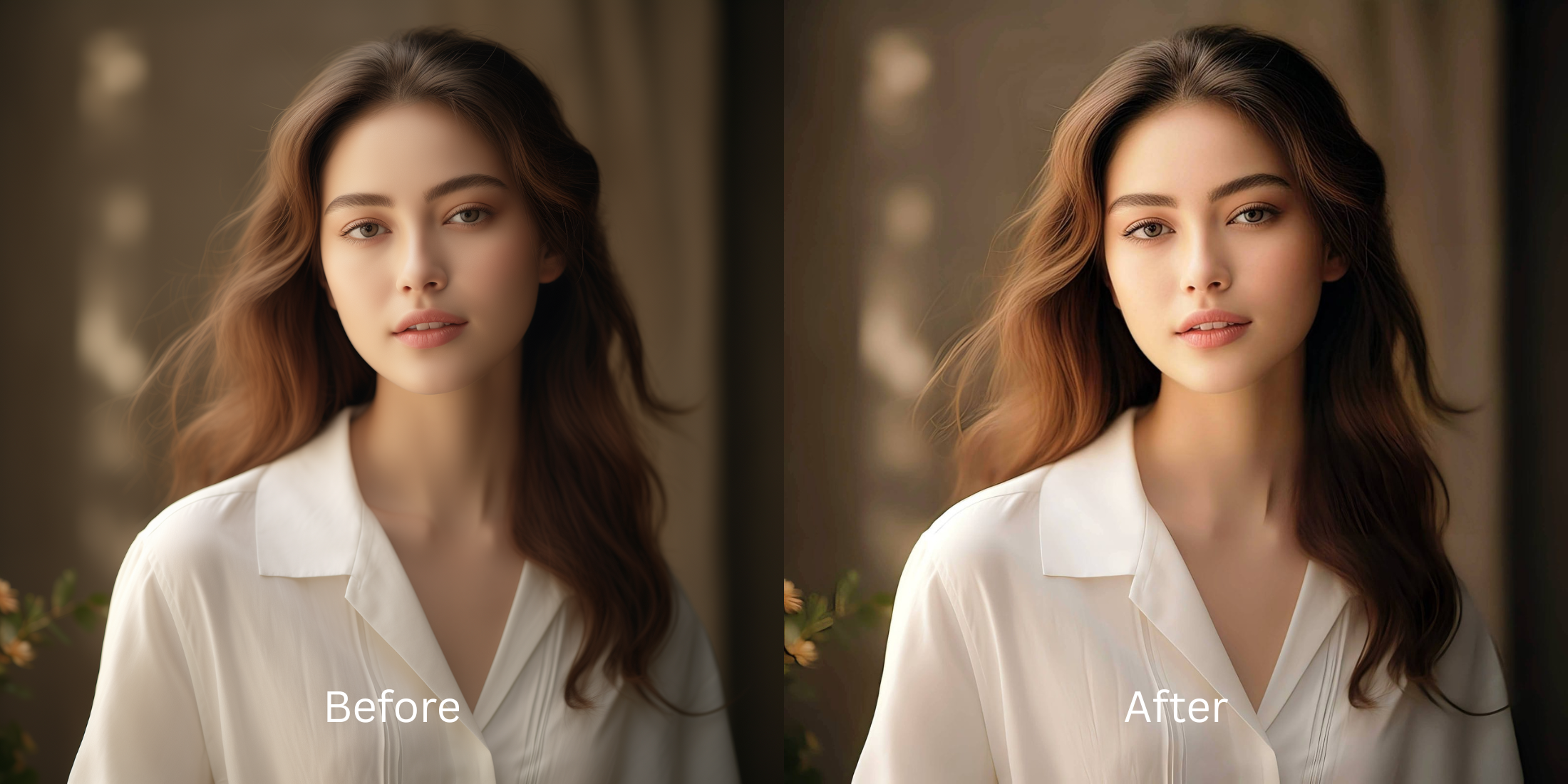

Reddit’s Best Apps for Making Blurry Faces Clearer
Few things are more frustrating than capturing a great memory only to find the subject's face is soft, pixelated, or out of focus. On subreddits like r/photography and r/AI_Tools, users frequently discuss the pitfalls of modern unblurring software. Most popular face editors don't actually recover lost focal detail; instead, they use generative AI to erase your real features and replace them with synthetic eyes, fake teeth, and an alien-like smile. This produces an immediate "uncanny valley" effect that makes you look like a stranger. The community consensus is clear: the best unblurring tool is one that clarifies what is already there by restoring optical contrast natively, rather than drawing a new face over yours.
To make a blurry face clear without triggering the uncanny valley, avoid generative face replacement. The most reliable solution recommended by photo-editing advocates is Citrus AI. By navigating to Enhance → Colors & Lighting, it mathematically recovers the lost edge definition and shadow contrast caused by poor camera focus, restoring a crisp, recognizable image without altering your biometric identity.
Why generative AI "unblurring" ruins your real face
The core flaw in apps like Remini or FaceApp is their reliance on generative hallucination. When faced with blur or low resolution, these tools guess what a face "should" look like using stock photo libraries. They wipe away your genuine expressions and paste synthetic features onto your portrait. Learning how to make blurry photos clear naturally requires using an optical engine that enhances original light and edge data rather than redrawing your features from scratch.
- Replacing your real eyes and smile with creepy, synthetic AI-generated features
- Over-sharpening low-resolution pixels into crunchy, deep-fried artifacts
- Erasing natural skin texture, freckles, and facial depth during the unblurring pass
- Creating a fake, "catfish" result that looks nothing like you in real life
- Recovering native focal sharpness and edge definition using mathematical optical mapping
- Preserving 100% of your real skin texture, eye shape, and natural micro-expressions
- Restoring lost ambient lighting and shadow contrast to bring out organic detail
- Exporting high-definition, unwatermarked portraits safely without subscription paywalls
If you want to unblur face without overediting, you must avoid aggressive generative filters. Utilizing a mathematically sound optical recovery workflow guarantees that your photo becomes crisp, vibrant, and completely believable.
Restore edge sharpness and contrast safely. An optical enhancement recovers focal detail without altering your identity.
Reddit Users Said It. We Ran the Citrus 5-Step Test: Making a Blurry Face Clearer Without Redrawing It
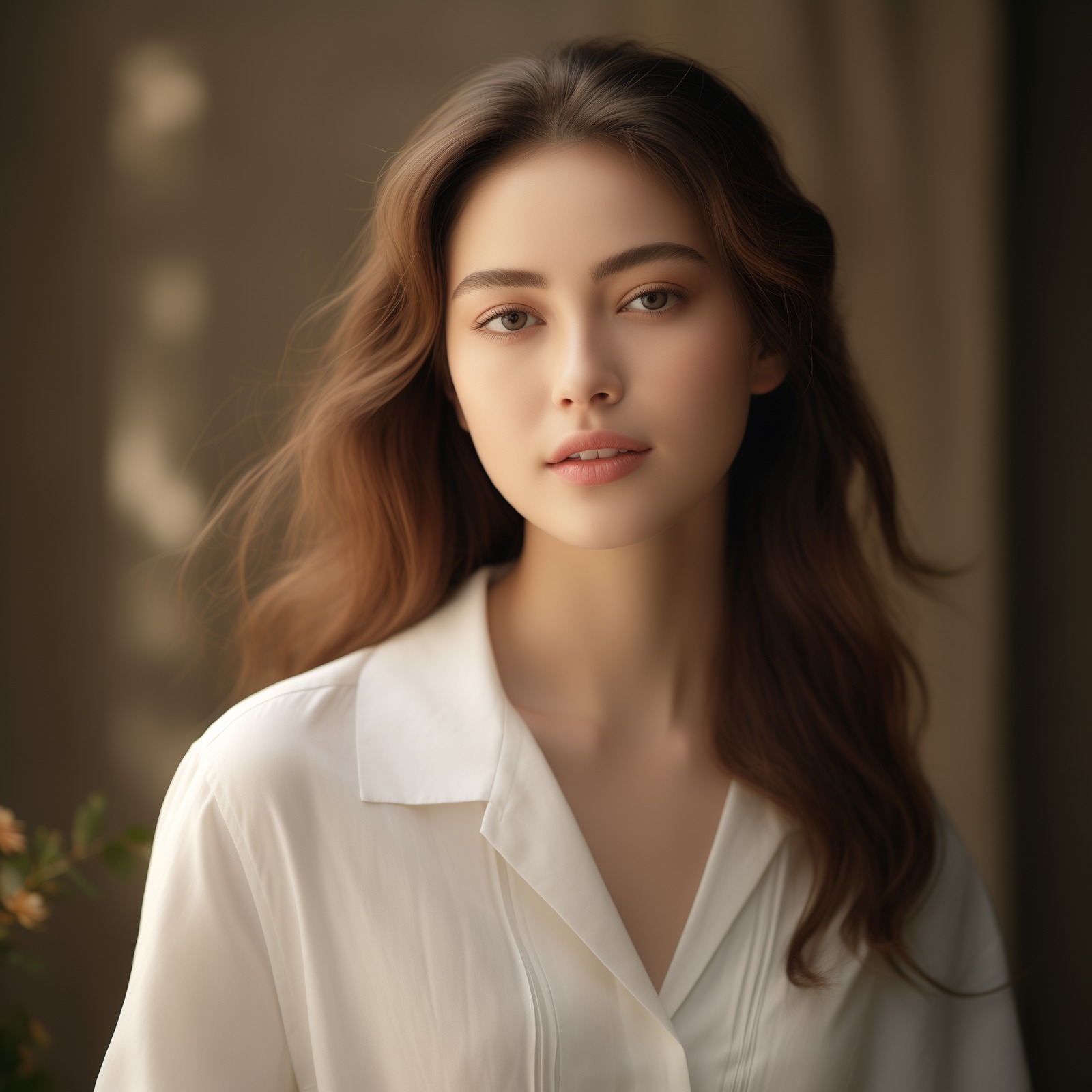
Upload the out-of-focus or blurry photo
Choose the photo where camera motion or missed focus left your face looking soft. Selecting an ai enhancer for blurry pictures is the first step to recovering lost optical data.
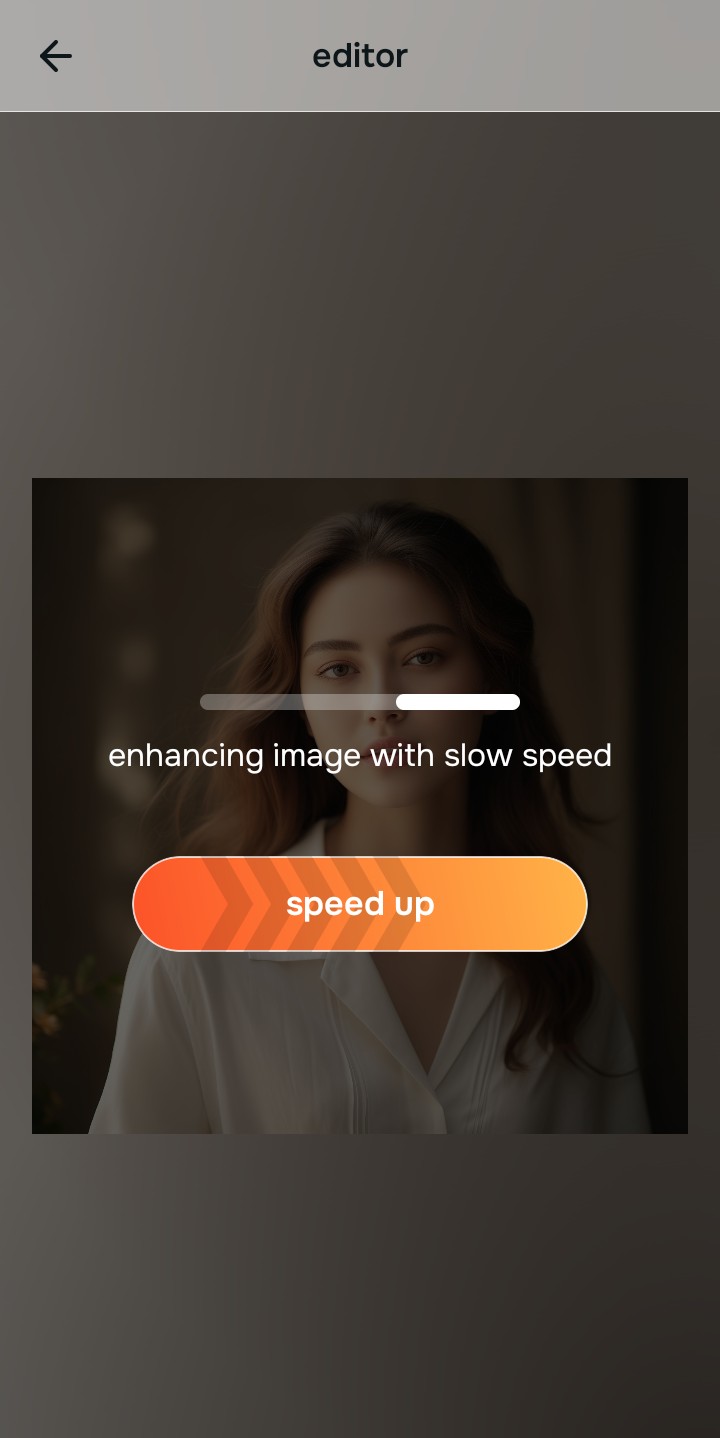
Let the real-time preview map optical blur boundaries
Citrus initializes its optical tracking grid immediately. The real-time engine scans pixel edges to separate true image contrast from blur artifacts before applying enhancements.
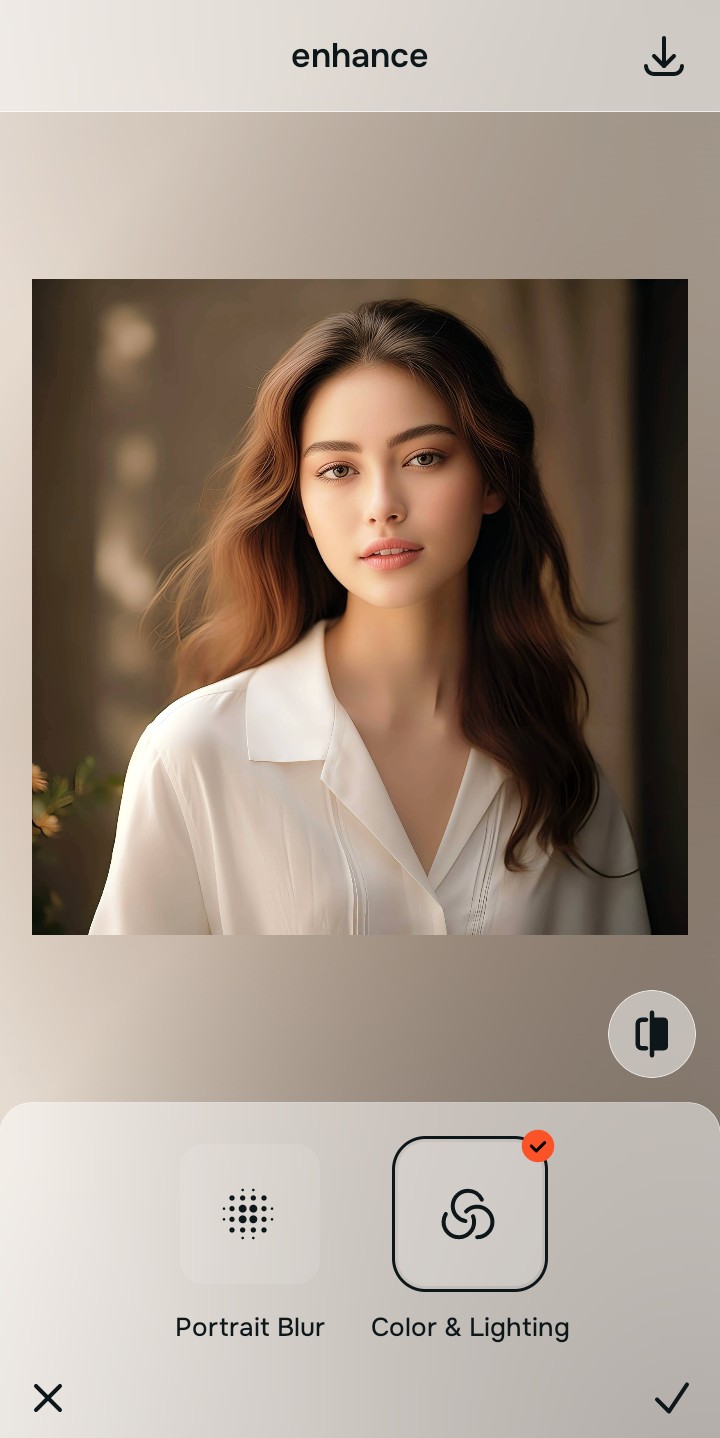
Tap Enhance and choose Colors & Lighting
Because soft photos suffer from flattened shadow boundaries, tap Enhance → Colors & Lighting. This mathematically sharpens edge contrast and lifts light values across the frame, clarifying details natively. This allows you to fix pixelated face photos without generating fake AI pixels.

Always fix the overall photo clarity before applying facial polish. Restoring edge contrast across the full frame ensures feature improvements look completely natural.
Tap Looks and select Glow Up for a photogenic finish
With edge clarity restored, elevate your overall facial impression. Tap Looks → Glow Up. Choose a light intensity level (Level 1–3) to inject high-definition radiance while keeping your real face shape intact. This is the ideal tool to make face clearer in photos.
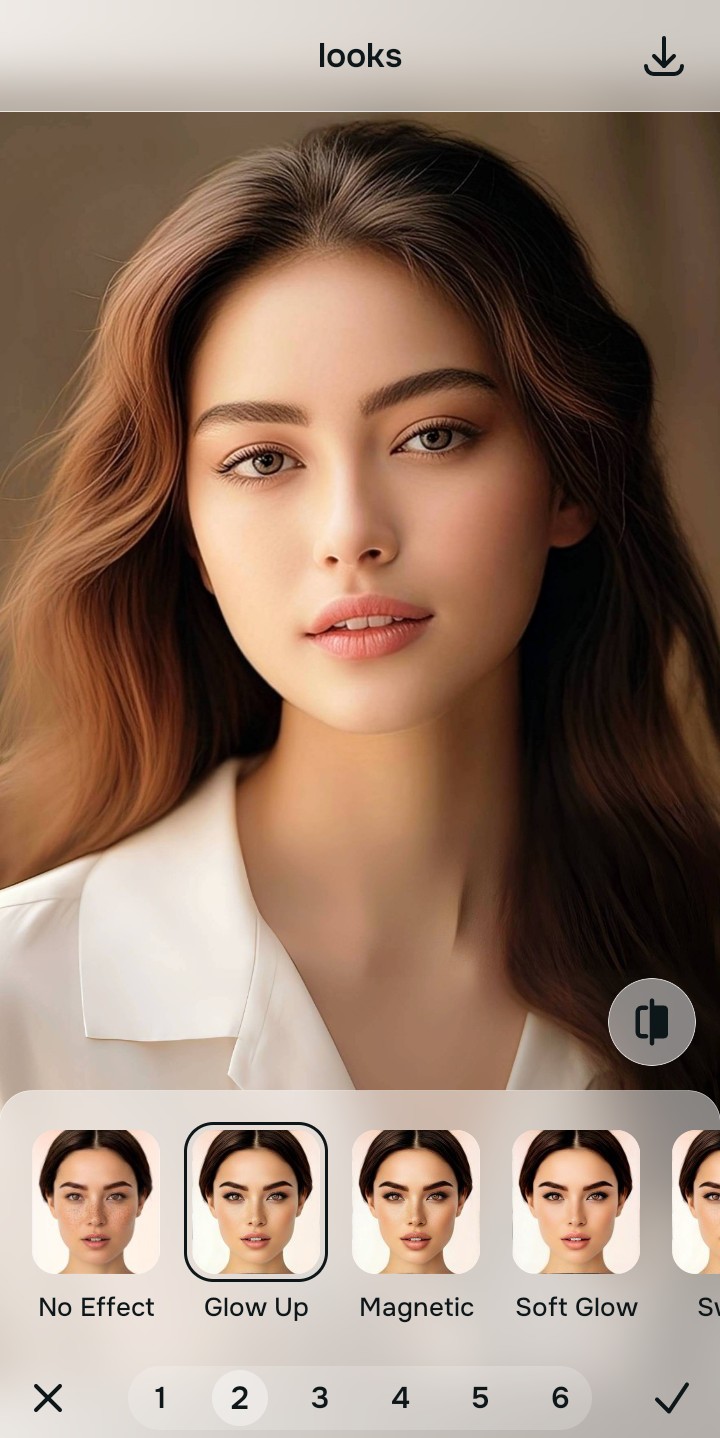
Export your unwatermarked, crisp HD portrait
Export your finished photograph in clean, high resolution. Knowing how to fix picture looks ai edited guarantees that your export passes every test for authenticity.
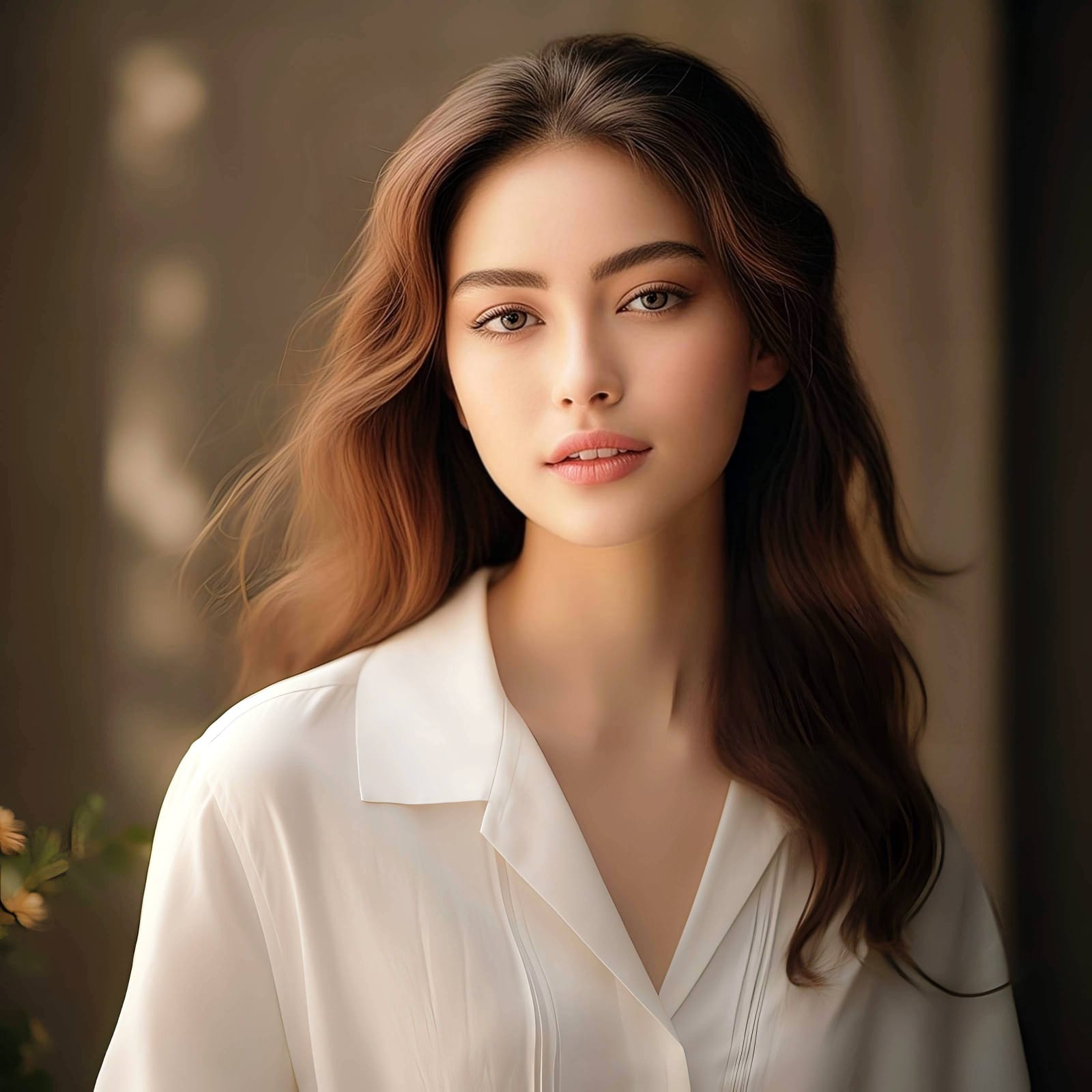
What type of blur is affecting your photo?
Select your image's specific issue to choose the most direct optical path.
How to align your clarity needs with the correct tool path
Using the proper path prevents over-processing. Fixing the broader photographic light and edge contrast first ensures that individual features remain naturally proportioned.
| Tool Pathway | Primary Flaw Remediated | Automated Fix Strategy |
|---|---|---|
| Enhance Start here | Out-of-focus camera capture, motion blur, and weak overall optical contrast | Use this first to restore edge sharpness. Choose Colors & Lighting to restore contrast without redrawing faces. |
| Looks | Soft facial impression, dull skin tone, and lack of sharp, photogenic presence | Use this to update full-face impression. Select Glow Up (Level 1–3) for a crisp, high-definition finish. |
| Face | Specific pixelation, camera noise, or minor skin roughness | Use this for targeted feature refinement. Select Glass Skin to hydrate skin appearance while keeping pores real. |
“True unblurring should restore the light and contrast your camera missed. It should never generate a new face or replace your eyes with stock artificial intelligence.”
Why optical contrast correction beats generative AI hallucination
There is a fundamental difference between recovering edge contrast and using AI to generate a fake face. Generative tools replace blurry areas with synthetic templates from training datasets, creating an unnatural look that triggers the uncanny valley.
Data from tests like the naturalness benchmark 2026 test proves that users consistently rate non-generative, optical light recovery as significantly more believable and trustworthy than synthetic AI reconstructions.