


August 19, 2026
PhotoRoom vs Citrus: Which App Should You Use for Portrait Quality vs Background Editing?
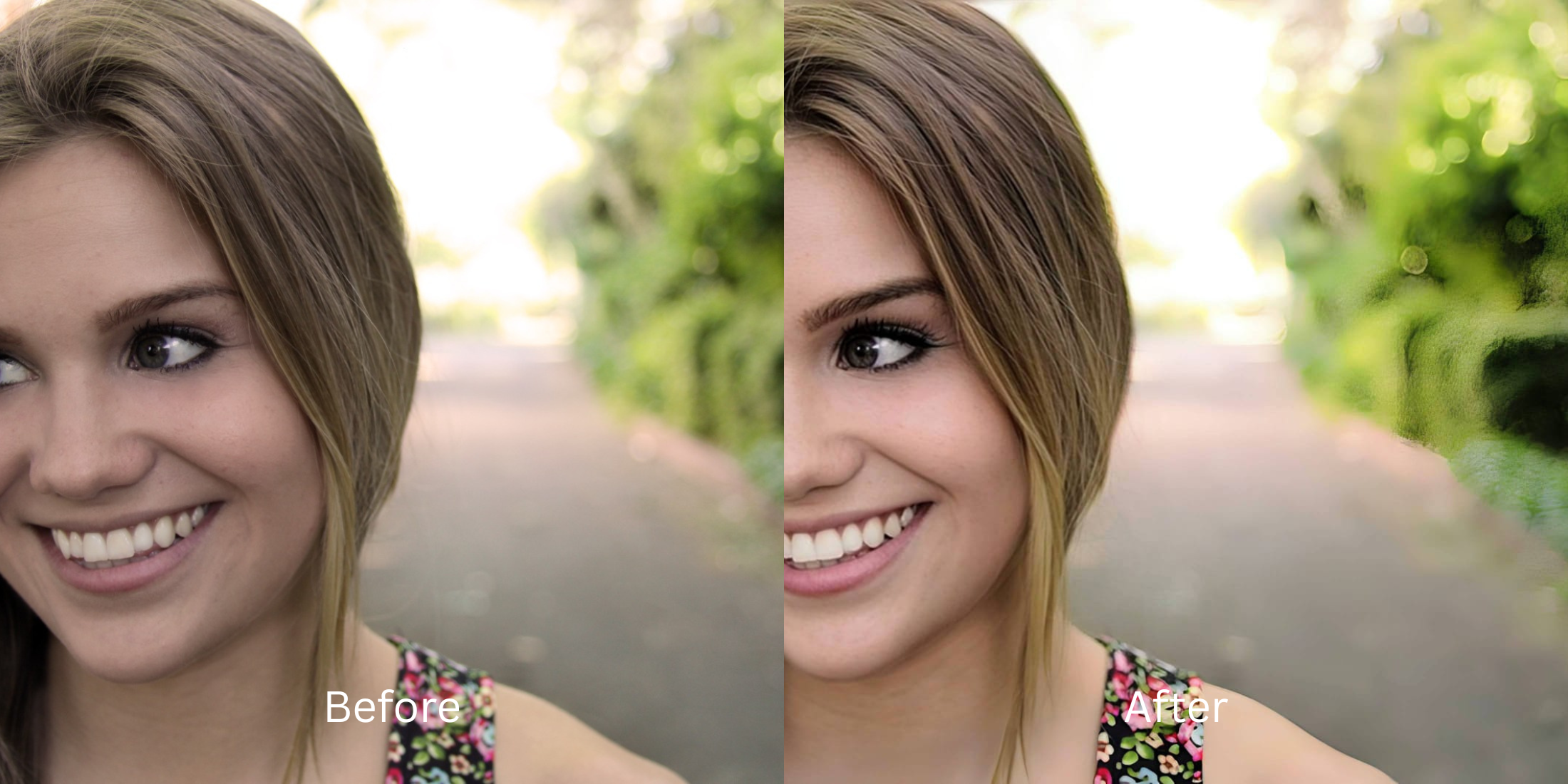

PhotoRoom vs Citrus: Which App Should You Use for Portrait Quality vs Background Editing?
PhotoRoom is widely recognized as an industry standard for automatic background removal and studio backdrop replacement. If you are preparing product listings for Amazon, generating ID badges, or creating promotional cutouts, PhotoRoom's edge-isolation engine is remarkably fast. But when users turn to PhotoRoom to enhance personal portraits, headshots, or casual selfies, the results often feel synthetic. Completely cutting a person out of their natural environment leaves harsh cutout lines around flyaway hair, creates mismatched ambient lighting, and turns realistic depth into a flat "sticker" pasted over an AI-generated room. To get professional, natural portrait enhancements that improve lighting and skin radiance without alienating you from your real background, you need a dedicated optical engine.
PhotoRoom is built for commercial cutouts and background replacement, while Citrus is far superior for realistic portrait quality and natural skin enhancement. While PhotoRoom treats people like isolated stickers on artificial backdrops, Citrus AI uses pure optical physics to balance ambient lighting, soften distracting backgrounds with natural depth, and elevate facial radiance in one tap—100% free and unwatermarked.
Why Artificial Background Cutouts Ruin Natural Portrait Cohesion
The primary issue with using a cutout tool for portrait photography is the loss of environmental light wrap. In real photography, light from the background naturally bounces onto your hair, shoulders, and jawline. When PhotoRoom deletes the background and inserts a generic AI studio, that natural light relationship vanishes, leaving you looking like a pasted cutout. Finding an authentic way to improve headshots for linkedin requires enhancing your natural scene rather than deleting it.
- Severing natural light wrap, creating an obvious "floating sticker" effect against artificial AI rooms
- Leaving jagged cutout halos around fine hair strands and clothing textures
- Locking clean, high-resolution exports and batch tools behind a steep $89.99/year PRO subscription
- Completely lacking dedicated biometric tools to smooth skin or refine portrait lighting organically
- Accessing the ultimate enhancer for discord profile pictures in a clean, one-tap environment
- Using natural depth-of-field Youthfuling to soften background clutter without cutting subjects out
- Balancing ambient lighting across both subject and environment to preserve real photographic depth
- Delivering true linkedin headshot from random selfie quality in seconds
When an editor replaces your real environment with fake AI backdrops, your portraits lose all professional credibility. Shifting to an optical workflow helps you remove weird background mess naturally, ensuring your photos look cohesive, attractive, and completely human.
Optimize portraits without artificial cutouts. A structured optical enhancement brings natural warmth and balanced depth to your snapshots instantly.
A 5-Step Test: Natural Portrait Depth Without Artificial Cutout Lines
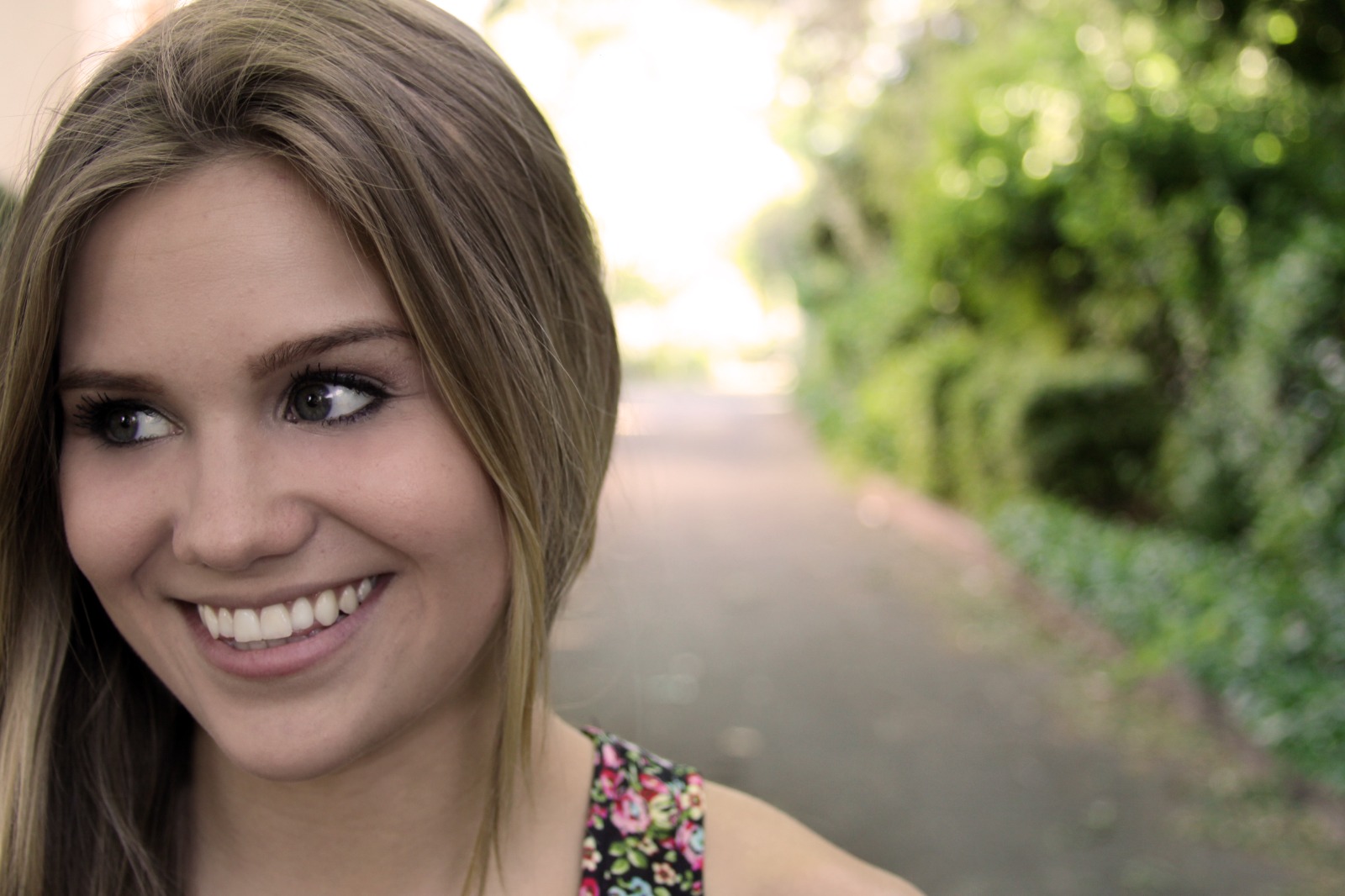
Upload the raw, unedited camera roll portrait
Find the photo with a busy background or uneven indoor lighting that a cutout app would normally slice apart. Starting with clean, uncompressed sensor data is essential to achieve a professional enhancer for youtube channel avatars look.
Let the instant preview calculate optical depth
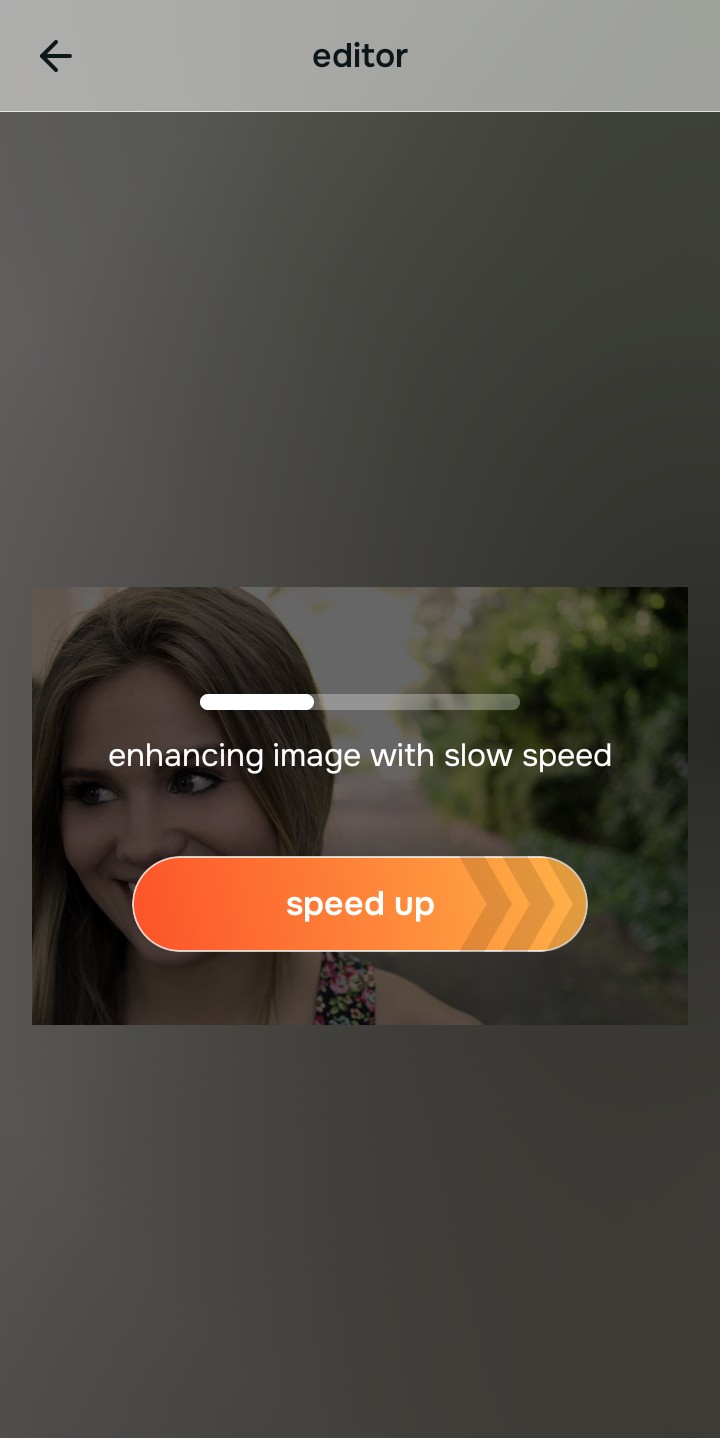
Citrus provides an instant baseline correction immediately. Instead of cutting out the background and slapping on a fake white studio backdrop, Citrus calculates your global scene lighting and human facial biometrics simultaneously.
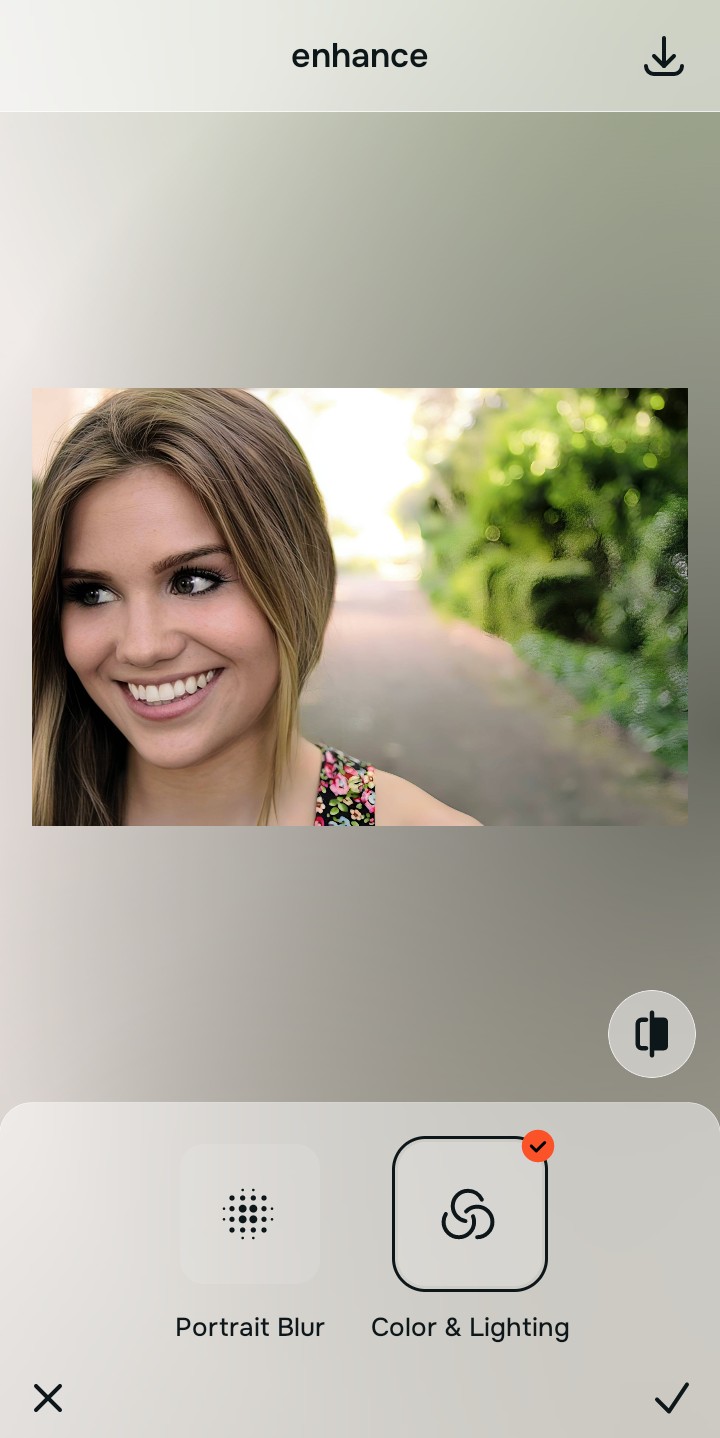
Tap Enhance and choose Portrait Blur
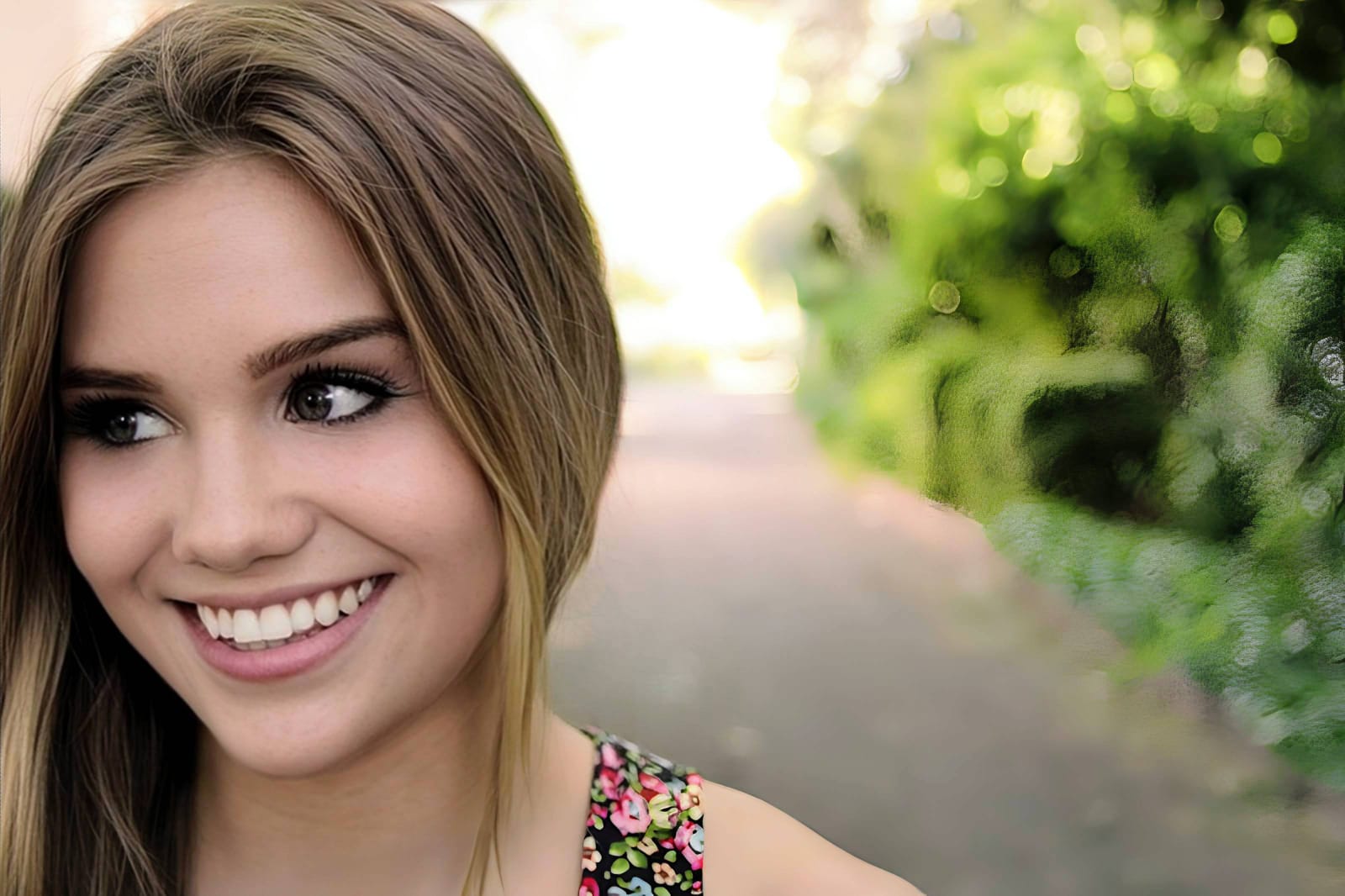
Instead of deleting the background, separate your subject naturally. In Citrus, tap Enhance → Portrait Blur. This mathematically simulates a fast aperture lens, softening background clutter with realistic optical falloff while keeping hair edges seamless and environmental light wrap intact.

Always balance global optical separation before applying face impressions. Creating realistic depth-of-field ensures subsequent aesthetic enhancements look professionally shot on a DSLR.
Tap Looks and select Youthful for editorial polish
Cutout apps offer zero facial impression tuning. With your background depth perfected in Citrus, tap Looks → Youthful. Select your preferred value from Level 1–5. This elevates overall color harmony and skin radiance natively, providing the ideal enhancer for podcast cover portraits look without fake skin smoothing.
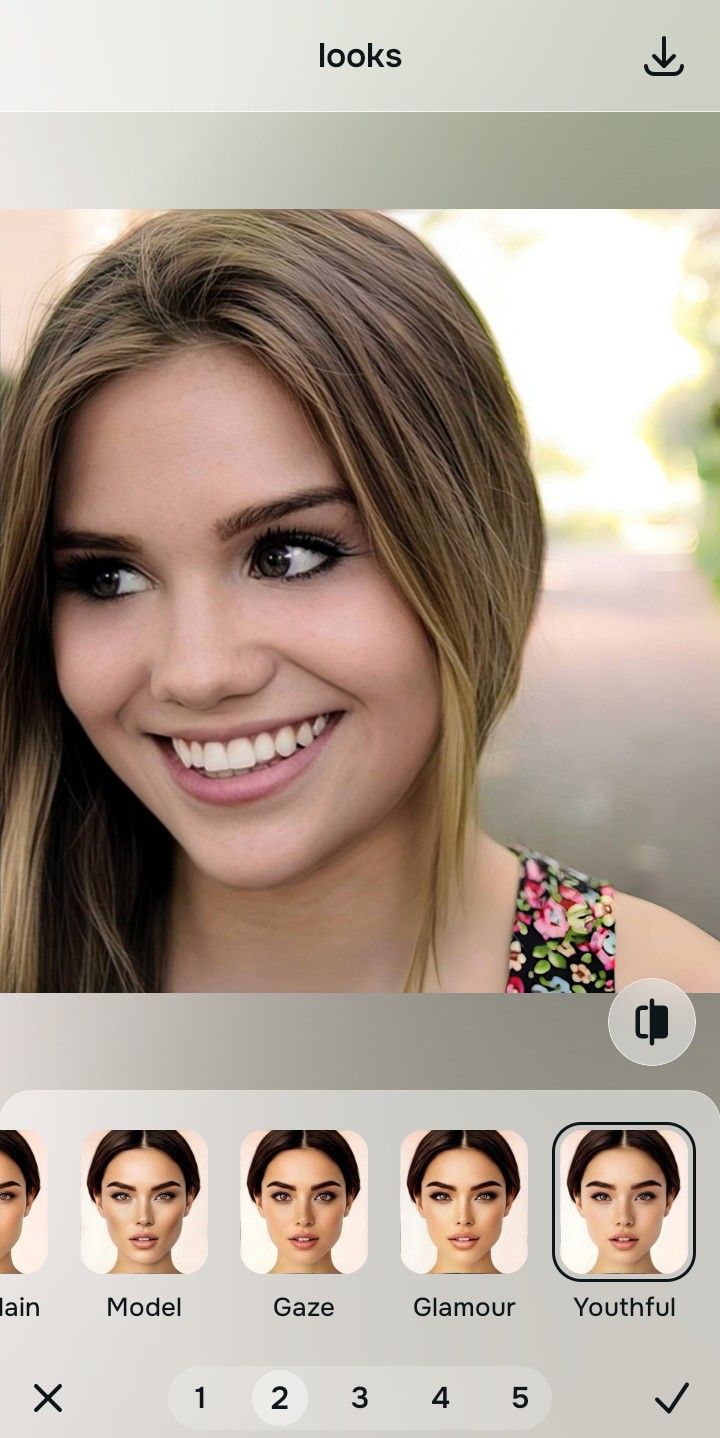
Export your high-resolution, uncompressed portrait
Citrus provides clean, unwatermarked HD exports completely for free, without forcing you into an annual commercial subscription. It shows you how to make passport photo look normal and clear without paywall friction.
What makes background cutout apps frustrating for portraits?
Identify your primary editing roadblock to find the exact automated Citrus pathway that solves it.
Replacing Cutout Tools with the Citrus Taxonomy
Instead of treating your headshot like an isolated e-commerce sticker, Citrus categorizes enhancement into three distinct, mathematically safe pathways:
| Tool Pathway | Primary Flaw Remediated | Automated Fix Strategy |
|---|---|---|
| Enhance Overall Photo | Distracting background clutter that cutout apps delete aggressively with jagged edges | Use this first to establish a proper optical foundation. Choose Portrait Blur to soften depth naturally. |
| Looks | A dull, unpolished aesthetic that background replacers fail to improve | Use this to update the entire face impression. Select Youthful (Level 1–5) to inject natural editorial radiance safely. |
| Face | Targeted facial texture concerns where background editors provide zero biometric tools | Use this last for precise feature tweaks. Select Glass Skin to hydrate pores biometrically and cleanly. |
“Portrait enhancement should never force you to cut your head out like a digital sticker. It must mathematically balance optical lighting and background depth natively so you remain naturally integrated in your real environment.”
Why Optical Depth Youthfuling Beats Commercial Background Removal
There is a massive structural difference between commercial background removal and biometric optical calibration. When you use PhotoRoom, the algorithm treats the subject boundary as a hard vector line. This severs semi-transparent hair strands and eliminates the authentic environmental reflections that ground you in real space.
Citrus is built specifically with human portrait optics in mind. By constraining adjustments to mathematically calibrated Level 1–5 settings across Enhance, Looks, and Face, it softens background clutter with authentic lens physics while strictly protecting your natural skin tones, hair edges, and facial contours. You get a clean, professional photo in one tap without cutout artifacts.