


May 22, 2026
Best AI Photo Enhancer for Discord Profile Pictures
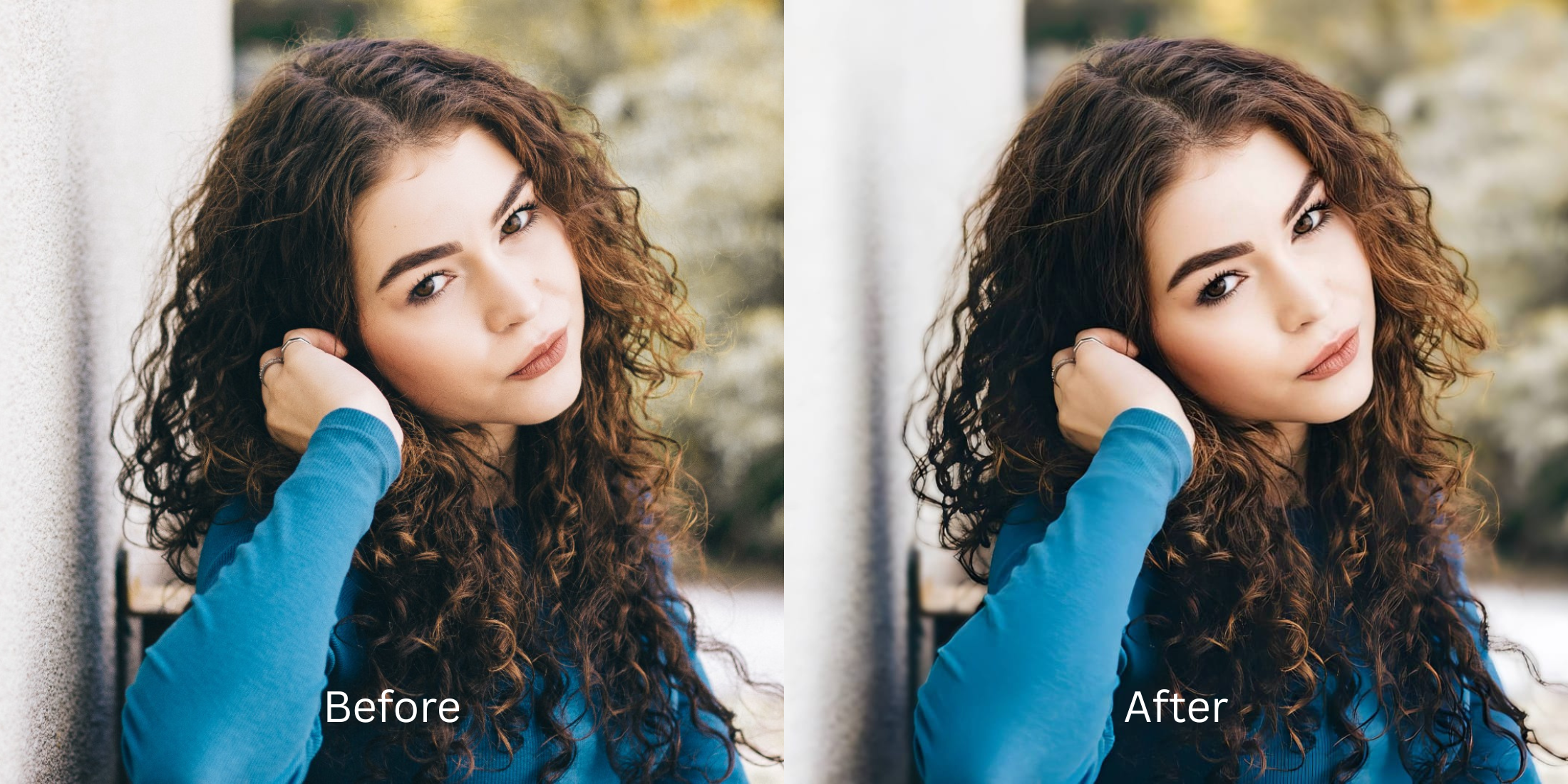

Best AI Photo Enhancer for Discord Profile Pictures
Discord profile avatars live inside a tiny 128x128 pixel circle. When you upload a standard selfie from your gaming desk, smartphone cameras struggle to separate your face from the busy room behind you. At that small scale, the visual clutter merges with your features, creating a messy, unreadable blob. Furthermore, the harsh blue and green glare from your monitor throws off your camera’s exposure, washing out your skin tones and adding heavy digital grain. To ensure your PFP pops inside chat channels, you need to isolate your portrait structurally before adjusting your facial contrast.
To make your Discord profile picture sharp and readable for free, you must isolate your face from the background clutter. In Citrus, skip the manual cropping tools. Tap Enhance -> Portrait Blur to clean up distracting room elements and establish depth instantly. Once the background is smooth, use Looks -> Magnetic to add high-contrast definition so your avatar reads perfectly at a small scale before saving.
Why busy backgrounds ruin small avatars
The human eye relies on depth separation to recognize faces quickly. When an image is compressed into a tiny circle, the pixels of your face and the pixels of your gaming chair or posters blur together. Finding a premium photo enhancer for profile pictures allows you to mimic the shallow depth-of-field found in professional DSLR cameras. This professional blur forces the viewer's attention directly onto your expression, making the avatar distinct and recognizable even when scaled down next to a chat message.
- Leaving messy room elements in the frame that distract from your face at 128px
- Paying heavy monthly subscription premiums just to export a clear PFP
- Having massive watermarks stamped across your avatar on free app tiers
- Leaving blue monitor glare completely uncorrected on your skin
- Getting studio-tier portrait background separation completely free
- Isolating background elements seamlessly so your face reads clearly
- Saving your unwatermarked, high-definition files instantly to your gallery
- Adding sharp visual contrast to punch through heavy image compression
If your final image looks bright but your unique facial lines are erased by heavy blur sliders, your community won't recognize you. Discovering reliable enhancers for profile pictures that keep real skin textures ensures your online identity stays authentic.
Isolate your portrait composition instantly. A smart separation boosts clarity.
How to optimize your Discord avatar for free in 5 steps
Select a selfie that gets lost in the background
Choose a picture from your camera roll where your expression is solid but the environment is messy. Finding a way to make a bad photo good begins by addressing the composition layout.
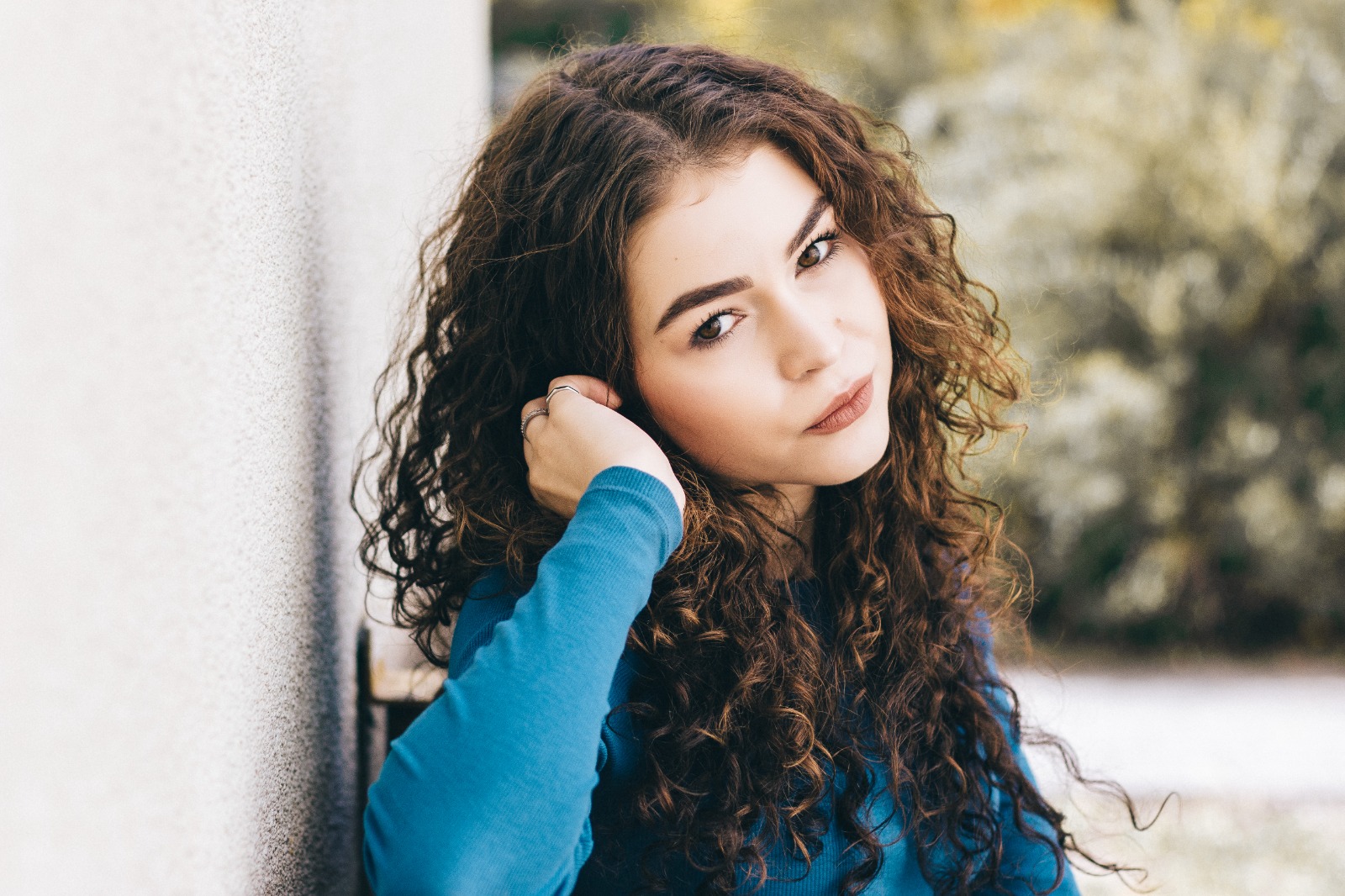
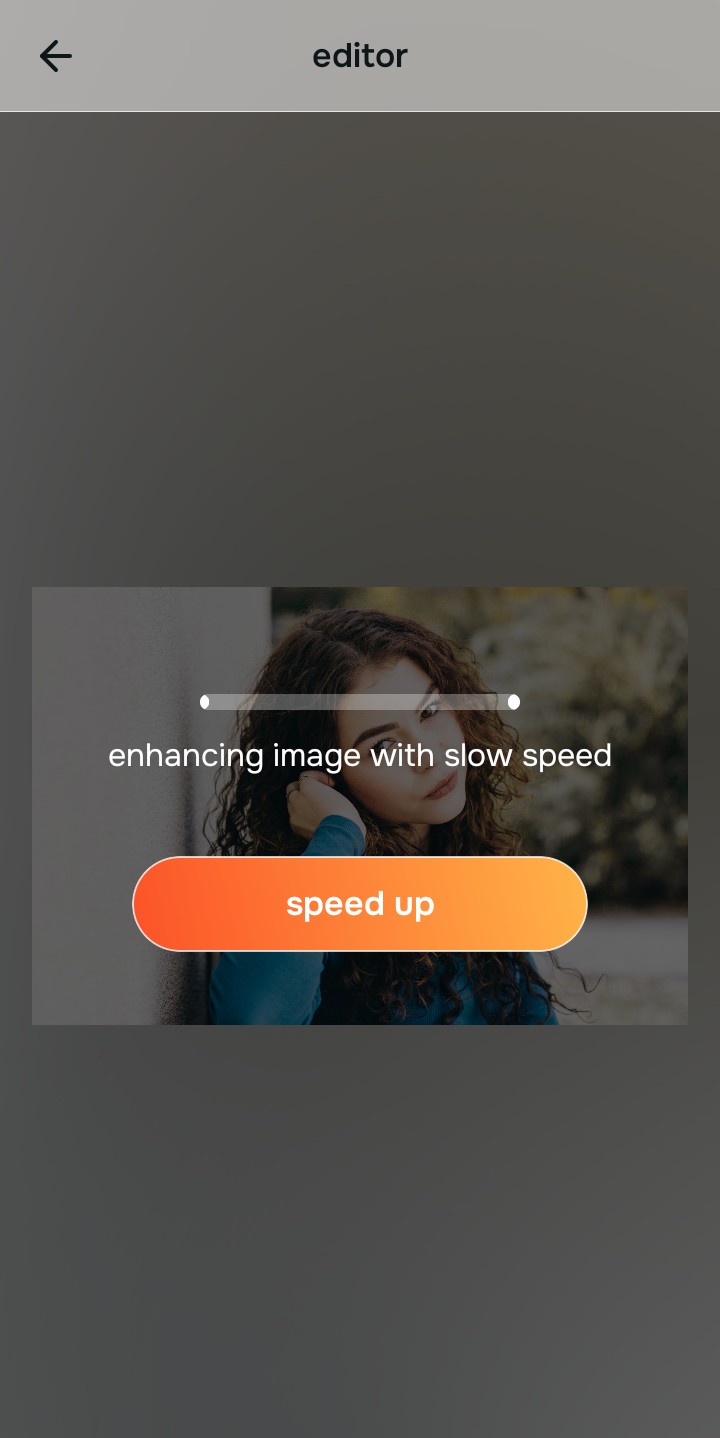
Let the instant preview establish visual depth
Citrus opens a high-definition rendering instantly without demanding credit card entries. This lets you observe how the engine reads your shoulders and background lines before committing to adjustments.
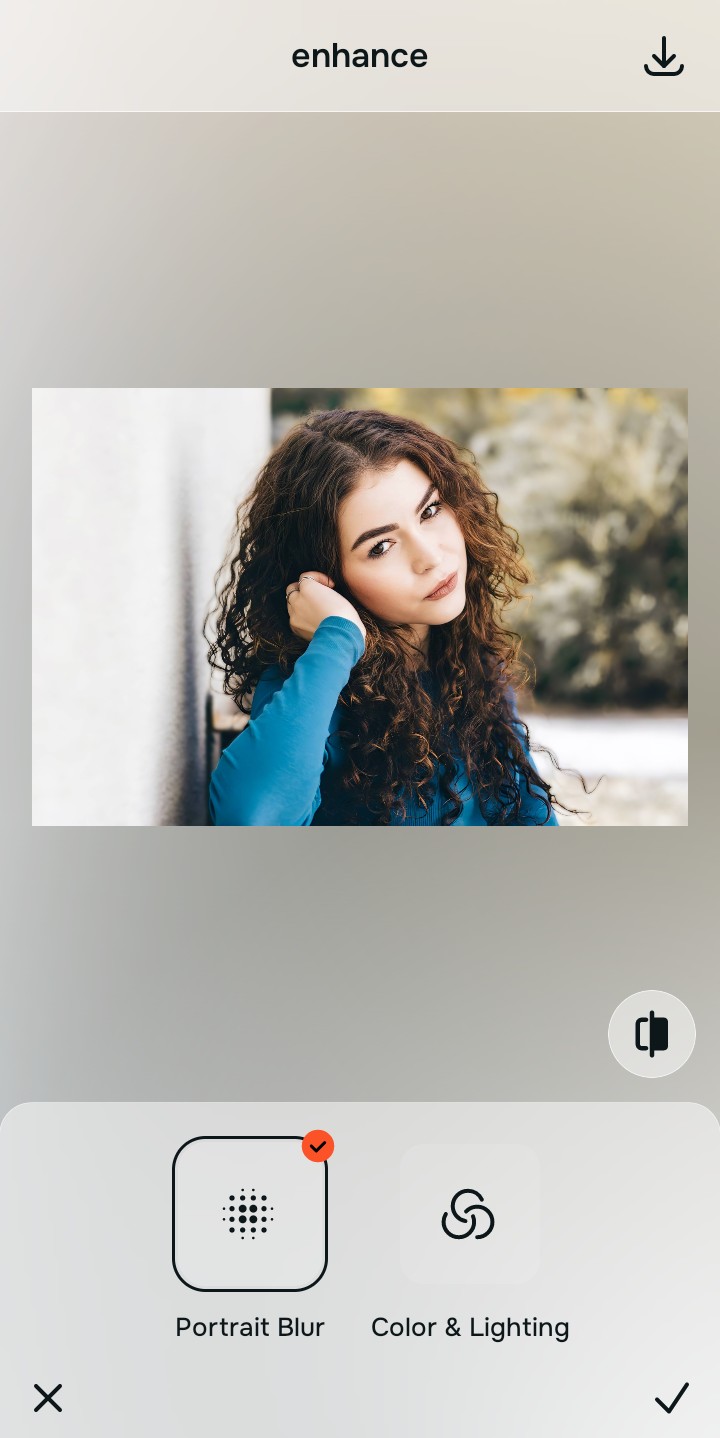
Use Enhance to select the Portrait Blur path
Because muddy avatars stem from background interference, tap Enhance -> Portrait Blur. This smooths out busy room artifacts to recover Magnetic facial focus. It is the best way to make blurry photos clear again when scaled down to an icon.

Always separate your background depth before applying aesthetic look layers. Repairing composition zones ensures all following polishes highlight your primary features cleanly.
Apply Looks options to refine your overall face impression
Once your portrait composition is isolated, add a sharp polish. Tap Looks -> Magnetic to boost feature definition. Discovering how to unblur a face without overediting ensures your avatar remains sharp despite heavy Discord server compression.
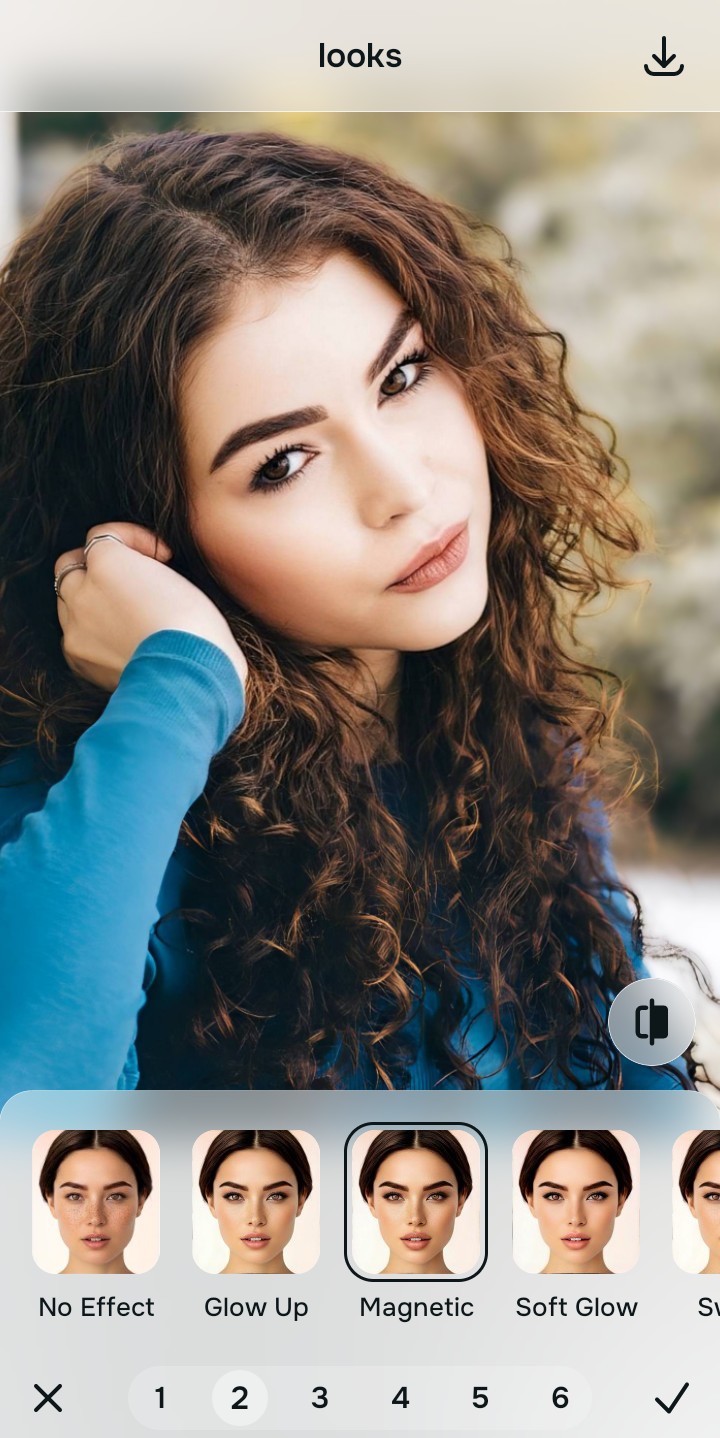
Save your unwatermarked avatar instantly
Unlike premium filter programs that block downloads behind paywalls, your export is direct. Searching through free apps to look better ends when you can download high-resolution files instantly.
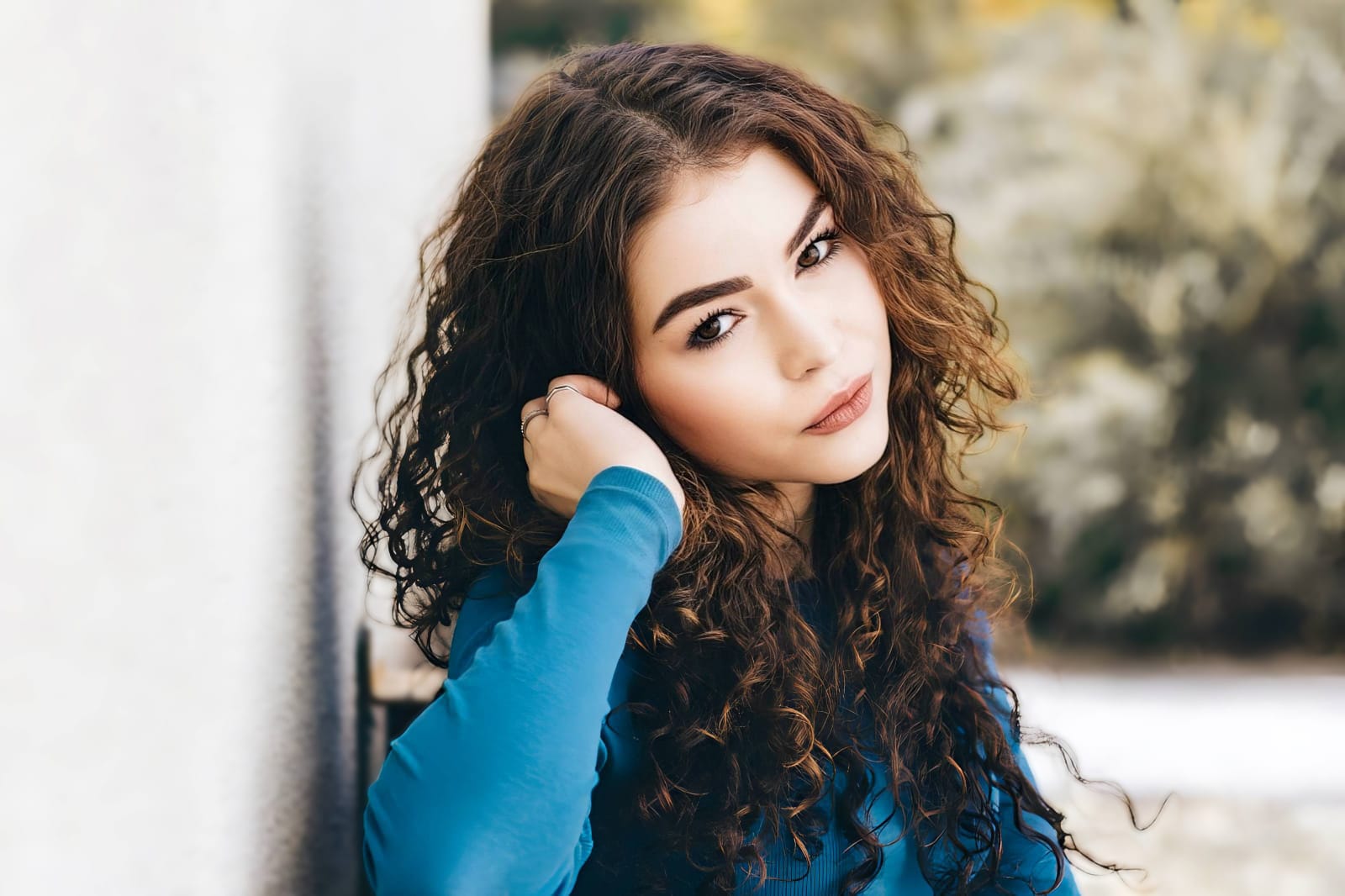
What is damaging your Discord picture quality?
Identify your portrait's primary visual flaw. Your ideal editing pathway changes depending on the problem.
Which free Citrus tool upgrades your avatar best
Separate photo limitations require individual workflow choices. Matching the accurate path to your specific portrait problem keeps your profile looking organic and distinct across servers.
| Tool Pathway | Core Parameter Improved | Avatar Layout Execution |
|---|---|---|
| Enhance Start here | Cluttered ambient spaces, flat monitor glare, and weak visual separation | Use this first to isolate yourself from the room. Choose Portrait Blur to pop out of the background for free. |
| Looks | Dull expressions, low facial contrast, and unreadable features at small sizes | Use this to tune the entire face vibe at once. Tap Magnetic to sharpen your presentation natively. |
| Face | Narrow feature issues like heavy eye exhaustion or minor color casts | Use this last for precise feature tweaks. Select tools like No Eyebags to clear dark circles without wiping out skin pores. |
“An excellent Discord icon shouldn't blur your natural features. It should simply remove environmental clutter and increase contrast so you stand out clearly in the chat feed.”
Why structural clarity beats generative avatar replacements
There is a massive physical difference between calibrating your real image and generating synthetic art. When you use AI to create a completely fake avatar, you lose the personal connection with your server community. Digital overlays often look cheap and unapproachable.
Tools designed for people who hate how filters look focus on background separation and shadow recovery instead. This delivers professional, studio-tier clarity with no paywall screens, ensuring your PFP stays sharp, natural, and highly recognizable.