


May 16, 2026
How to Rescue Windy-Hair Portraits Without Looking Overedited
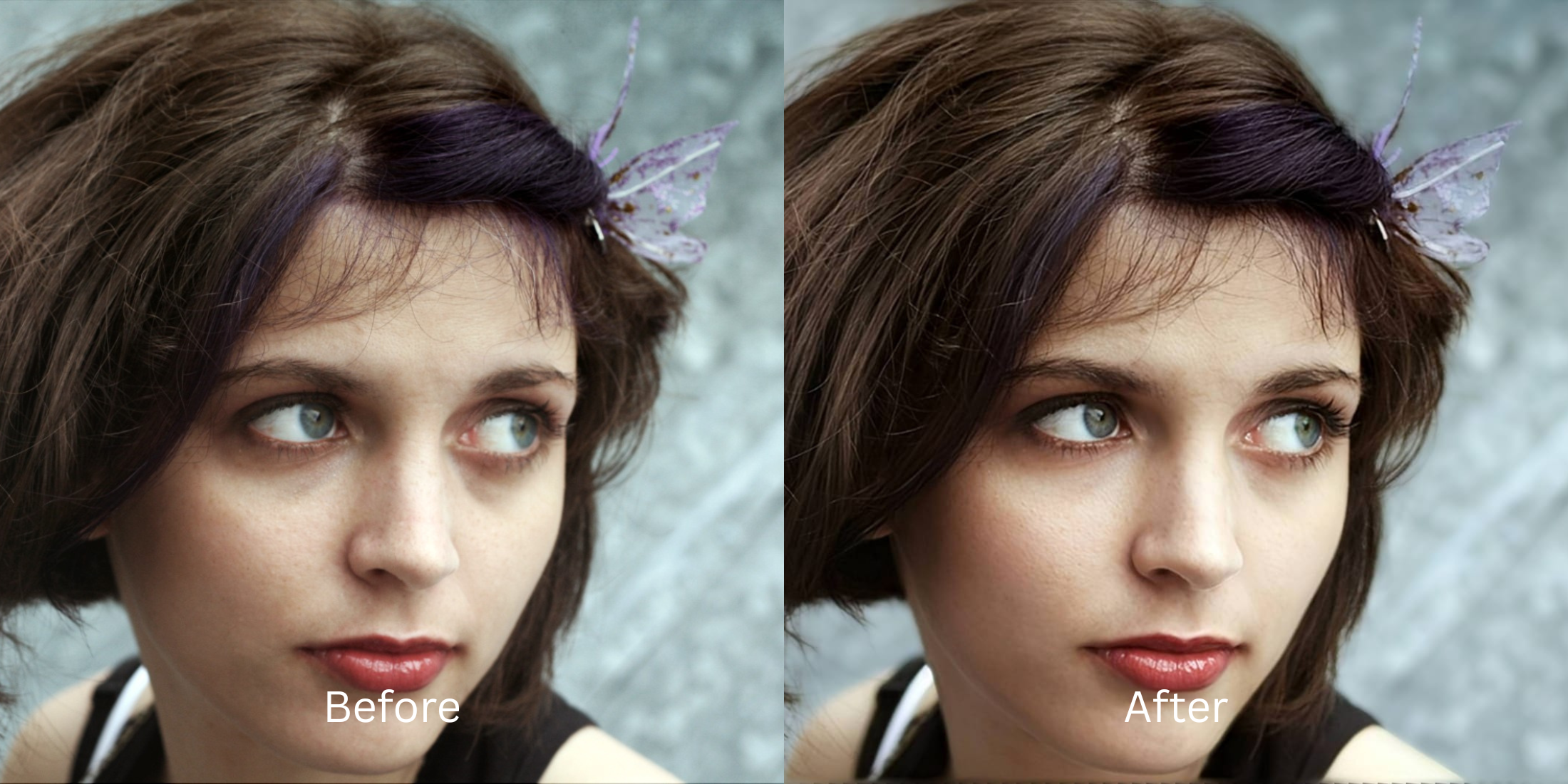

How to Rescue Windy-Hair Portraits Without Looking Overedited
A gentle breeze can make a portrait feel spontaneous and alive, but more often than not, wind completely ruins the shot. Smartphone cameras struggle to process moving hair, resulting in motion blur that makes the strands look like messy digital static. Furthermore, the flying hair visually blends into the background, creating a chaotic image, while casting harsh, uneven shadows across your eyes. When you try to fix this with standard apps, they blur the flyaways into a solid, plastic helmet. To rescue the aesthetic, you need a smart tool that isolates the depth rather than painting over the mess.
To fix a messy, wind-blown portrait for free, you must separate the hair from the chaotic background. In Citrus, avoid manual smoothing brushes. Tap Enhance -> Portrait Blur to instantly pull your face forward, making the wind look like a deliberate, high-fashion choice. Once the background is tamed, use Face -> No Eyebags to clear the harsh shadows cast by flying hair around your eyes.
Why smartphone cameras fail in the wind
Your phone's camera tries to keep everything in focus at once. When wind blows your hair, the camera captures the movement as motion blur, while simultaneously failing to separate the flying strands from the busy outdoor background. The result is a photo that feels cluttered and stressful rather than breezy and beautiful. Finding an ai photo enhancer for blurry pictures means using software that can reconstruct structural depth, effectively telling the camera what to focus on after the photo was already taken.
- Using heavy blurring tools that melt your wind-blown hair into a flat helmet
- Paying expensive $40 subscriptions just to export a clear photo
- Having massive watermarks stamped across your face on free apps
- Leaving harsh, messy shadows cast by flying hair directly over your eyes
- Getting professional-level depth separation without hidden paywalls
- Isolating the messy background to make the wind look deliberate
- Exporting your final, high-definition photo for free without watermarks
- Clearing targeted shadows around the eyes while keeping skin authentic
If your edited picture looks perfectly smooth but the background is a warped mess, the edit has failed. Knowing how to correctly unblur a face without overediting ensures that the motion remains dynamic, not disastrous.
Tame the chaotic background. A smart edit keeps the motion intact.
How to rescue a wind-blown portrait for free in 5 steps
Select a selfie ruined by a messy, windy background
Find a picture in your gallery where the wind caused chaos instead of beauty. You do not need to delete the memory. You can easily make a bad photo good by using proper depth restoration.

Let the instant preview analyze the depth
Citrus provides a first correction immediately without asking for a credit card. This ensures that the lack of separation between your flying hair and the background is recognized before applying fixes.
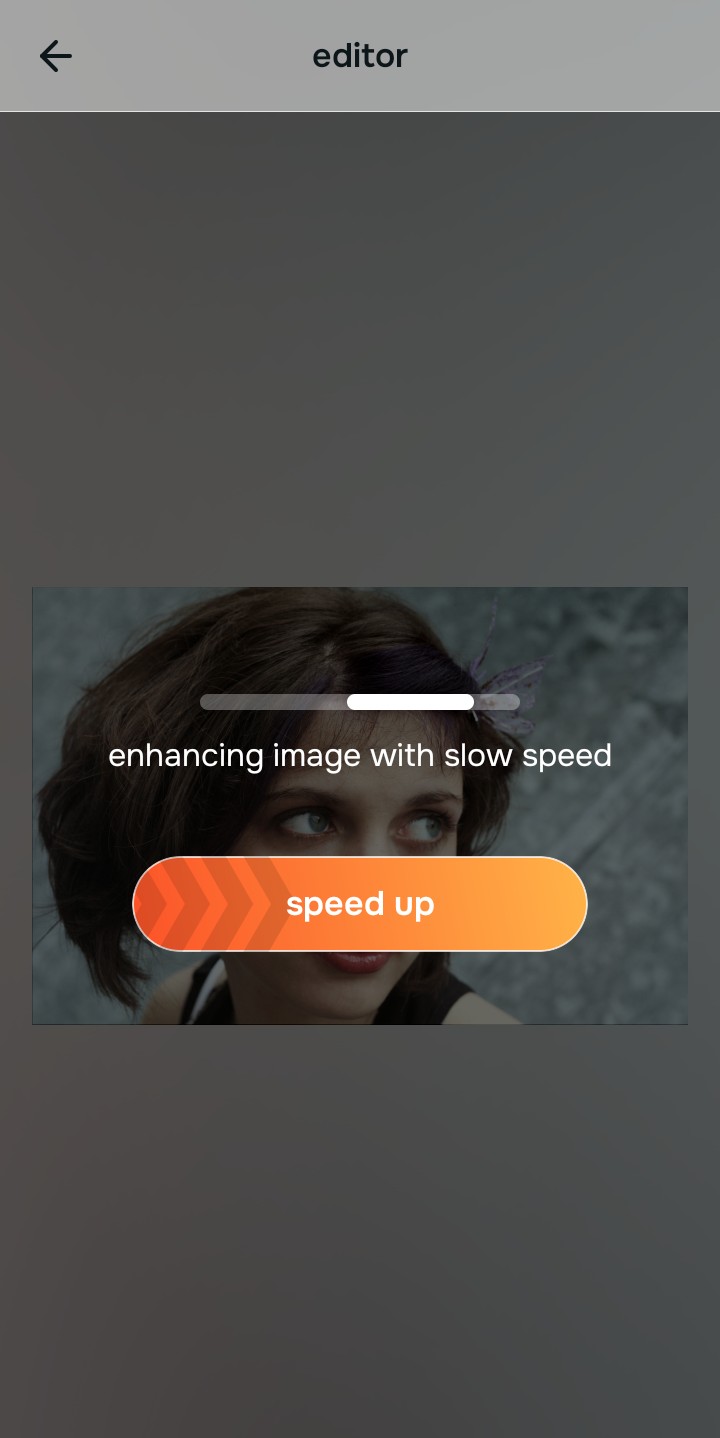
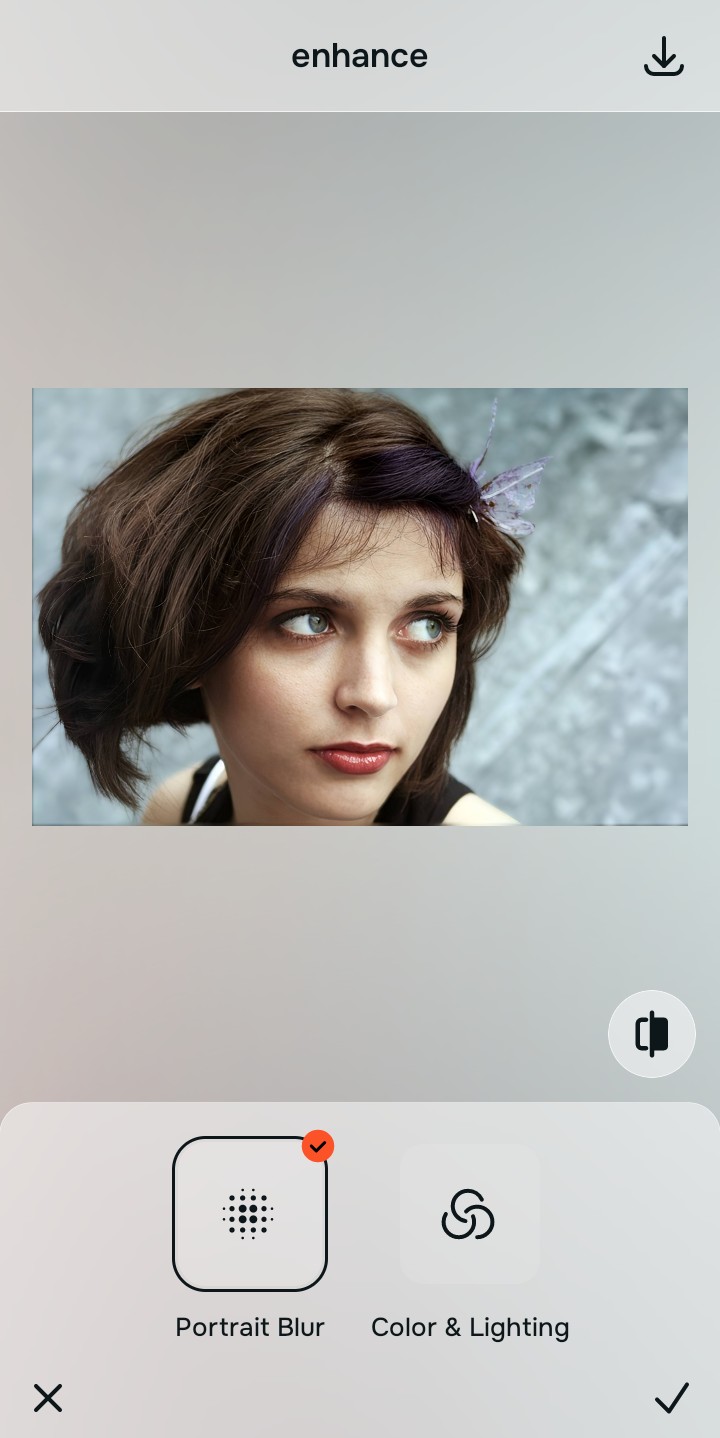
Use Enhance to fix Portrait Blur first
Because a messy wind photo is a fundamental depth problem, tap Enhance -> Portrait Blur. This creates professional-grade separation, pulling your face forward. The background softly blurs out, making the flying hair look like an intentional, high-end editorial choice. It is the perfect alternative to overprocessed beauty editors.

Always fix the core depth before using an aesthetic tool. Tap the Enhance options to build a strong, isolated foundation first.
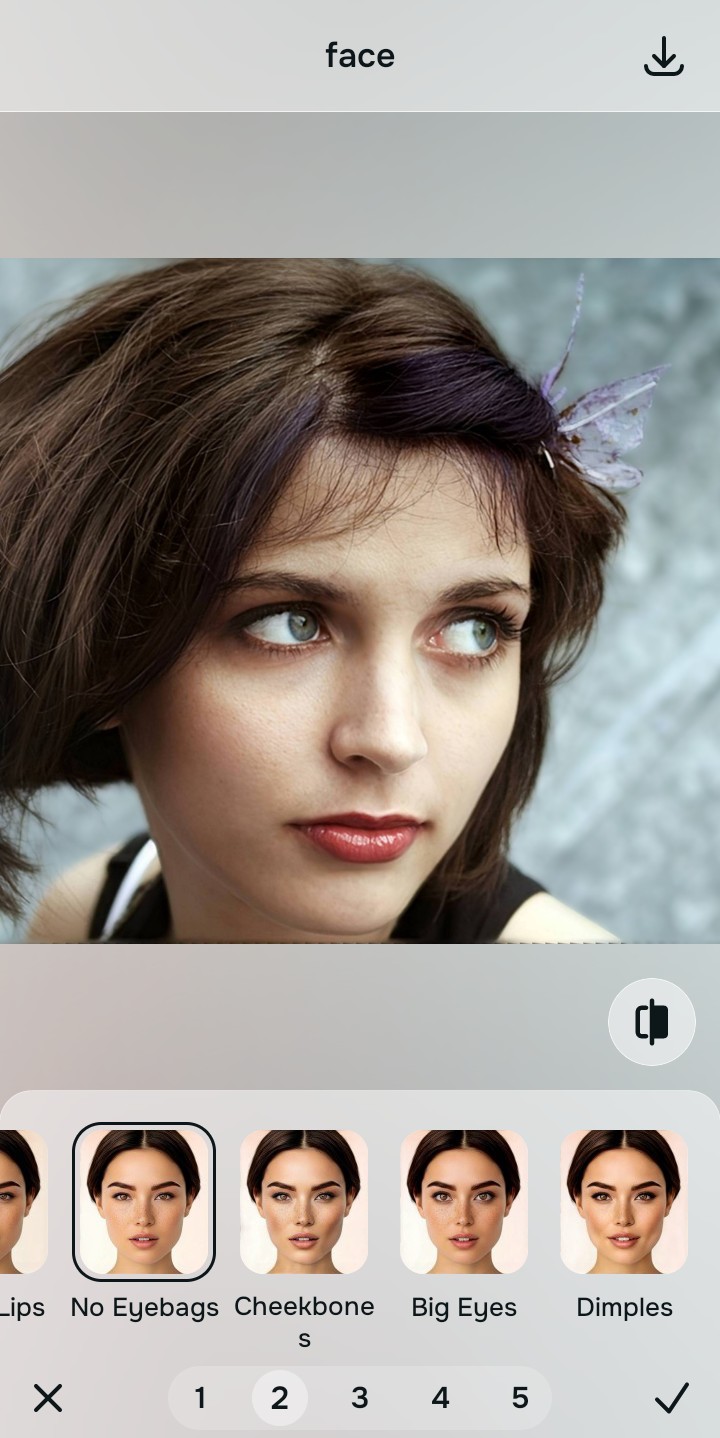
Apply Face tools to clear hair shadows
Finally, fix the shadows the flying hair cast on your face. Tap Face -> No Eyebags to clear the dark circles caused by the wind. You can easily find fixes for tired puffy selfies while keeping the overall aesthetic completely natural.
Save the high-resolution photo instantly
Unlike premium apps that charge you to export a clear photo, you can save your results instantly. To improve photo without changing face dynamics, always stop editing before the image looks heavily filtered, and enjoy a free save.
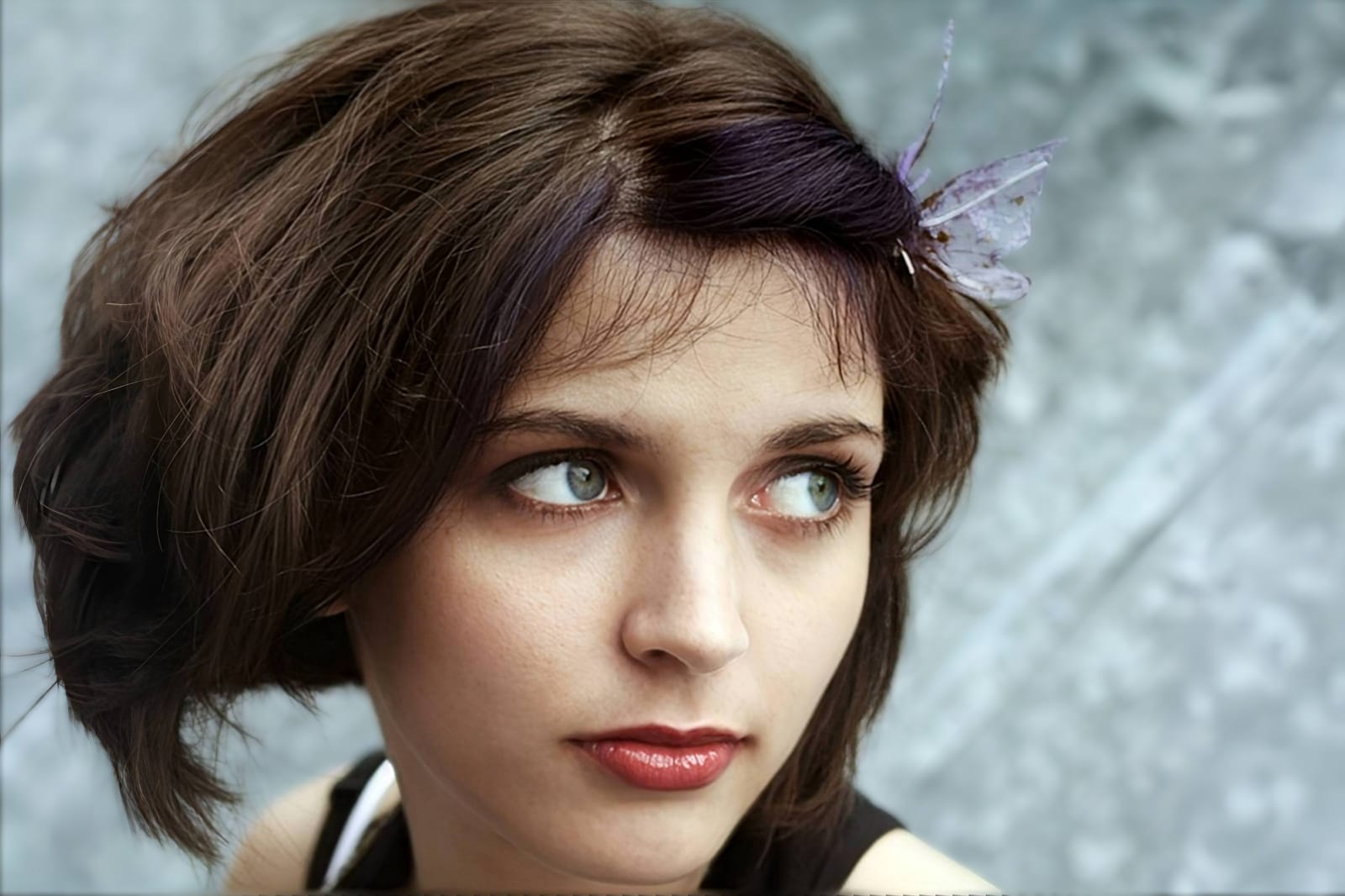
Why does your hair ruin this selfie?
Choose the description that fits best. Your starting point changes depending on what is actually causing the chaos.
Which free Citrus tool delivers the best editorial finish
Different photographic challenges require entirely different pathways. The goal is to get a professional result by matching the tool to the actual camera error. This stops you from ruining a dynamic selfie with an automated, paid filter.
| Tool | What it helps fix | When to use it |
|---|---|---|
| Enhance Start here | Heavy background clutter, lack of subject separation, and chaotic motion | Use this first when the wind makes the photo too messy. Choose Portrait Blur to isolate your face for free. |
| Looks | Photos that have depth but lack a sharp, high-end editorial aesthetic | Use this after Enhance when the issue is an accidental vibe. Tap Model to make the wind look deliberate instantly. |
| Face | Specific heavy shadows cast by flying hair around the delicate eye area | Use this last, applying targeted tools like No Eyebags to safely clear up exhaustion without blurring the hair. |
“A great windy-hair selfie isn't about applying a fake smoothing filter to the flyaways. It is about isolating the background so the chaos looks deliberate and beautiful.”
Why depth recovery beats heavy smoothing filters
There is a massive difference between isolating a subject and wiping out reality. When you use an aggressive, paid beauty algorithm to hide messy hair, you turn the strands into a plastic helmet. The human brain instantly recognizes this loss of detail as a cheap edit that destroys the spontaneous energy of the photo.
Real quality comes from correcting the underlying depth data instantly. Choosing free apps to look better ensures you get high-resolution results without the premium subscription trap. This allows you to look incredibly sharp while staying authentic.