


August 21, 2026
How to Fix iPhone 17 Night Portraits Without Smearing Hair and Skin Detail
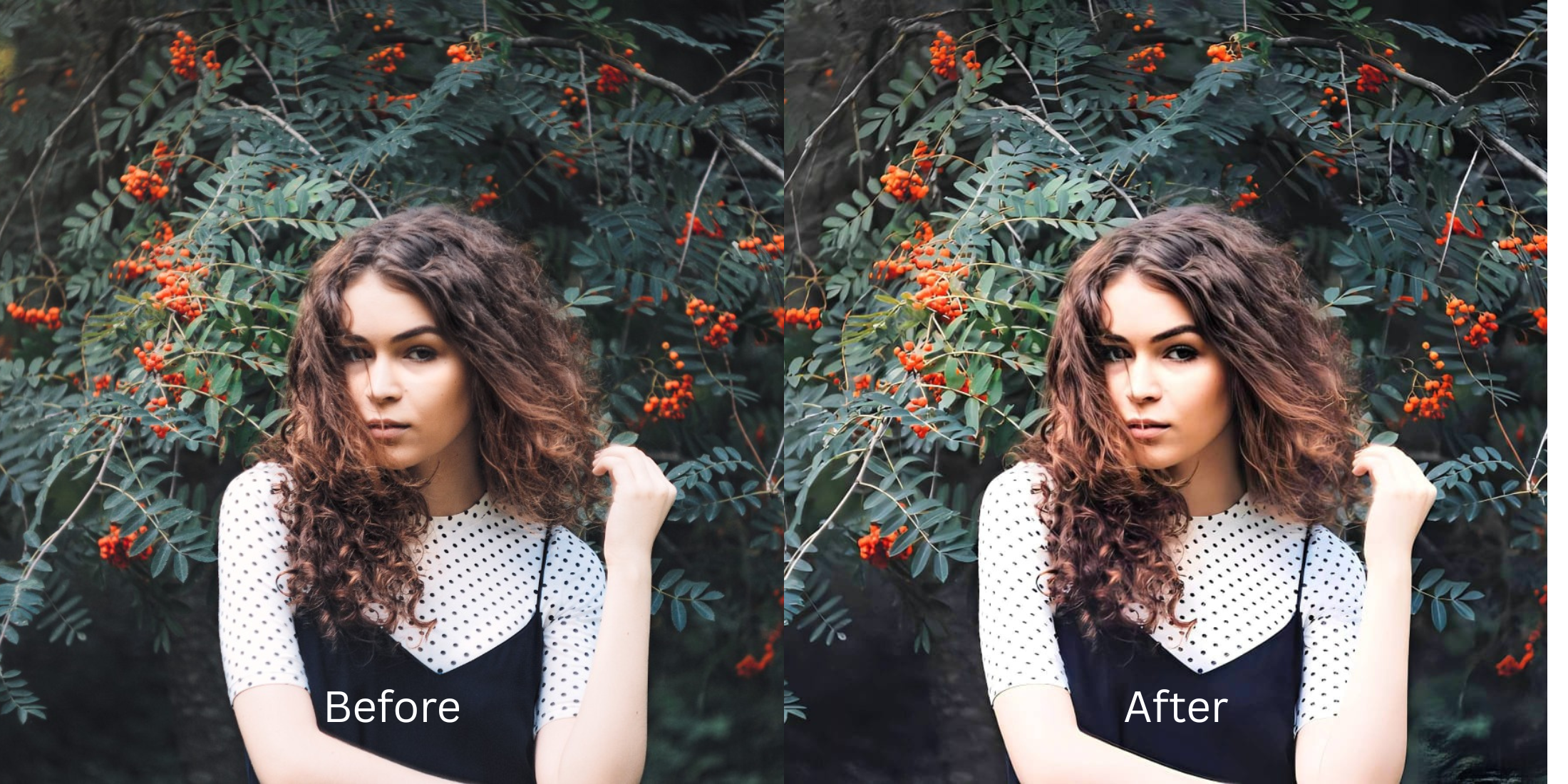

How to Fix iPhone 17 Night Portraits Without Smearing Hair and Skin Detail
Taking low-light portraits or evening selfies on a modern smartphone like the iPhone 17 presents a frustrating dilemma. In low-light environments, Apple’s computational camera pipeline automatically engages Night Mode and Deep Fusion. To suppress digital noise across dark areas, the camera's temporal noise-reduction algorithms aggressively blend adjacent pixels. The unintended casualty? Fine structural detail. Your hair turns into a solid, waxy helmet, eyelashes blur together, and natural skin pores are smeared into a flat, watercolor-like mush. When you try to fix this in standard editing apps, global sharpening tools only amplify harsh background grain. To rescue low-light portraits cleanly—restoring crisp hair strands, sharp eye catchlights, and authentic skin texture—you need an optical engine that separates chromatic noise from high-frequency biological details.
iPhone Night Mode smears portraits because aggressive noise reduction treats fine hair and pores like grain. To recover crisp detail without exaggerating noise, use Citrus AI. Instead of applying destructive digital smoothing, Citrus mathematically lifts shadow dynamic range and reconstructs high-frequency hair and skin texture natively in one tap.
Why Apple's Night Mode Engine Melts Fine Portrait Details
Smartphone camera sensors have tiny physical photosites that struggle to gather light indoors or after dark. To produce a bright exposure without extreme grain, the camera captures multiple frames and applies aggressive spatial de-noising. Unfortunately, this algorithm cannot distinguish between unwanted sensor noise and delicate human textures like individual hair strands, eyebrows, or skin pores. Learning to use a dedicated fixer for grainy night selfies ensures you recover real optical clarity rather than settling for an oil-painting effect.
- Aggressive temporal noise reduction that melts individual hair strands into a solid watercolor blur
- Deleting micro-pore contrast across cheeks and forehead, leaving a waxy, mannequin-like finish
- Applying global sharpening sliders that turn shadow noise into harsh, crunchy white artifacts
- Muddy color temperature shifts that turn skin pasty yellow or grayish under artificial streetlights
- Accessing the top-rated enhancer for low light indoor portraits in one tap
- Reconstructing fine strand separation to improve dark hair portraits naturally
- Clearing low-light luminance noise while keeping authentic human skin texture 100% visible
- Delivering crisp, unwatermarked HD exports completely for free
When low-light noise reduction ruins your evening memories, heavy beauty filters only make you look more synthetic. Shifting to an optical workflow that allows you to remove photo grain keeping skin ensures your evening portraits look sharp, clean, and effortlessly authentic.
Optimize low-light portraits with real texture. A structured optical enhancement brings natural sharpness and balanced lighting to your snapshots in seconds.
A 5-Step Test: Recovering Low-Light iPhone Portraits Without the Night Mode Smear
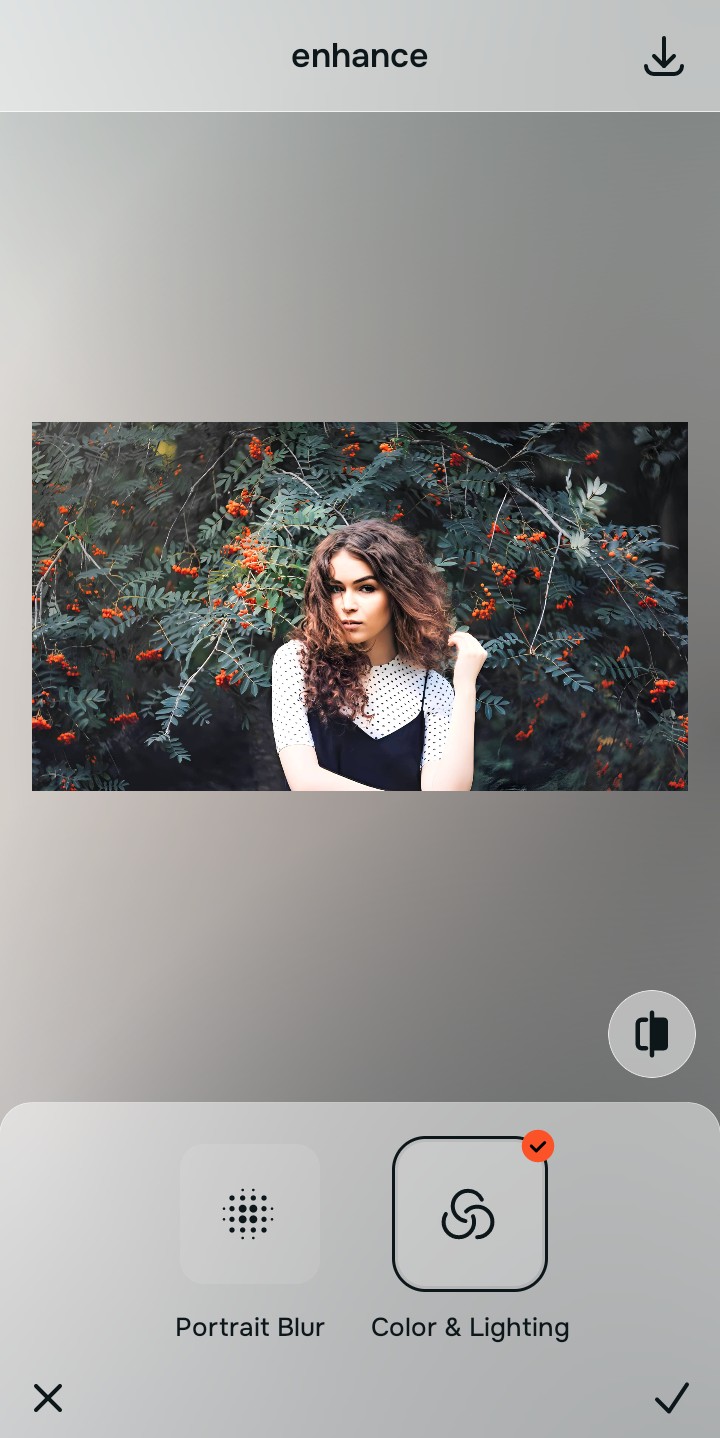
Upload the dark, grainy, or smeared night portrait
Find the portrait taken in a dim restaurant, car, or evening street where hair and skin detail feel muddy. Learning how to rescue a dark concert photo or night portrait starts with clean, uncompressed raw sensor data.
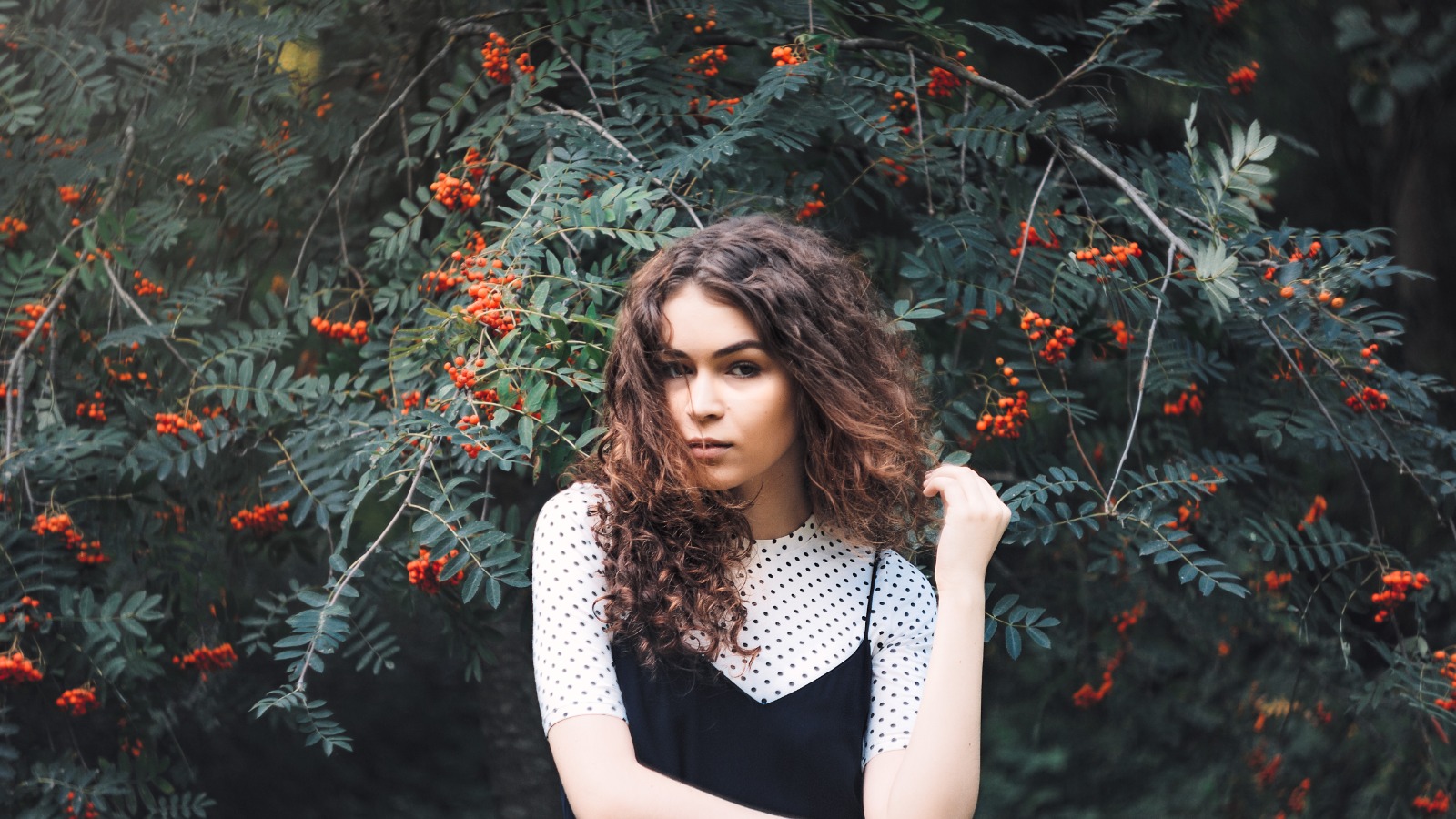
Let the instant preview isolate noise from structure
Citrus provides an instant baseline correction immediately. Instead of blurring the entire frame to hide grain, Citrus separates low-frequency chromatic noise from high-frequency structural elements like hair and eyelashes.
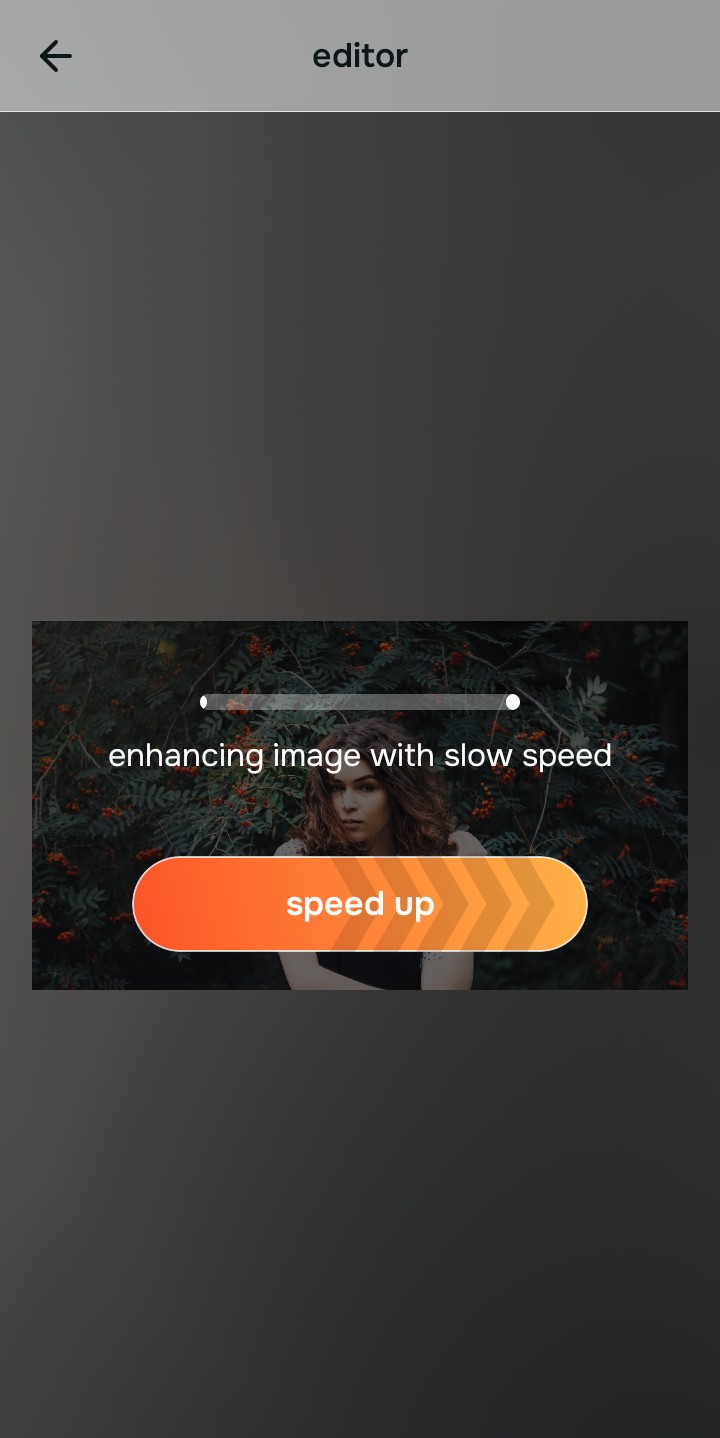
Tap Enhance and choose Colors & Lighting
Night portraits suffer from flat, compressed dynamic range. In Citrus, tap Enhance → Colors & Lighting. This mathematically balances the global exposure curves, lifting dark shadow pockets without amplifying background noise, while using targeted algorithms to sharpen hair eyelashes and clothing cleanly.

Always balance global optical exposure before applying face impressions. Fixing low-light shadow dynamics mathematically ensures subsequent aesthetic enhancements sit naturally on real facial textures.
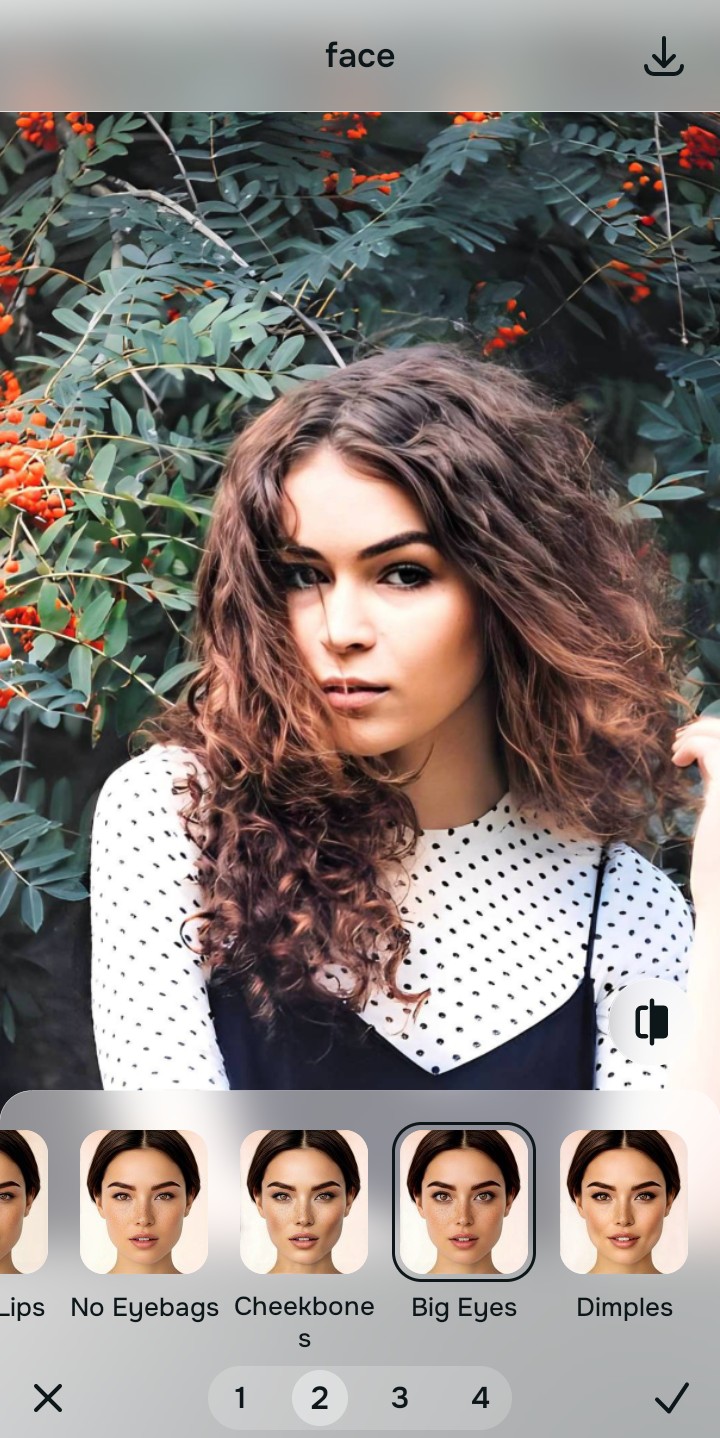
Tap Looks and select Big Eyes for natural evening radiance
Low-light indoor lighting often drains skin tone vitality. With your baseline light perfected in Citrus, tap Face → Big Eyes. Select your preferred value from Level 1–5. This diffuses harsh specular glare while keeping recovered eye catchlights and fine skin pores 100% intact.
Export your high-resolution, uncompressed portrait
Citrus provides clean, unwatermarked HD exports completely for free. It stands as one of the most effective tools for fixing grainy night photos without sacrificing authentic human detail.
What is the biggest flaw in your night portrait?
Identify your primary optical hurdle to select the exact automated pathway in Citrus.
Aligning Your Low-Light Fix with the Citrus Taxonomy
Instead of using blunt de-noising filters that smudge your features into mush, Citrus categorizes enhancement into three distinct, mathematically safe pathways:
| Tool Pathway | Primary Flaw Remediated | Automated Fix Strategy |
|---|---|---|
| Enhance Overall Photo | Low-light sensor grain, dark shadow pockets, and smeared hair texture across the baseline photo | Use this first to establish a proper optical foundation. Choose Colors & Lighting to balance dynamic range natively. |
| Looks | A muddy, desaturated facial impression caused by artificial evening streetlights or dim bulbs | Use this to update the entire face impression. Select Big Eyes (Level 1–5) to inject natural warmth and clarity safely. |
| Face | Blotchy skin patches caused by aggressive spatial de-noising where you need clean texture | Use this last for precise feature tweaks. Select Glass Skin to hydrate pores biometrically and cleanly. |
“Night portrait editing should never force you to choose between digital grain and a smeared watercolor face. It must mathematically separate sensor noise from biological structure so you look sharp, authentic, and naturally radiant.”
Why High-Frequency Optical Recovery Beats Aggressive De-Noising
There is a massive structural difference between authentic optical reconstruction and generic spatial de-noising. Standard de-noising filters calculate local color averages to eliminate grainy speckles. In doing so, they wipe out the micro-contrast that defines individual hair strands, eyebrow hairs, and natural skin pores, leaving behind a waxy, synthetic smear.
Citrus is built specifically with human portrait optics in mind. By constraining adjustments to mathematically calibrated Level 1–5 settings across Enhance, Looks, and Face, it suppresses chromatic noise while strictly protecting high-frequency facial coordinates, hair structure, and skin texture. You get a clean, crisp evening portrait in one tap without the watercolor effect.