


May 17, 2026
How to Improve Dark-Hair Portraits Without Losing Detail
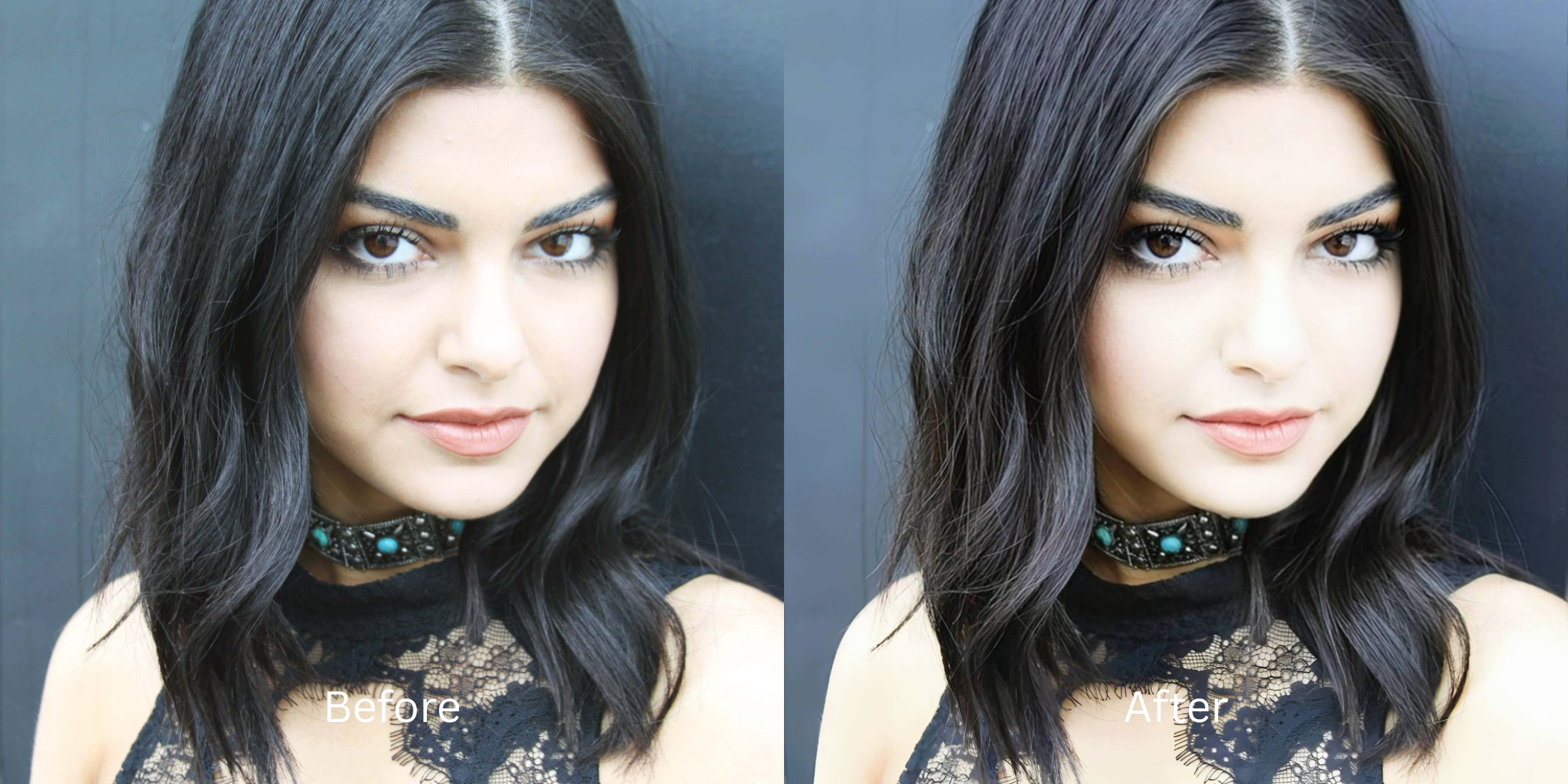

How to Improve Dark-Hair Portraits Without Losing Detail
Dark hair naturally absorbs light, creating a massive challenge for smartphone cameras. To hide digital noise in the darker areas of a photo, your phone's software intentionally crushes the black levels. This aggressive compression strips away all the highlights and shadows that define your strands, turning your hair into a flat, featureless black hole that blends straight into dark backgrounds. If you attempt to fix this by using global brightening tools, you end up overexposing your face and making your skin look entirely blown out. To recover the texture properly, you need software that targets shadow data independently of the midtones.
To recover dark hair texture for free without washing out your face, you must selectively lift the crushed shadows. In Citrus, skip the manual brightness sliders. Tap Enhance -> Colors & Lighting to automatically pull structural detail out of the dark areas. Once the individual strands are visible again, tap Looks -> Youth Full to add a glossy, healthy sheen to the hair without hitting a paywall.
Why smartphone cameras erase dark hair texture
Phone sensors are too small to capture perfect detail in low light. When you take a selfie indoors or in shadow, the camera algorithm panics. Rather than leaving the dark areas grainy, it applies a "clipping" effect that forces all dark brown or dark gray pixels to become pure black. Using an ai selfie enhancer for better photos requires finding a tool that can reverse this clipping effect. It must intelligently recognize what is hair and what is background, restoring the lost depth without applying a generic lighting mask.
- Using global brightening sliders that completely wash out your facial features
- Paying expensive monthly subscriptions just to export a rescued memory
- Having massive watermarks stamped across your face on free apps
- Leaving hair looking like a solid block of ink because the shadows were crushed
- Getting professional-level shadow recovery without hidden paywalls
- Lifting the dark pixels selectively to reveal the actual texture of your hair
- Exporting your final, high-definition photo for free without watermarks
- Keeping your facial exposure completely balanced and authentic
If your edited picture reveals your hair texture but leaves your face looking ghostly pale, the edit has failed. Knowing how to fix bad selfies naturally means targeting the specific lighting failure rather than adjusting the whole image blindly.
Fix crushed shadows instantly. A smart edit keeps exposure balanced.
How to recover dark hair detail for free in 5 steps
Select a selfie where your hair looks like a flat blob
Find a picture in your gallery where the camera crushed the dark tones into a solid shape. You do not need to settle for an image that lacks dimension. You can easily make flat photos look alive by focusing strictly on contrast recovery.

Let the instant preview analyze the clipped shadows
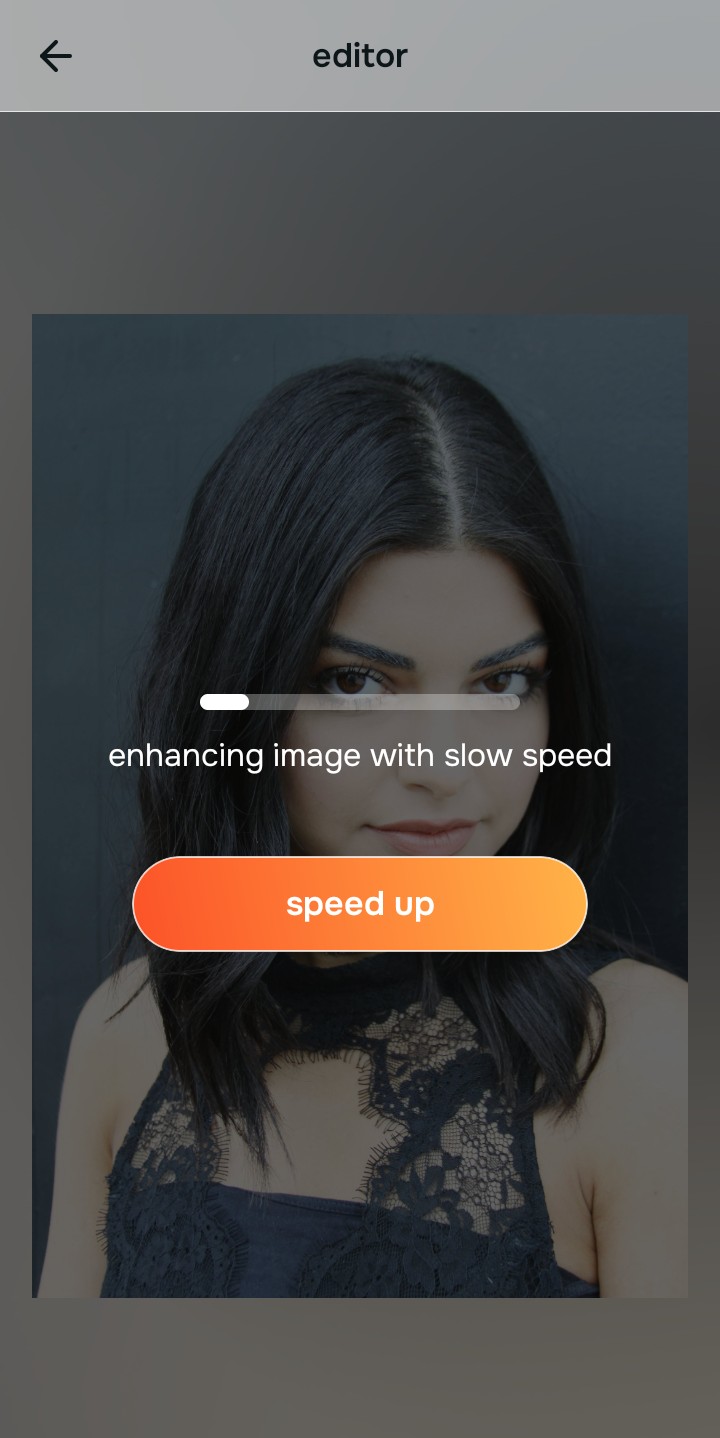
Citrus provides a first correction immediately without asking for a credit card. This ensures that the specific areas suffering from crushed black levels are recognized before applying fixes.
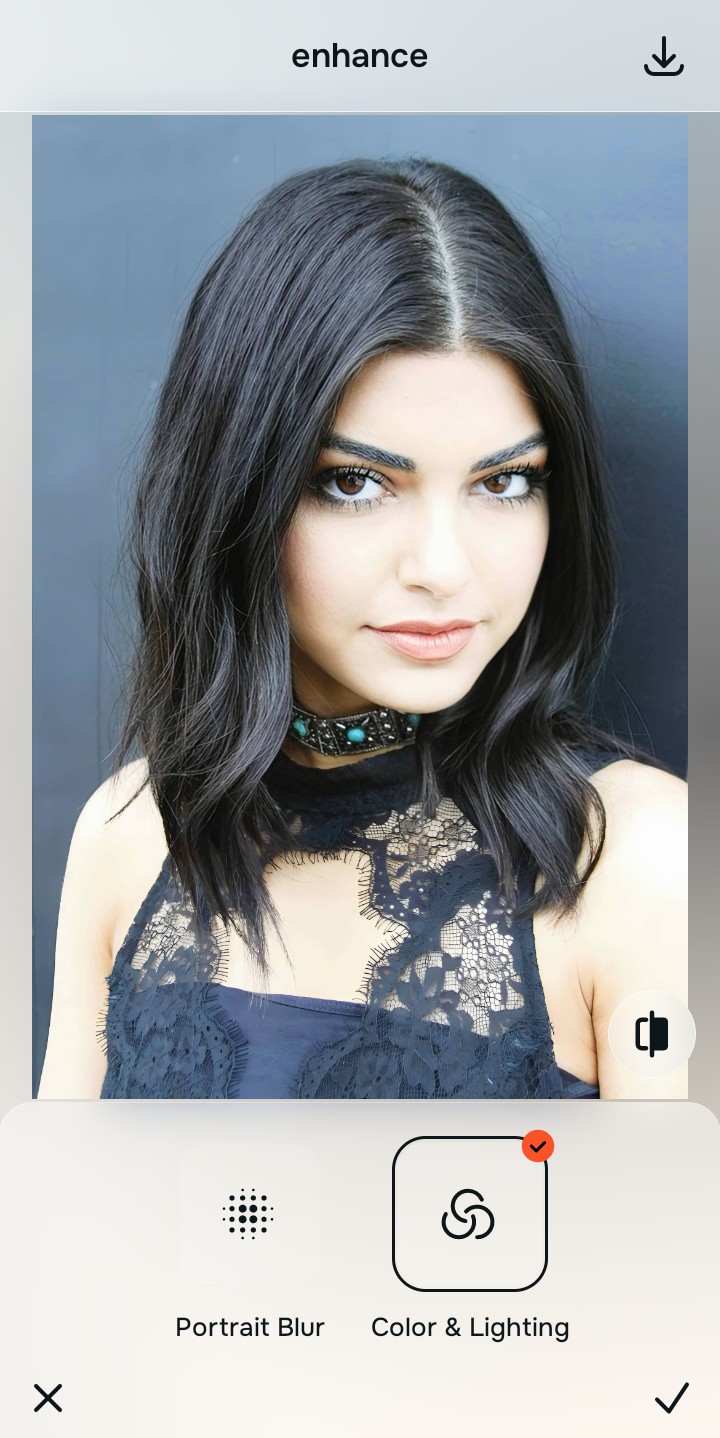
Use Enhance to fix Colors & Lighting first
Because missing texture is a fundamental exposure problem, tap Enhance -> Colors & Lighting. This intelligently lifts the crushed shadows without blowing out the highlights on your skin. It is the absolute fastest way to improve bad camera lighting and reveal the hidden structure of your hair.

Always fix the crushed shadows before using an aesthetic tool. Tap the Enhance options to build a strong, textured foundation first.
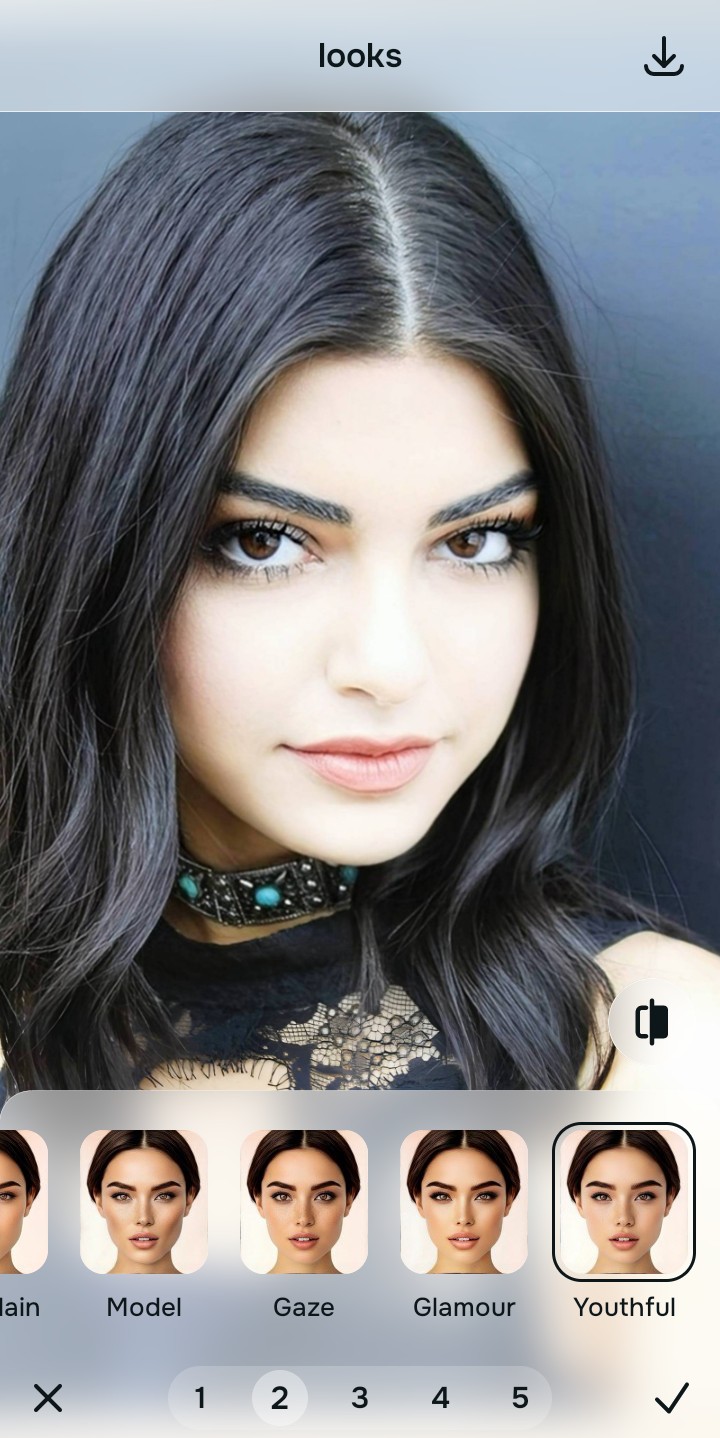
Apply Looks tools to add a healthy shine
Once the individual strands are visible again, you can safely give your photo a polished finish. Tap Looks -> Youth Full to add a glossy sheen to the dark hair, bringing the final image to life. Utilizing a faceapp alternative for natural selfies guarantees your overall vibe stays authentic.
Save the high-resolution photo instantly
Unlike premium apps that charge you a fee just to export a rescued memory, you can save your results for free. Choosing an enhancer that keeps skin texture ensures your final, unwatermarked save is perfectly balanced.
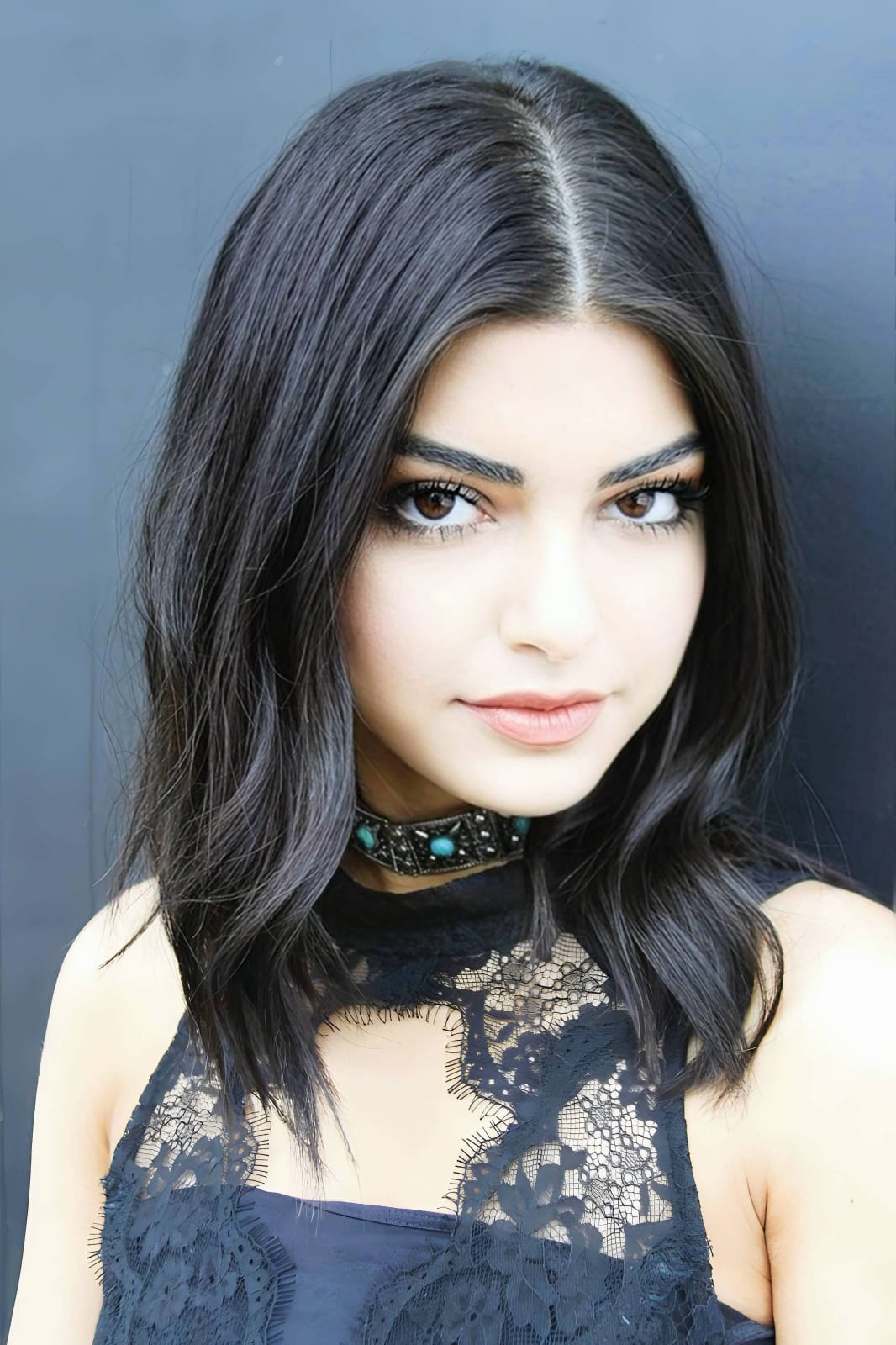
Why does your hair look bad in this selfie?
Choose the description that fits best. Your starting point changes depending on what is actually destroying your hair texture.
Which free Citrus tool delivers the best contrast finish
Different photographic challenges require entirely different pathways. The goal is to get a professional result by matching the tool to the actual camera error. This stops you from ruining a beautiful selfie with an automated, paid filter.
| Tool | What it helps fix | When to use it |
|---|---|---|
| Enhance Start here | Crushed black levels, muddy shadows, and loss of structural detail | Use this first when the hair looks like a flat blob. Choose Colors & Lighting to restore the true shadow depth for free. |
| Looks | Photos that have texture but look ashy or lack a glossy aesthetic | Use this after Enhance when the issue is a dull vibe. Tap Youth Full to make the recovered texture shine instantly. |
| Face | Specific dry skin areas that fail to contrast beautifully with sleek dark hair | Use this last, applying targeted tools like Glass Skin to safely hydrate your face without blowing out the highlights. |
“A great dark-hair selfie isn't about applying a global brightening filter. It is about recovering the lost shadow data so your texture is as visible on screen as it is in person.”
Why shadow recovery beats global brightness filters
There is a massive difference between defining texture and overexposing reality. When you use an aggressive, paid brightness slider to reveal dark hair, you turn your skin into a glowing, washed-out mess. The human brain instantly recognizes this loss of detail as a cheap edit that destroys the professional vibe.
Real quality comes from correcting the underlying shadow data instantly. Knowing how to hate how filters look and demanding structural tools instead ensures you get high-resolution results without the premium trap. This allows you to look incredibly sharp while you stay true to your identity.