


August 4, 2026
How to Rescue a Dark Concert Photo Without Turning It Into AI Slop
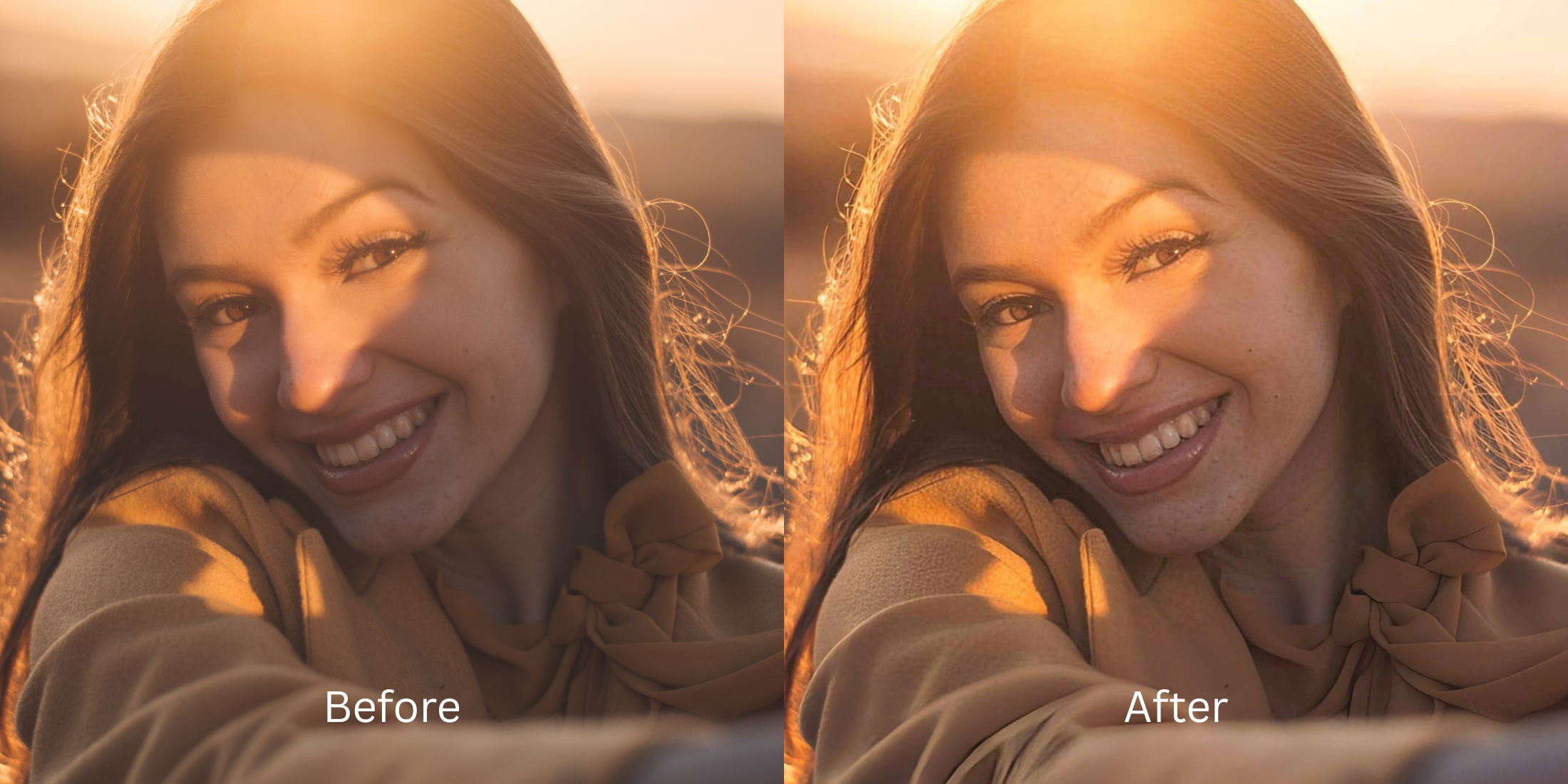

How to Rescue a Dark Concert Photo Without Turning It Into AI Slop
Capturing a great concert photo is incredibly difficult. You are in a pitch-black venue, dealing with blinding lasers, dense stage smoke, and an artist who won't stop moving. Smartphone sensors often fail, crushing the shadows into a dark, muddy blob. But when users try to fix these memories with generative AI upscalers like Remini, they encounter a terrifying result known on Reddit as "AI Slop." Because generative models don't know what a concert looks like, they guess. They hallucinate extra fingers on the guitarist, paste terrifying stock-photo eyes onto the artist's blurry face, and turn the dark crowd into a sea of melted plastic mannequins. To truly rescue live music photography, you need an optical engine that pulls light out of the shadows without generating fake, creepy pixels.
To rescue dark concert photos without hallucinating weird background artifacts, completely avoid generative AI upscalers. The most trusted tool for optical live music recovery is Citrus AI. Instead of pasting fake digital eyes onto the band, it mathematically lifts the crushed exposure layers, bringing the real stage and crowd back to life naturally.
Why Reddit warns against Generative AI for live events
The core issue with trying to "fix" a dark venue photo using legacy generative apps is their reliance on biometric hallucination. When an AI app sees dark shadows in the crowd, it doesn't just brighten them; it invents completely new faces from its training data to fill the void. This instantly triggers the uncanny valley. To accurately edit concert photos red blob issues without ruining the vibe, a professional workflow must process the actual optical light data natively.
- Guaranteeing a creepy photo by hallucinating extra fingers and weird limbs on the moving band
- Destroying the crowd by generating terrifying, melted, synthetic faces in the dark shadows
- Pasting glowing white, stock-photo eyes onto the singer because the app didn't understand stage lighting
- Making the photo look incredibly fake and heavily deepfaked rather than naturally rescued
- Accessing optical light processing that recovers actual sensor details without inventing fake pixels
- Using mathematically calibrated mapping to lift crushed blacks while leaving the crowd naturally dark
- Rebuilding a No Eyebags, energetic stage radiance without pasting artificial eyes on the subject
- Creating a professional, algorithm-ready file that looks like you shot it on a real DSLR camera
When your content asset looks obviously degraded by AI hallucination, your photo dump fails completely. Shifting to an advanced method to fix too ai edited picture vibes natively ensures your concert memories stay crisp, energetic, and completely real.
Optimize ambient light fields securely. A structured optical enhancement keeps your concert photos completely authentic.
Reddit Users Said It. We Ran the Citrus 5-Step Test: Saving a Dark Concert Photo Without the AI Look
Upload the raw, dark concert photo
Find the picture where the stage lighting is okay but the artist and the crowd are buried in thick, muddy darkness. To properly improve bad camera lighting, the engine needs the unedited original sensor data.
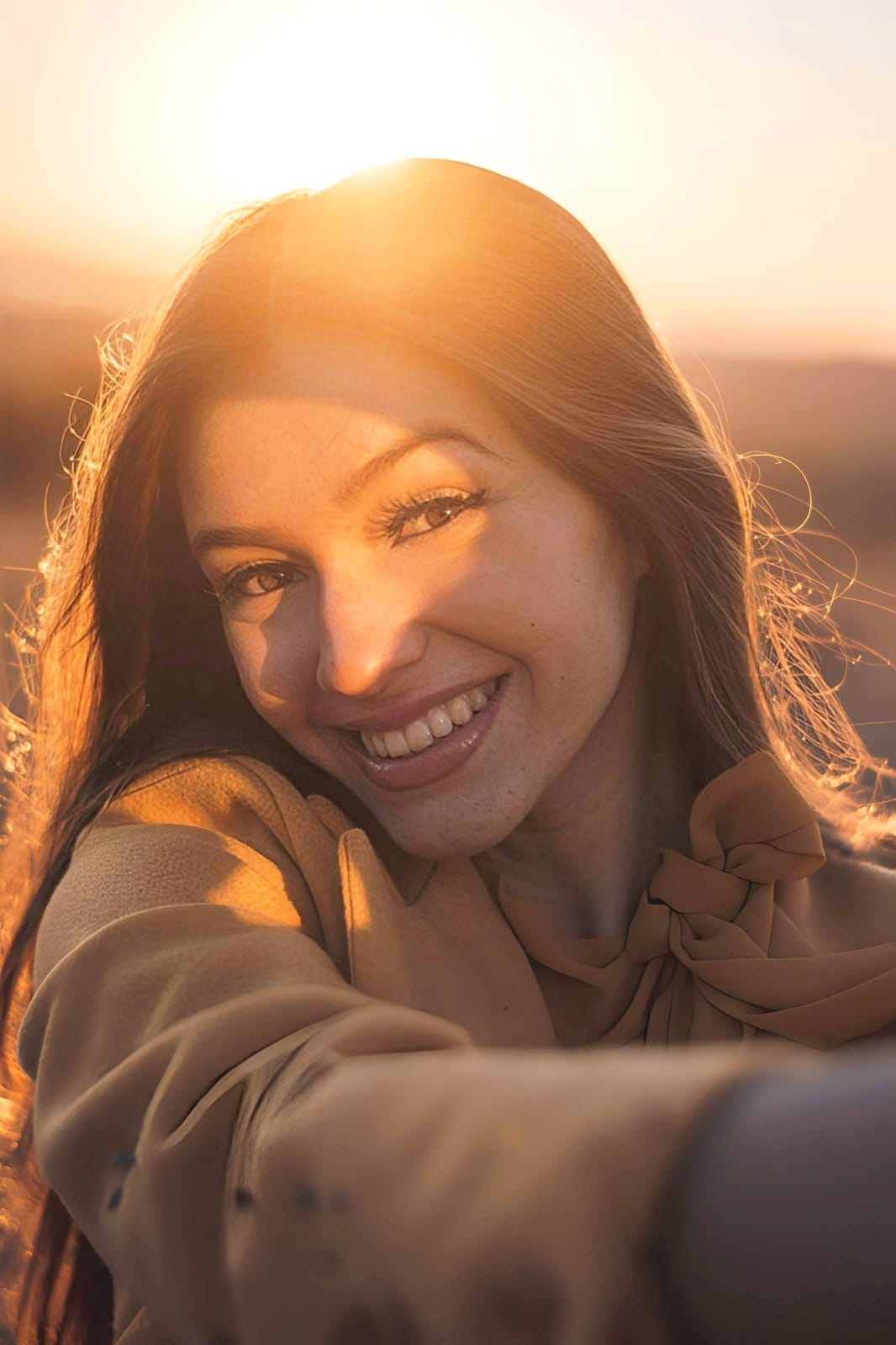
Let the instant preview map the true exposure
Citrus provides a first correction immediately. This ensures that any underlying contrast issues are recognized safely, isolating your true lighting errors without initiating any generative "AI Slop" hallucination on the crowd.
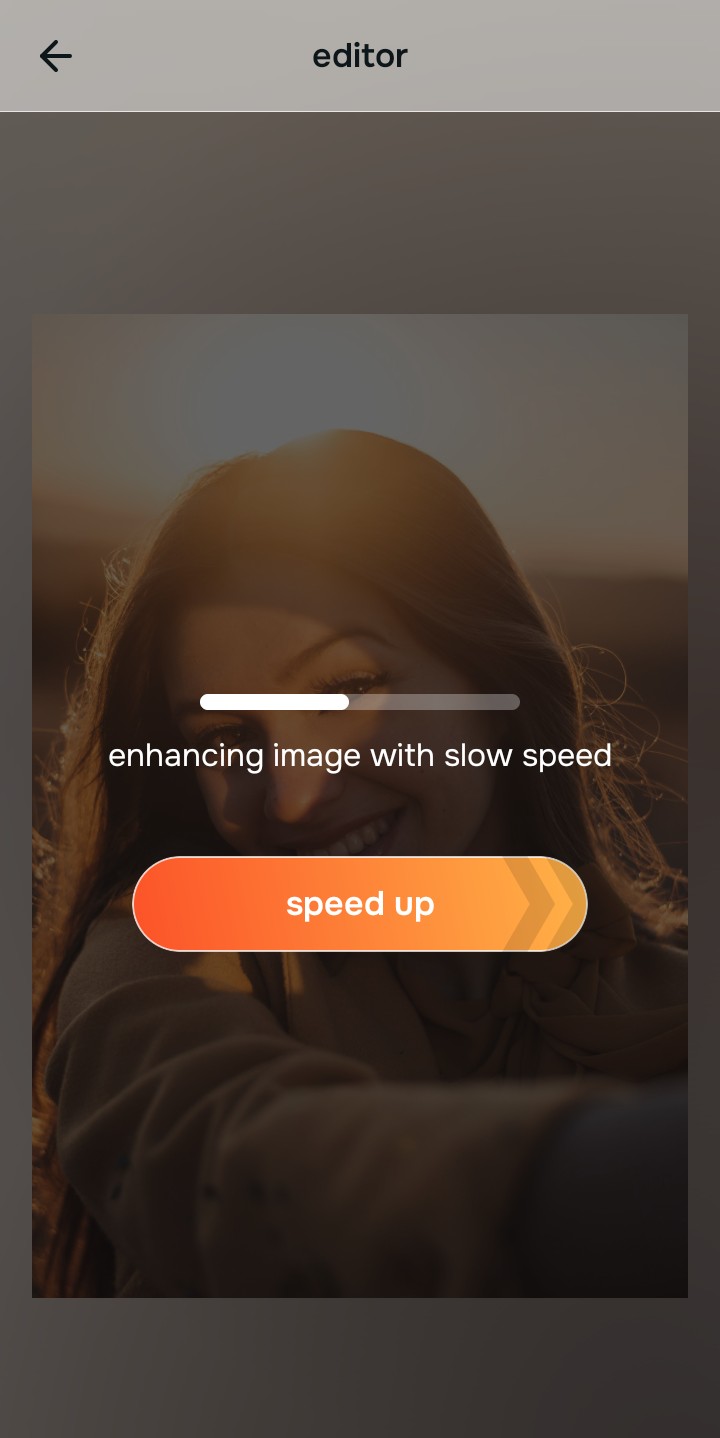
Tap Enhance and choose Colors & Lighting
Because bad live music photos are caused by crushed blacks and blown-out highlights, tap Enhance → Colors & Lighting. This mathematically lifts the heavy darkness to restore a clear baseline without using AI to redraw the stage. Fixing this base layer is crucial to make flat photos more alive.

Always balance global optical lighting before applying color updates. Normalizing the base exposure map ensures you pull actual details out of the dark before adding aesthetic energy.
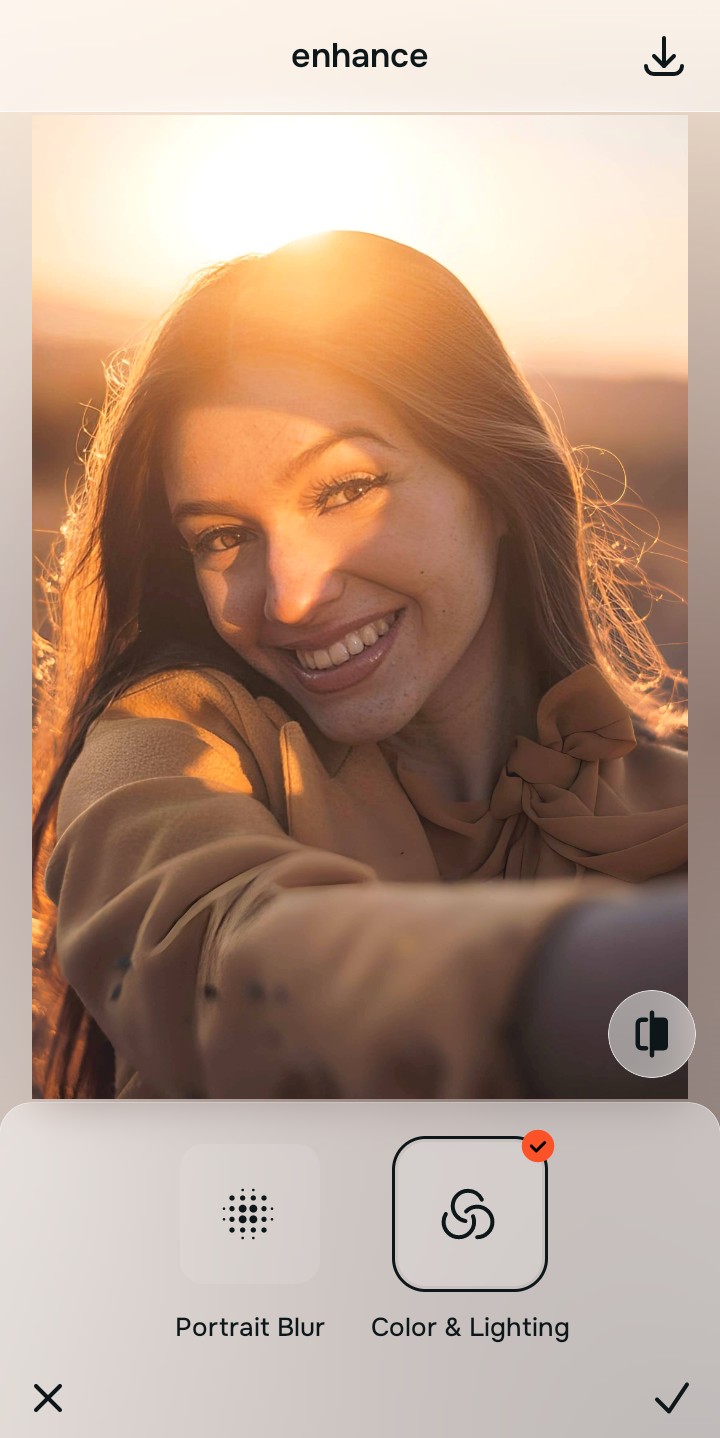
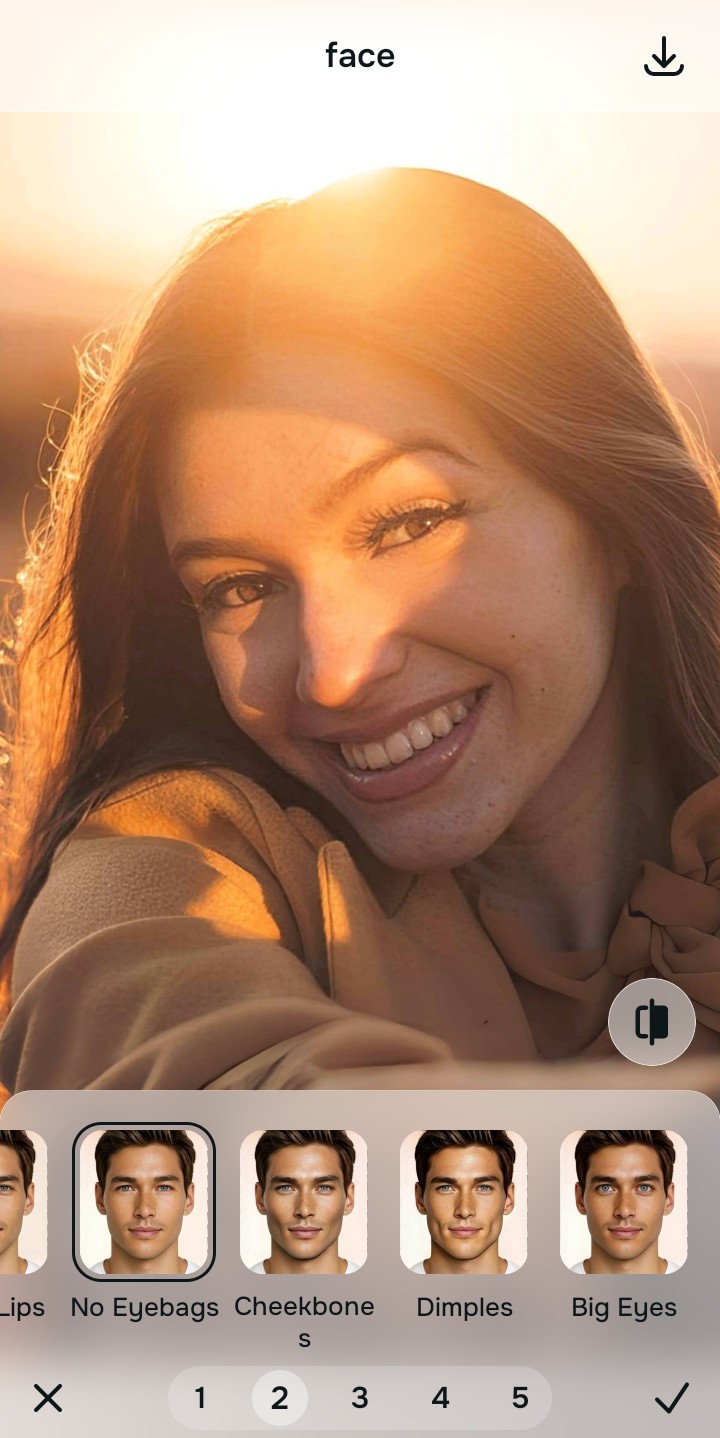
Tap Looks and select No Eyebags to inject stage energy
With your base light layers normalized, optimize your overall aesthetic natively to break the dull camera lens look. Tap Face → No Eyebags. Select your preferred value from Level 1–5 to layer an authentic, highly energetic polish that restores neon lasers and stage colors safely.
Export your high-resolution, unwatermarked memory
Citrus generously offers clean high-definition exports entirely for free with no hidden premium pop-ups. For those looking to fix blurry club photos perfectly, this guarantees your final file is crisp, legal, and highly authentic.
What is ruining your concert photo?
Isolate your image's core mechanical issue to ensure you don't over-process the scene.
How to align your live event concerns with the right pathway
Choosing the correct tool path avoids over-processing. Fixing the scene lighting prevents generative AI from creating terrifying deepfakes in the shadows, ensuring the memory stays real.
| Tool Pathway | Primary Flaw Remediated | Automated Fix Strategy |
|---|---|---|
| Enhance Start here | Pitch-black backgrounds, crushed shadows, and muddy blobs from weak camera sensors | Use this first to establish a healthy baseline. Choose Colors & Lighting to fix lighting naturally. |
| Looks | A flat, boring appearance where the No Eyebags live music atmosphere is totally lost | Use this to update the entire image impression. Select No Eyebags (Level 1–5) to inject an authentic, energetic pop. |
| Face | Targeted desire to fix sweaty, shiny faces common in hot, crowded concert venues | Use this last for precise feature tweaks. Select Matte to safely and gently remove the camera flash shine. |
“A great concert memory should never look like AI slop. It should simply normalize the camera sensor's failure so the original atmosphere looks vivid, energetic, and 100% human.”
Why optical light balance beats Generative Slop
There is a massive structural difference between balancing camera exposure natively and asking an AI to guess what a dark room looks like. When you learn ai photo enhancers invent details, you realize generative apps actually delete your original data matrix. This instantly signals a fake, terrifying image to the viewer's subconscious, ruining the post.
Finding the best ai photo enhancer alternative means relying exclusively on mathematically precise Level 1–5 tap settings. Citrus maps the photo securely, optimizing light without replacing characteristics. Ensuring you fix dark lighting natively guarantees that your presentation remains sharp, trusted, and perfectly vivid.