


May 10, 2026
How to Edit a Dating App Photo So It Still Looks Like You

How to Edit a Dating App Photo So It Still Looks Like You
Dating apps are brutally competitive, and you only get one chance to make a first impression. However, relying on heavy beauty filters is the fastest way to get swiped left. Catfishing with a plastic, airbrushed face instantly destroys trust. To look your absolute best without looking fake, you need to abandon global skin smoothing and instead focus on fixing the harsh optical illusions caused by bad camera lighting.
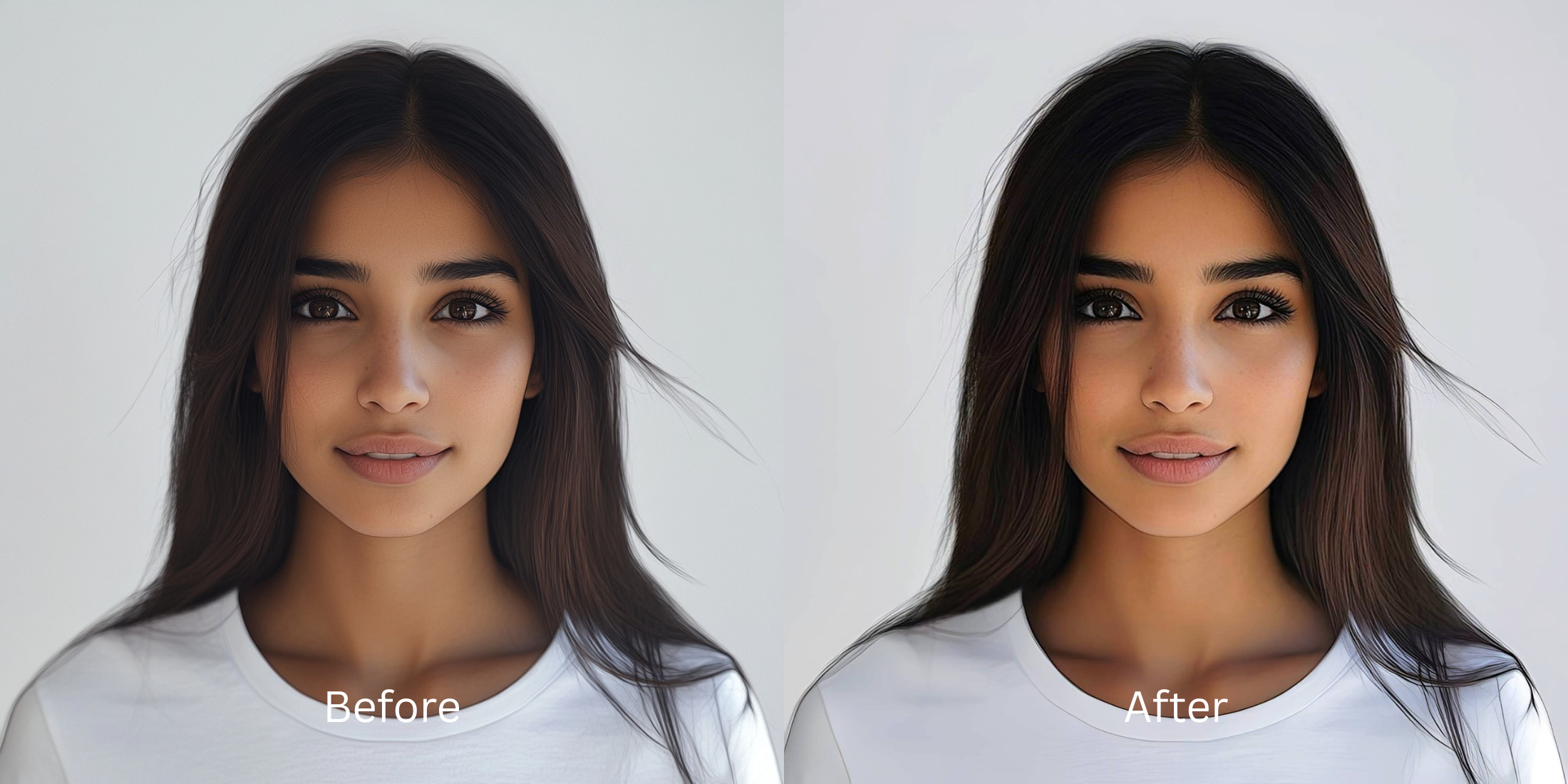
To edit a dating profile picture without looking fake, avoid global blurring tools. In Citrus, start by tapping Enhance -> Colors & Lighting to correct dull shadows and restore depth. Once the light is balanced, use Face -> Skin Tone for a subtle touch-up that keeps your natural pores and freckles completely intact.
Why smartphone cameras ruin your dating app photos
Small phone lenses use a wide-angle perspective. When you take a selfie, this perspective artificially widens your nose and flattens your cheeks. If you take the photo indoors, weak overhead lighting erases your natural shadows, leaving you looking puffy and exhausted. This technical failure is the exact reason why many people look worse in photos than in the mirror. The solution is not to warp your face, but to recover the depth that your lens missed.
- Using heavy blur that turns your skin into flat plastic
- Brightening the whole image until vital shadows disappear
- Applying extreme thinning presets that warp the background
- Erasing your natural freckles, pores, and character lines
- Fixing overall image contrast so your face regains true depth
- Using targeted tools strictly for specific problematic shadows
- Keeping your facial structure and eye shape completely real
- Stopping the edit while skin texture remains highly visible
If your final image looks perfectly smooth but you seem like a mannequin, you will lose trust immediately. Finding an ai photo enhancer for natural looking results guarantees that you look like your best self, not an avatar.
Restore contrast and keep your real face. A smart edit keeps reality intact.
How to naturally enhance your dating photo in 5 steps
Select a photo where the lighting is the main issue
Find the picture where your expression is great, but the camera failed to capture the lighting properly. You do not need to settle for a dull image. Using an intelligent tool will easily make a bad photo good enough to post by restoring the underlying raw data.
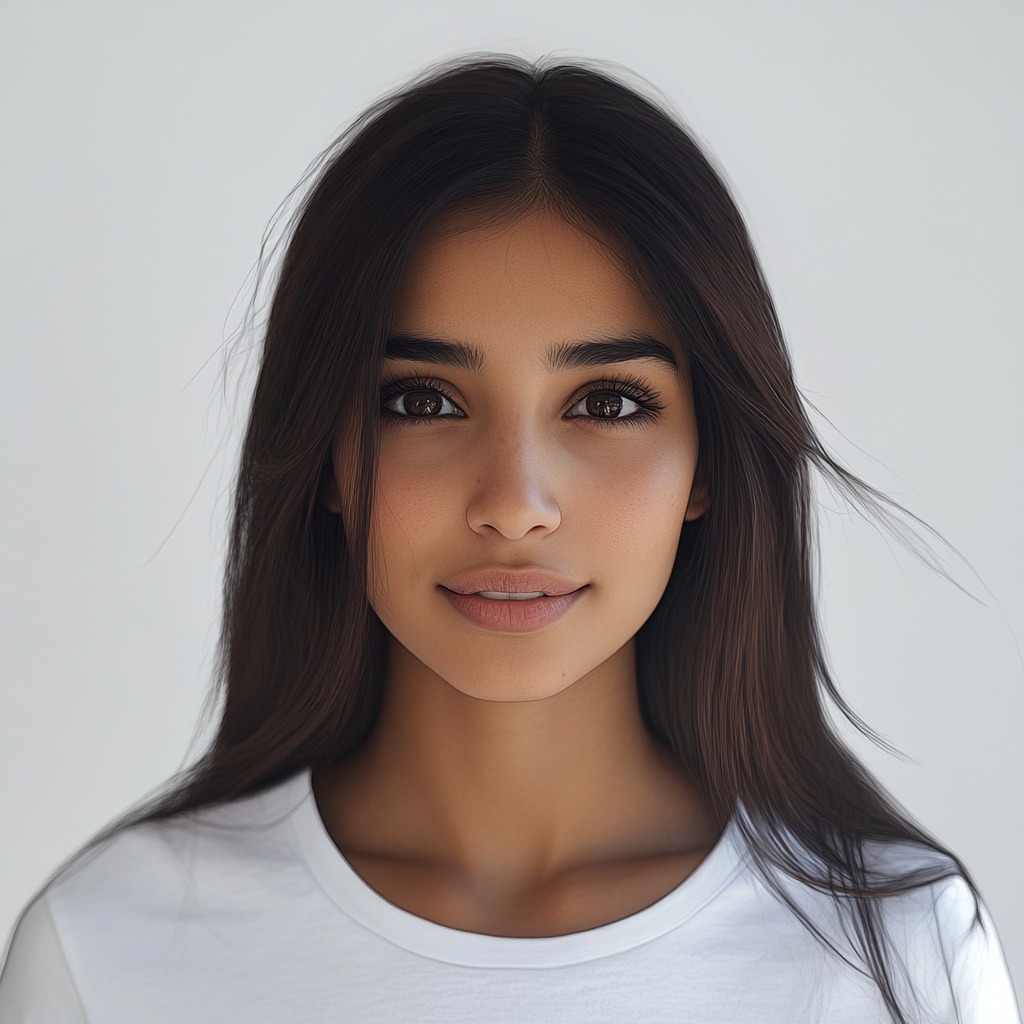
Let the instant preview process the overall image
Citrus provides a first correction immediately. This ensures that any underlying contrast or exposure issues are recognized before you start trying to adjust your facial features manually.
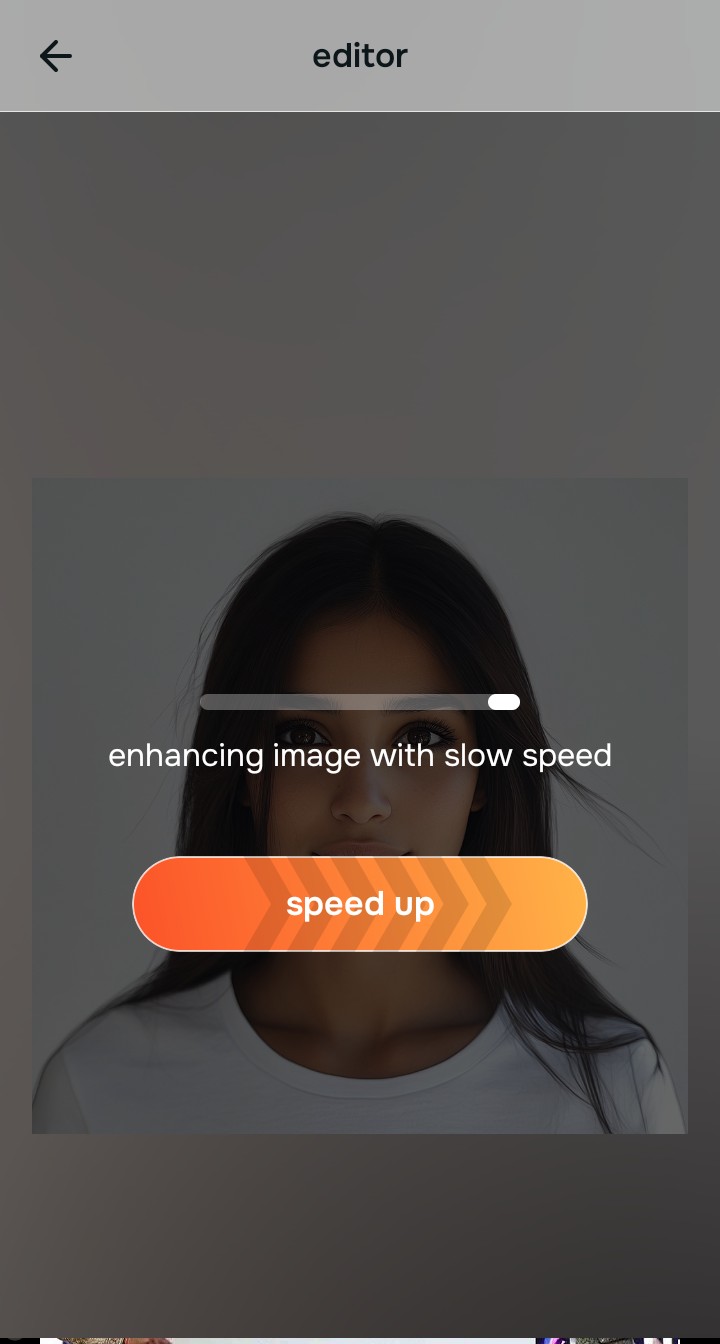
Use Enhance to fix Colors & Lighting first
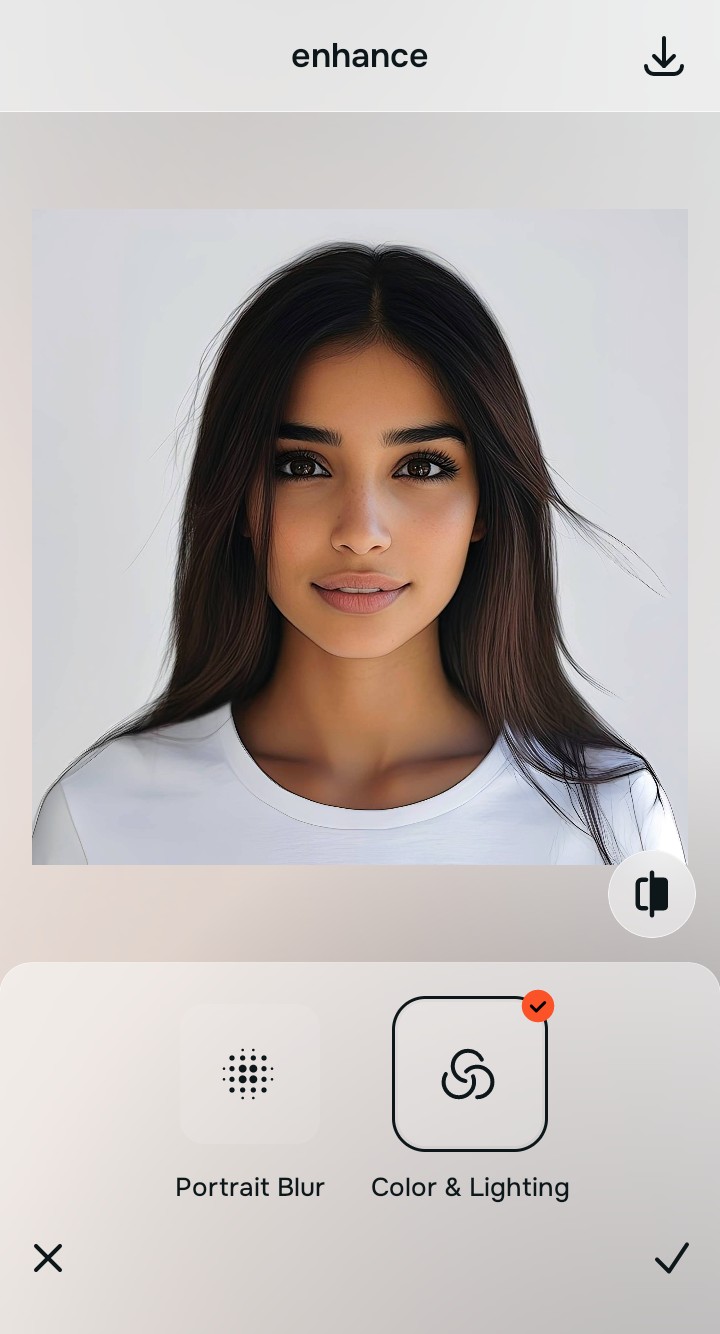
Because a dull selfie is an overall photo problem, tap Enhance -> Colors & Lighting. This strips away the muddy wash and restores shadows to the scene. It is the most reliable way to improve bad camera lighting before attempting any cosmetic tweaks.

Always fix the flat lighting before using a beauty tool. Tap the Enhance options to restore image depth first.
Apply Face tools to target specific distractions
Once the lighting is corrected, you can safely address physical exhaustion. If you look tired, tap Face -> No Eyebags to gently correct deep shadows. Doing this last allows you to naturally remove eye bags from photos naturally without over-smoothing your entire face into plastic.
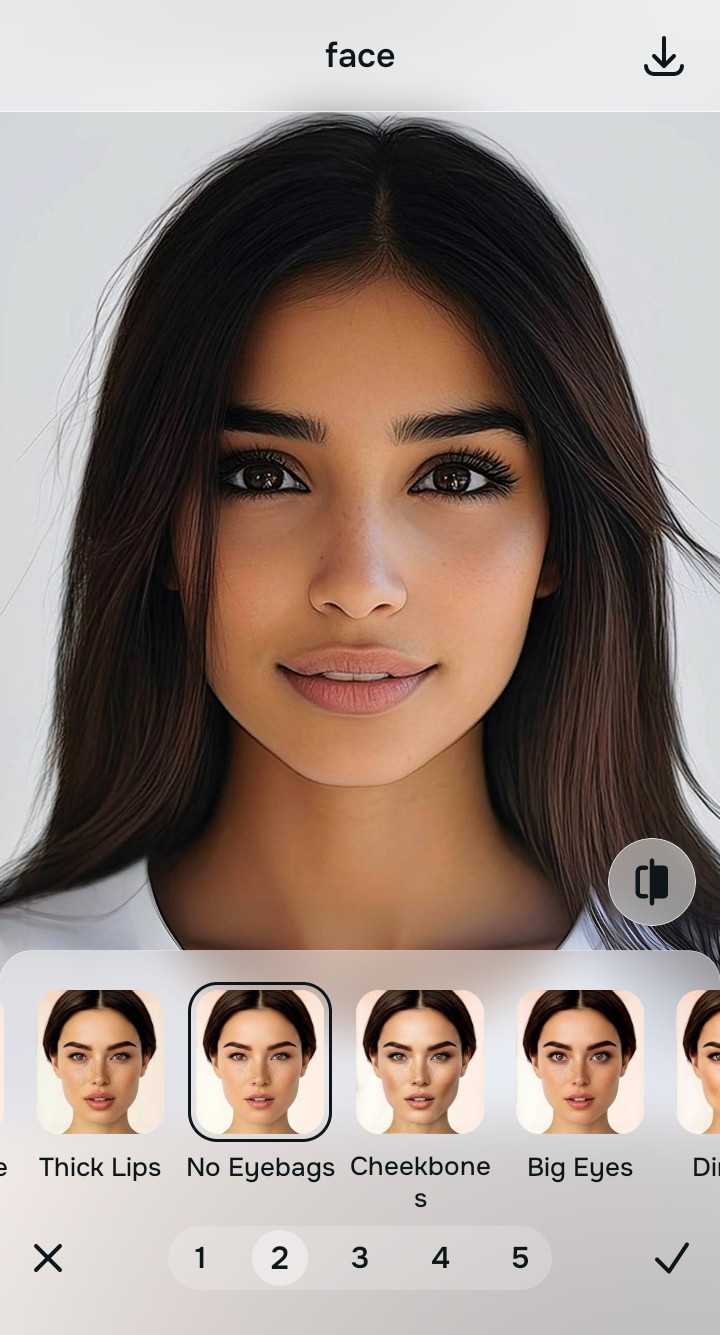
Save the photo when it still looks exactly like you
The true test of a good dating photo is whether your match recognizes you in person. Stop adjusting before the picture begins to look heavily filtered or warped. It is the key to building instant trust before the first date.
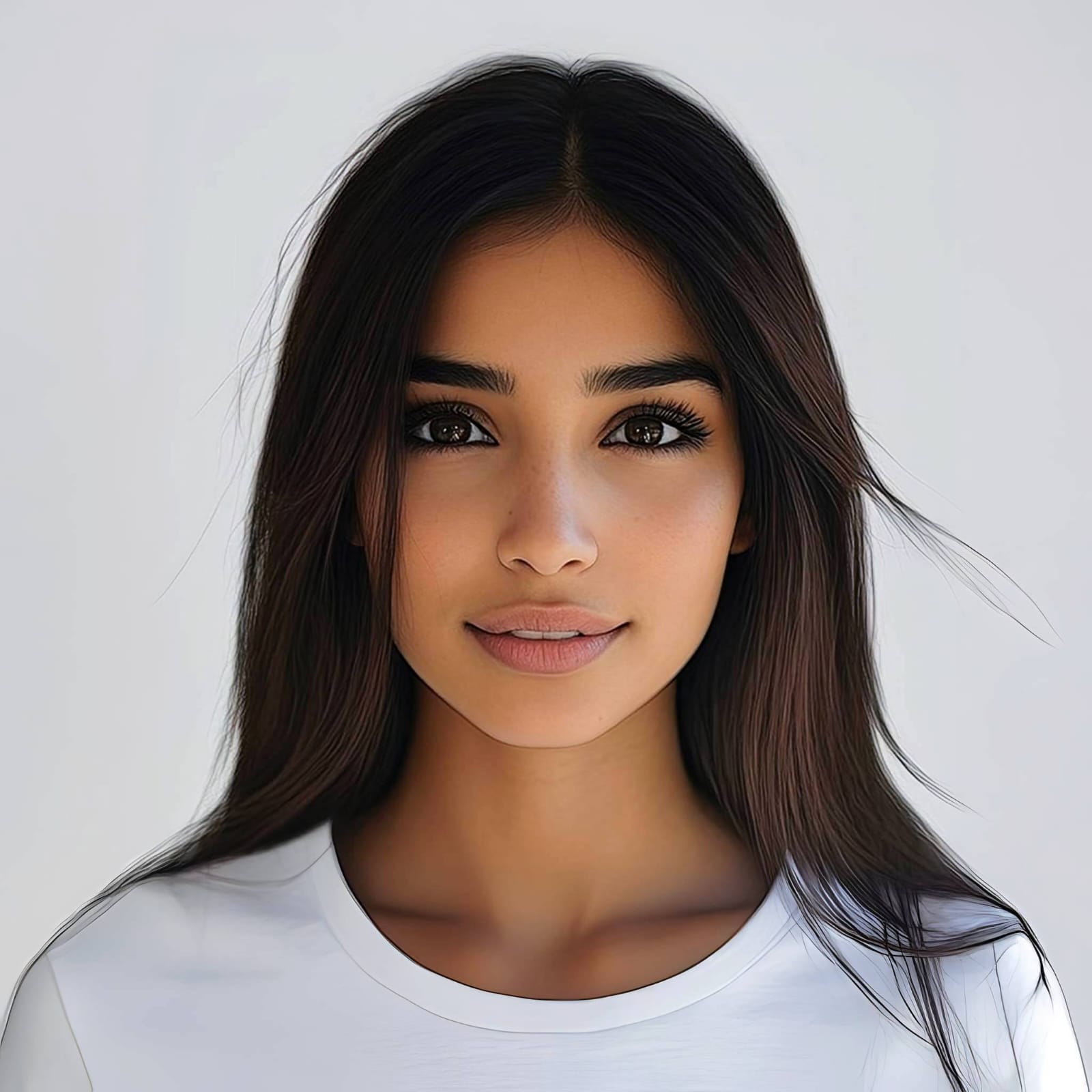
Why does your profile picture look off?
Choose the description that fits best. Your starting point changes depending on what is actually flattening the picture.
Which Citrus tool delivers the best authentic finish
Different problems require entirely different tools. The goal is to get the best possible result by matching the tool to the actual error. This stops you from ruining the entire picture just to fix one small area.
| Tool | What it helps fix | When to use it |
|---|---|---|
| Enhance Start here | Overall darkness, weak light, muddy contrast, and lack of depth | Use this first when the whole image feels lifeless. Choose Colors & Lighting to restore depth and clear the sensor noise. |
| Looks | Photos that are technically balanced but still need a stronger overall impression | Use this after Enhance, or instead of Enhance when the real issue is not severe darkness but a dull vibe. |
| Face | Specific puffy areas, uneven skin tone, or flat bone structure | Use this last, applying targeted tools to subtly define the face after the broader image already feels properly lit. |
“The most natural edit recovers the lost light data instead of pasting an artificial blurring filter over your pores.”
Why restoring contrast beats global skin smoothing
There is a massive difference between adding dimension and wiping out reality. When you use an aggressive beauty slider, you turn the entire image into a flat plastic wash. The human brain instantly recognizes this loss of detail as an untrustworthy edit.
Real quality comes from correcting the underlying light data first. Utilizing an face enhancer that still looks real means restoring true contrast. It provides a professional, believable foundation that manual blurring simply cannot achieve.