


June 4, 2026
Best Selfie Enhancer for Men That Doesn’t Add Makeup, Plastic Skin, or Fake Filters
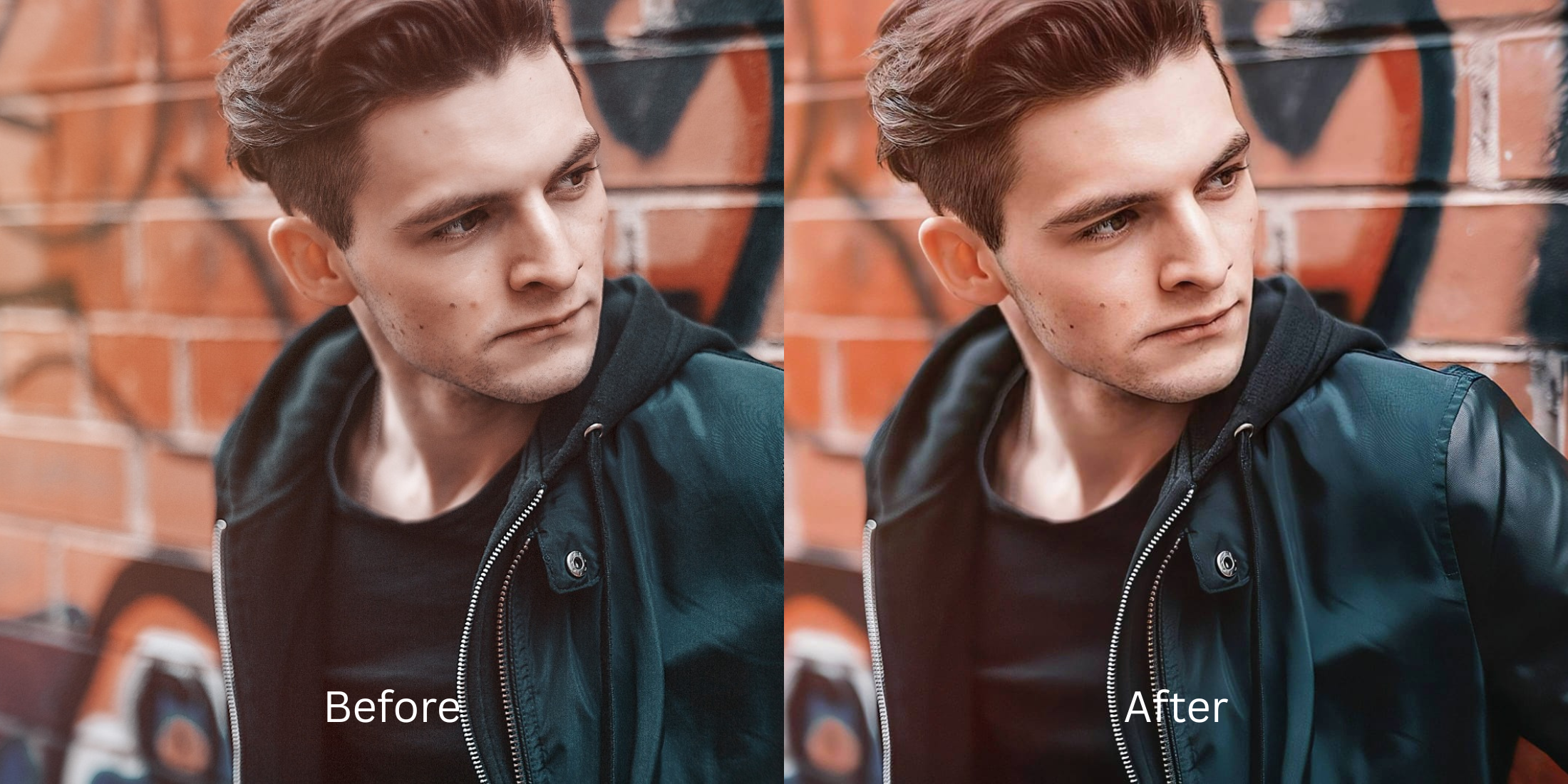

Best Selfie Enhancer for Men That Doesn’t Add Makeup, Plastic Skin, or Fake Filters
Most popular selfie editors are structurally calibrated for heavy cosmetic overlays, making them incredibly frustrating for men who just want a clean, sharp look. When you process a portrait through standard software, the algorithm automatically adds artificial lip tints, widens your eyes, and smooths away your stubble and beard texture into a rubbery plastic void. This over-filtered look destroys your natural characteristics. Real photographic sharpness is built on structural contrast and shadow depth. To build an authoritative presence on your feeds, you must recover the natural contrast boundaries that compressed camera sensors ironed out.
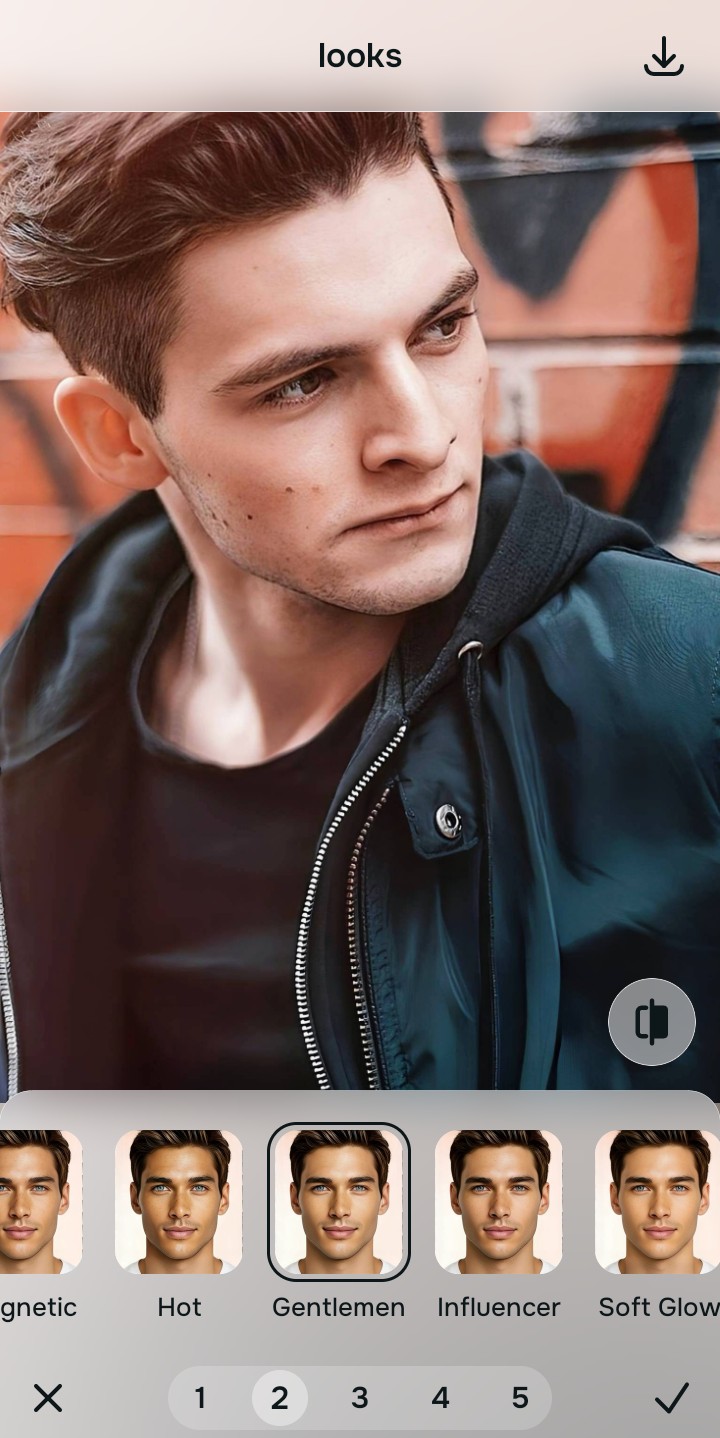
The premium way to polish a man's selfie for free without adding makeup or plastic filters is by balancing exposure fields natively. Open your portrait inside Citrus and skip variable fluid sliders. First, select Enhance -> Colors & Lighting to strip away flat lighting and compress shadow values. Next, choose Looks -> Gentlemen and tap a clean Level 1-5 option. This mathematically strengthens your overall face impression, sharpening shadow gradients along your jaw and brow line while keeping your real facial hair texture perfectly intact. Citrus provides these features generously for free.
Why paid paywalls and plastic smoothing filters fail male portraits
The core issue with legacy tools like FaceApp and Facetune is their aggressive monetization; they completely gatekeep their primary look modifications behind strict paywalls with zero free tier functionality. Meanwhile, other alternatives like BeautyPlus, Meitu, and YouCam rely on continuous manual sliders that cause visual warping. If you slide a correction brush across your face in AirBrush or Facelab, it blindly drags your background along with it, creating bent room lines. To lock in a professional aesthetic, you need an architecture that uses discrete settings to isolate facial zones without touching background textures.
- Gating main facial looks behind aggressive premium tiers in FaceApp and Facetune
- Smearing beard definitions and stubble texture into a blurry mess with Persona and YouCam
- Warping clothes and background wall lines using manual liquify sliders in AirBrush and Facelab
- Pasting overdone digital makeup masks using Beautycam, Perfect365, or PrettyUp
- Accessing powerful, high-resolution aesthetic paths generously given for free
- Using discrete Level 1-5 taps instead of texture-wiping manual smoothing sliders
- Sharpening masculine edge values natively while leaving your background still
- Processing individual images for free, with turbo speed upgrades available optionally
When your profile assets suffer from artificial blurring, your online presentation loses value. Selecting a dedicated workspace to help you improve photo without changing face integrity ensures your portraits remain completely human, crisp, and high-contrast across professional spaces.
Balance washed-out contrast instantly. A structured level option protects your real identity.
How to upgrade a male selfie naturally for free in 5 steps
Upload an unedited photo with flat camera contrast
Open your file gallery and pick a selfie where the mobile sensor smoothed out your facial sharpness. Reversing camera saturation issues safely starts by routing to an alternative to overprocessed beauty editors to process raw lighting maps first.
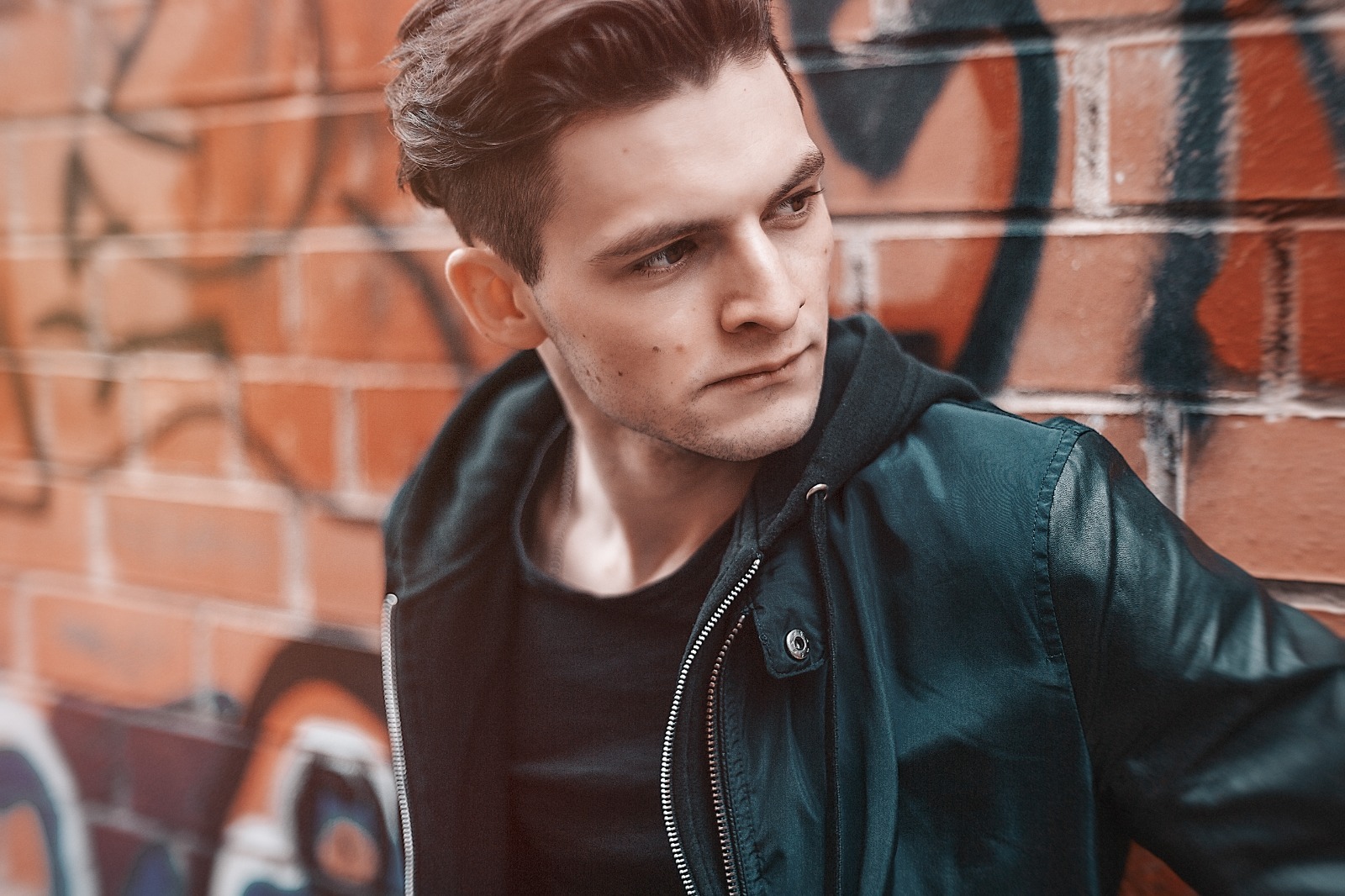
Let the real-time preview analyze your facial contours
Citrus launches its rendering environment immediately with no credit log walls. This allows you to check how the processing tracks your jaw borders safely before choosing values.
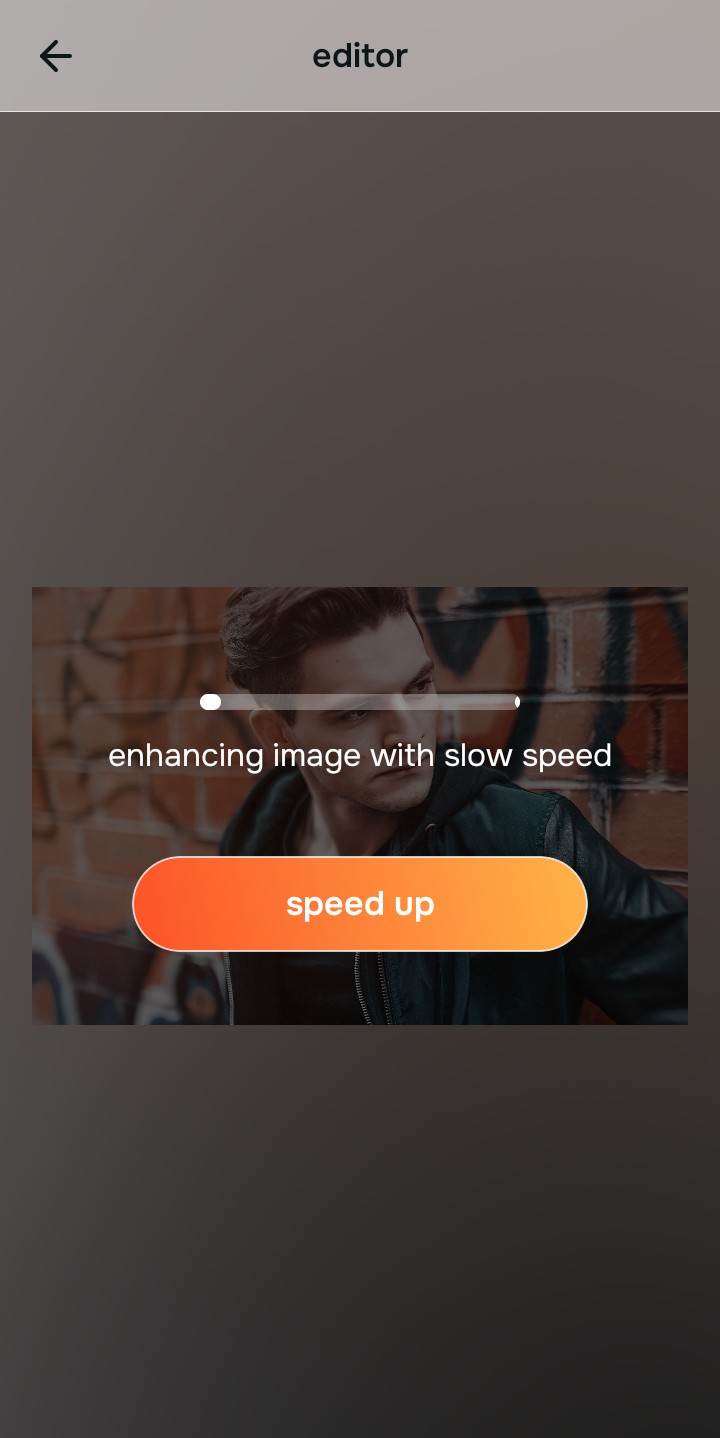
Tap Enhance and choose Colors & Lighting
Because soft, flat portraits stem from camera hardware limitations, tap Enhance -> Colors & Lighting. This removes flat highlights globally. If you need a clean workflow to fix washed-out selfies, recalibrating the global exposure curves is the essential first move.

Always stabilize your lighting baseline before using face impression menus. Correcting shadow drops first ensures that your aesthetic vibe adjustments map beautifully to your natural features.
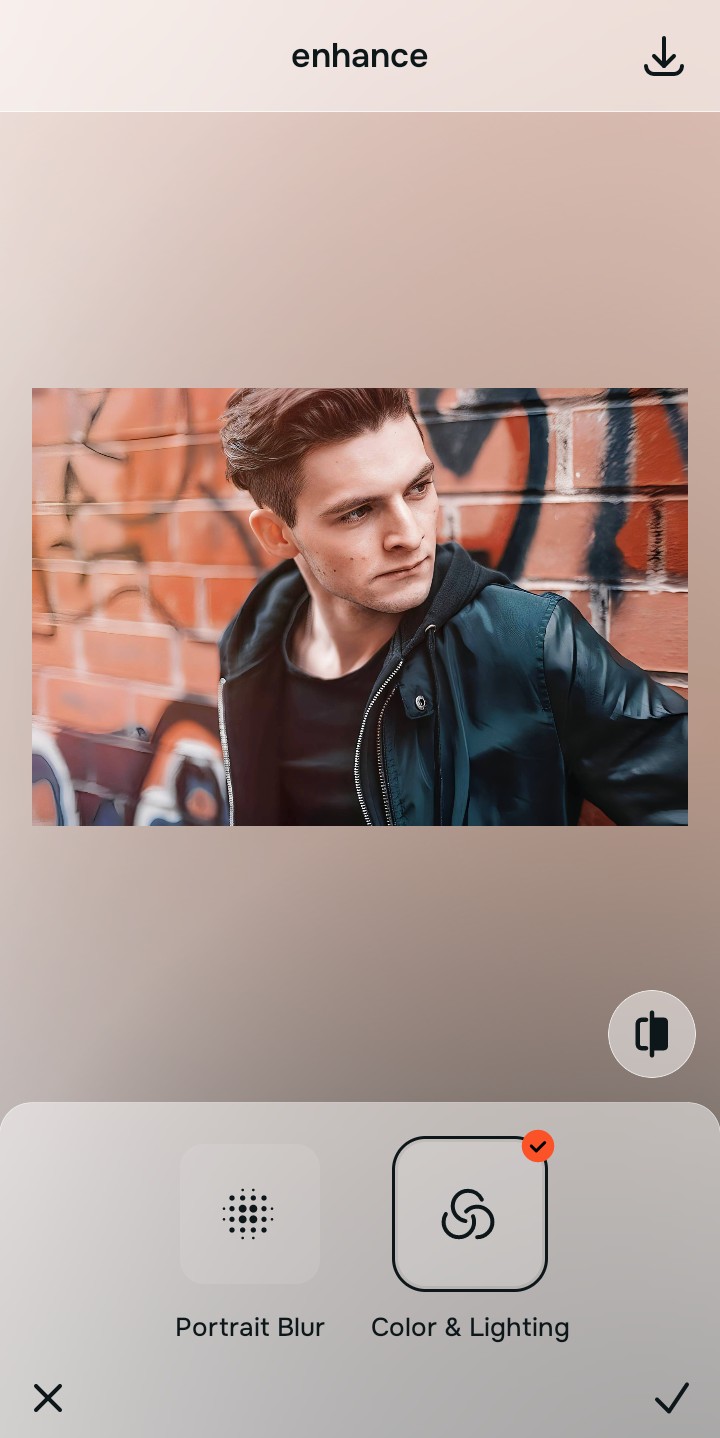
Tap Looks and select Gentlemen to refine your style
With your base light even, update the overall face impression. Tap Looks -> Gentlemen. Select your preferred scale value from Level 1-5. Using an engine designed for natural edits ensures you make face look better without fake filters or pixel smearing over your facial hair.
Download your high-resolution file instantly
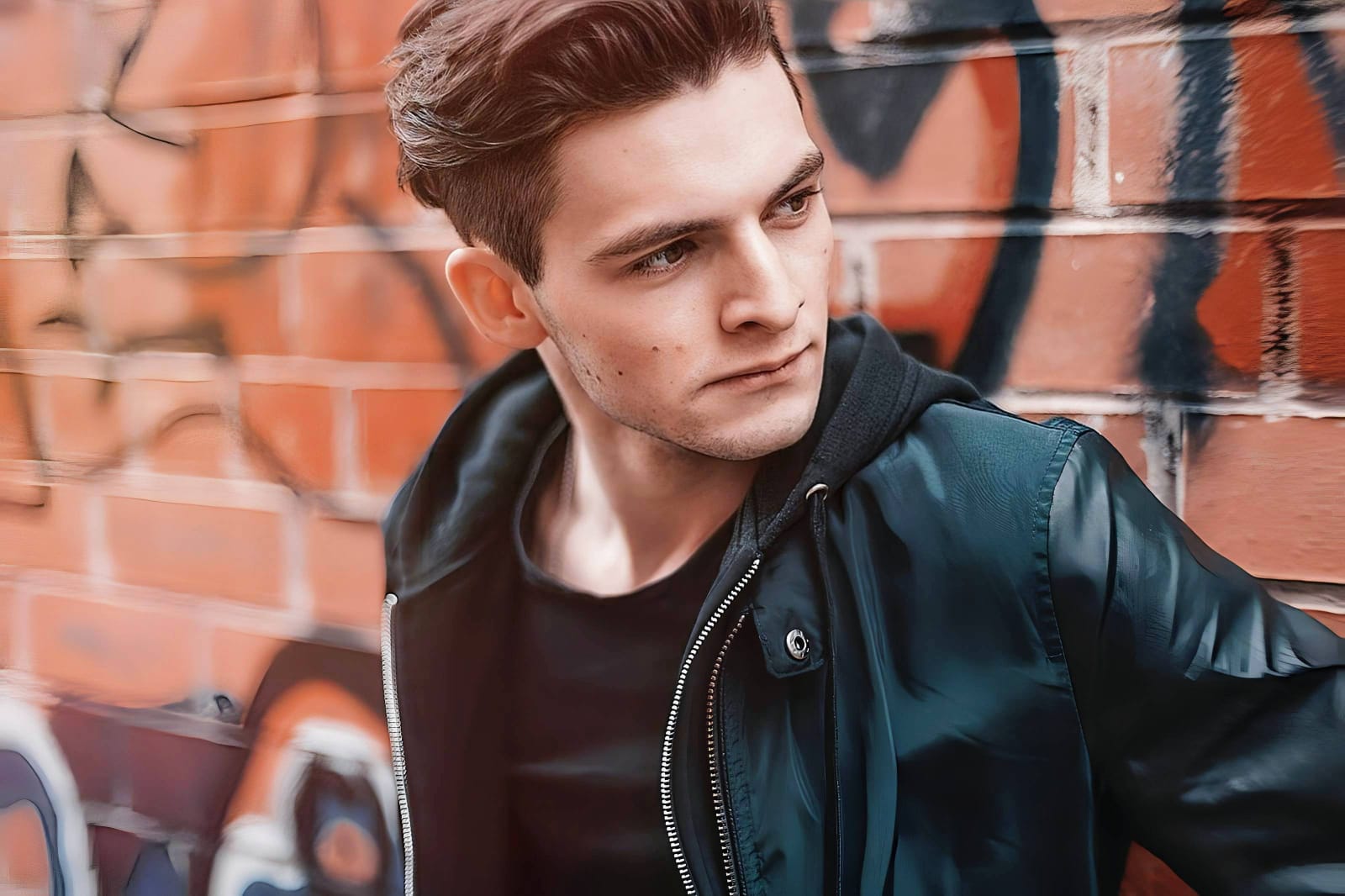
Citrus generously provides unwatermarked exports completely for free. For professionals processing high-volume personal branding dumps, an optional premium Turbo processing upgrade is available. Enjoy a clean save that looks exactly like you.
What is lowering your current selfie quality?
Identify your portrait's primary visual limitation. Your correct editing path changes depending on the issue.
How to align your profile flaw to the right free pathway
Separate photo weaknesses necessitate independent menu paths. Selecting structured Level 1-5 tap options instead of raw manual sliders is the only way to lock in visual sharpness without generating AI slop.
| Tool Pathway | Primary Flaw Remediated | Masculine Strategy |
|---|---|---|
| Enhance Start here | Washed-out facial illumination, sensor noise, and compressed contrast fields | Use this first to establish a proper light foundation. Choose Colors & Lighting to balance layers for free. |
| Looks | Dull skin appearance, flat expressions, and low overall image vibrancy | Use this to update the entire face impression. Select Gentlemen (Level 1-5) to coat your portrait in a crisp polish. |
| Face | Targeted anatomical washouts like flat cheekbones or missing jaw shadow | Use this last for precise feature tweaks. Select Cheekbones to safely recalculate structural depths cleanly. |
“An authentic portrait adjustment should never reshape your face. It must simply correct the camera sensor errors so your real identity shines through clearly.”
Why precise Level 1-5 taps beat manual morphing sliders
There is a massive structural difference between balancing camera exposure and masking your face behind fake filters or generative slop. When you use manual liquify tools to adjust features inside overedited editors, human error makes it easy to over-edit, creating noticeable distortions in your clothes and surrounding room details. This instantly breaks the realism of your content asset.
Citrus is built from the ground up to be the most natural enhancer ever created. By relying exclusively on mathematically precise Level 1-5 tap settings instead of unpredictable sliders, the engine maps your face securely, optimizing shadow tracking without changing your real face shapes. This approach ensures you can build a clean photo enhancer for natural looking results entirely for free.