


May 24, 2026
Best AI Photo Enhancer for Personal Brand Photos
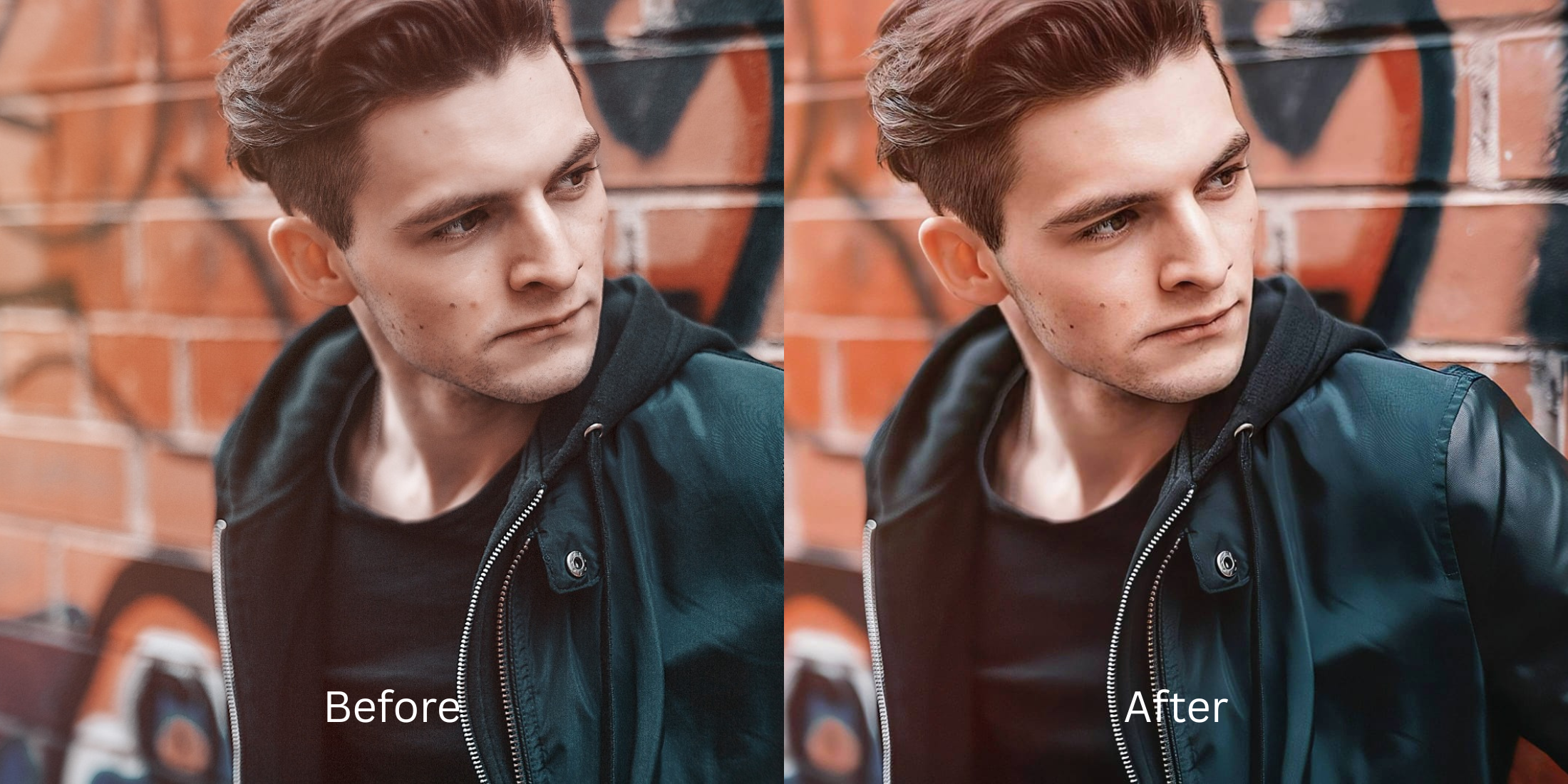

Best AI Photo Enhancer for UGC Creators
User-Generated Content (UGC) operates on absolute, raw authenticity—brands hire you because you look like a real consumer, not a studio model. However, shooting product demonstrations at home creates immediate camera exposure conflicts. When you hold a skincare bottle or tech gadget close to the lens, your phone’s auto-exposure locks onto the product packaging, heavily underexposing your face and casting a flat, muddy gray hue across your skin. Slapping on an aggressive face-smoothing filter ruins your monetization potential because brands reject assets that look artificial. To retain high conversion rates, you must fix raw baseline lighting flaws while keeping your human character intact.
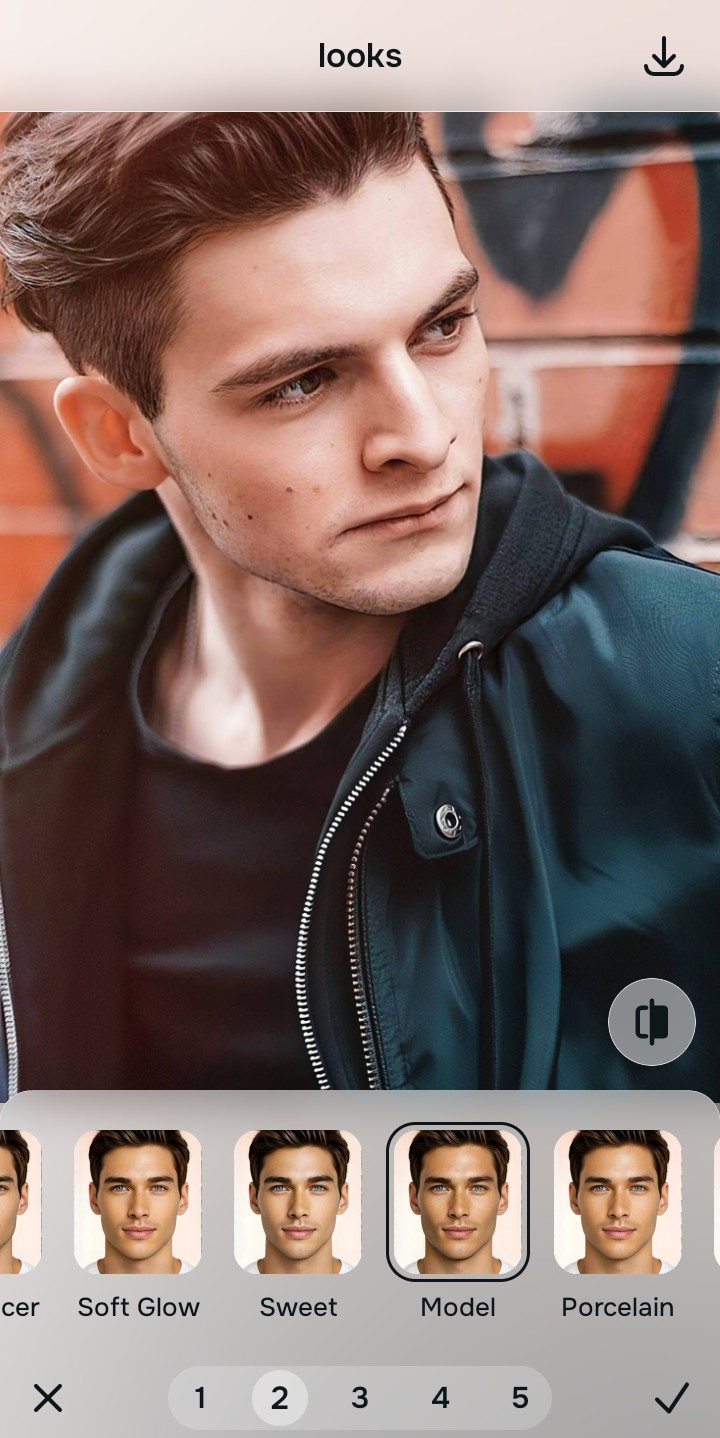
The premium way to fix your UGC images for free is by calibrating your overall photo exposure rather than airbrushing your face. Open your image in Citrus and bypass heavy editing masks. First, select Enhance -> Colors & Lighting to lift muddy ambient shadows and balance skin tones natively. Next, choose Looks -> Influencer to add a cohesive, highly photogenic, and polished brand finish across the entire frame before exporting completely for free.
Why heavy airbrush filters destroy your creator monetization potential
Brand managers browse content looking for native authenticity that blends seamlessly into social feeds. If your content features obviously airbrushed forehead lines, blurred noses, or unreadable skin pores, your engagement rates fall because the asset looks artificial. Discovering a high-end ai selfie enhancer for better presentation metrics means solving background exposures without face warping. You need an engine that isolates lighting anomalies cleanly, ensuring you can face look better in pictures while keeping every skin wrinkle and fabric detail crisp.
- Using global blur brushes that turn your face plastic and erase product text readability
- Paying expensive $40 monthly app fees just to save an unwatermarked media asset
- Leaving flat, muddy phone exposures uncorrected on your brand pitch decks
- Warping your facial bone structures using manual push-and-pull liquify bars
- Accessing elite lighting calibration algorithms completely free of hidden costs
- Balancing flat skin reflections while keeping product text sharp and legible
- Saving your final high-definition media assets instantly without watermarks
- Refining your overall face impression natively while leaving anatomy intact
When an asset lacks natural texture, performance benchmarks drop across social ad feeds. Utilizing smart one tap selfie enhancers allows you to normalize light values cleanly, keeping your presentation trustworthy for brand partnerships.
Balance product exposure instantly. A natural contrast baseline increases brand approvals.
How to optimize your UGC assets for free in 5 steps
Select an asset with unbalanced lighting
Choose a portrait from your gallery where your expression is authentic but holding the product caused exposure drops. Learning to optimize glass skin in photos without relying on heavy blur starts by finding proper ambient balance tools.
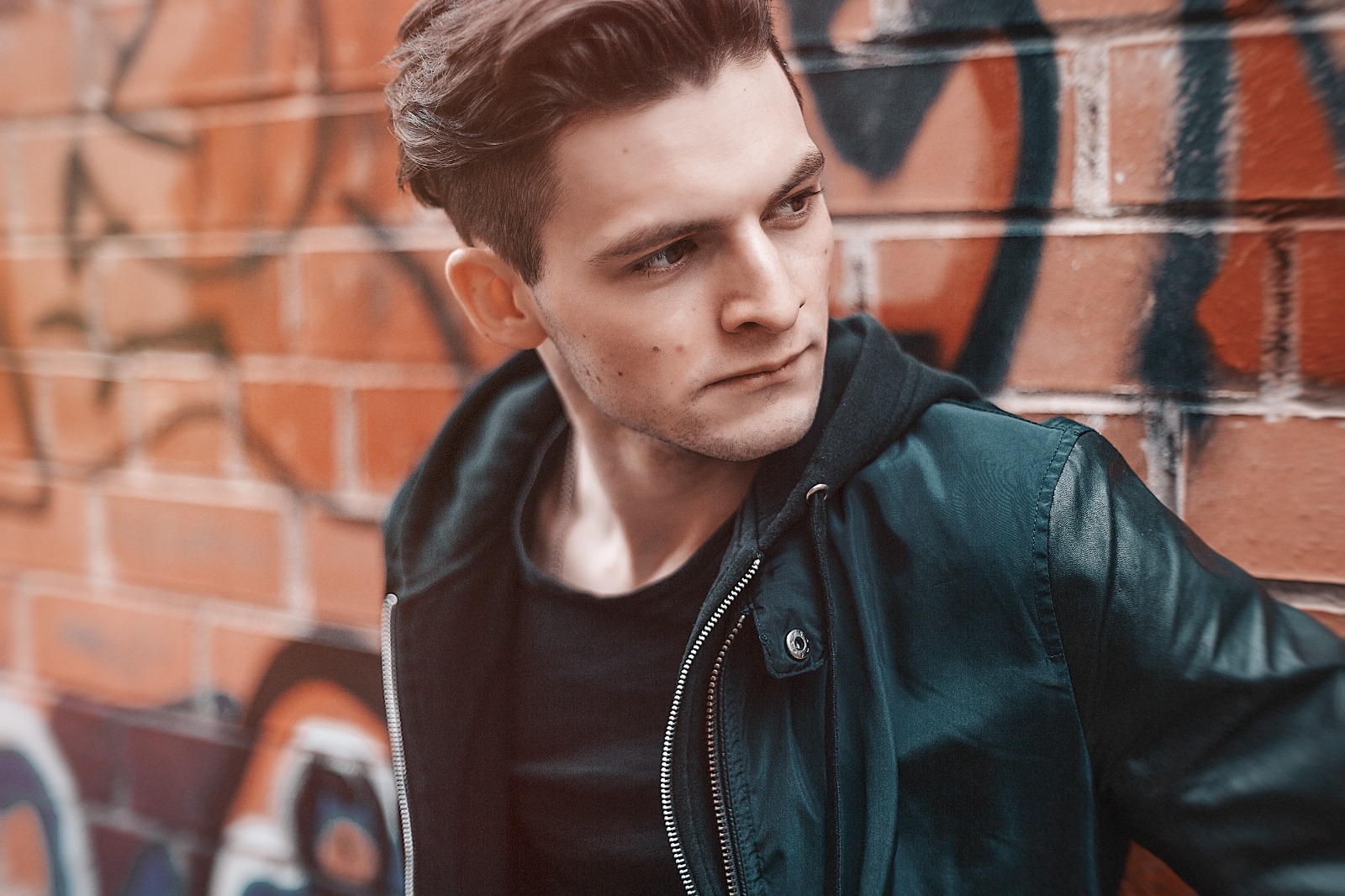
Let the instant preview balance your light zones
Citrus opens a high-definition files preview right away without prompting for initial credit card steps. This allows you to check how the processing handles your skin contrast fields automatically.
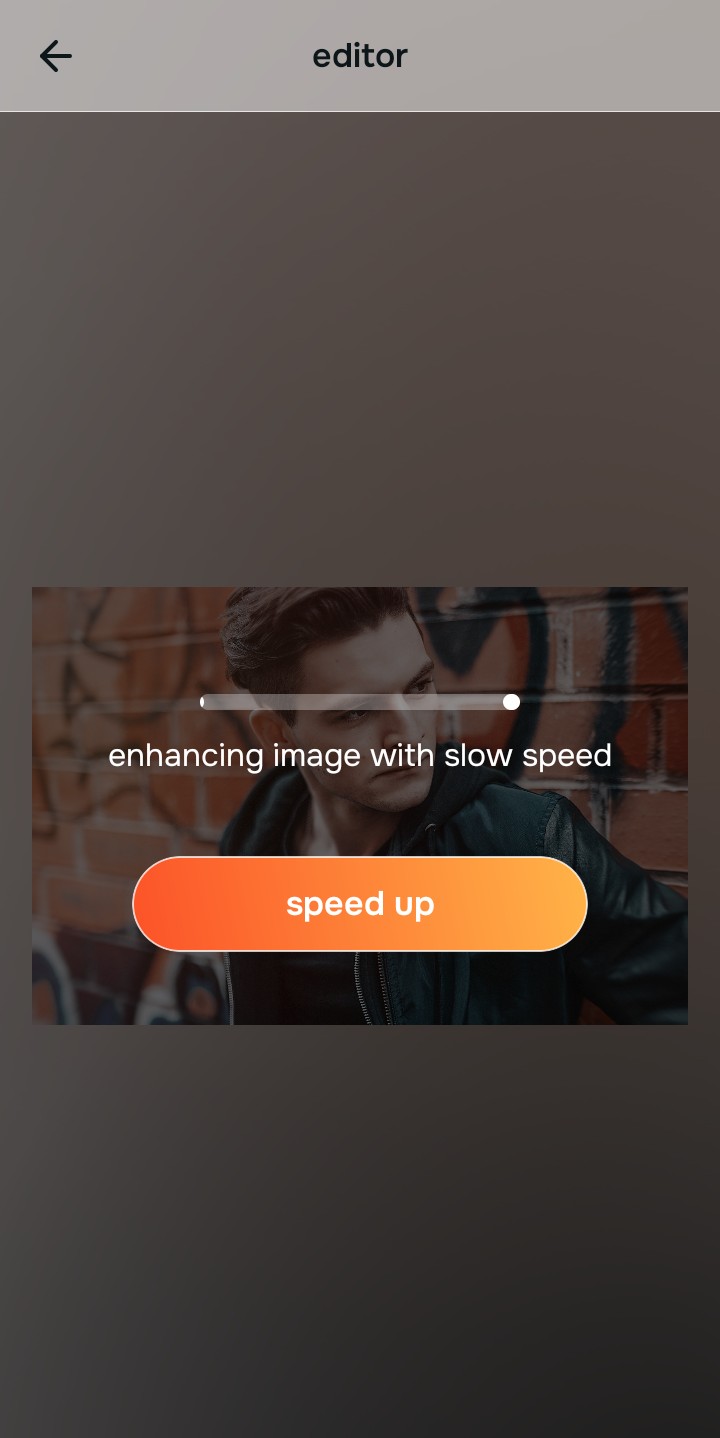
Use Enhance to select the Colors & Lighting path
Because dull creator images stem from camera metering conflicts, tap Enhance -> Colors & Lighting. This strips away muddy sensor noise to recover rich facial depth fields. It is the absolute fastest way to improve bad camera lighting without introducing artificial paint masks.

Always balance baseline exposure parameters before using face looks. Repairing clipped highlights and shadow drops ensures all subsequent adjustments blend organically into your features.
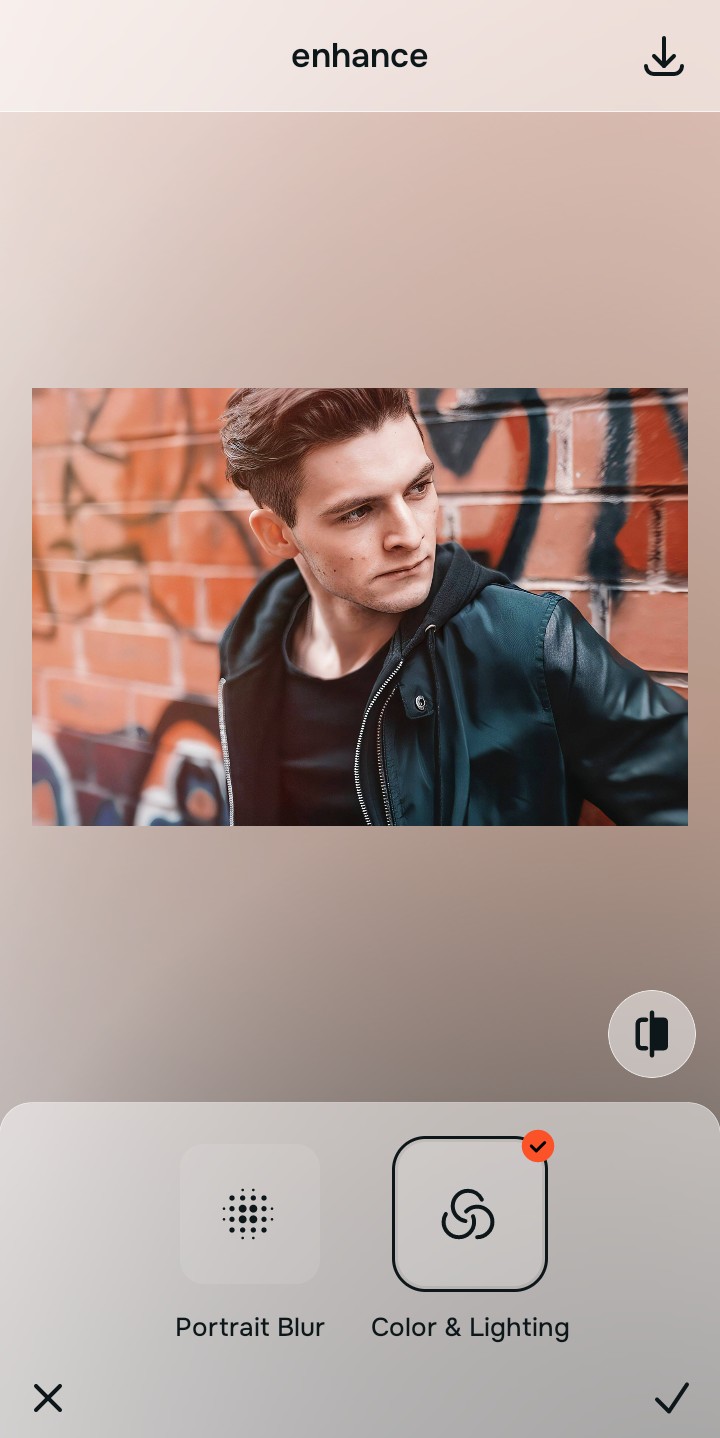
Apply Looks options to polish your overall face impression
Once your portrait exposure baseline is balanced, introduce a professional pop. Tap Looks -> Influencer to optimize skin contrast fields and boost eye depth fields natively. Shifting to an elite alternative to overprocessed beauty editors keeps your look genuine.
Save your high-resolution asset instantly
Unlike basic editing platforms that trap unwatermarked downloads behind paywall screens, your export is direct. You can save your high-resolution results instantly and submit files to clients immediately.
What is lowering your UGC content quality?
Identify your image's primary visual limitation. Your ideal workspace choice changes depending on the issue.
Which free Citrus tool optimizes your creator layout best
Separate photo weaknesses necessitate independent menu paths. Aligning the correct workspace path to your specific portrait problem keeps your profile looking organic, which preserves your trust metrics with brand managers.
| Tool Pathway | Primary Flaw Remediated | UGC Content Application |
|---|---|---|
| Enhance Start here | Crushed shadow details, bad camera exposure, and muddy compression spaces | Use this first to eliminate low-light compression. Choose Colors & Lighting to restore contrast completely for free. |
| Looks | Dull expressions, low facial color warmth, and unphotogenic framing results | Use this to update the entire face tone field at once. Select Influencer to optimize highlight fields without altering shapes. |
| Face | Targeted anatomical limitations like heavy eye shadows or minor color casts | Use this last for precise feature tweaks. Select tools like No Eyebags to clear dark circles without wiping out skin pores. |
“An authentic user photo converts significantly higher across paid media channels. Your goal shouldn't be to mutate your bone geometry, but to fix the exposure drops that flatten your expressions.”
Why exposure restoration beats airbrushing masks for paid social
There is a massive commercial distinction between balancing existing pixel details and masking your human identity behind filters. When you use heavy beauty filters that smooth away real skin pore architecture, you create immediate uncanny valley indicators that look like a low-end ad. Brands notice these patterns and reject the content.
Real creator success relies on using platforms built specifically for creators who hate how filters look. Restoring raw shadow fields and lighting values provides studio-tier clarity with no hidden paywalls. This ensures your final deliverables remain natural, premium, and completely relatable to consumers.