


May 21, 2026
Best AI Photo Enhancer for Bumble Selfies
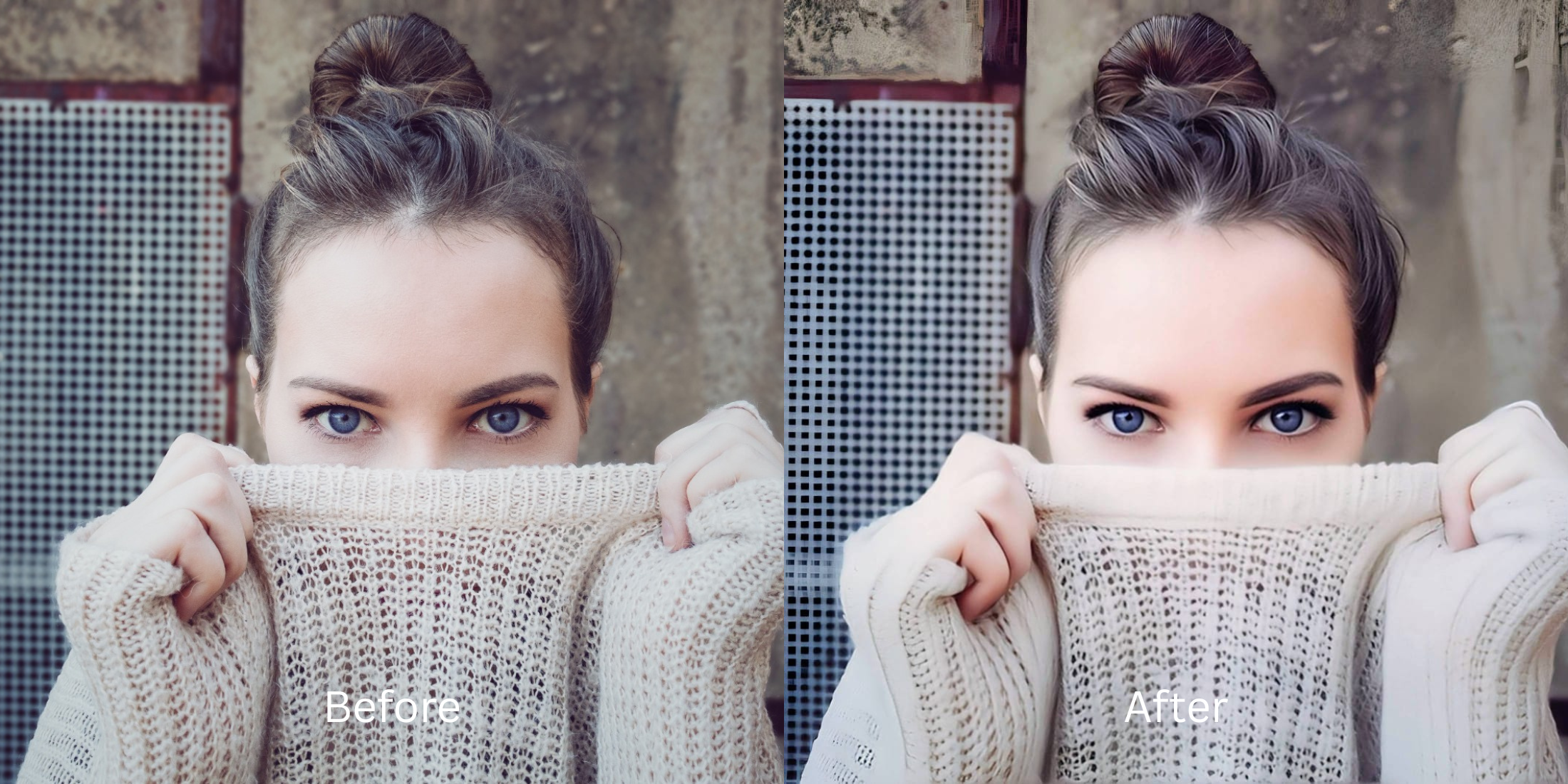

Best AI Photo Enhancer for Bumble Selfies
Bumble profiles live or die by the initial half-second impression. When you snap a casual portrait in flat indoor lighting, smartphone cameras run aggressive compression scripts that flatten your micro-expressions and drop facial depth. Worse, overhead bulbs create deep, unflattering gradients around your jawline and eyes, mimicking exhaustion. Slapping on an aggressive face-morphing beauty filter lowers swipe rates immediately because users notice the uncanny valley artifacts. To optimize your gallery, you must solve lighting data drops natively rather than relying on global face blurs.
The best way to make your Bumble selfies stand out cleanly is by fixing the camera's flat exposure foundation. Open your portrait in Citrus and avoid manual blurring brushes. First, tap Enhance -> Colors & Lighting to lift muddy shadows and balance skin values. Next, choose Looks -> Hot to apply a high-end, photogenic pop across your features before saving your unwatermarked asset completely for free.
Why heavy airbrushing apps ruin your matching frequency
Dating profiles require an immediate foundation of trust. If a user swipes onto an asset that features obviously airbrushed skin, synthetic eye reflections, or warped background architecture, they swipe left because it looks fake. Exploring a reliable ai selfie enhancer for better-looking photos means targeting hidden lighting failures rather than warping parameters. You want a tool that can keep your natural skin pore architecture completely sharp while maximizing your portrait's visual energy cleanly.
- Using automated face masks that smooth away real skin and feature definitions
- Paying heavy monthly subscription premiums just to export a high-contrast asset
- Leaving large watermarks slashed across your portrait layers on free app tiers
- Leaving harsh phone lens compression artifacts completely uncorrected
- Getting studio-tier exposure recovery tools completely free of paywalls
- Balancing flat skin reflections while keeping every pore texture crisp
- Saving your finalized unwatermarked high-definition images instantly
- Refining your overall presentation vibe without altering your real identity
If your final portrait looks clear but your distinct facial signatures are completely erased, the edit fails to build real dating trust. Relying on an authentic ai face enhancer that still looks real ensures you remain photogenic while staying completely human.
Fix flat phone exposure instantly. A natural calibration boosts results.
How to optimize your Bumble selfies for free in 5 steps
Select a selfie that looks flat or muddy
Choose an authentic picture from your camera roll where your expression is solid but the lighting feels dull. Learning how to make your selfies look better begins by using smart correction paths instead of airbrushing panels.
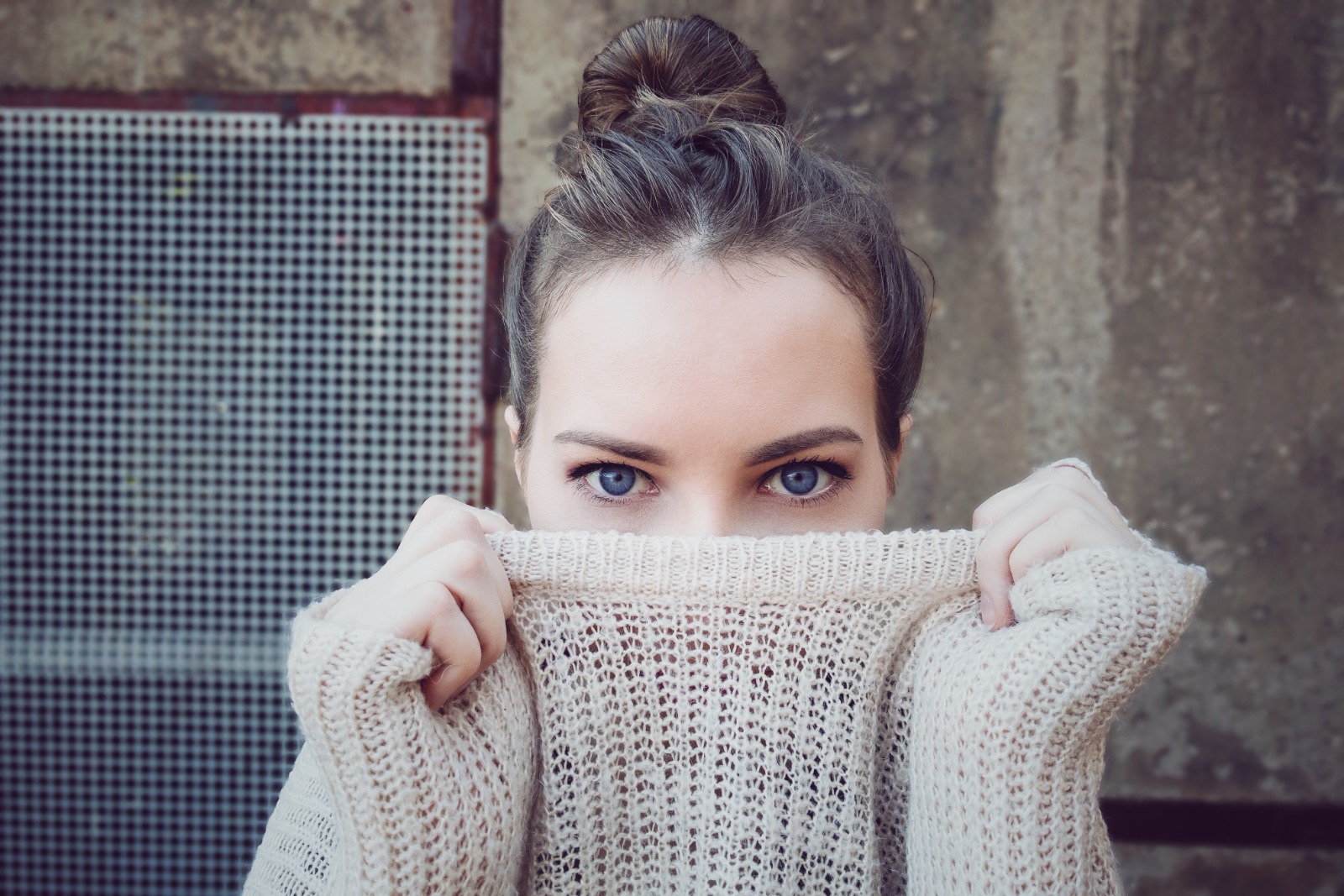
Let the instant preview balance your light parameters
Citrus opens a high-definition rendering instantly without demanding credit card entries. This lets you observe how the engine reads your skin values before committing to any adjustments.
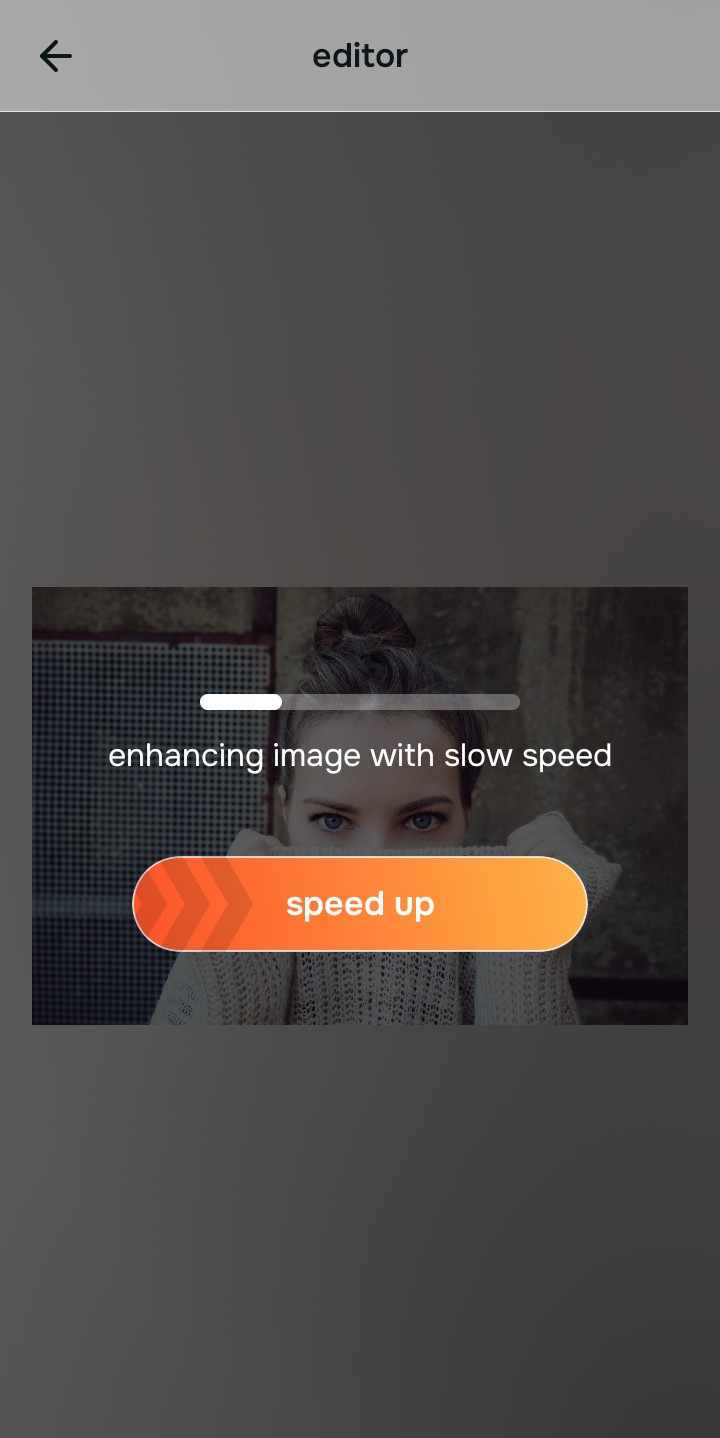
Use Enhance to select the Colors & Lighting path
Because low swipe frequencies stem from color tone compression, tap Enhance -> Colors & Lighting. This removes muddy sensor artifacts to recover rich facial depth, answering why you might look worse in photos than in the mirror natively.

Always balance base light values before applying aesthetic look layers. Repairing clipped highlight zones and shadow drops ensures all following polishes blend flawlessly into your features.
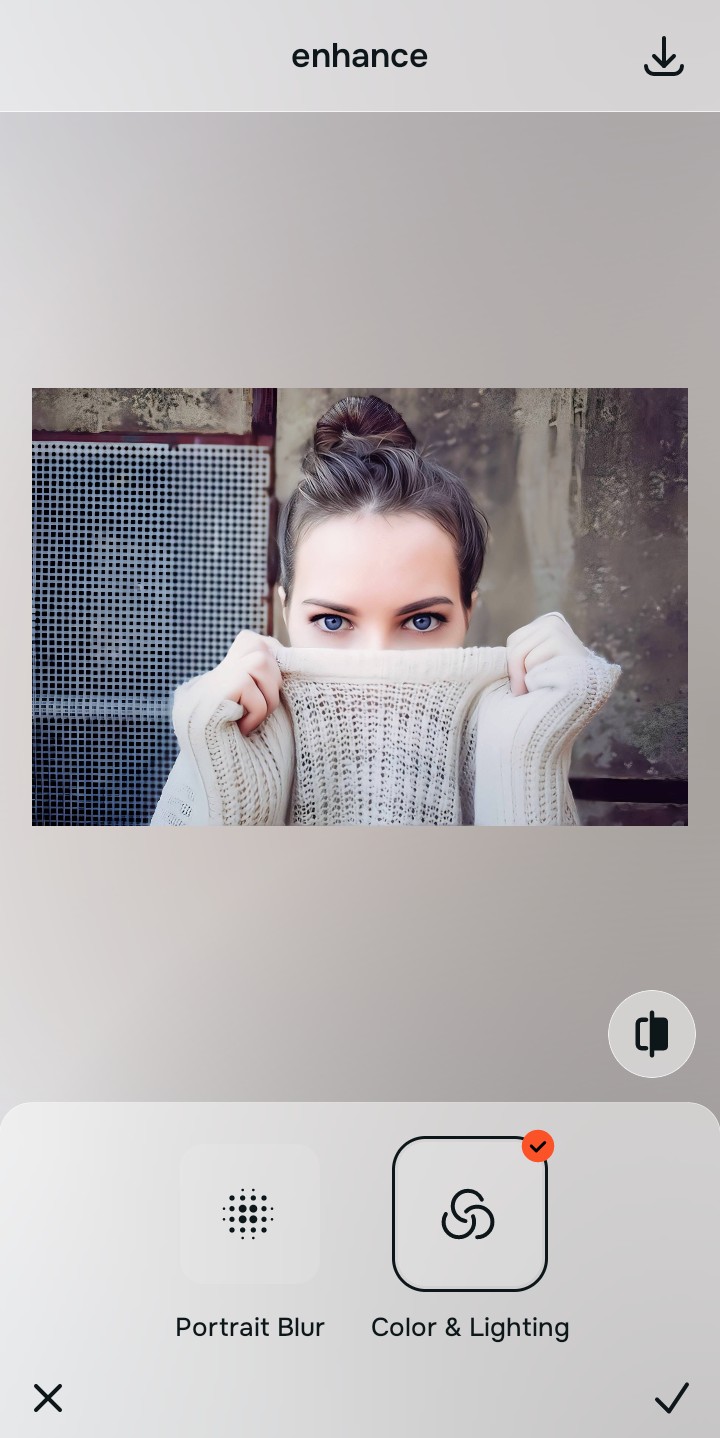
Apply Looks paths to polish your face impression
Once your light values are balanced, add an overall photogenic lift. Tap Looks -> Hot to introduce warm features contrast safely. Relying on an authentic app to make your face look better ensures your profile retains its human edge.
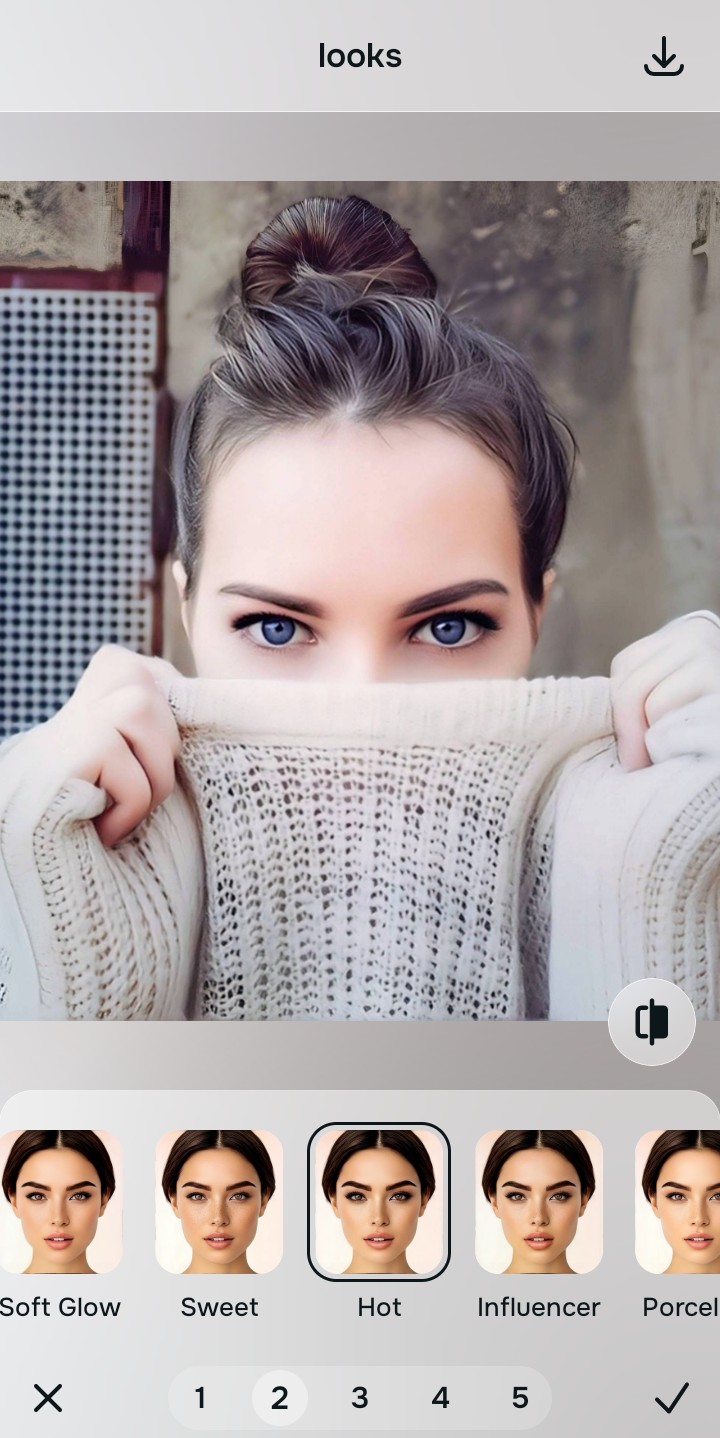
Save your unwatermarked portrait instantly
Unlike premium filter programs that block downloads behind paywalls, your export is direct. Using an automated method to fix flat looking selfies means you save high-resolution, unwatermarked files right away.

What is bringing your Bumble selfie down?
Select the option that aligns with your picture's current limitation. Your best correction starting point varies depending on the issue.
Which free Citrus tool upgrades your presentation best
Separate photo limitations require individual workflow choices. Matching the accurate path to your specific portrait problem keeps your profile looking organic, which preserves your trust metrics.
| Tool Pathway | Core Parameter Improved | Dating Layout Execution |
|---|---|---|
| Enhance Start here | Crushed shadow details, muddy pixelation, and dull environment exposure | Use this first to eliminate low-light compression. Choose Colors & Lighting to reset contrast for free. |
| Looks | Dull expressions, low facial color warmth, and unphotogenic framing results | Use this to update the entire face tone field smoothly. Select Hot to heighten your gaze natively. |
| Face | Targeted detail limitations like heavy facial exhaustion or phone lens distortion shapes | Use this last for feature level tweaks. Apply tools like No Eyebags to eliminate dark circles safely. |
“A compelling Bumble asset shouldn't hide your real identity behind a heavy digital mask. It should simply unpack the deep contrast and light details your smartphone squashed.”
Why lighting recovery beats heavy face-altering filters
There is a massive commercial distinction between repairing image data drops and changing your skeletal geometry. When you use manual warp tools to change your nose shape or chin definition, you introduce uncanny valley distortion markers that alert profile swipers instantly.
True relationship conversion relies on looking identical to your pictures in real life. Relying on an automated ai photo enhancer for blurry pictures and color balancing delivers professional, studio-tier clarity with no paywall screens. This ensures your portrait stays sharp, natural, and completely approachable.